New article
Recently updated
Adding a line item to a license

Who is this article for?
Administrators responsible for licence management.
Administrator role is required.
This article walks you through the process of adding a new line item to a license.
1. Adding a new line
To add a line to a license:
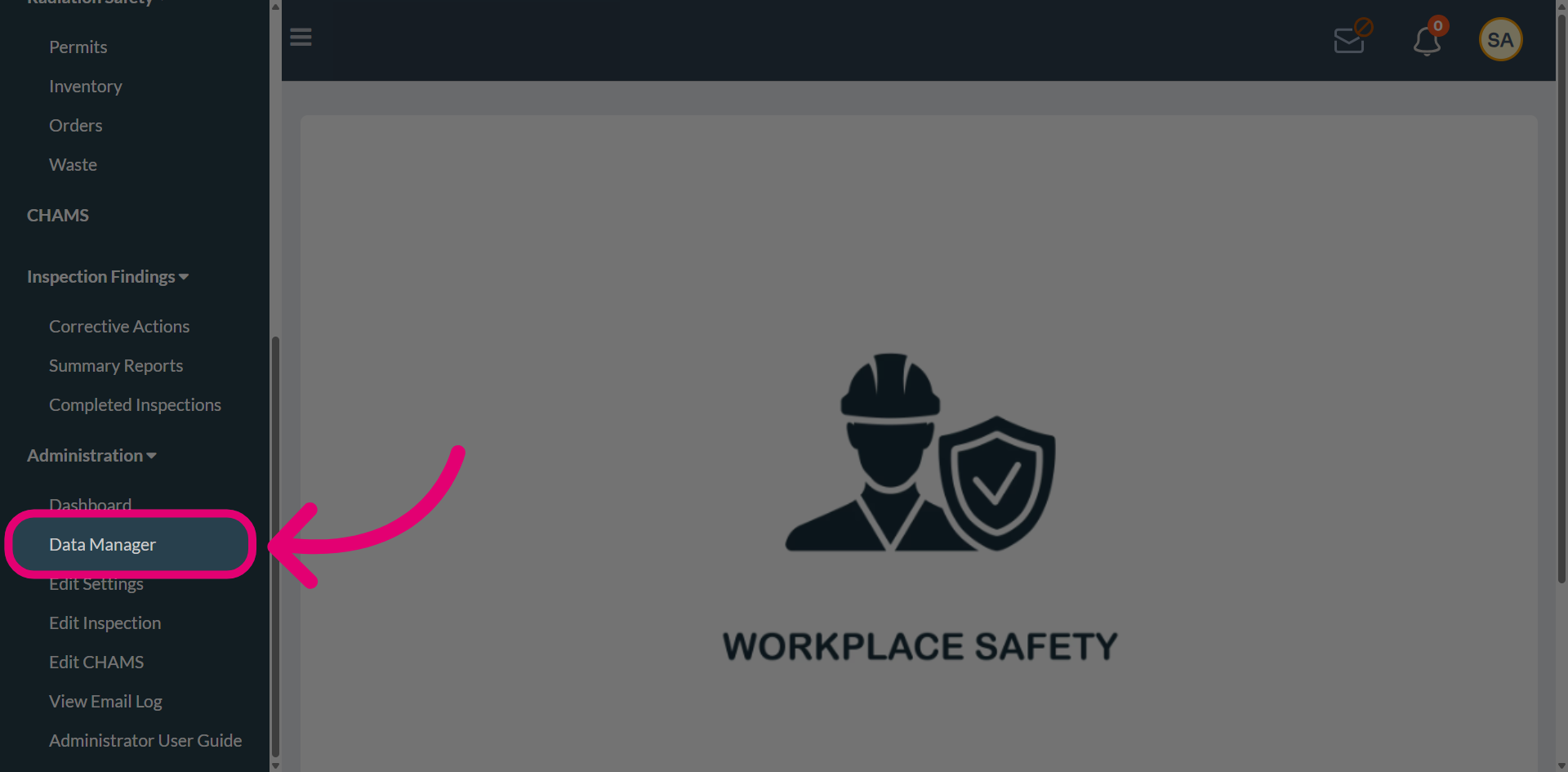
- Open the Administration menu.
Select Data Manager.
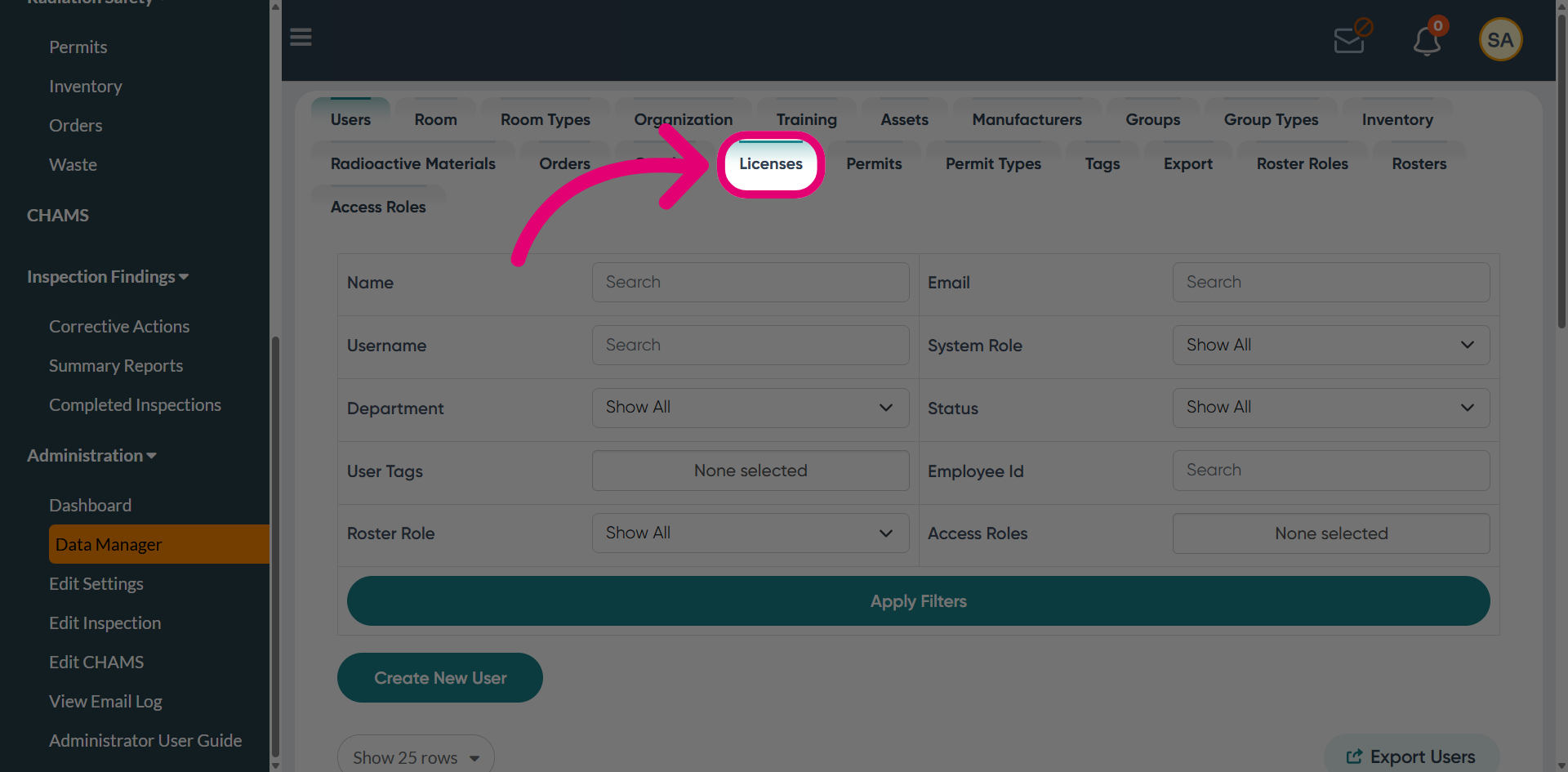
Navigate to the Licenses tab.
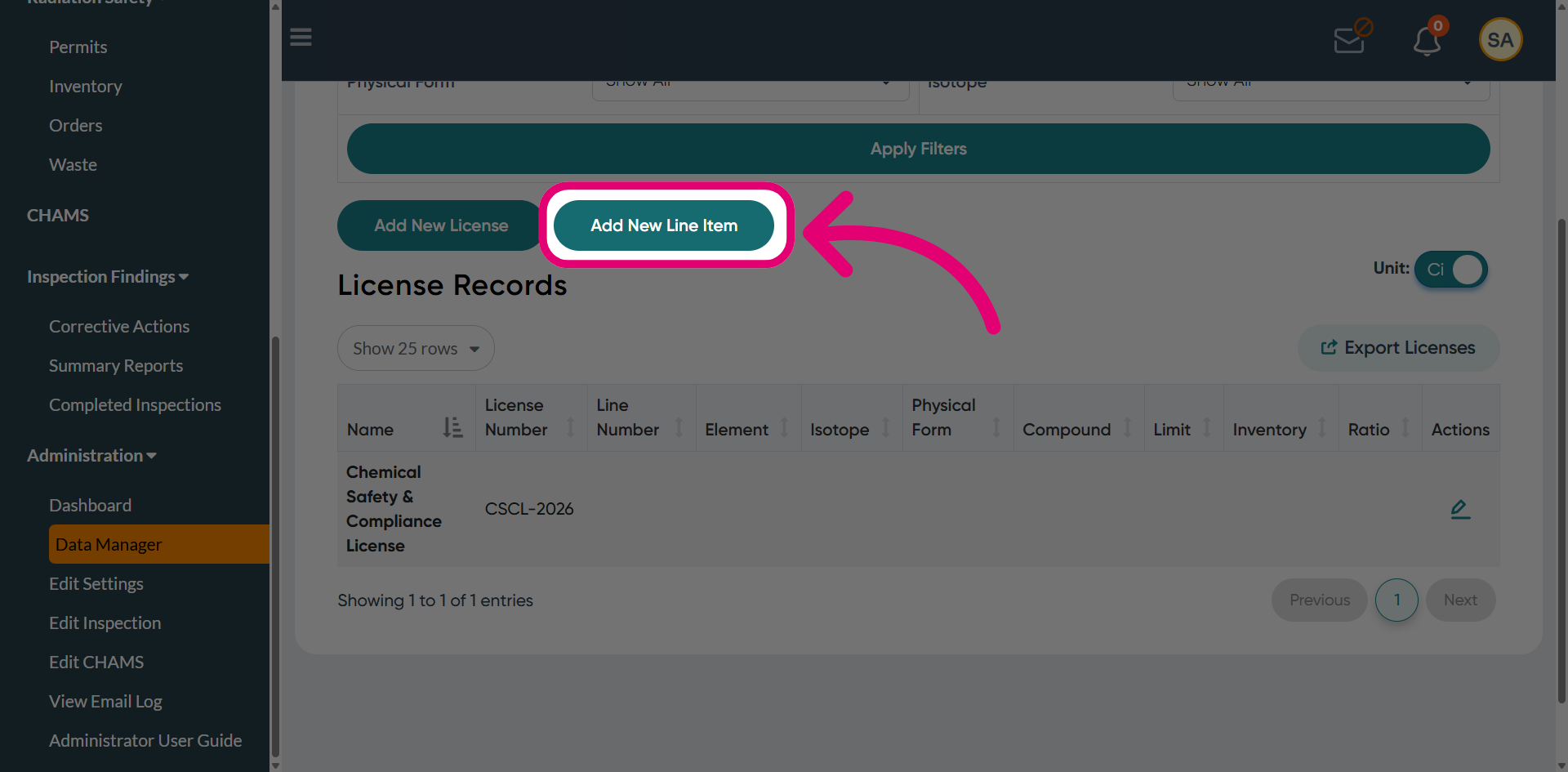
Click Add New Line Item.
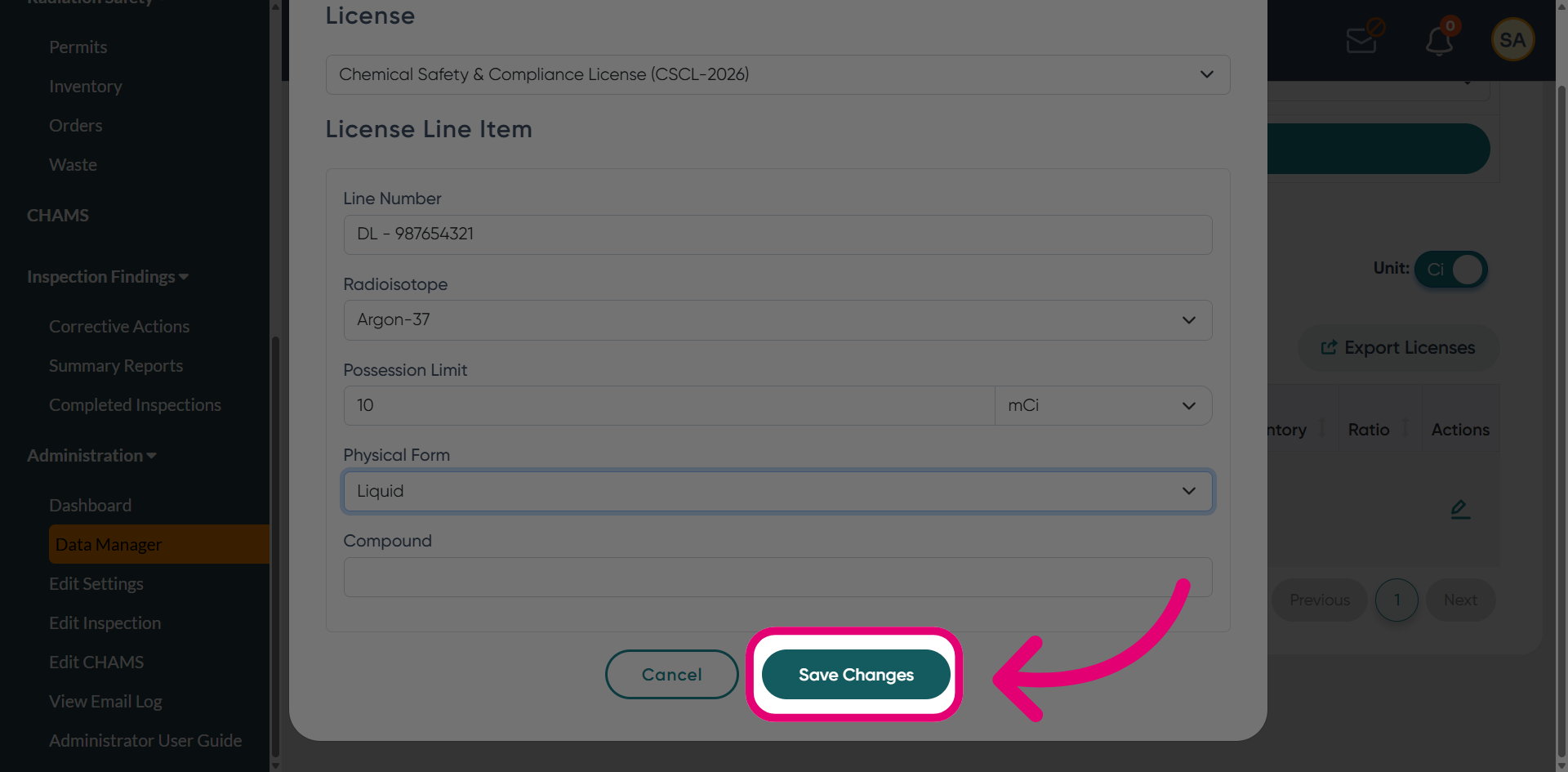
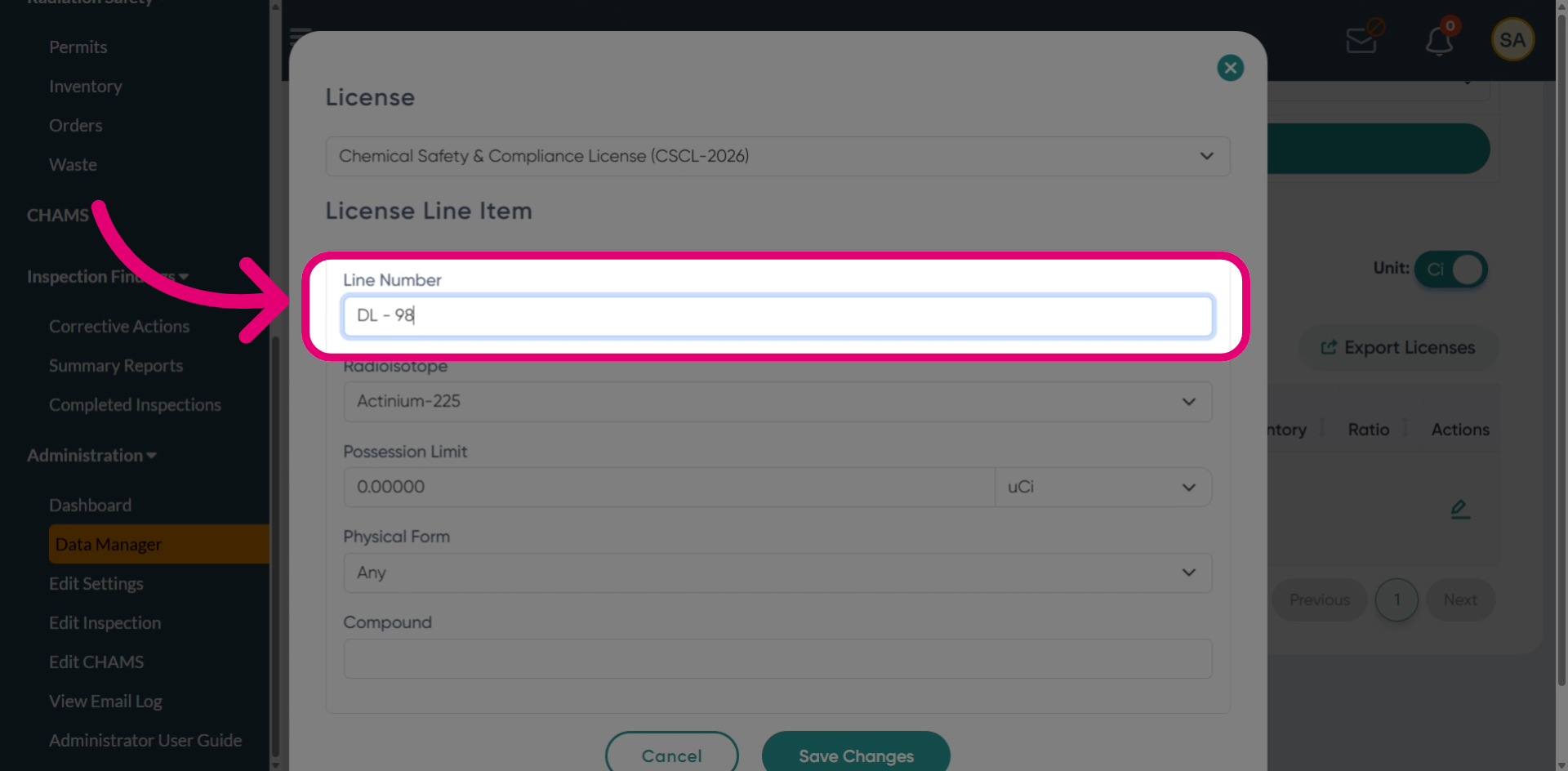
Enter a Line Number.
Select the Radioisotope from the dropdown.
This is to specify the radioactive material associated with the license.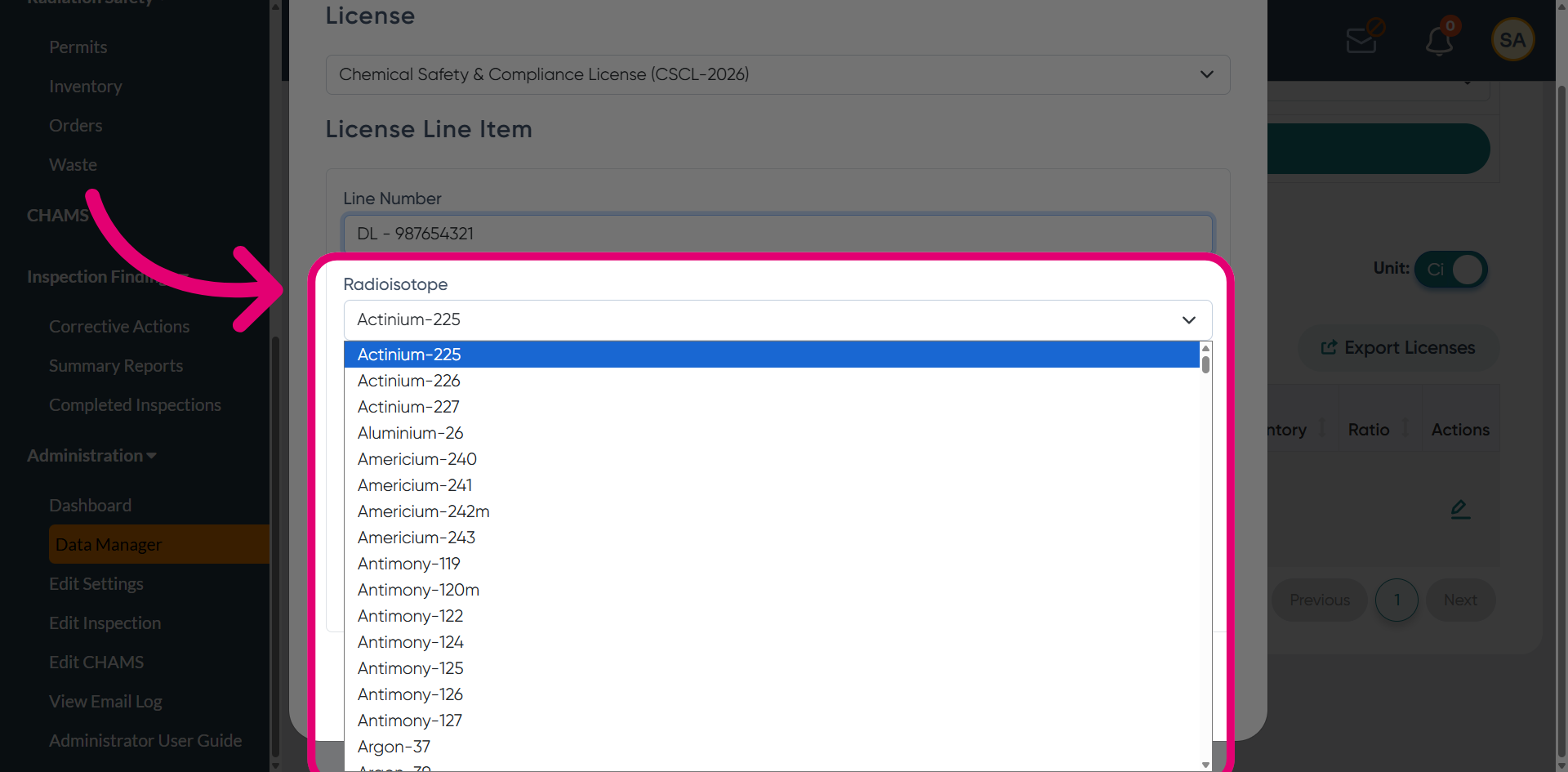
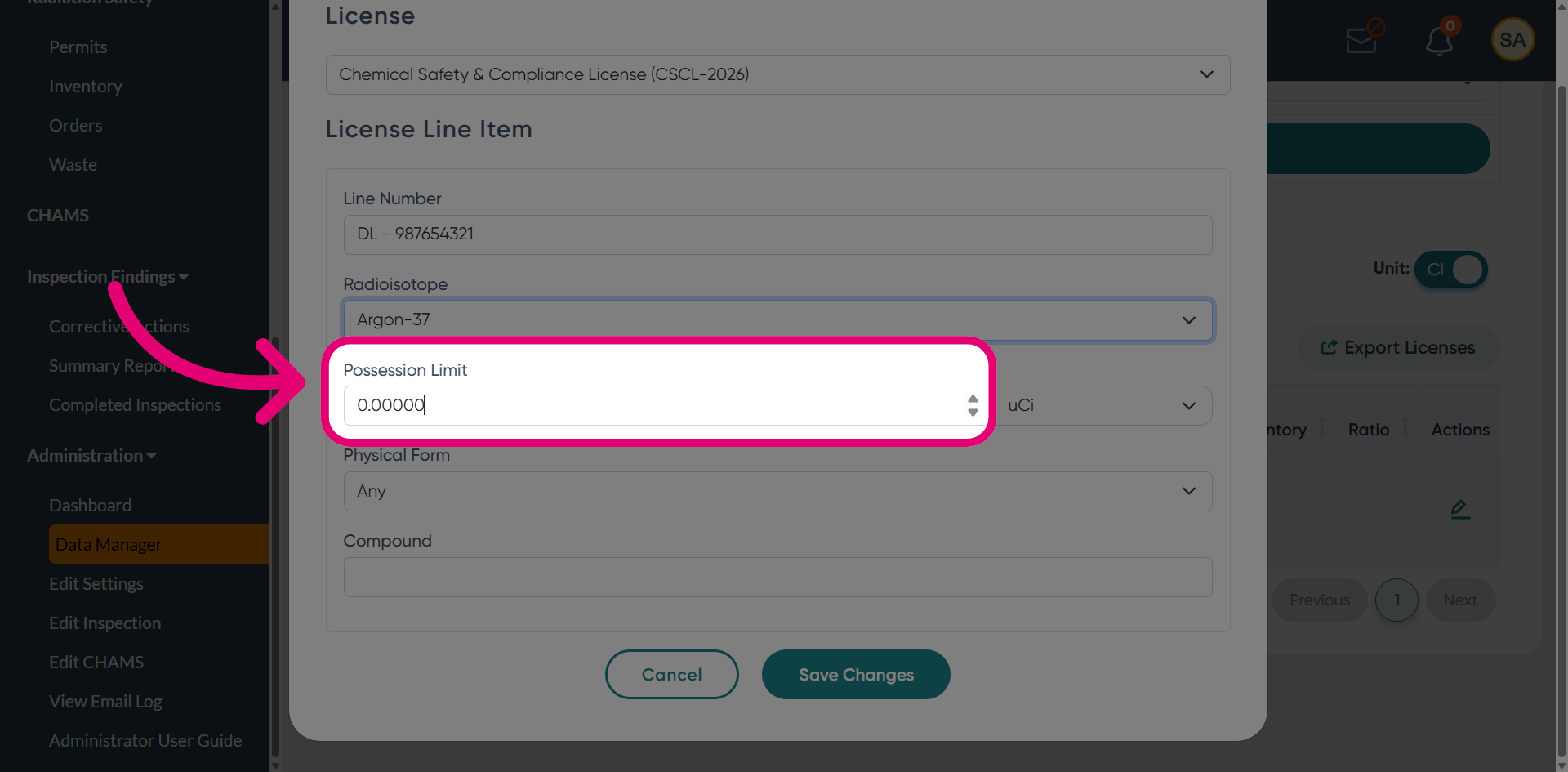
Set the maximum Possession limit quantity.
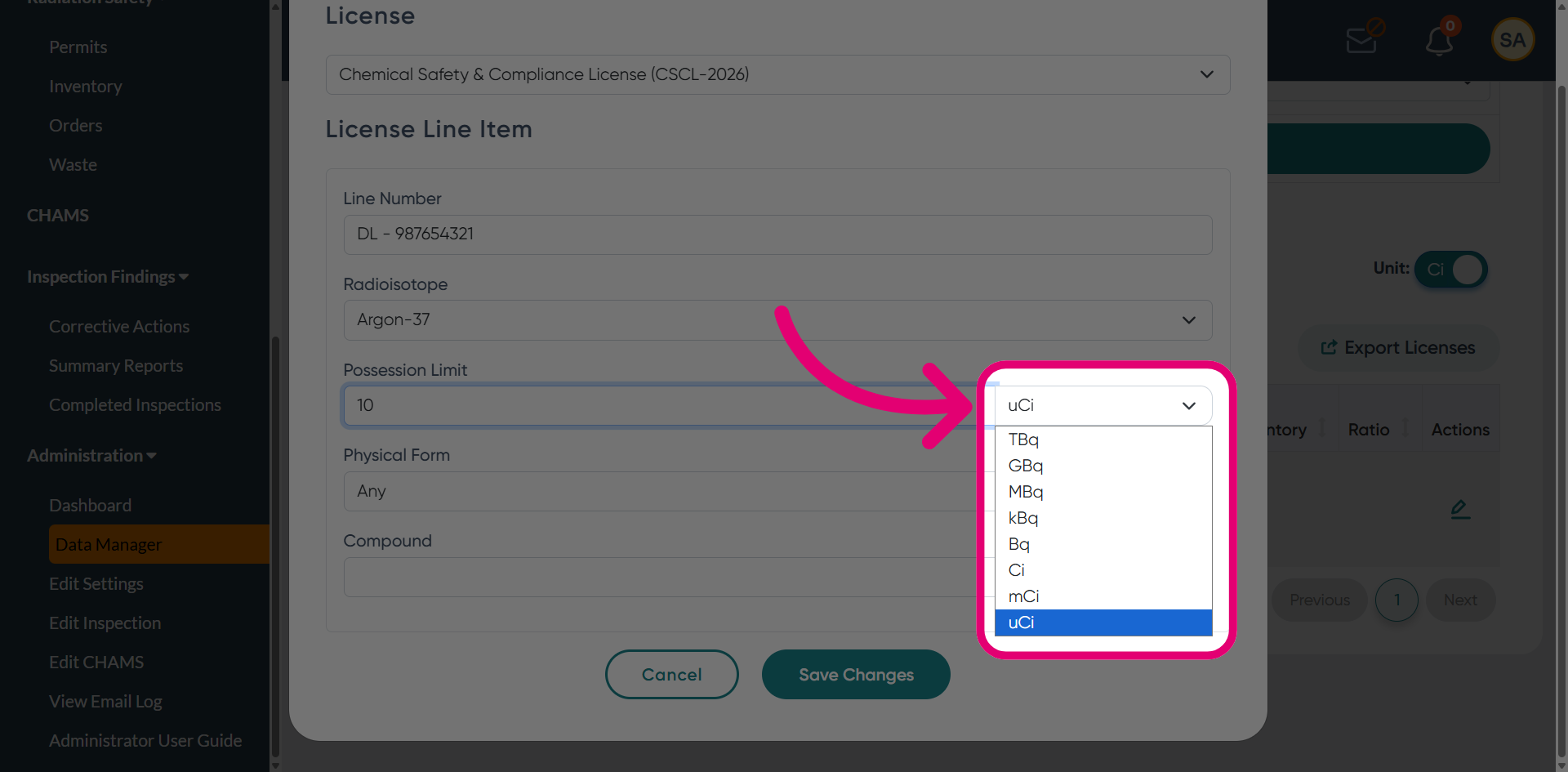
Select the Unit of measure for the limit.
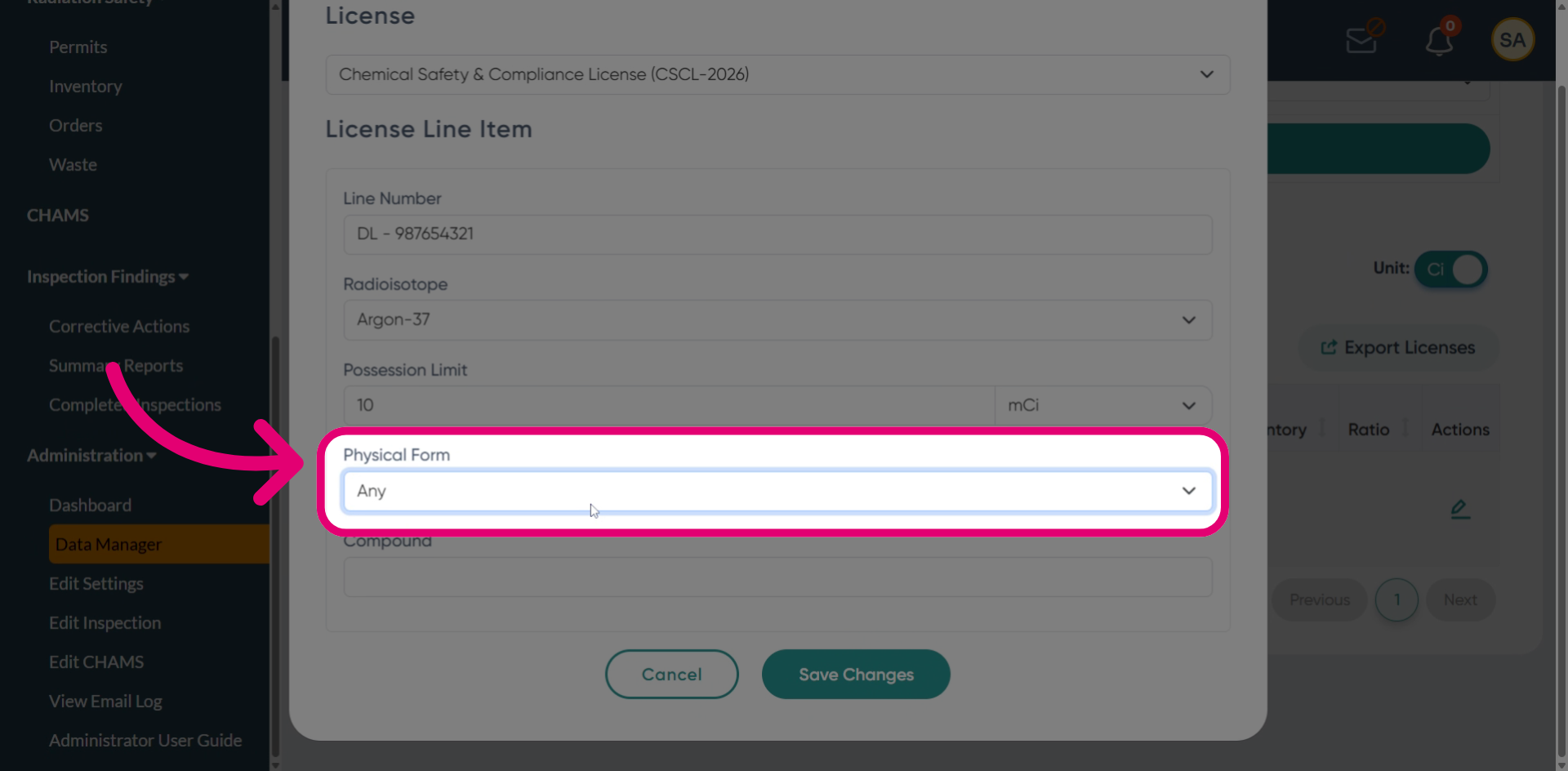
Select a Physical Form.
Click Save Changes.