New article
Recently updated
Adding an address to an email type

Who is this article for?
Administrators who want to learn to add an address to an email type.
Administrator permissions are required.
This article explains how to add an additional email address to an Email Type.
You will learn the steps to update email settings effectively within the application.
Adding an email address to an email type
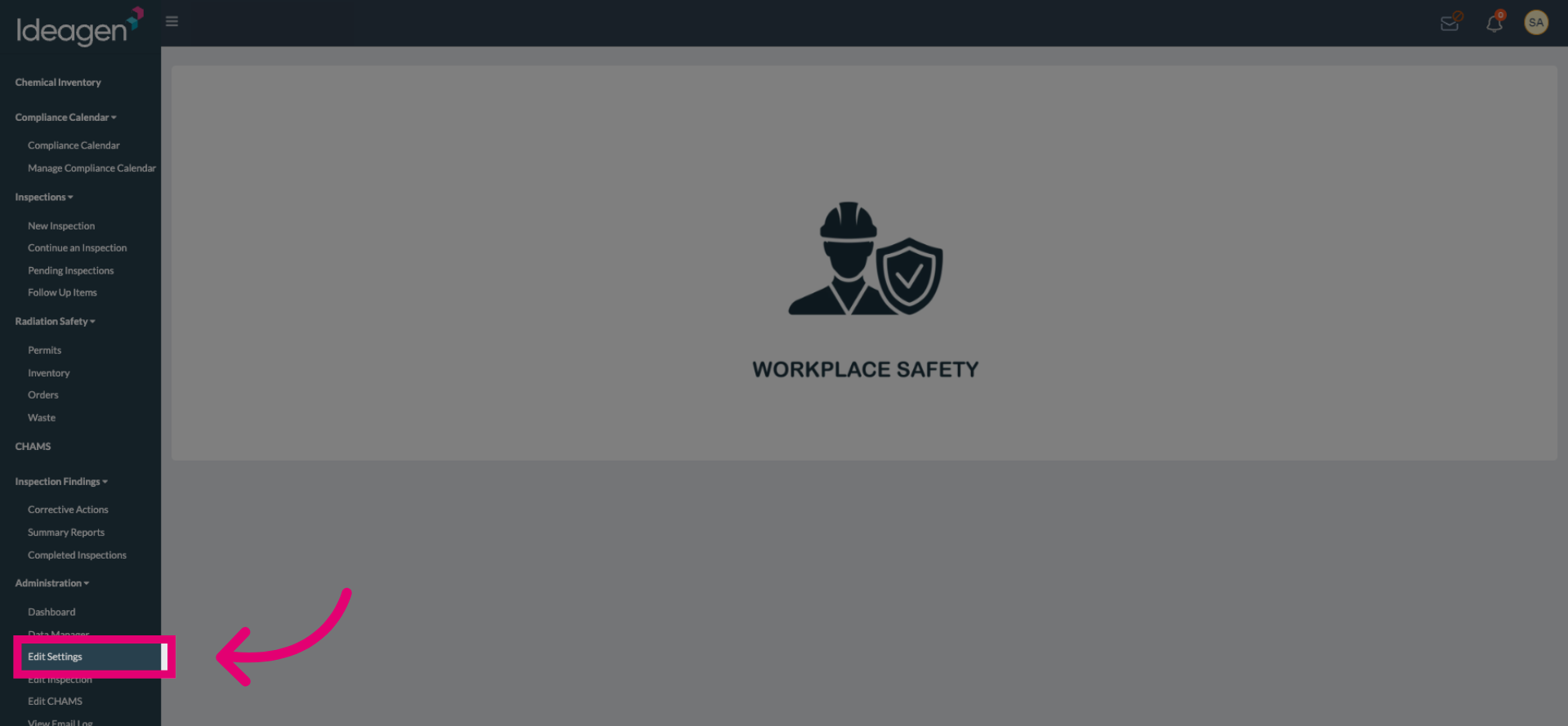
Click Edit Settings to open the email configuration options.
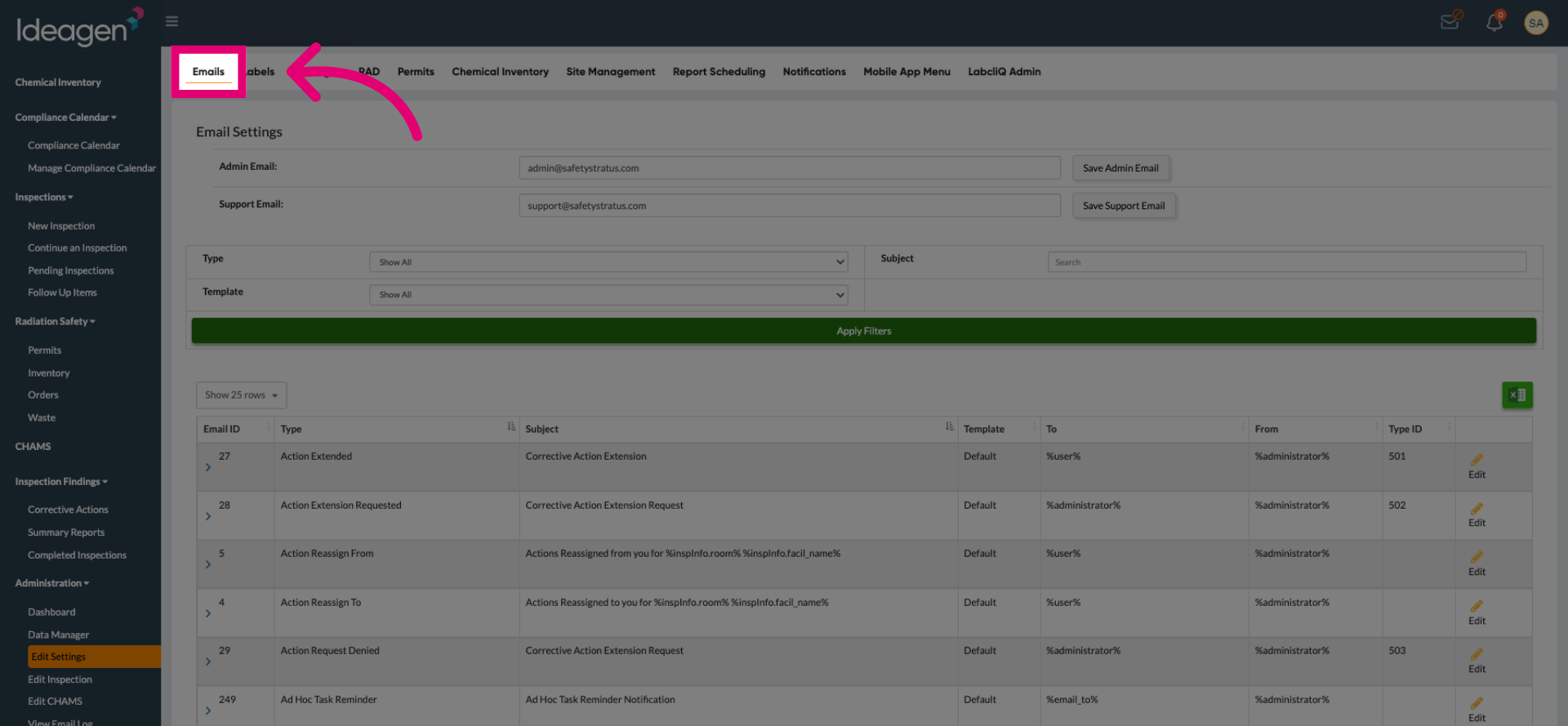
Click Emails to navigate to the email configuration area within the settings.
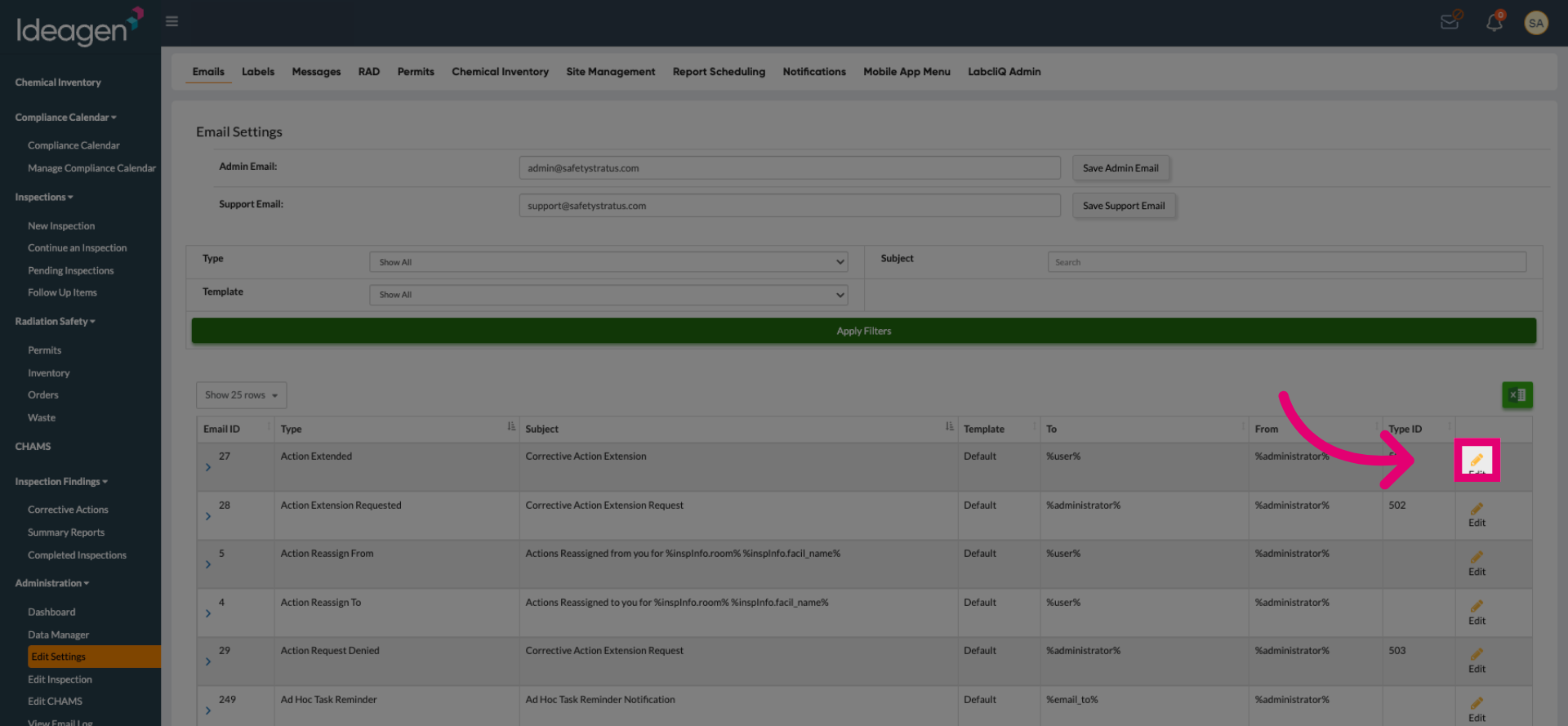
Click the pencil icon to begin adding a new email address to the selected Email Type.
Select the To field to specify the recipient email addresses for the Email Type.
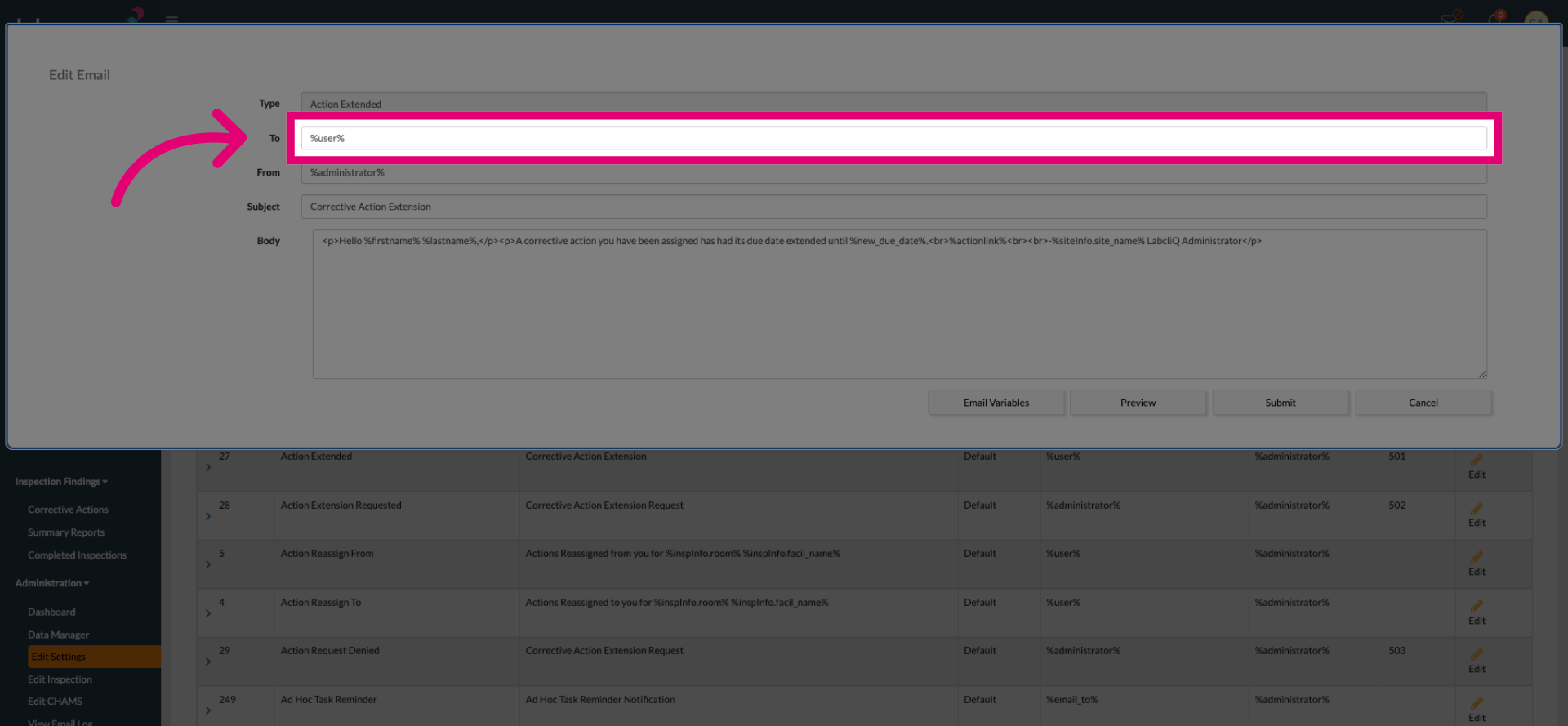
Separate variables and all emails using a comma with no spaces to include the desired email recipients.
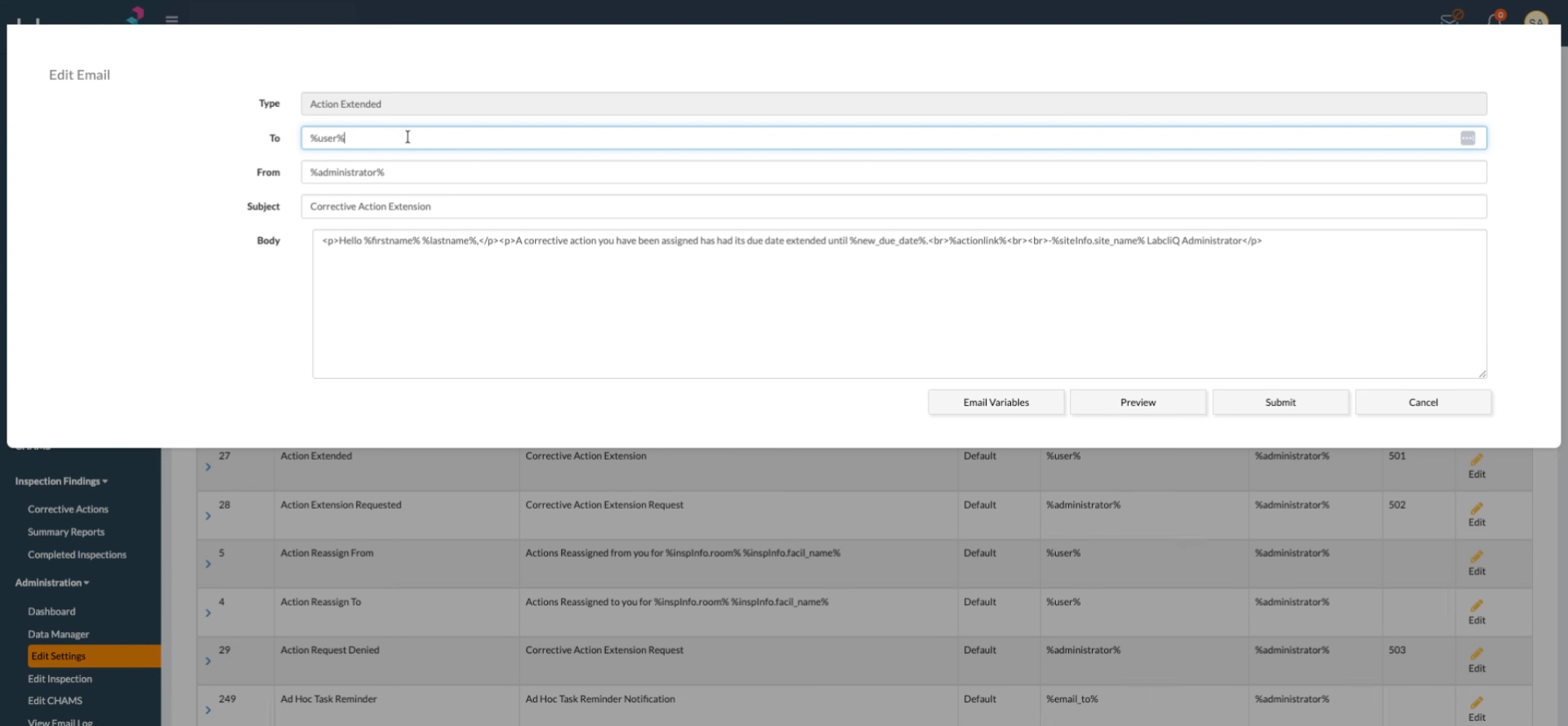
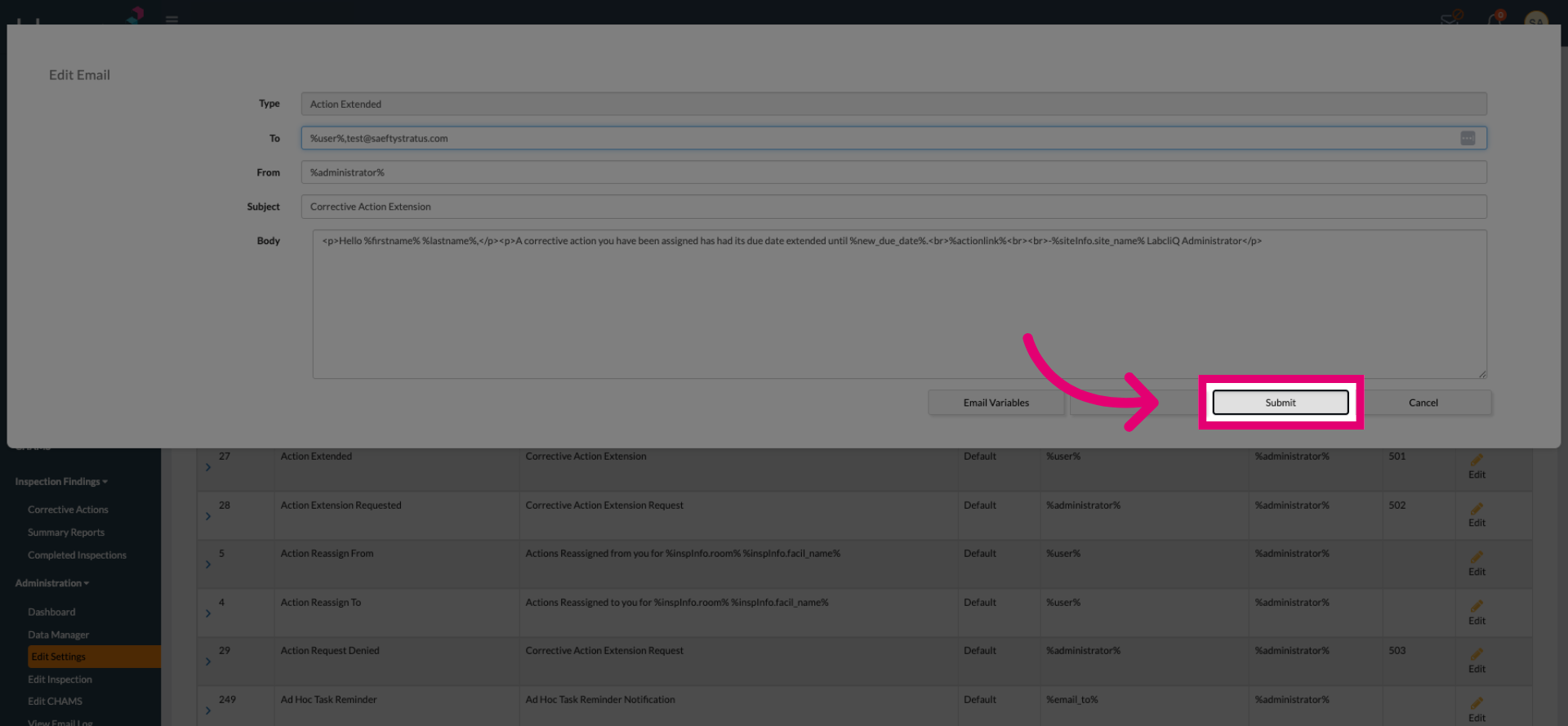
Click Submit to save the updated email addresses and apply the changes.