New article
Recently updated
Adding users to a group

Who is this article for?
Administrators who want to learn to add users to a group.
Administrator permissions are required.
This article explains how to add members to a group within the Data Manager.
You will learn the steps to locate groups, search for members, and save changes effectively.
1. Adding members to a group
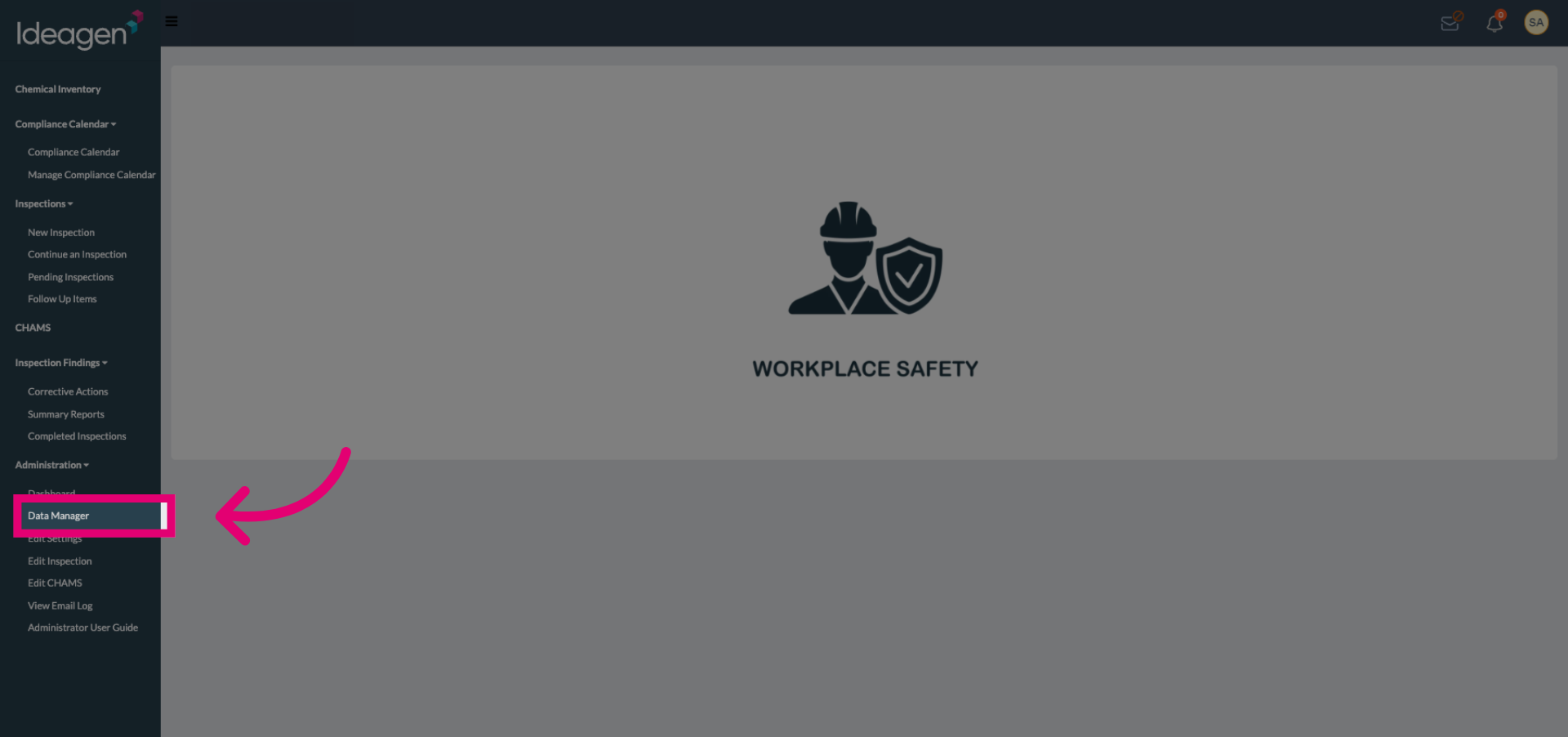
Click the Data Manager to access the main management interface for groups and members.
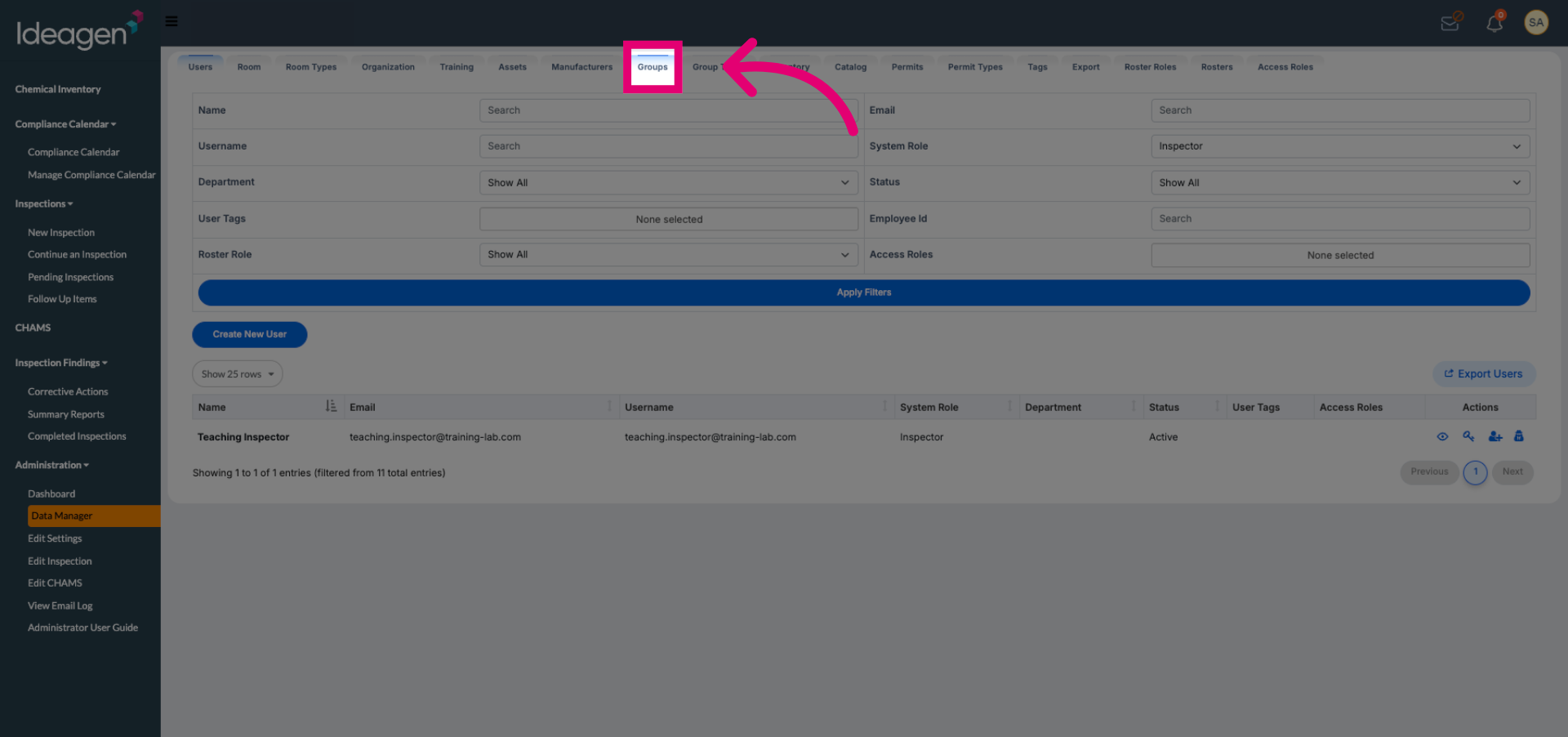
Click Groups to view and manage existing groups within the Data Manager.
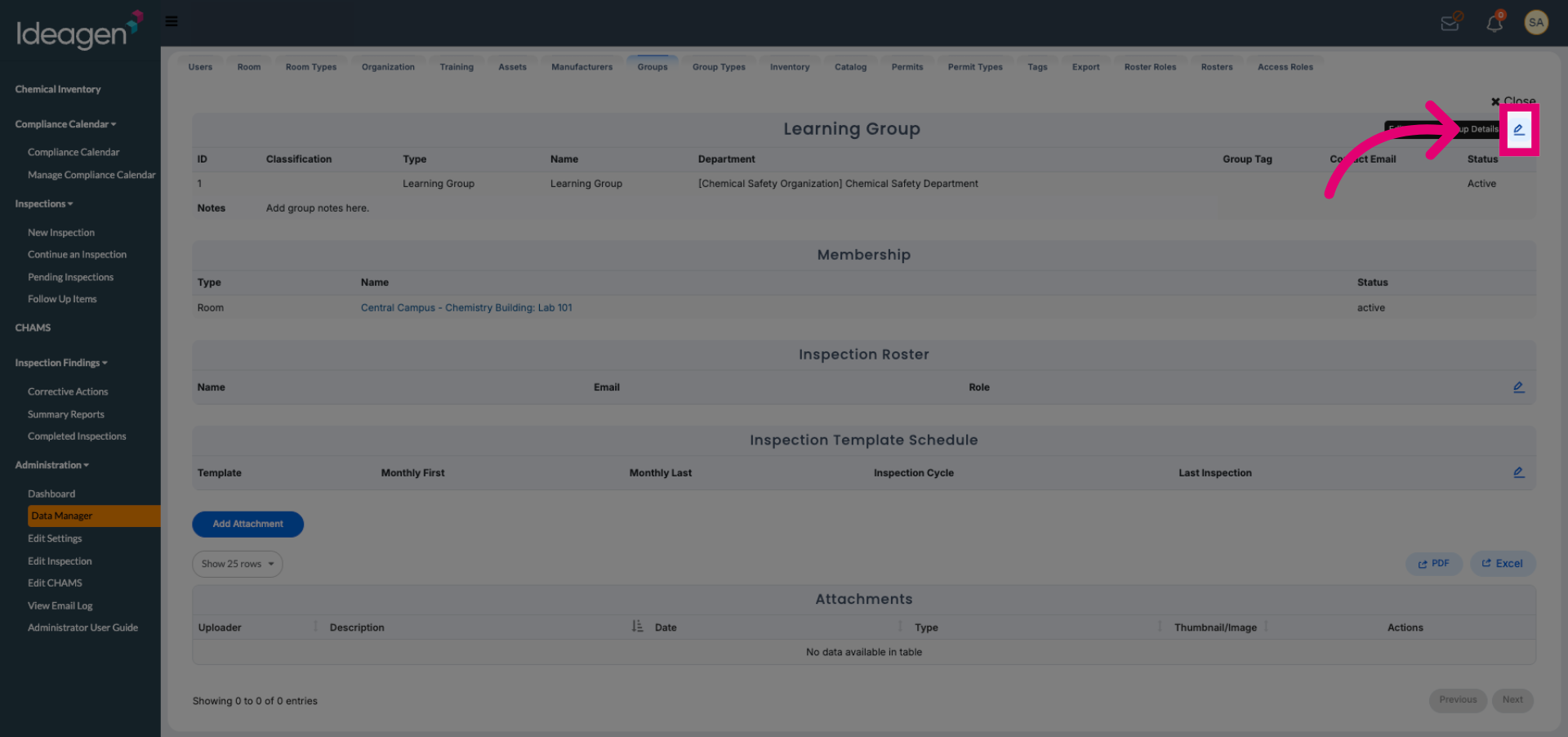
Click the appropriate area to begin managing group members and settings.
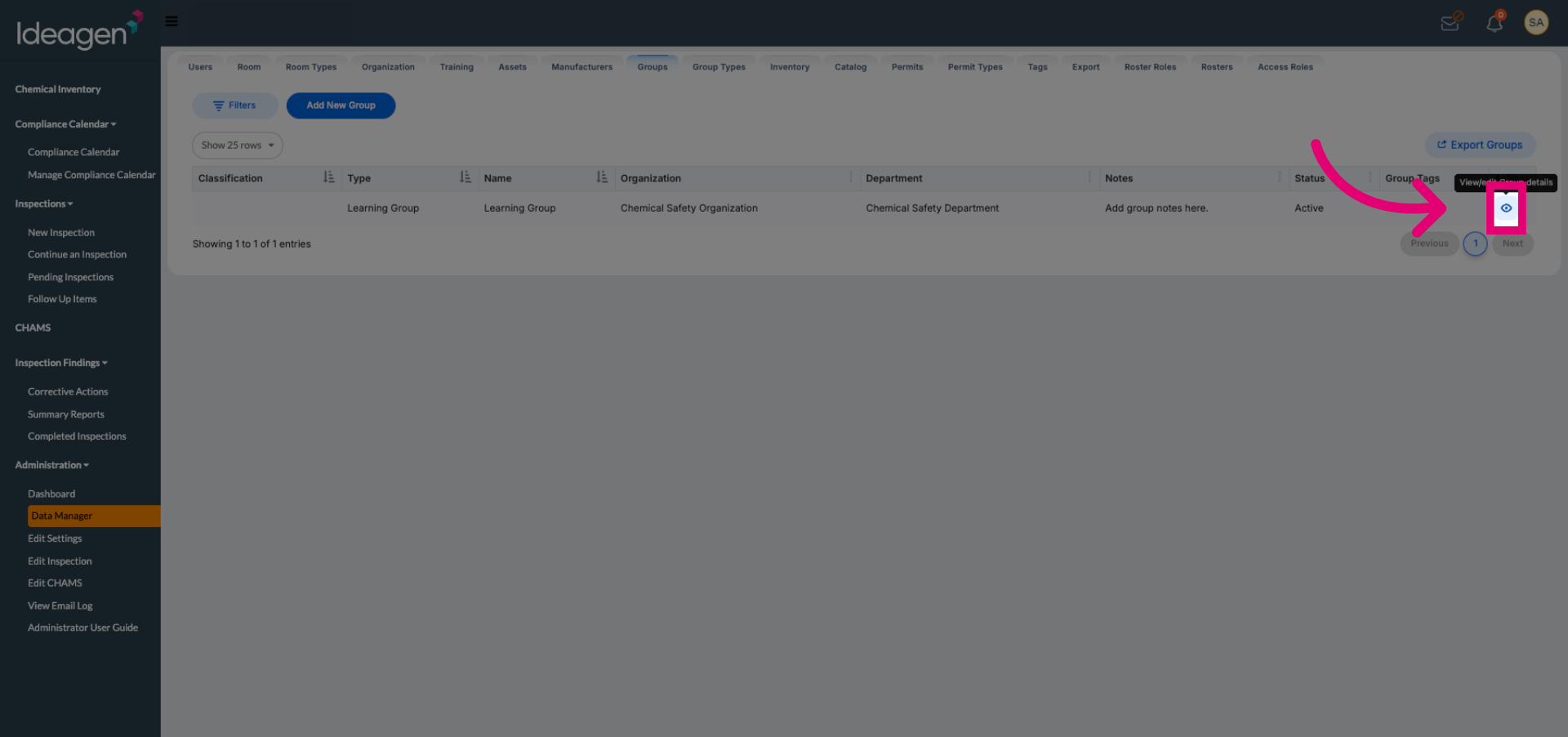
Click the designated option to add new members to the selected group.
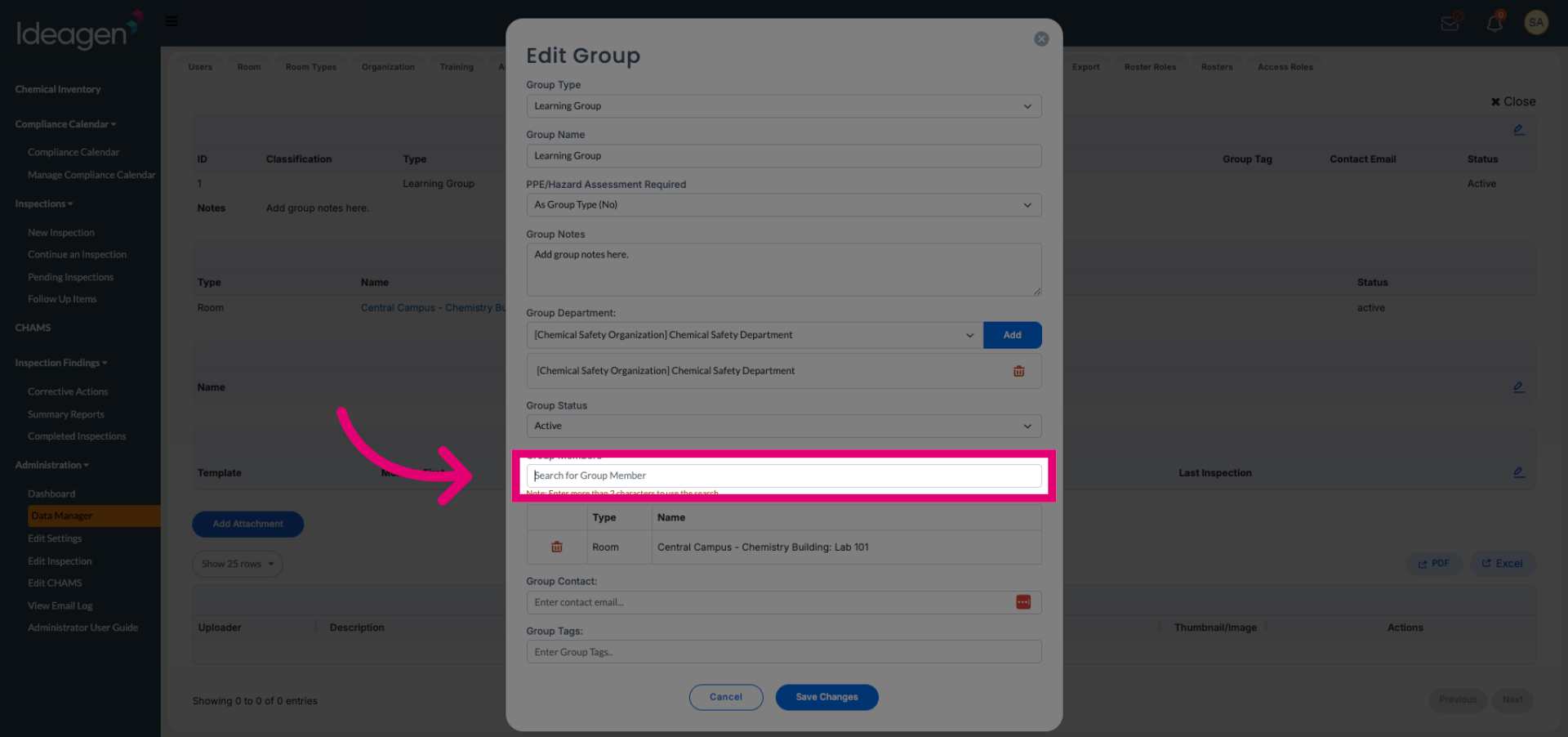
Click Search for Group Member to find users to add to the group.
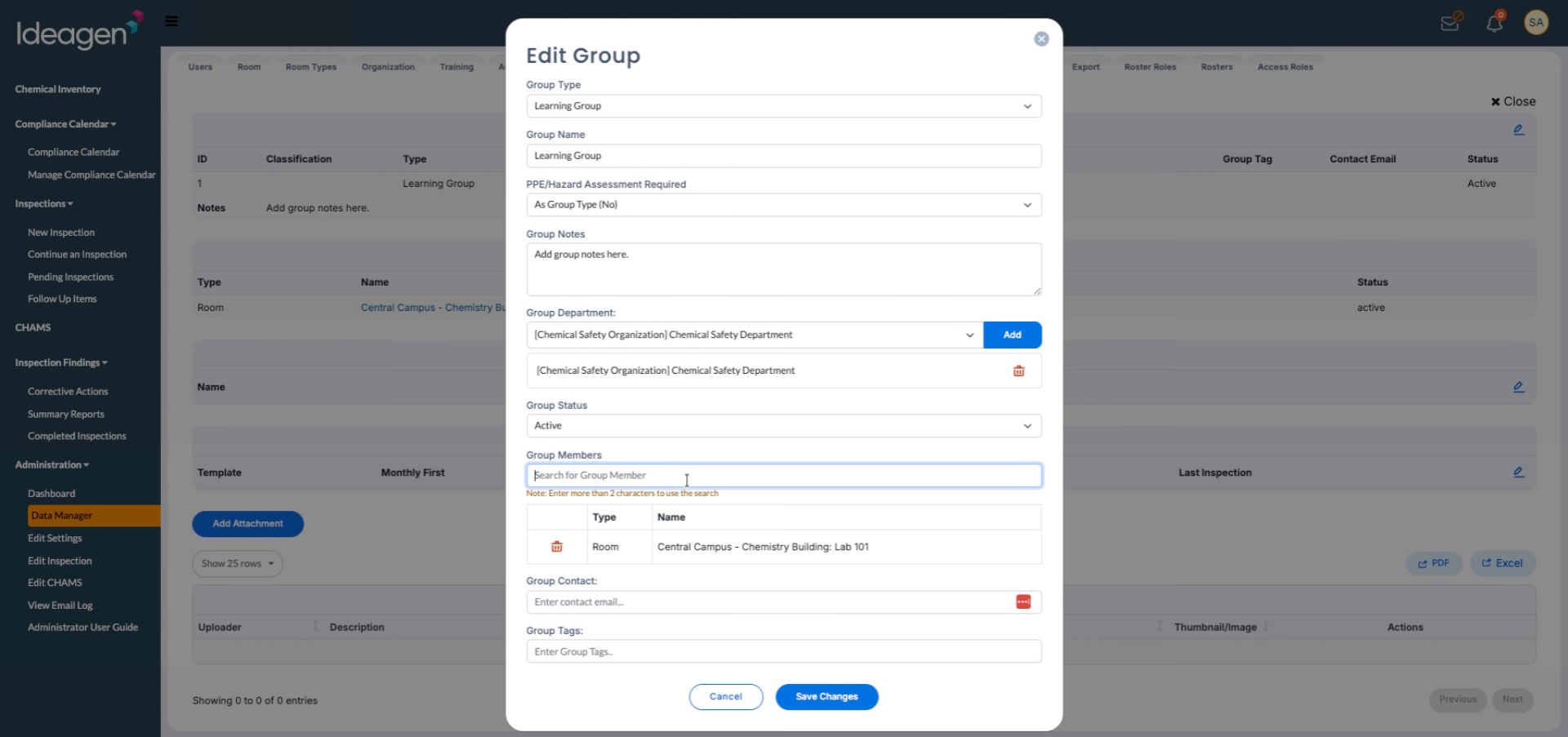
Enter the room name or relevant criteria to filter and locate the desired group member.
Select the appropriate member from the search results to add them to the group.
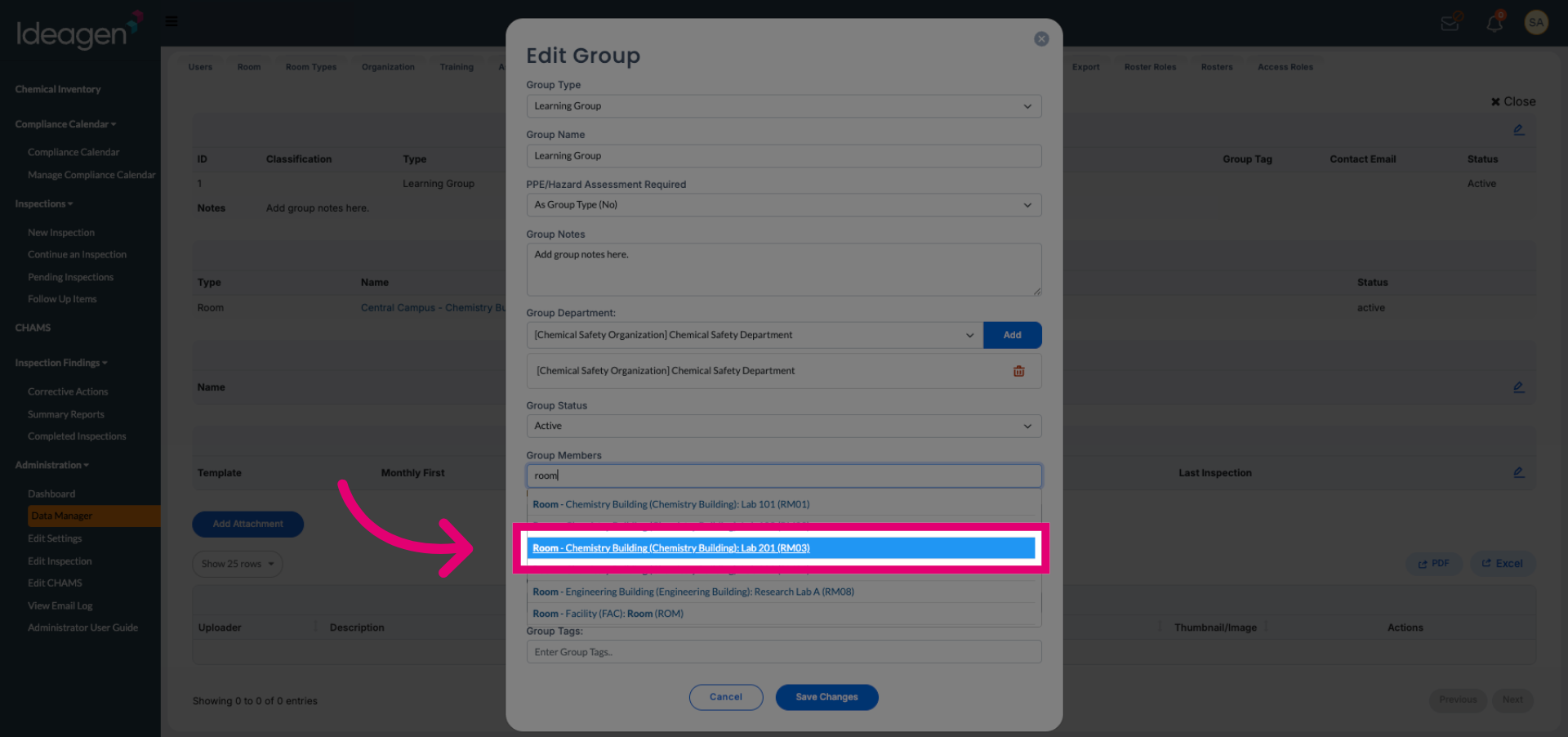
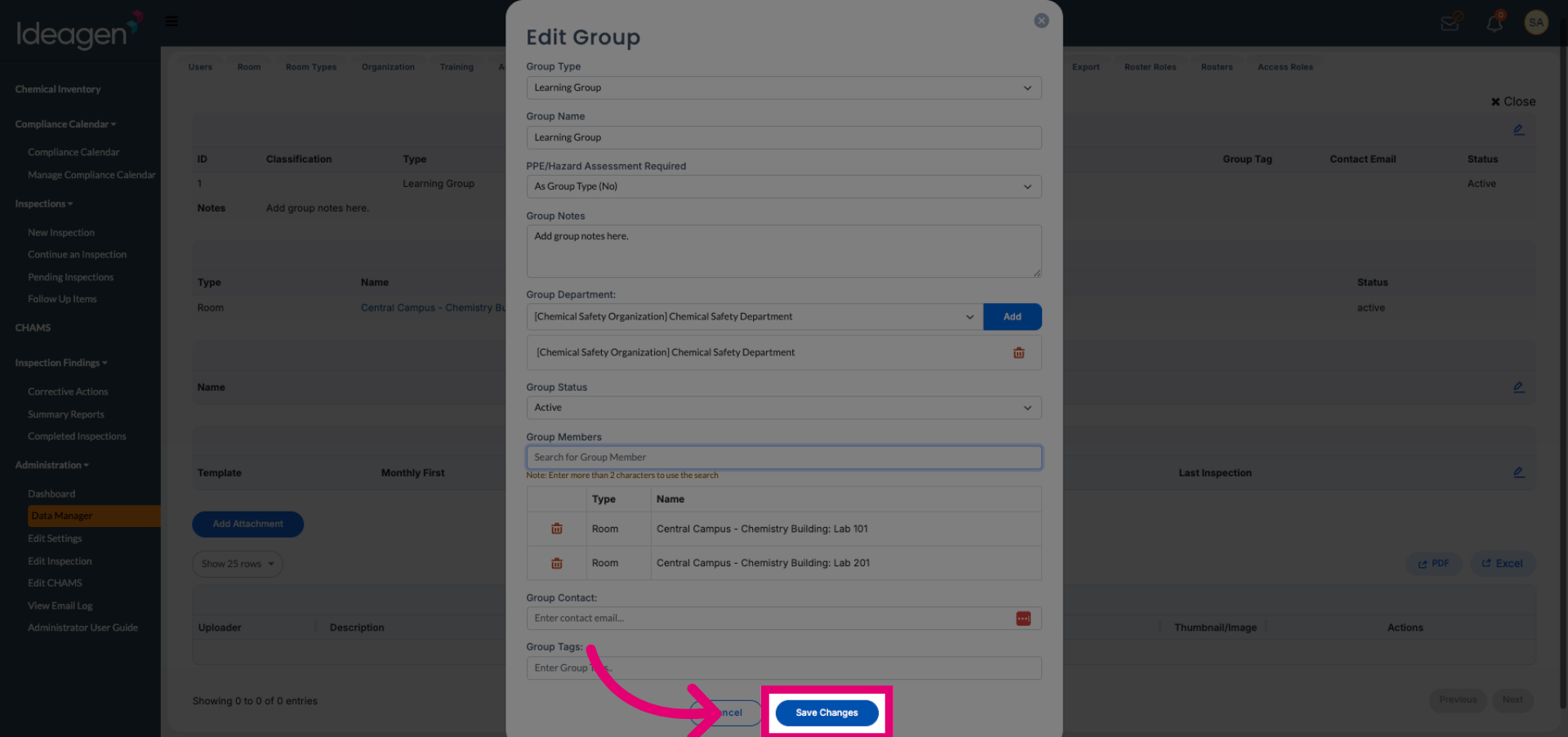
Click Save Changes to confirm and apply the new group member additions.