New article
Recently updated
Exporting an inspection template to Excel

Who is this article for?
Inspectors who need to export an Inspection template.
Inspector role is required.
This article explains how to export an inspection template to Excel format from the LabCLIQ system.
You will learn how to navigate to the templates section and generate an Excel version of your inspection template.
1. Exporting your Inspection template
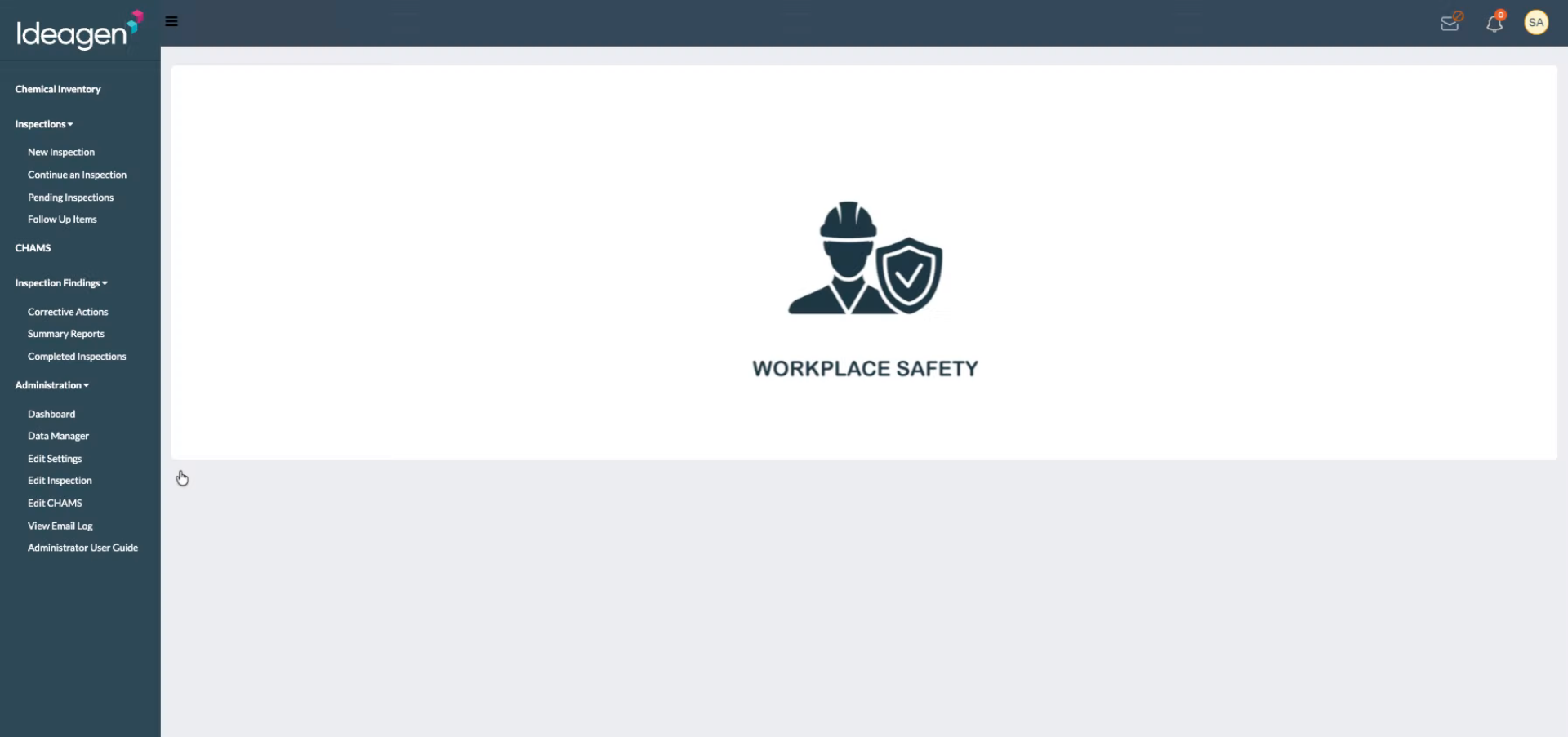
Log in to your account.
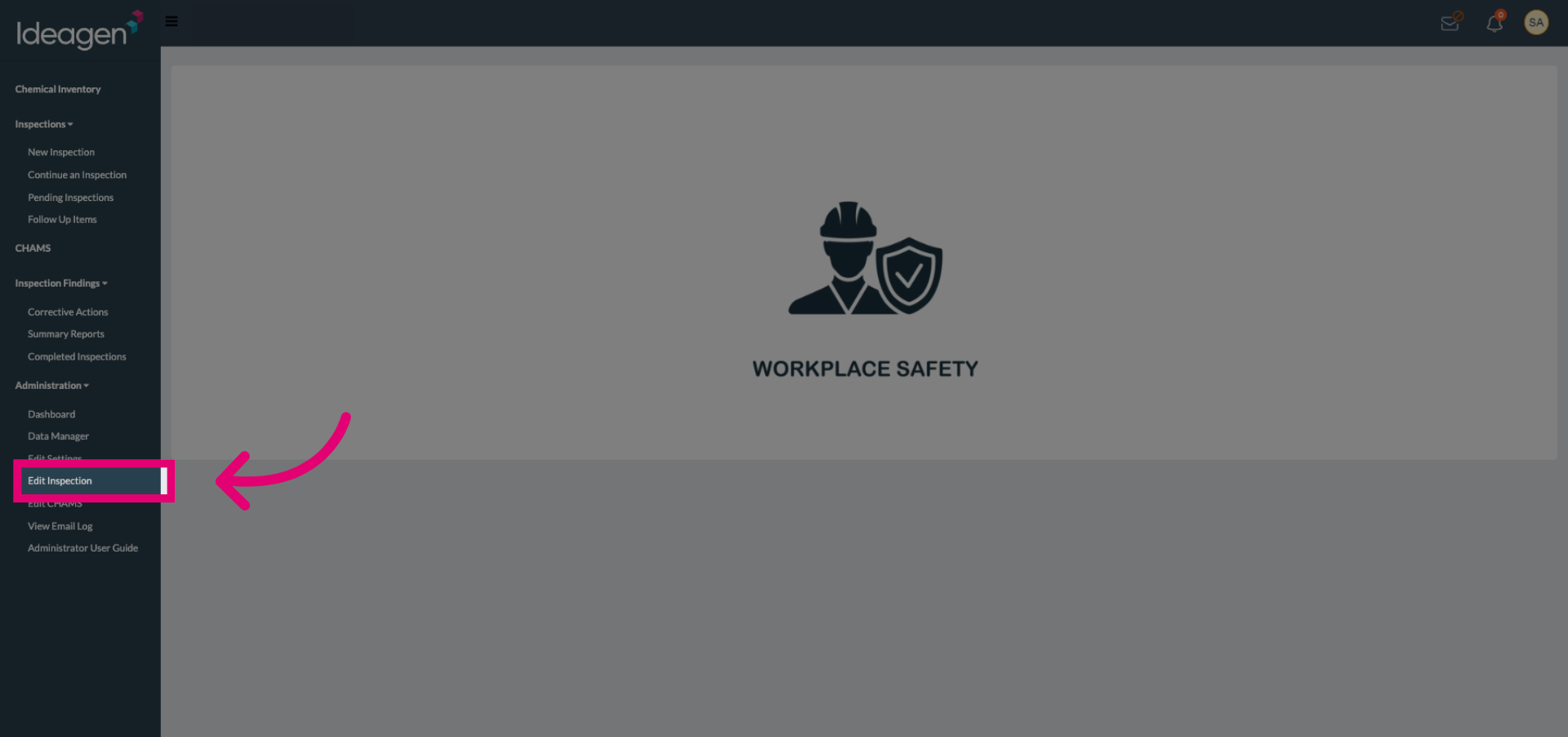
Select Edit Inspection from the available options to access the inspection editor.
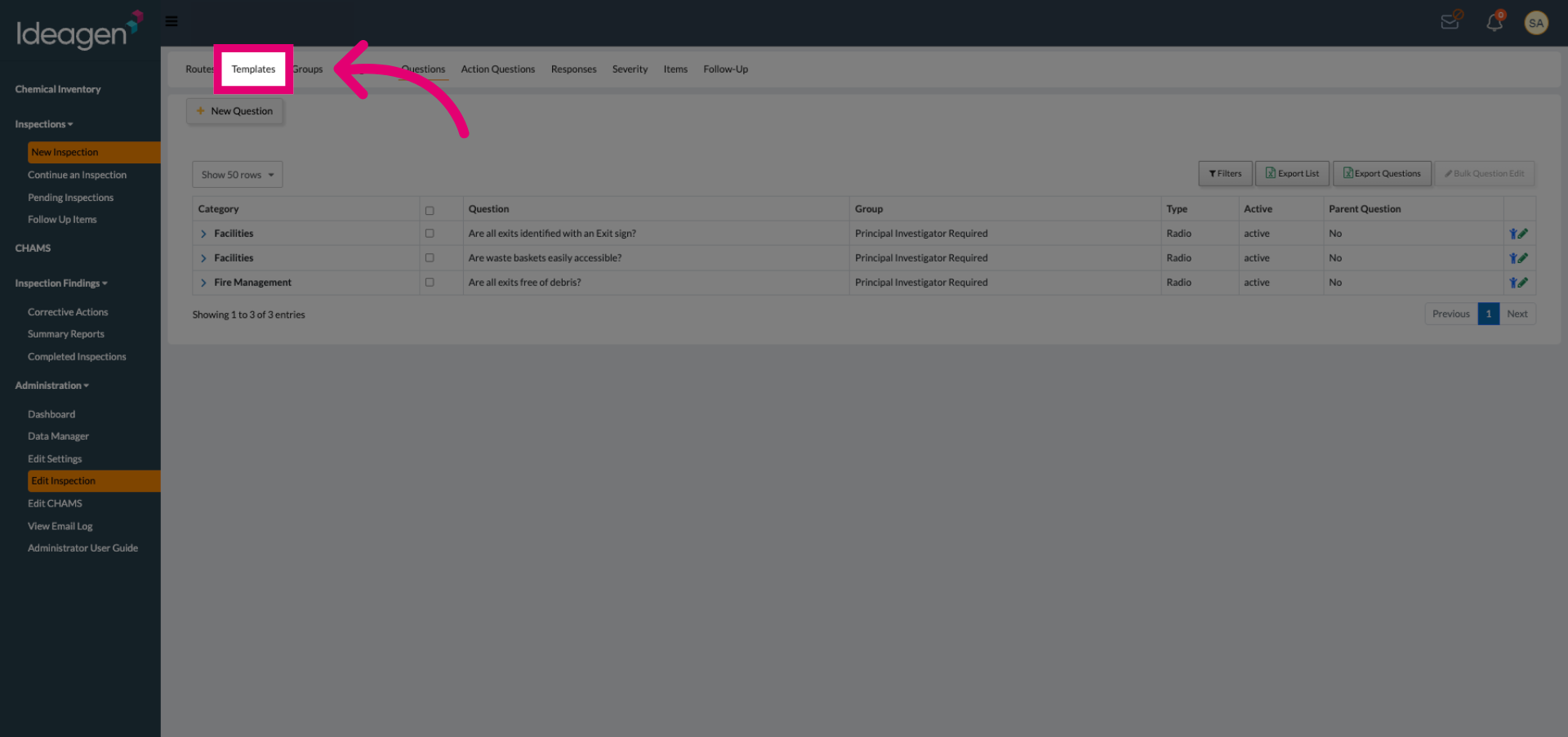
Click the Templates tab to view your available inspection templates.
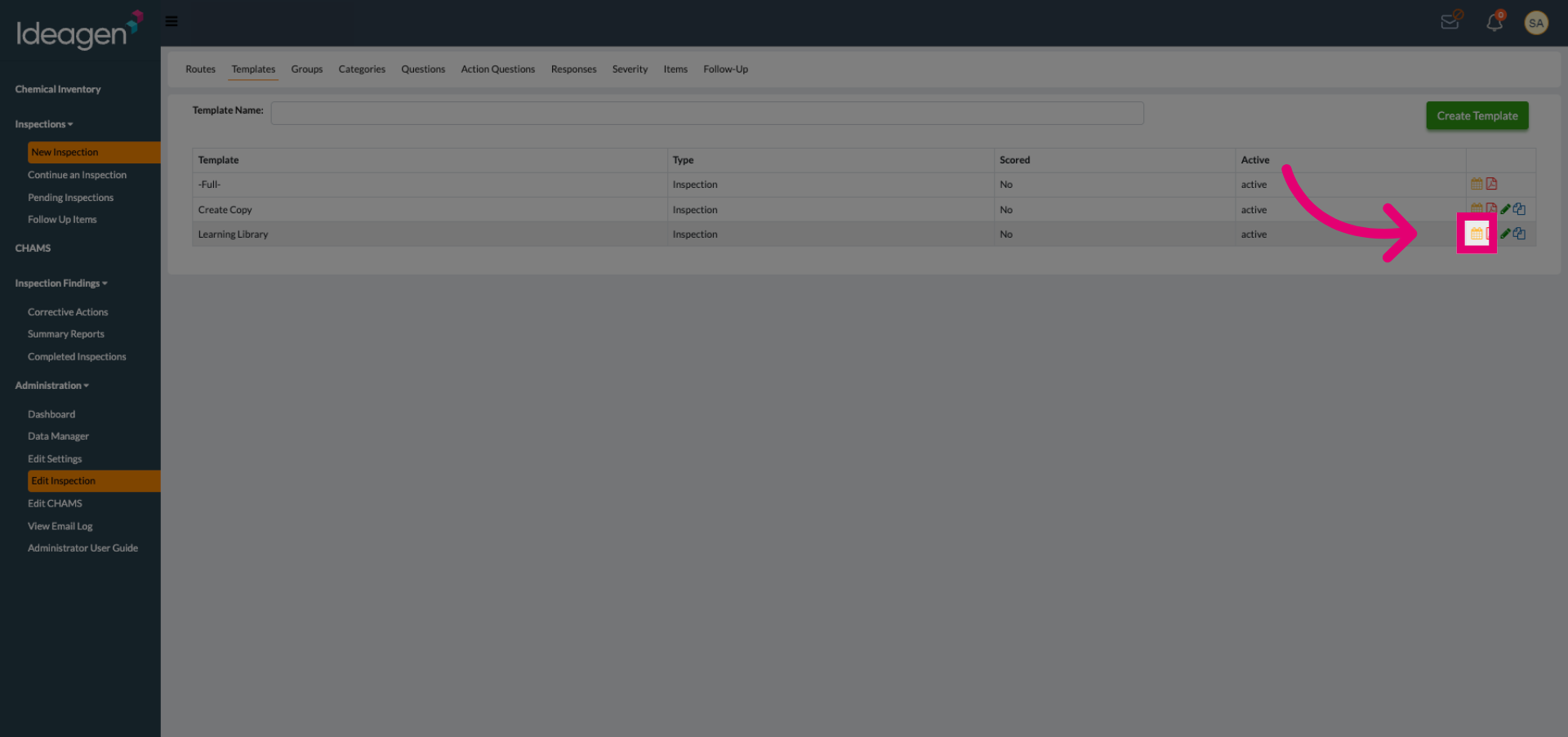
Click Export Excel Version to download the inspection template as an Excel file.