New article
Recently updated
Finalising a LATCH PPE assessment

Who is this article for?
Users who need to finalise a LATCH PPE assessment.
No special access or permissions are required.
This article explains how to review a LATCH (PPE) assessment within SafetyStratus.
You will learn the steps to access, filter, and finalize assessments effectively.
1. Reviewing and finalising a LATCH PPE assessment
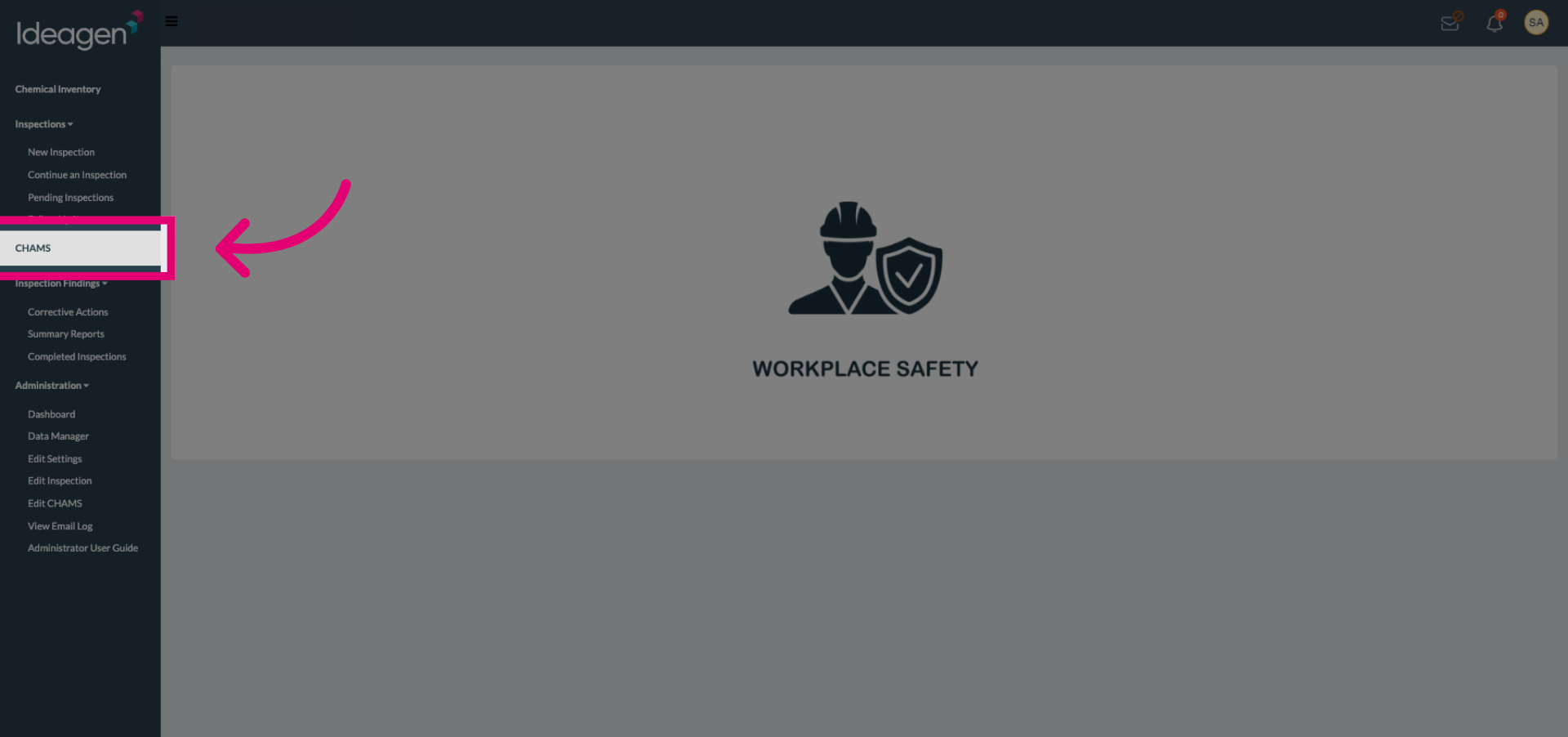
Select the assessment module to begin reviewing LATCH (PPE) assessments within SafetyStratus.
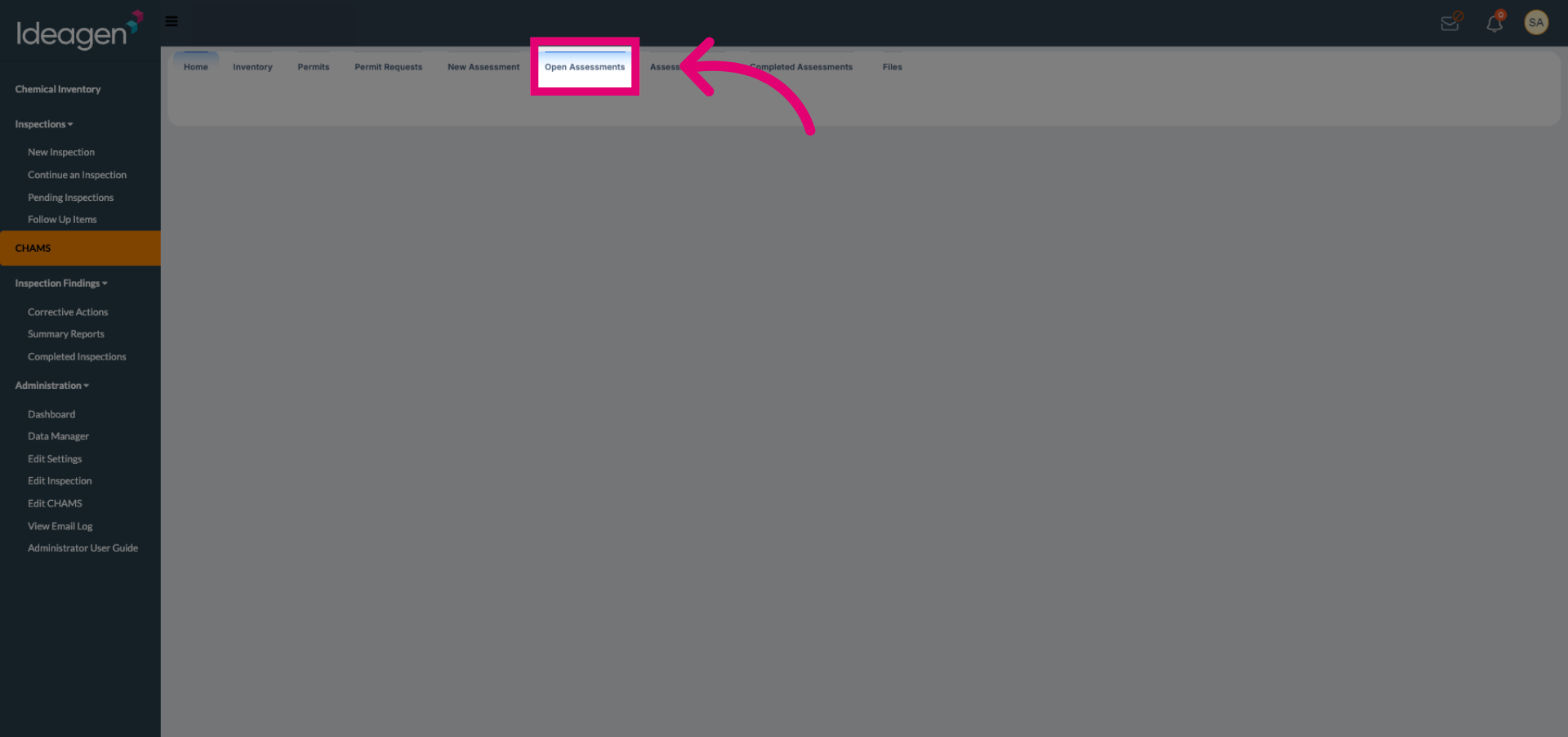
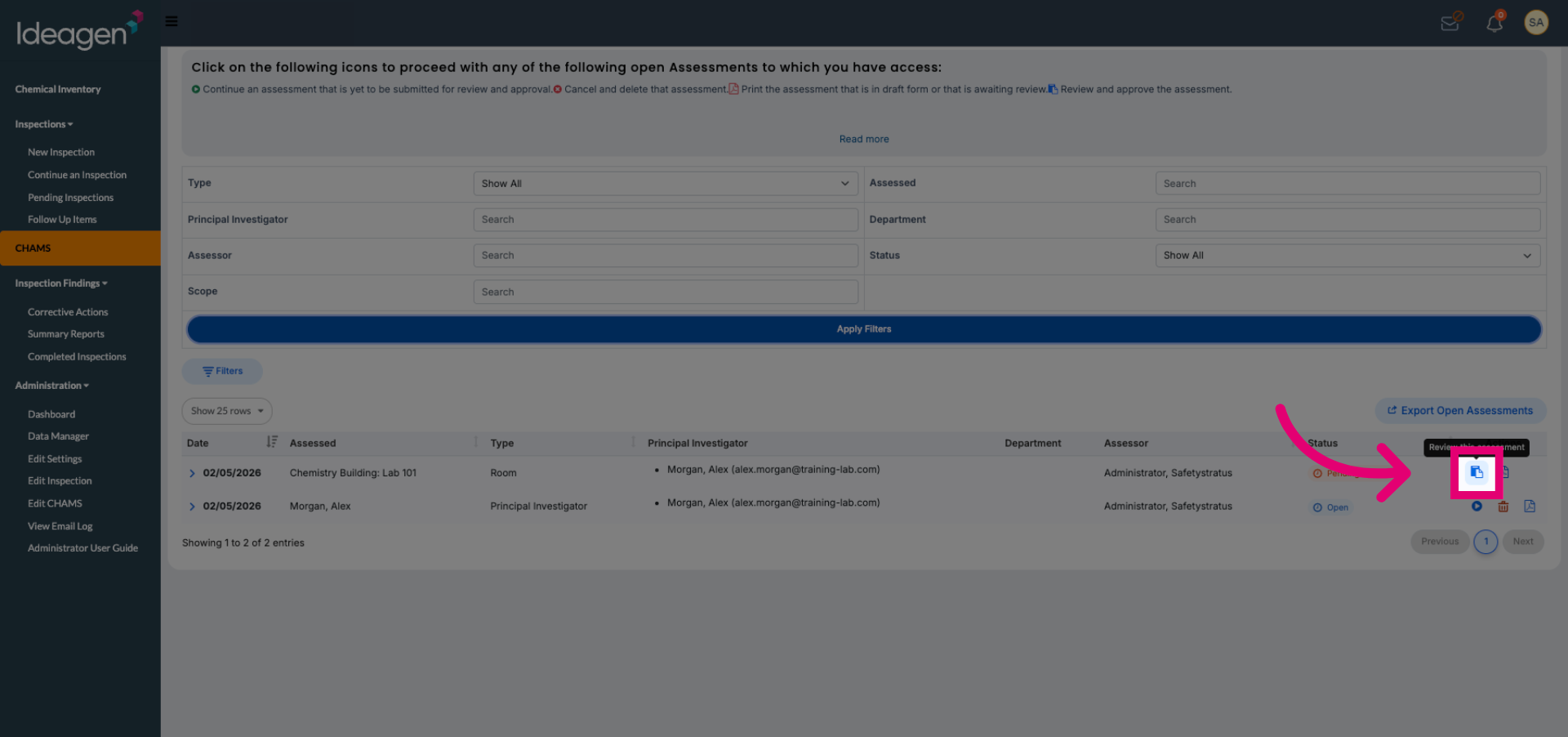
Click Open Assessments to view the list of available LATCH (PPE) assessments for review.
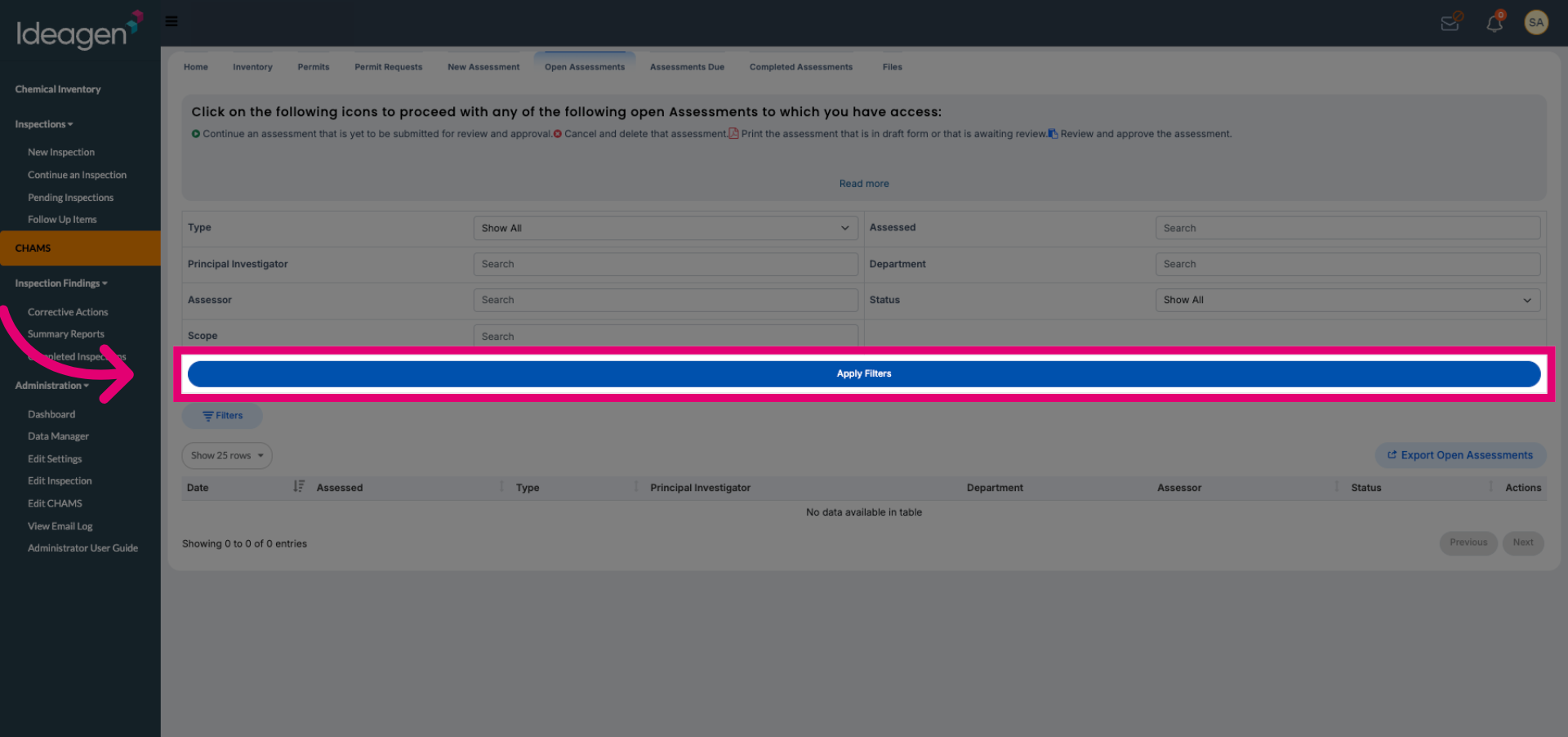
Click Apply Filters to narrow down the assessments based on your review criteria.
Click the review button of the desired assessment from the filtered list to open it for review.
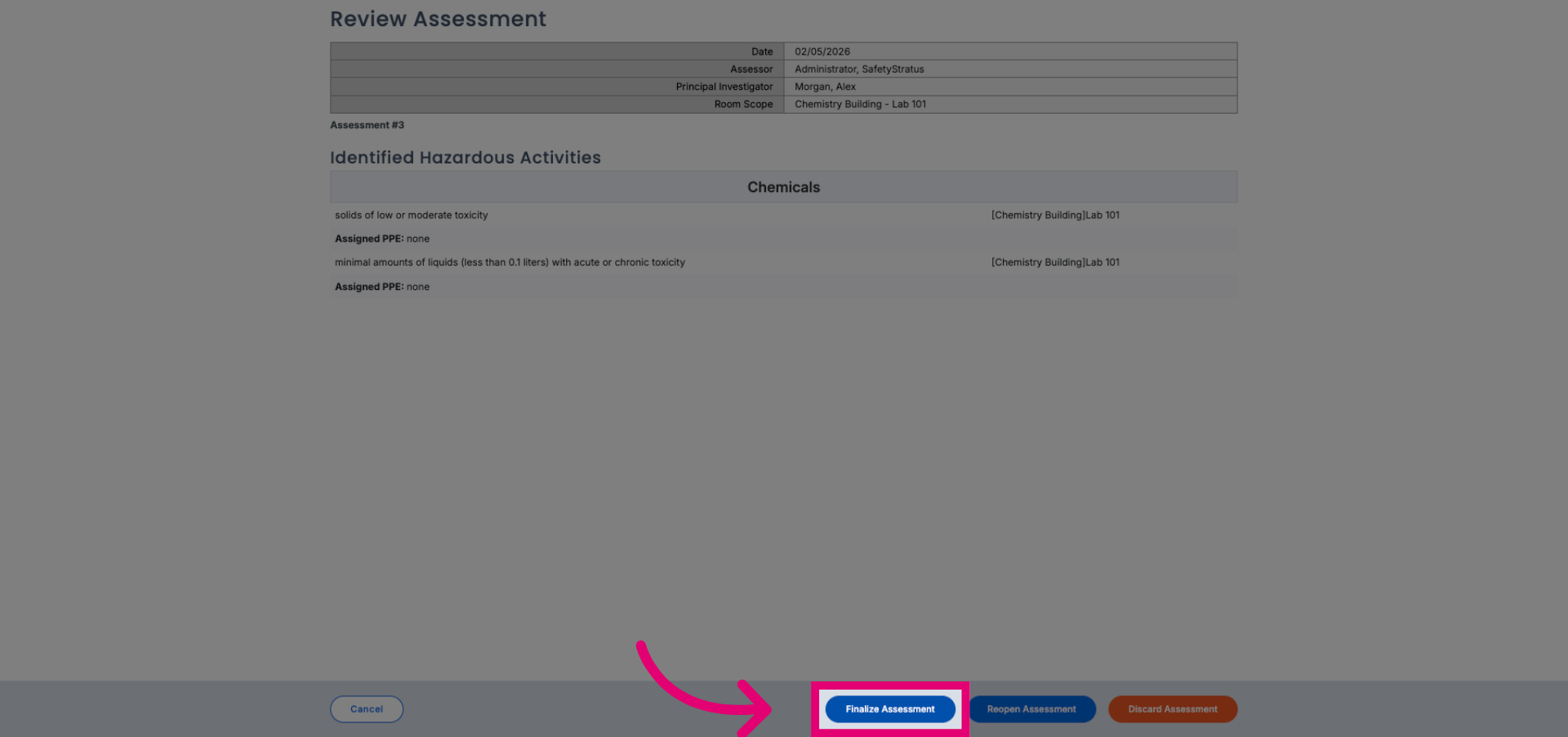
Click Finalize Assessment to complete the review process for the selected LATCH (PPE) assessment.
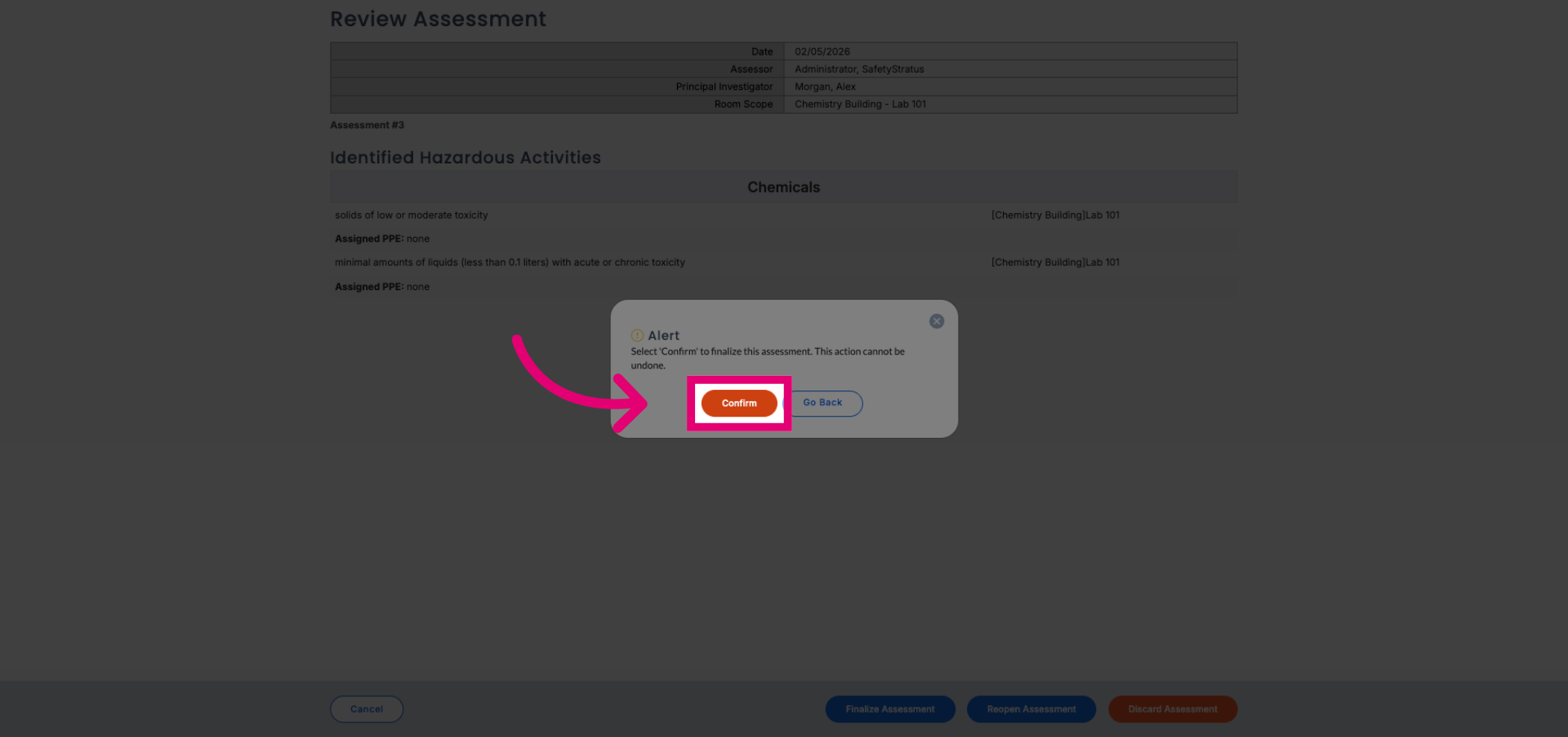
Click Confirm to verify and submit the finalized assessment within SafetyStratus.