New article
Recently updated
Logging in using Single Sign-On (SSO)

Who is this article for?
Users who need to log in with single sign-on.
No special access or permission are required.
This article explains how to log in to SafetyStratus using Single Sign-On (SSO).
You will learn the steps to access your account securely through the SSO process.
1. Logging in with Single Sign-On
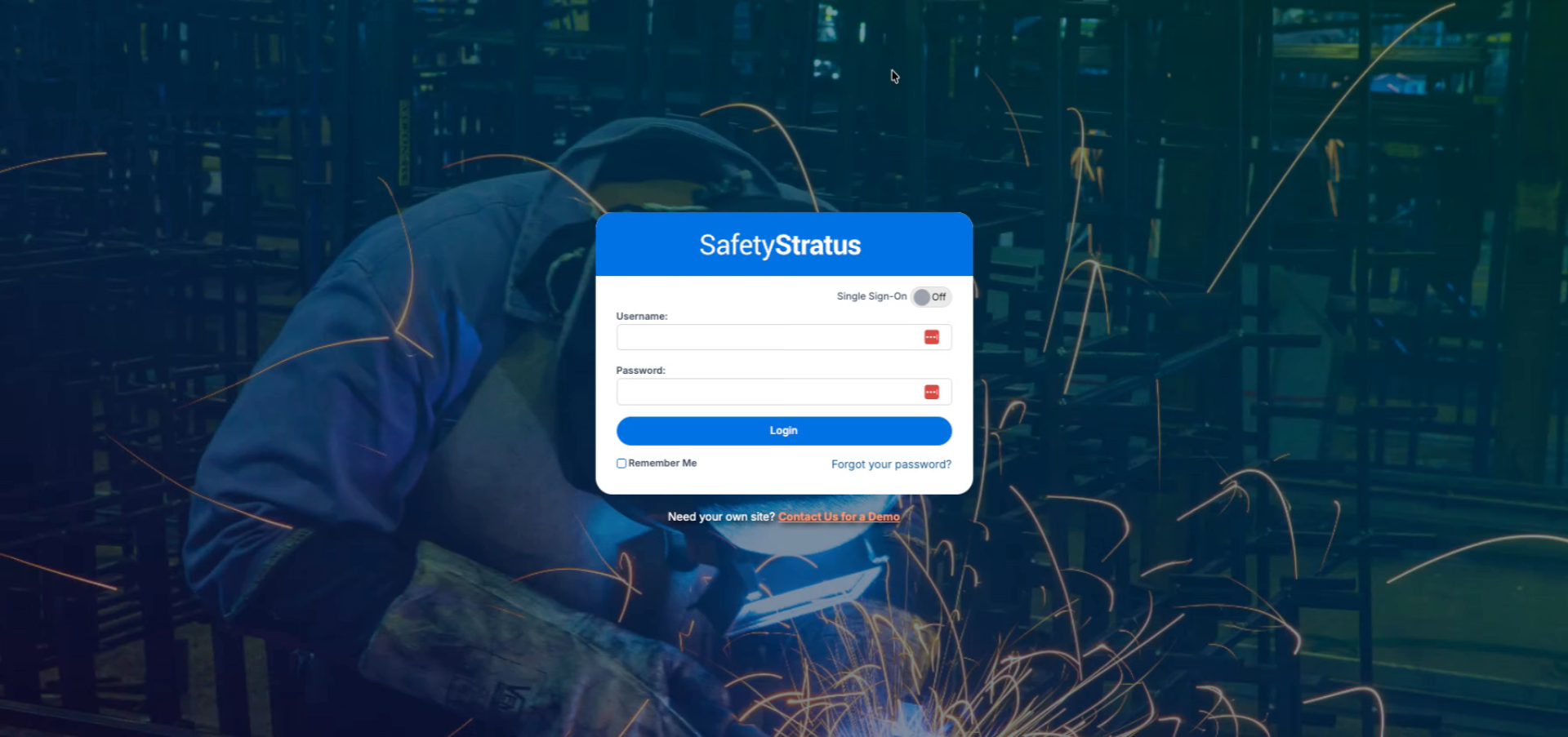
Access the login page.
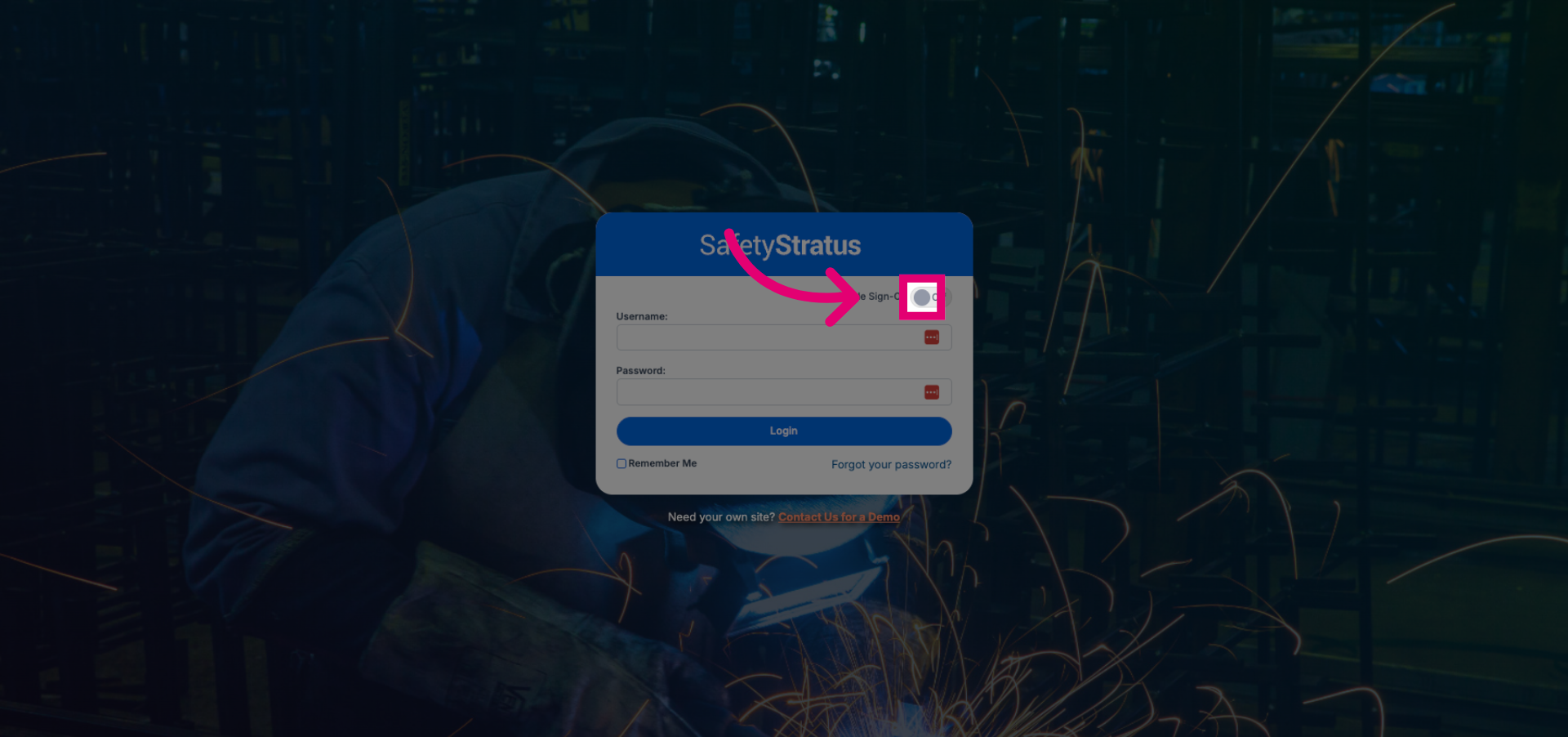
Toggle the Single Sign-On option to enable SSO authentication.
Click the Username field to activate it for input.
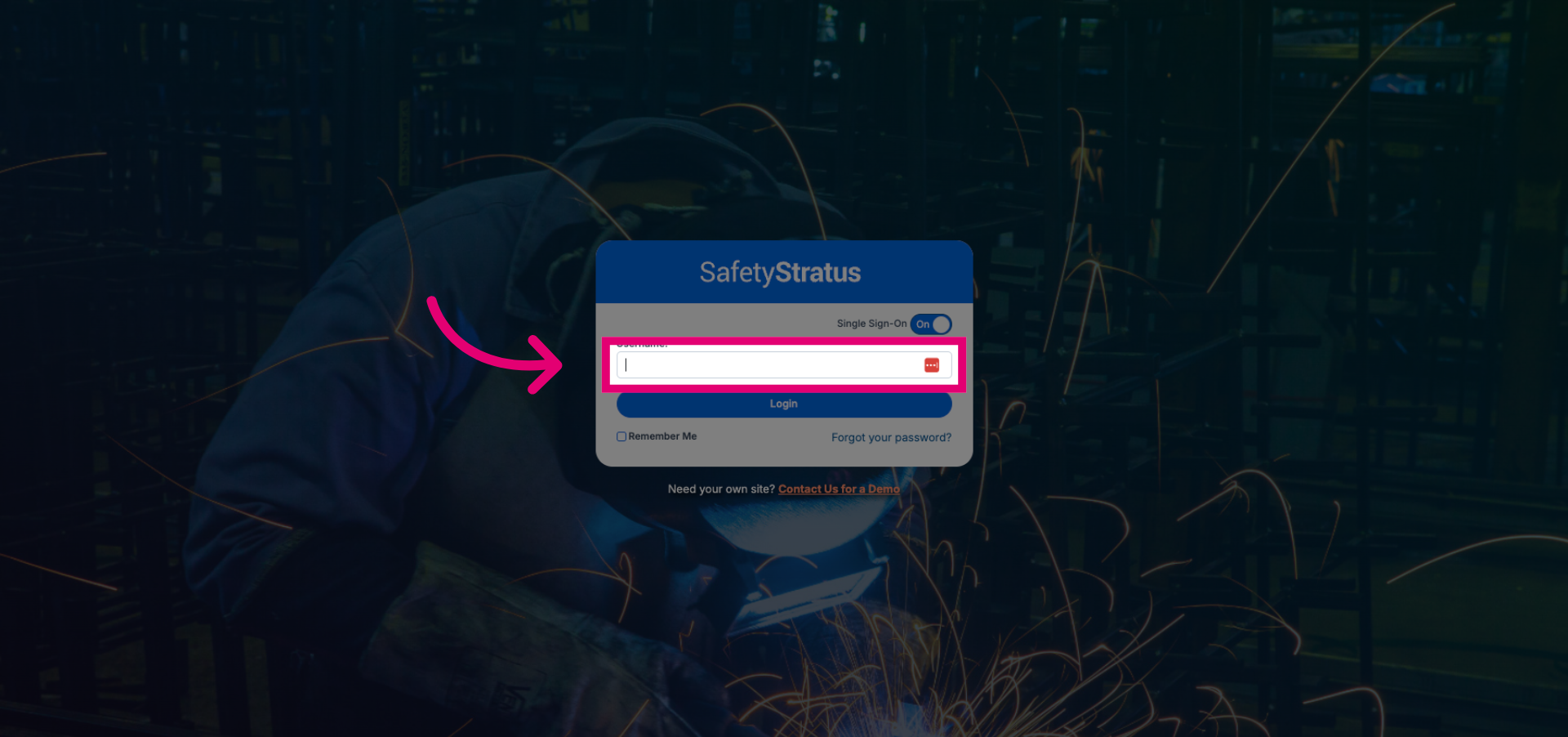
Select the Single Sign-On option to use your organization's authentication system.
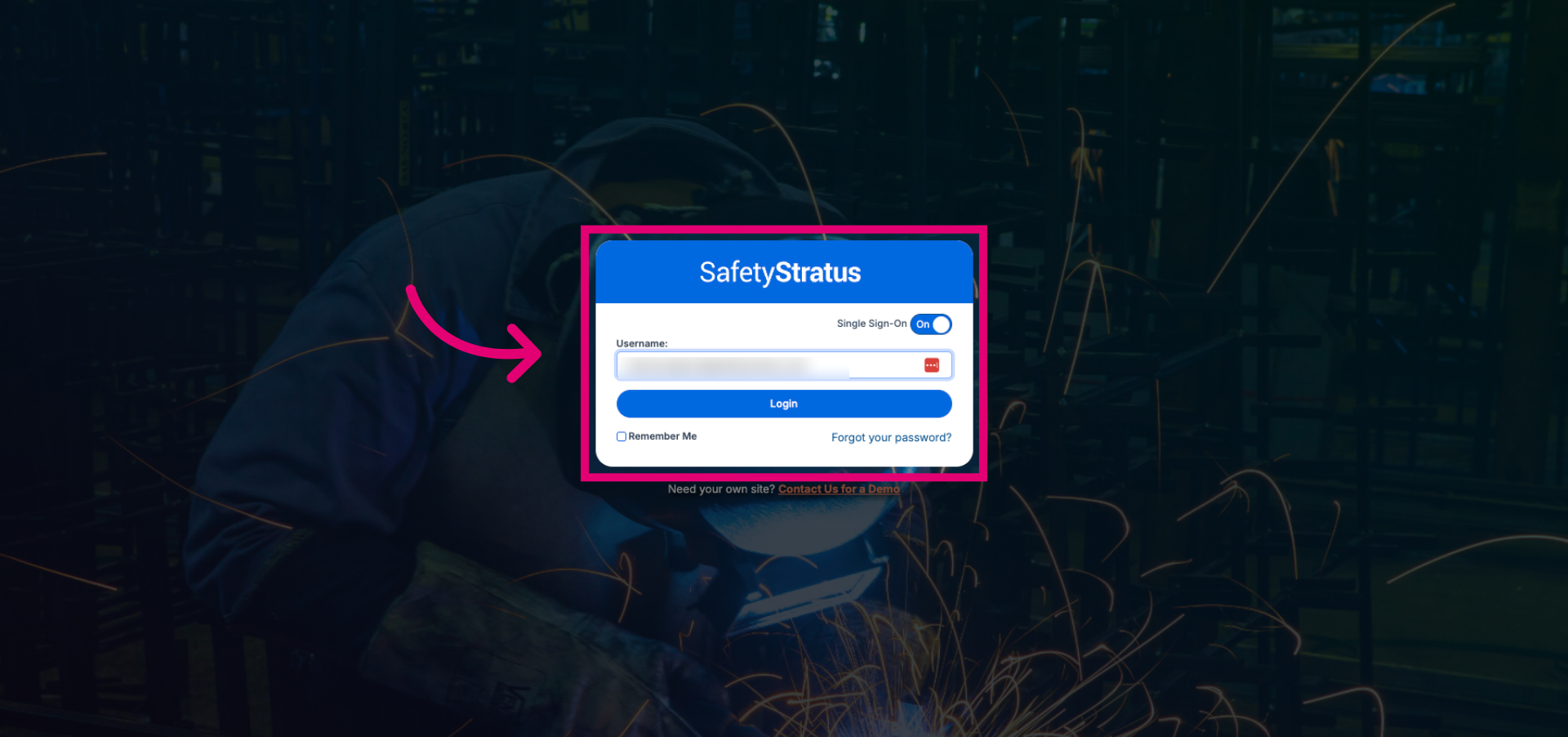
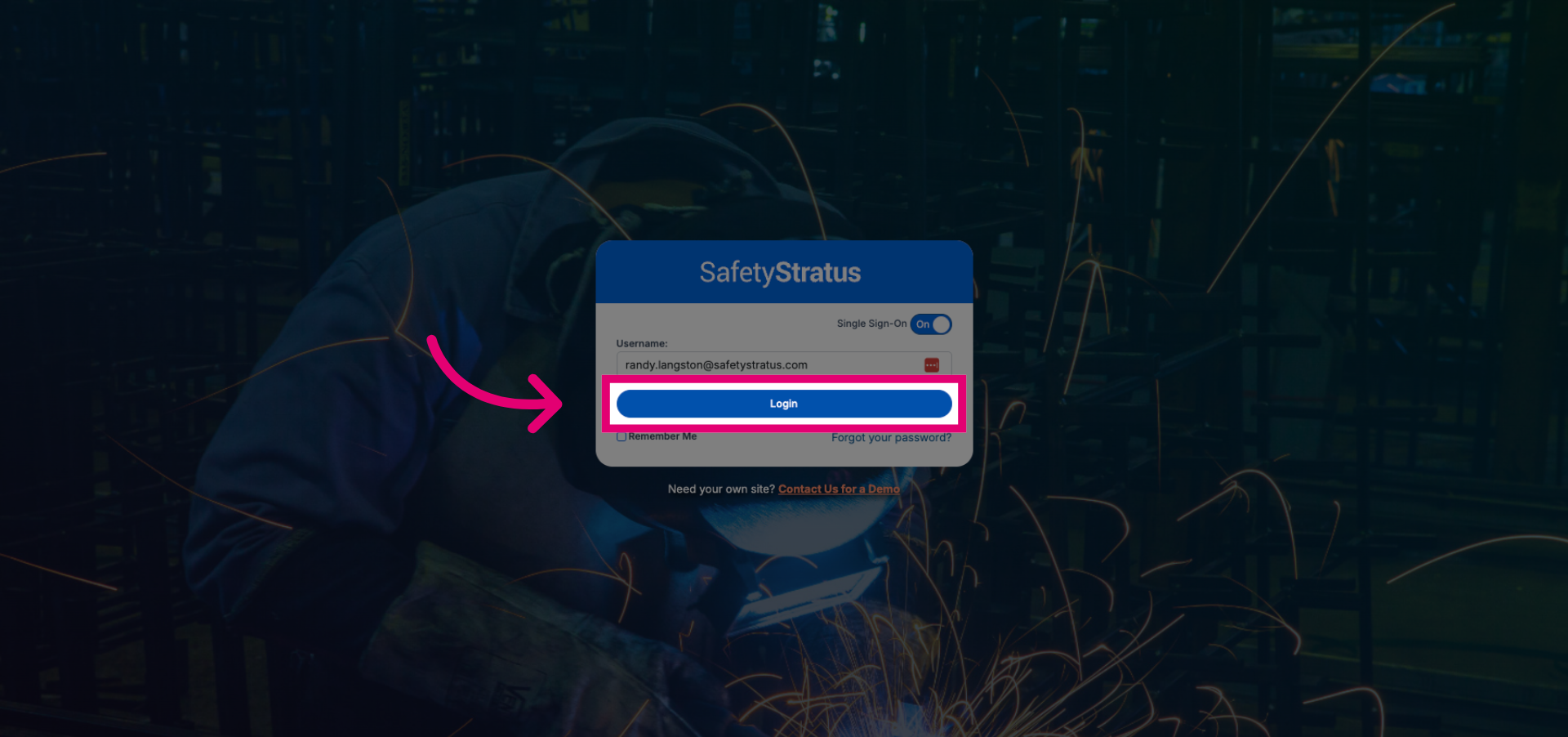
Click the Login button to proceed with authentication via Single Sign-On.