New article
Recently updated
Signing a LATCH PPE Assessment

Who is this article for?
Users who need to sign a LATCH PPE assessment.
No special access or permissions are required.
This article explains how to sign your LATCH (PPE) assessment within SafetyStratus.
Follow the steps below to access, finalize, and complete the signing process for your hazard assessment.
1. Signing Your LATCH PPE Assessment
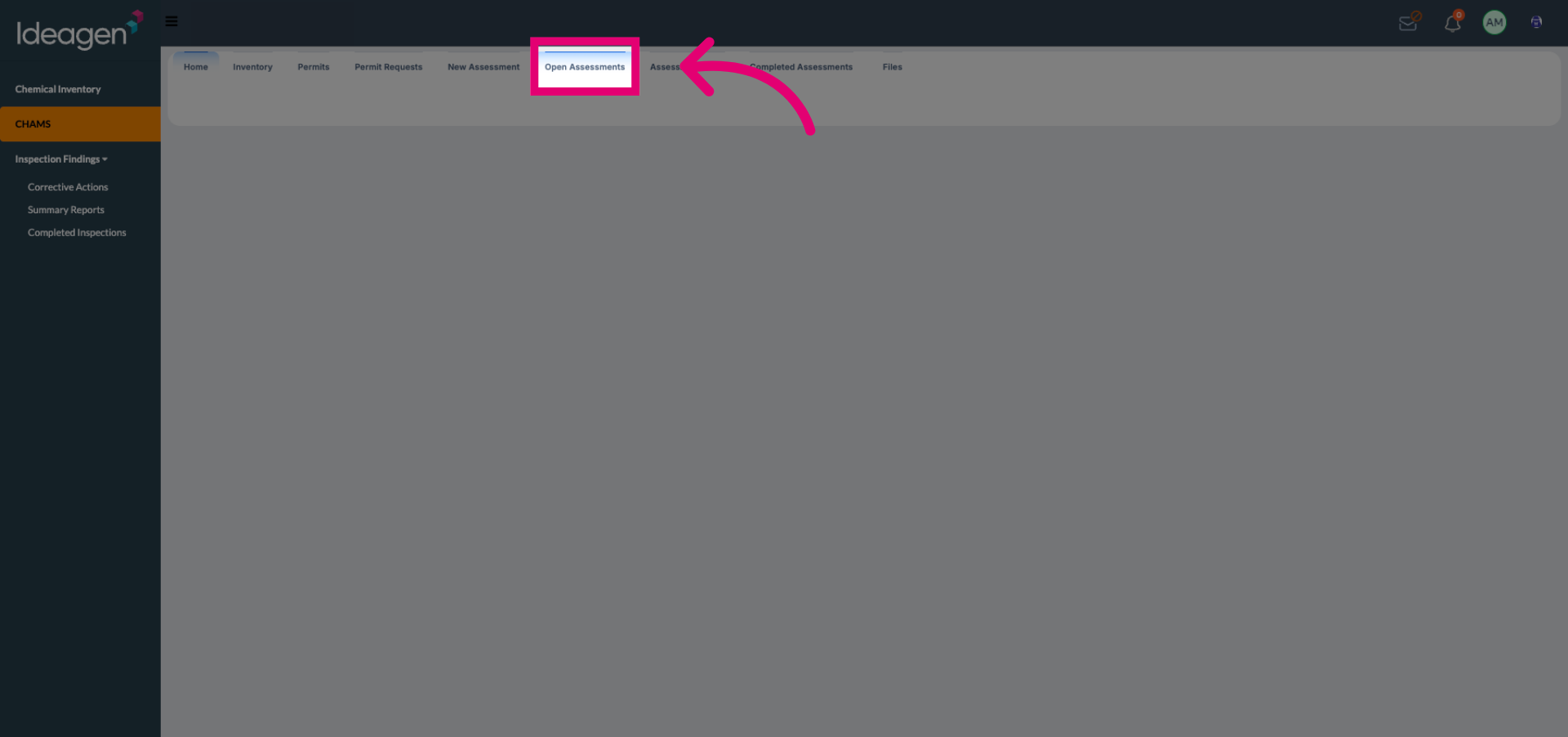
Click Open Assessments to view the list of available hazard assessments.
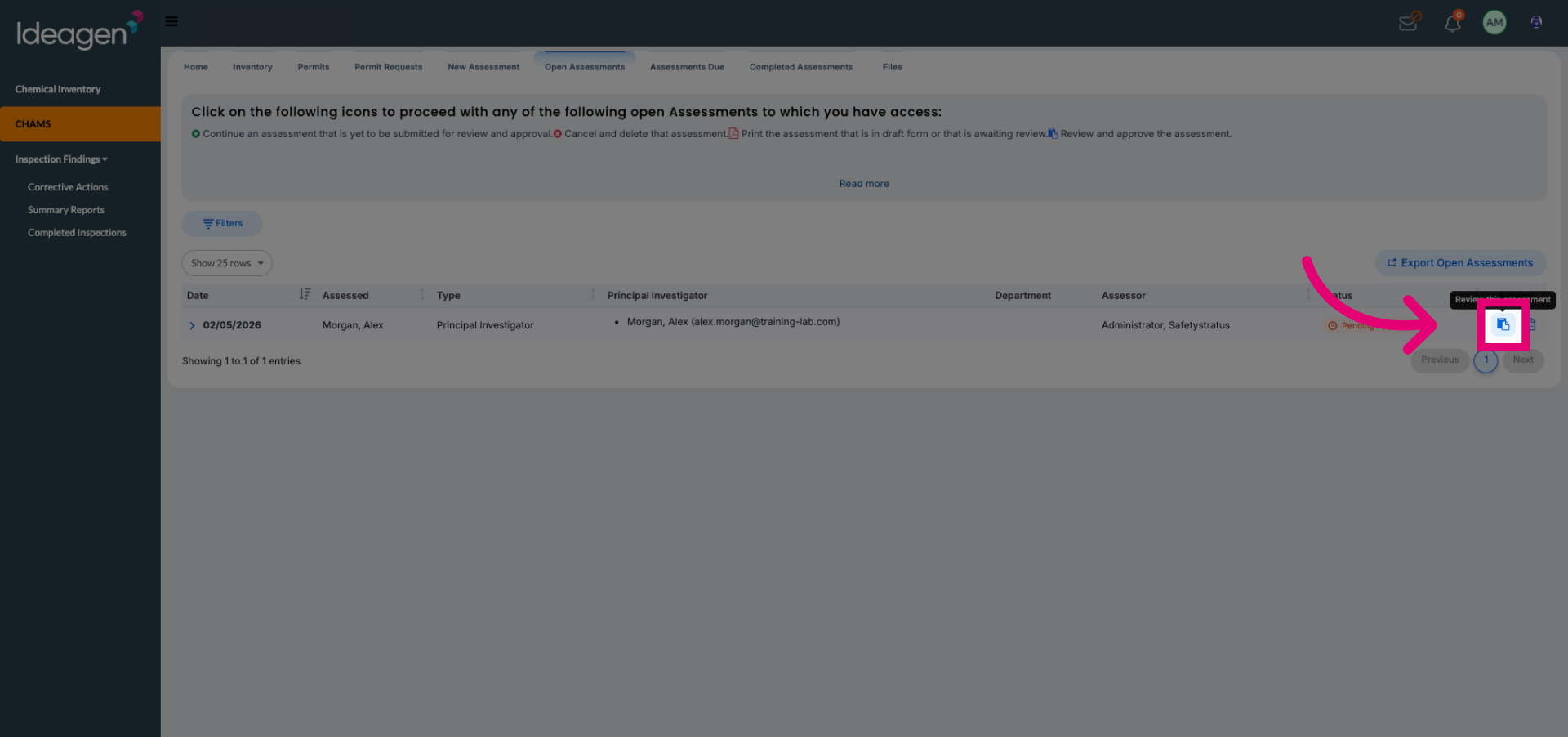
Select the appropriate assessment entry to proceed with signing your LATCH (PPE) assessment.
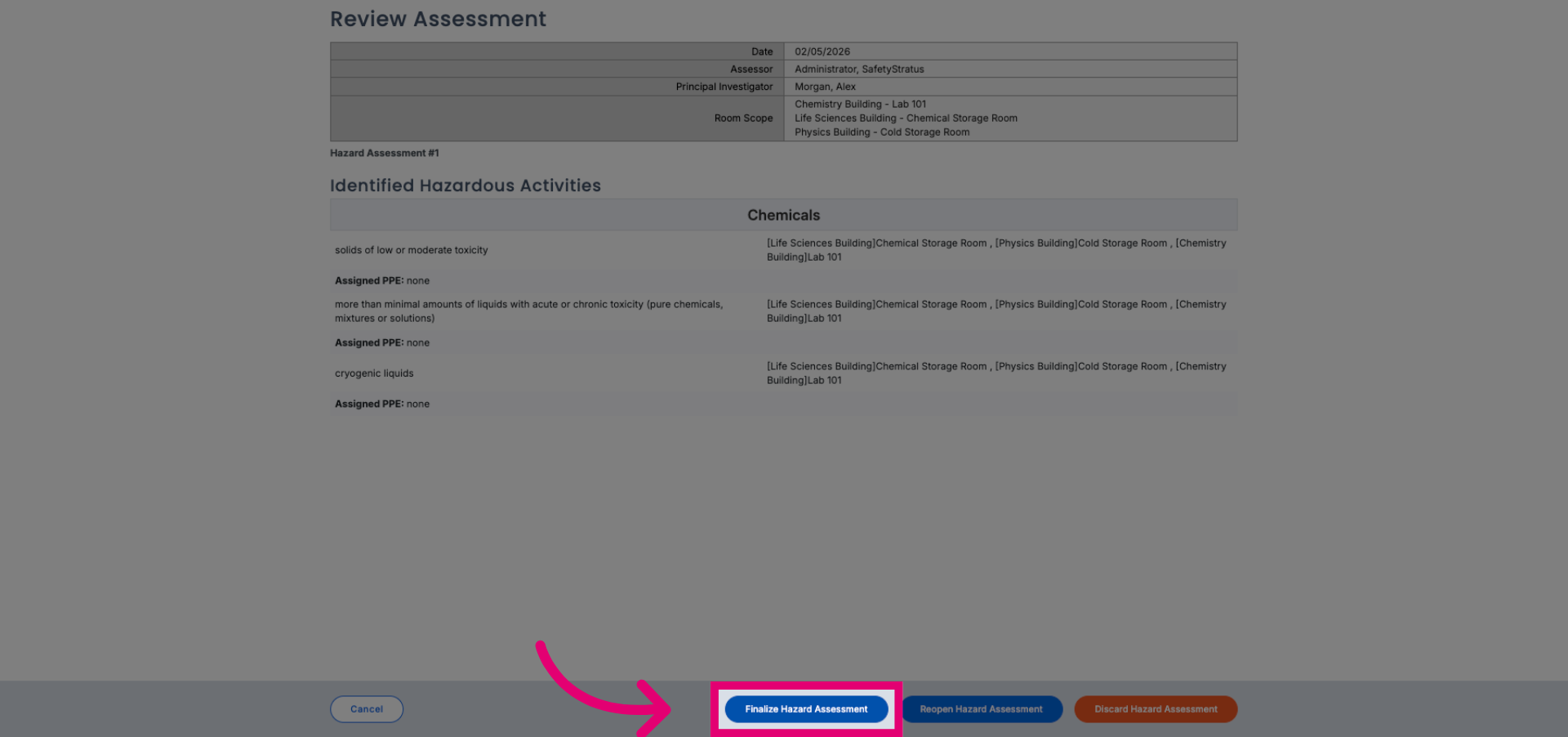
Click Finalize Hazard Assessment to prepare the document for signature.
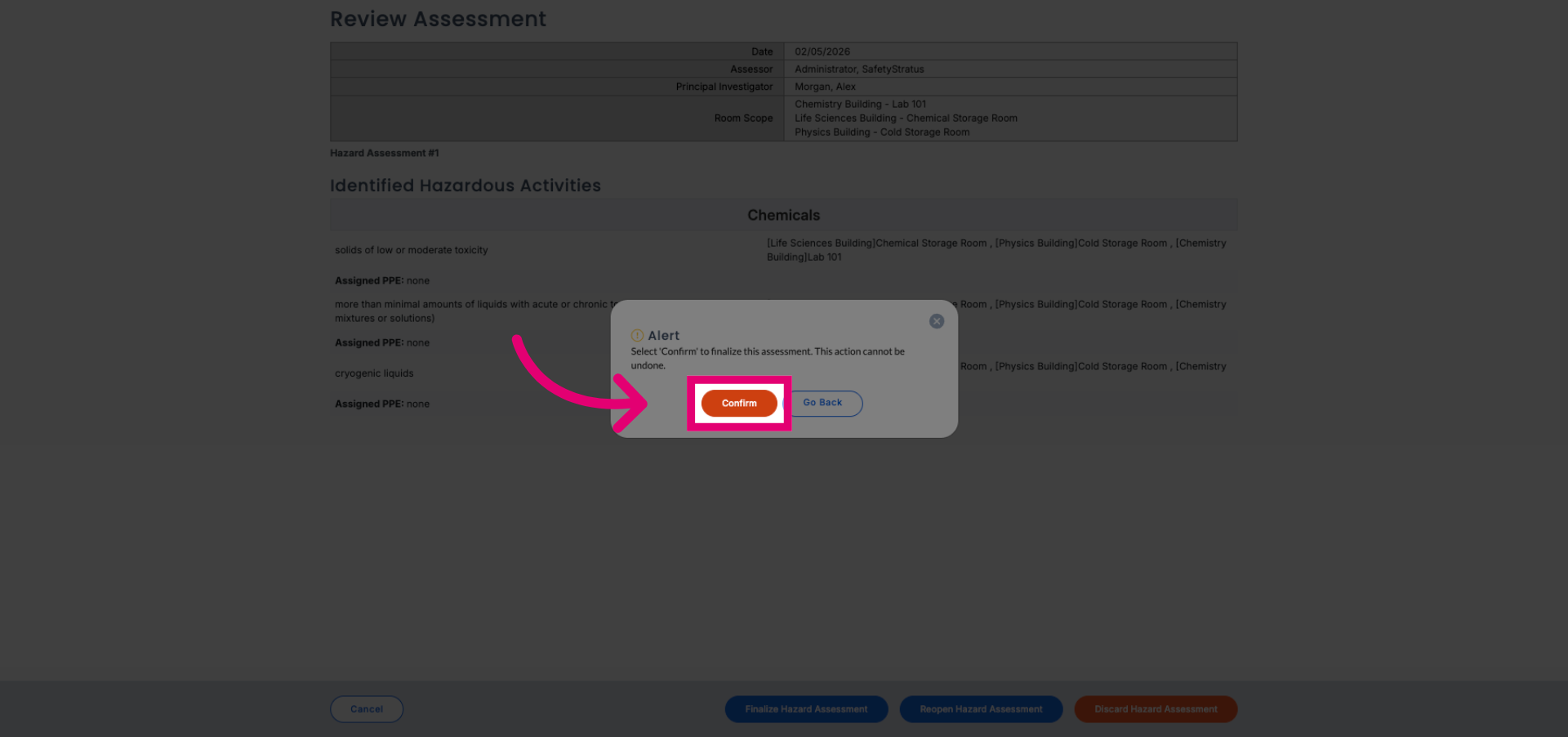
Select Confirm to approve the finalization of your hazard assessment.
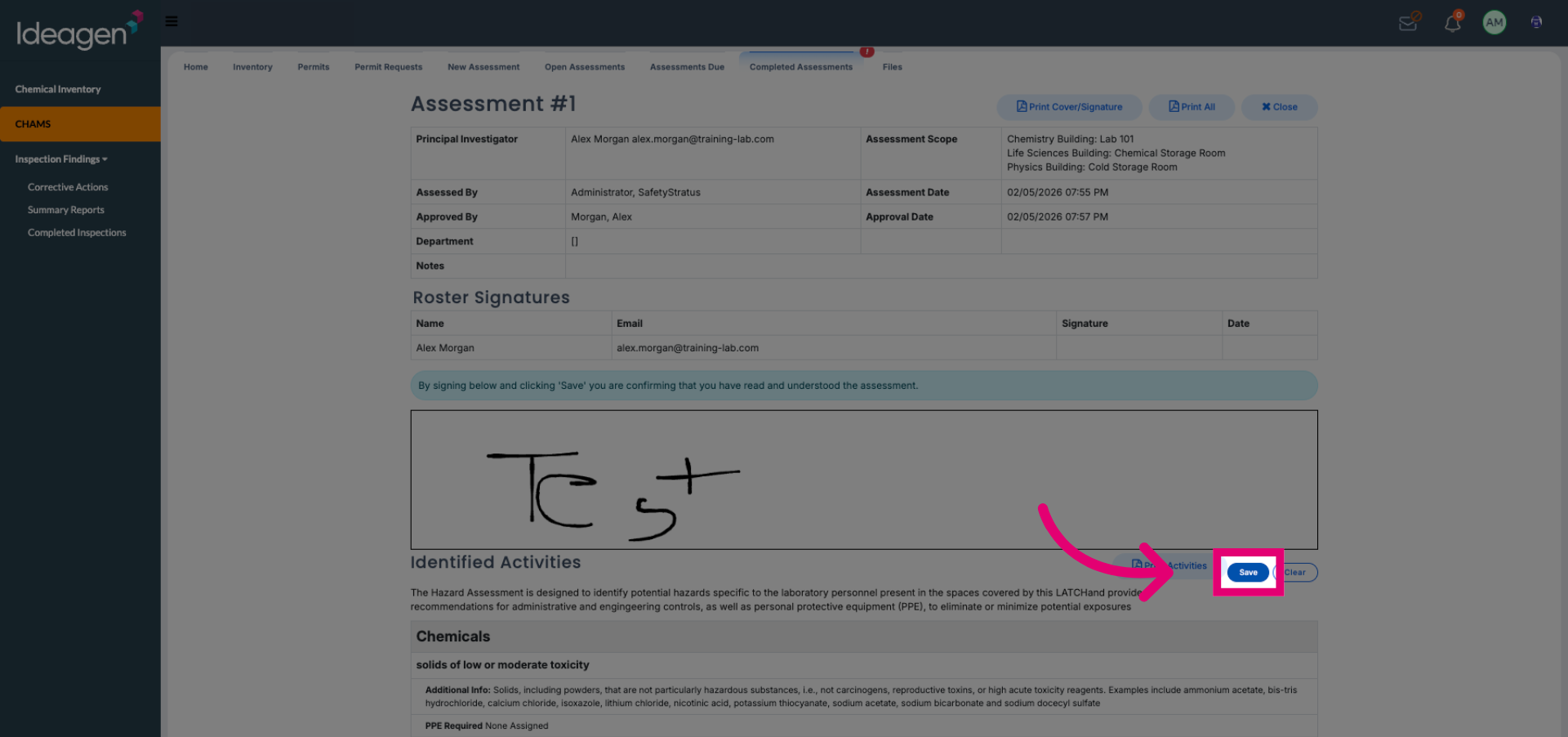
Click save signature to record your approval on the assessment.
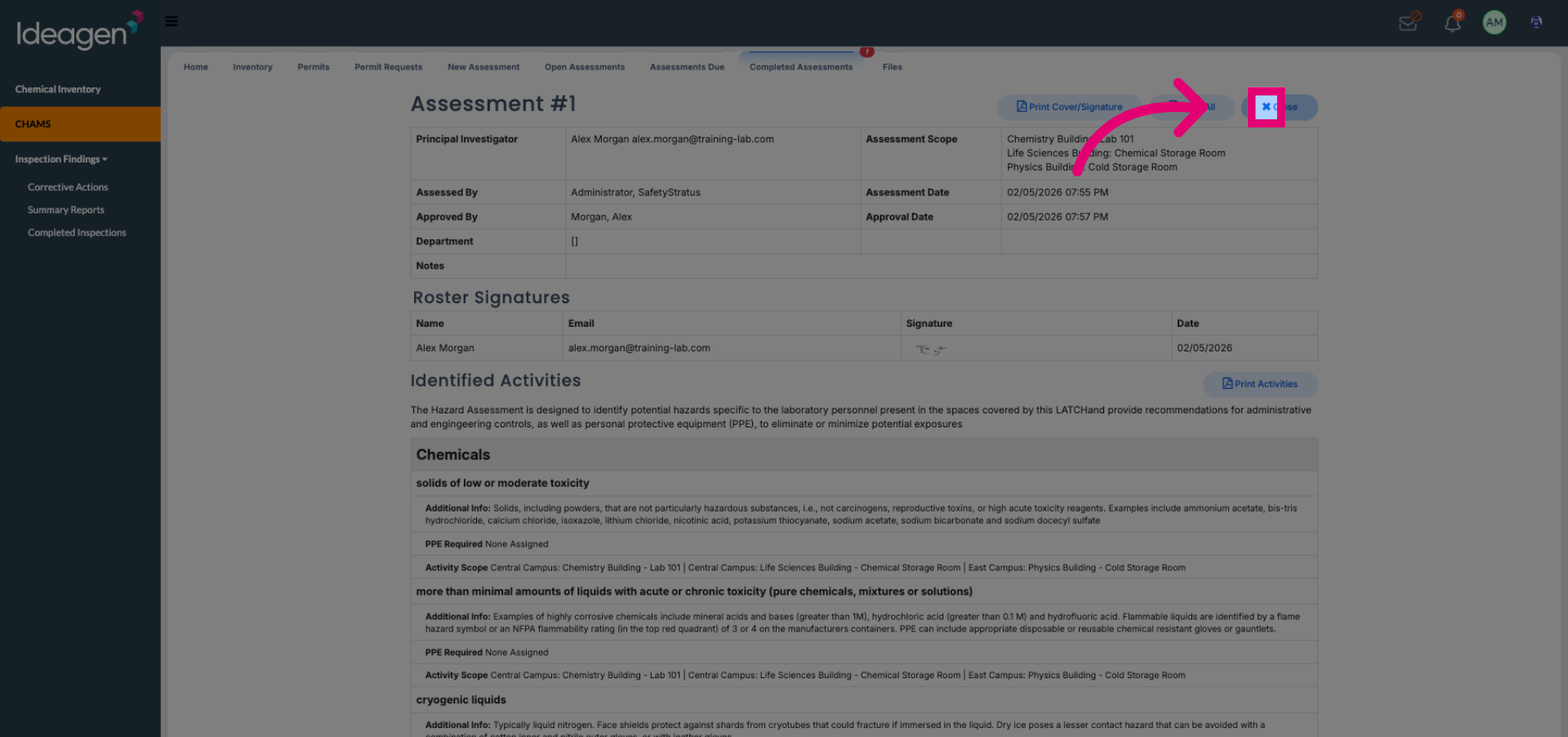
Select close to complete the signing process for your LATCH (PPE) assessment.