New article
Recently updated
Starting a LATCH PPE assessment

Who is this article for?
Users who need to start a LATCH PPE assessment.
No special access or permissions are required.
This article explains how to initiate a new LATCH PPE assessment in the CHAMS/LATCH application.
You will learn how to navigate the assessment creation process, select the appropriate scope, and begin your assessment.
1. Starting Your LATCH PPE Assessment
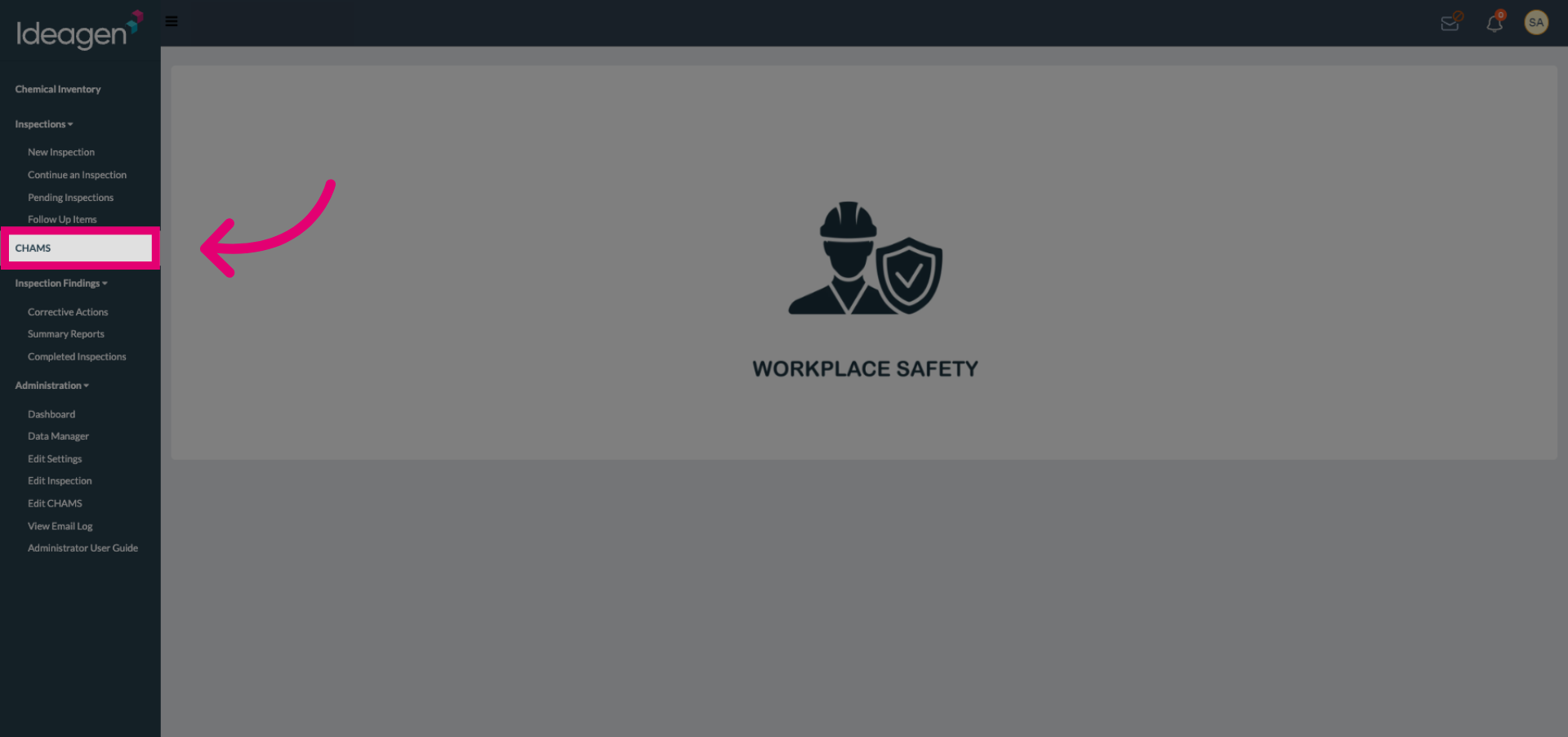
Open the CHAMS/LATCH Application.
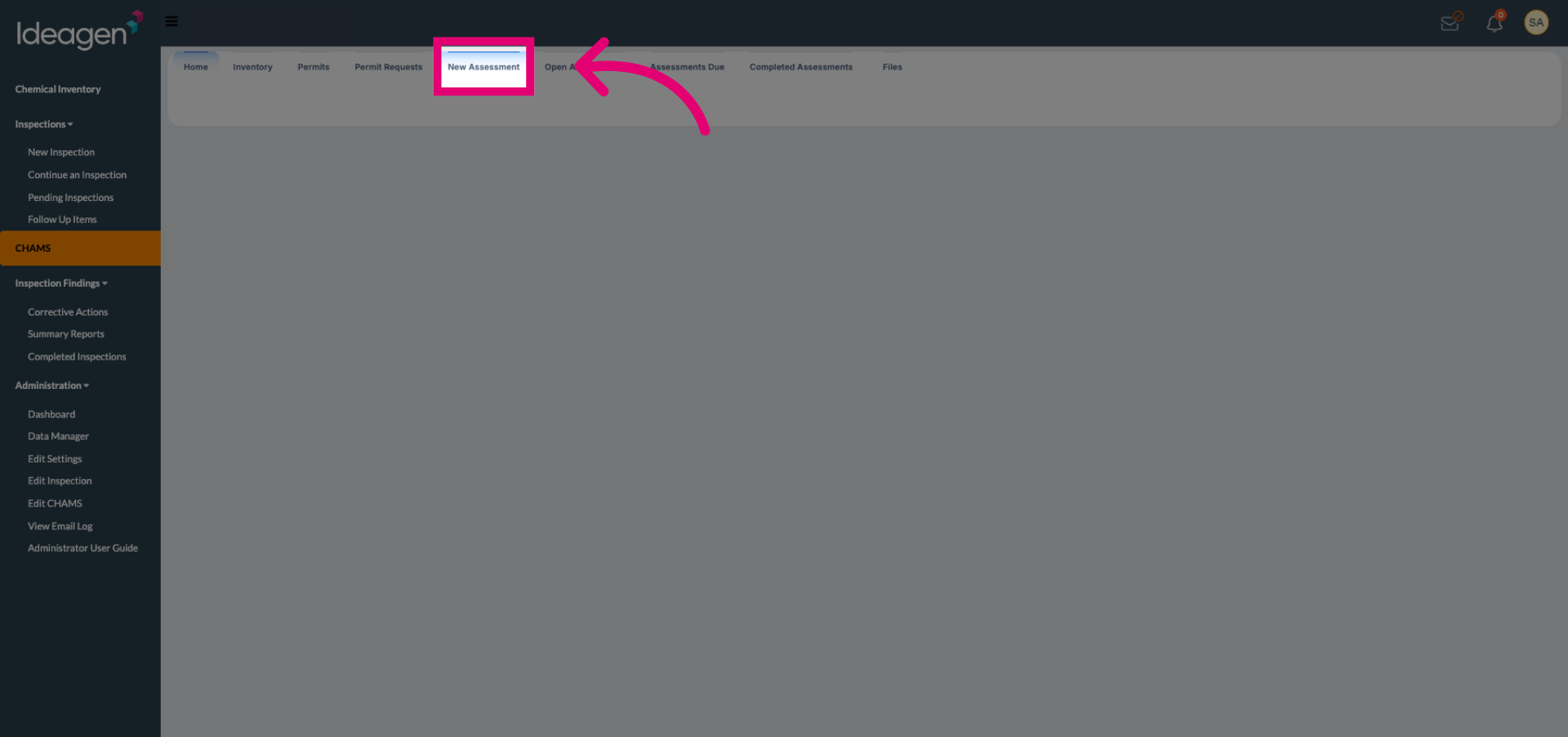
Select the New Assessment option to create a new assessment.
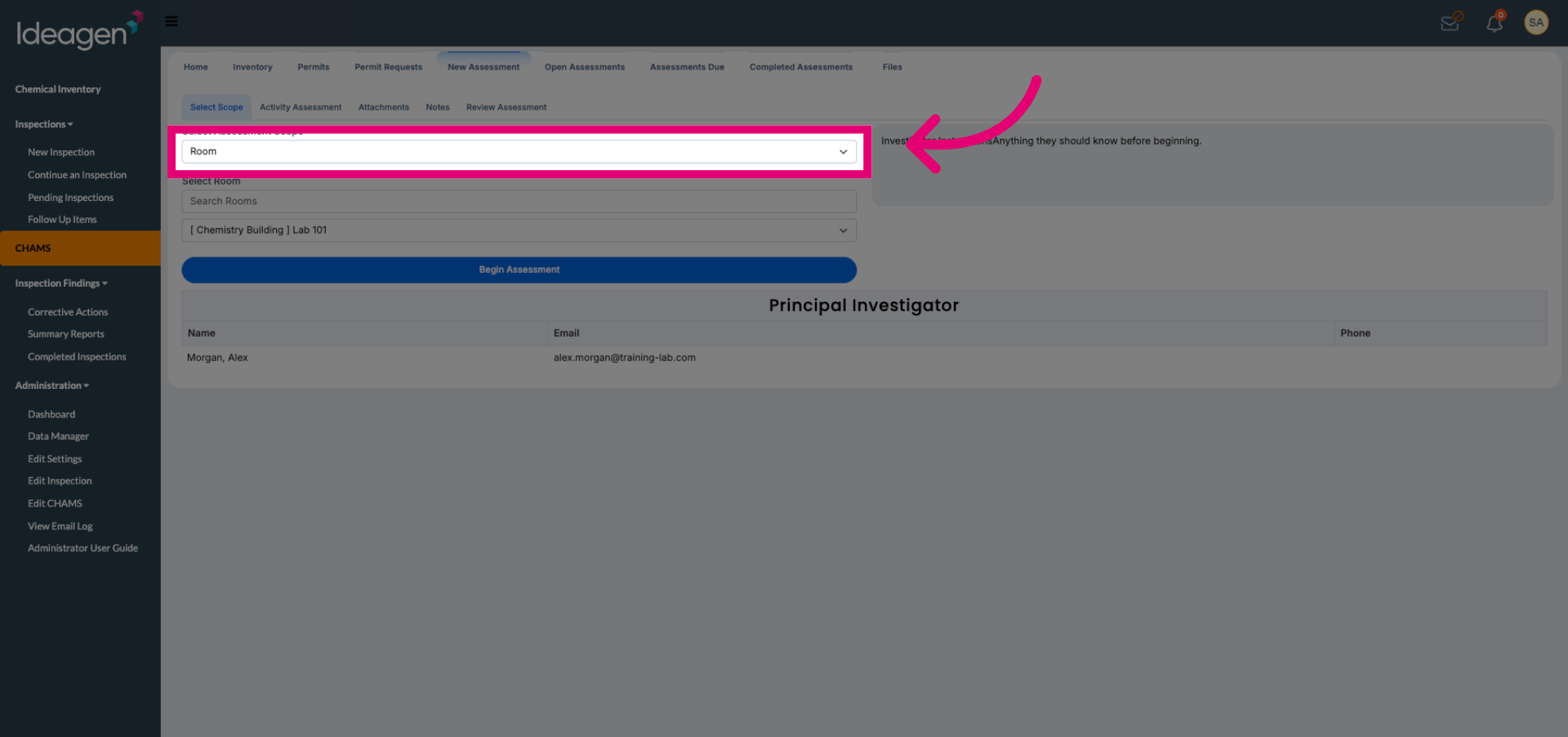
Choose the assessment scope that applies to your evaluation.
Verify the objects included in scope to ensure all relevant items are covered.
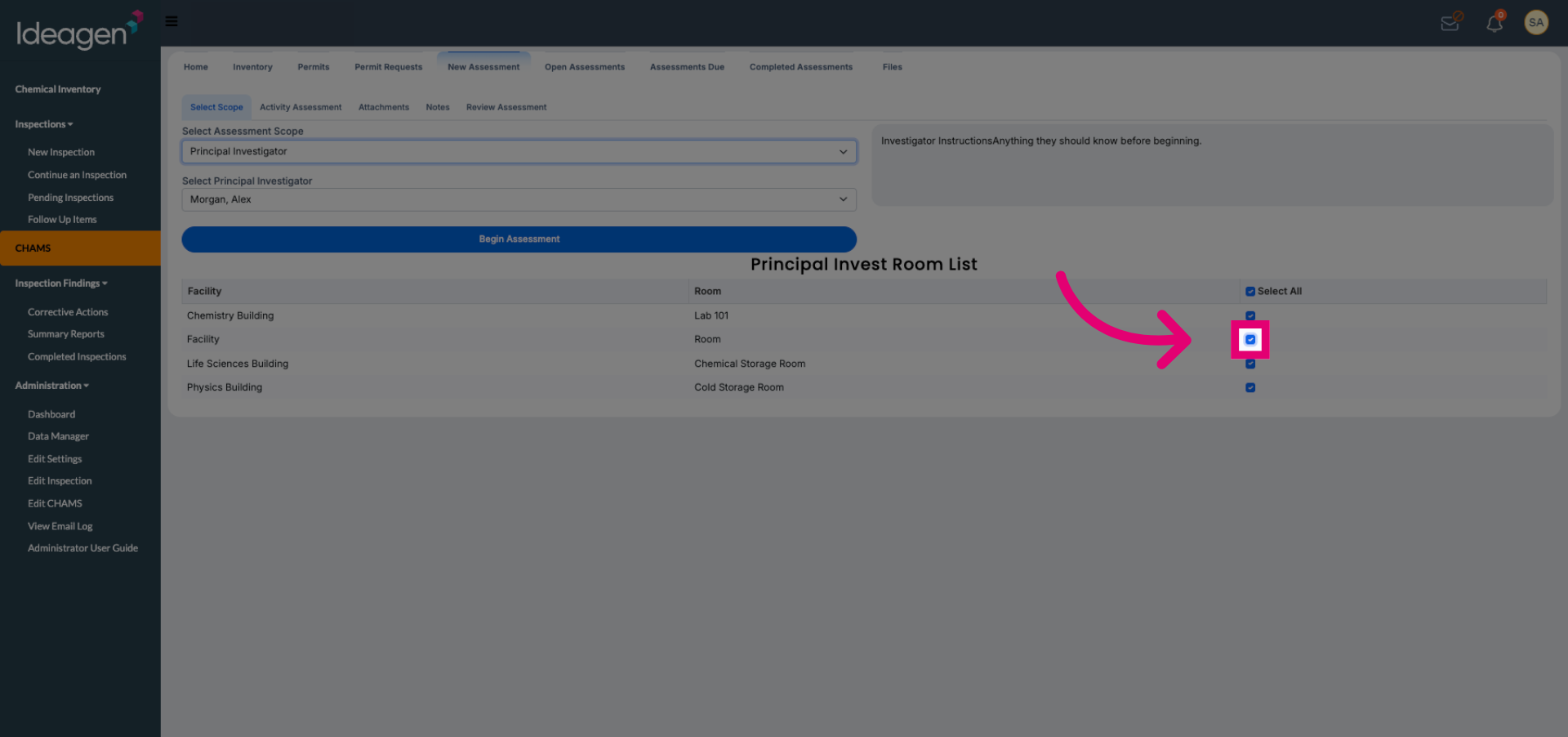
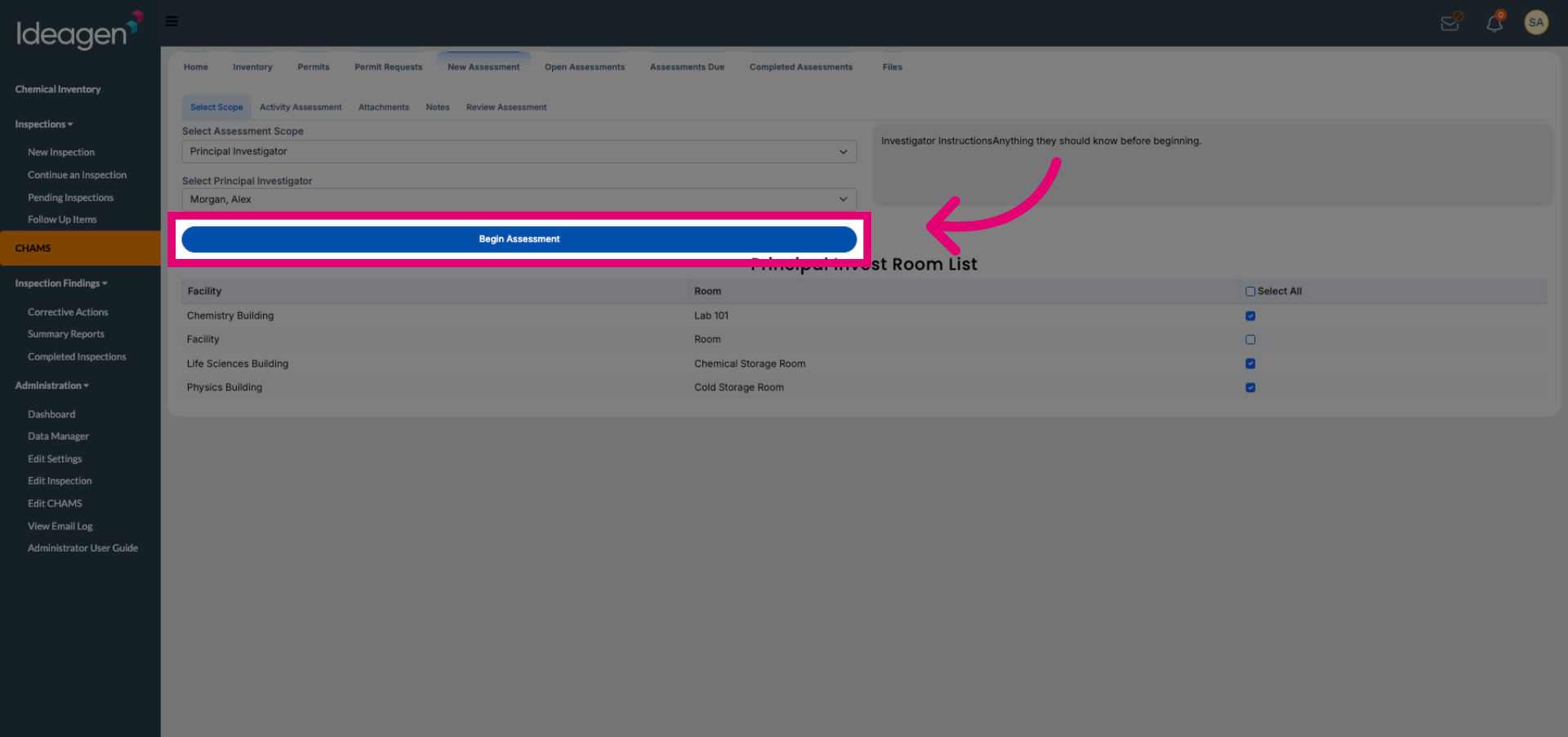
Begin the assessment process to start evaluating PPE requirements.