New article
Recently updated
Starting an inspection

Who is this article for?
Users who need to start an Inspection.
No special access or permissions are required.
This article explains how to start a new inspection using SafetyStratus.
You will learn how to select an inspectable object, choose a template, and begin the inspection process.
1. Starting an inspection
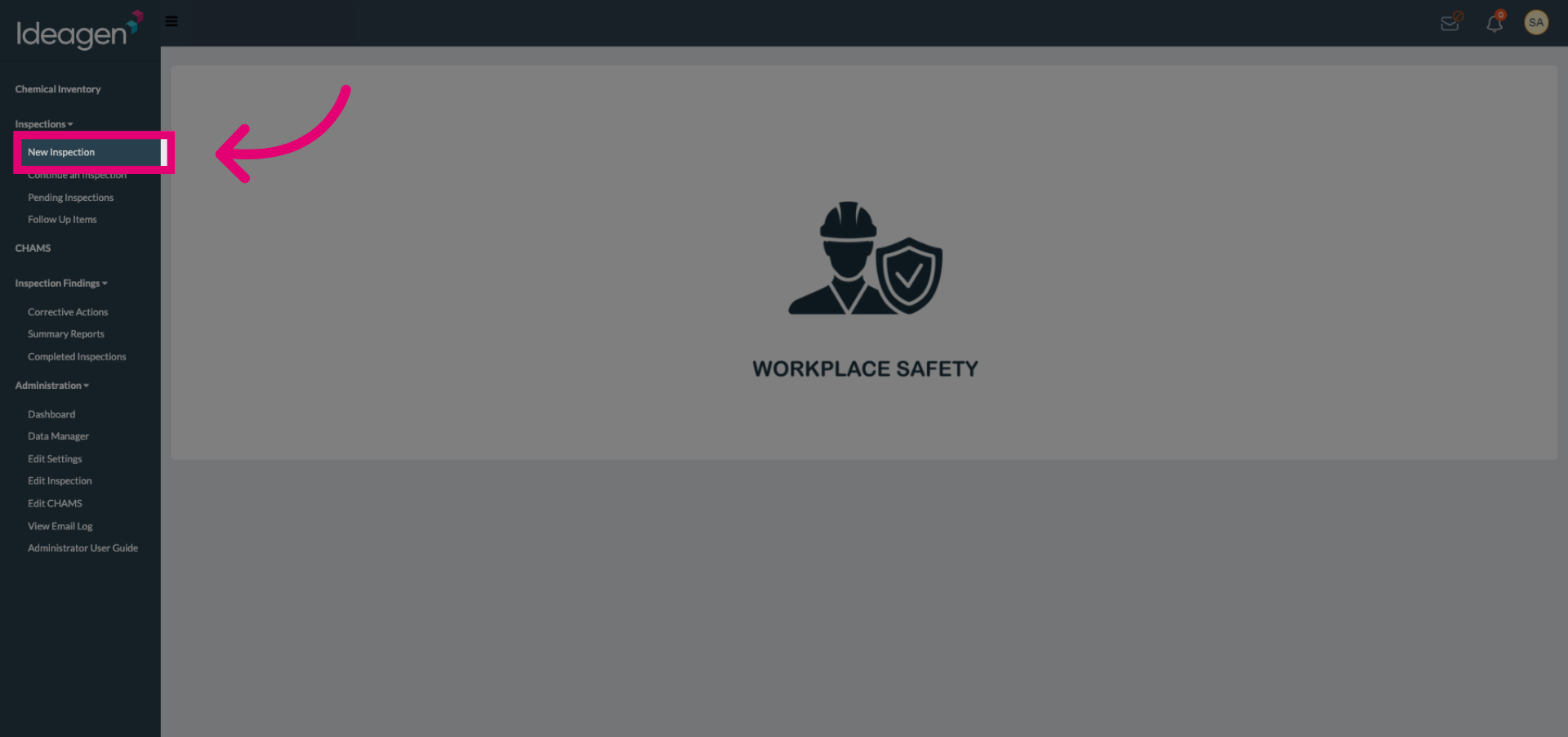
Select the New Inspection button to begin creating a new inspection.
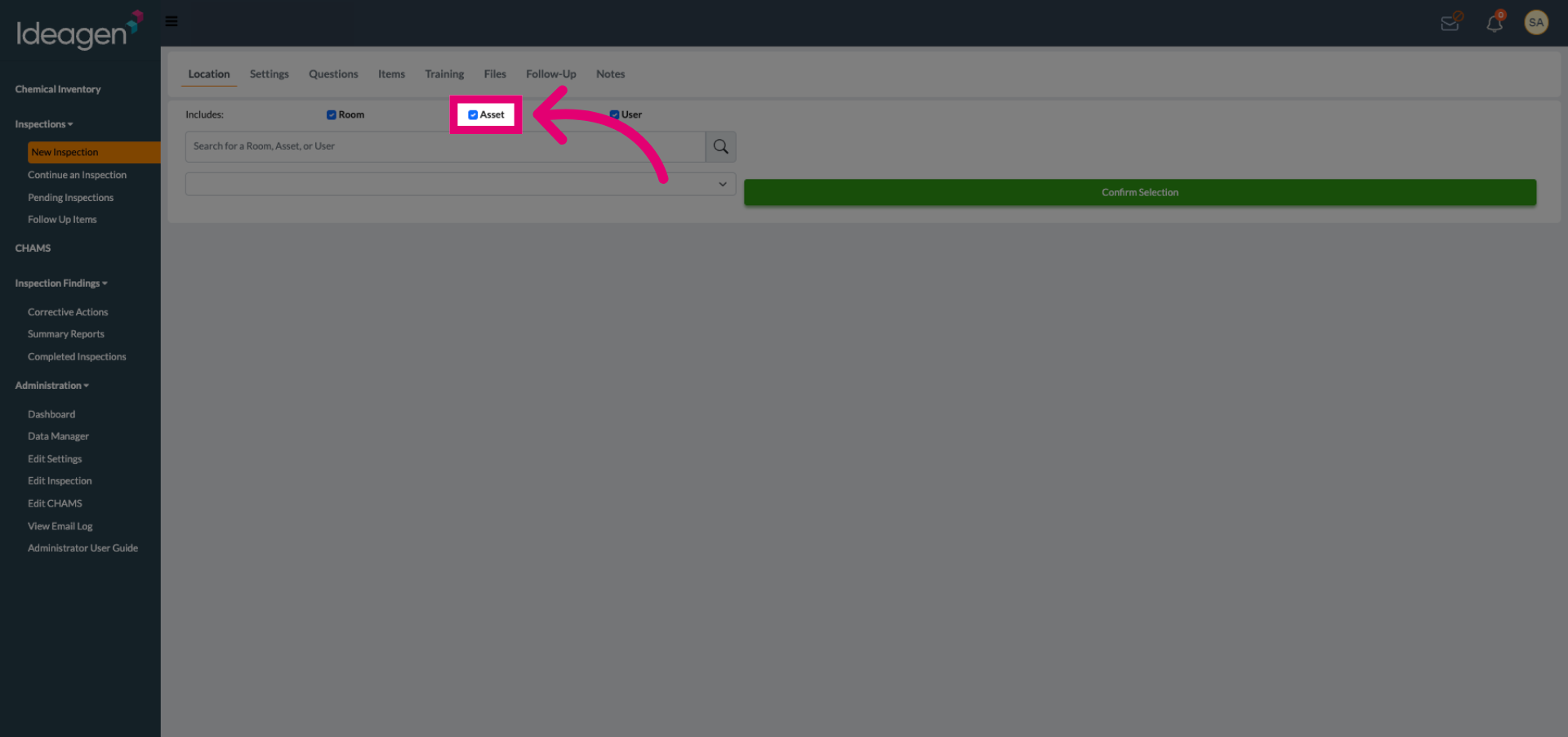
(Optional) Select the inspection type to reduce search results.
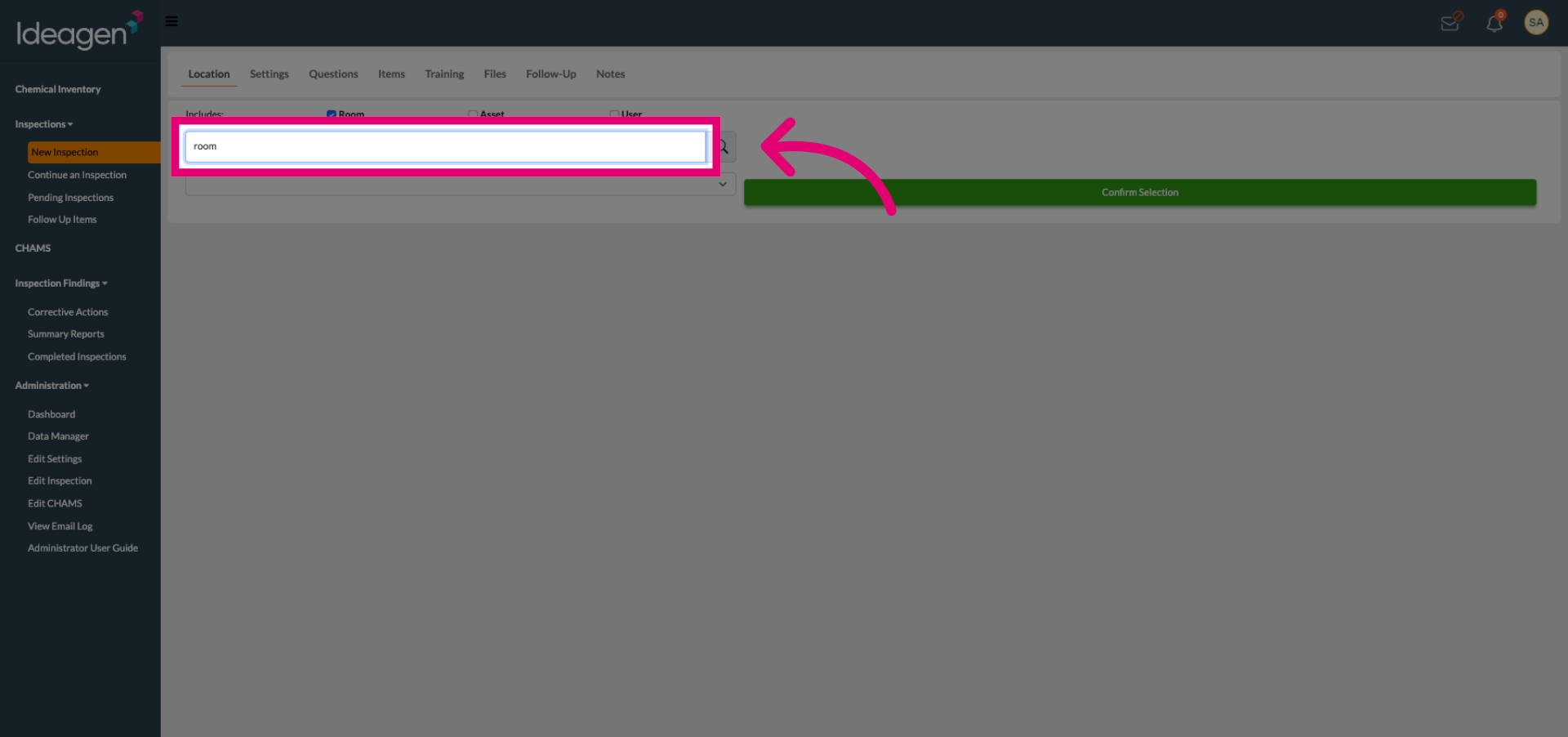
Search for the Inspectable Object.
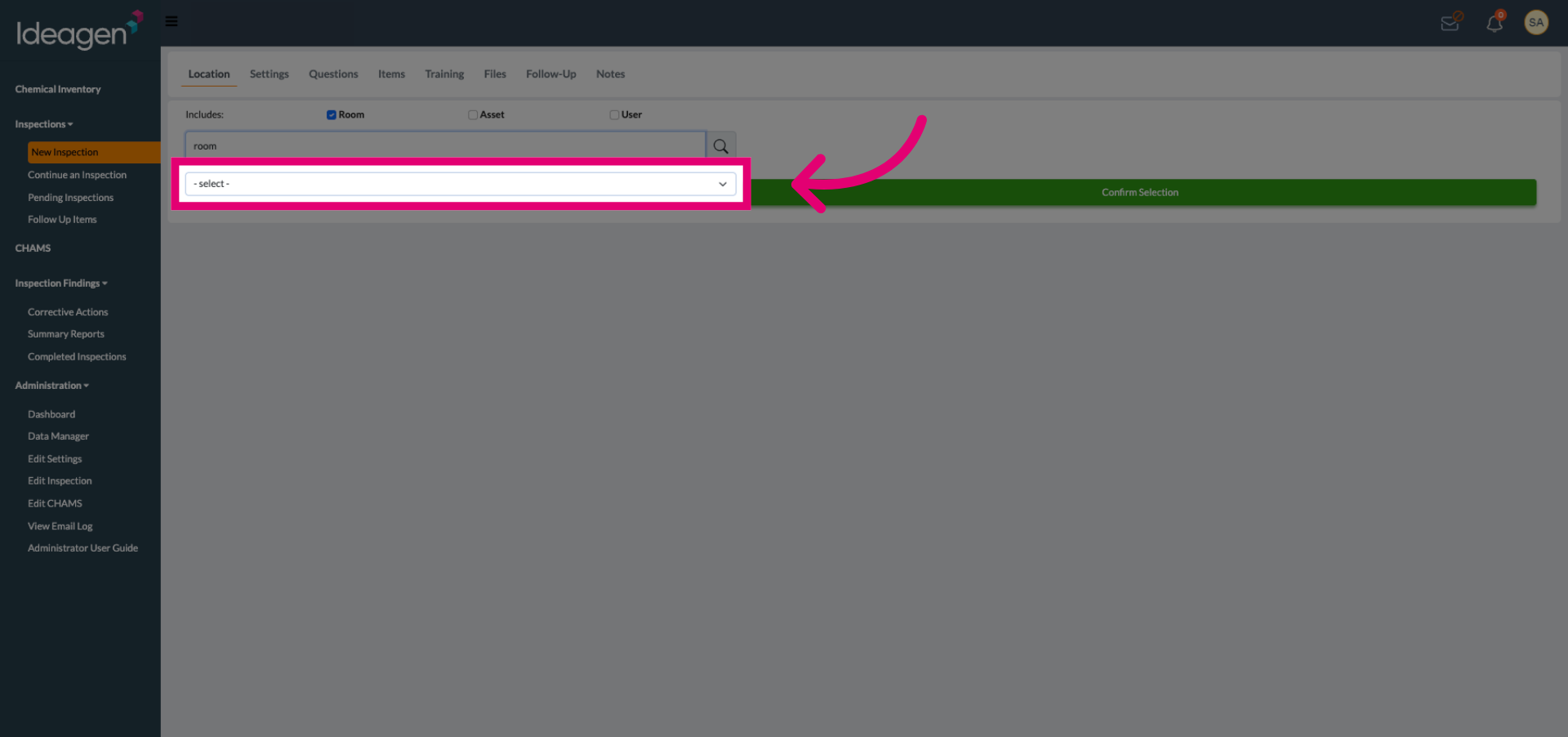
Click the inspection selection dropdown to view available objects.
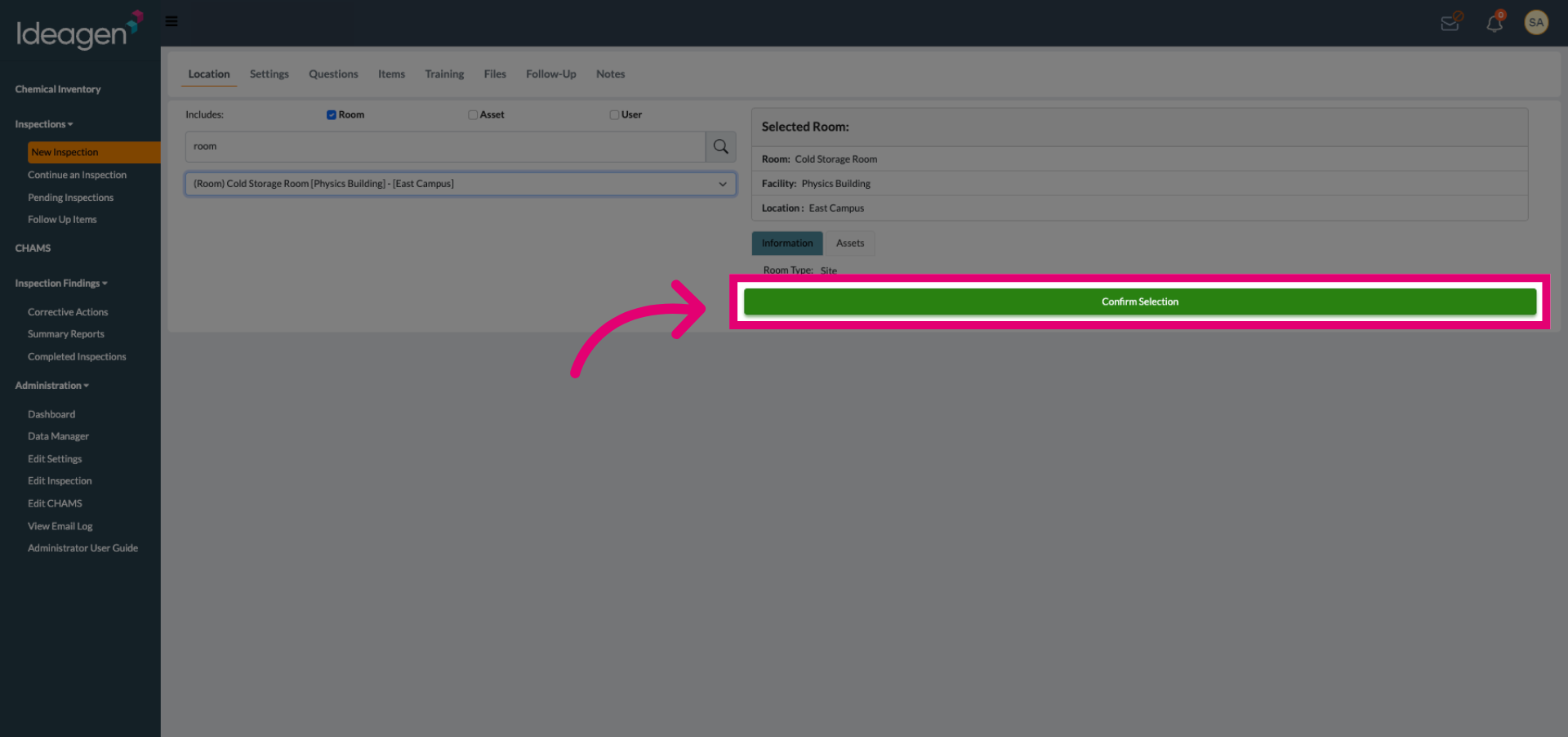
Click Confirm Selection to finalize the chosen object for the inspection.
Click the inspection template dropdown to choose a template for the inspection.
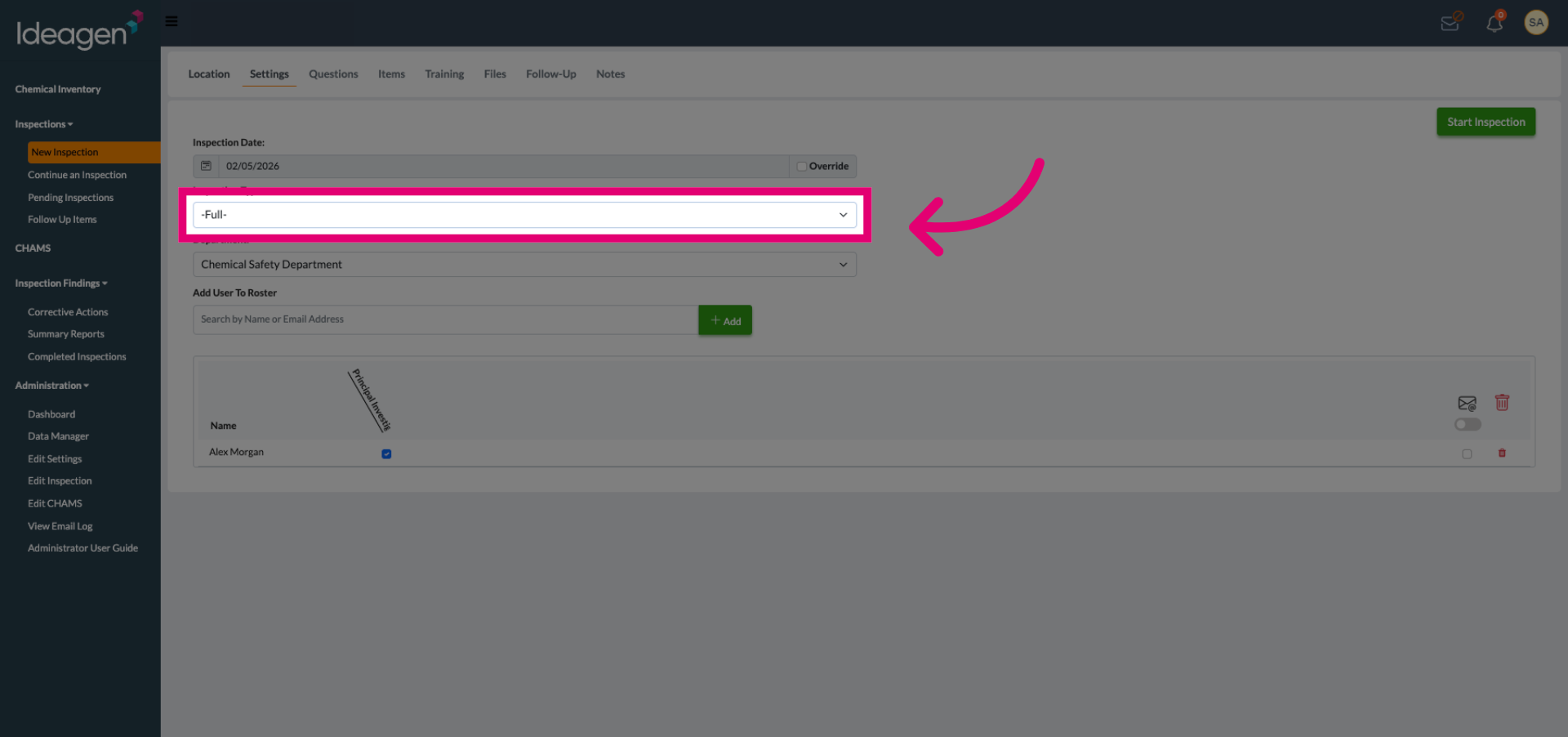
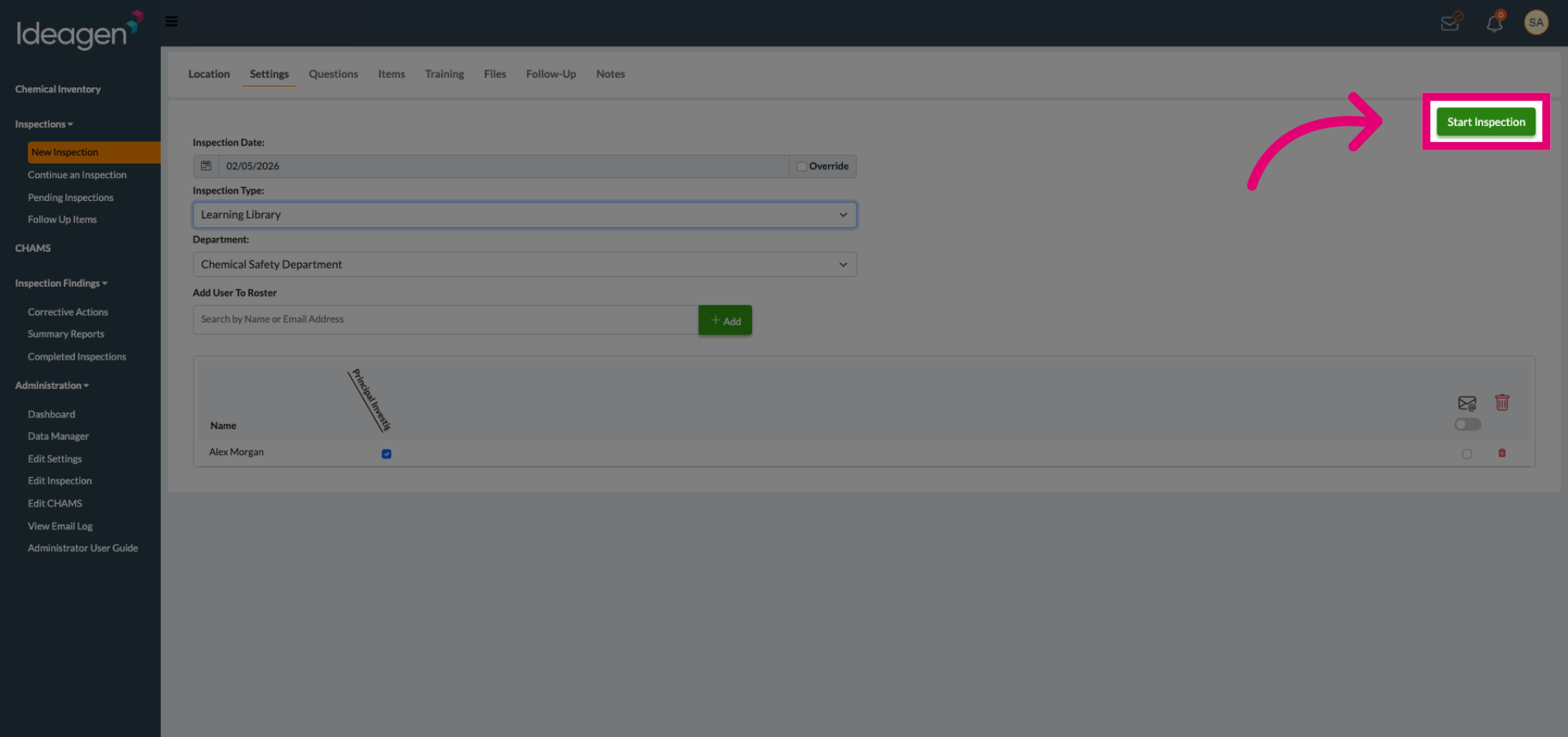
Click Start Inspection to begin the inspection using the selected settings and information.