New article
Recently updated
Configuring email notifications for inspection completion

Who is this article for?
Inspectors who want to learn to configure email notifications for inspection completion.
Inspection permissions are required.
This article explains how to configure email notifications to ensure users receive alerts when an inspection is complete.
You will learn the necessary steps to enable these notifications.
1. Configuring email notifications
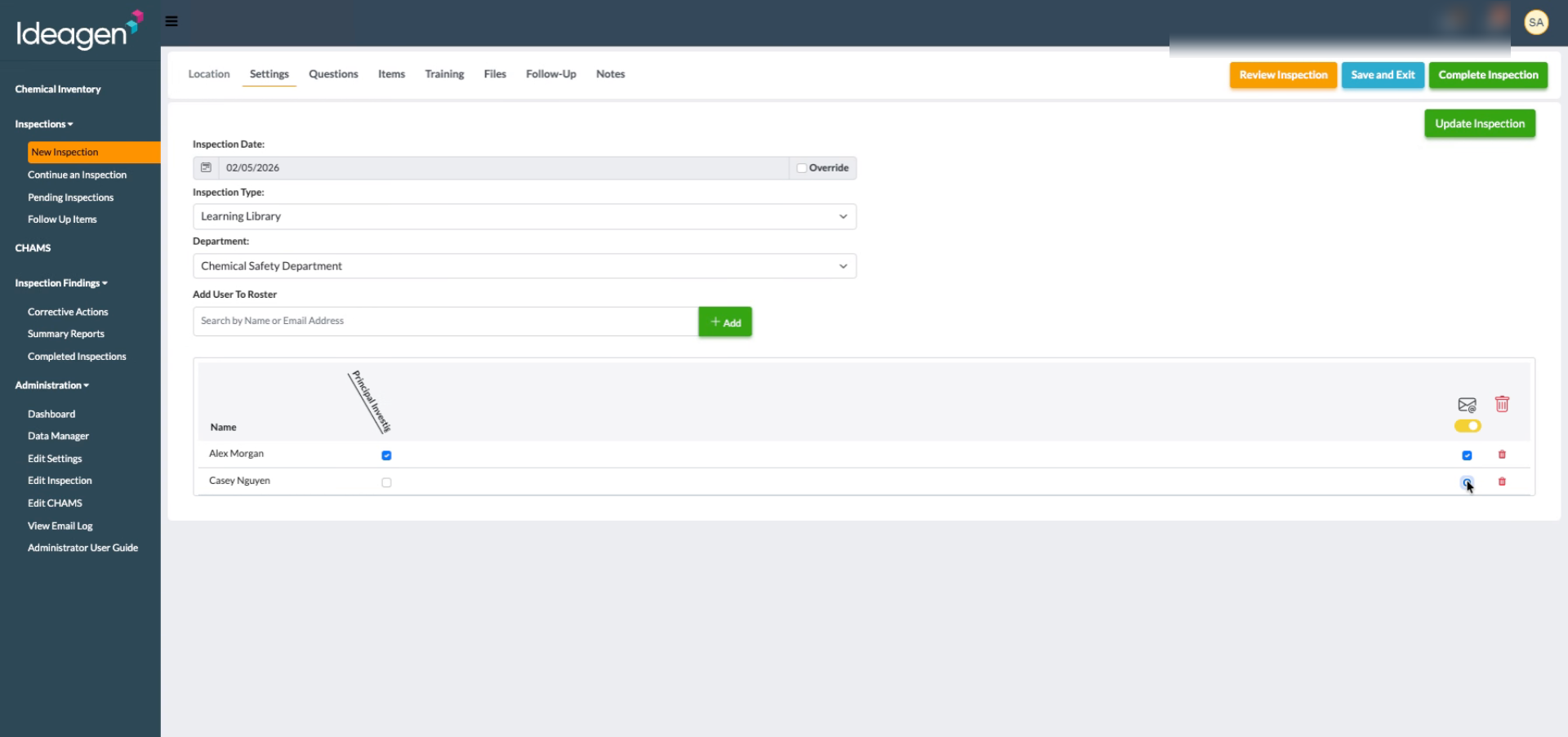
Review the introduction screen to understand the email notification configuration process.
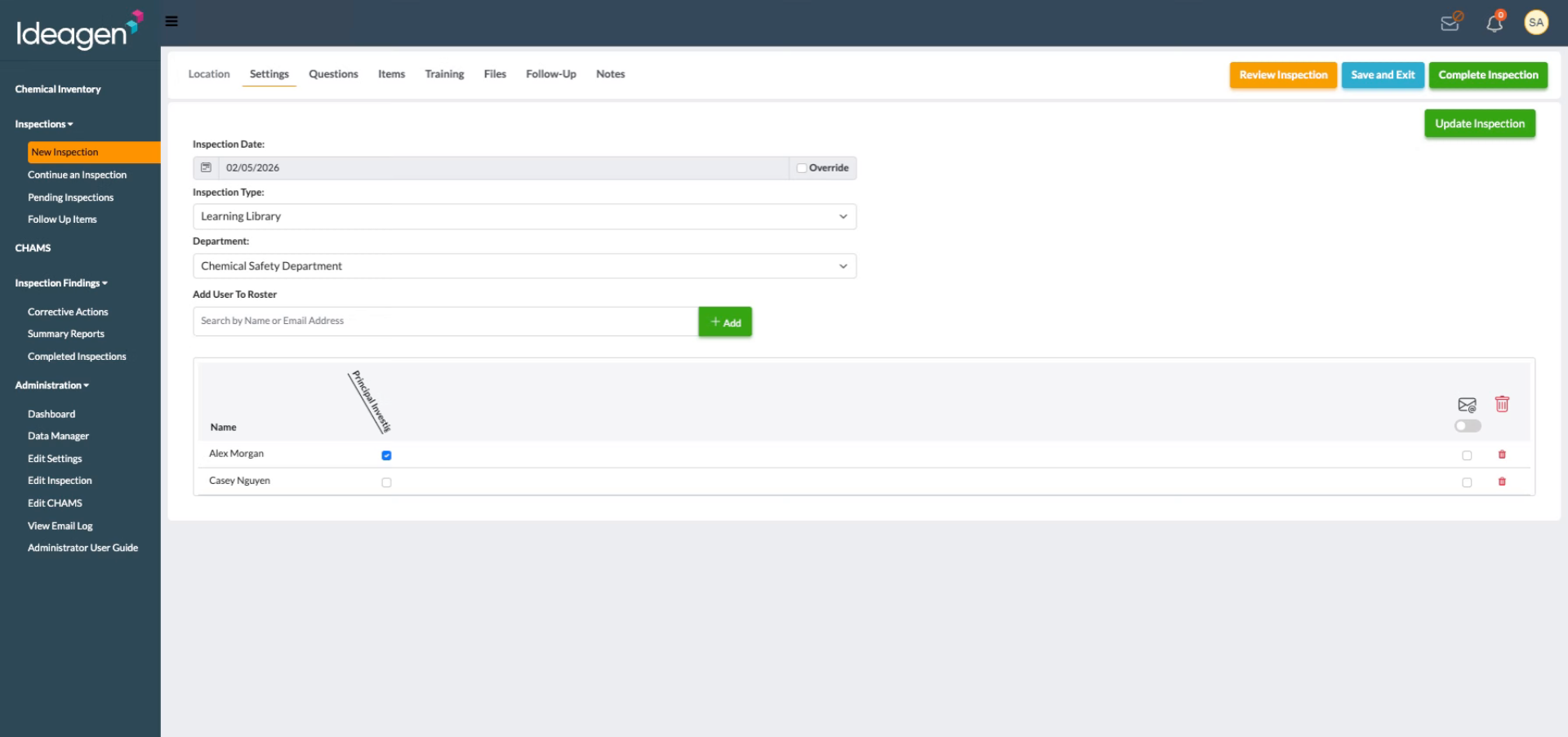
Click the option to receive email notifications for all users to ensure everyone is informed when an inspection is completed.
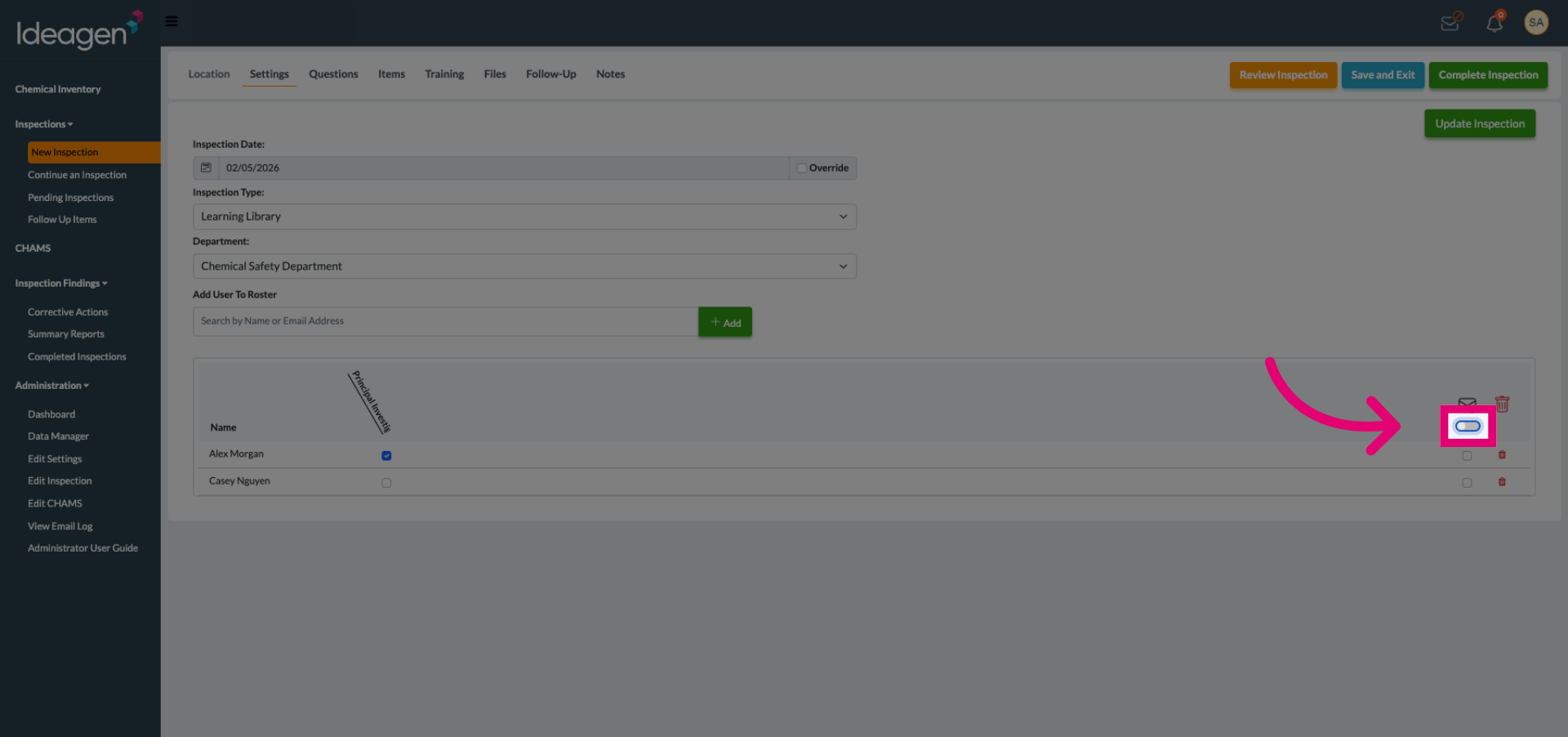
Click the setting labeled Receive Email? to configure individual email notification preferences.
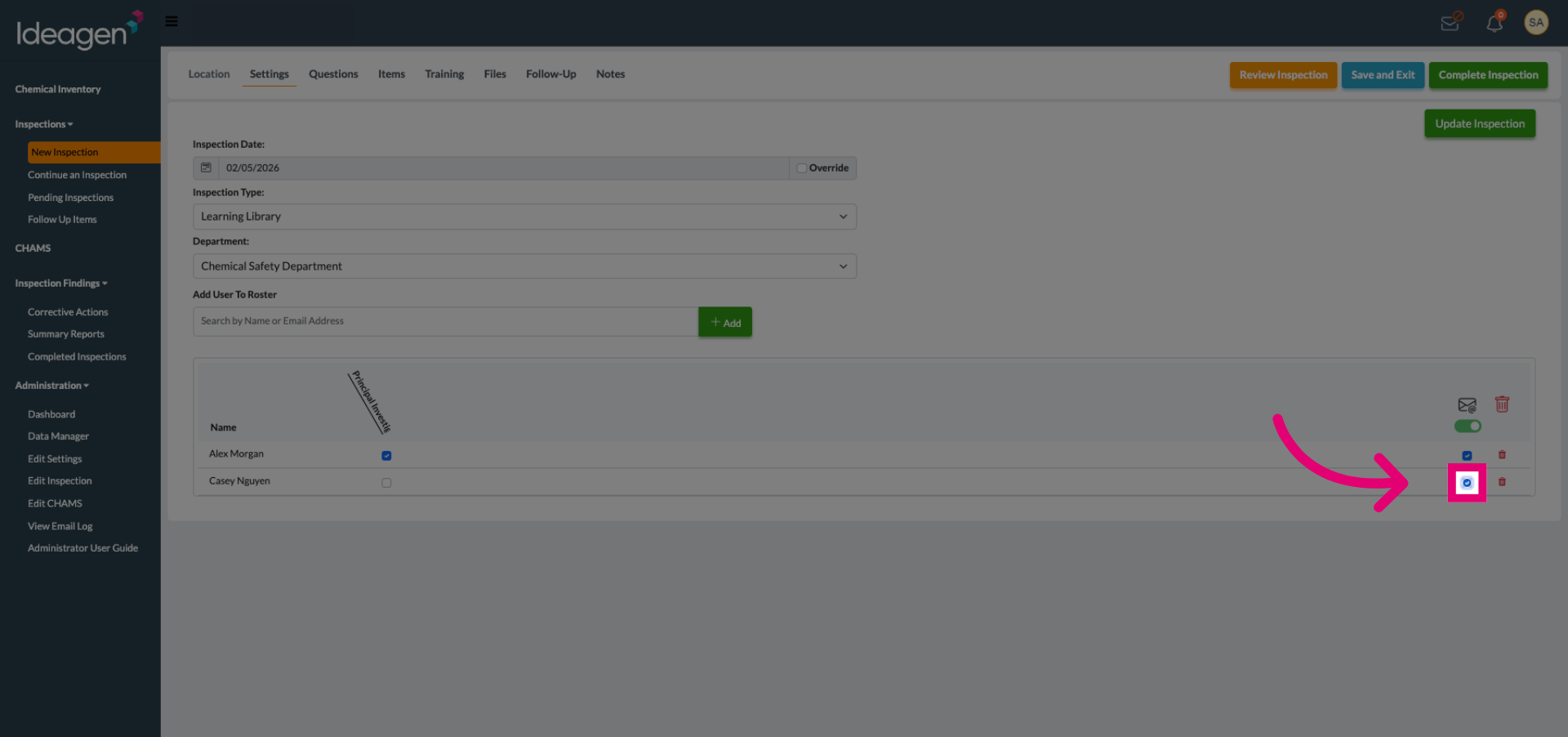
Choose the users to enable email alerts for, ensuring notifications are sent upon inspection completion to the intended users.