New article
Recently updated
Continuing a saved inspection

Who is this article for?
Inspectors who want to learn to continue a saved inspection.
Inspection permissions are required.
This article explains how to continue a saved inspection.
You will learn the steps to access and resume your previously saved inspection efficiently.
1. Continuing a saved inspection
-
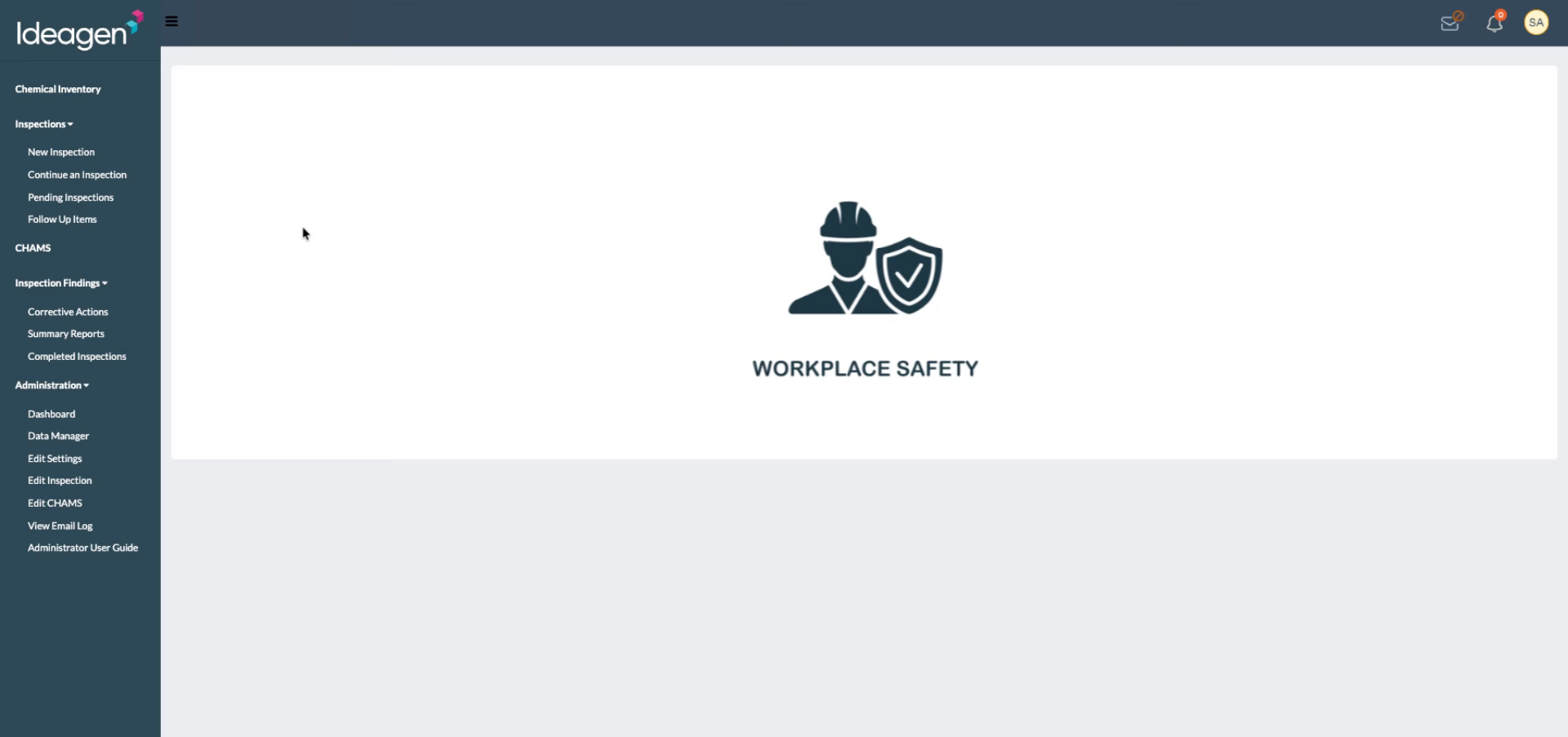
Navigate to awstest.labcliq.com.
-
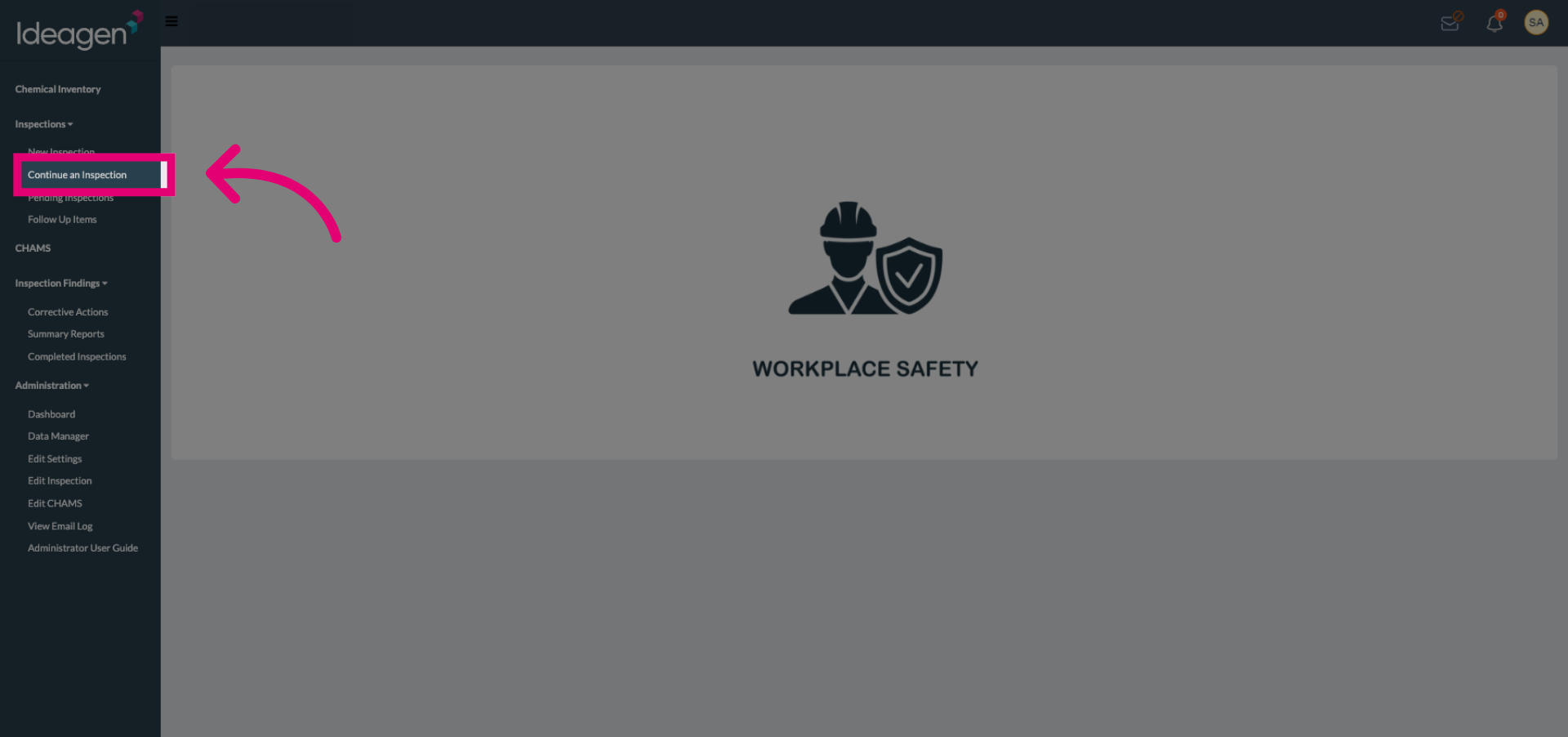
Select the Continue an Inspection option to begin resuming your saved inspection.
-
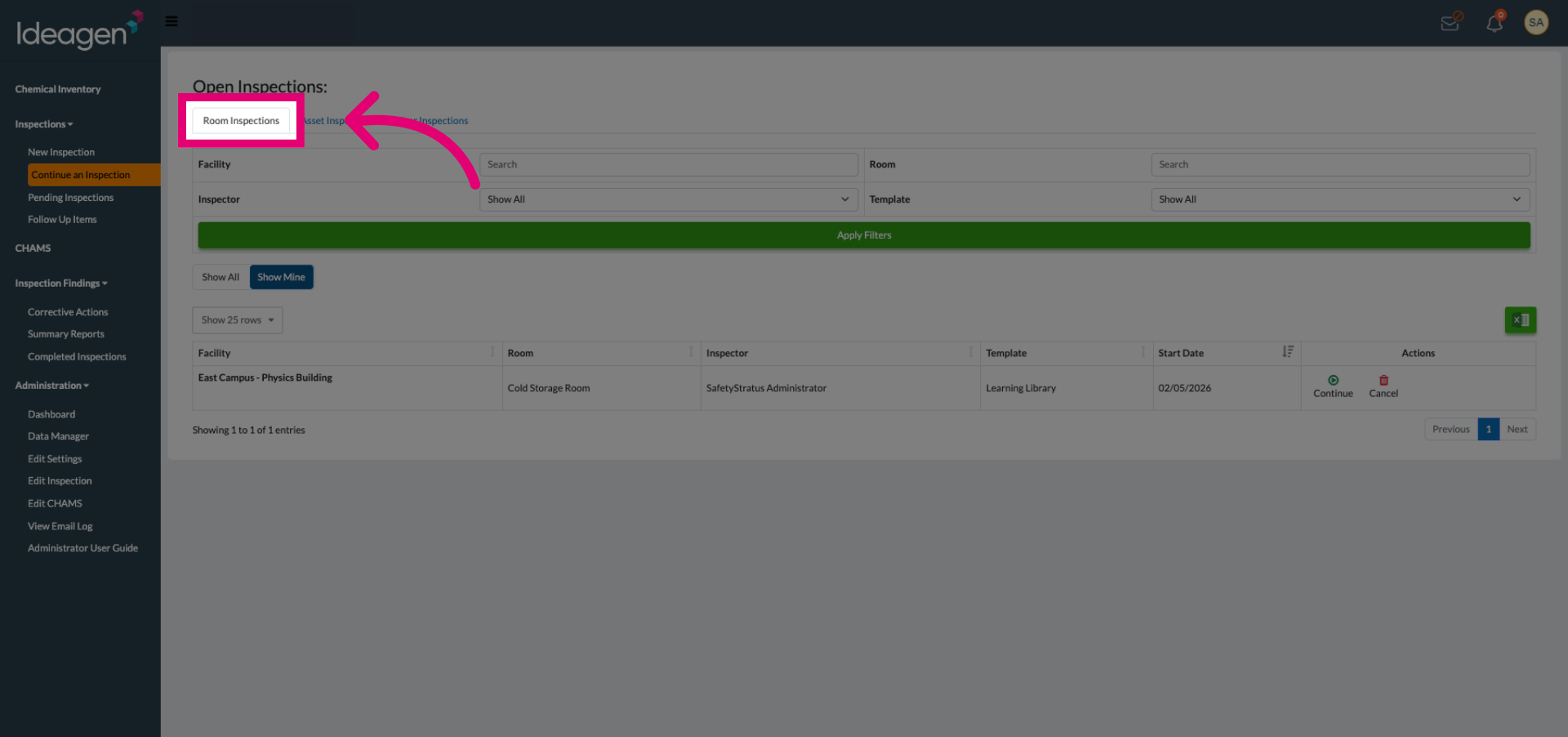
Select the Inspection Type to view the list of inspections related to a specific type of Object.
-
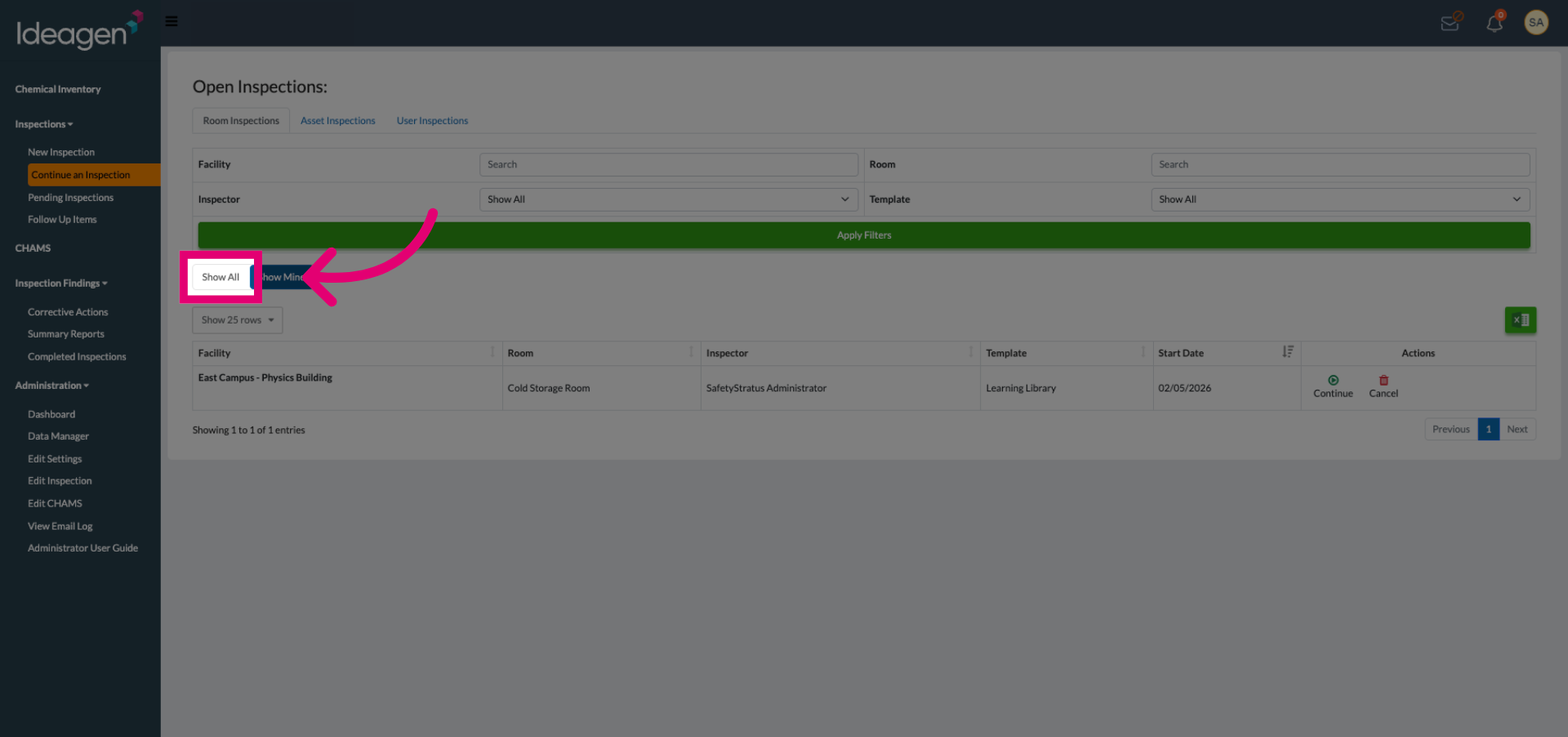
Click Show All to display every saved inspection available in the system.
-
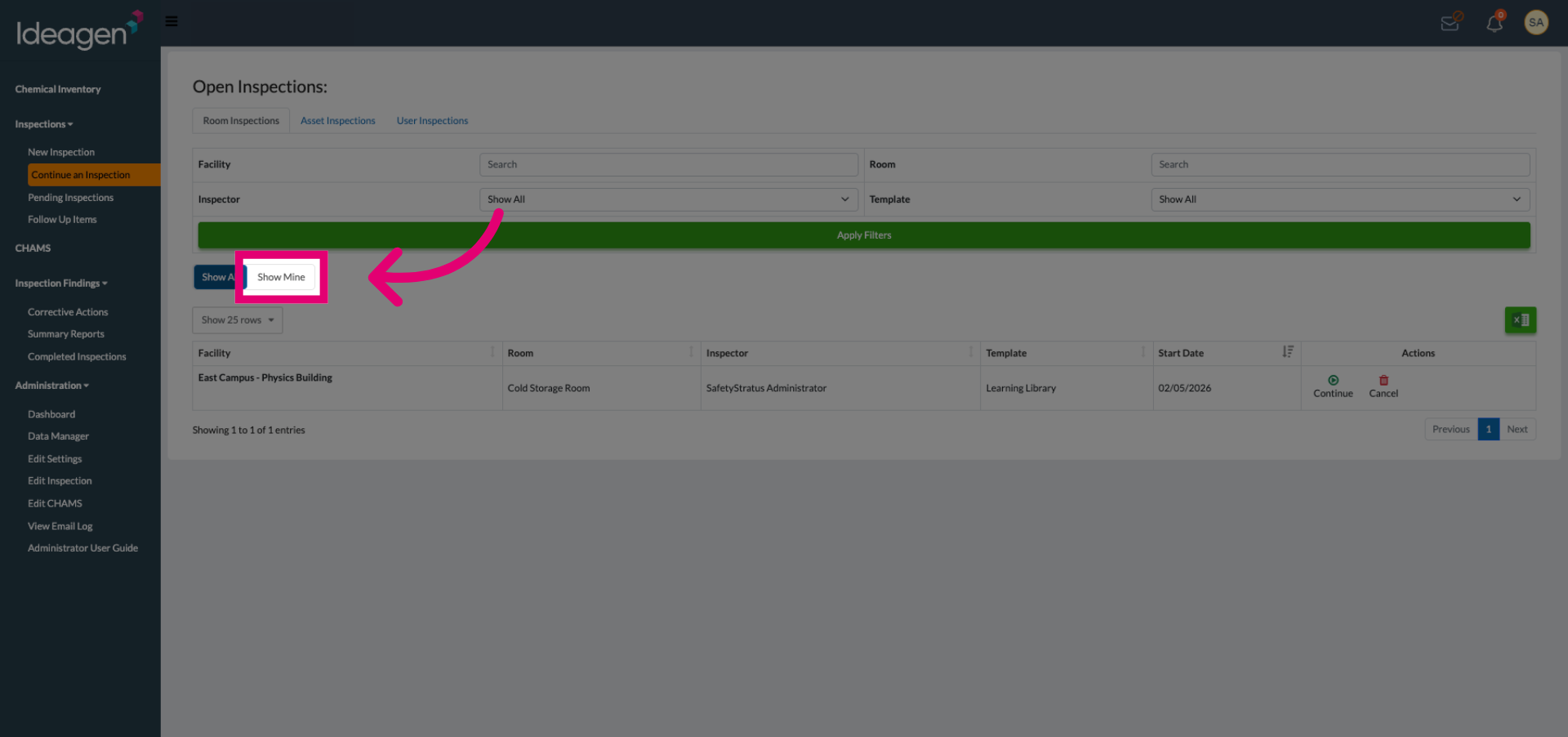
Click Show Mine to filter and display only the inspections started by you.
-
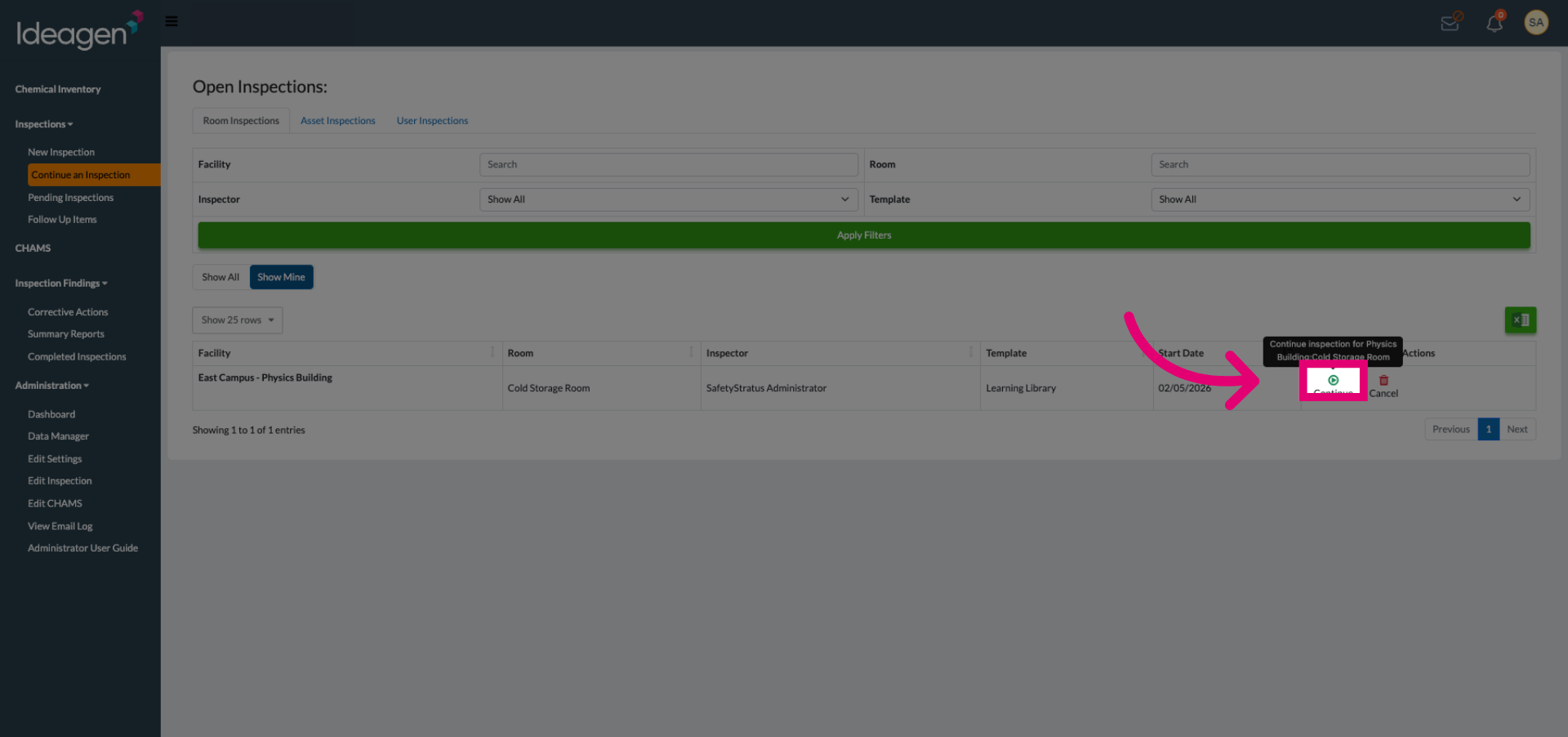
Click the inspection you want to continue and proceed with the process.