New article
Recently updated
Viewing a completed LATCH PPE assessment

Who is this article for?
Users who need to view a completed LATCH PPE assessment.
No special access or permissions are required.
This article explains how to find your completed LATCH (PPE) assessments within SafetyStratus.
You will learn how to navigate to the assessments tab, filter completed assessments, and review assessment details.
1. Accessing and Viewing Completed LATCH PPE Assessments
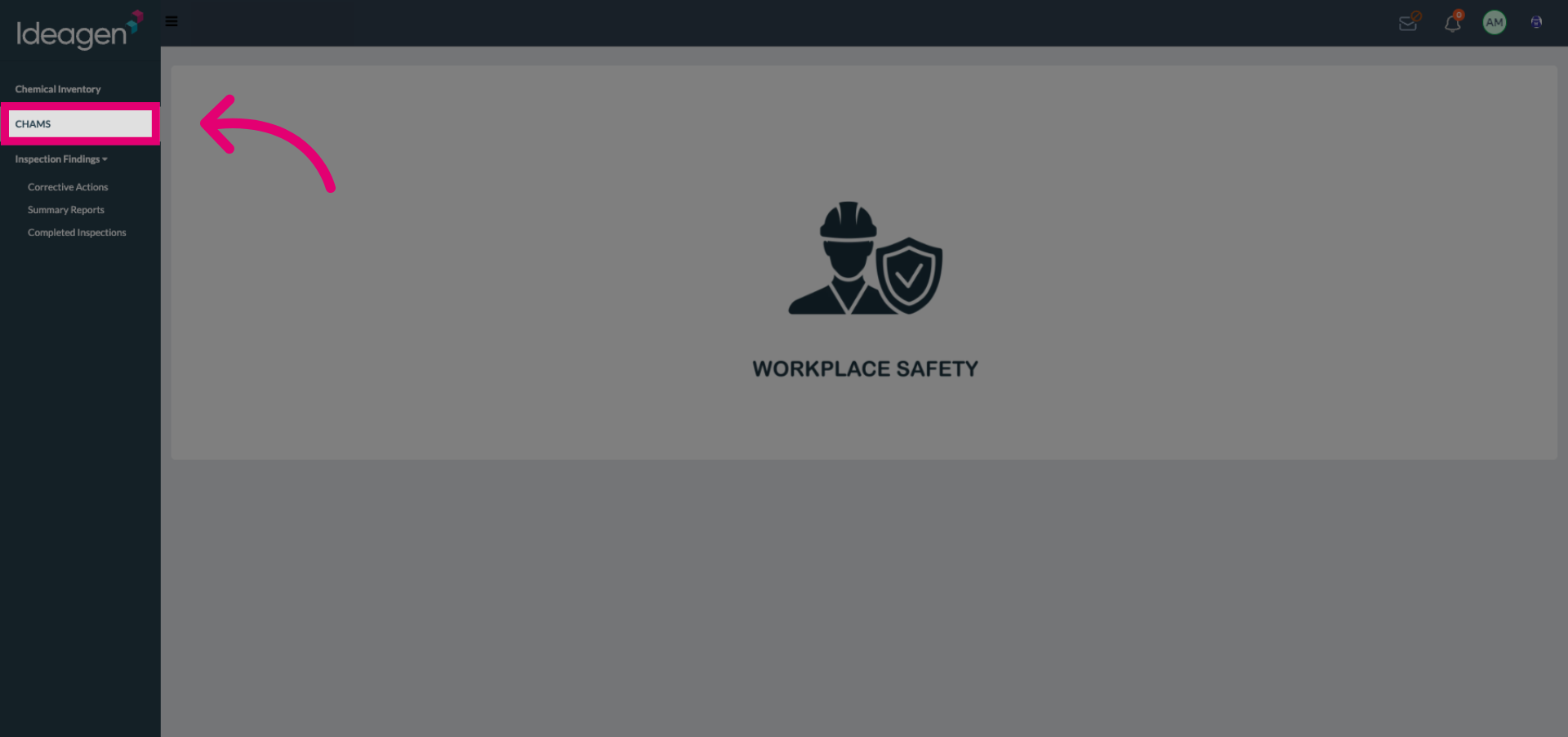
Click the assessments tab in the CHAMS Module.
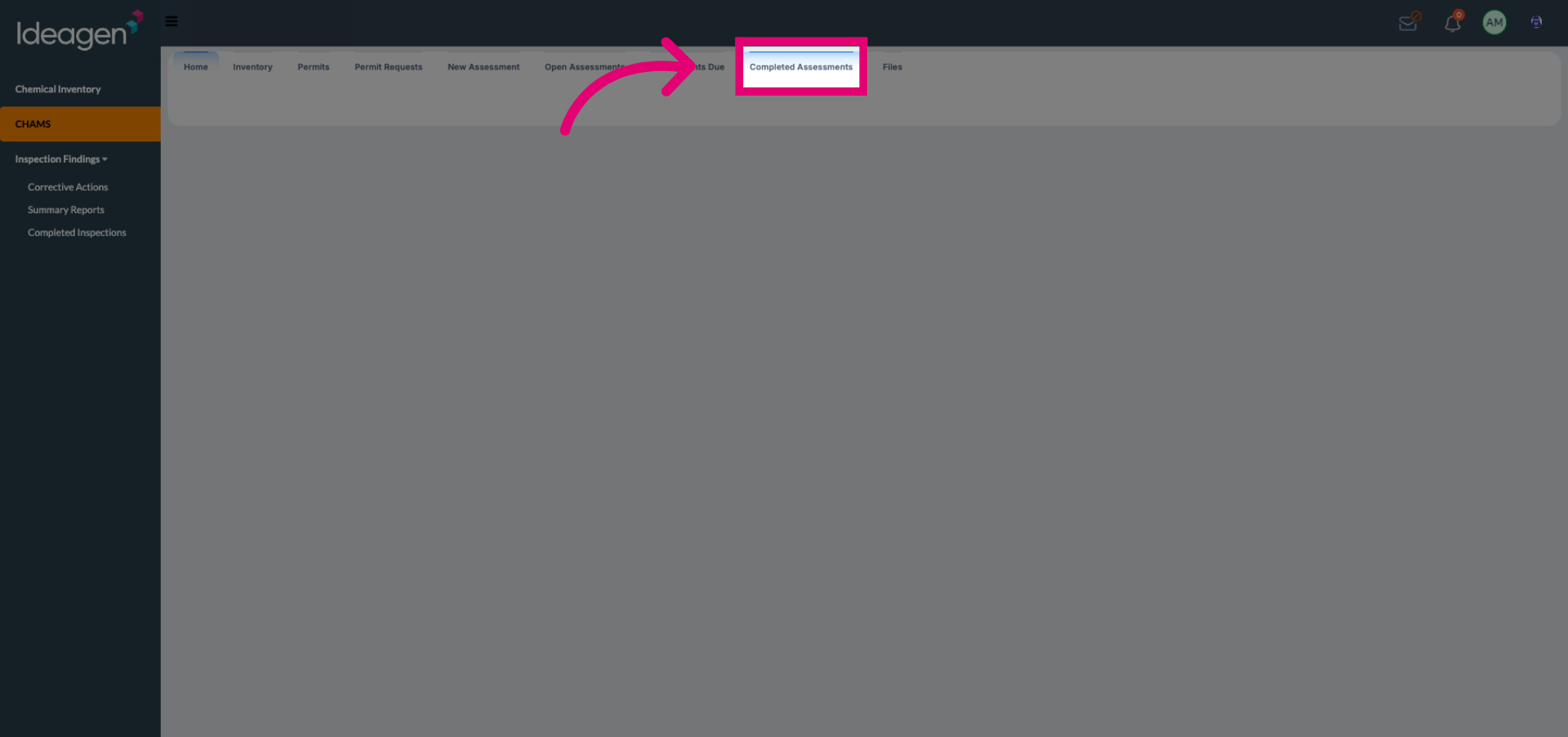
Click Completed Assessments to view all assessments that have been finalized.
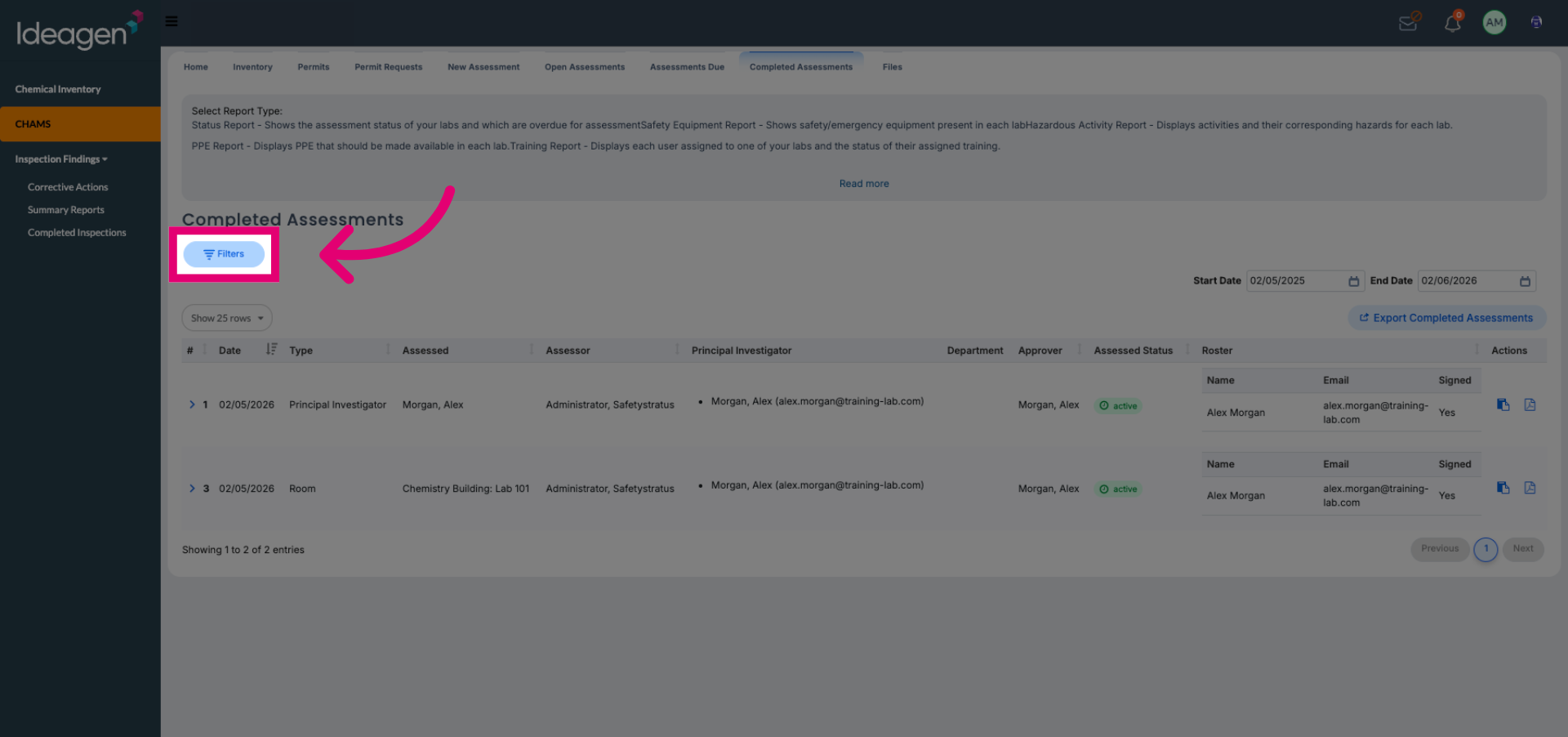
Click Filters to refine the list of completed assessments based on specific criteria.
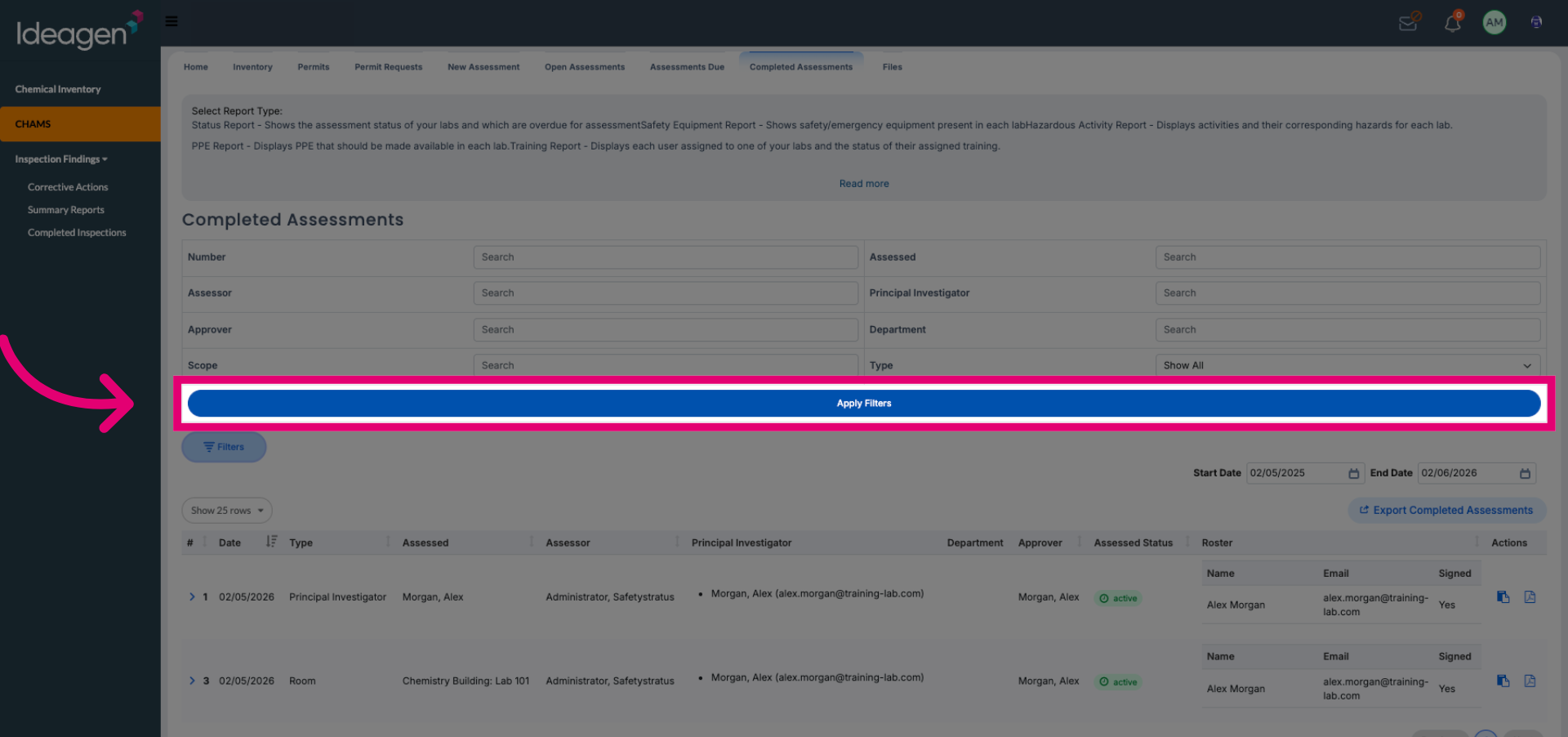
Click Apply Filters to update the assessment list according to your chosen filter settings.
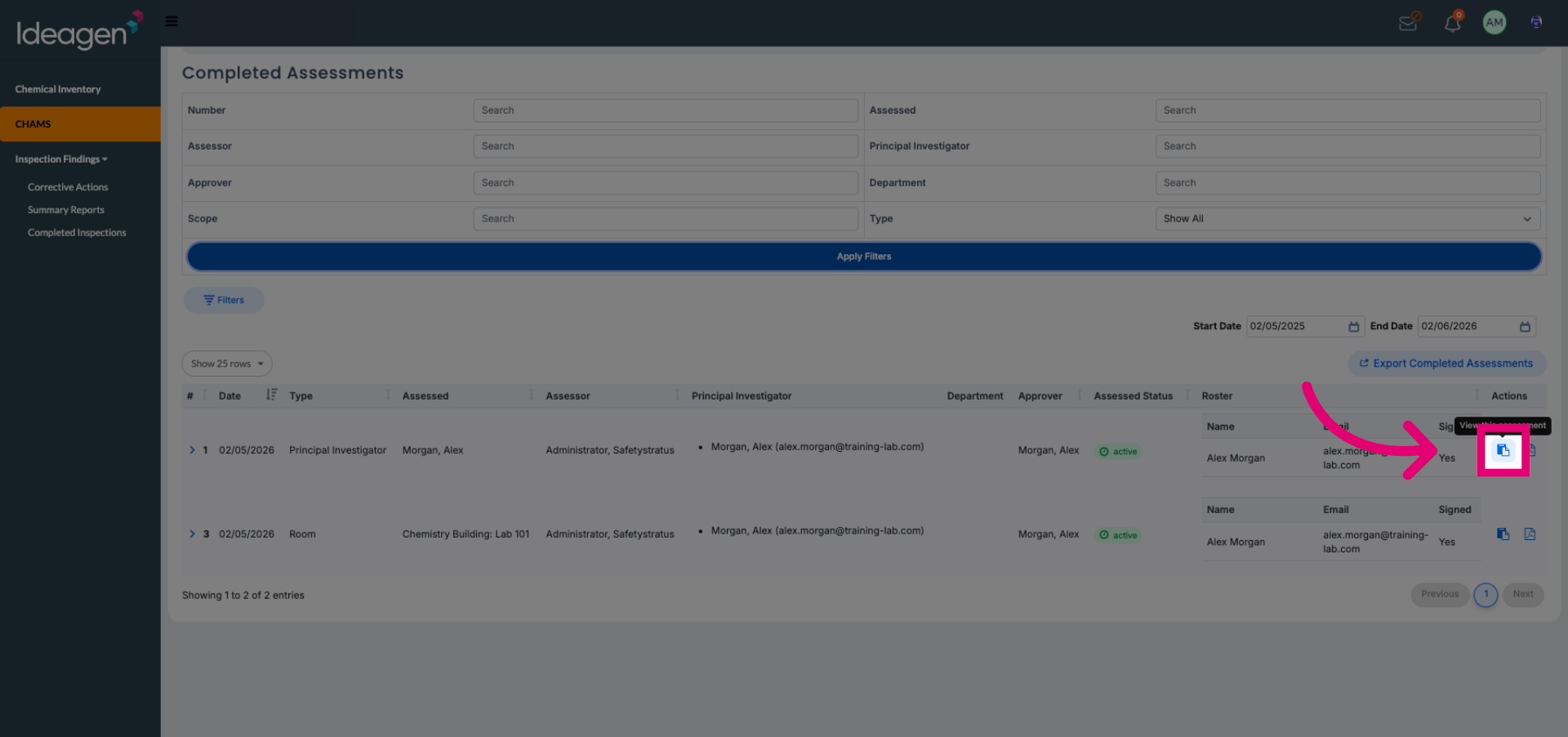
Click the desired completed assessment from the filtered list to review its details.