New article
Recently updated
Viewing a completed inspection

Who is this article for?
Users who need to view a completed inspection.
Inspector role is required.
This article explains how to view completed inspections within SafetyStratus.
You will learn how to access, filter, and review the full details of completed inspections.
1. Viewing Completed Inspections
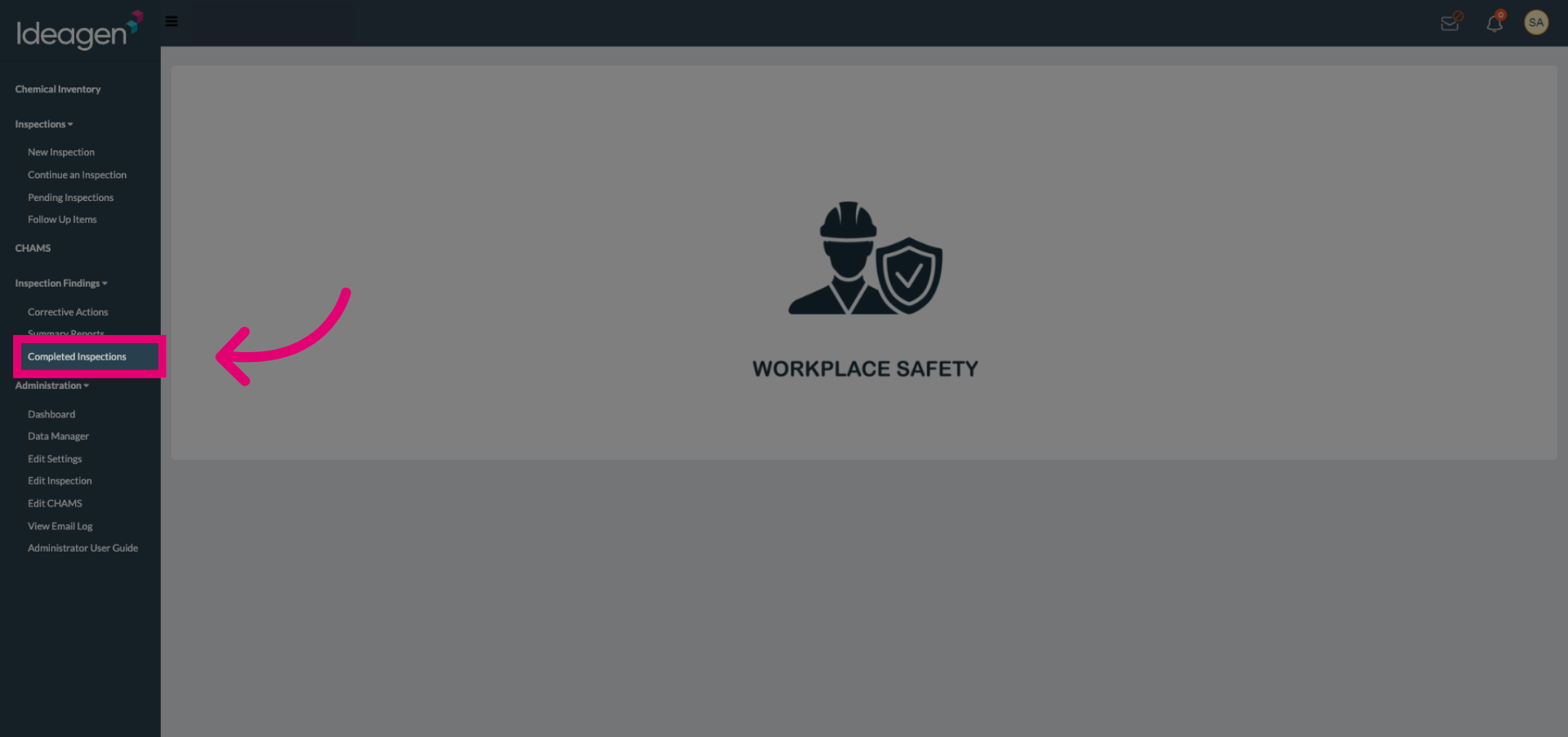
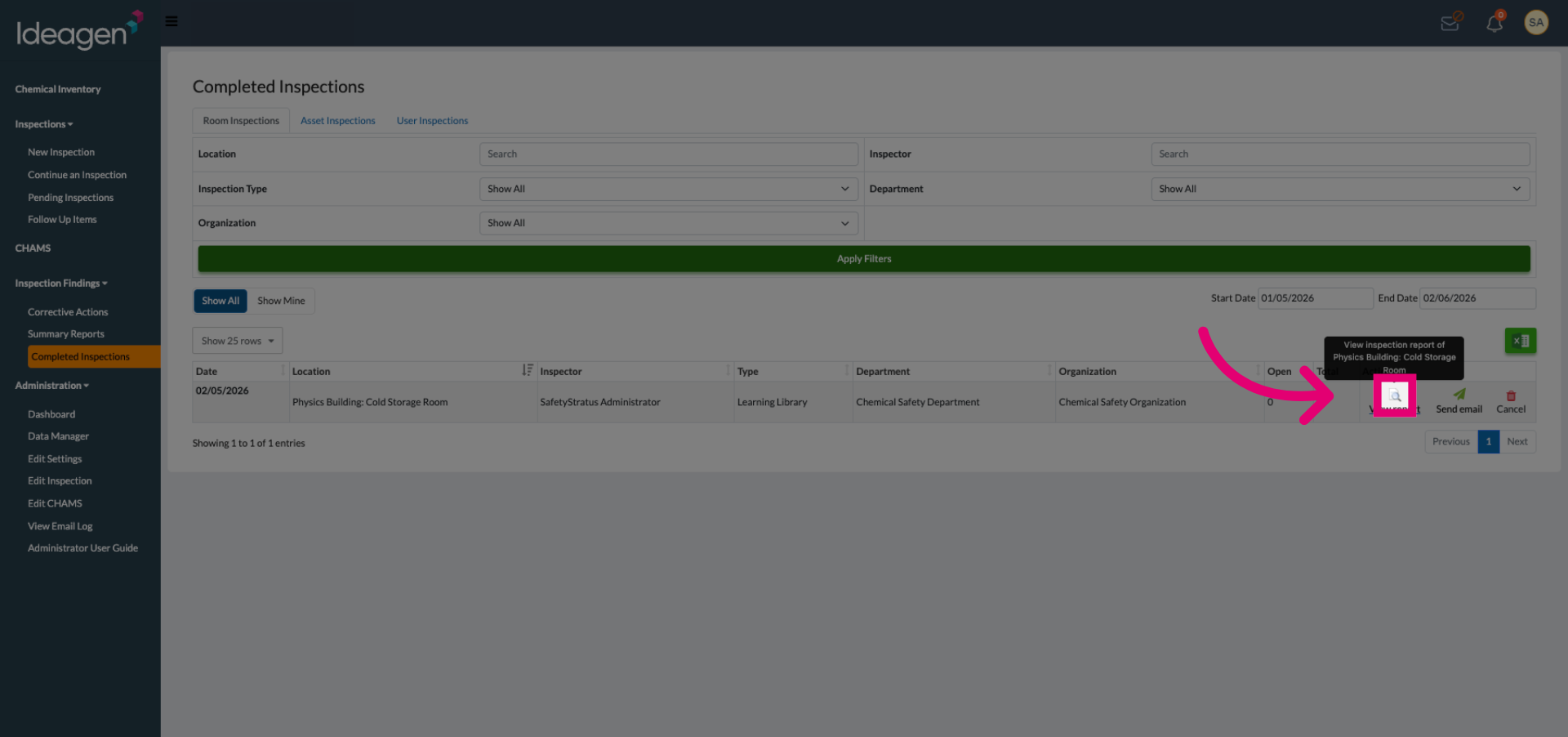
Select the Completed Inspections tab to access the list of inspections that have been finished.
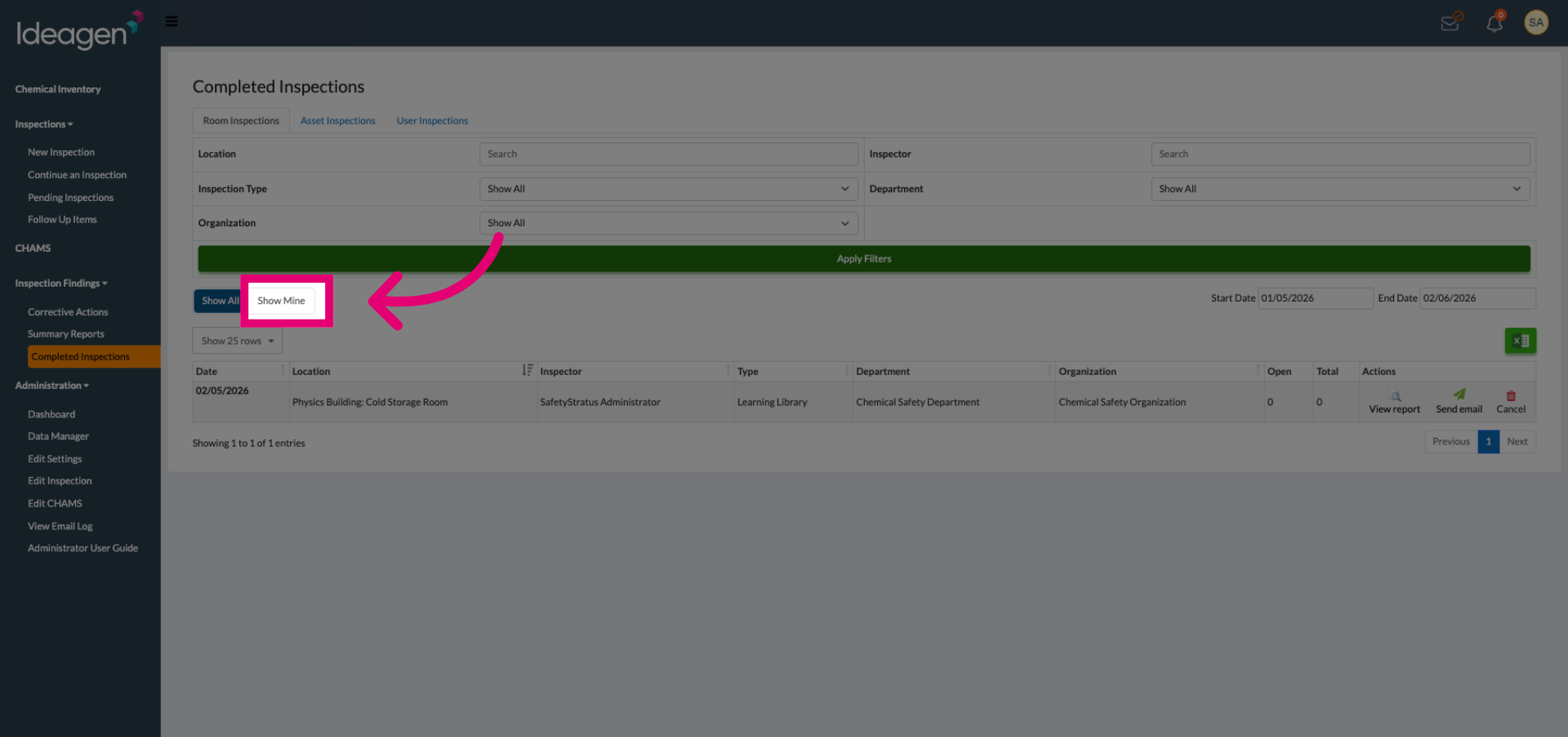
Select Show Mine to filter and display only the inspections completed by you.
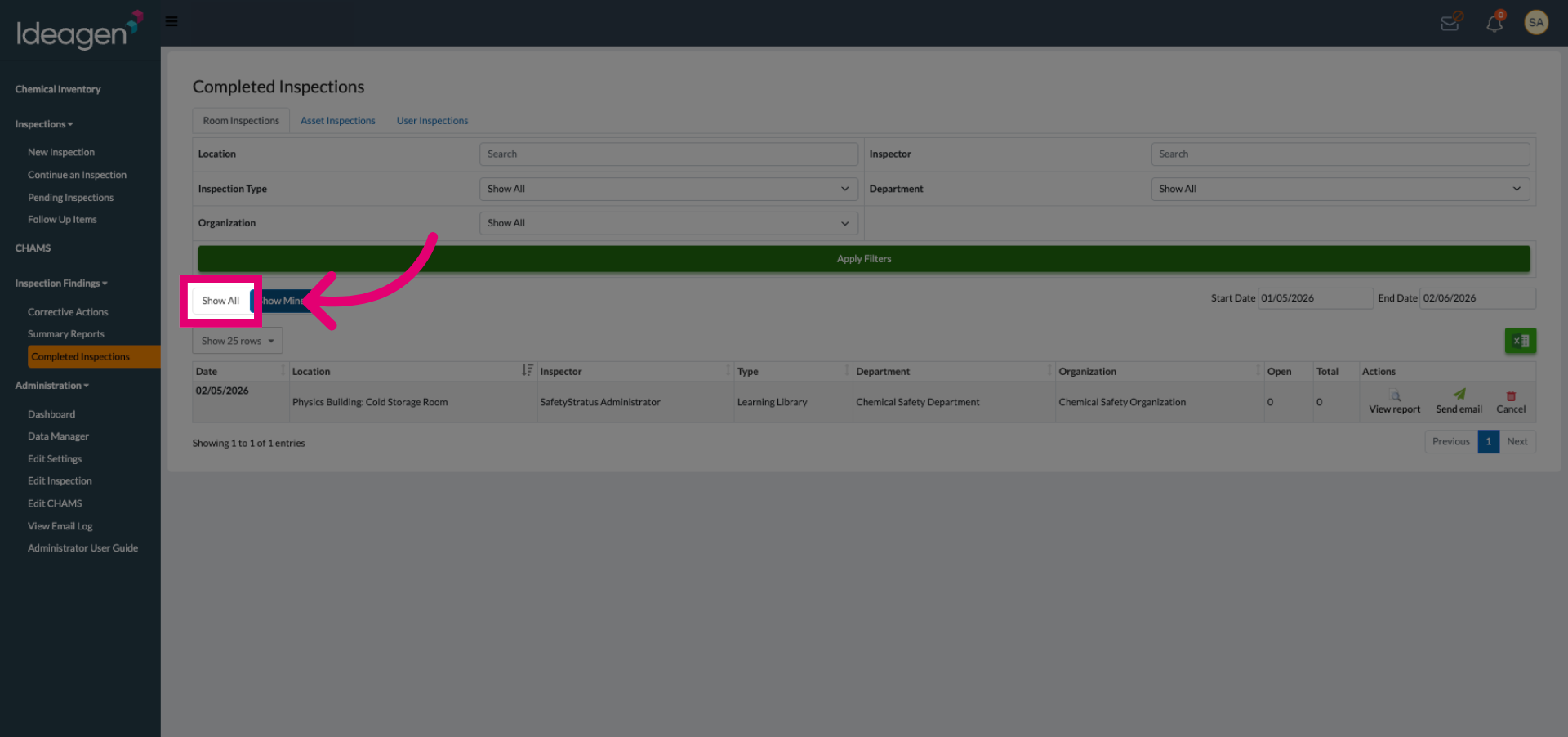
Click Show All to view all completed inspections regardless of who completed the inspection.
Click the inspection entry you want to review to open its details.
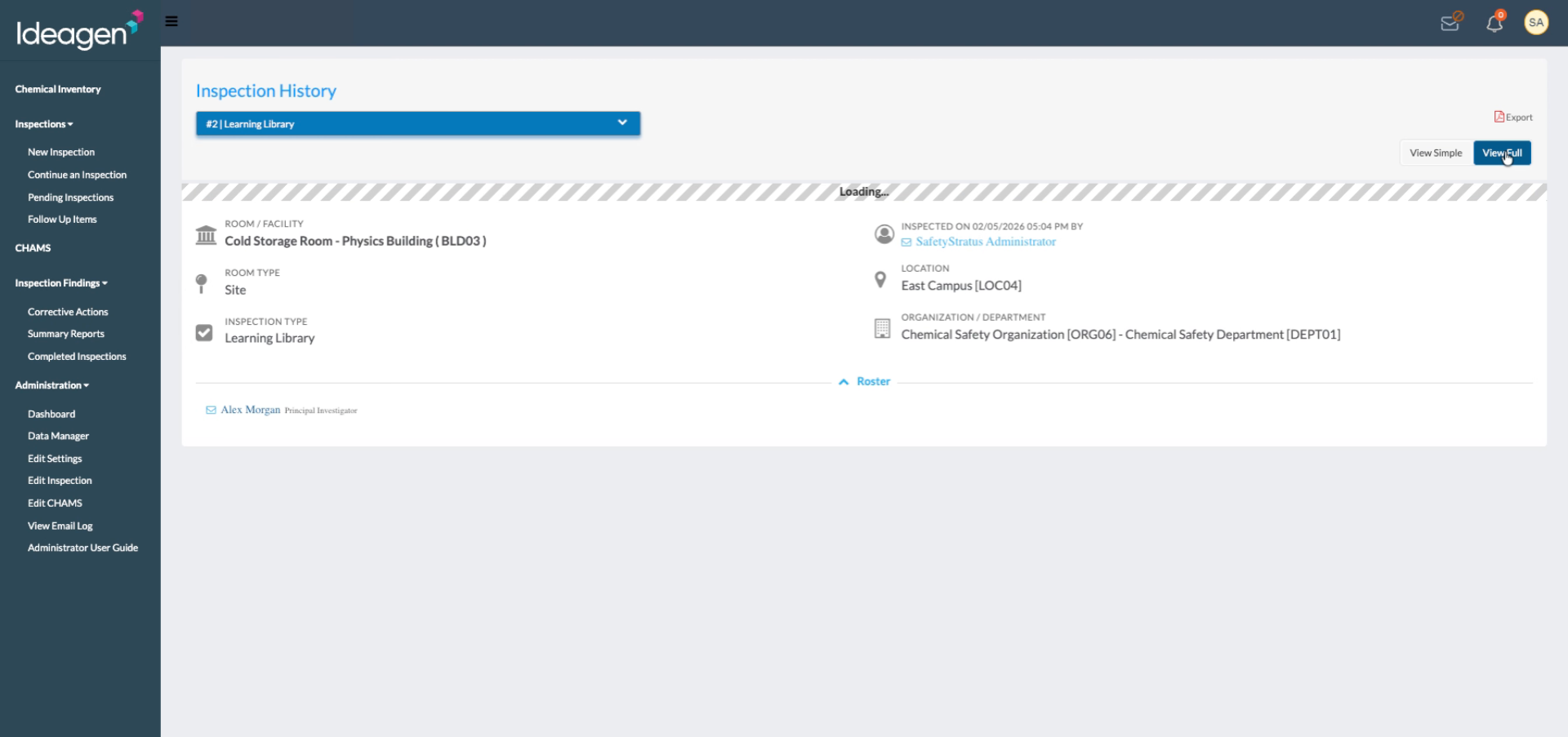
Click View Full to see the complete details of the selected inspection.
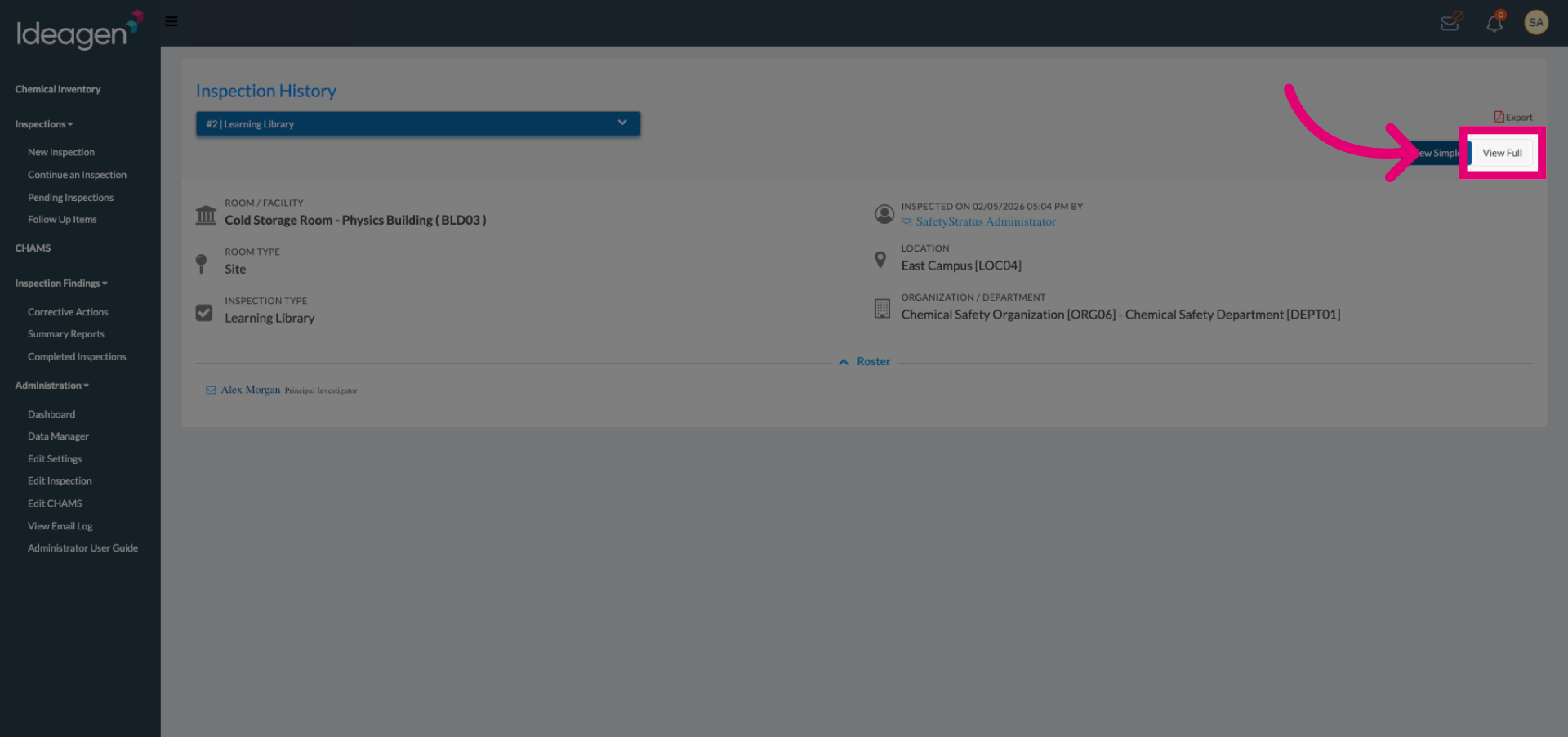
You are now able to see the full Inspection Report.