New article
Recently updated
Adding a permit record

Who is this article for?
Administrators responsible for permit management.
Administrator role is required.
This article walks you through the process of adding a new permit record.
1. Adding a permit record
To add a permit record:
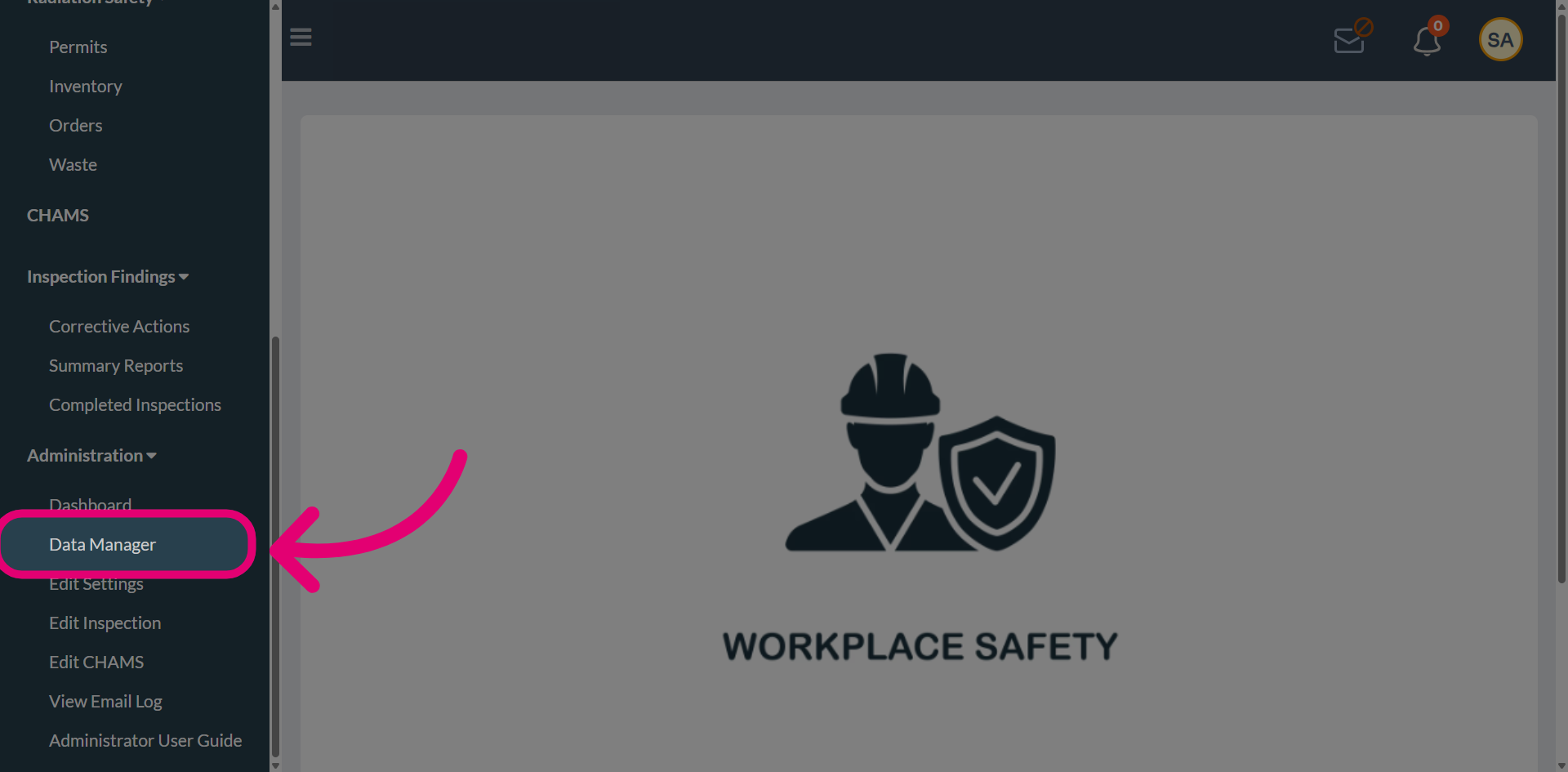
- Open the Administration menu.
- Select Data Manager.
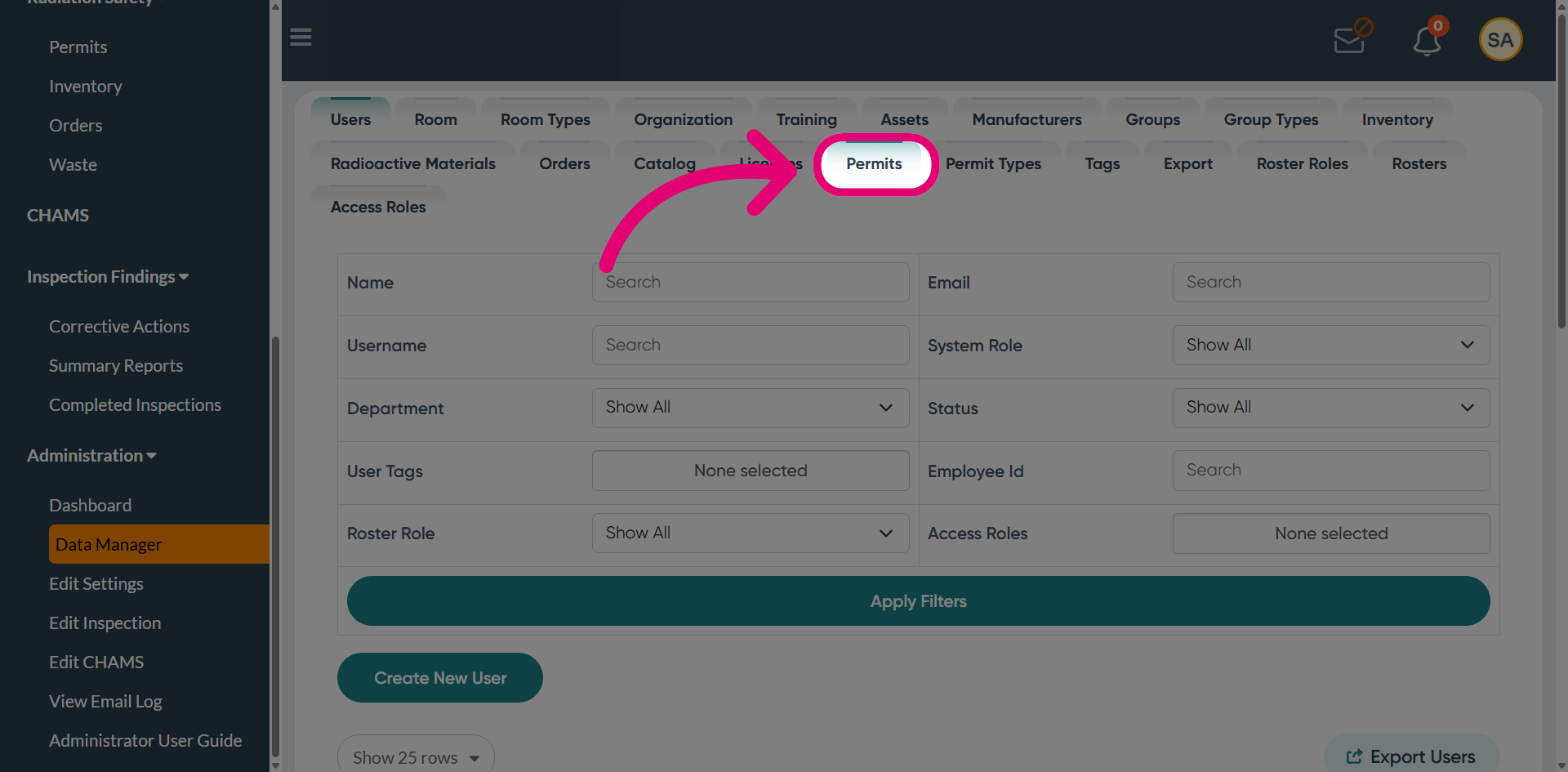
- Switch to the Permits tab.
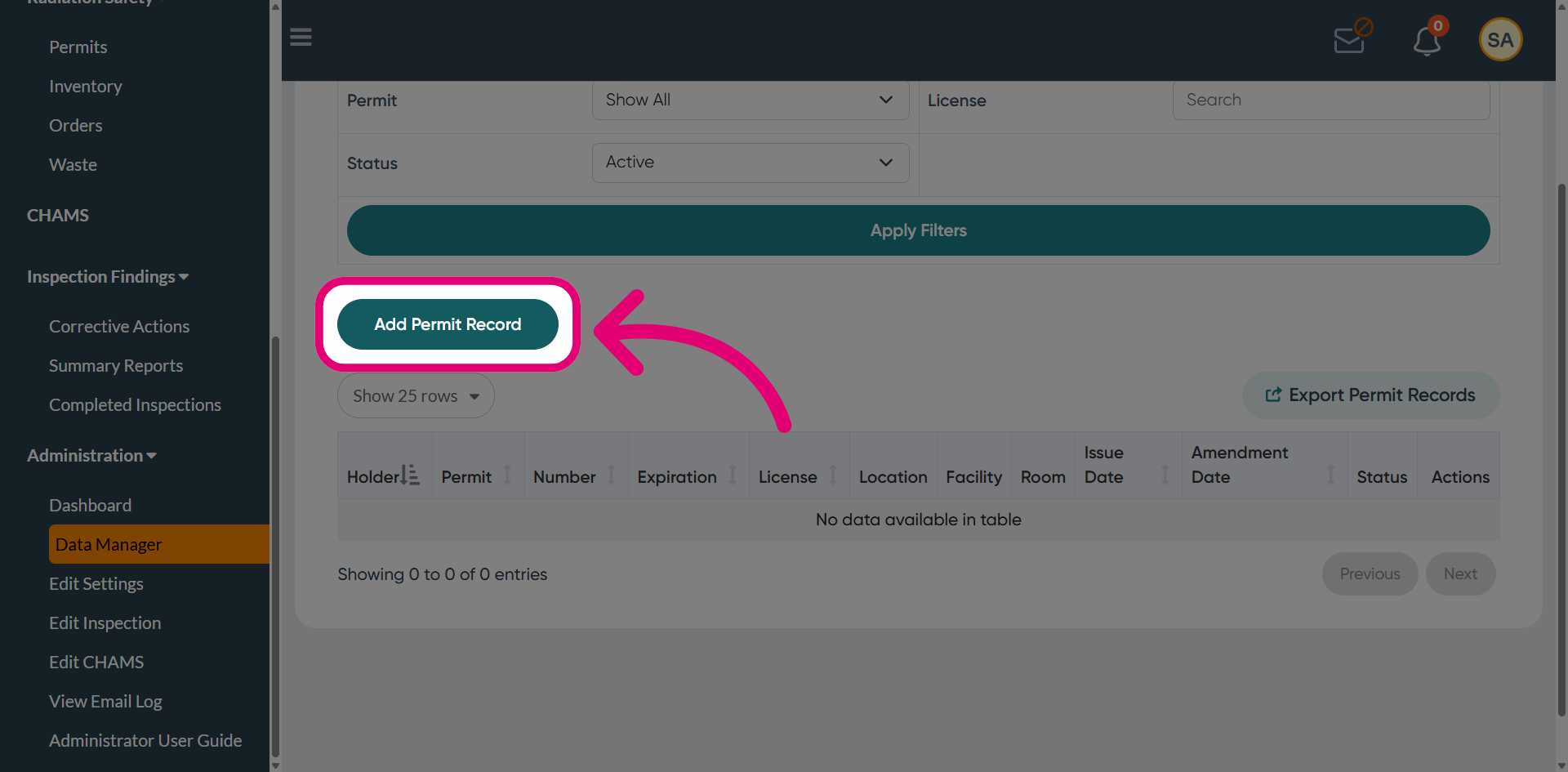
- Click Add Permit Record.
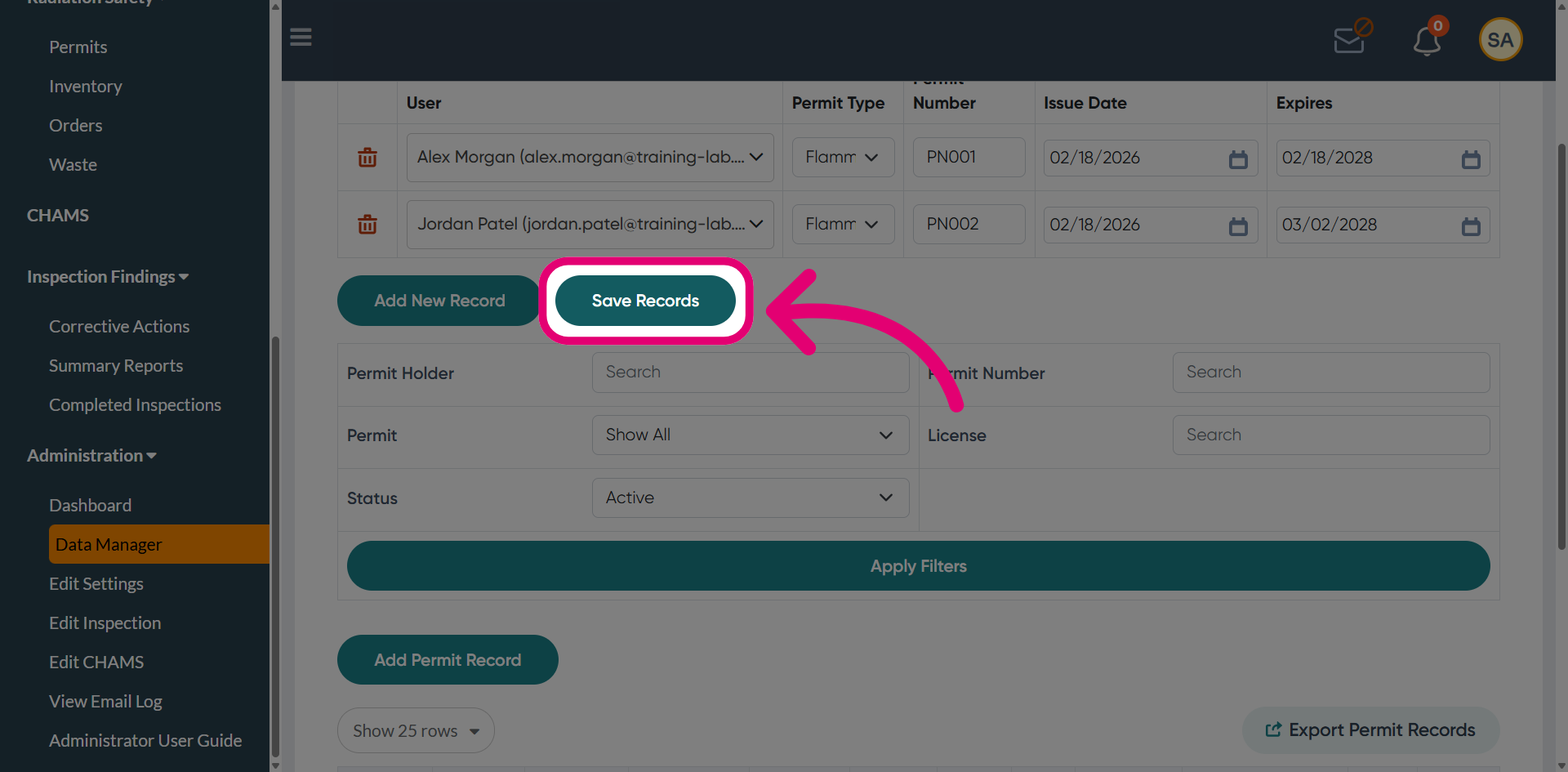
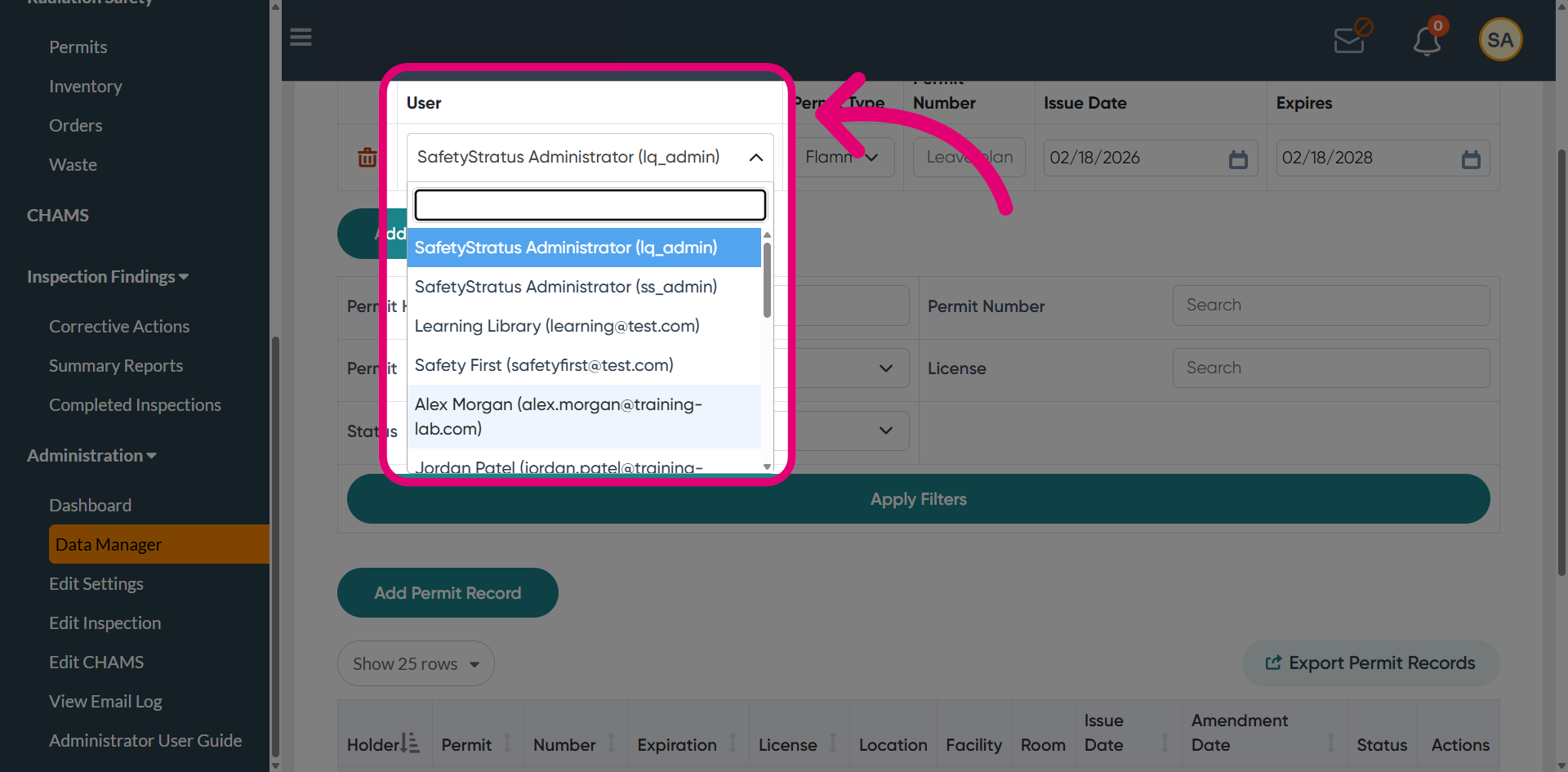
- Select a User the permit should be linked to.
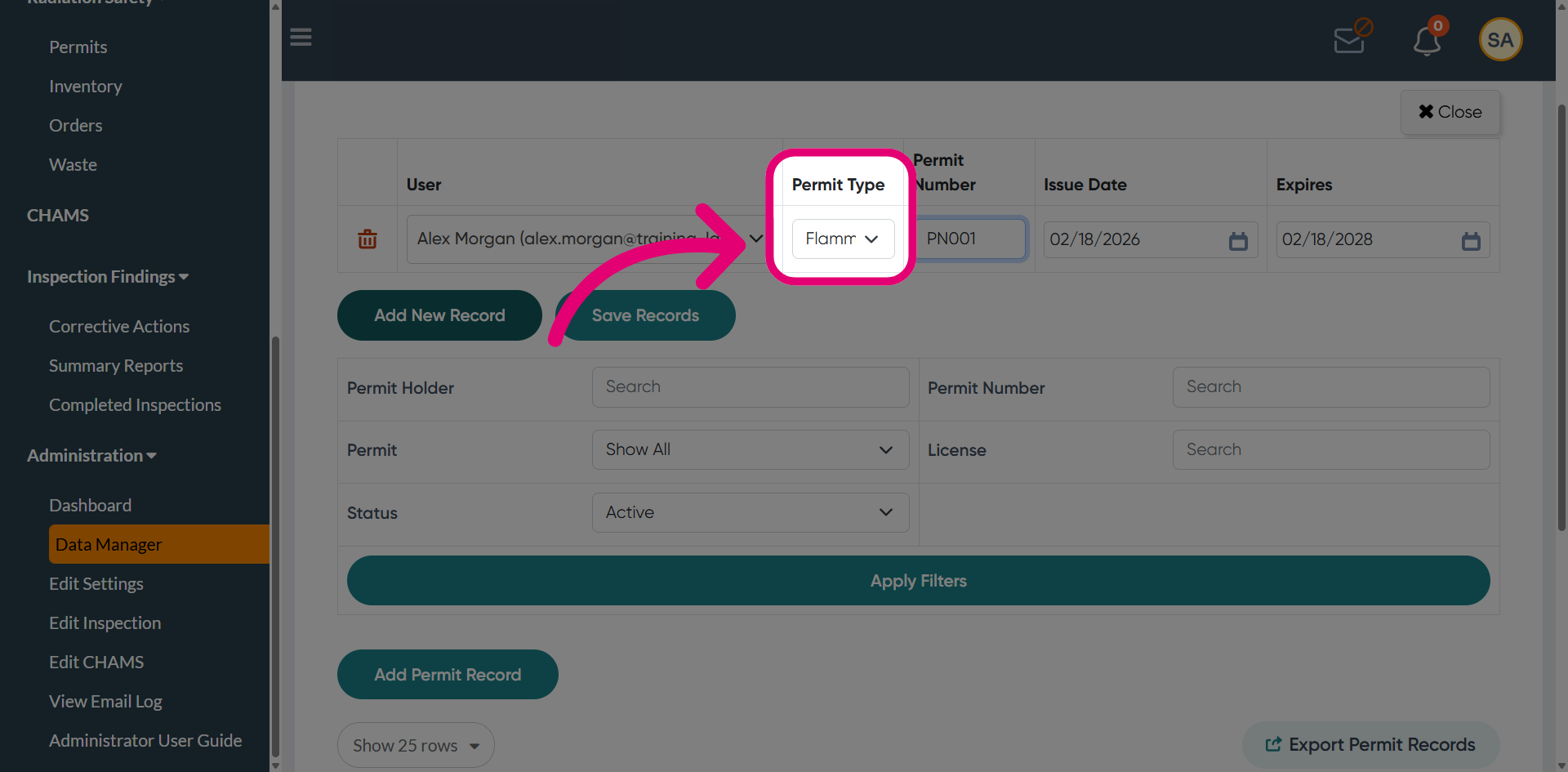
- Choose a Permit Type from the dropdown.
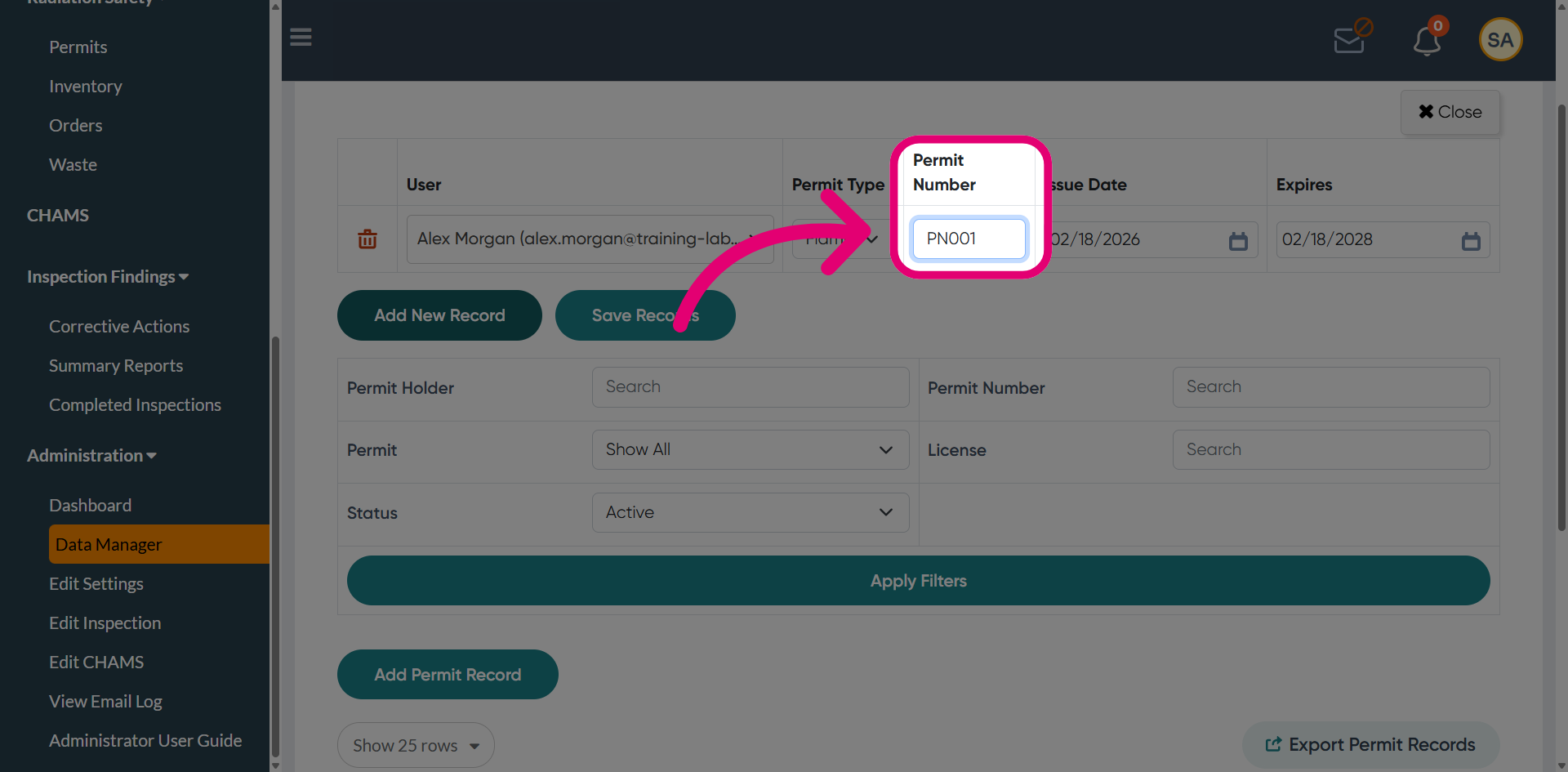
- Enter a Permit Number.
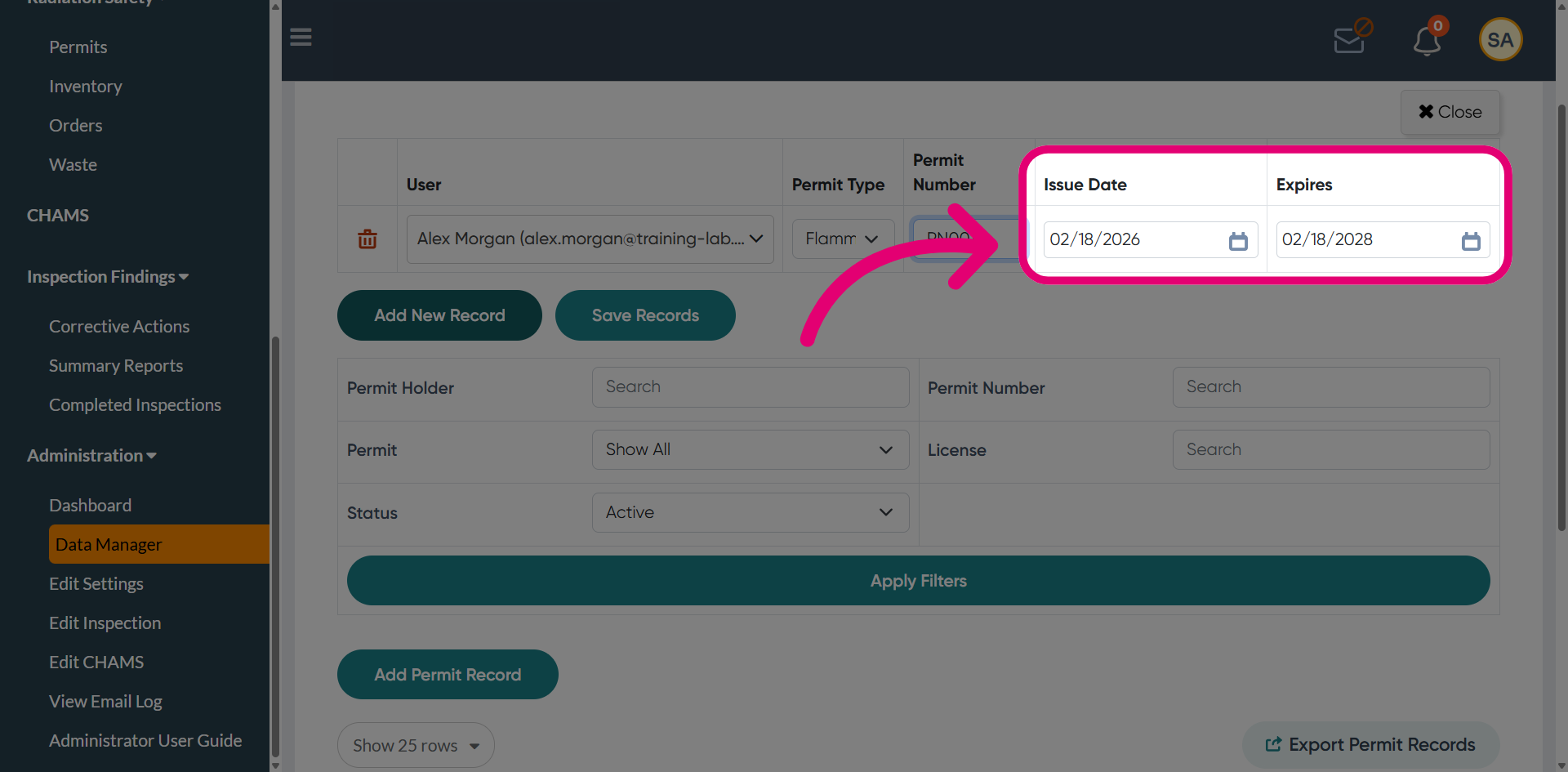
- Enter the permit Issue Date.
- Define the date it Expires.
This defines the validity period for the permit.
- Click Add New Record to create additional records as needed.
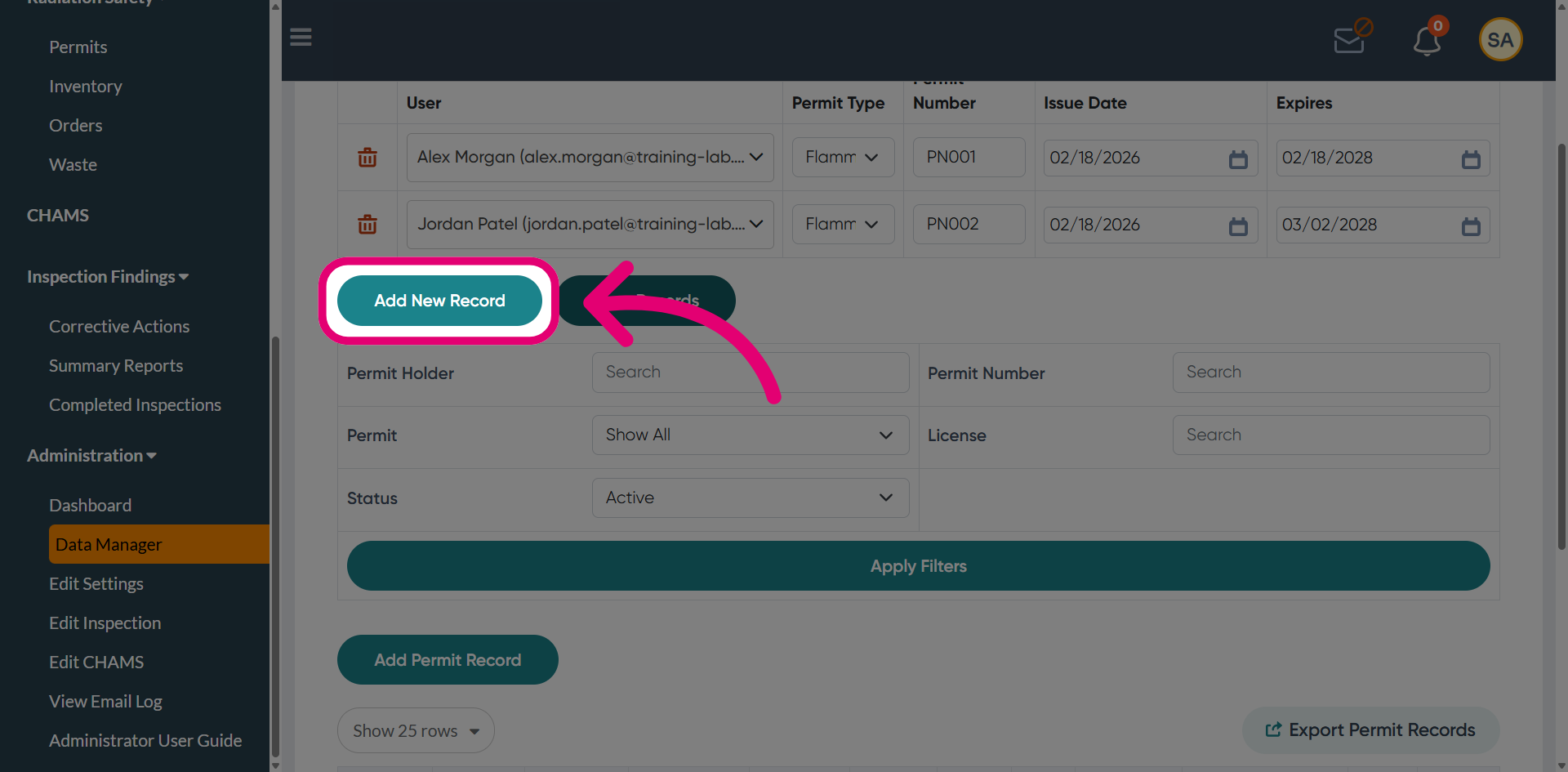
- Click Save Record.