New article
Recently updated
Adding a location

Who is this article for?
Administrators responsible for location management.
Administrator role is required.
This article explains how to create a new location within the platform.
1. Adding a location
To add a location:
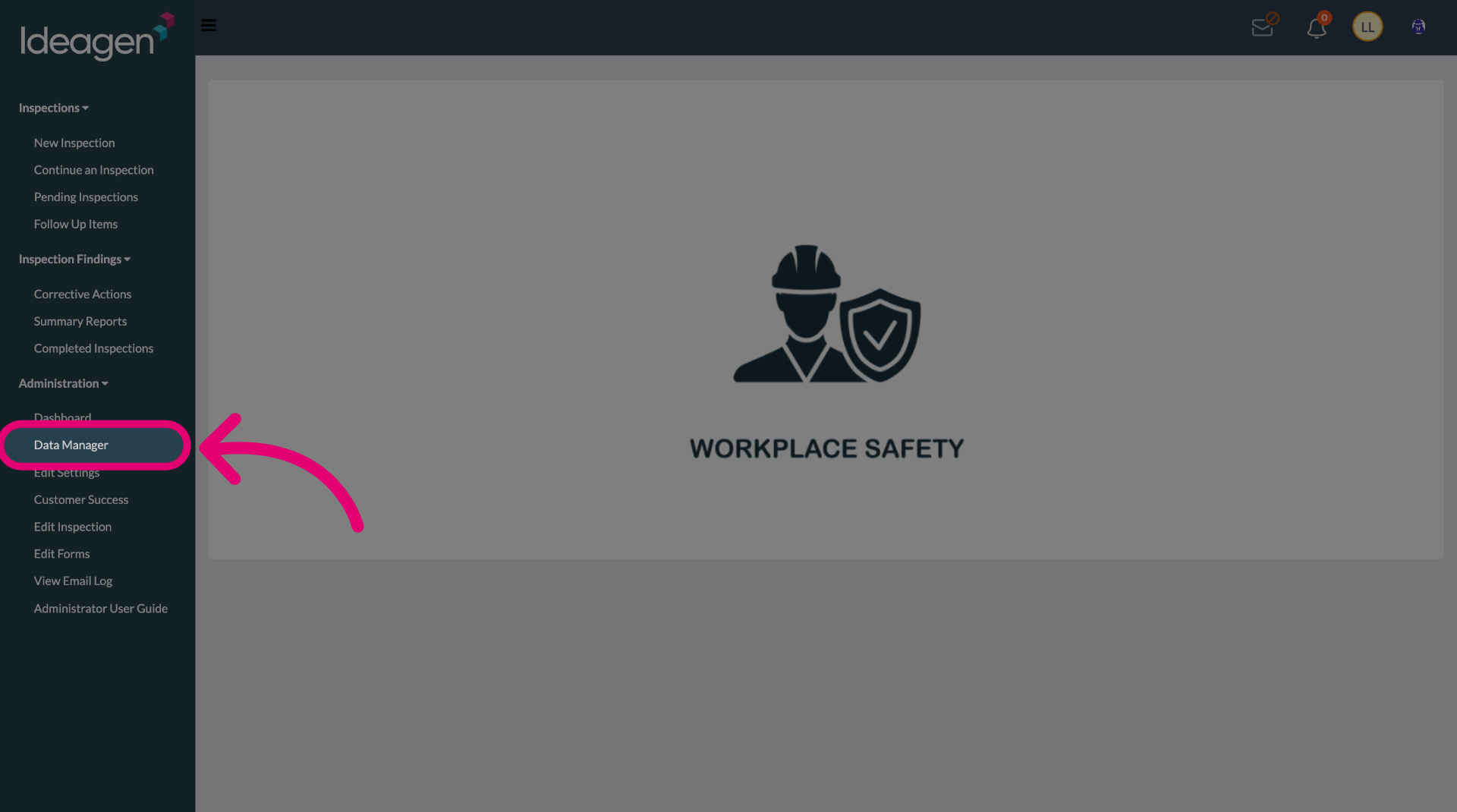
- Open the Administration menu.
Select the Data Manager.
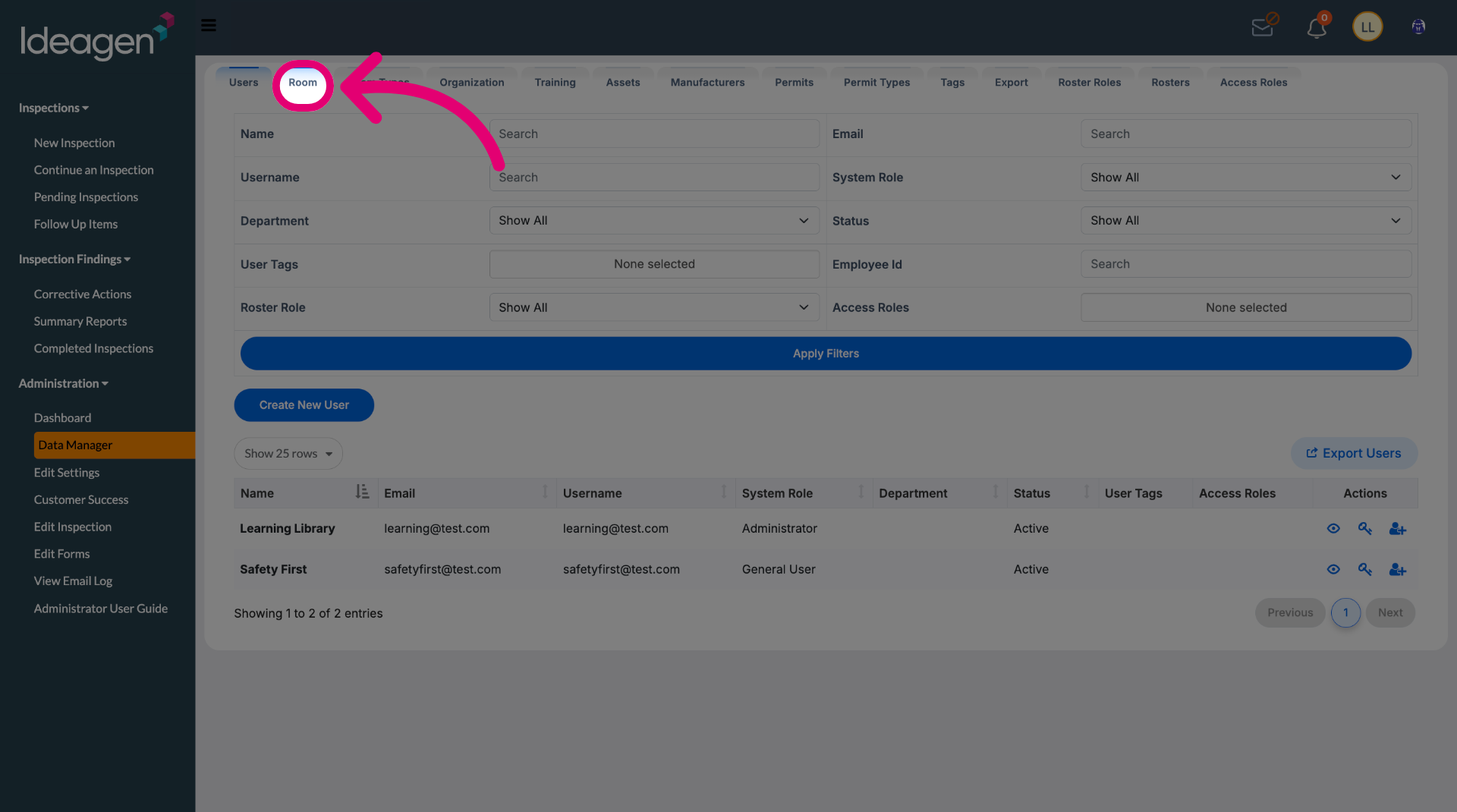
Switch to the Room tab.
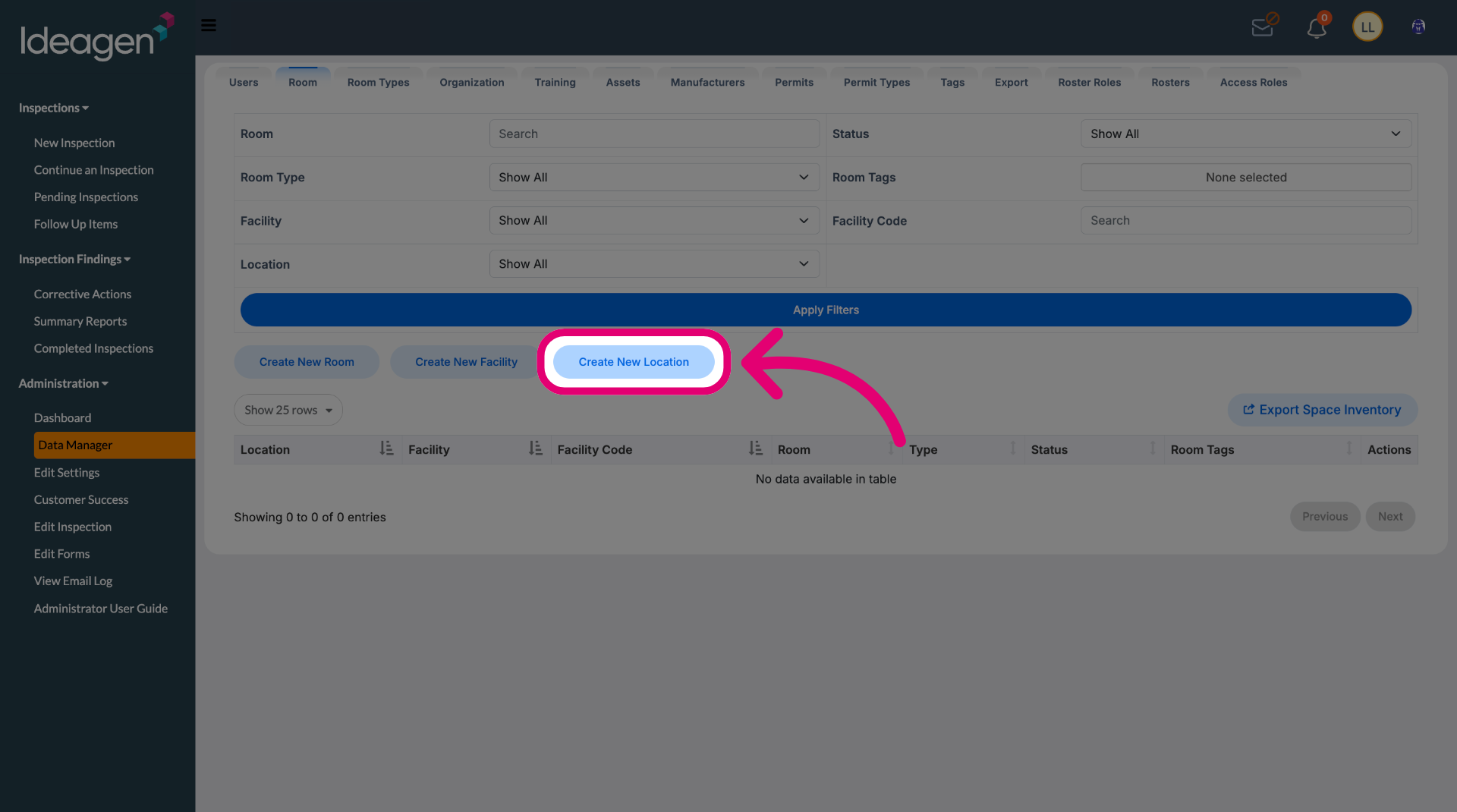
Click Create New Location.
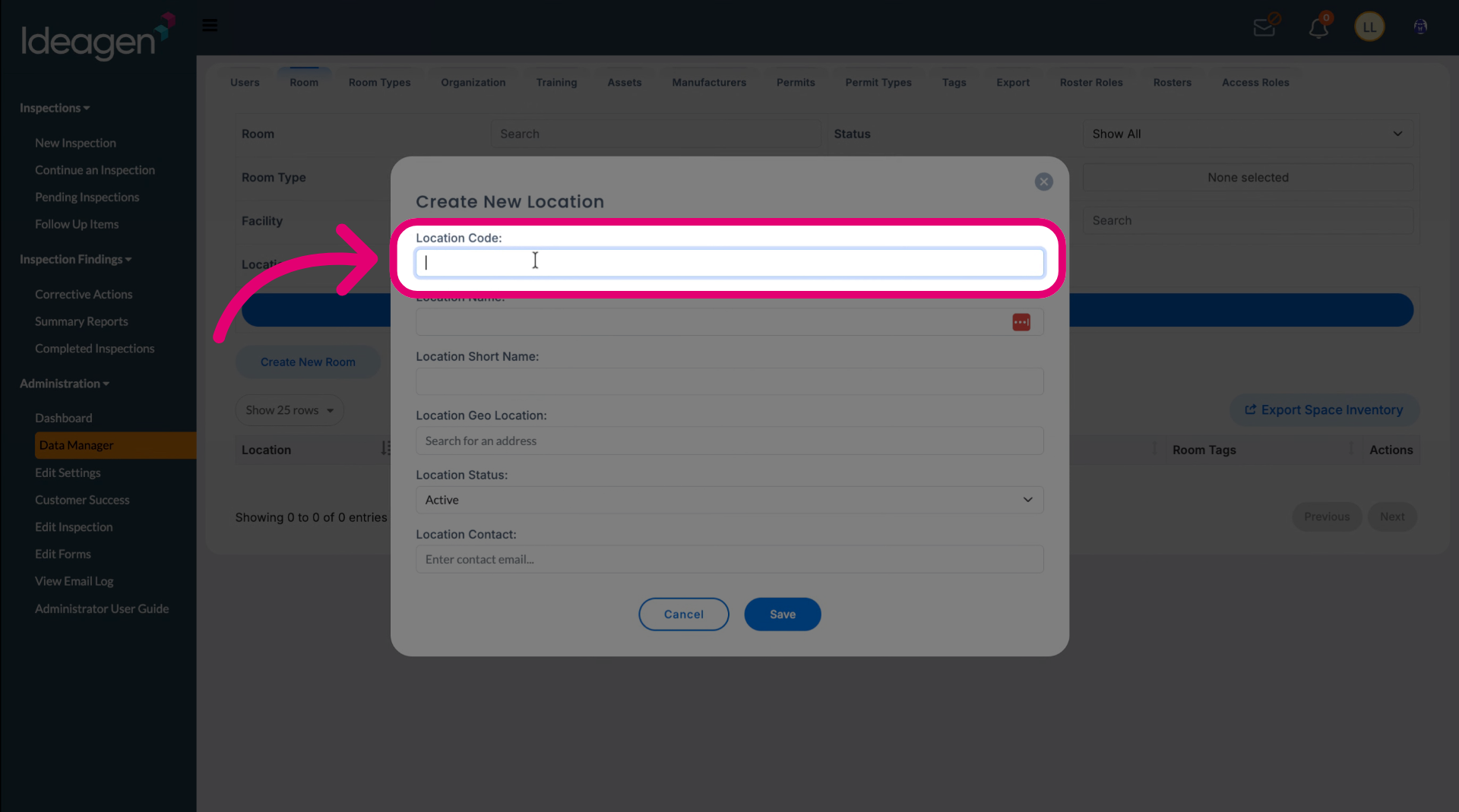
Enter a Location Code.
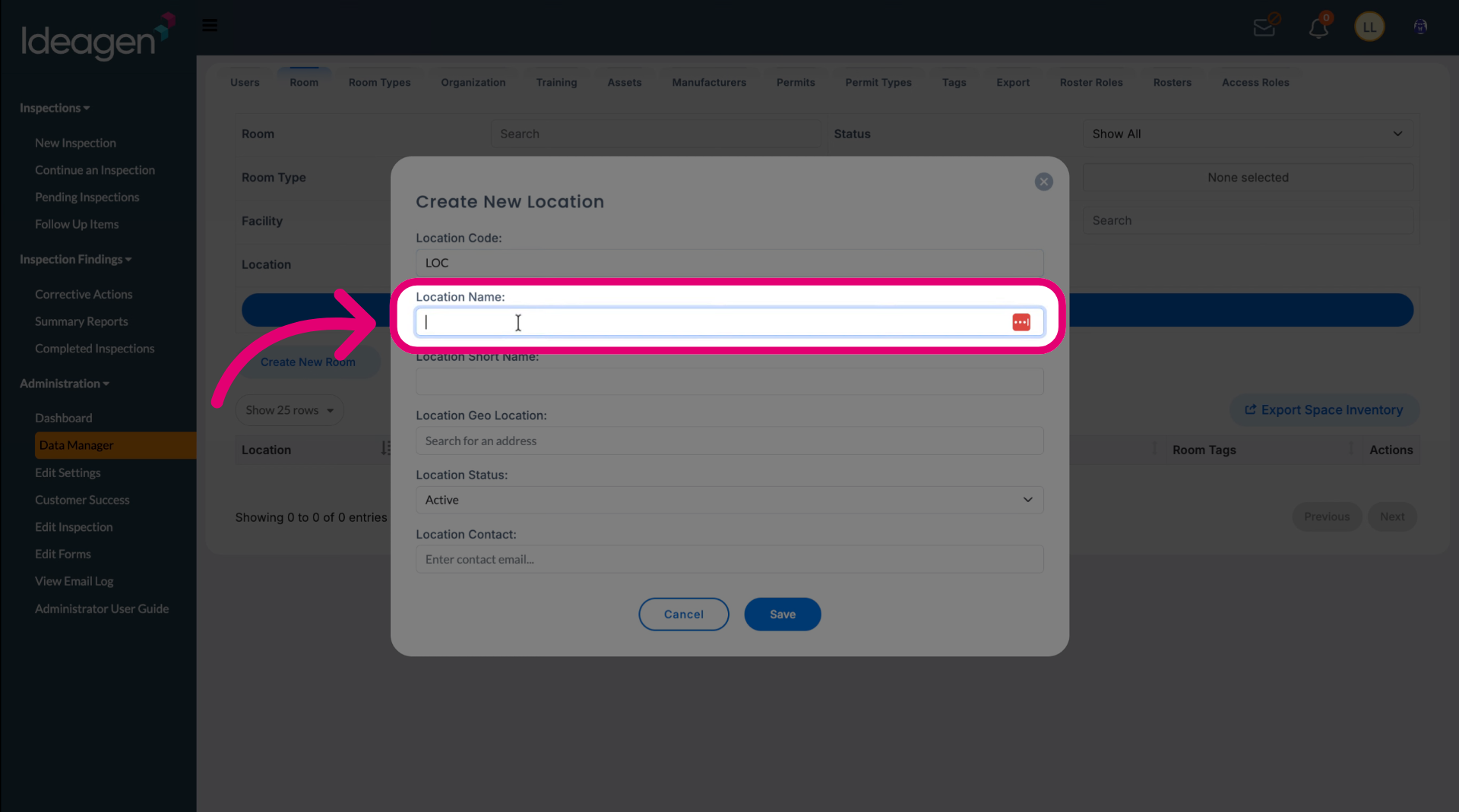
Enter the Location Name.
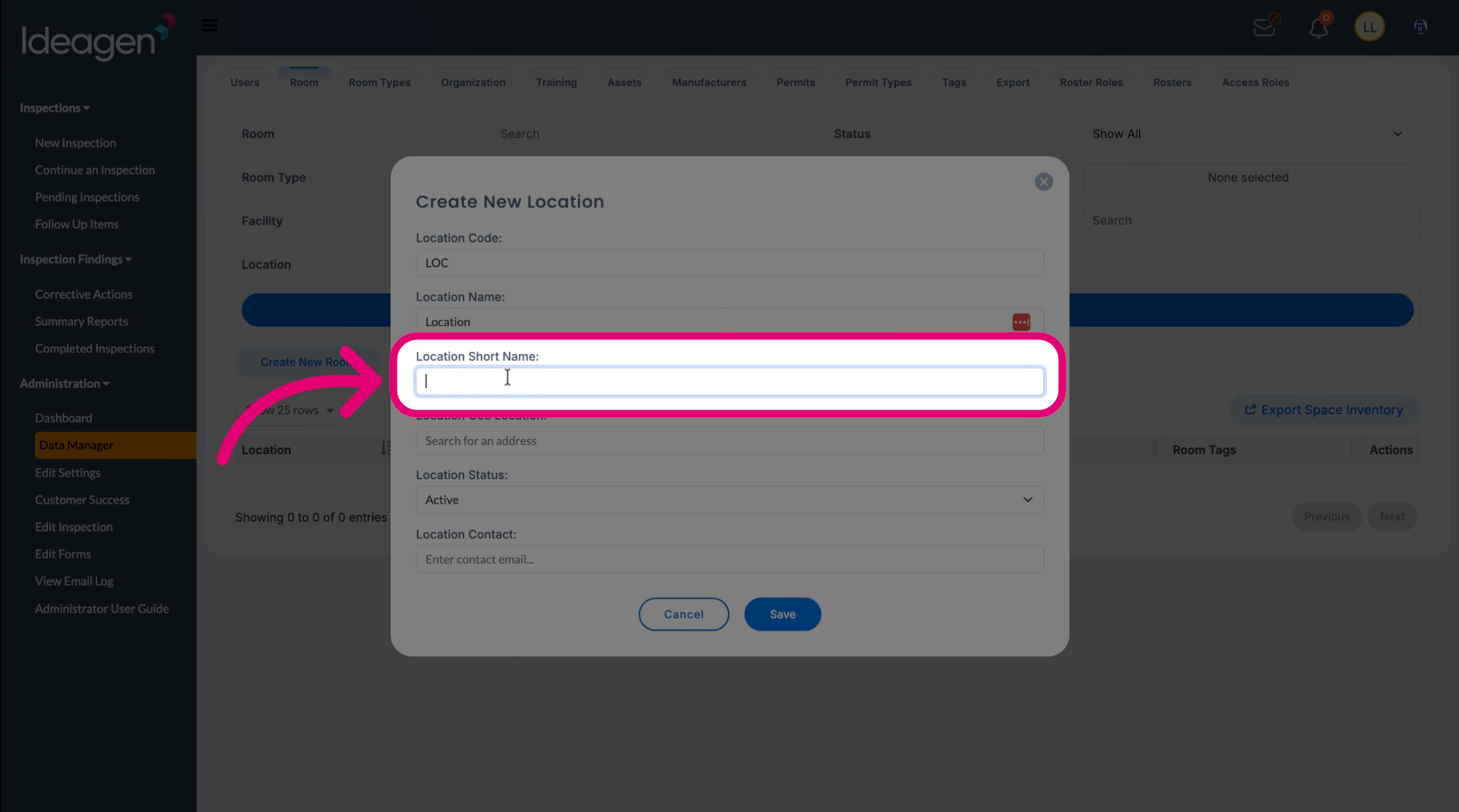
Enter a Location Short Name for ease of reference.
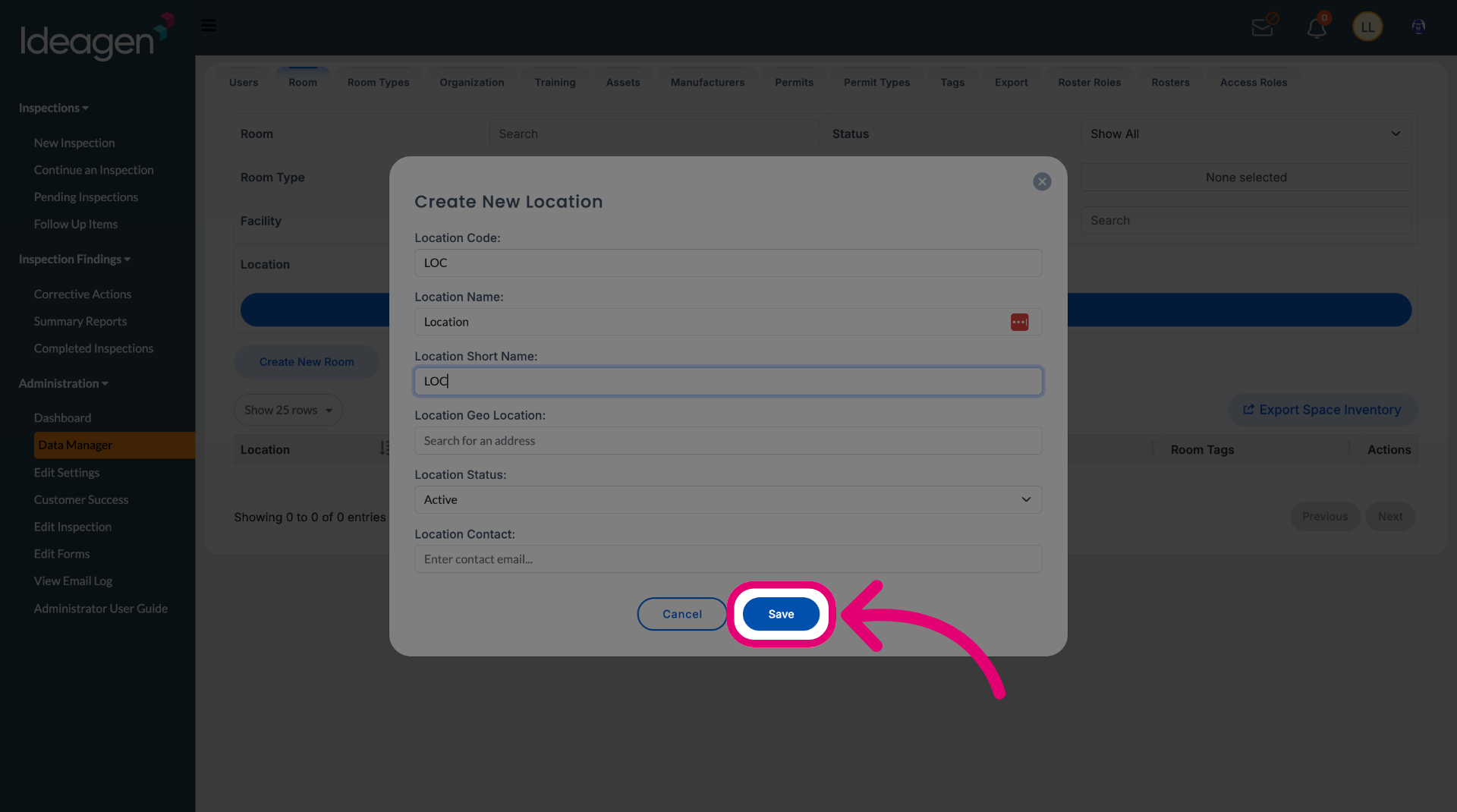
Click Save.