New article
Recently updated
Viewing chemical inventory record details

Who is this article for?
Users who need to view chemical inventory record details.
No special access or permissions are required.
This article covers how to access and view detailed information about chemical inventory records in LabCLIQ.
You will learn how to navigate to chemical inventory, open records, review compound details, access safety data sheets, and download information.
1. Viewing Chemical Inventory Record Details
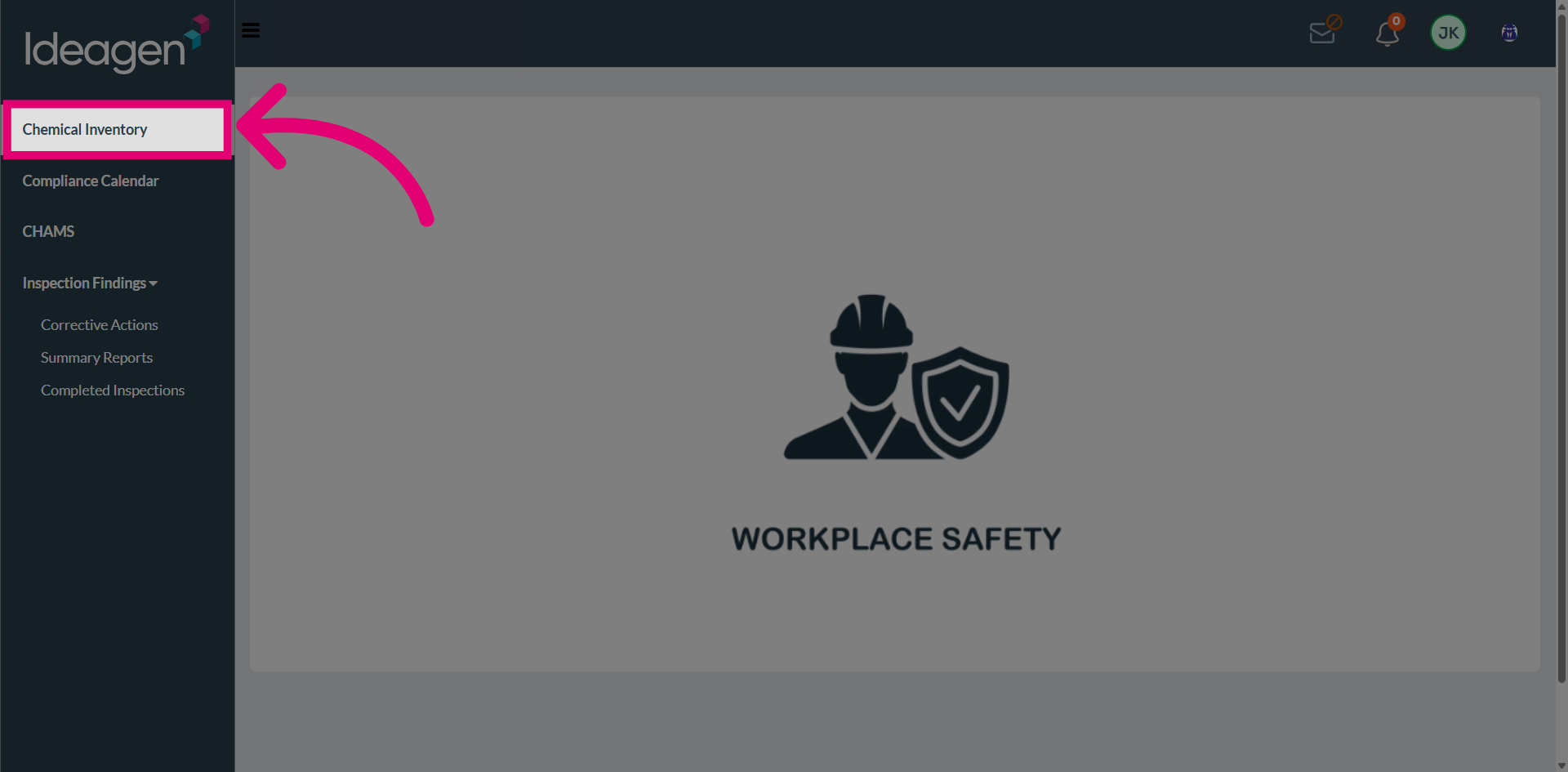
Navigate to Chemical Inventory from the main menu.
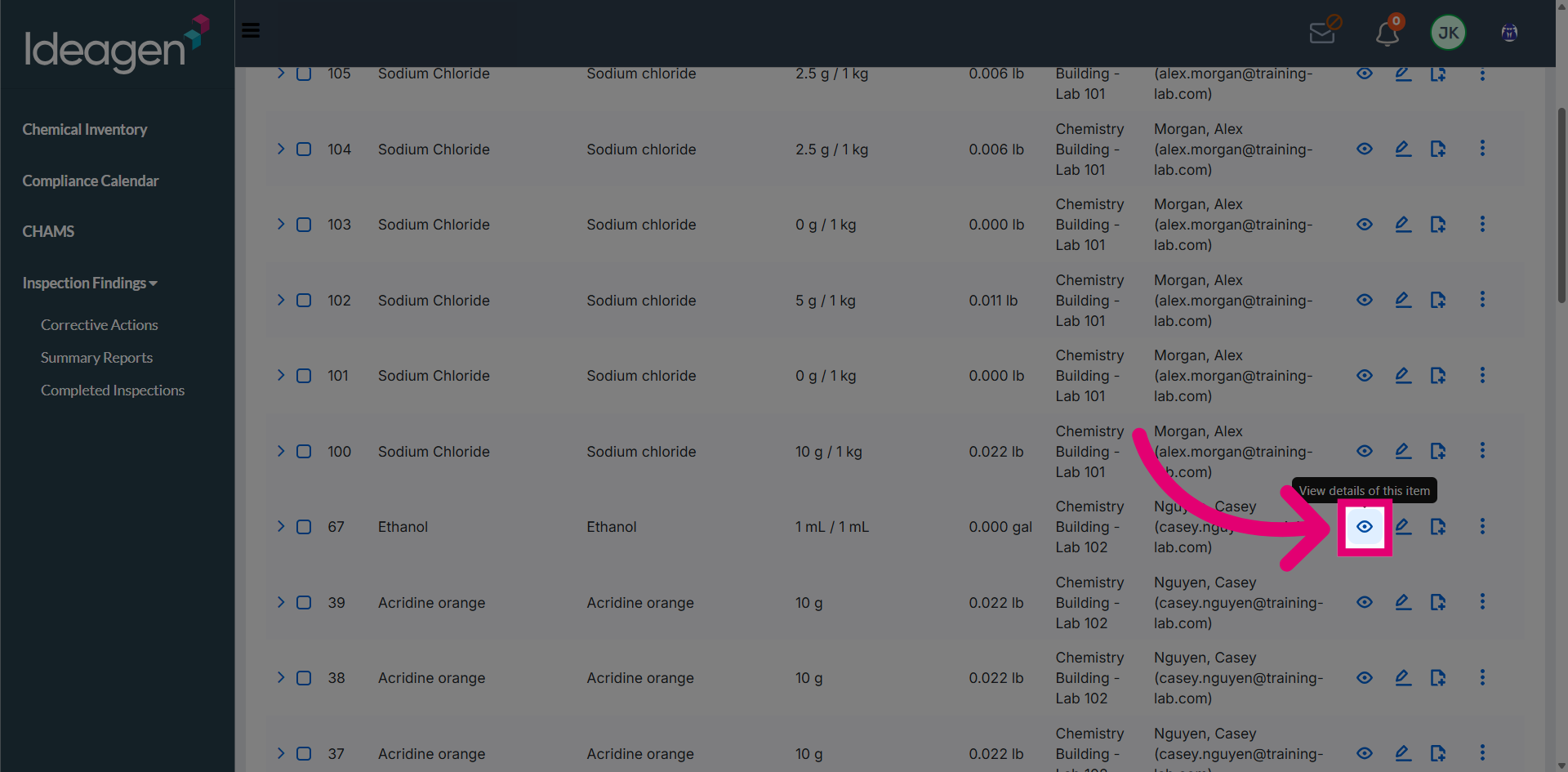
Open the desired inventory record by clicking on it.
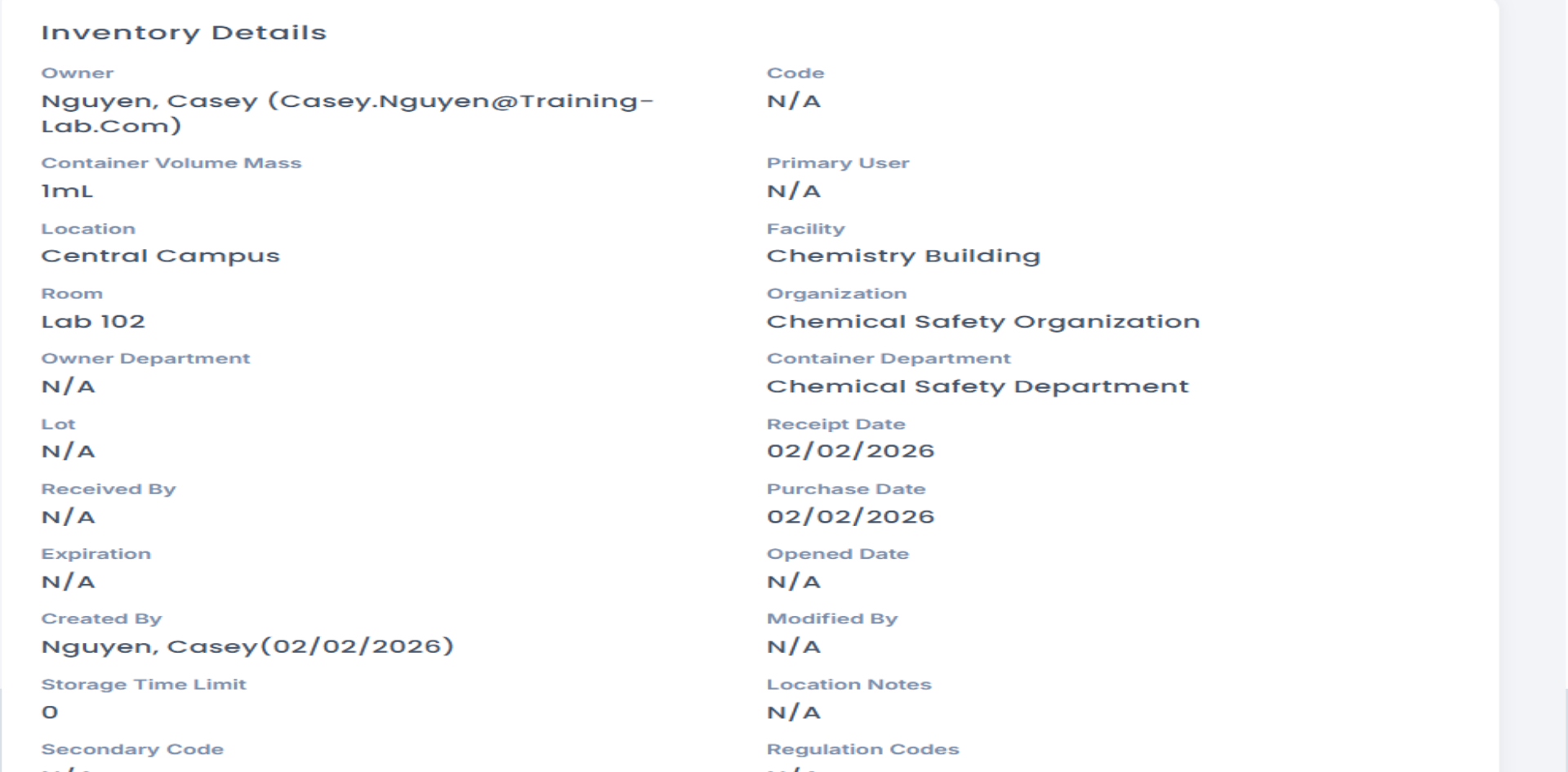
View the chemical inventory details displayed on the screen.
Review the compound details section for chemical properties and information.
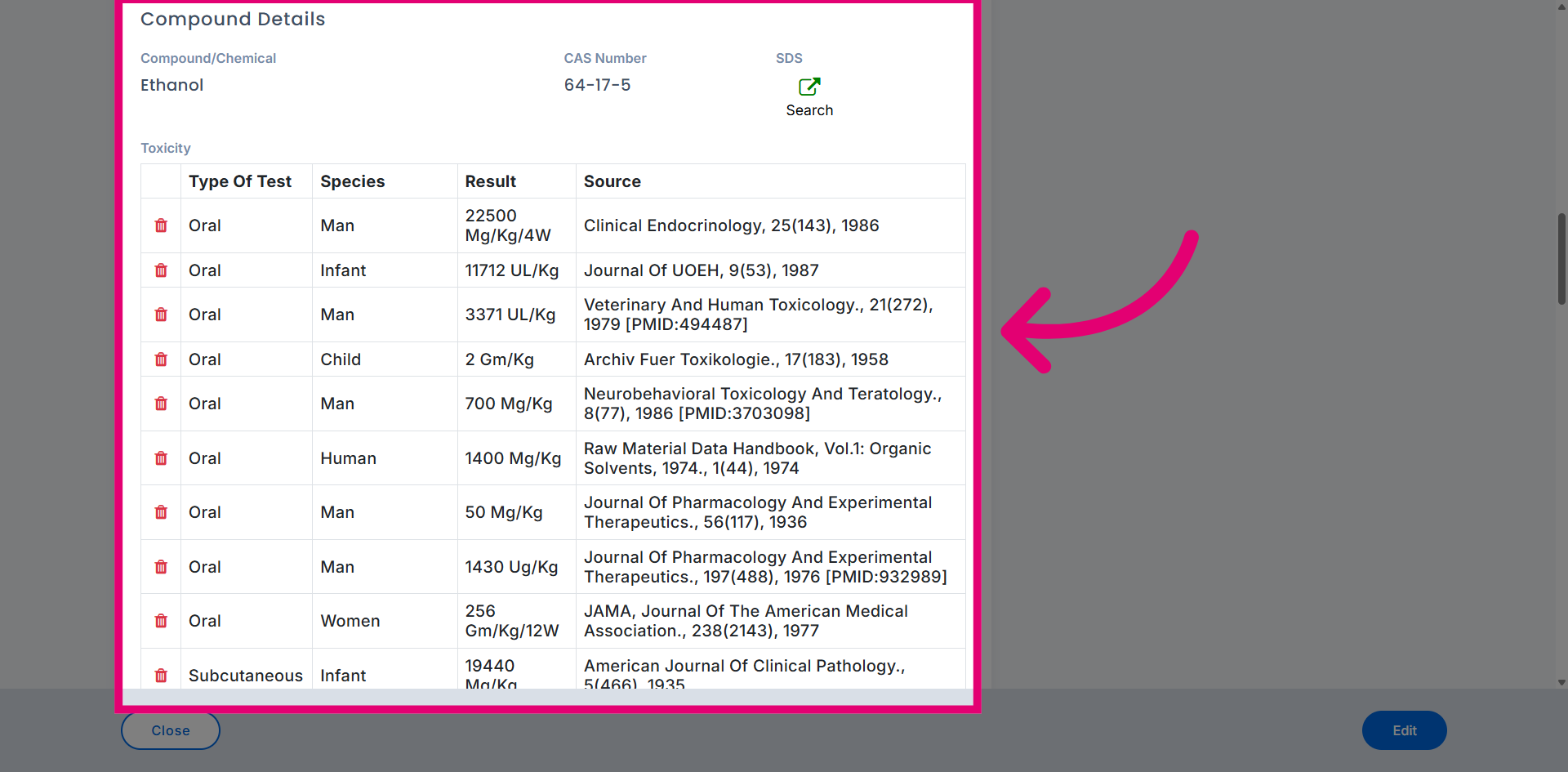
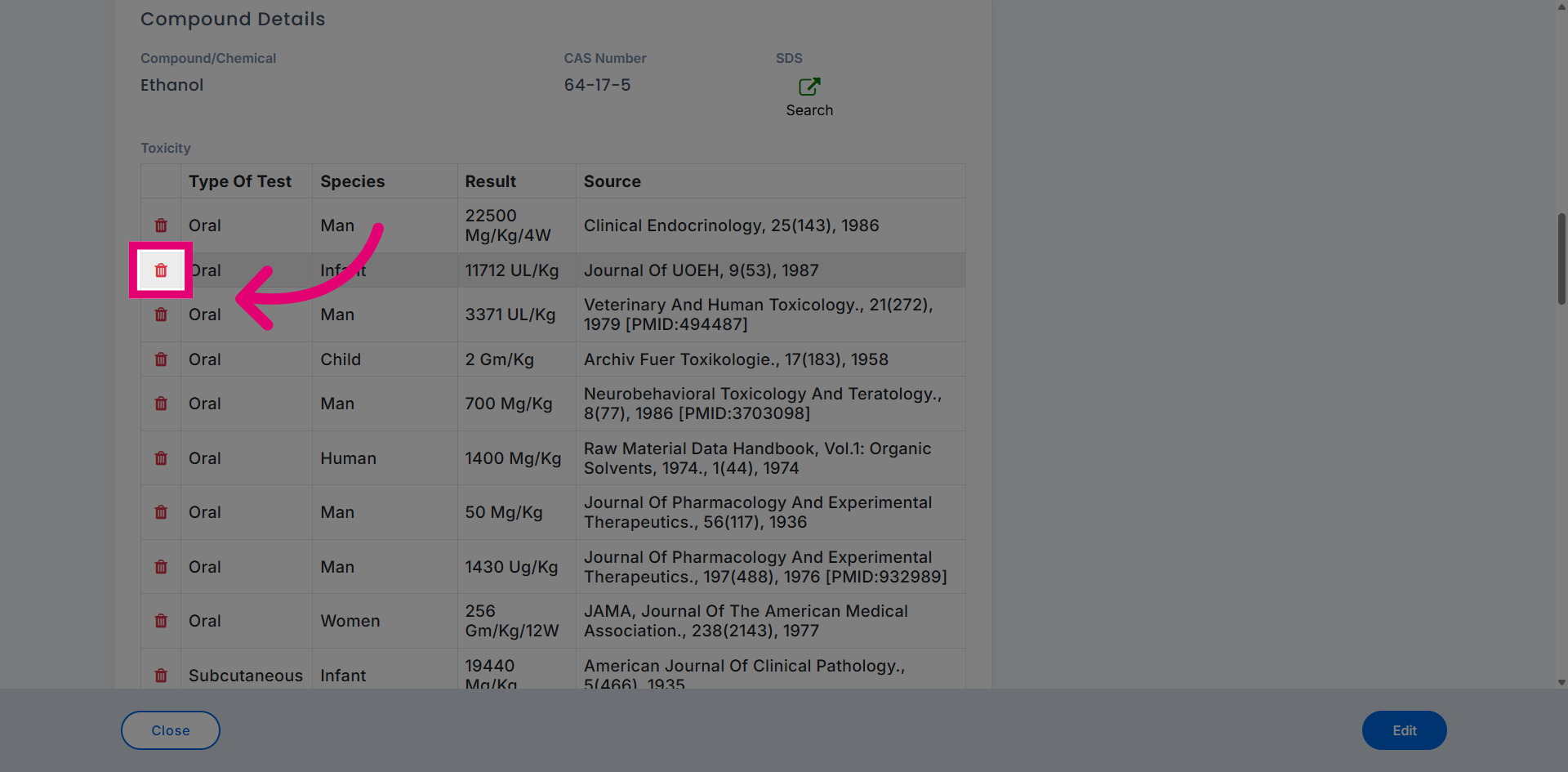
Remove toxicity information if needed by clicking the remove option.
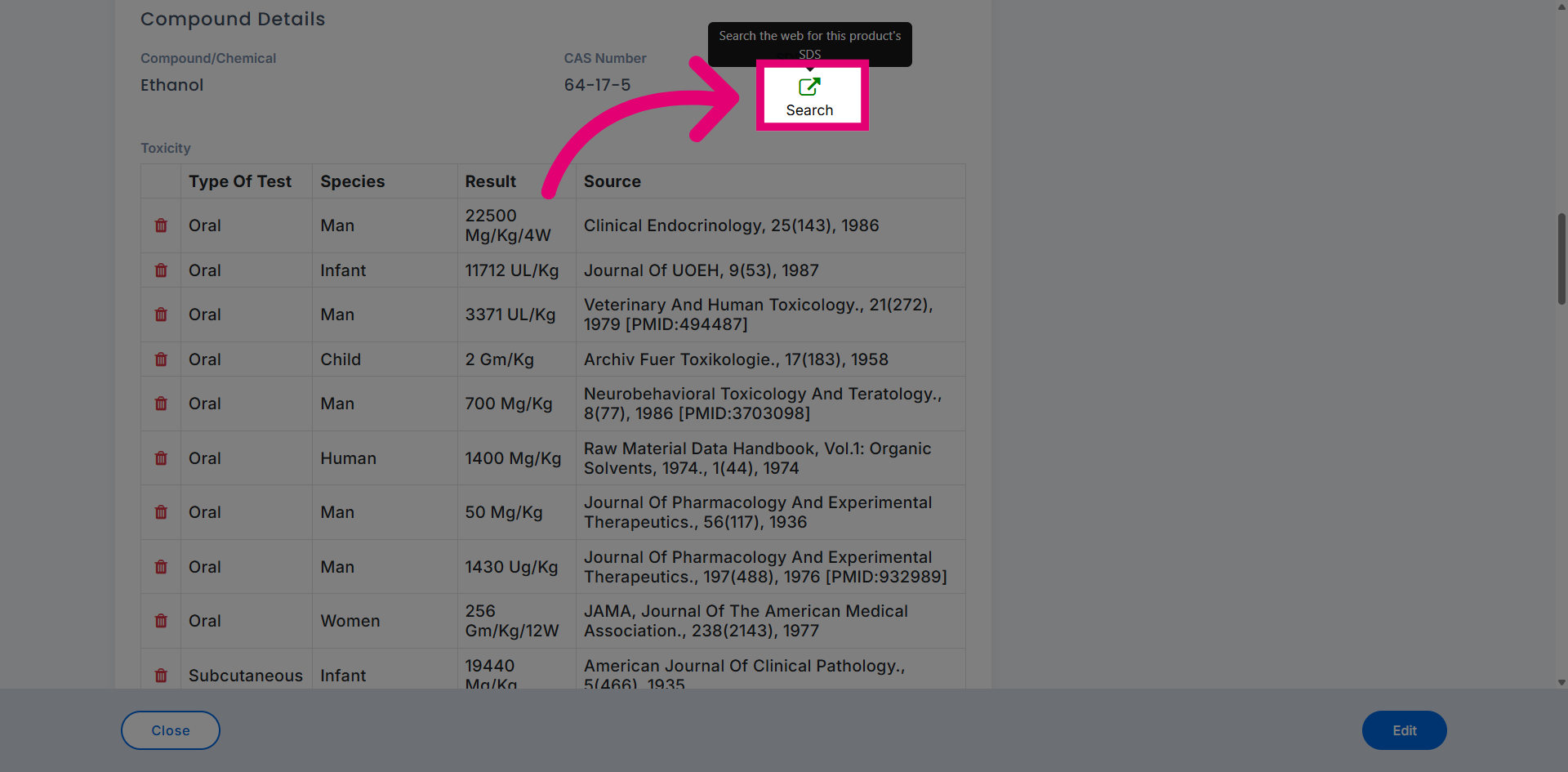
Perform a web search for SDS (Safety Data Sheet) to access additional safety information.
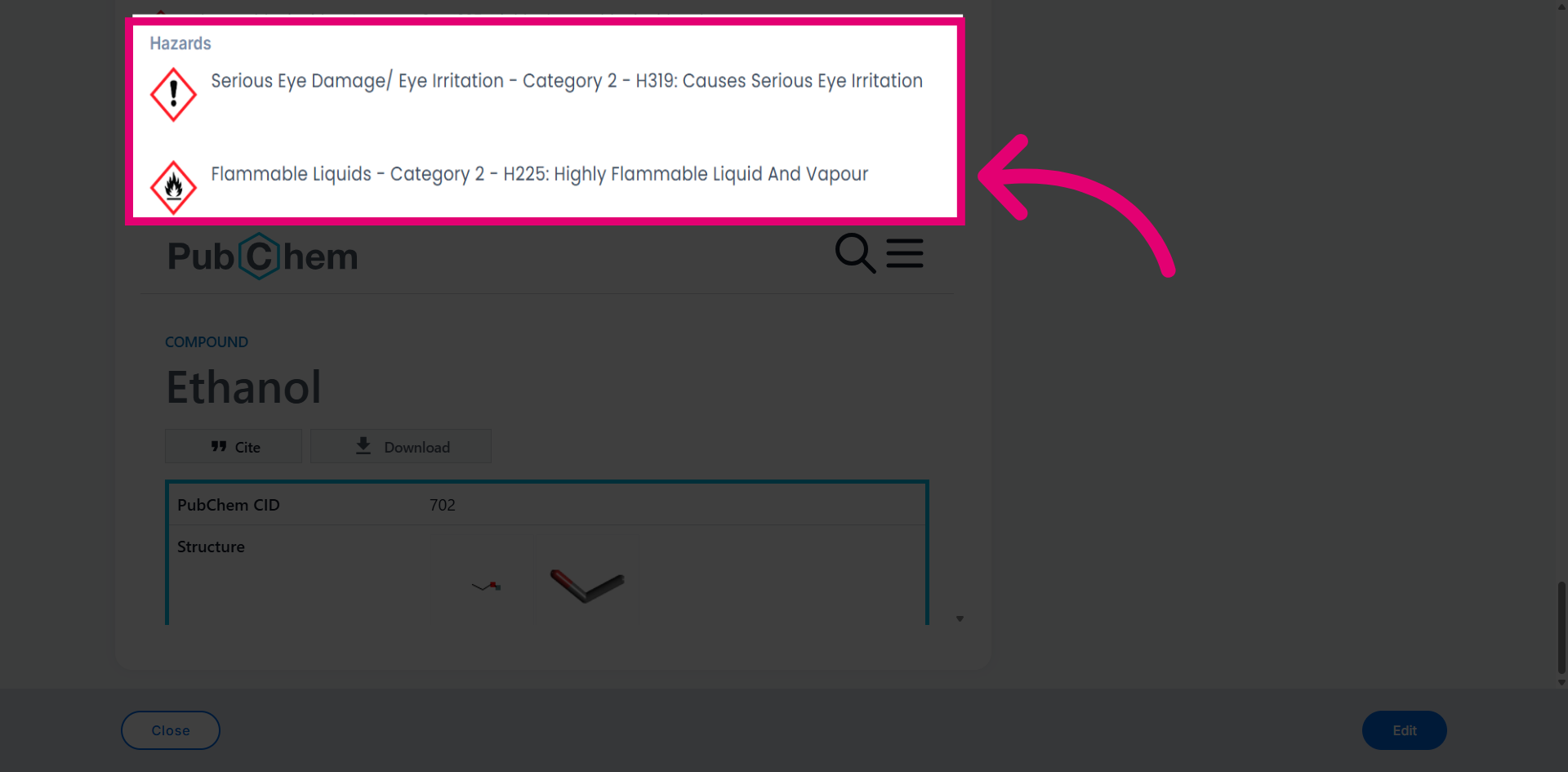
Review the hazardous details section for safety and handling information.
View the citation information for data sources and references.
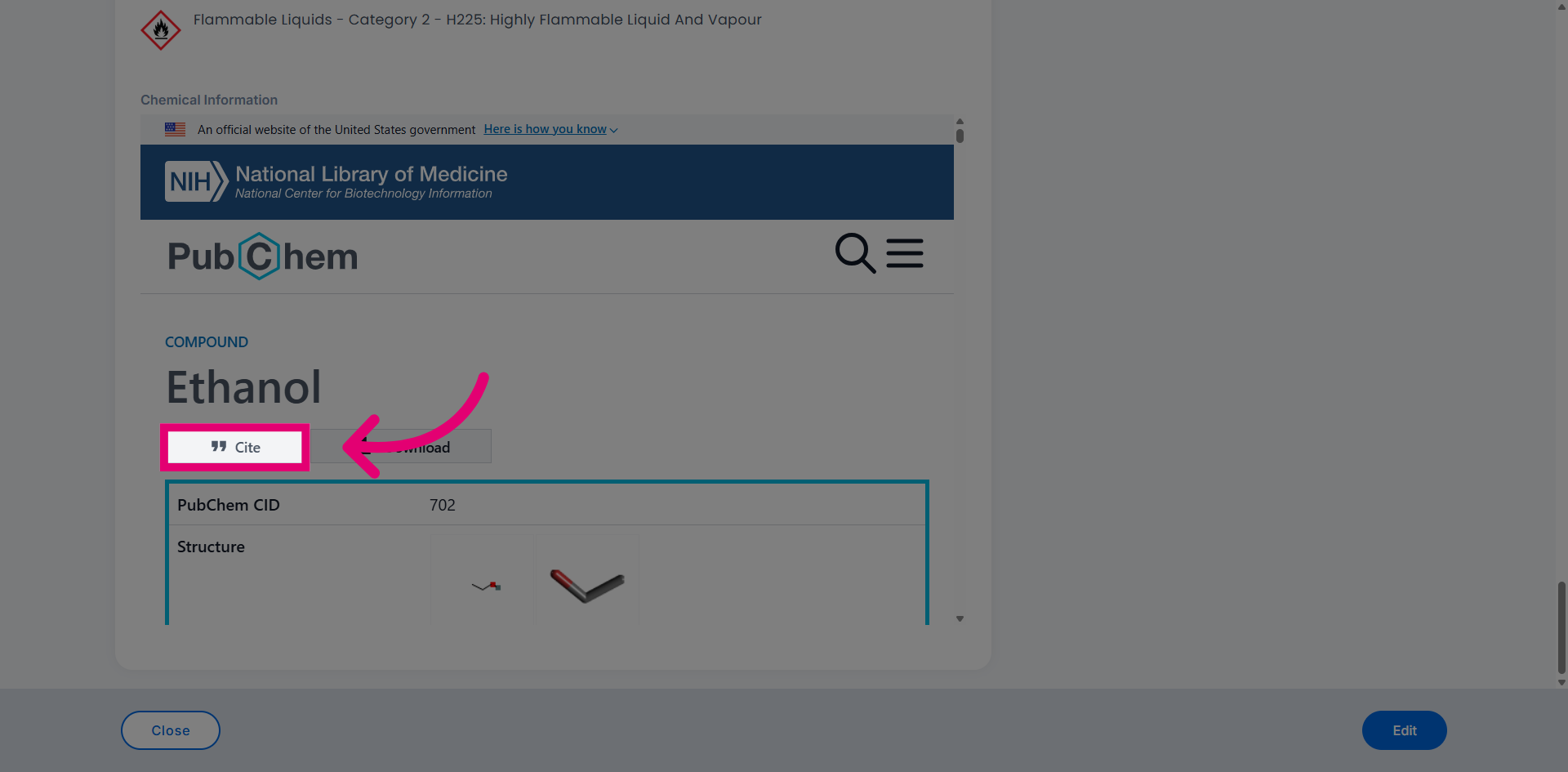
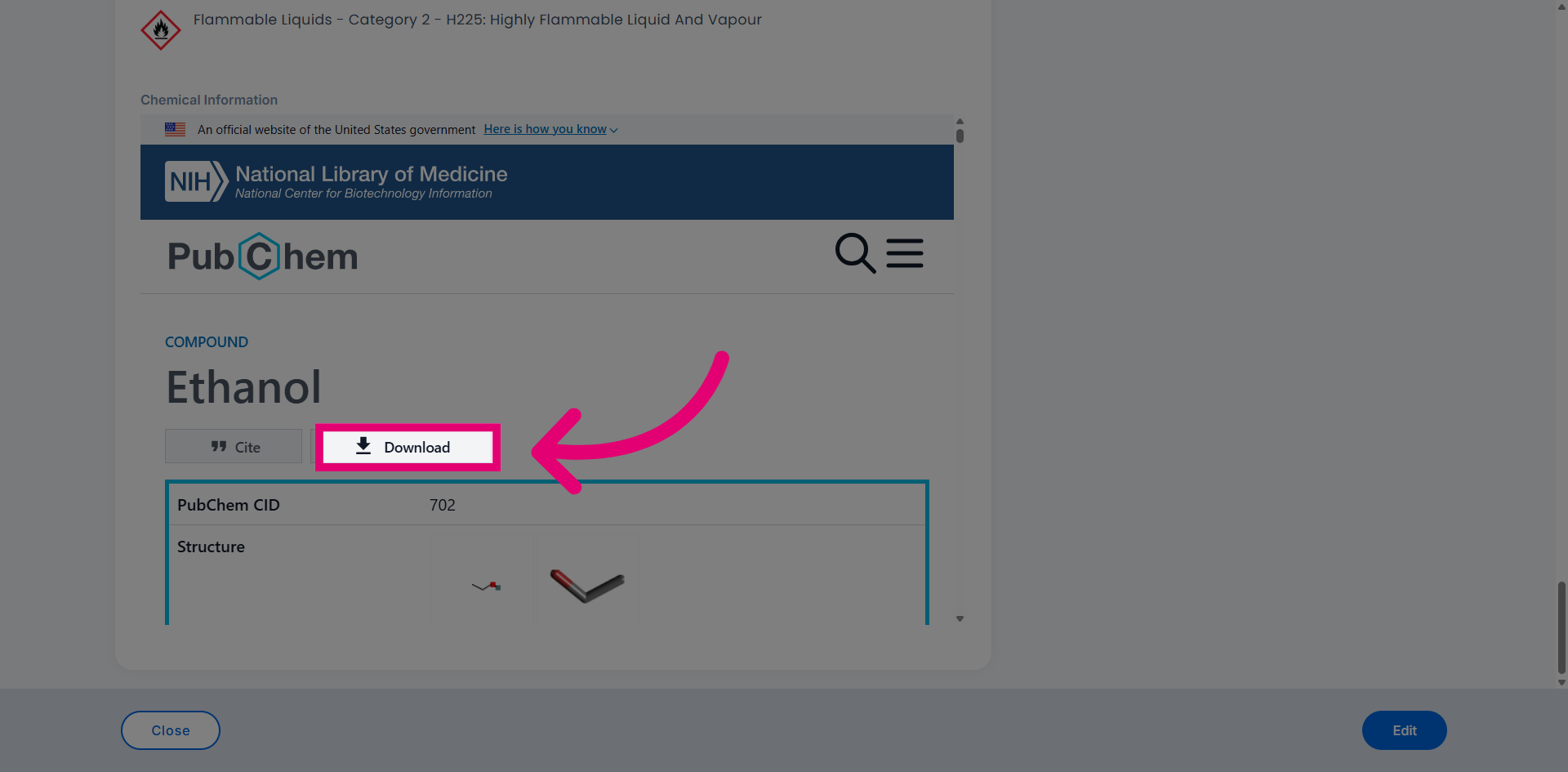
Click the download button to save the chemical information.
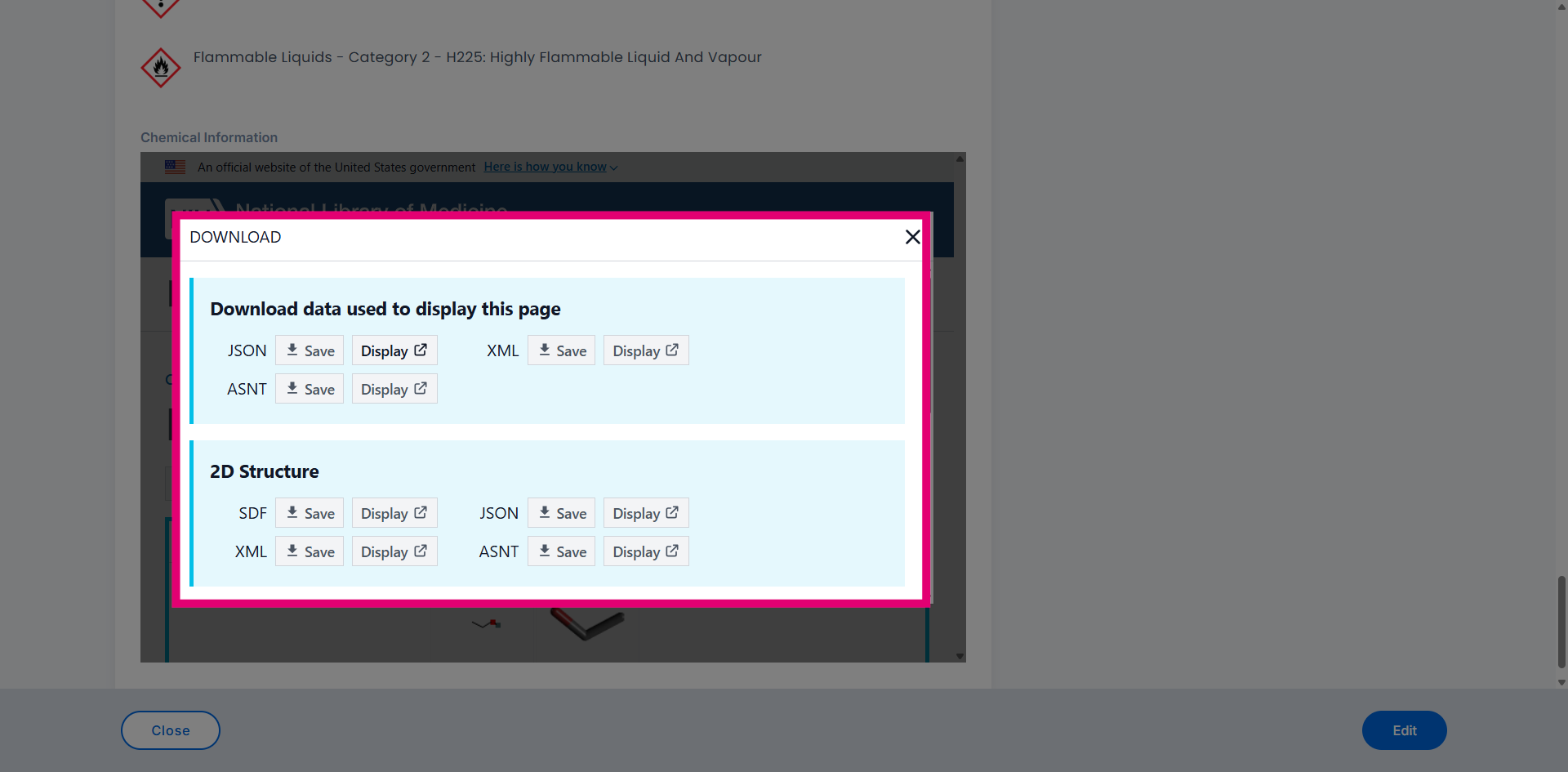
Select from the available download options to choose your preferred format.
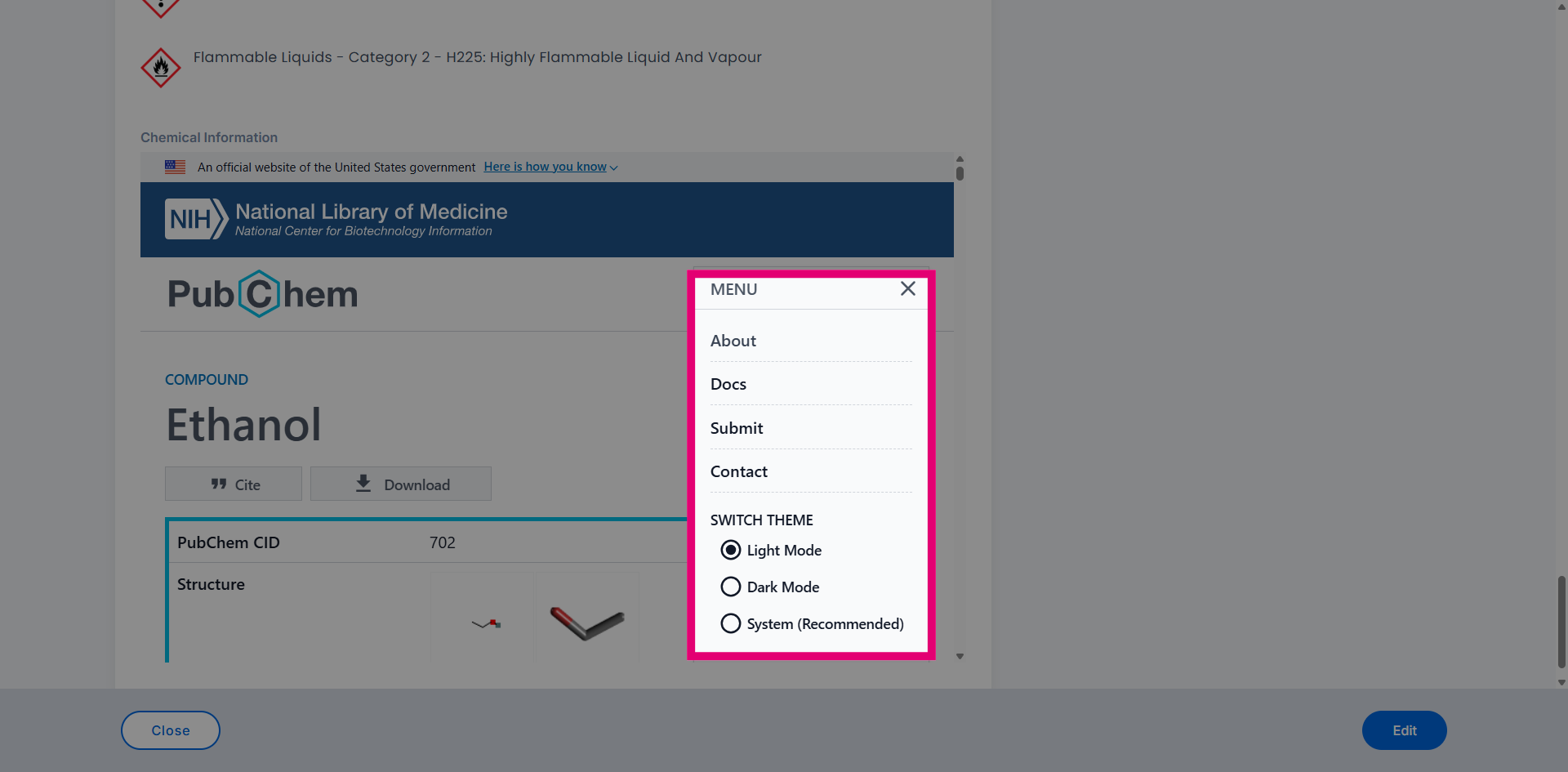
Navigate through the NIH sections to access additional chemical database information.
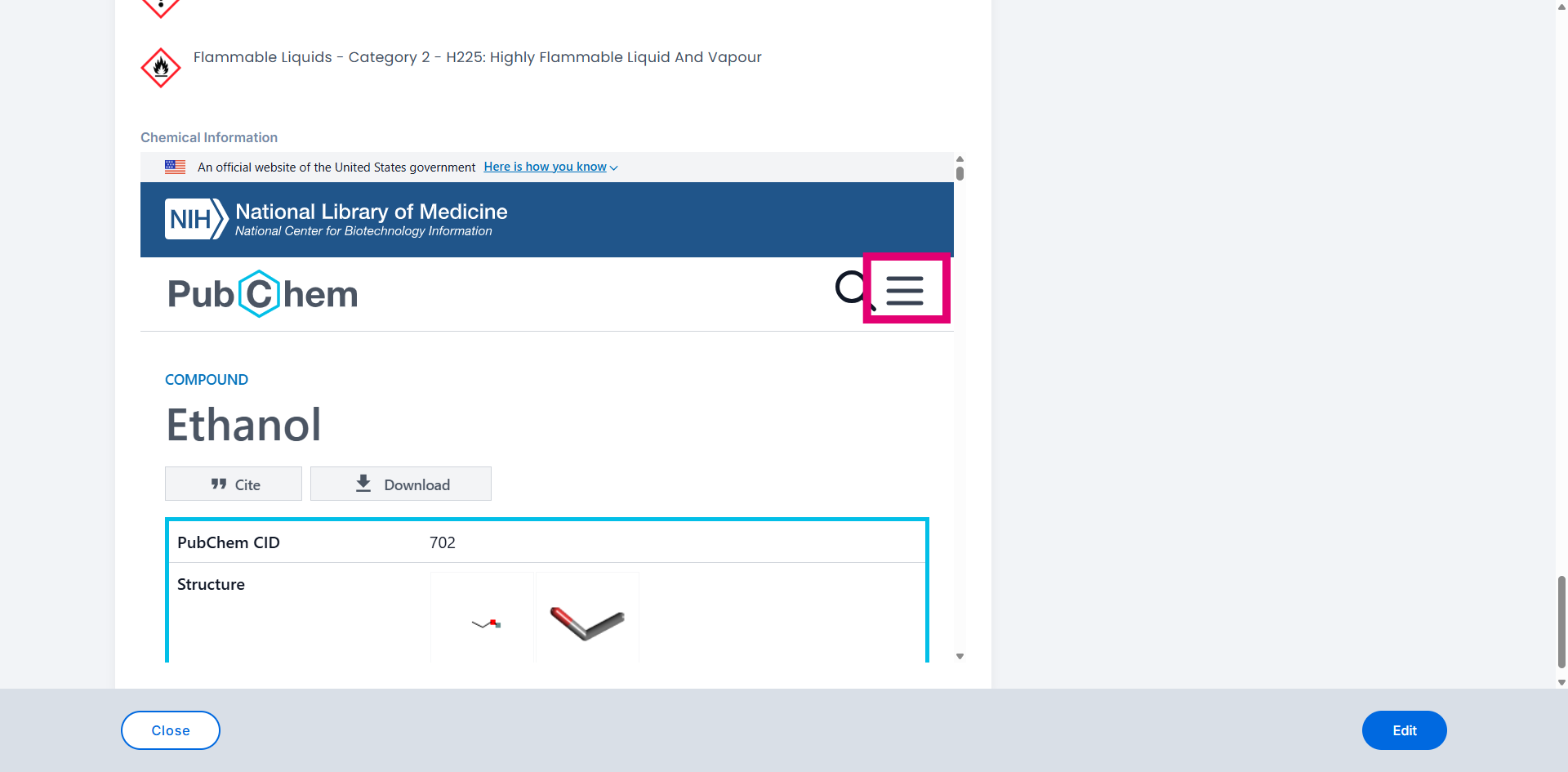
Access the menu for additional options and settings.
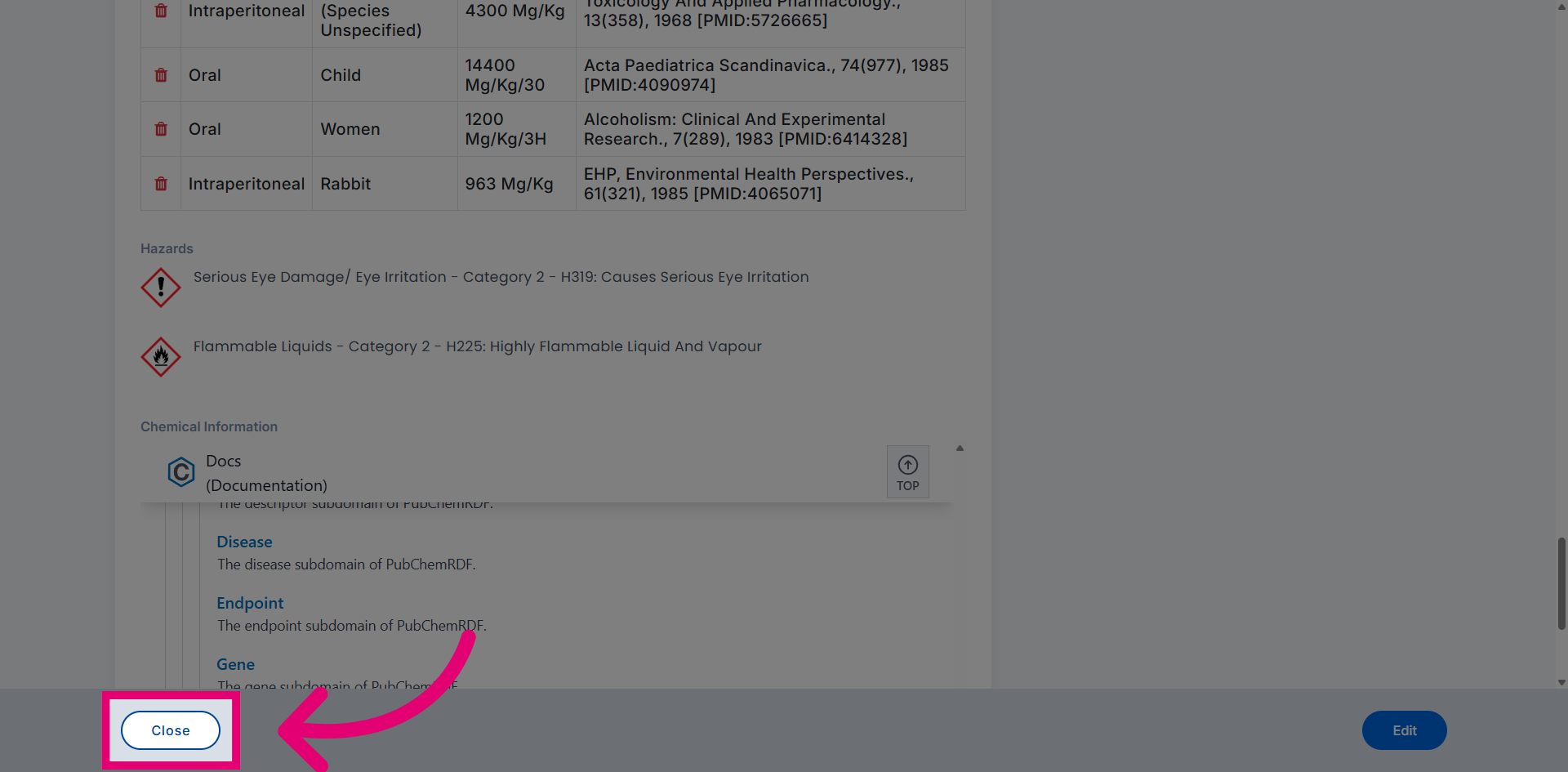
Close the interface when you have finished reviewing the chemical inventory record.