New article
Recently updated
Adding a permit type

Who is this article for?
Administrators responsible for managing permits.
Administrator role is required.
This article walks you through the process of adding a new permit type to the platform.
1. Adding a permit type
To add a permit type:
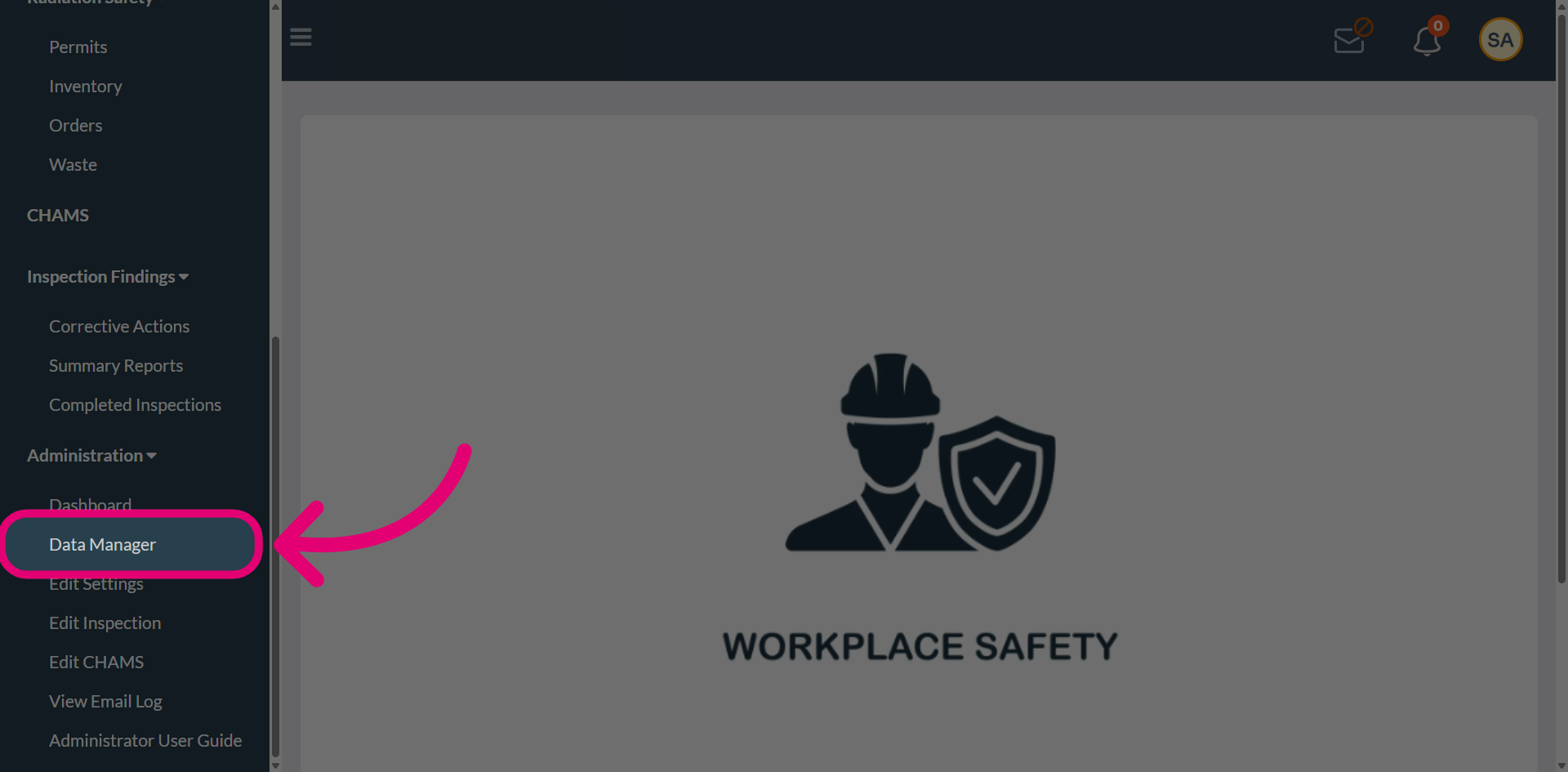
- Open the Administration menu.
Select Data Manager.
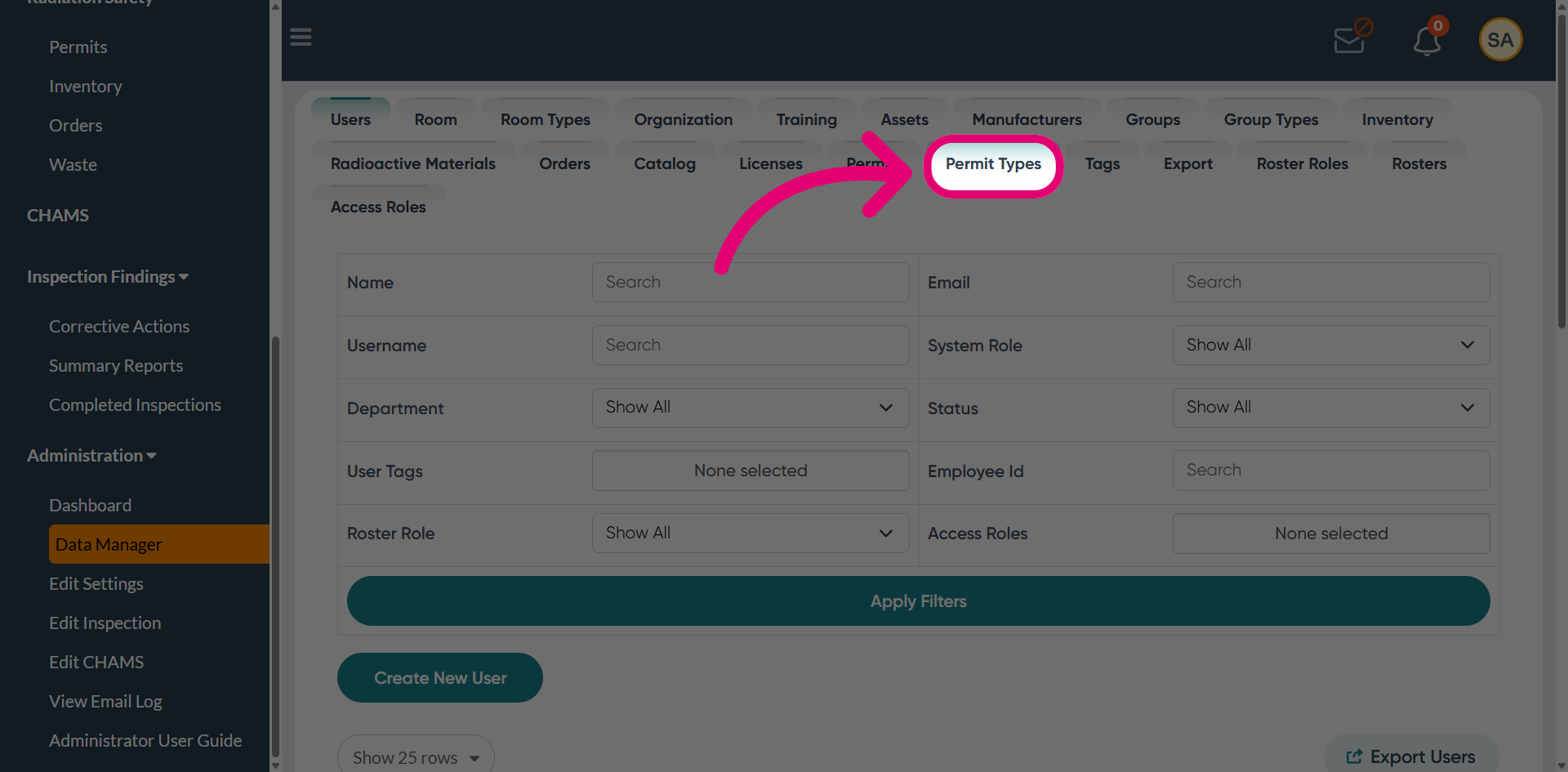
Switch to the Permit Types tab.
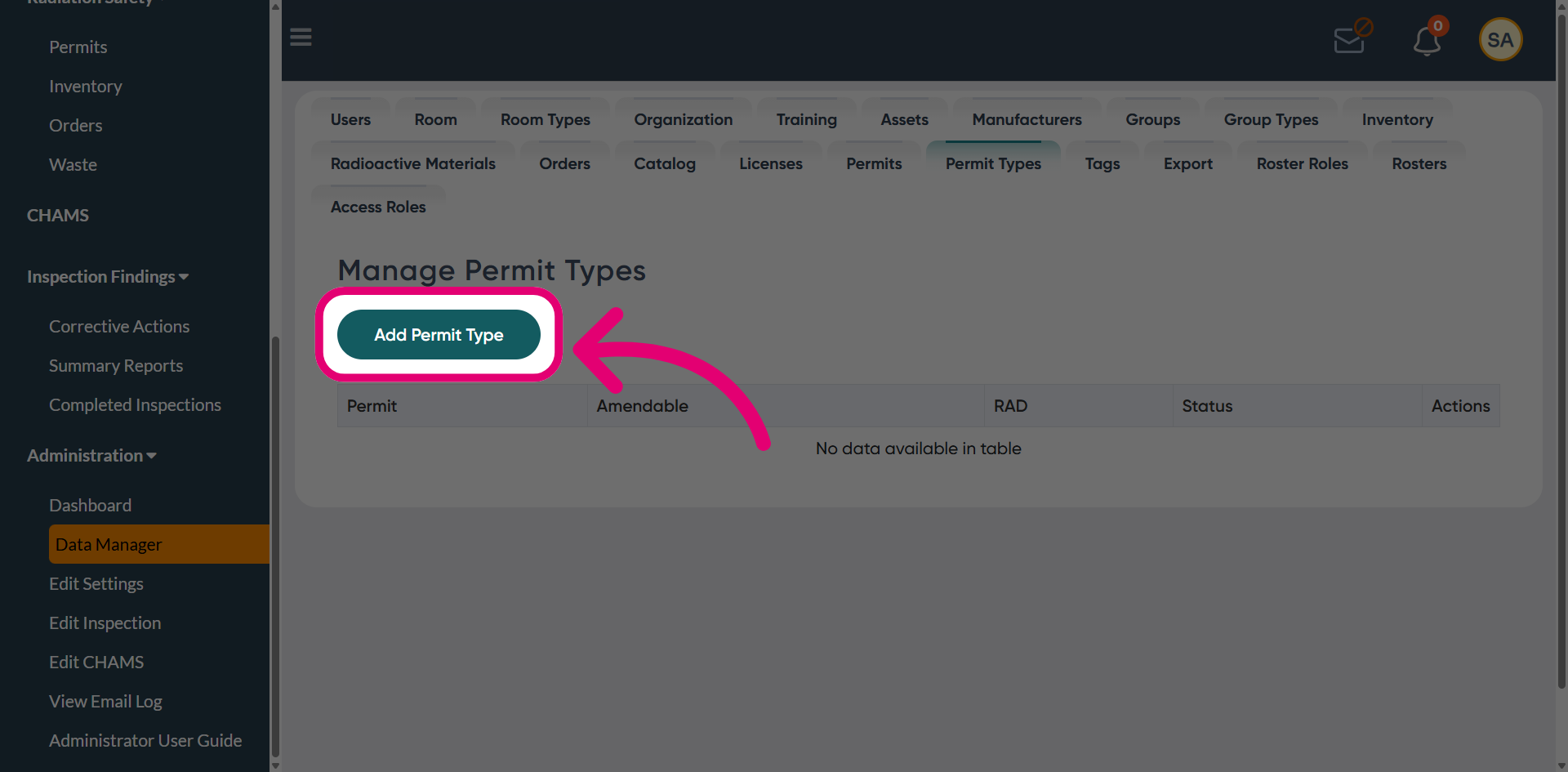
Click Add Permit Type.
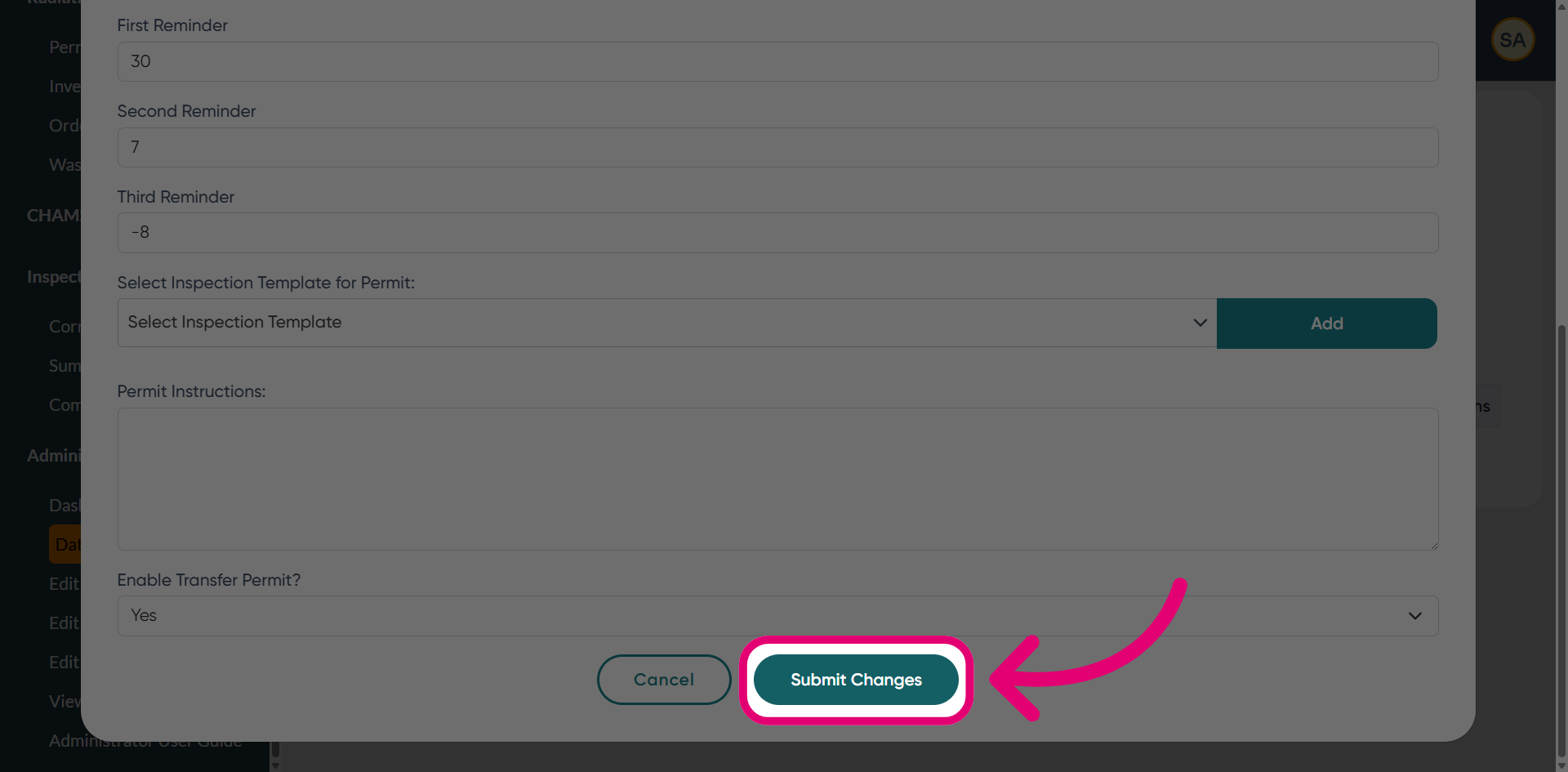
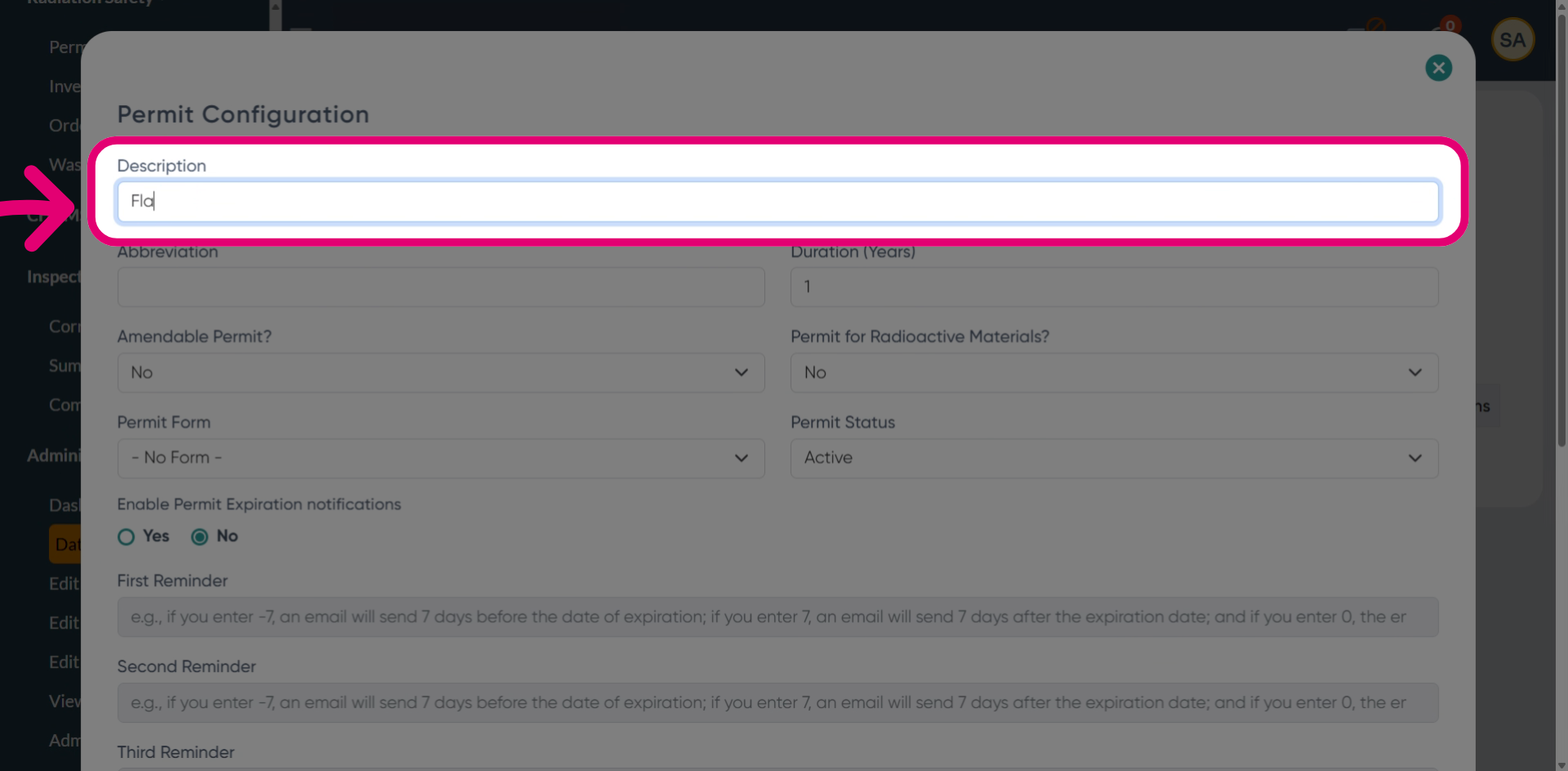
Enter a Description.
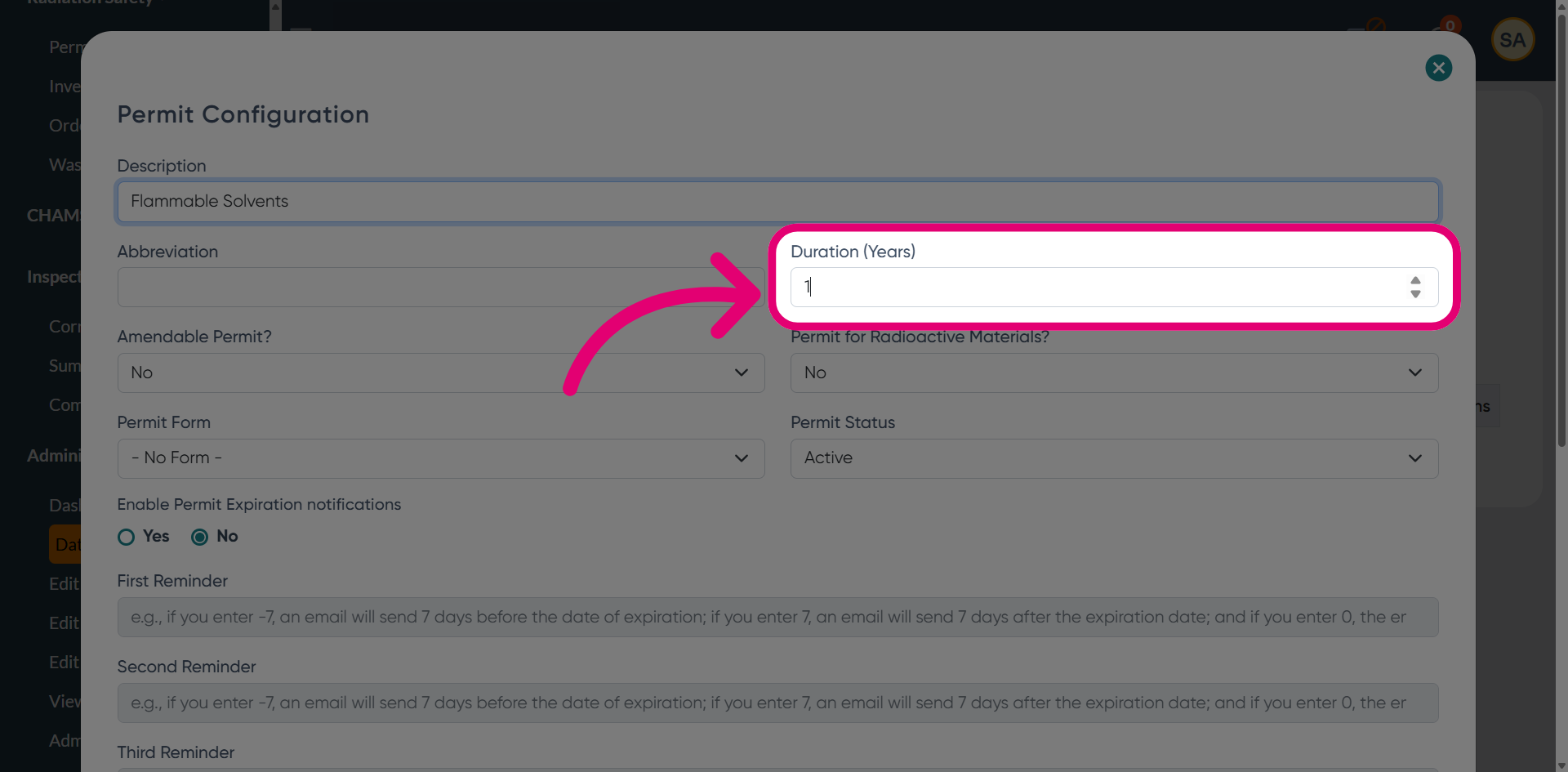
Set a Duration (in years) the permit will remain valid for.
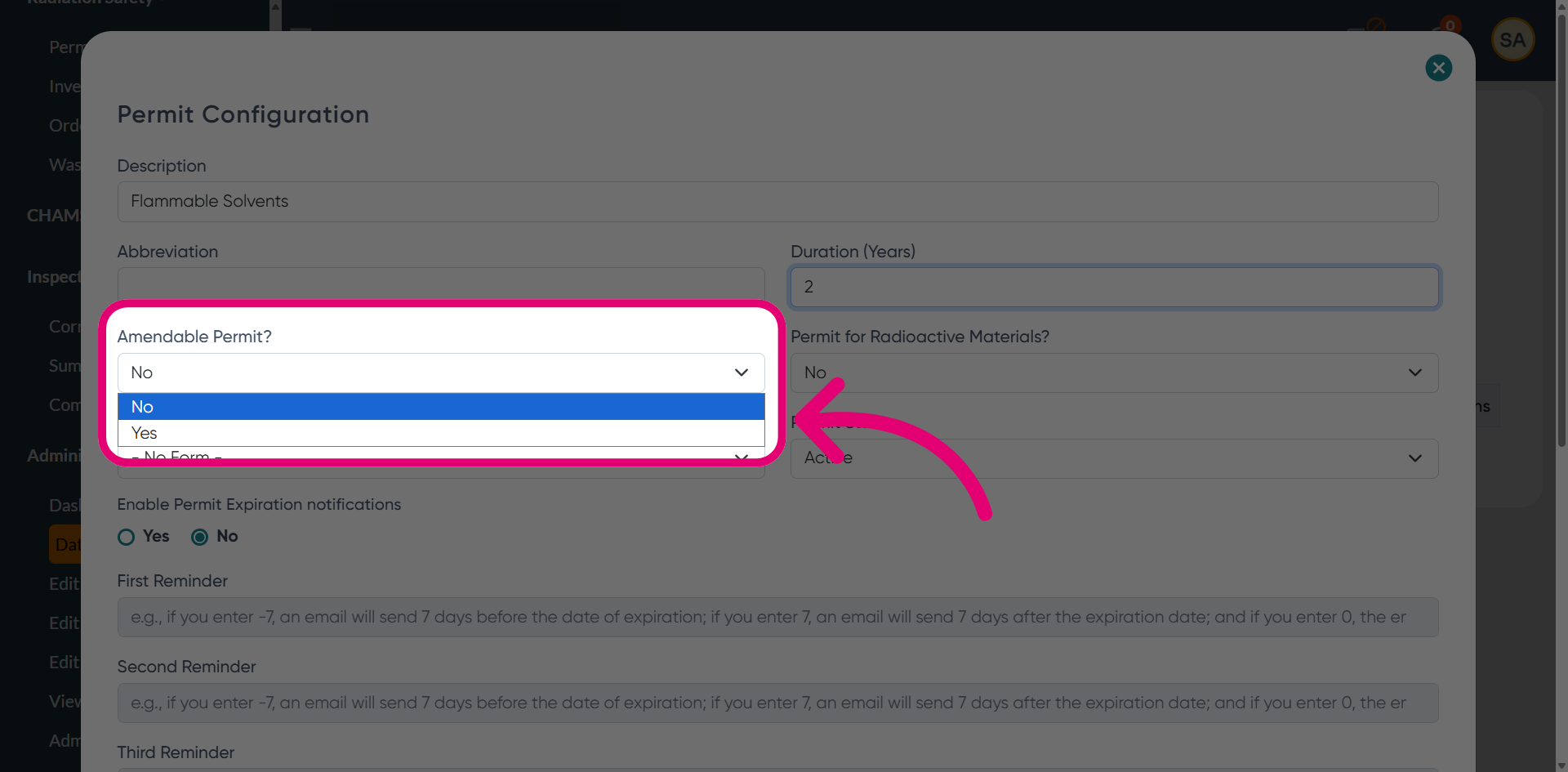
Set Amendable Permit? to Yes if changes are allowed after the permit is issued.
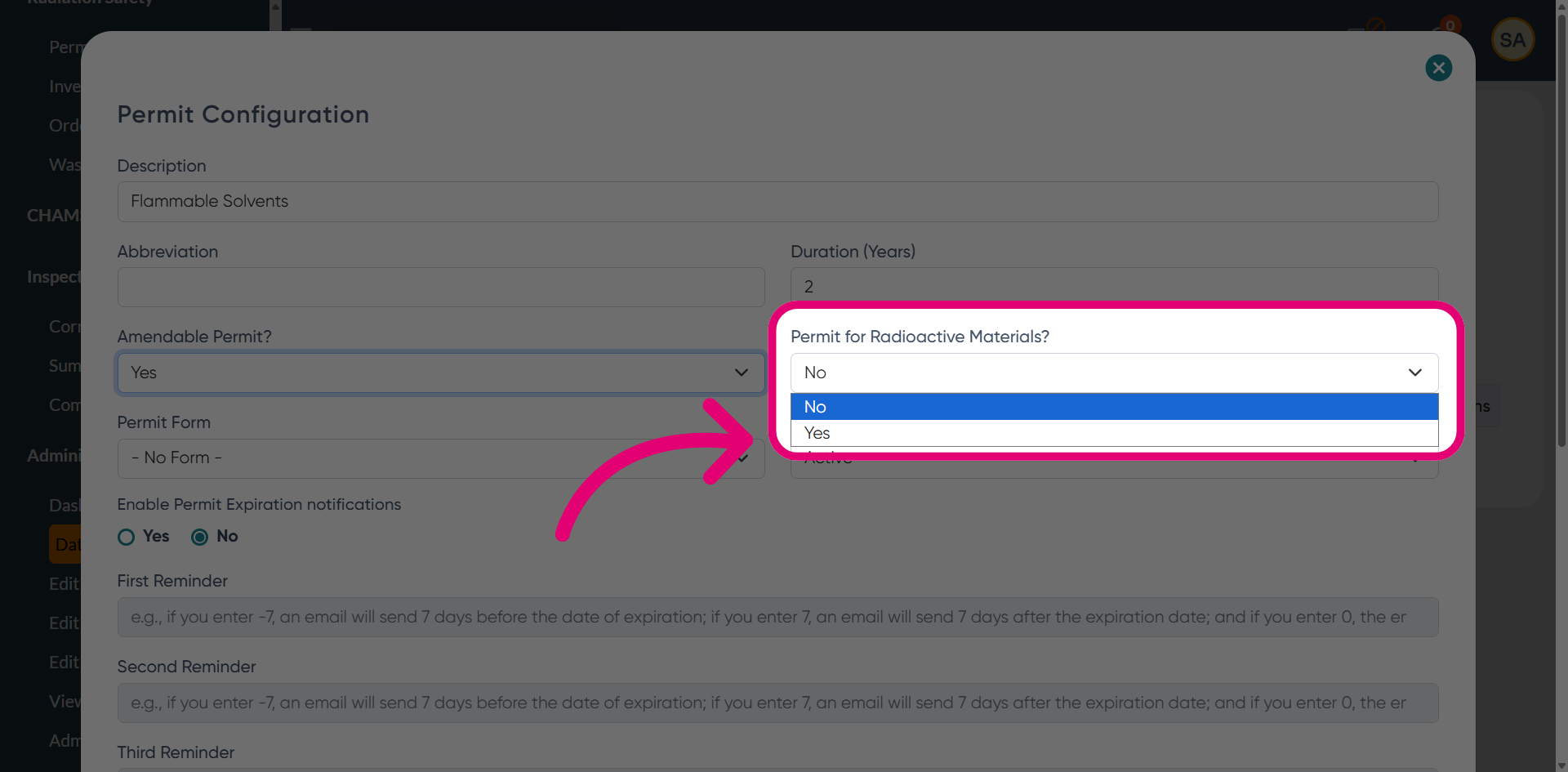
Set Permit for Radiactive Materials to Yes to indicate that the permit applies to radioactive materials.
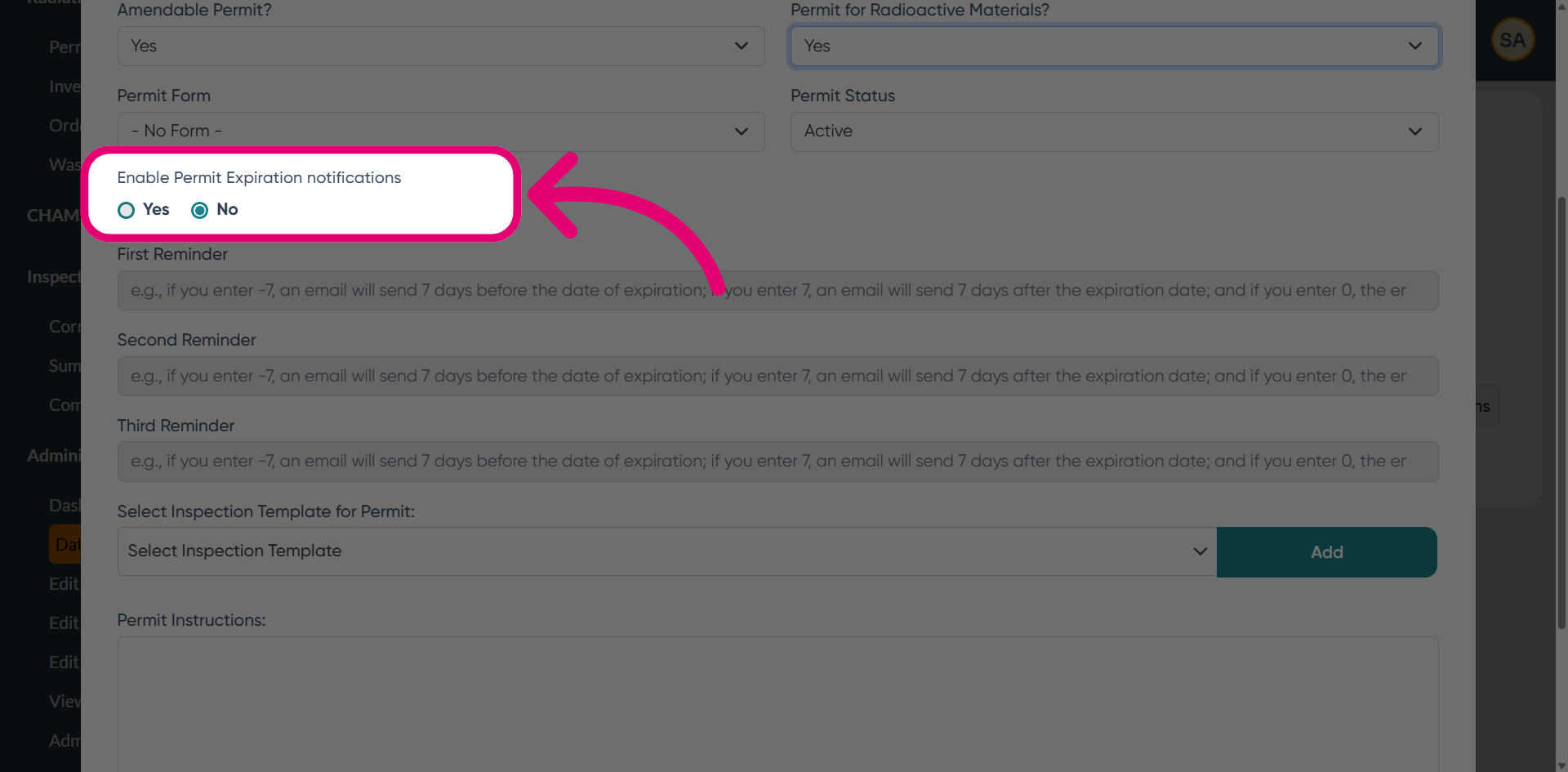
Enable Permit Expiration Notifications to configure reminders.
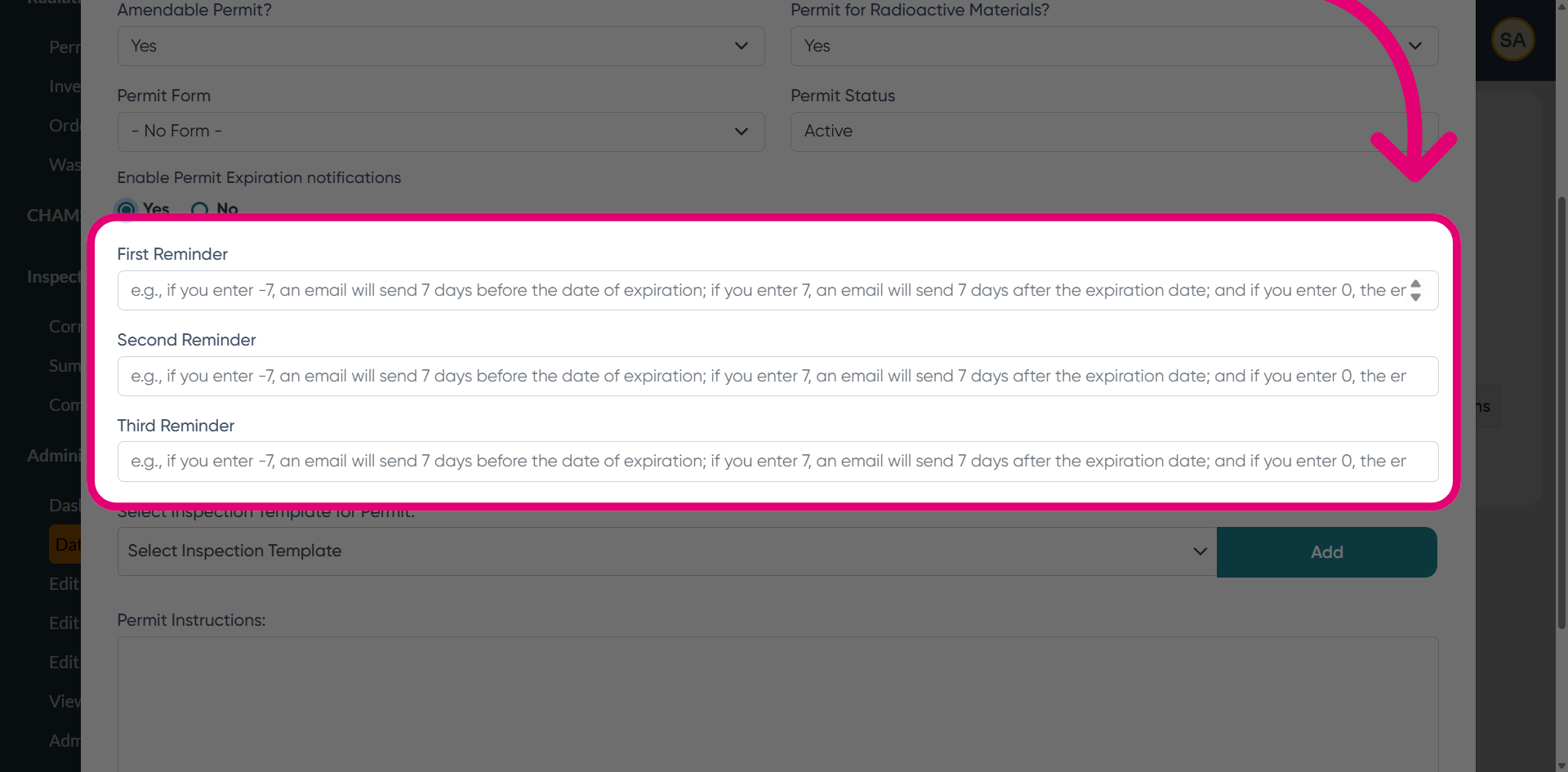
Set First, Second, and Third Reminder triggers (in days) to determine when the notification is sent.
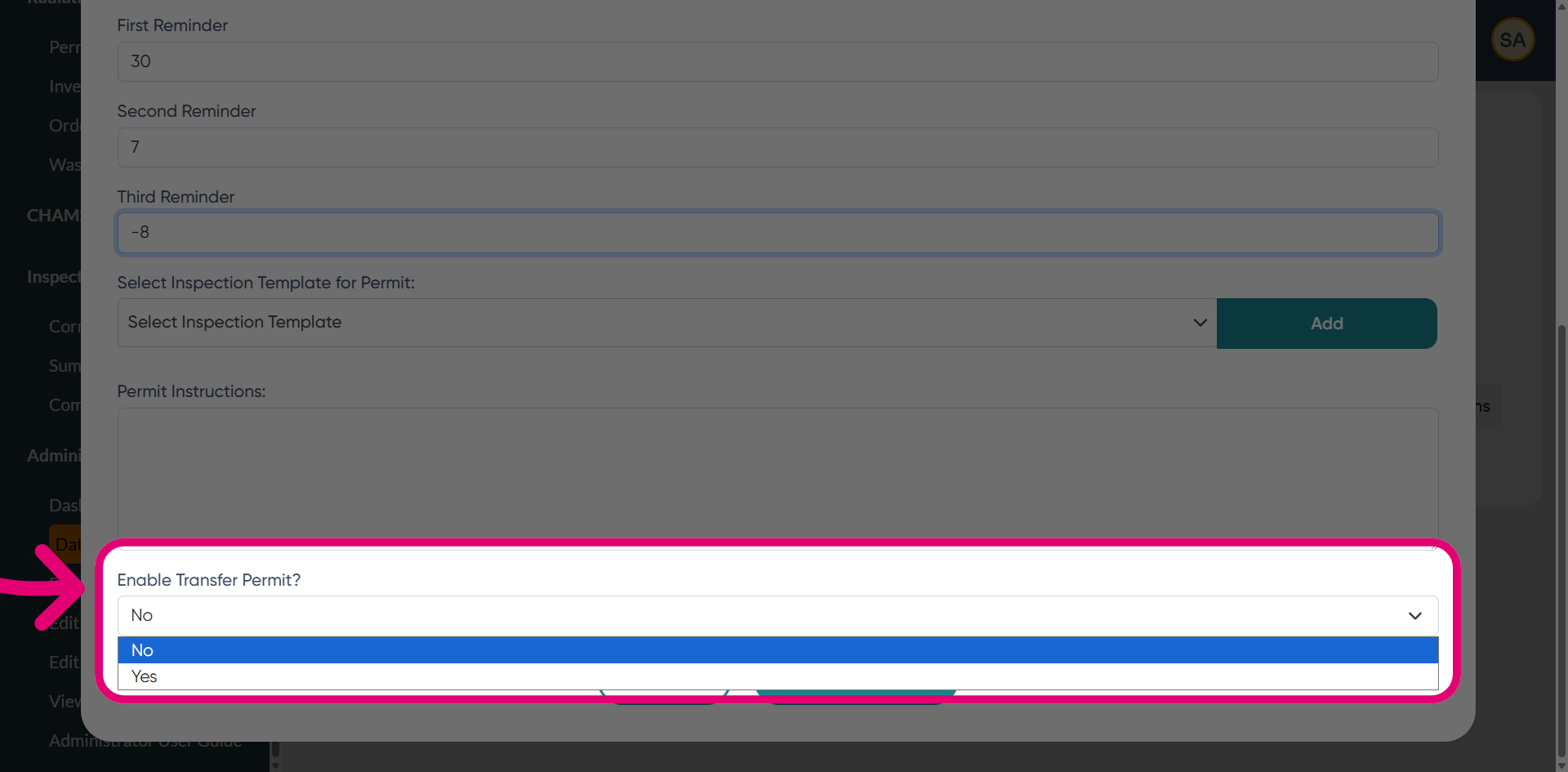
Set Enable Transfer Permit? to Yes to specify that the permit can be transferred.
Click Submit Changes.