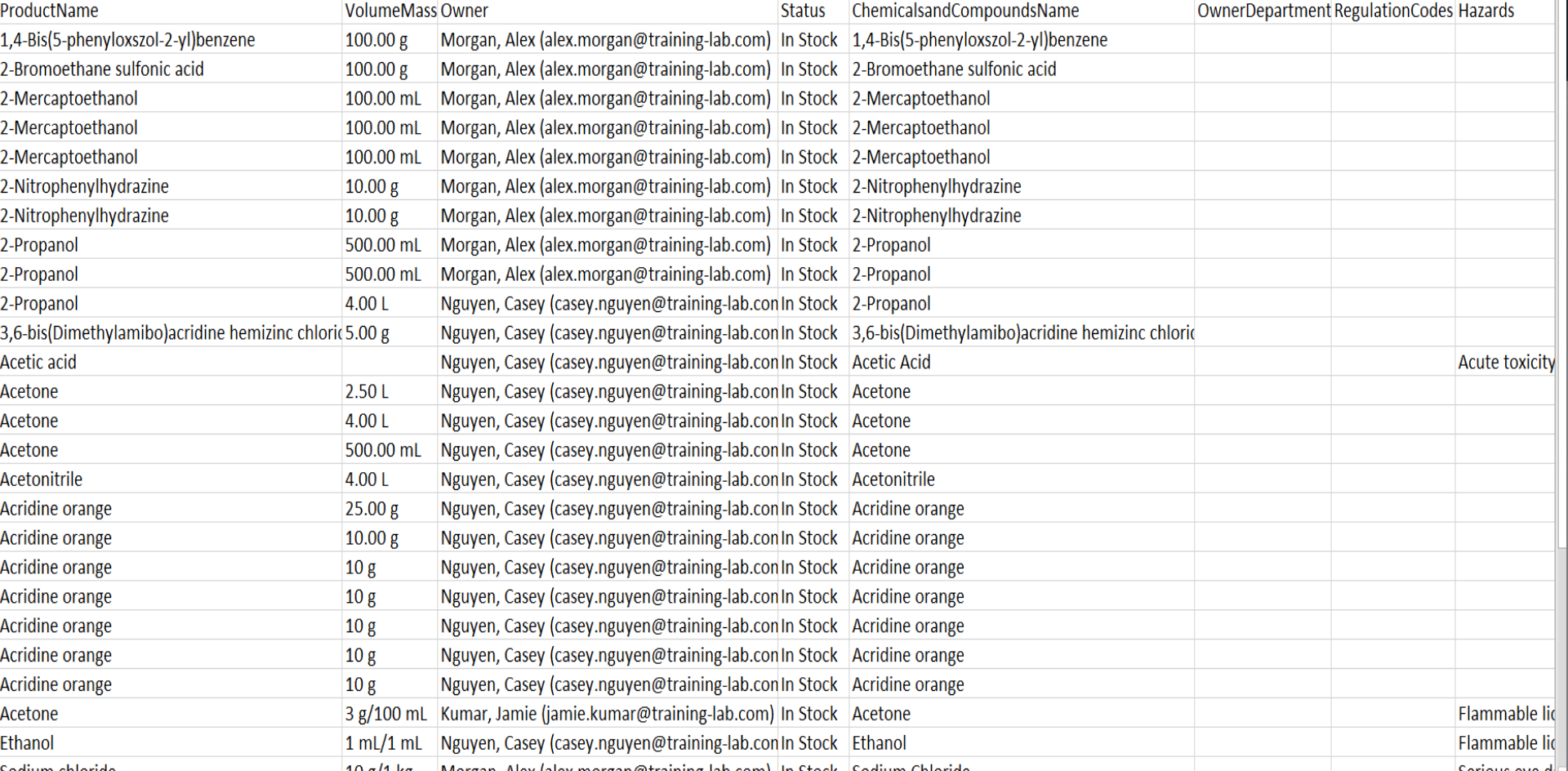
New article
Recently updated
Exporting data from an inventory page

Who is this article for?
Users who need to export data from an inventory page.
No special access or permissions are required.
This article explains how to export data from the Chemical Inventory page in LabCLIQ.
You will learn how to access export options, select specific fields for export, and download the data as an Excel spreadsheet.
1. Exporting inventory data
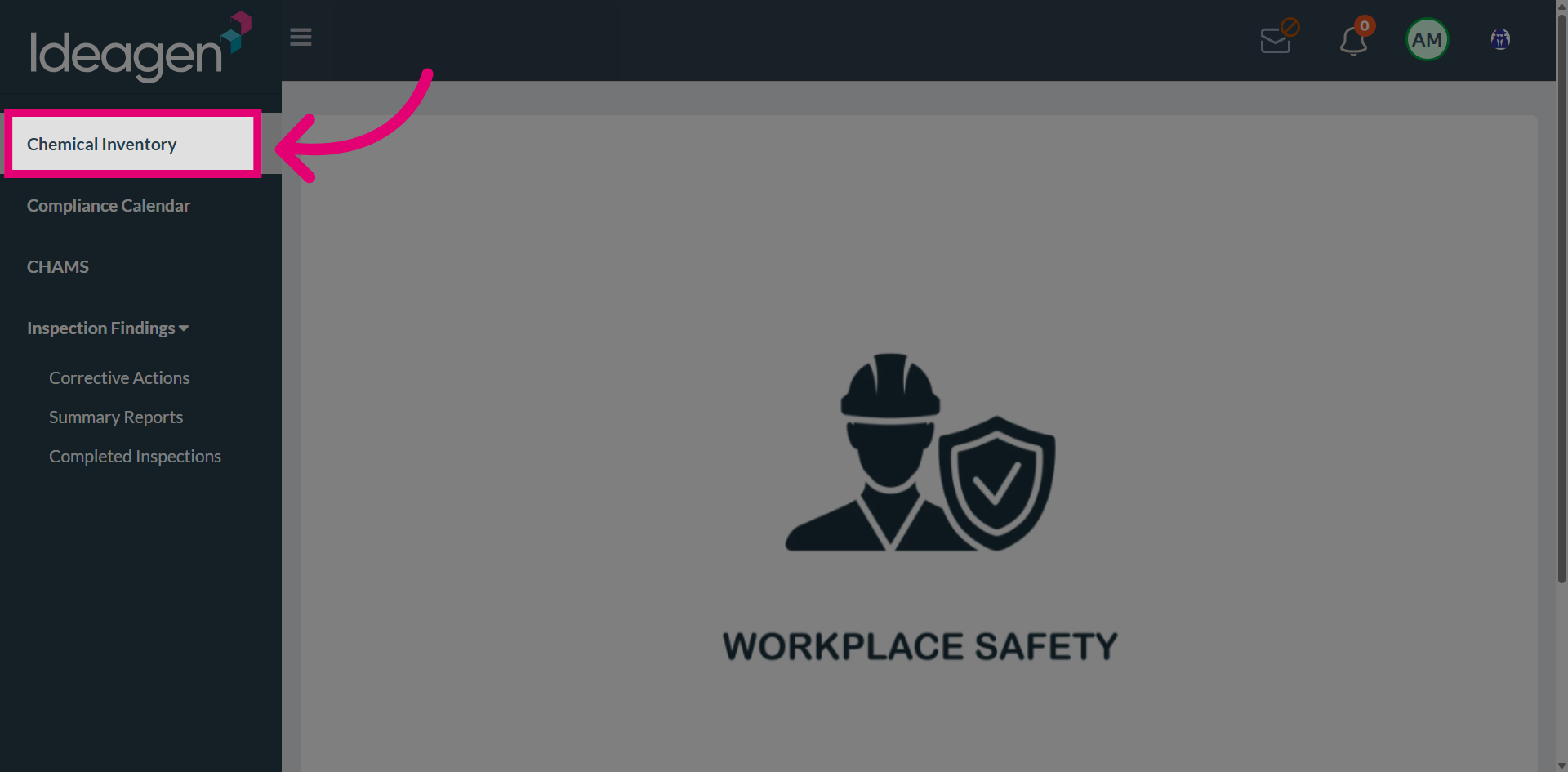
Go to Navigate to Chemical Inventory.
Open the Export Options menu.
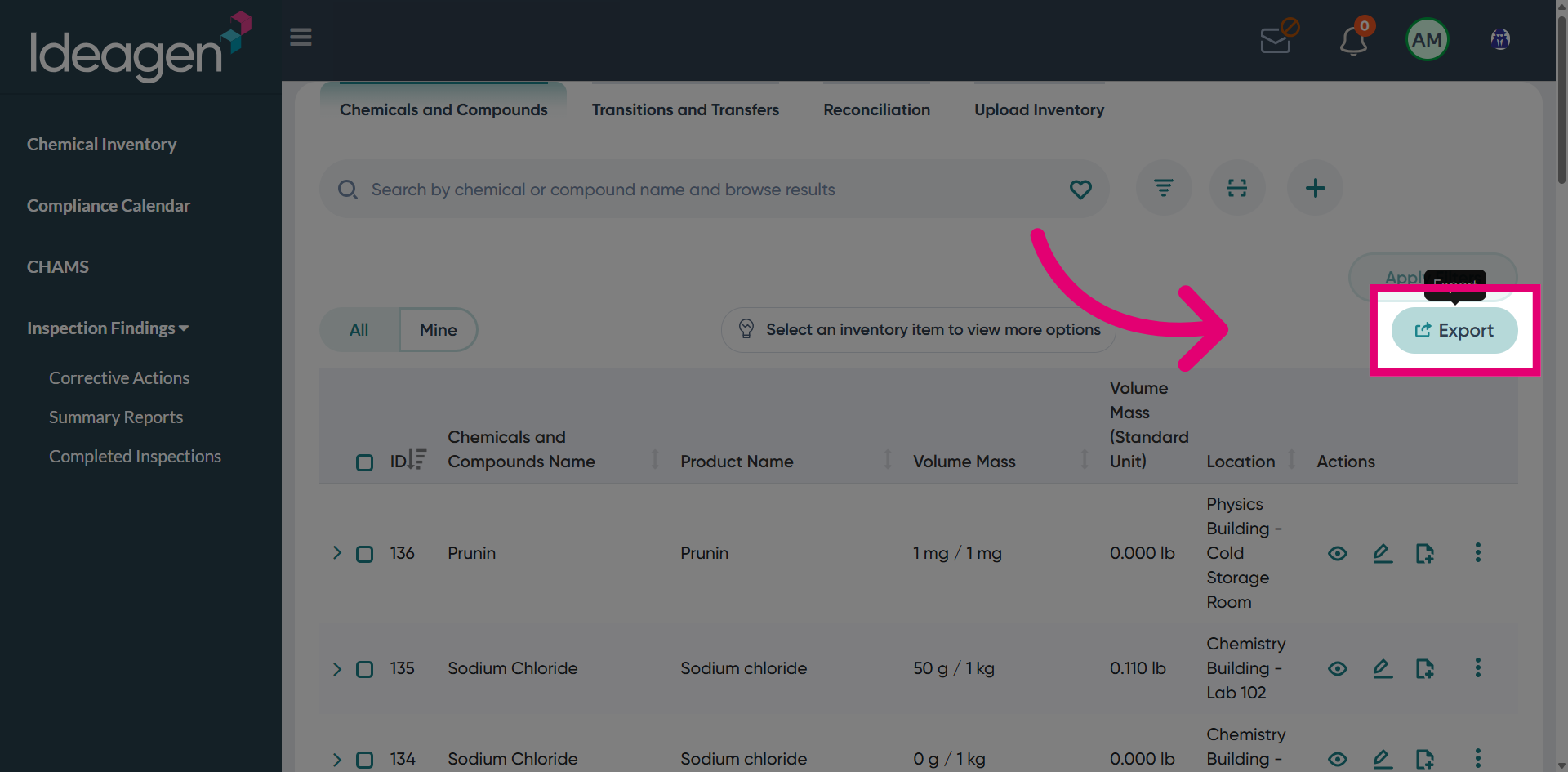
Enable the Export Option to begin configuring your export.
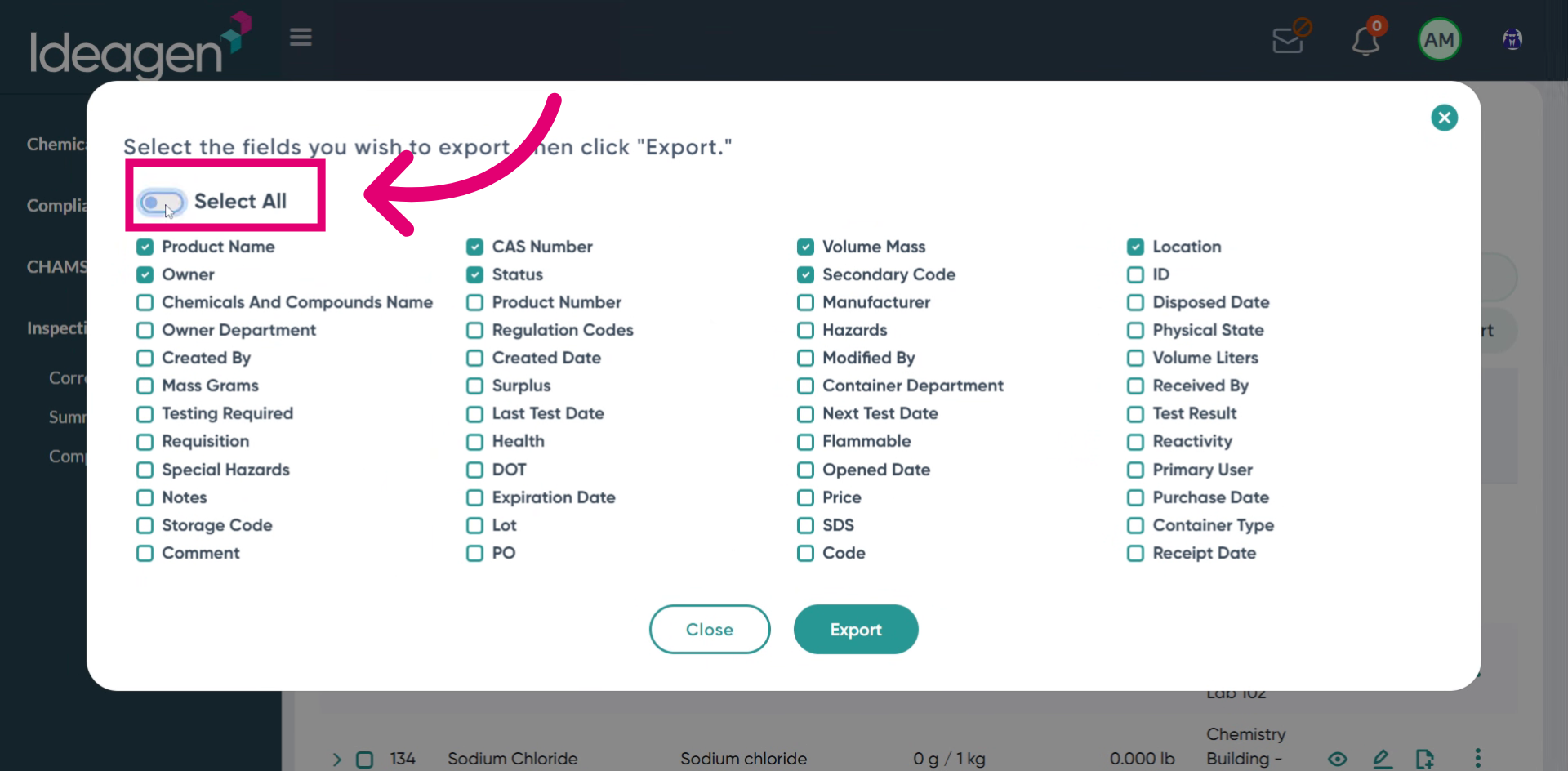
Select the checkboxes for individual fields to be included in the export.
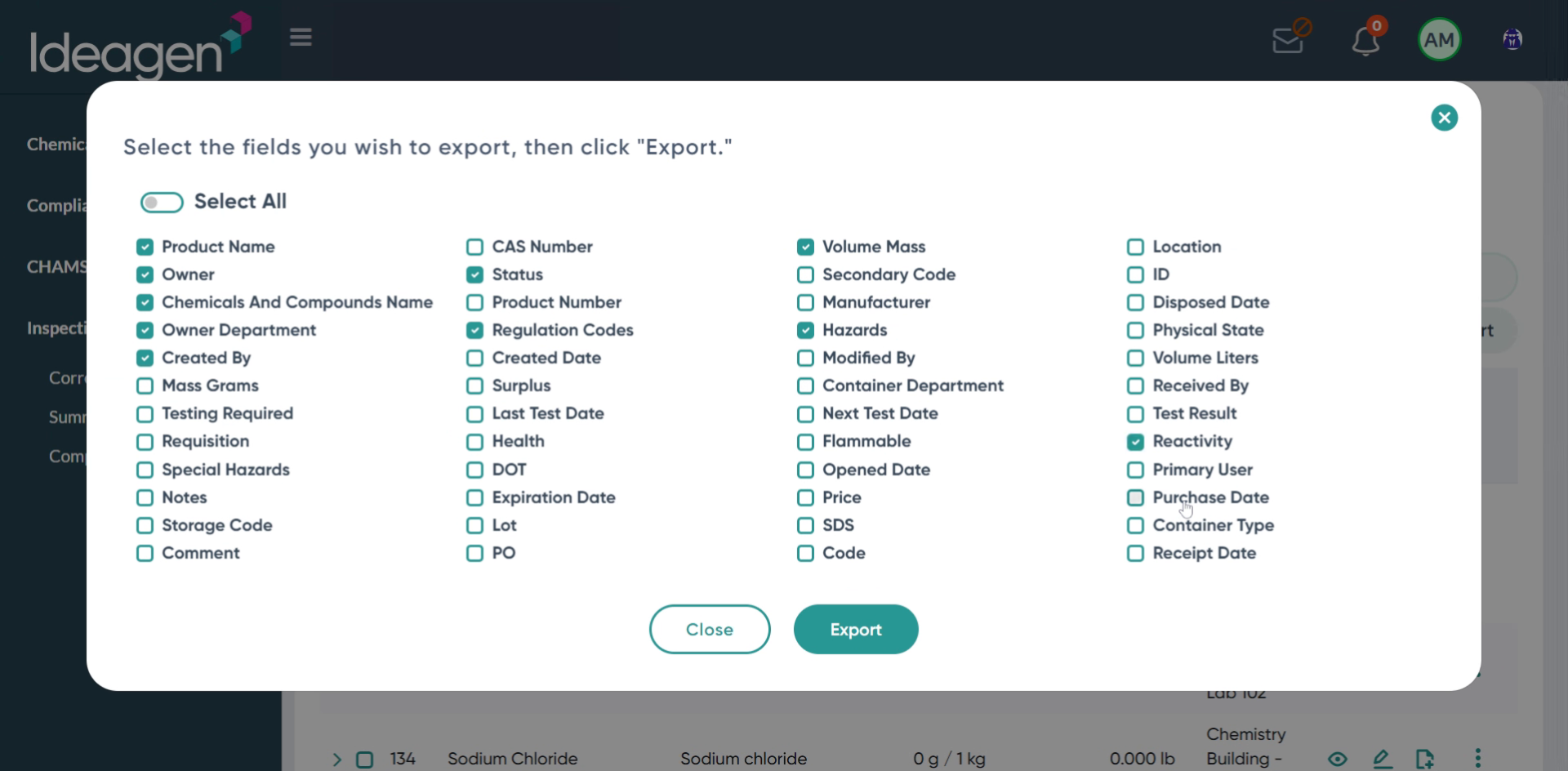
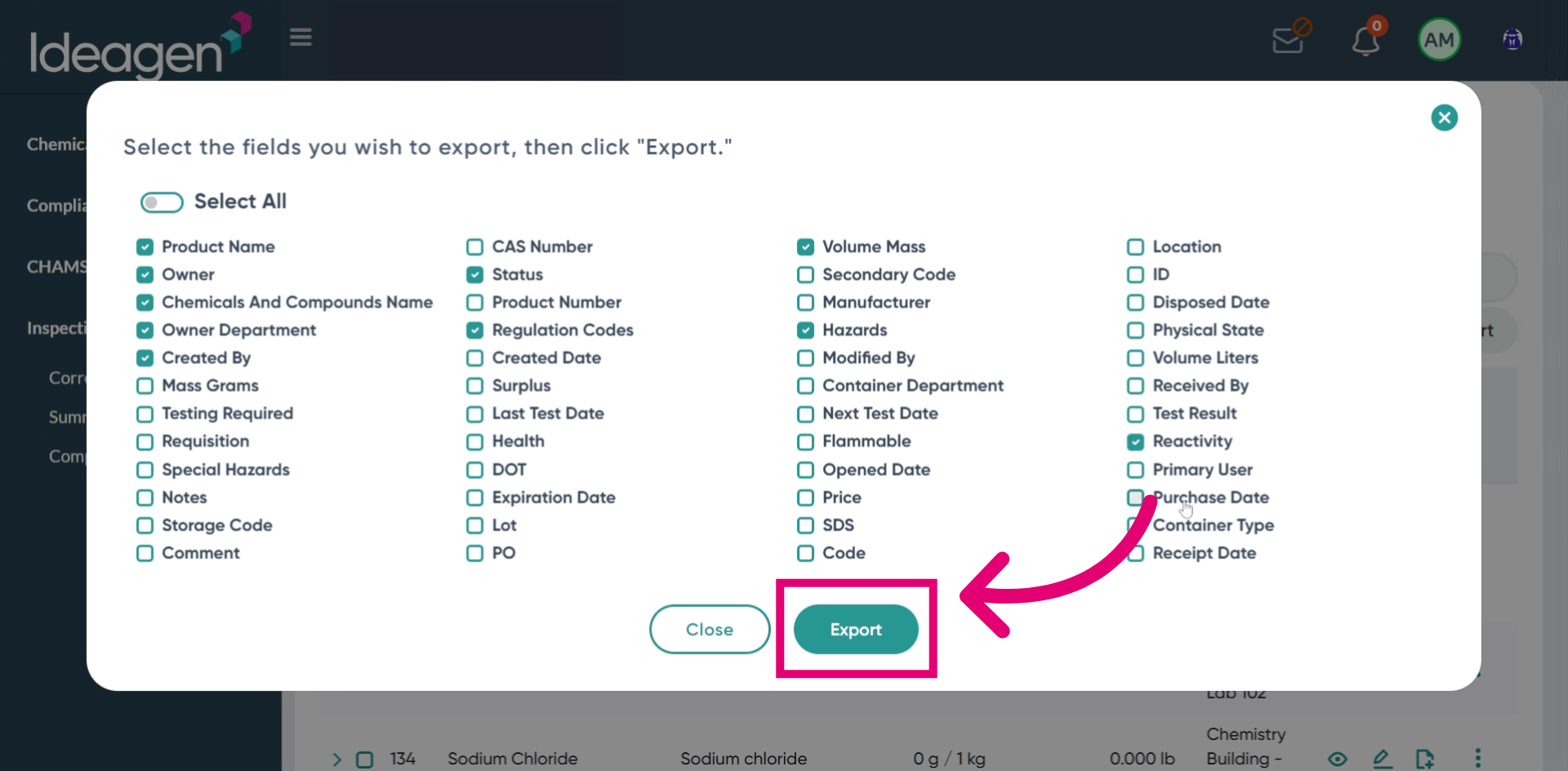
Click the export button to download the data.
Open the exported Excel sheet to view your inventory data.