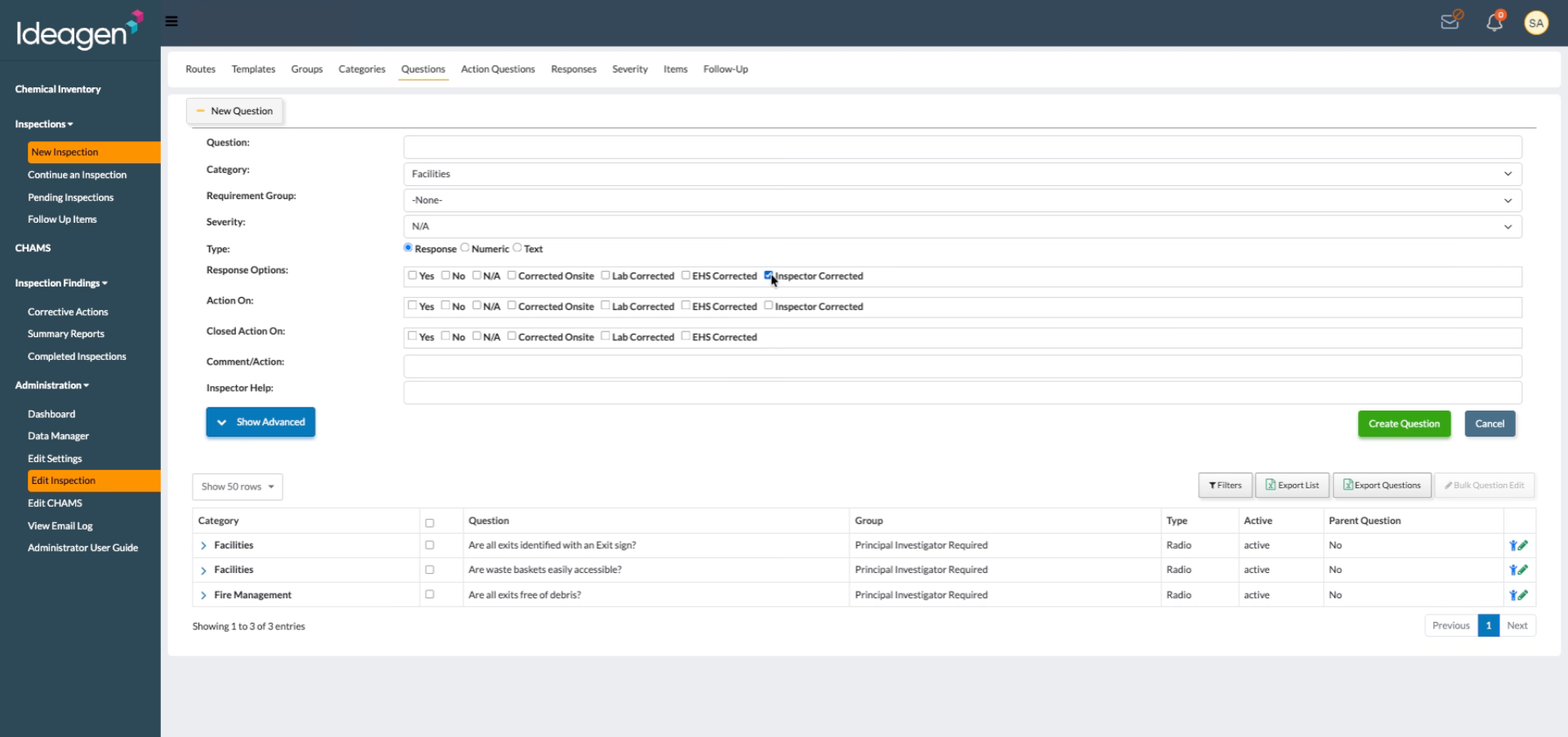
New article
Recently updated
Creating a response option

Who is this article for?
Administrators who want to learn to create a response option.
Administrator permissions are required.
This article explains how to create a new response option.
You will learn the steps to add and configure response options effectively.
1. Creating a response option
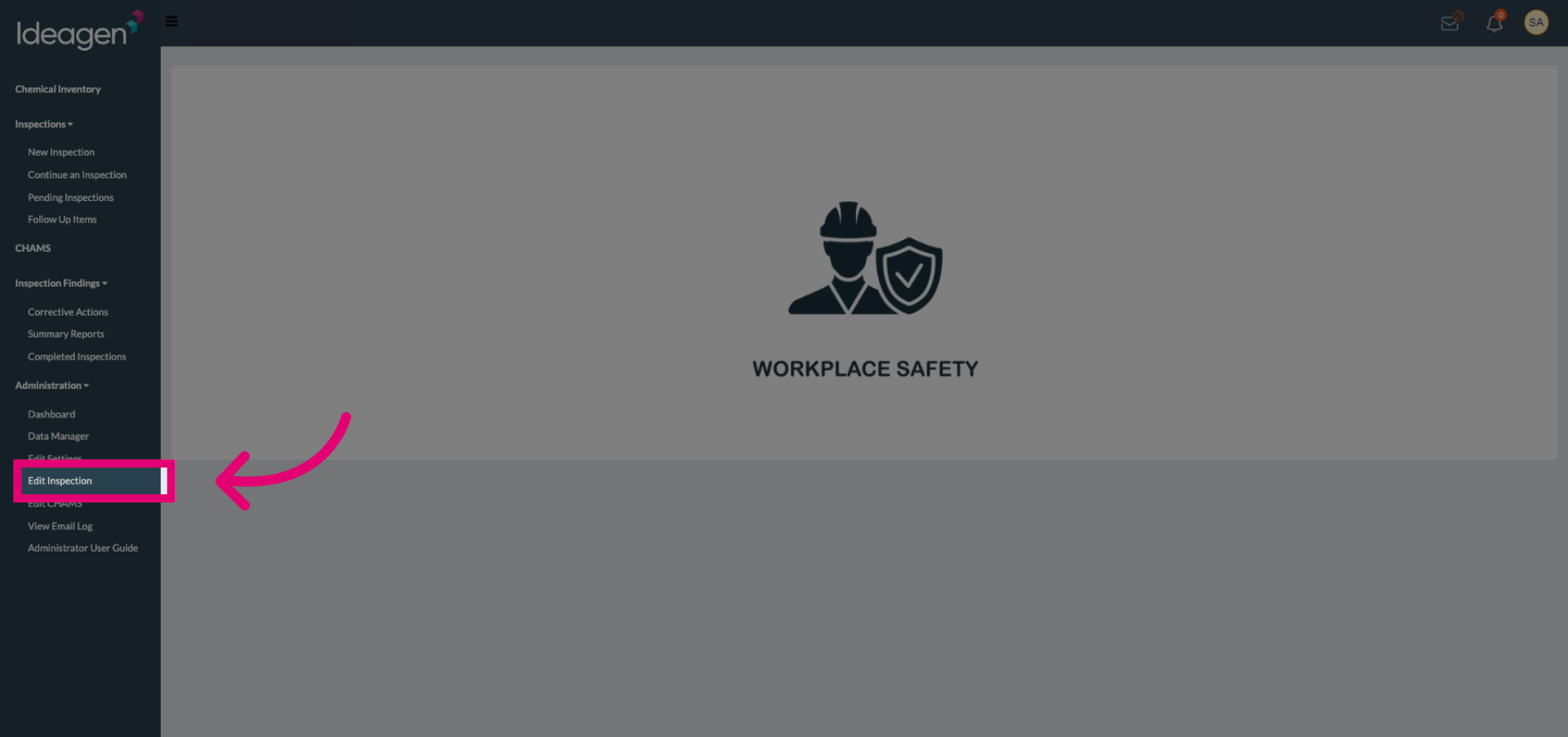
Select the Edit Inspection button to begin modifying the inspection details.
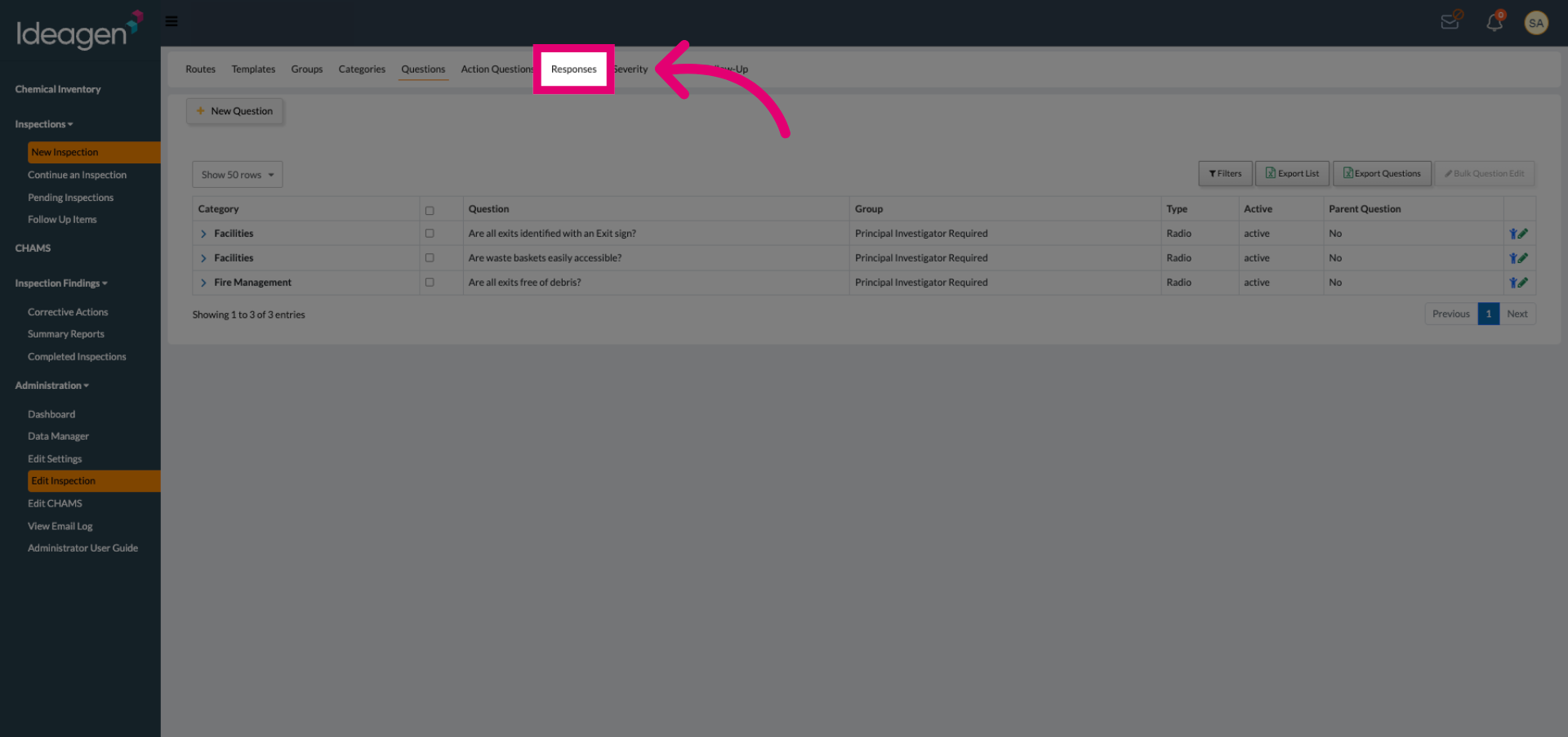
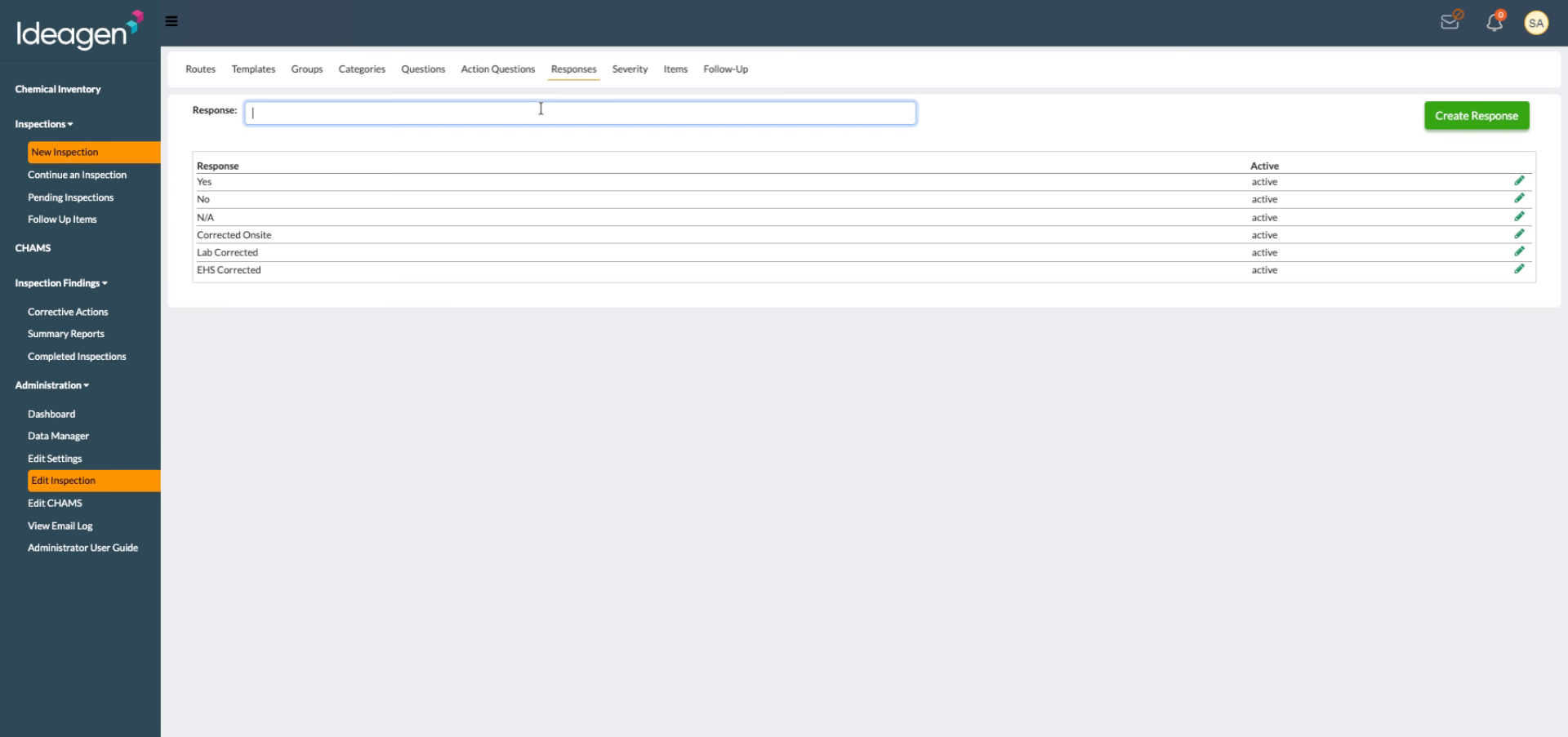
Select the Responses tab to access the list of existing response options.
Click the Response field.
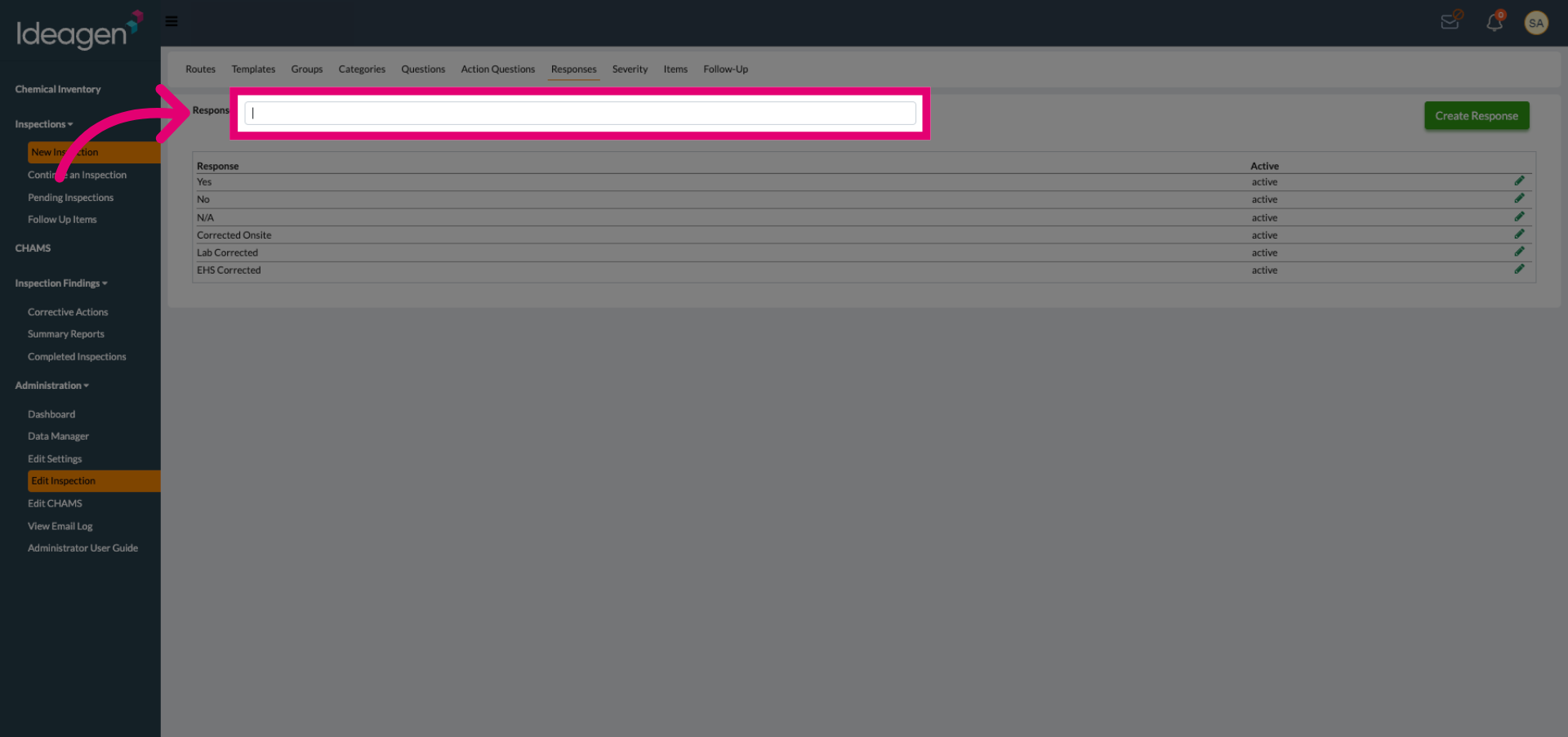
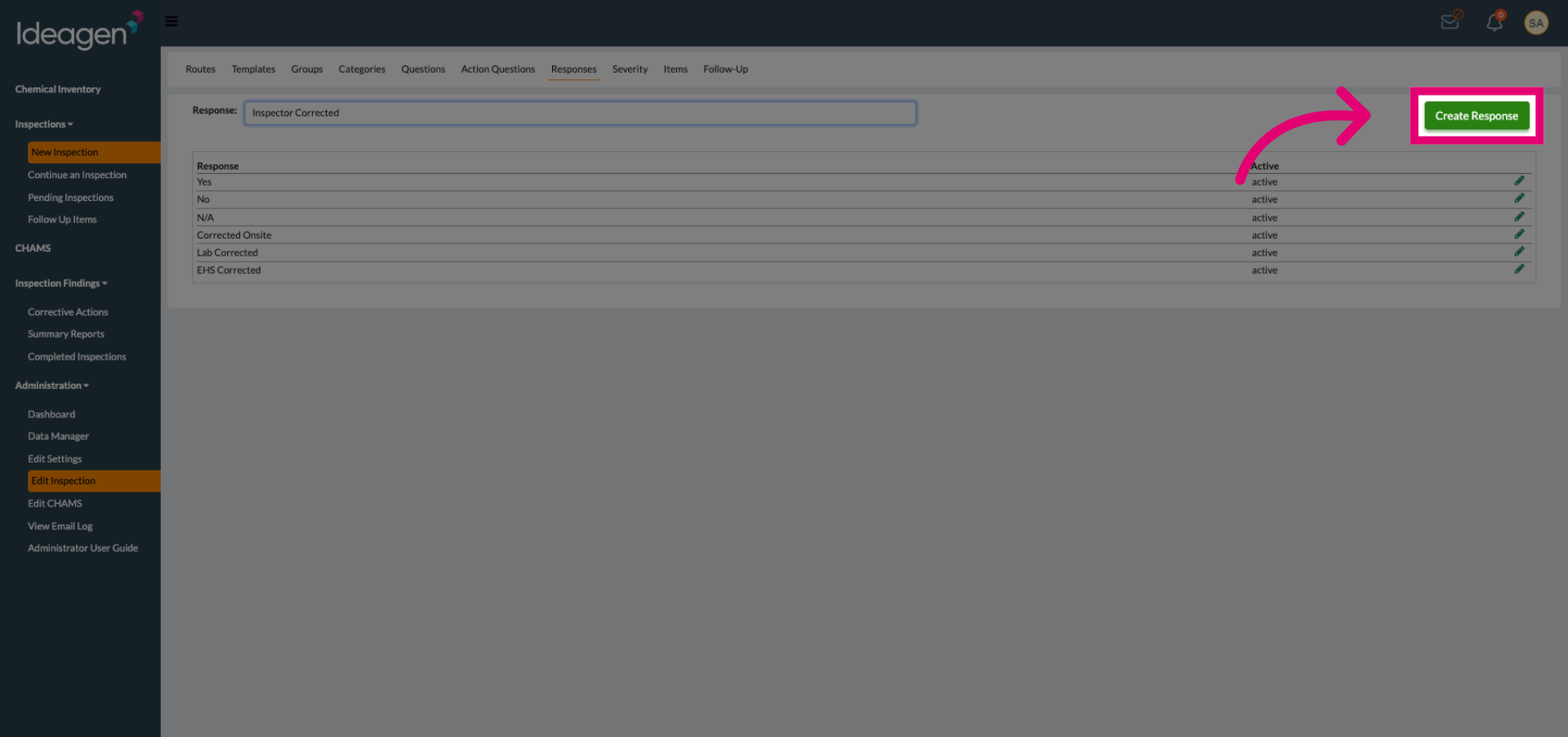
Enter your response name in the field to identify the new response option.
Click the Create Response button to add the new response option to the system.
You are now able to add this response option to your questions.