


New article
Recently updated
Creating a severity level

Who is this article for?
Administrators who want to learn to create a severity level.
Administrator permissions are required.
This article explains how to create a new Severity level.
You will learn the steps to define and save custom severity labels for inspections.
1. Creating a severity level
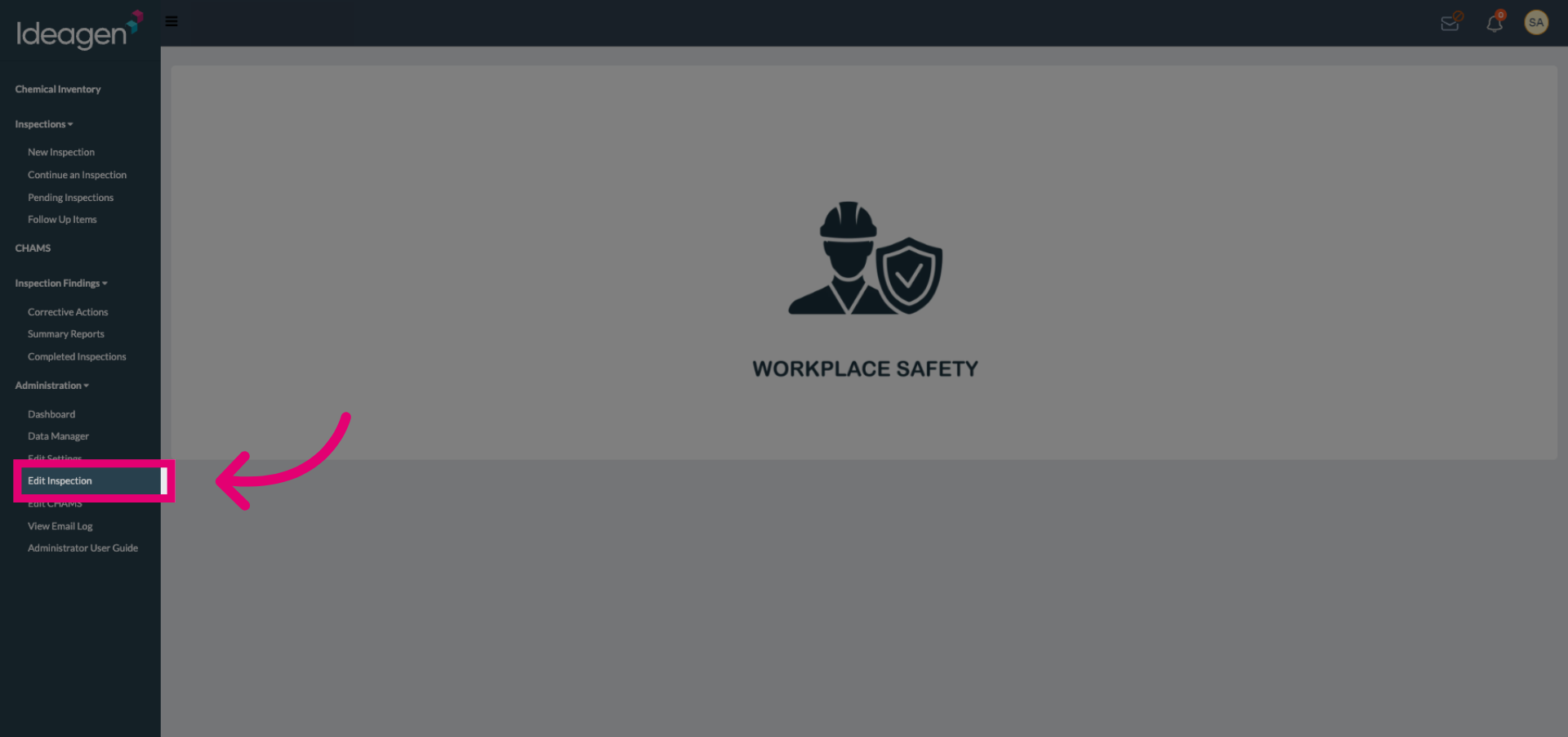
Select the Edit Inspection option to begin modifying inspection settings.
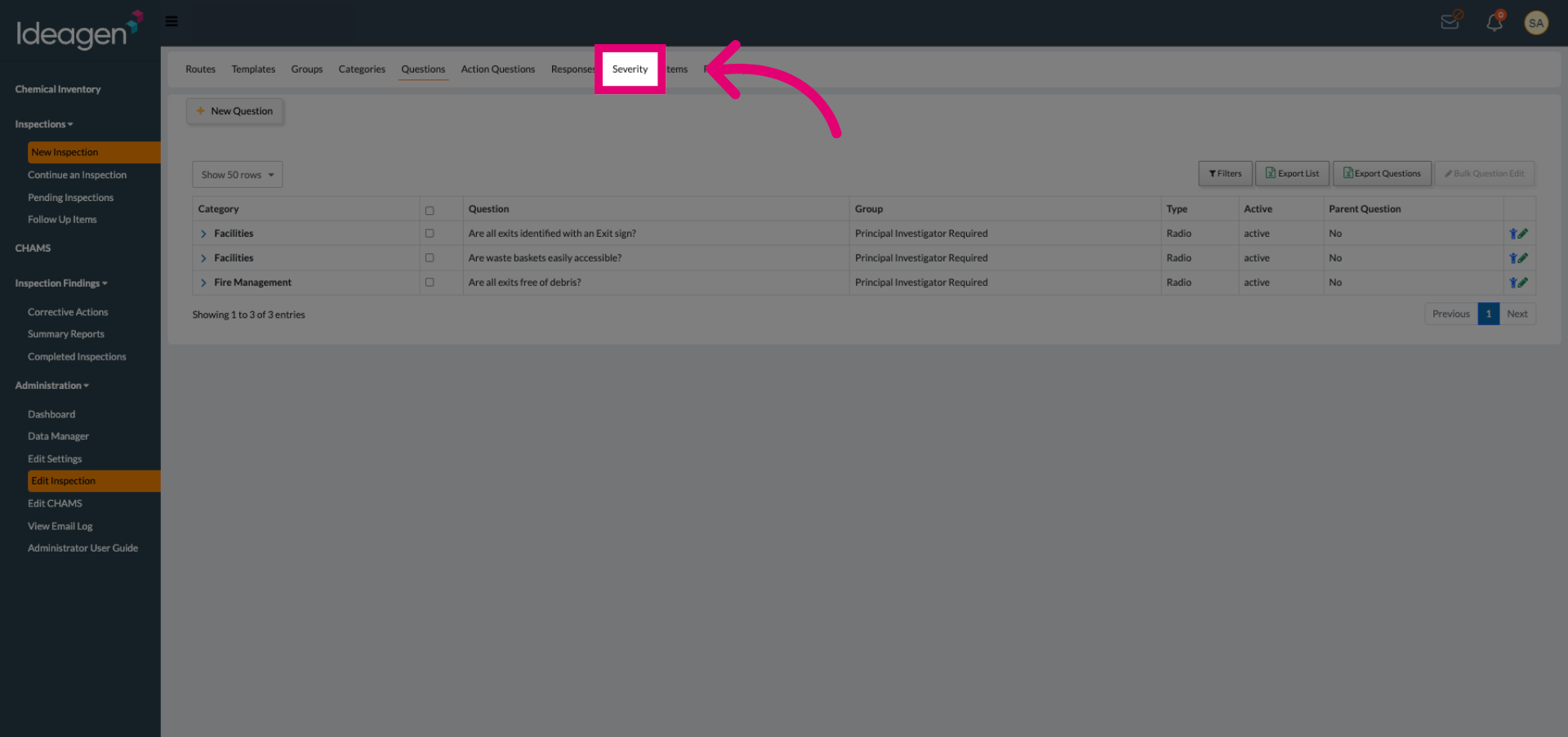
Select the Severity tab to access severity level configurations.
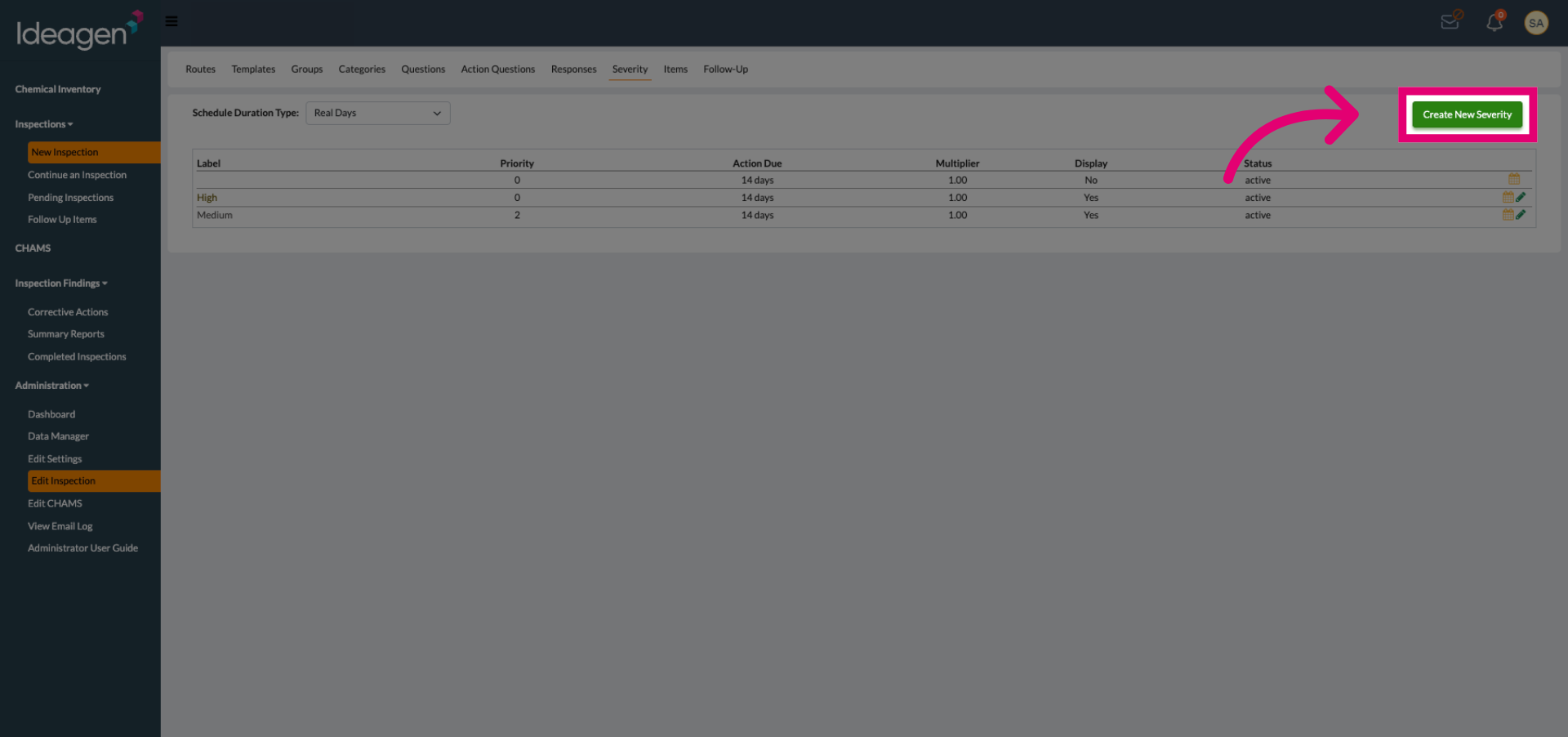
Click the Create New Severity button to start defining a new severity level.
Click the Label field to enter the name for the new severity level.
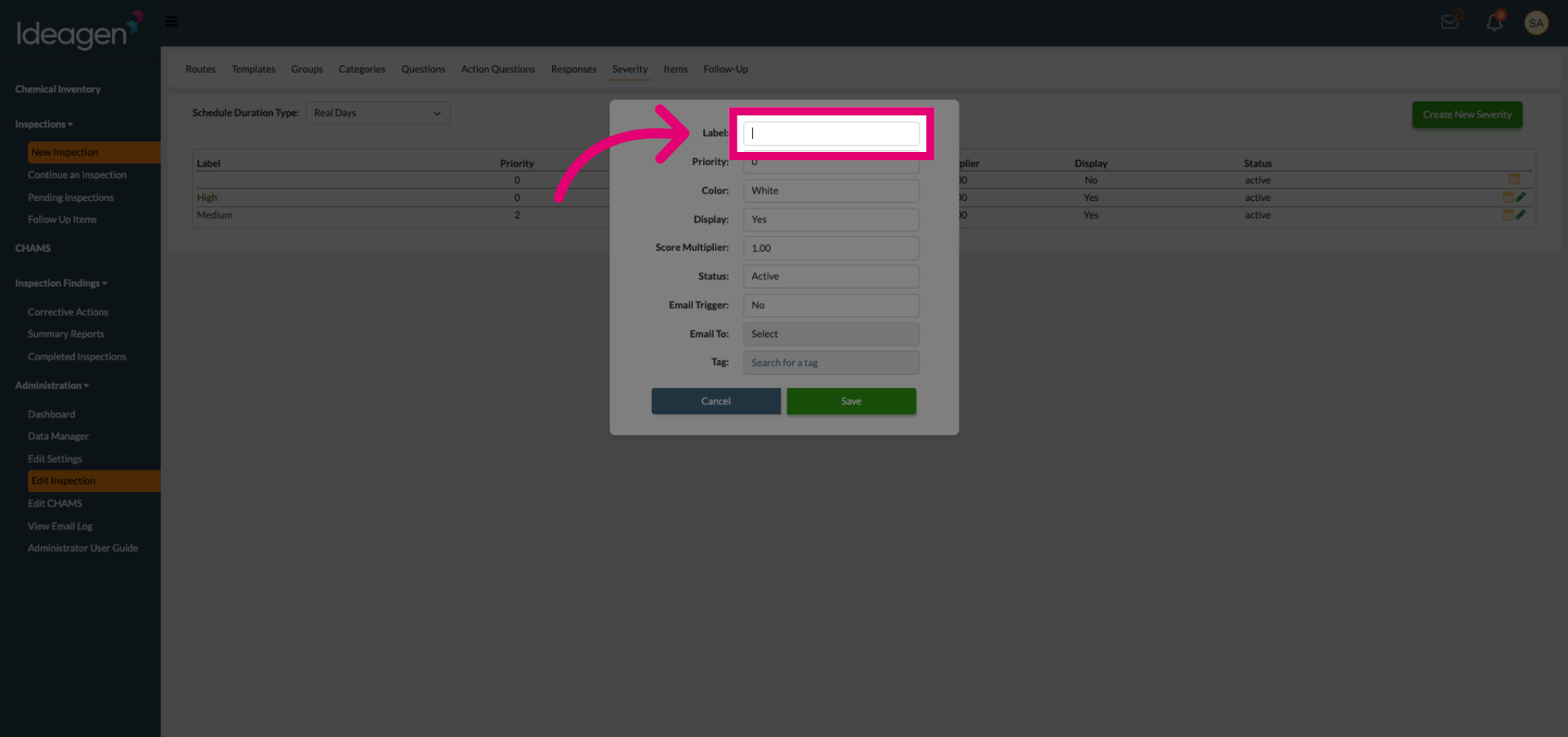
Enter a descriptive name for your severity label.
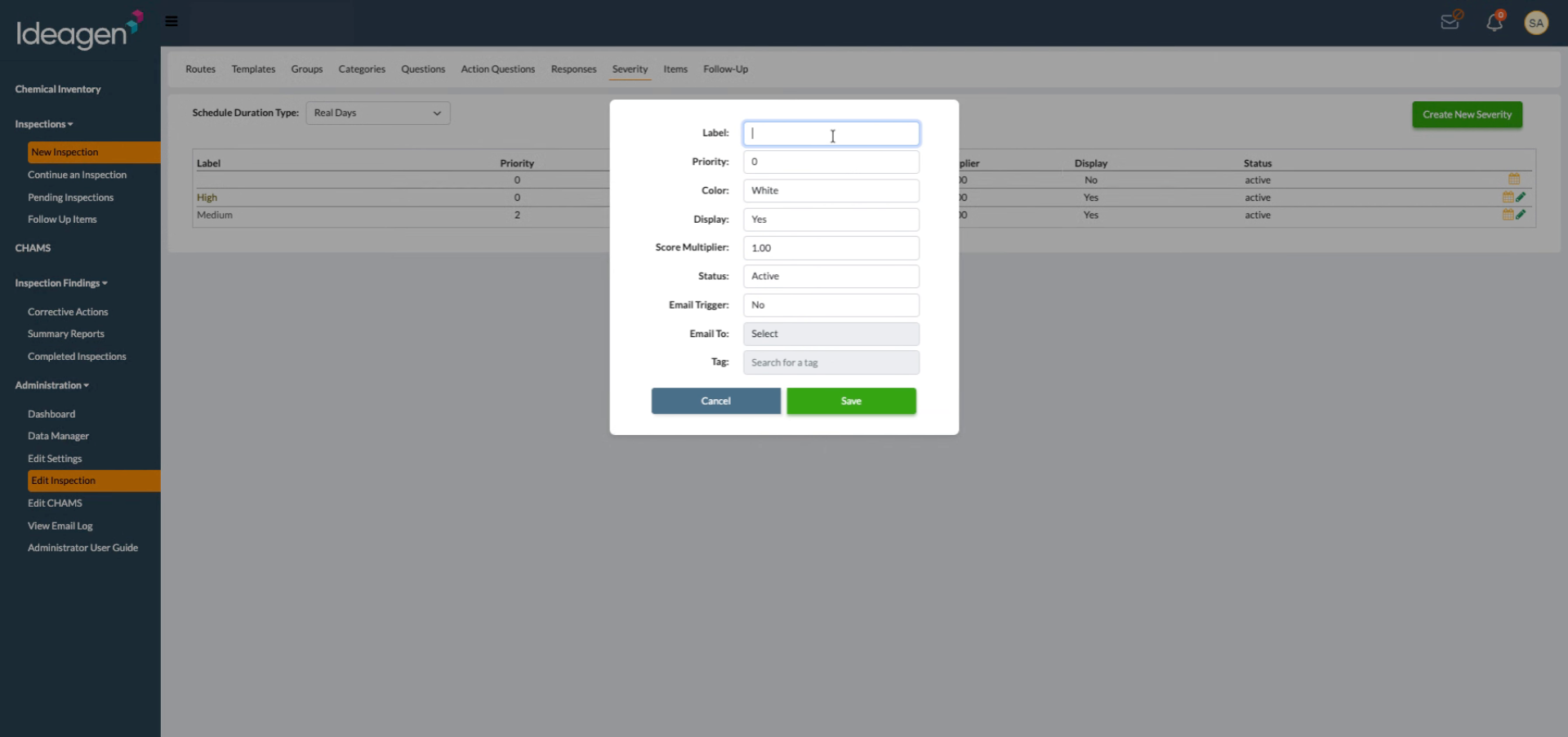
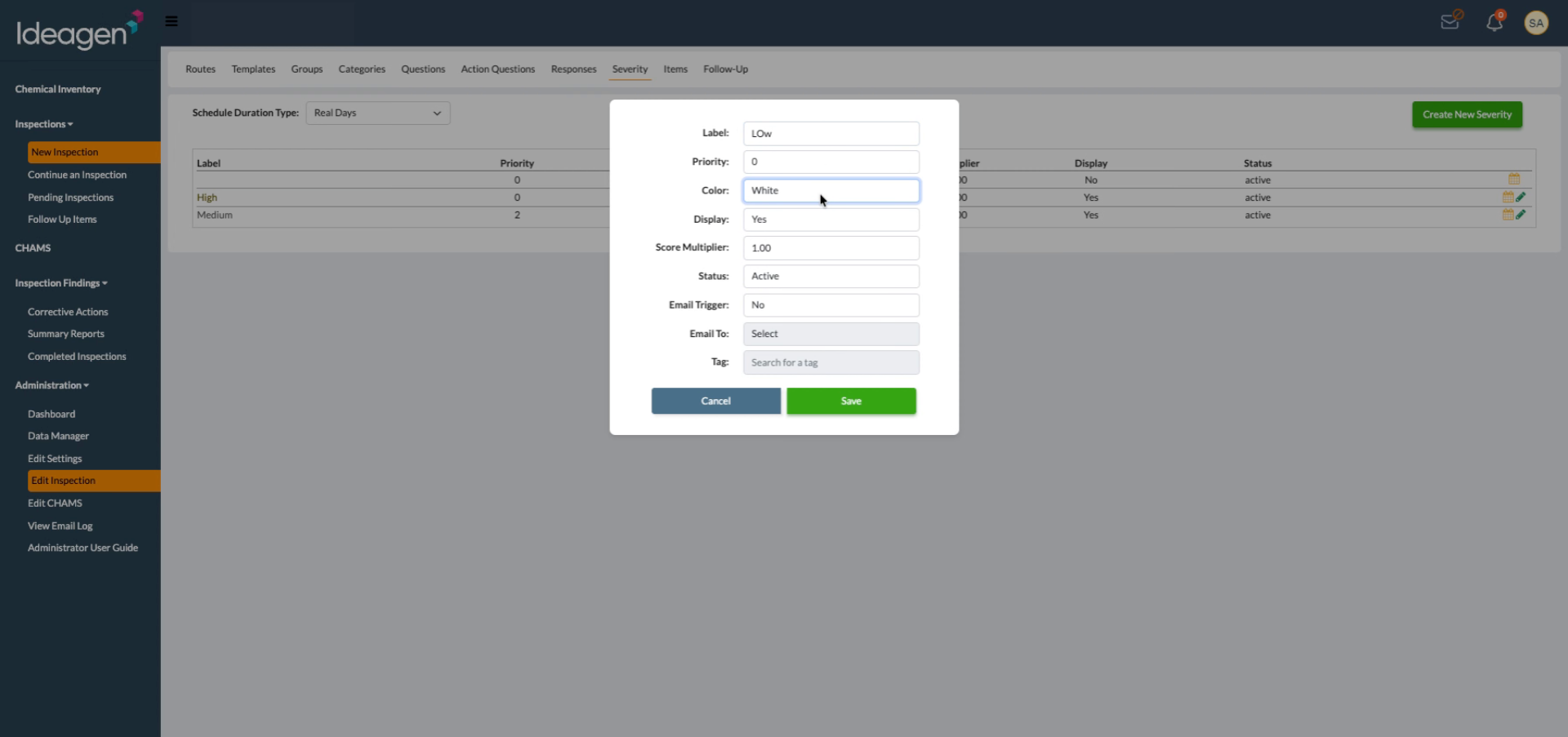
Open the color options dropdown to assign a color to the severity level.
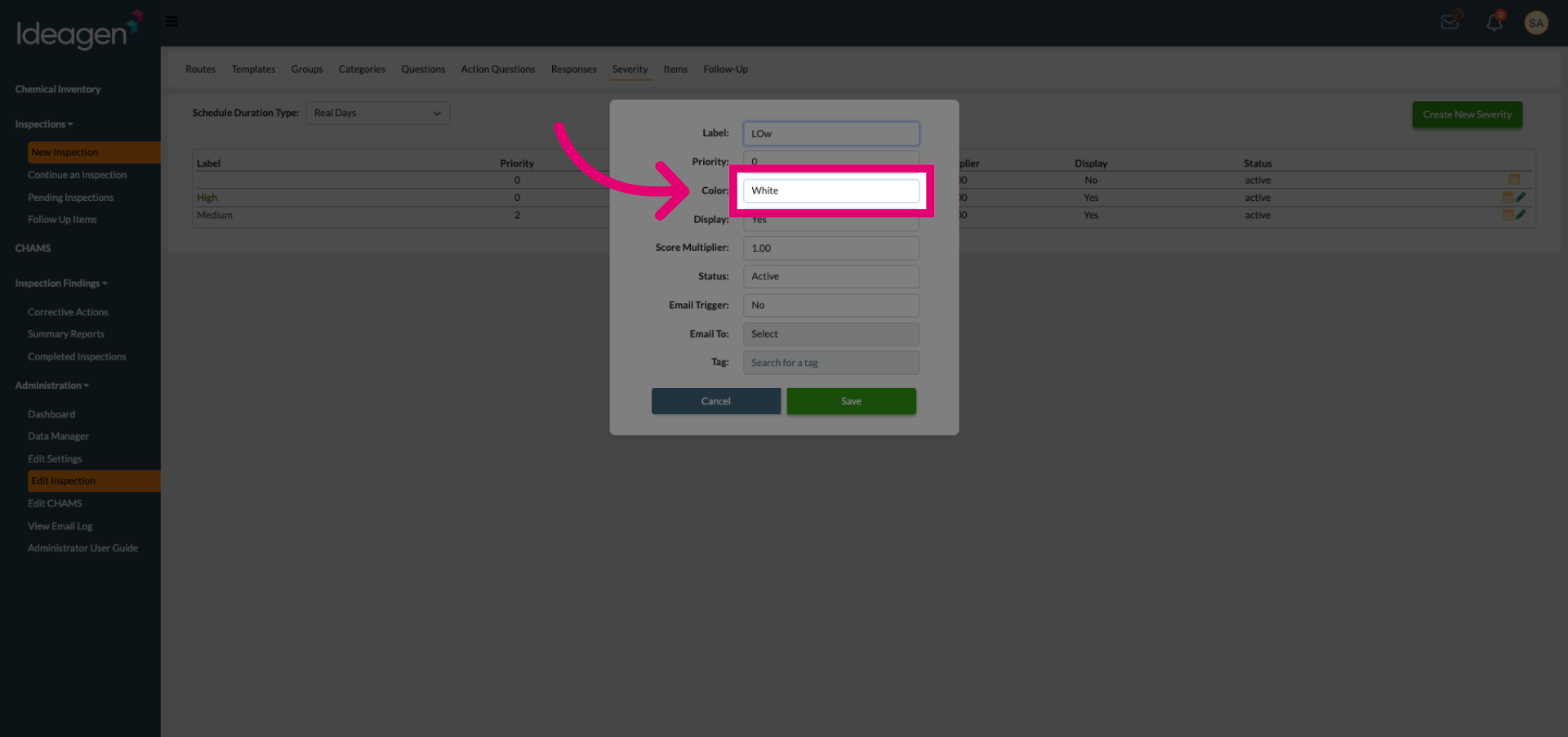
Select the color that visually represents the severity level from the available choices.
Click Save to store the new severity level settings.
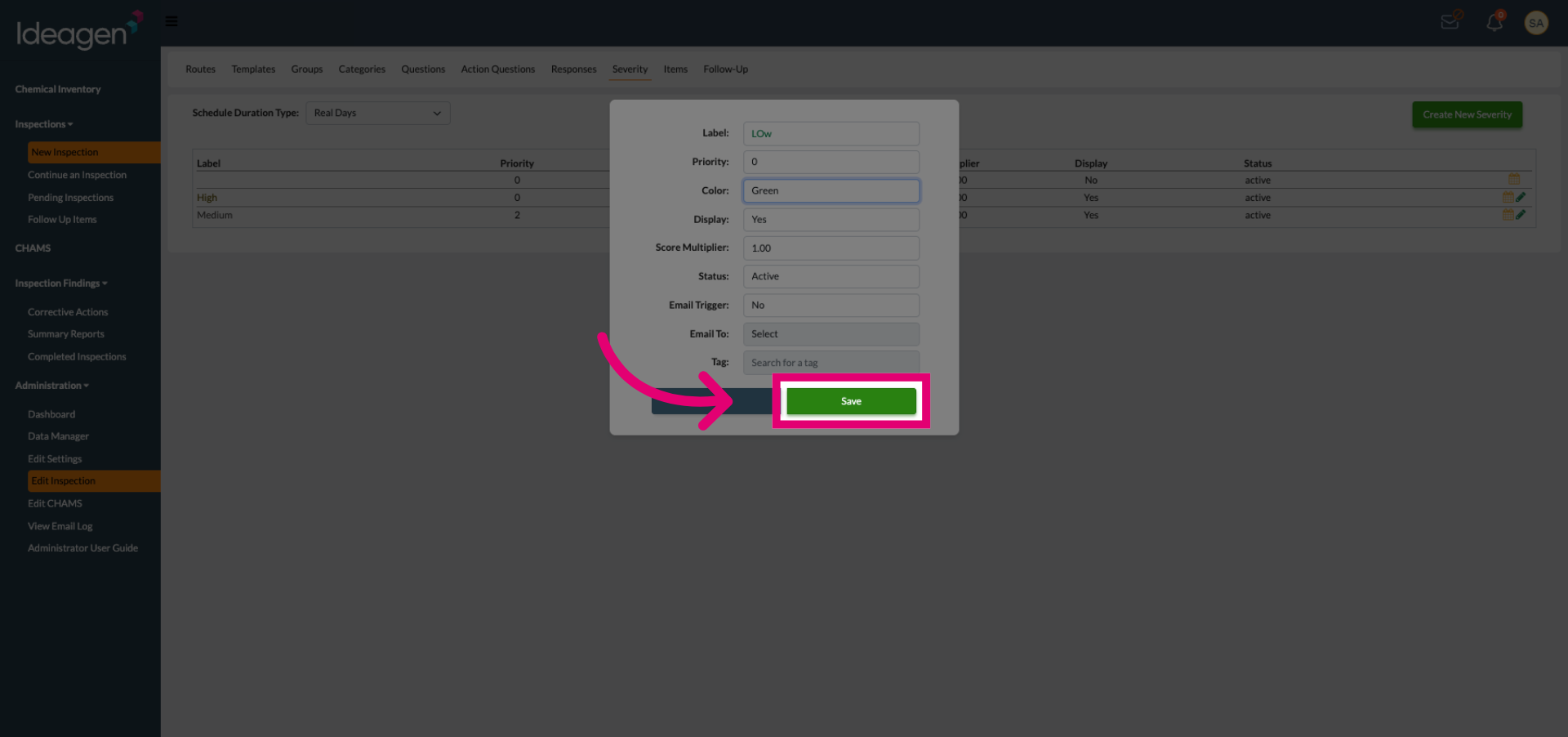
- The new severity level is now available and can be associated with inspection questions.