


New article
Recently updated
Creating a user

Who is this article for?
Administrators responsible for user management.
Administrator role is required.
This article explains how to create a new user account in the platform.
1. Creating a user
To create a user:
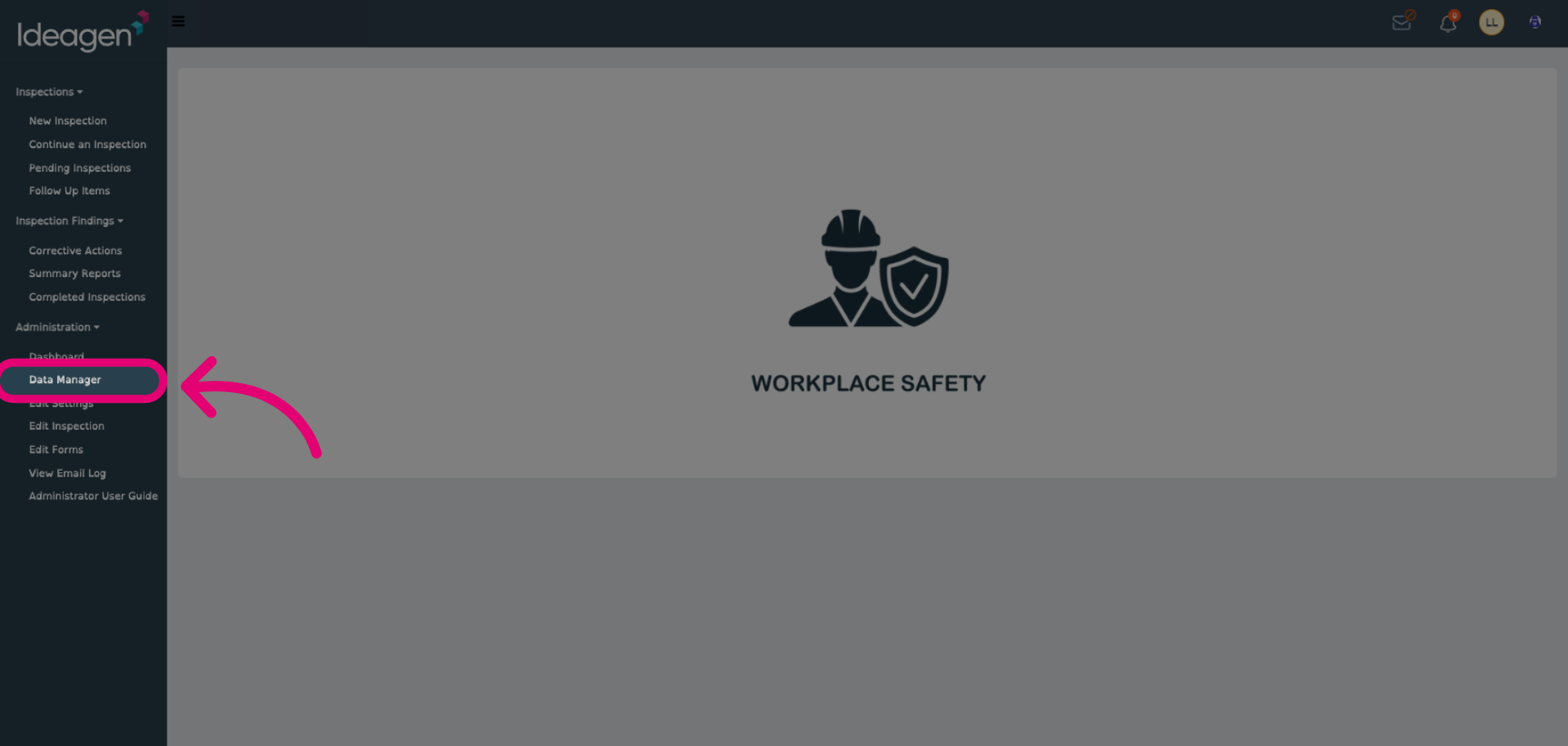
- Open the Administration menu.
Select Data Manager.
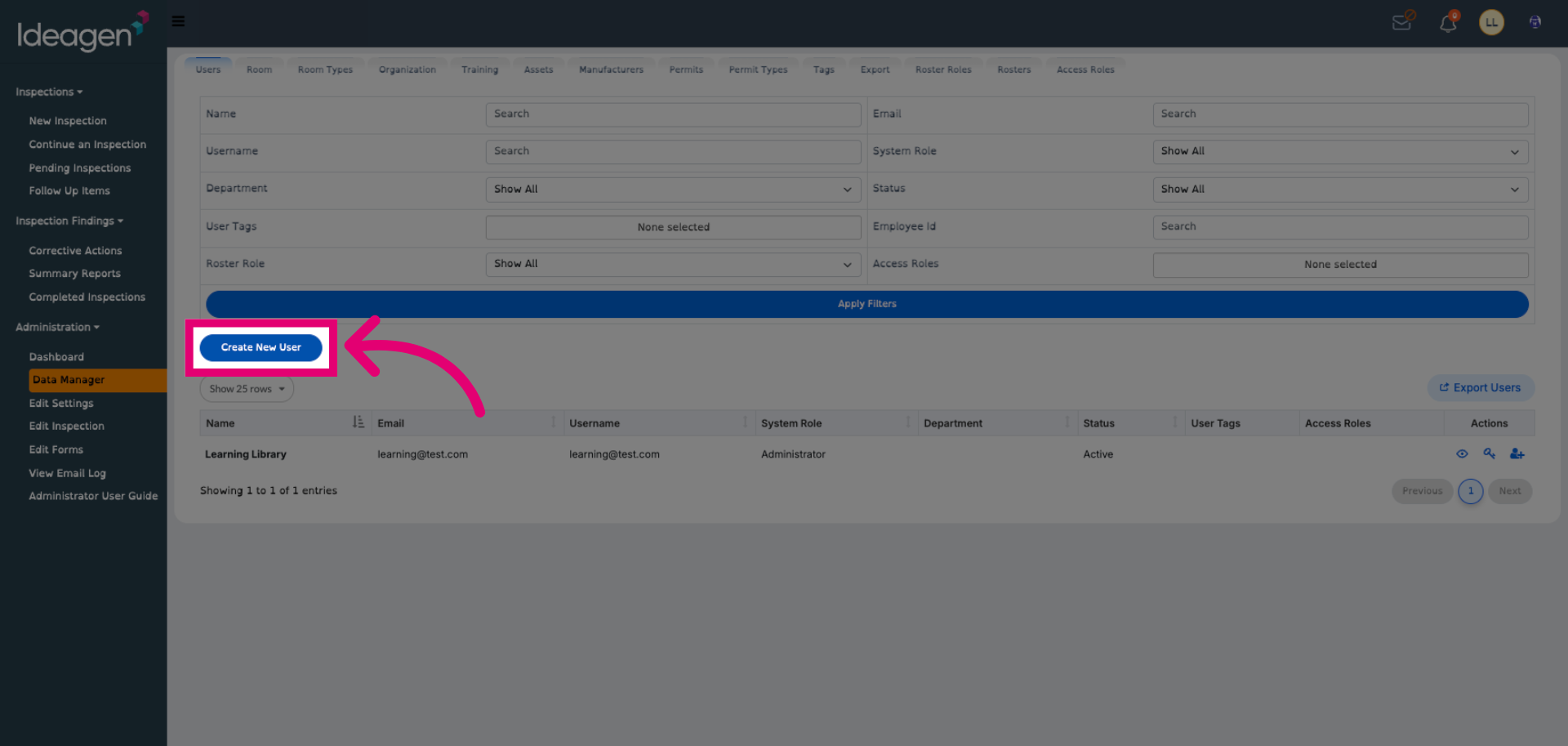
Click Create New User.
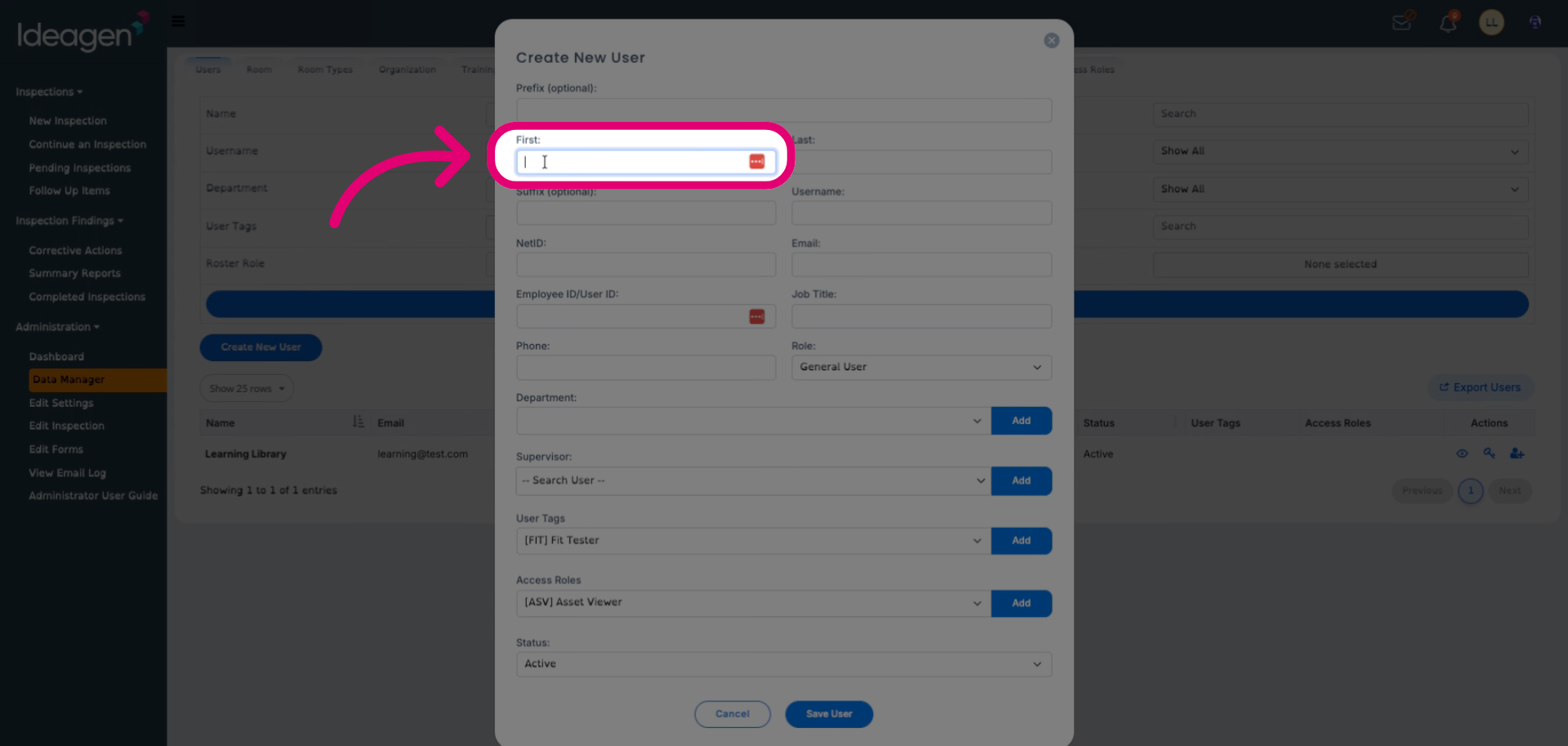
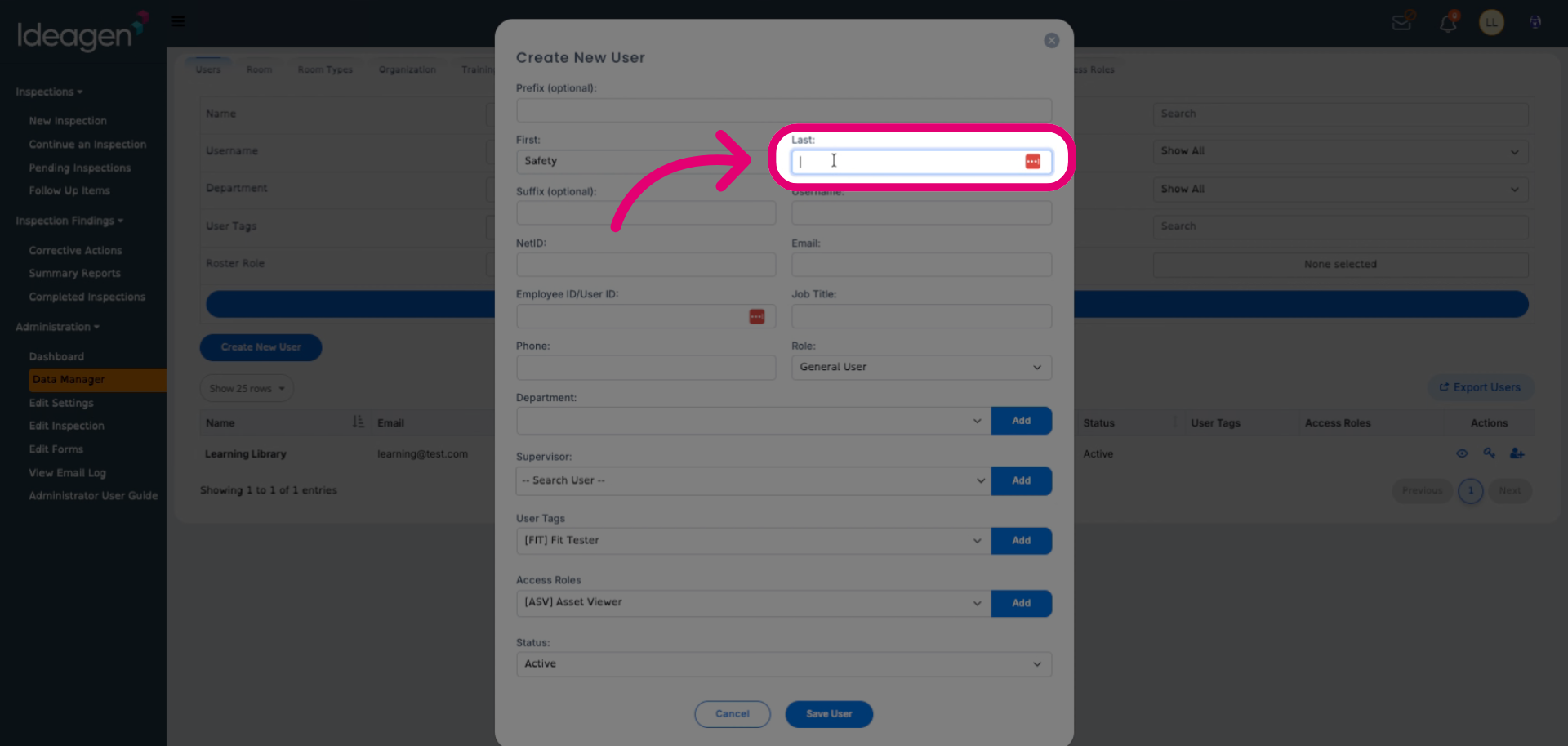
Enter their First and Last Name.
Enter a Username.
This will be used as the login identifier.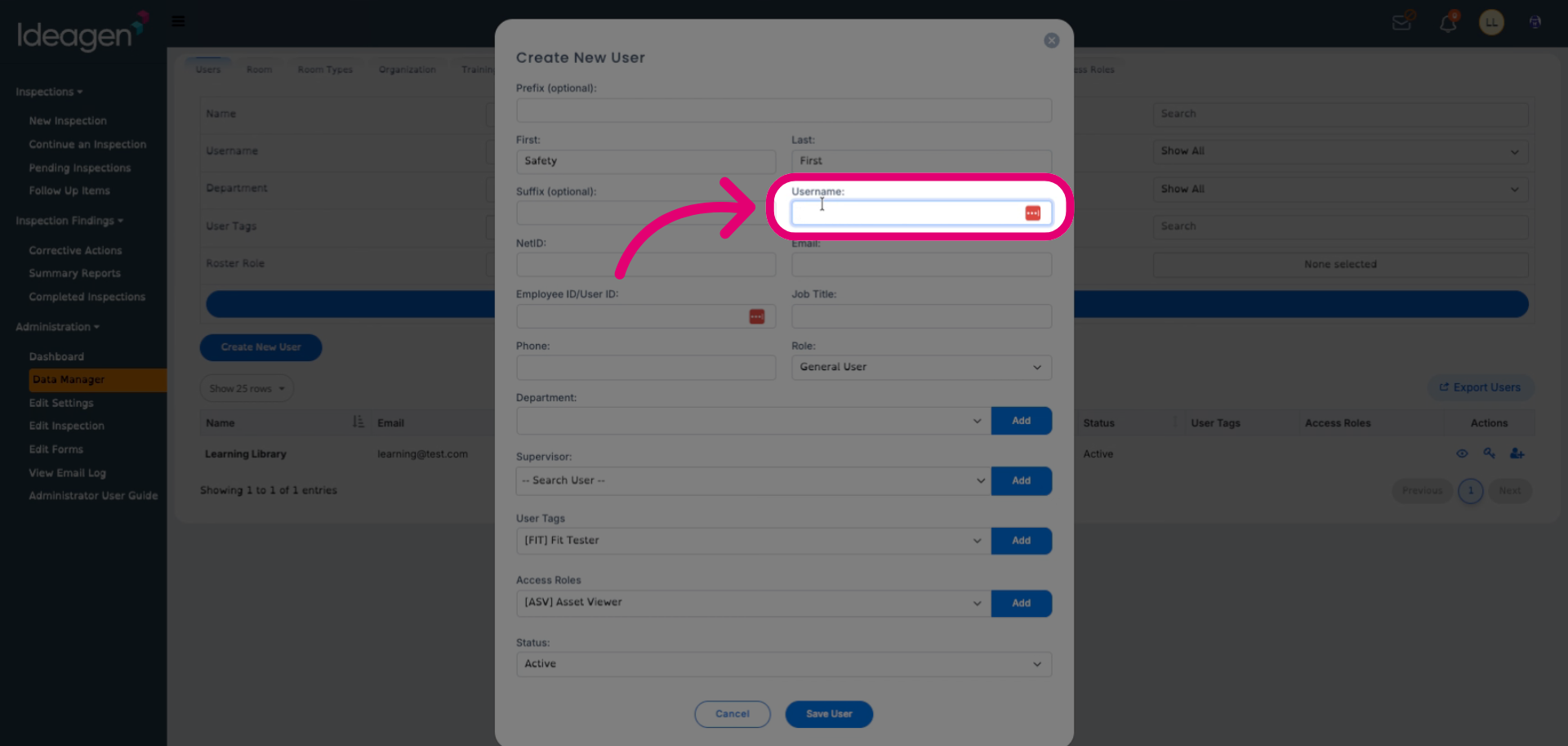
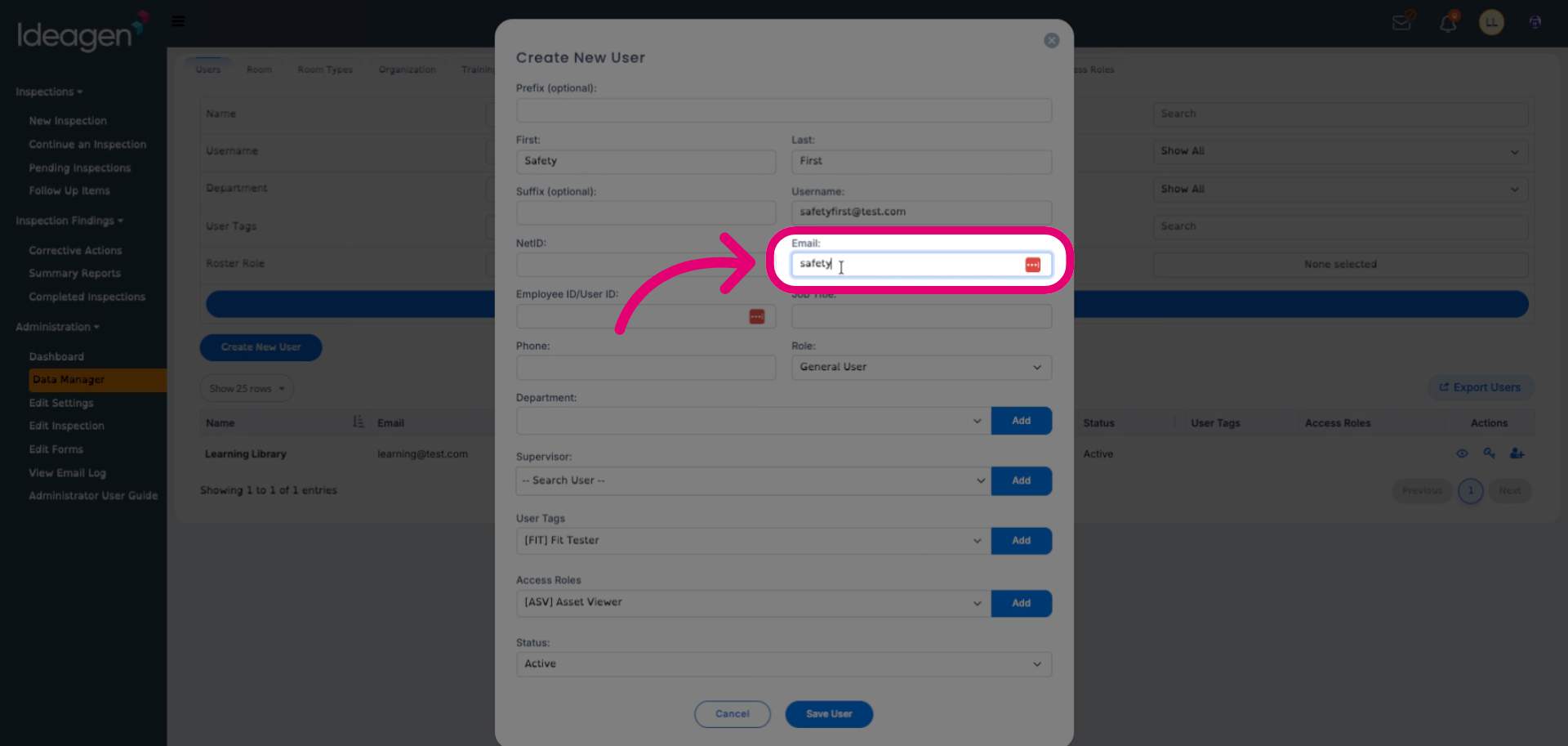
Enter an Email address to associate with the account.
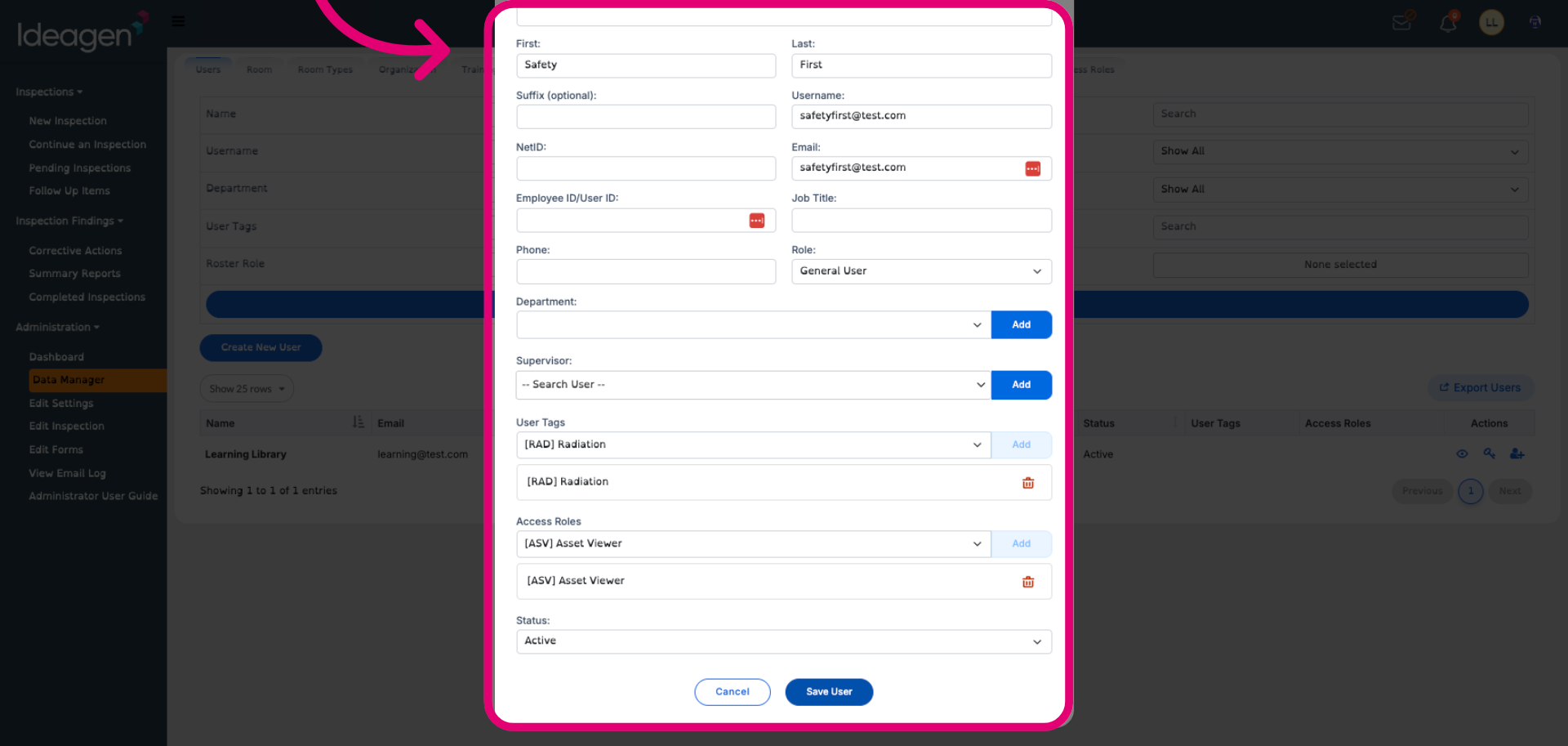
Fill out optional details as needed.
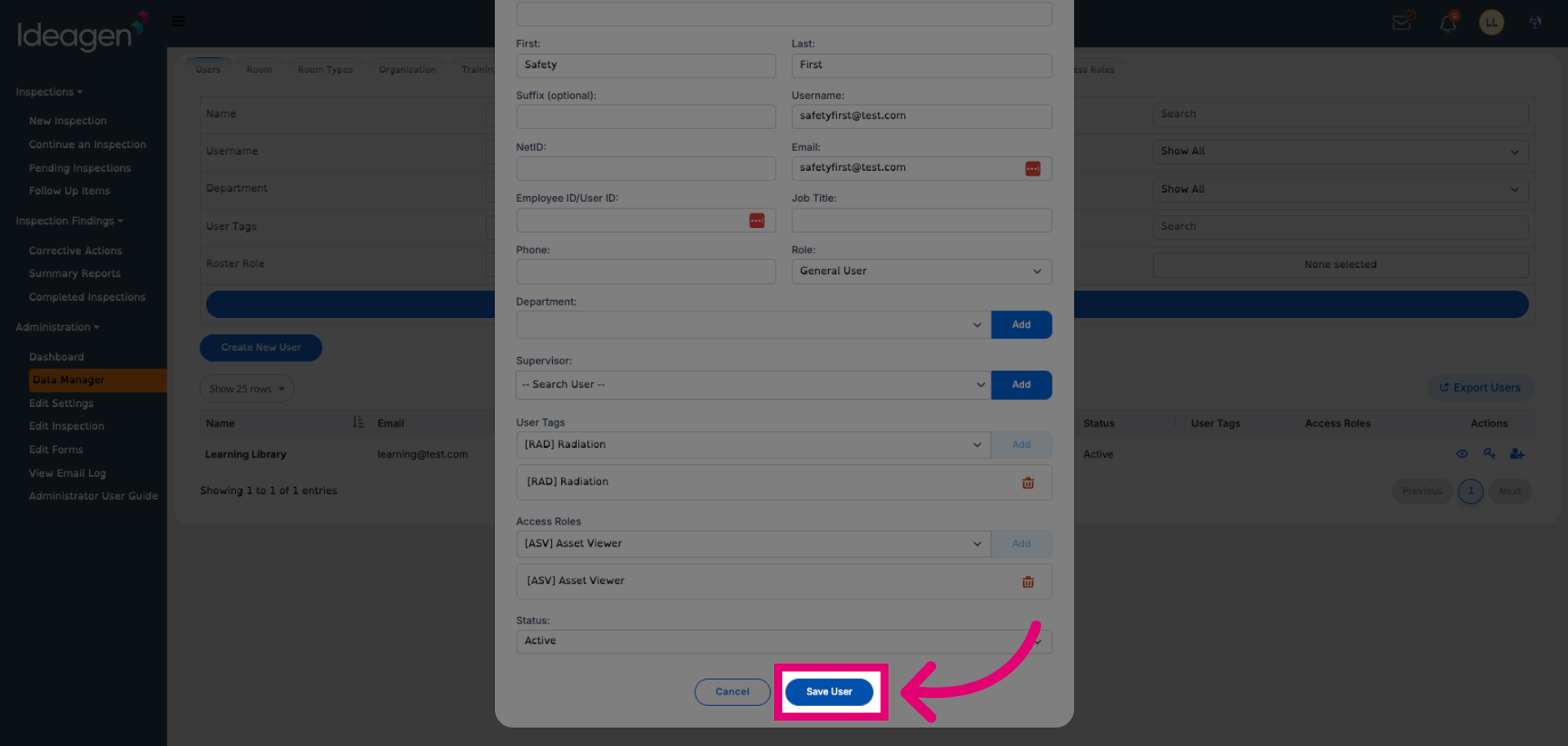
Click Save User.
For organisations using SSO, the NetID field is often used as the matching attribute. Confirm your institution’s configuration before populating this field.