New article
Recently updated
Managing chemical inventory disposal

Who is this article for?
Users who need to manage chemical inventory disposal.
Administrator role is required.
This article covers the process of disposing chemical inventory items in the system.
You will learn how to navigate to chemical inventory, select items, enter disposal quantities, and submit disposal records.
1. Disposing Chemical Inventory Items
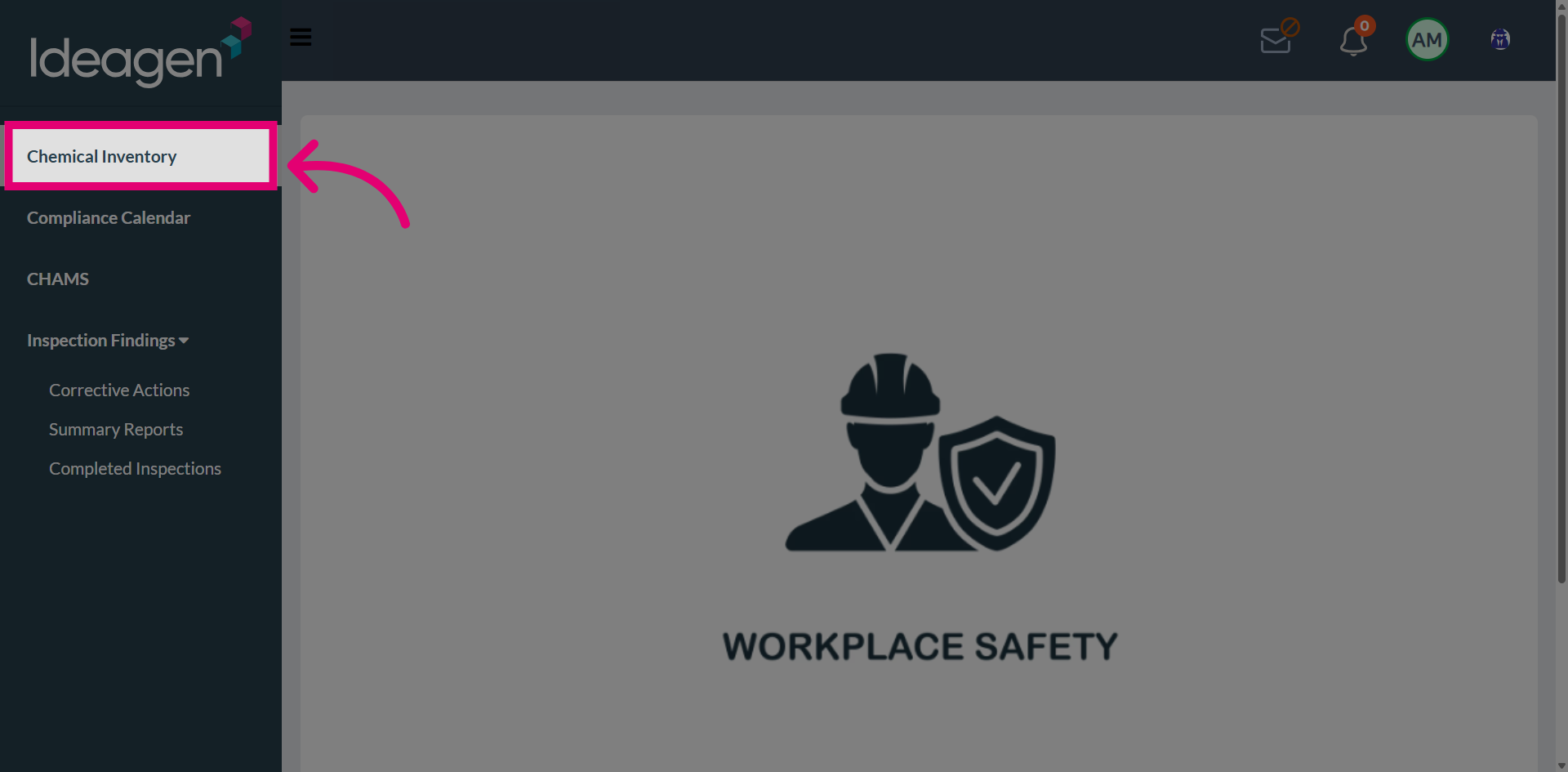
Navigate to Chemical Inventory from the main menu.
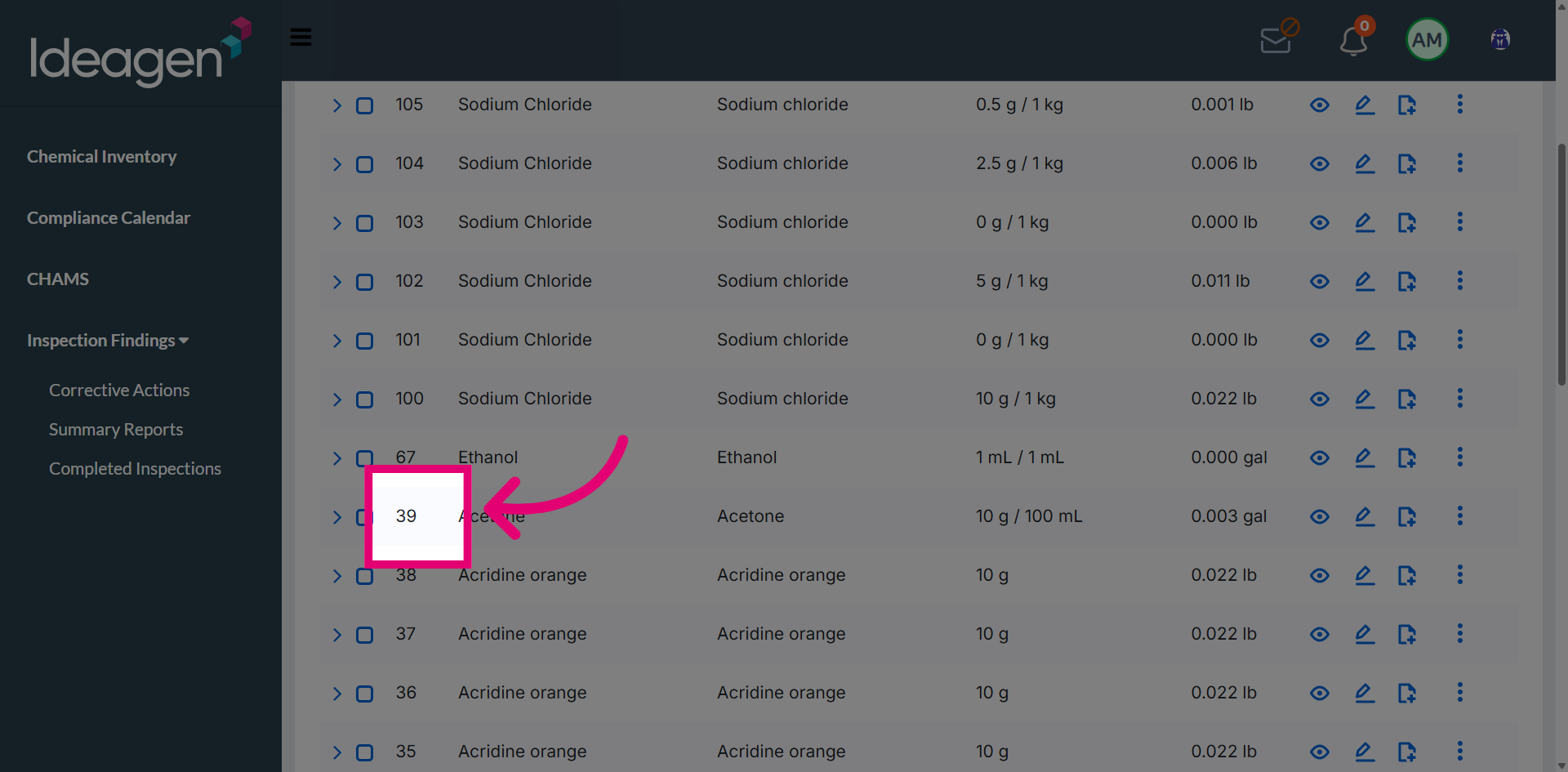
Select the chemical item you want to dispose.
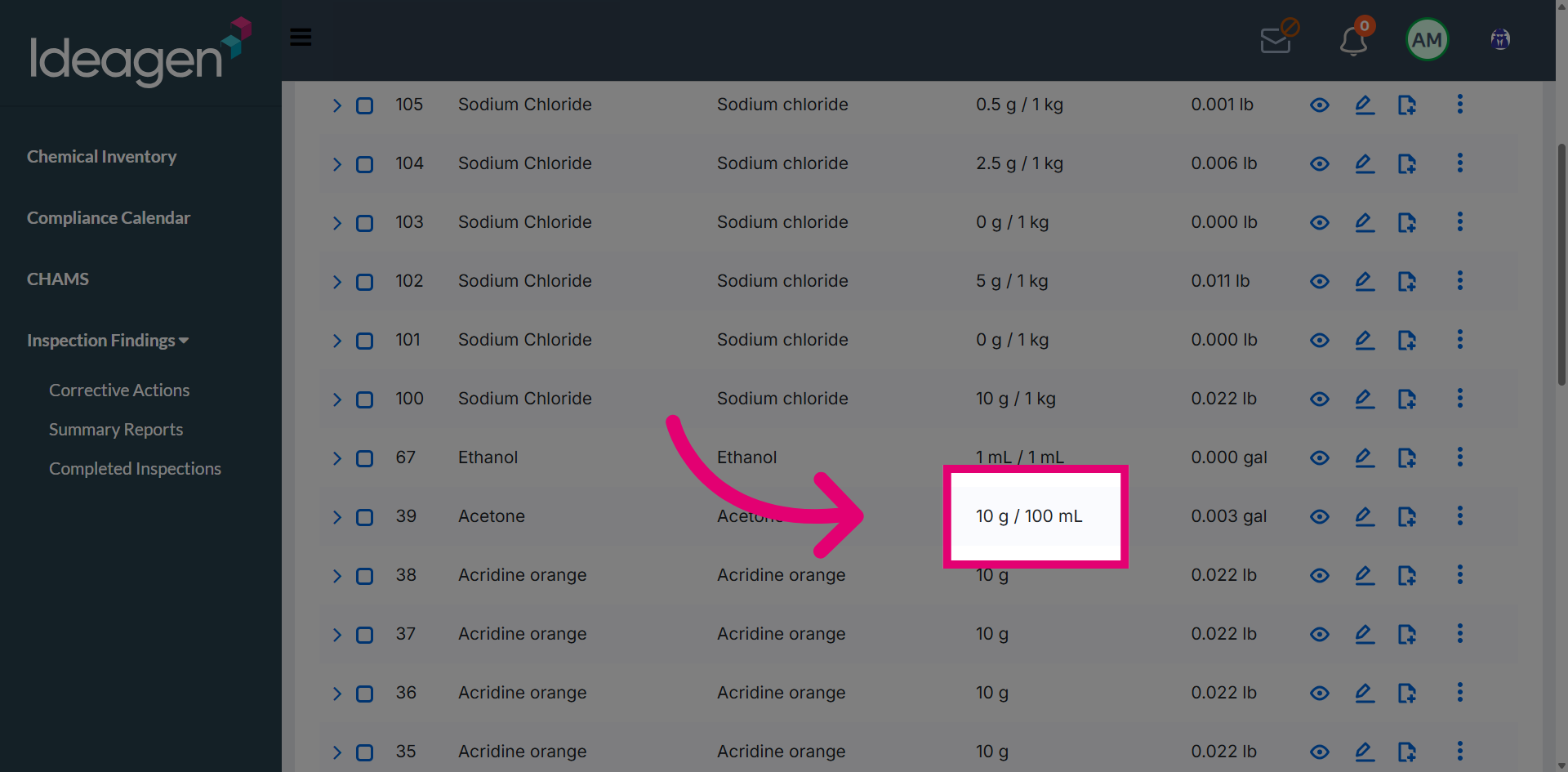
Review the current quantity of the selected chemical.
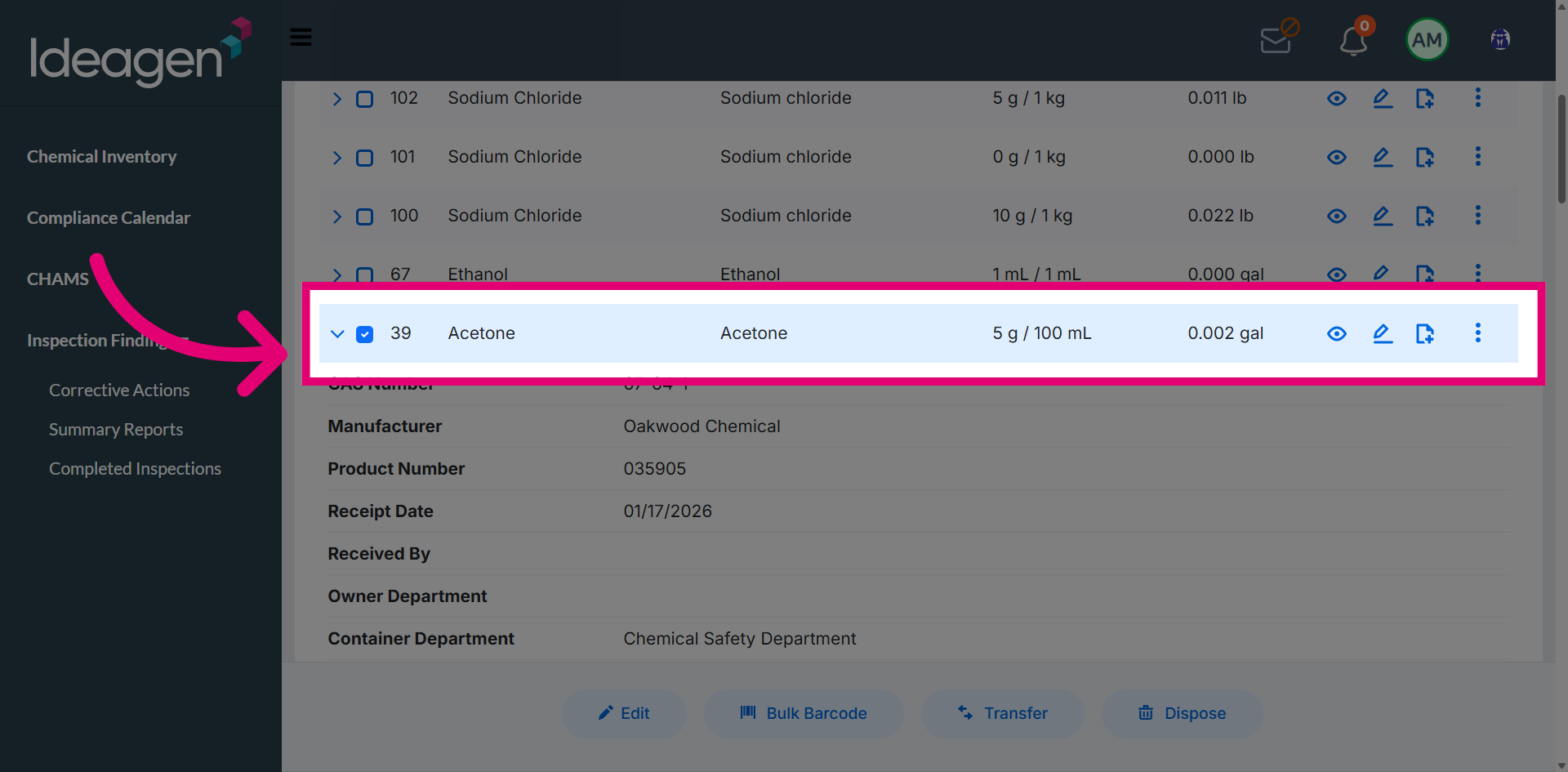
Open the disposal options menu.
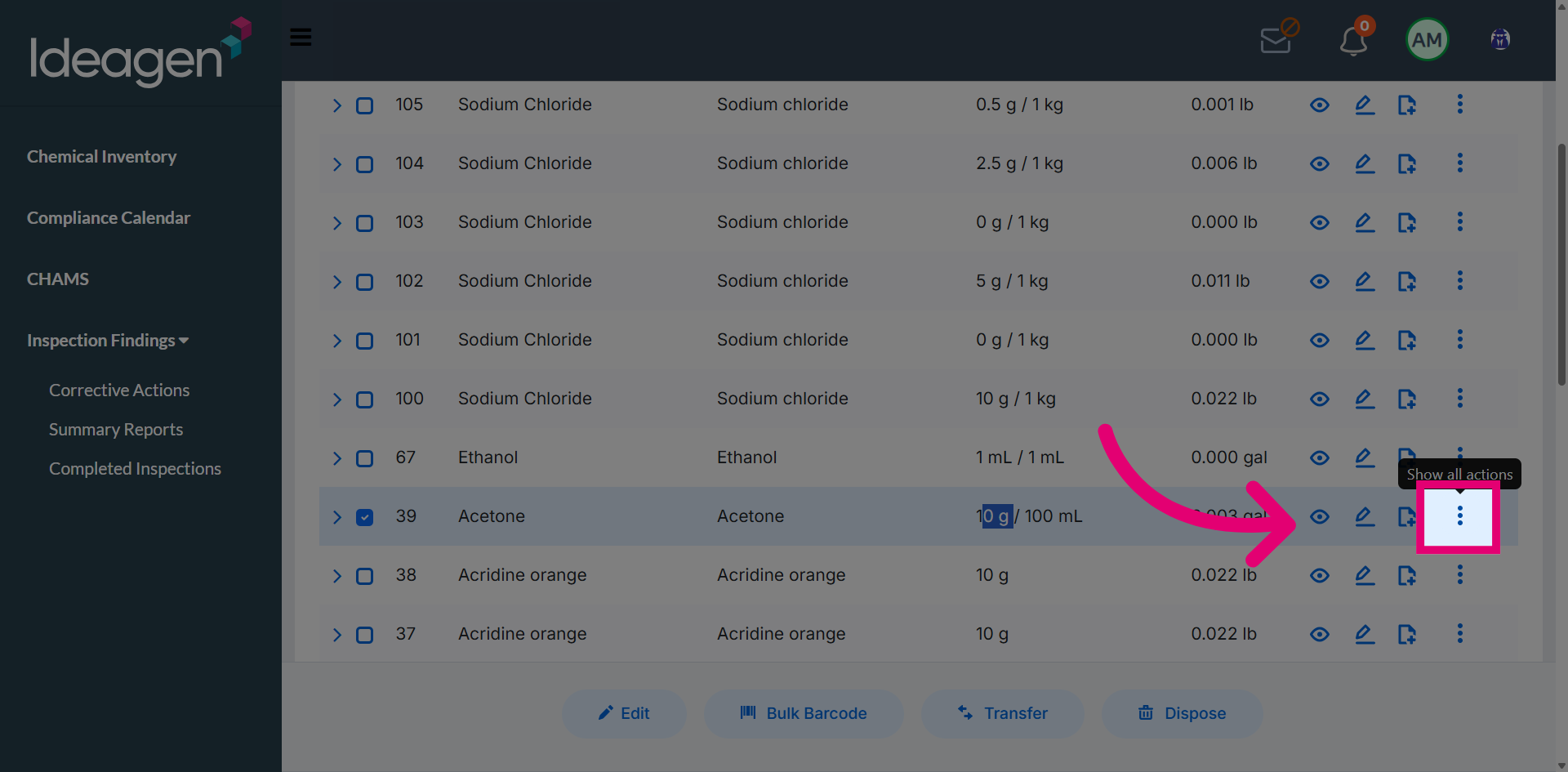
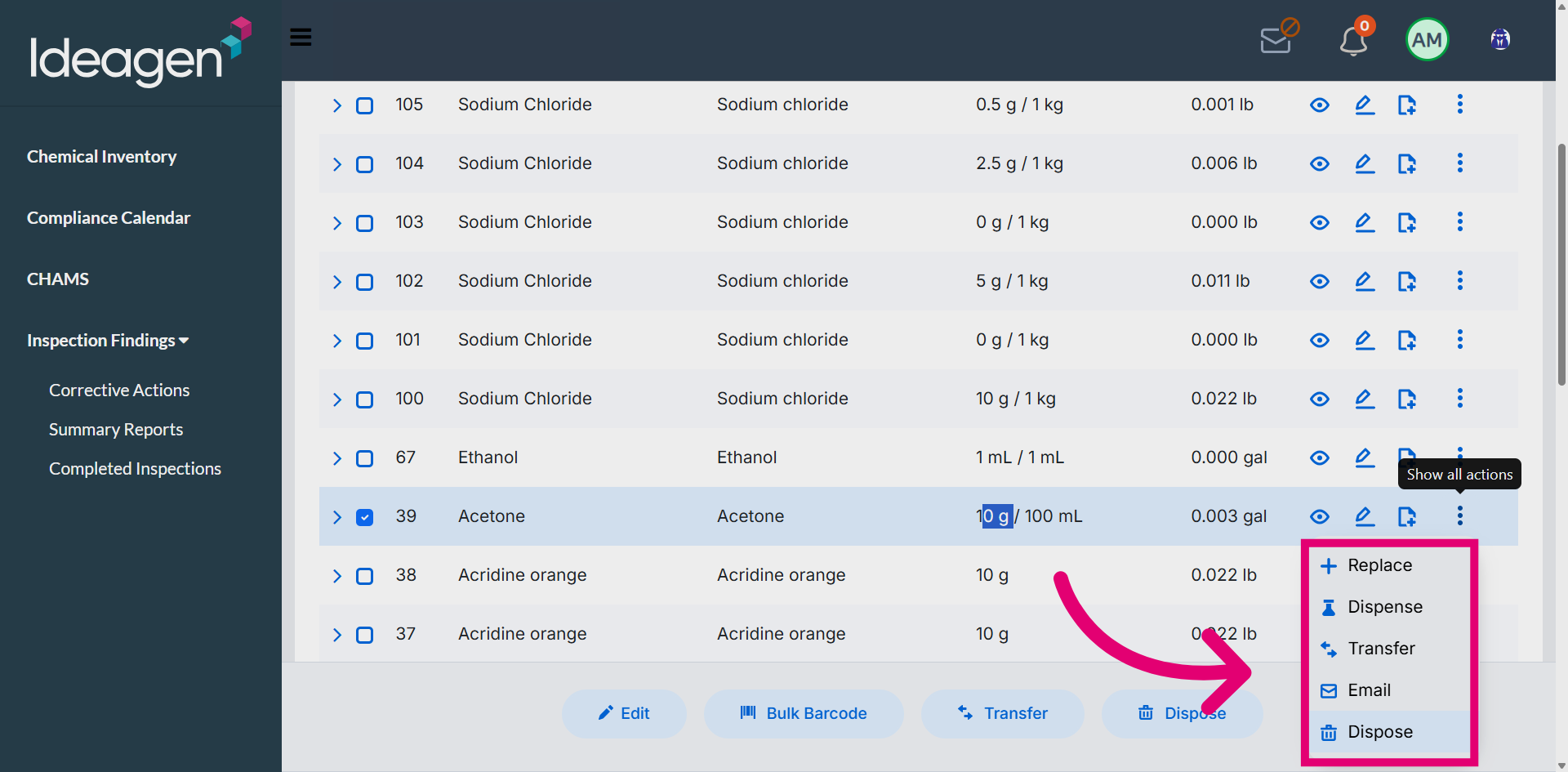
Select the Dispose action from the available options.
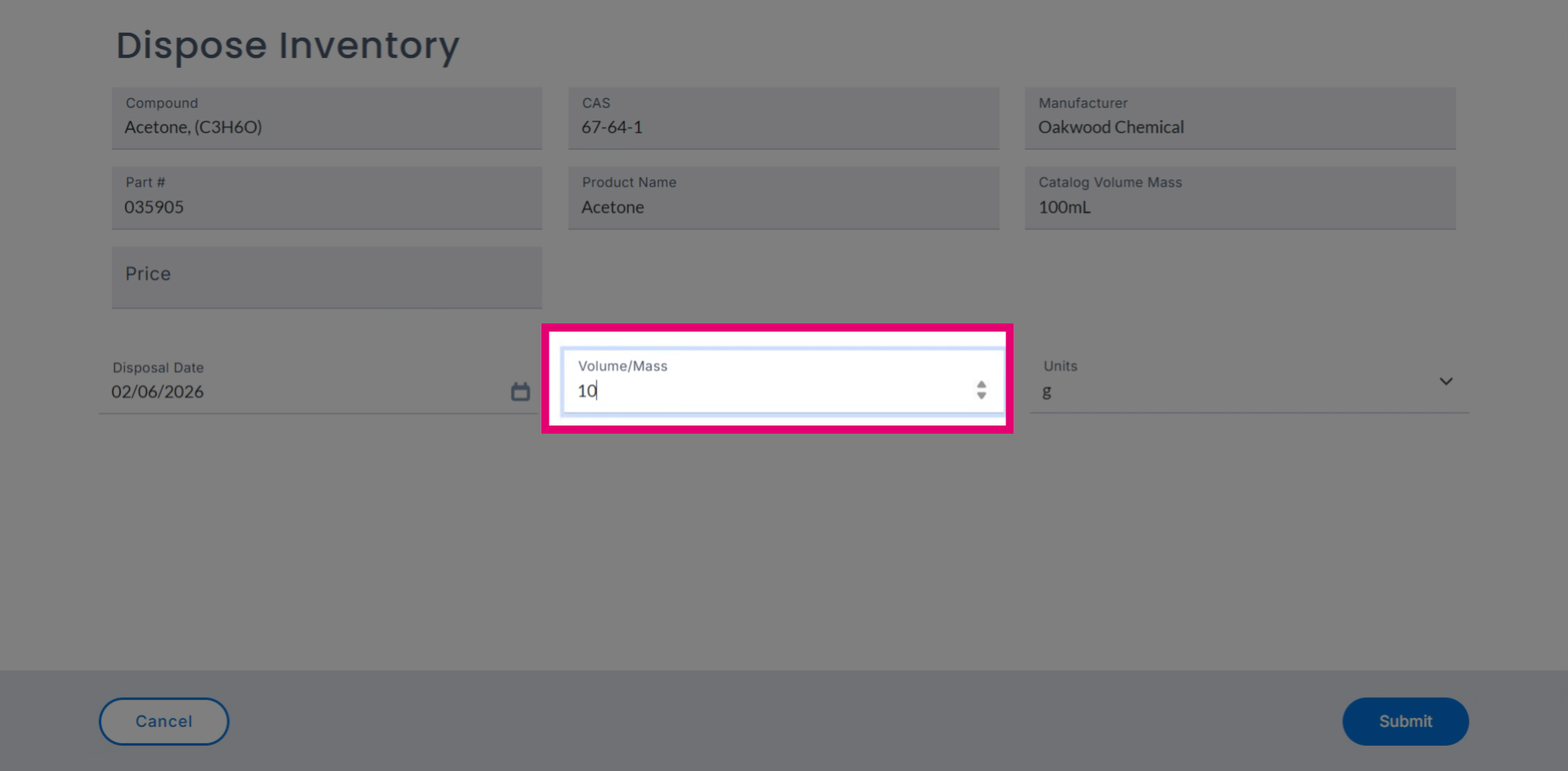
Enter the disposal quantity in the provided field.
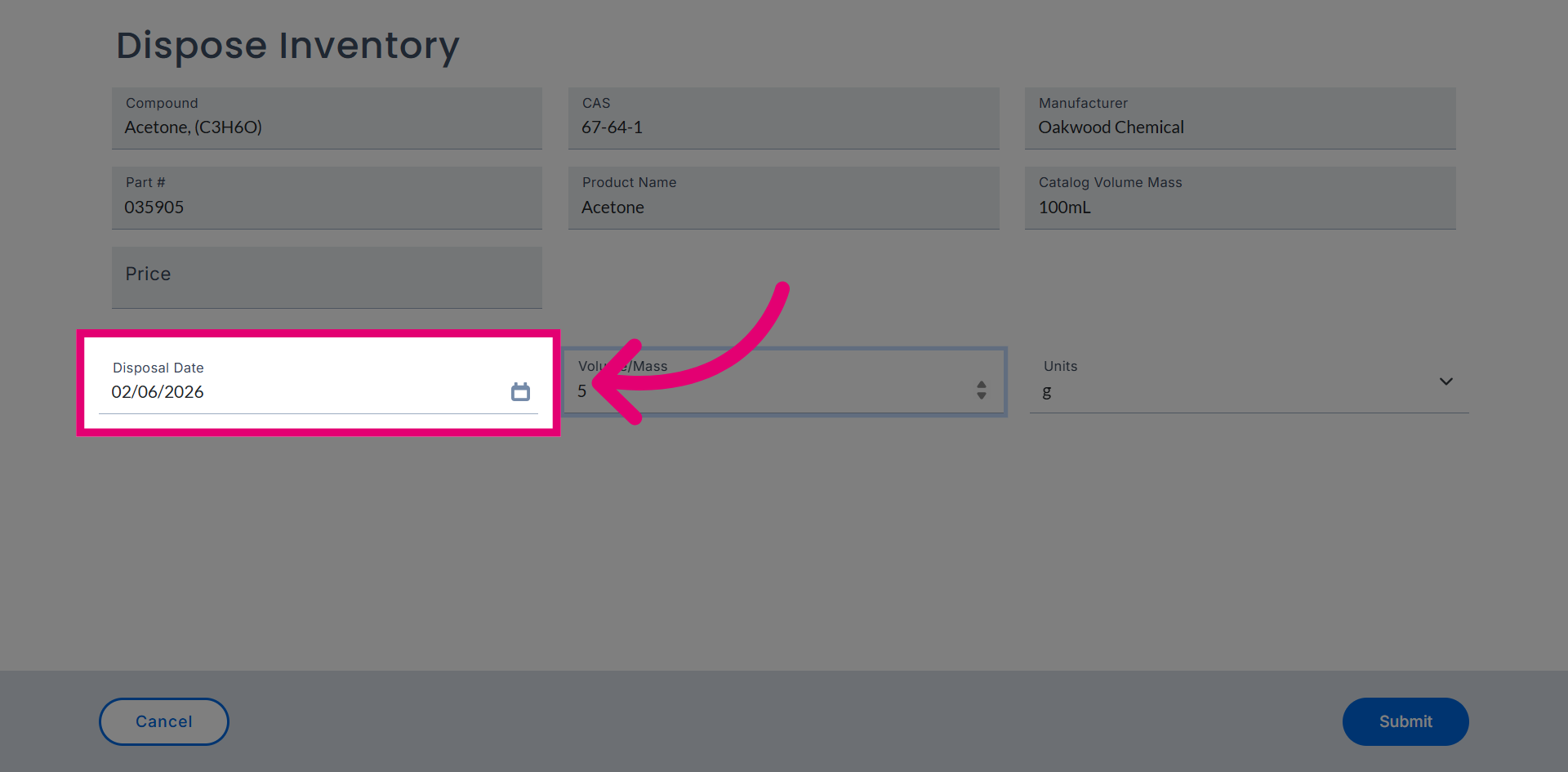
Open the disposal date picker to select the disposal date.
Submit the disposal record to complete the process.
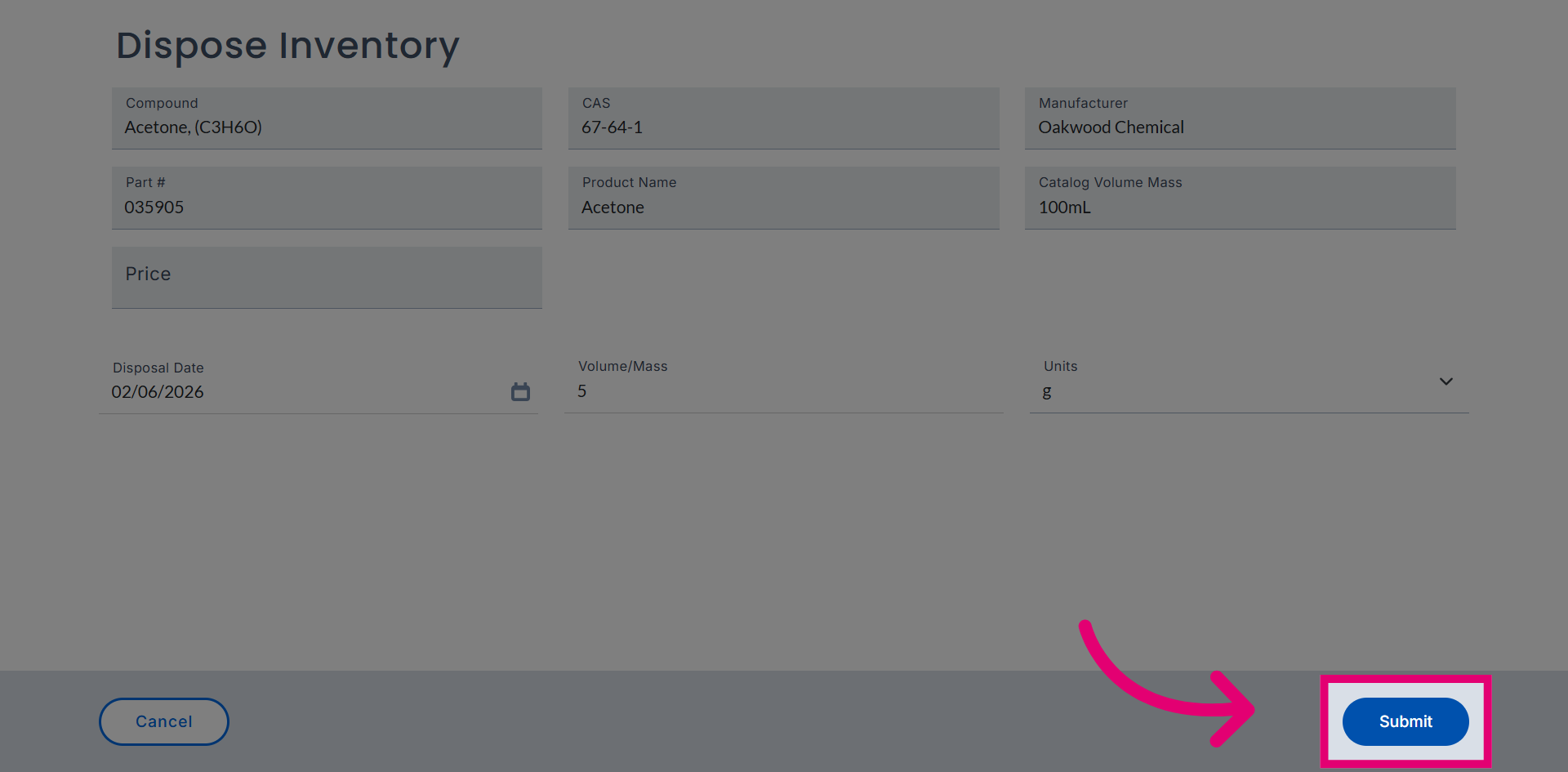
Choose the quantity measurement unit for the disposal.