New article
Recently updated
Managing chemical inventory records

Who is this article for?
Users who need to manage chemical inventory records.
Administrator role is required.
This tutorial demonstrates how to search, select, and accurately update chemical inventory records.
You will learn how to reassign inventory ownership, update locations and departments, and change chemical catalog selections.
1. Updating Chemical Inventory Records
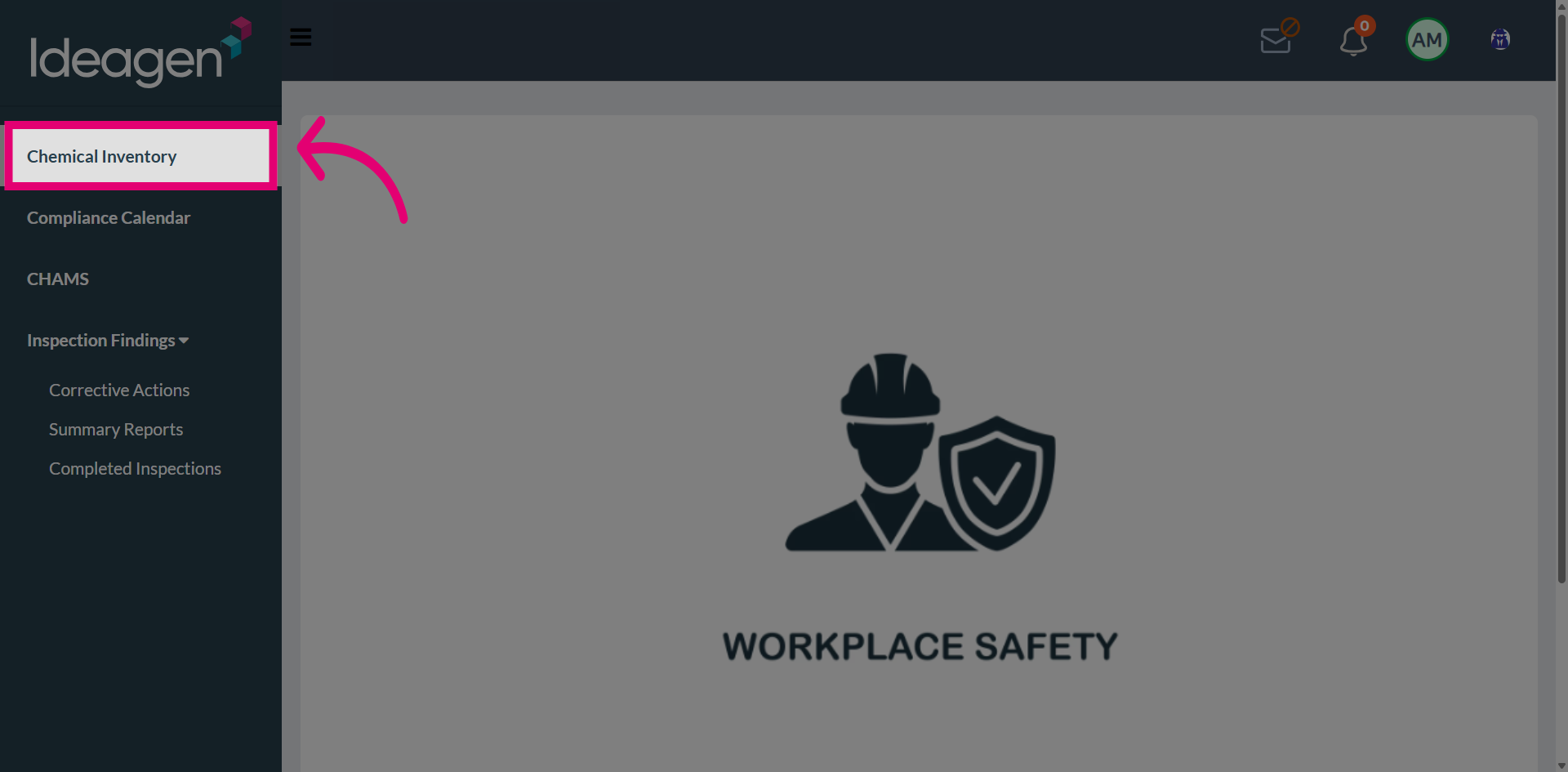
Navigate to Chemical Inventory to access the list of chemical records.
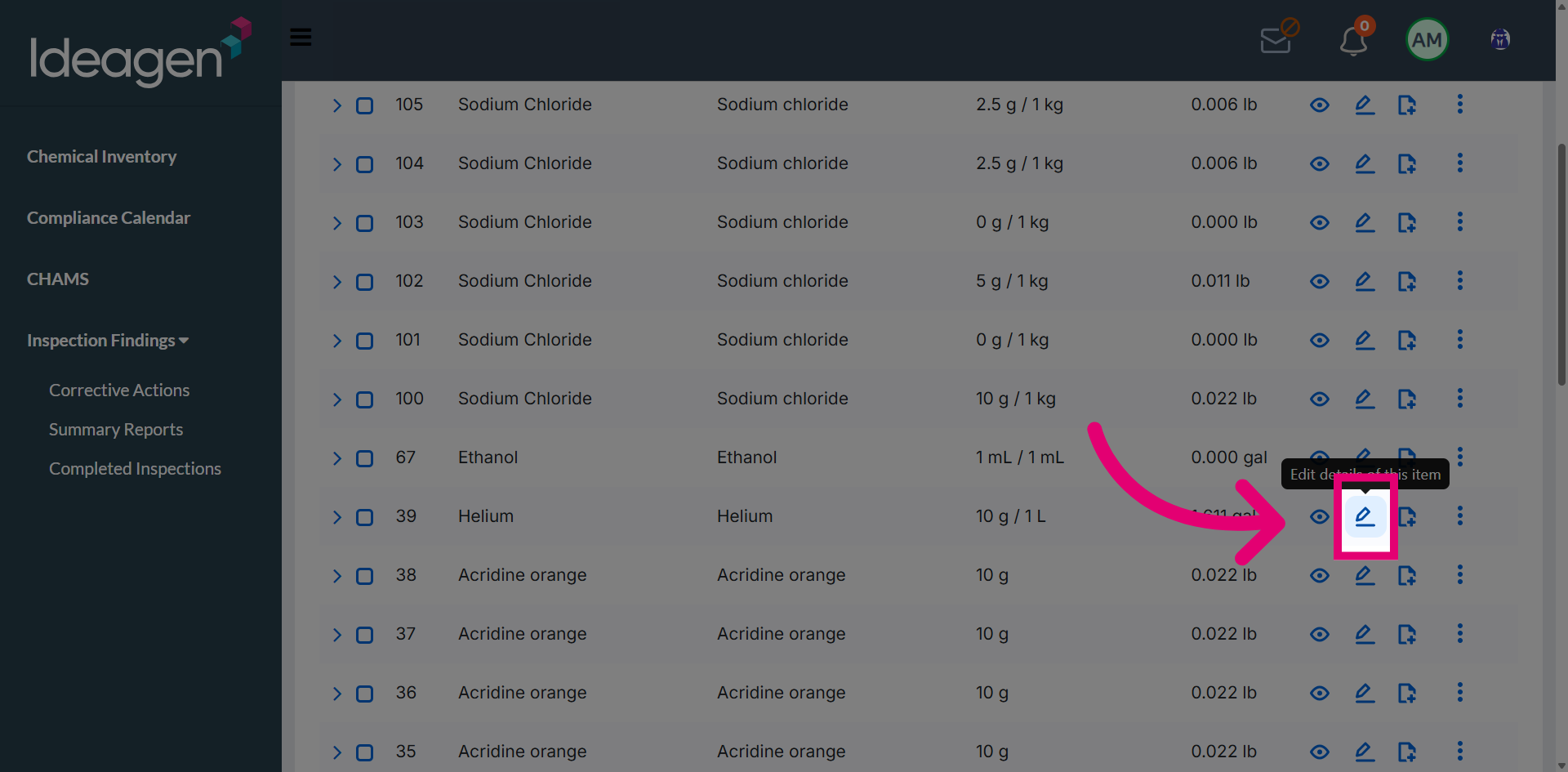
Use the Edit icon to open inventory options for managing chemical records.
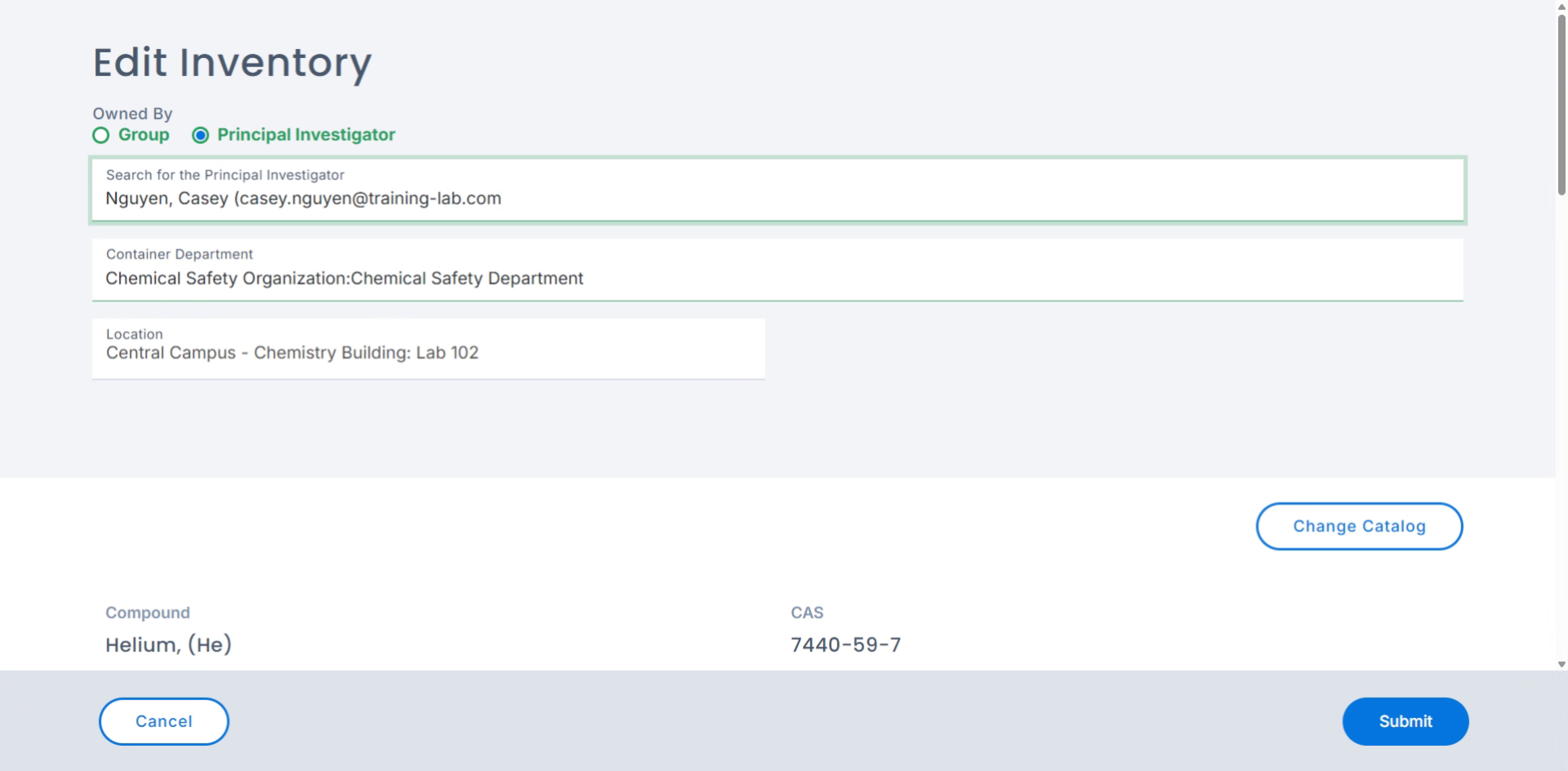
Update the Principal Investigator to a different user to assign the inventory record to the new owner.
Select the Investigator Profile from the dropdown.
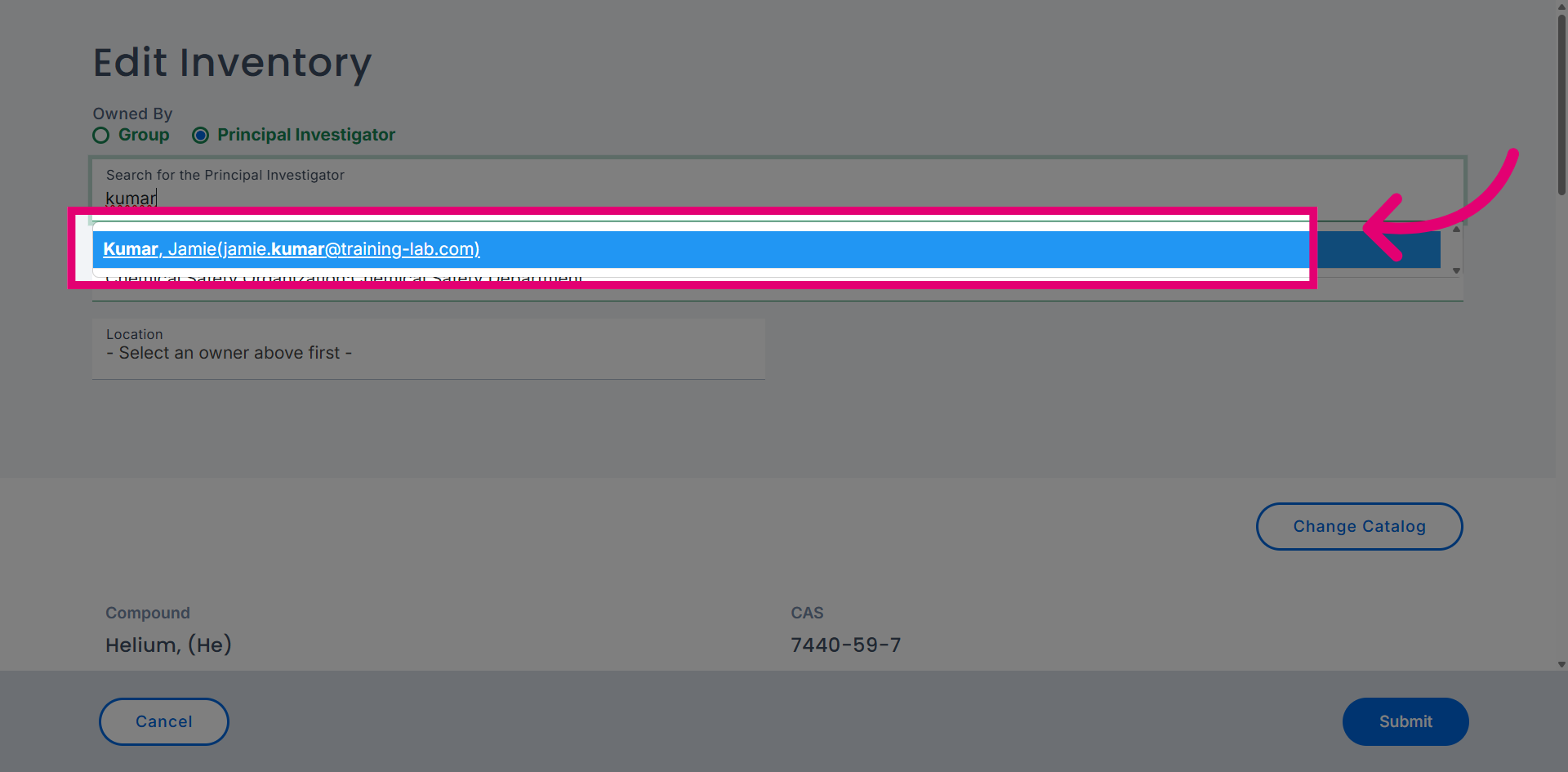
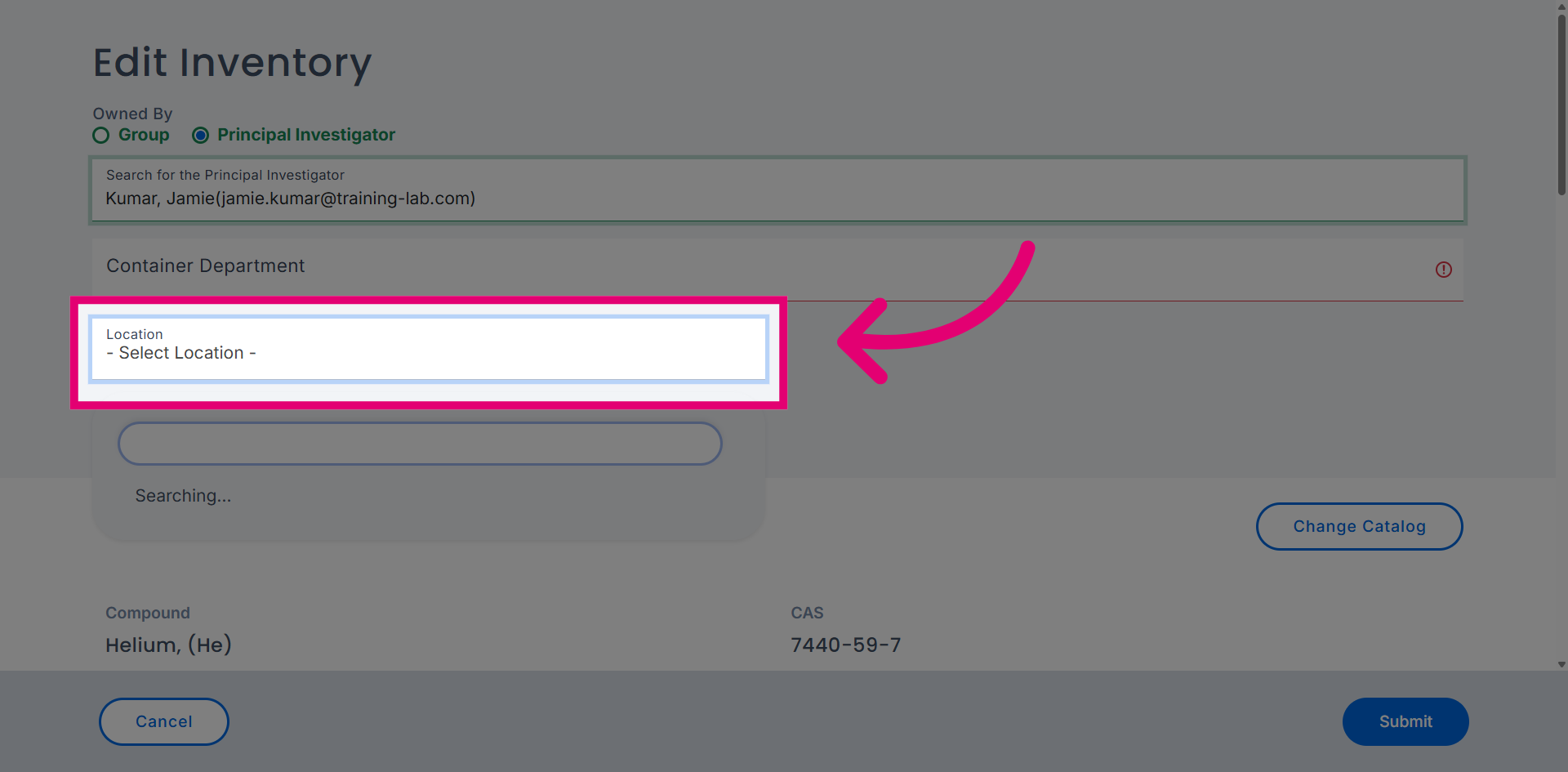
Update the Location to one associated with the newly assigned owner.
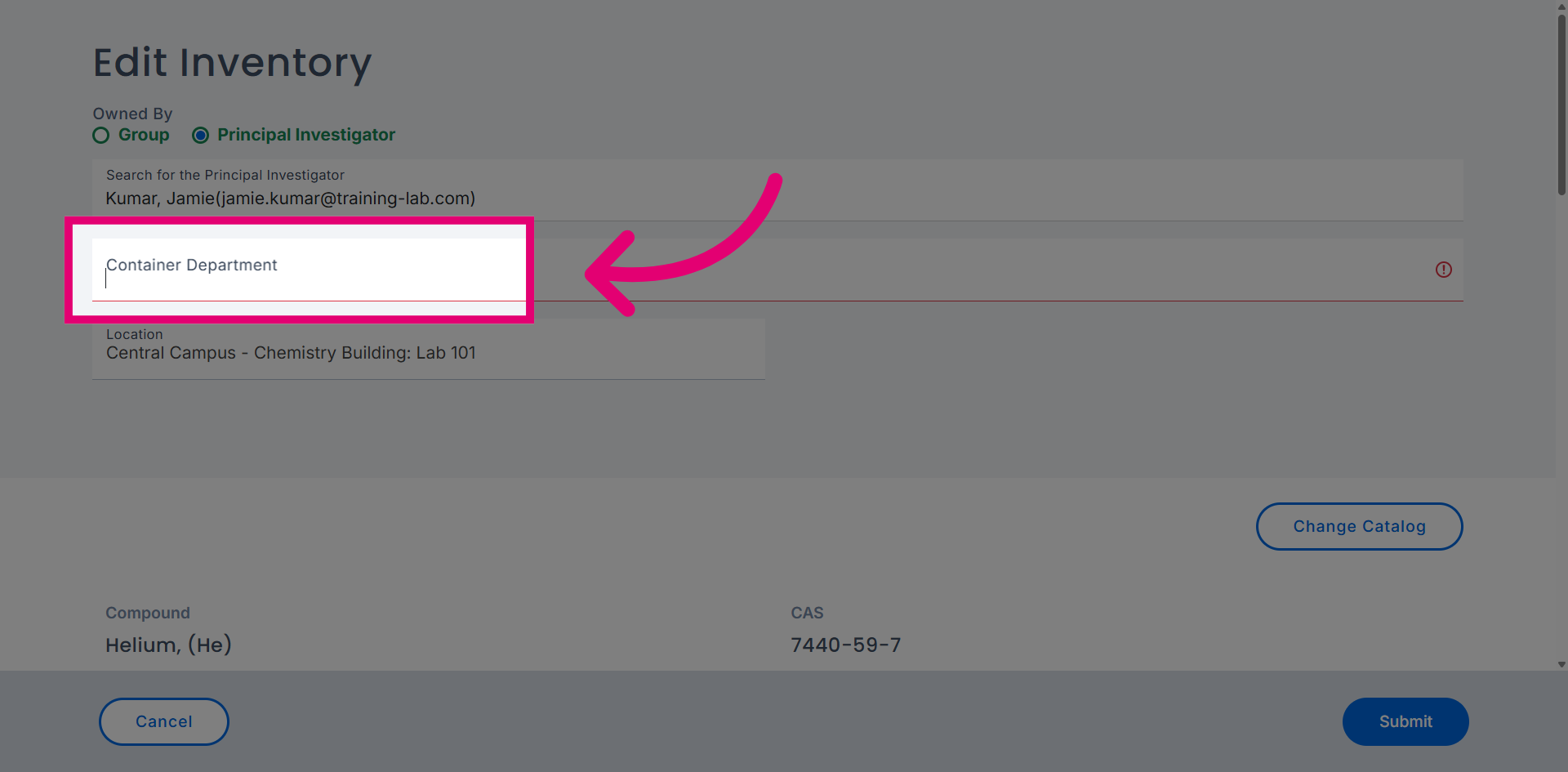
Update the Container Department to reflect the new user's department responsible for the container.
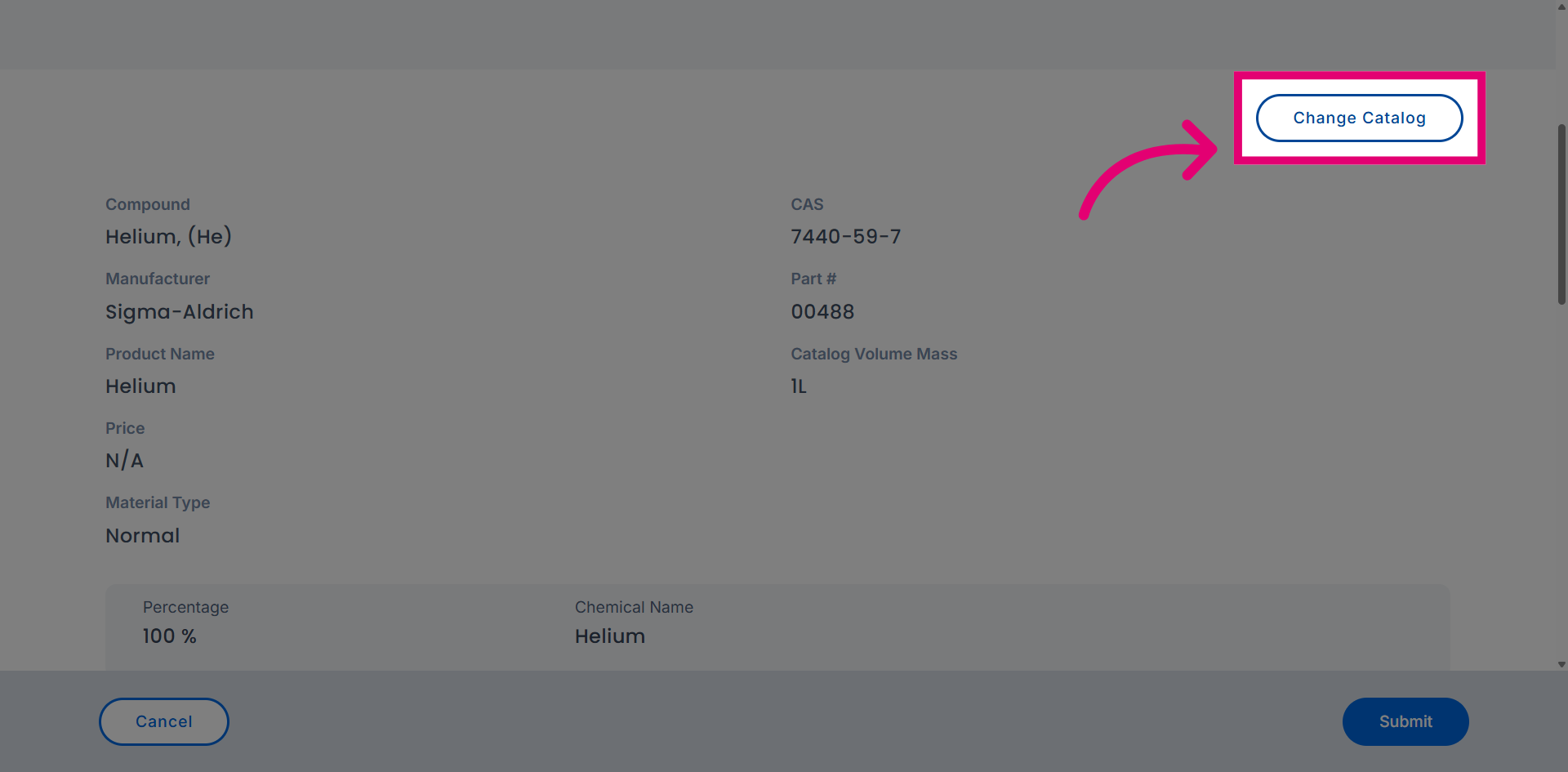
Use the Change Catalog option to update the chemical catalog selection when a different catalog is required.
Use the Catalog field to begin searching for specific chemicals.
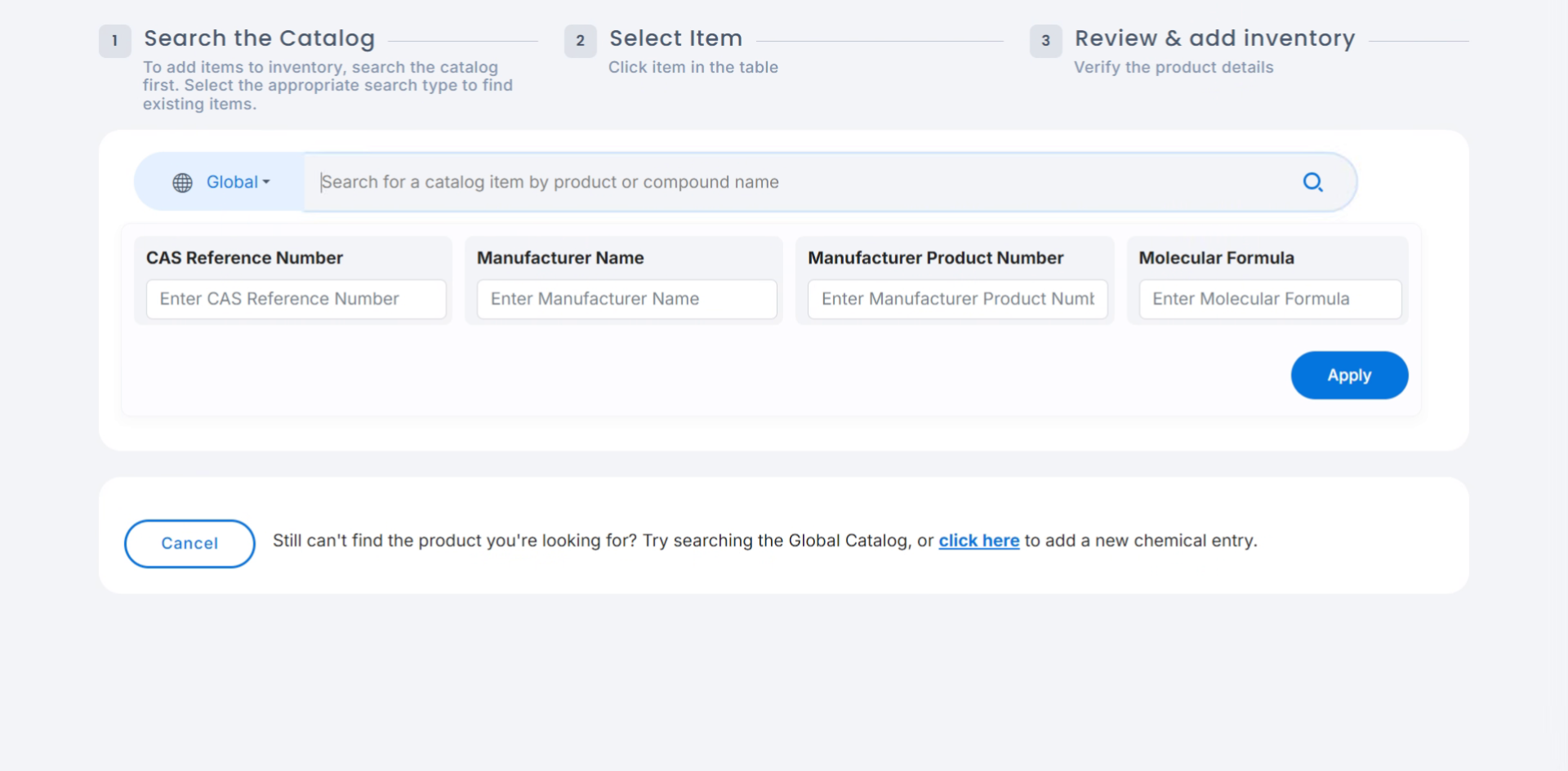
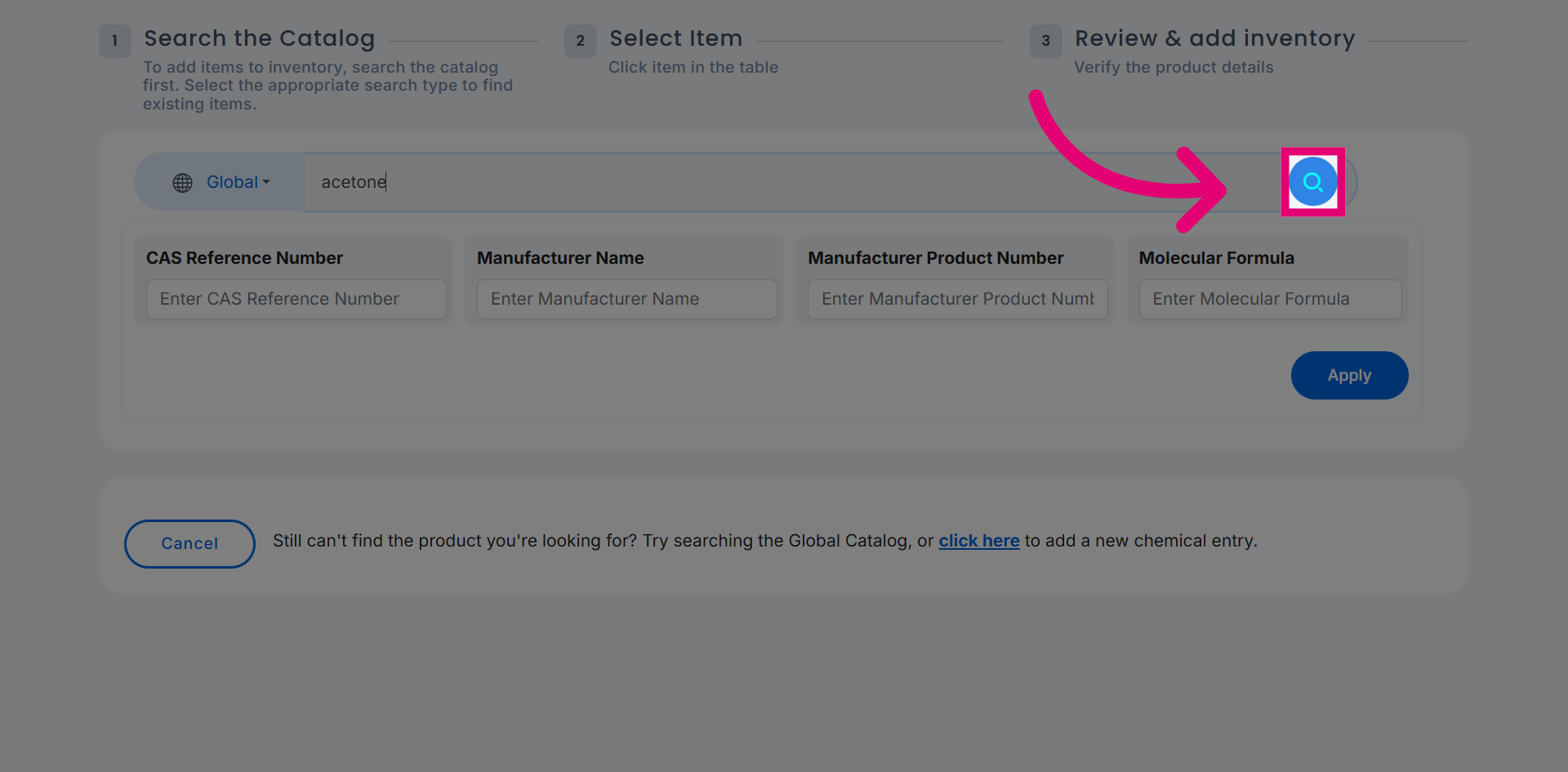
Initiate the chemical search to find the required chemical.
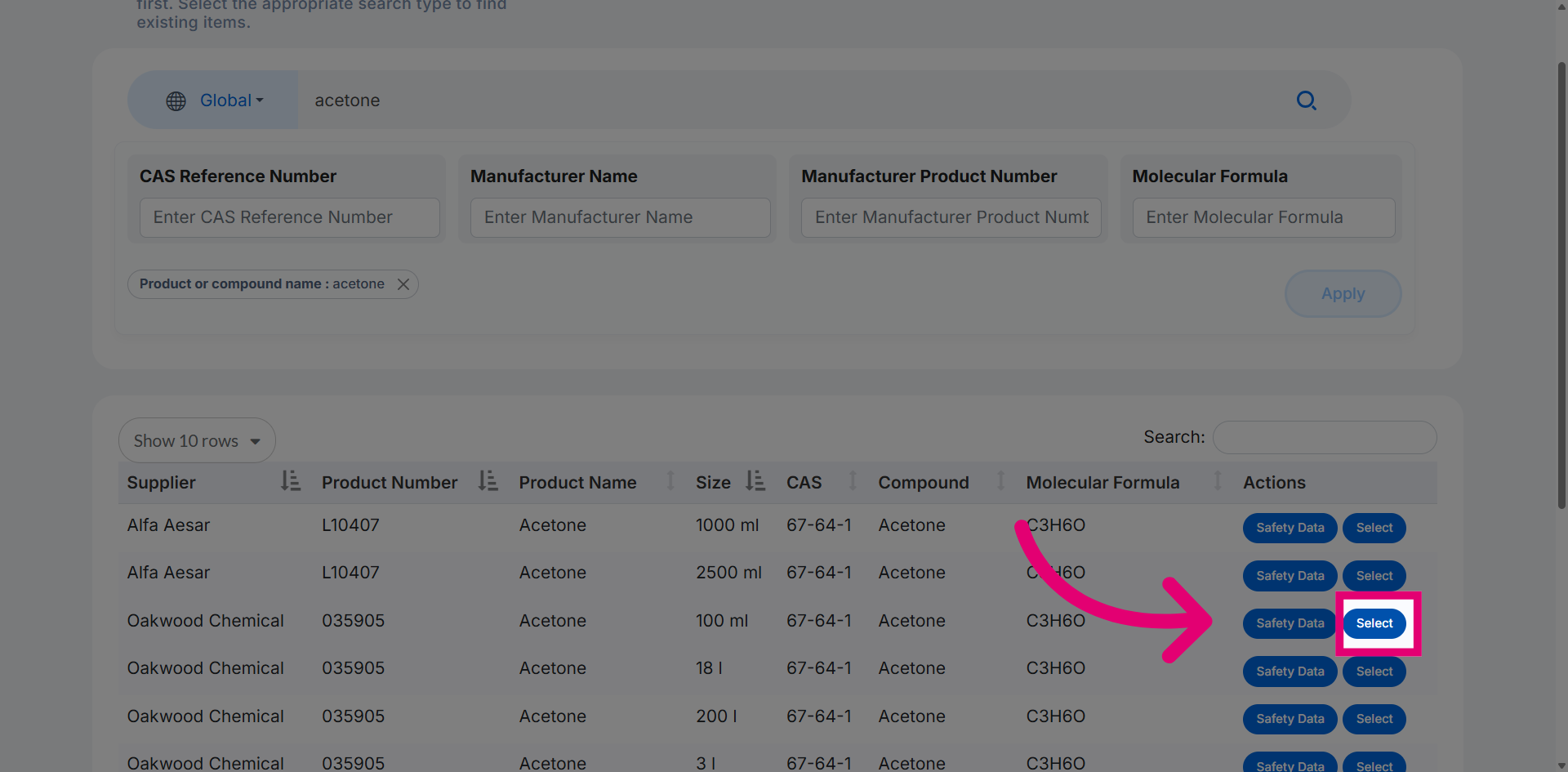
Use the Select option to choose the required chemical from the search results.
The Primary User field displays the original owner of the chemical.
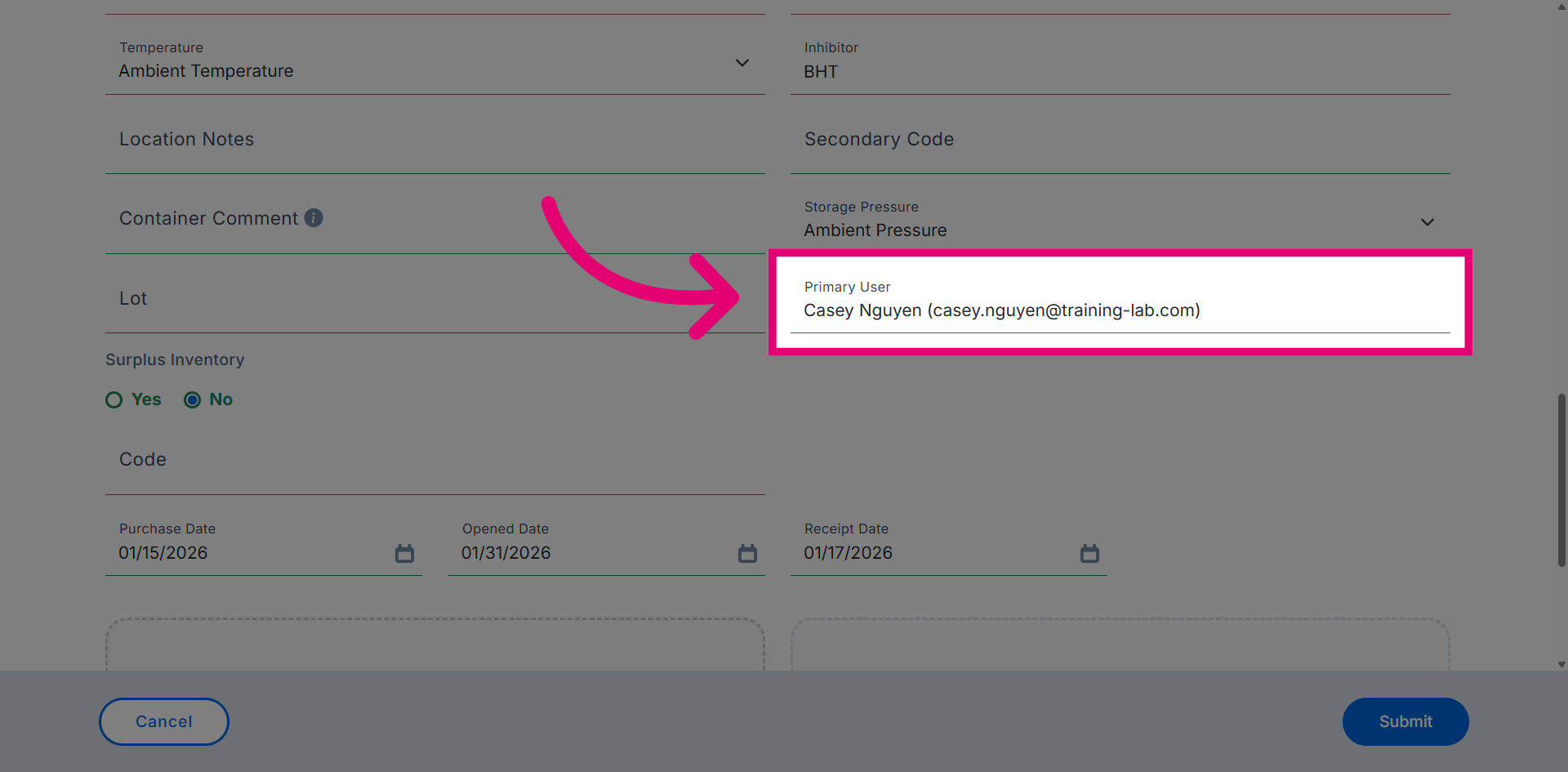
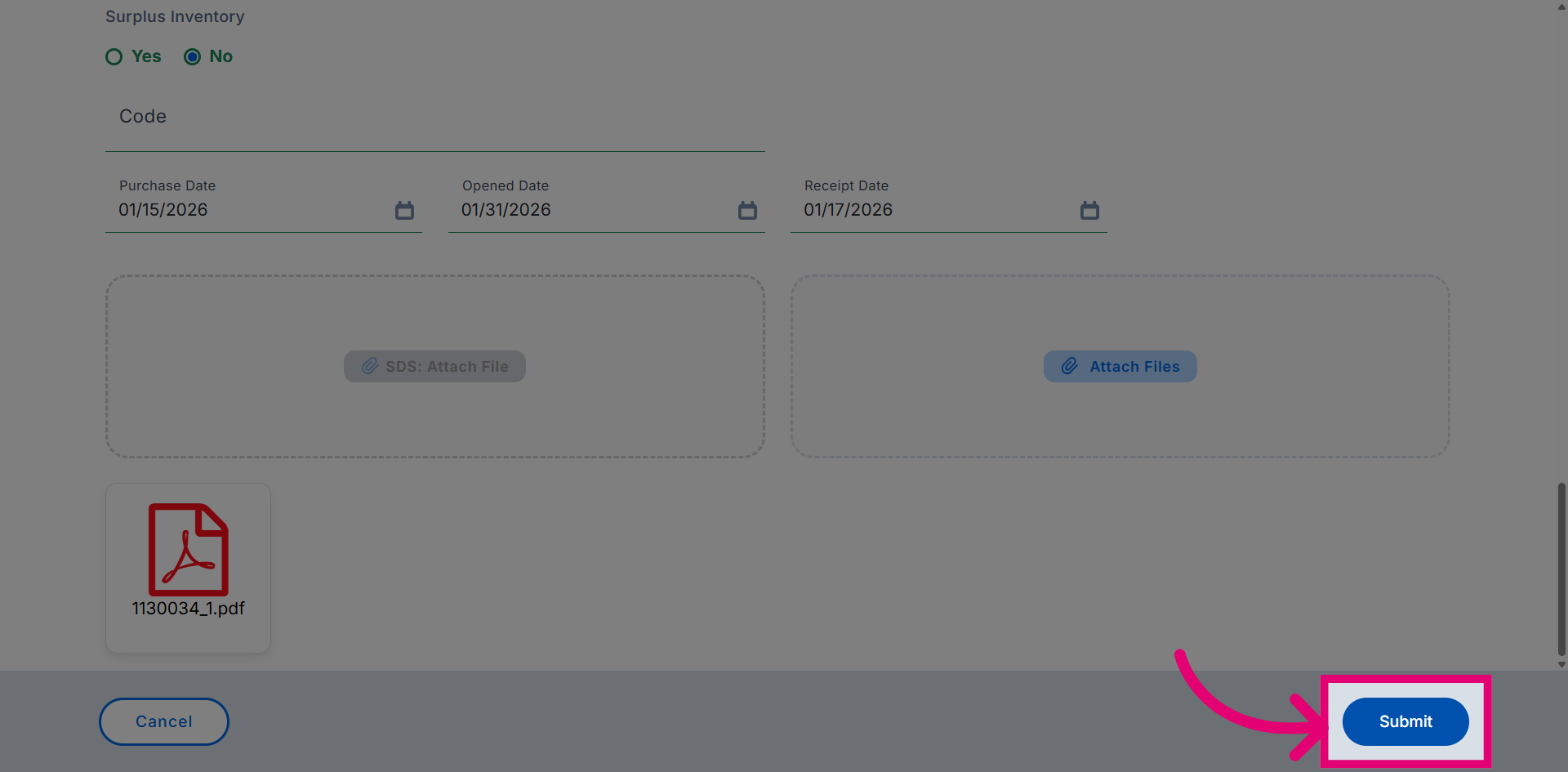
Click Submit to save the changes.
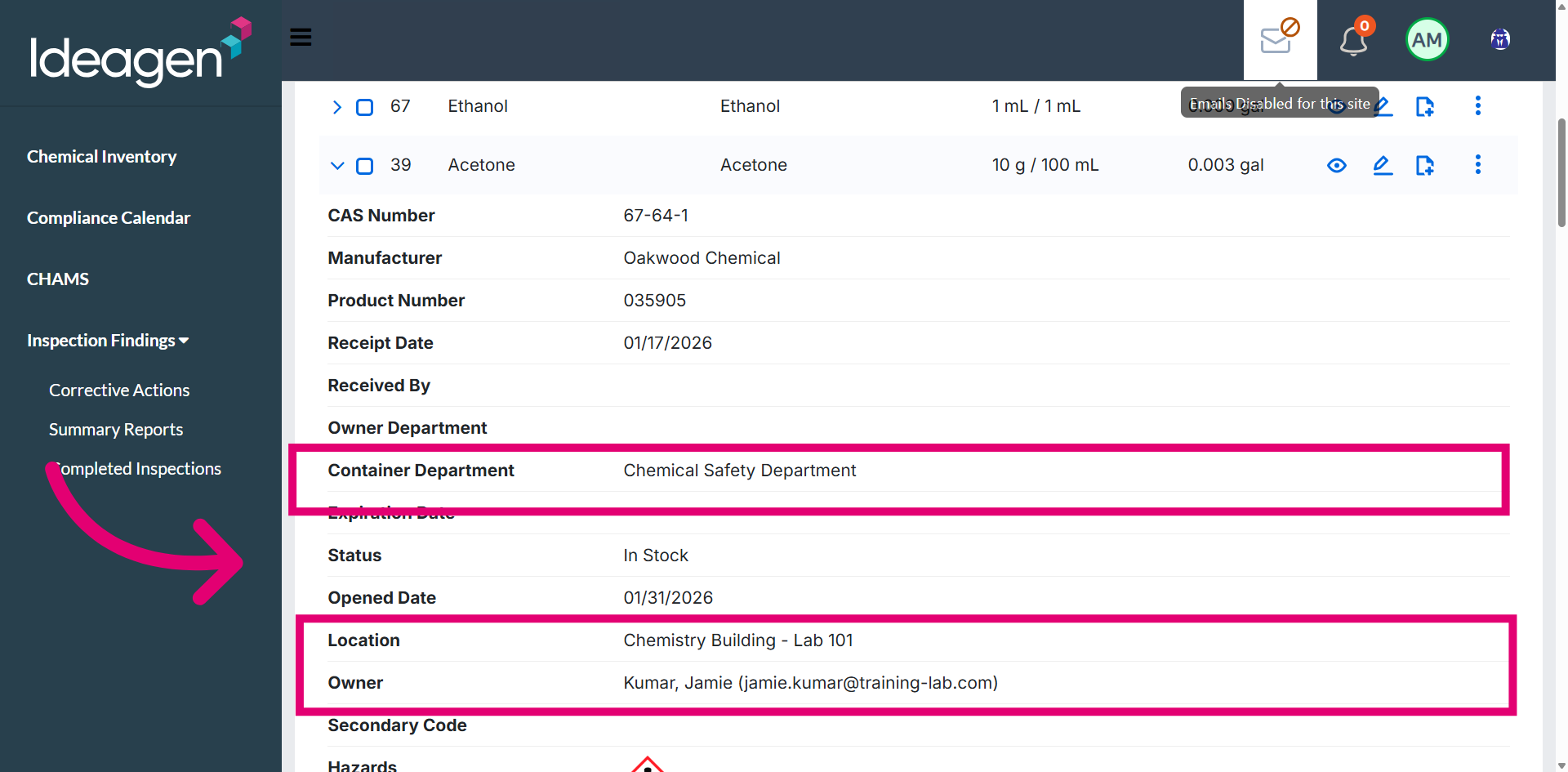
Return to Inventory to verify whether the record has been updated with the new user.
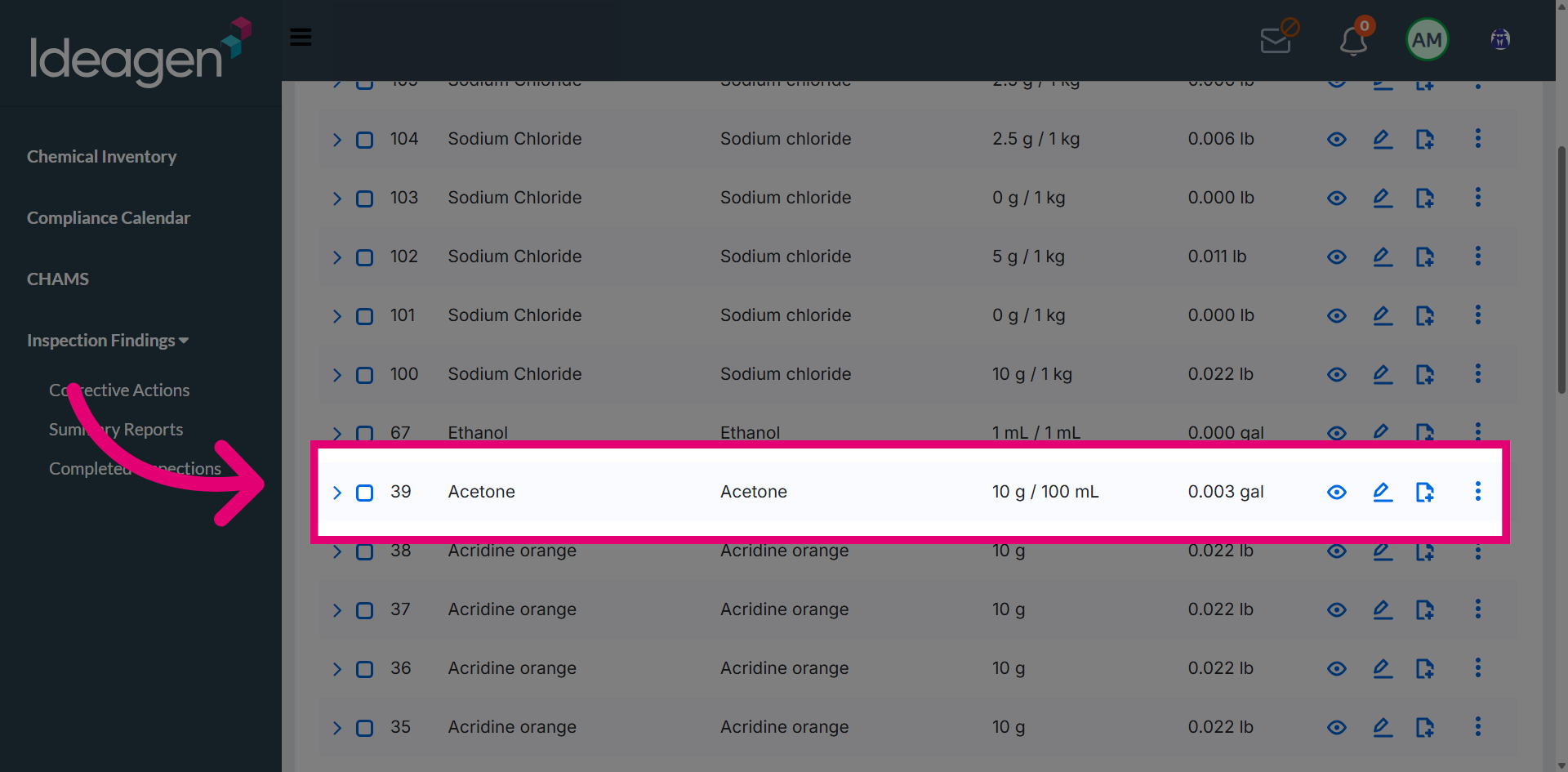
View the updated inventory to confirm the changes have been applied.