New article
Recently updated
Receiving an order

Who is this article for?
Users receiving an order.
Standard role is required.
This article shows you how to receive a previously placed order.
1. Receiving an order
To receive an order:
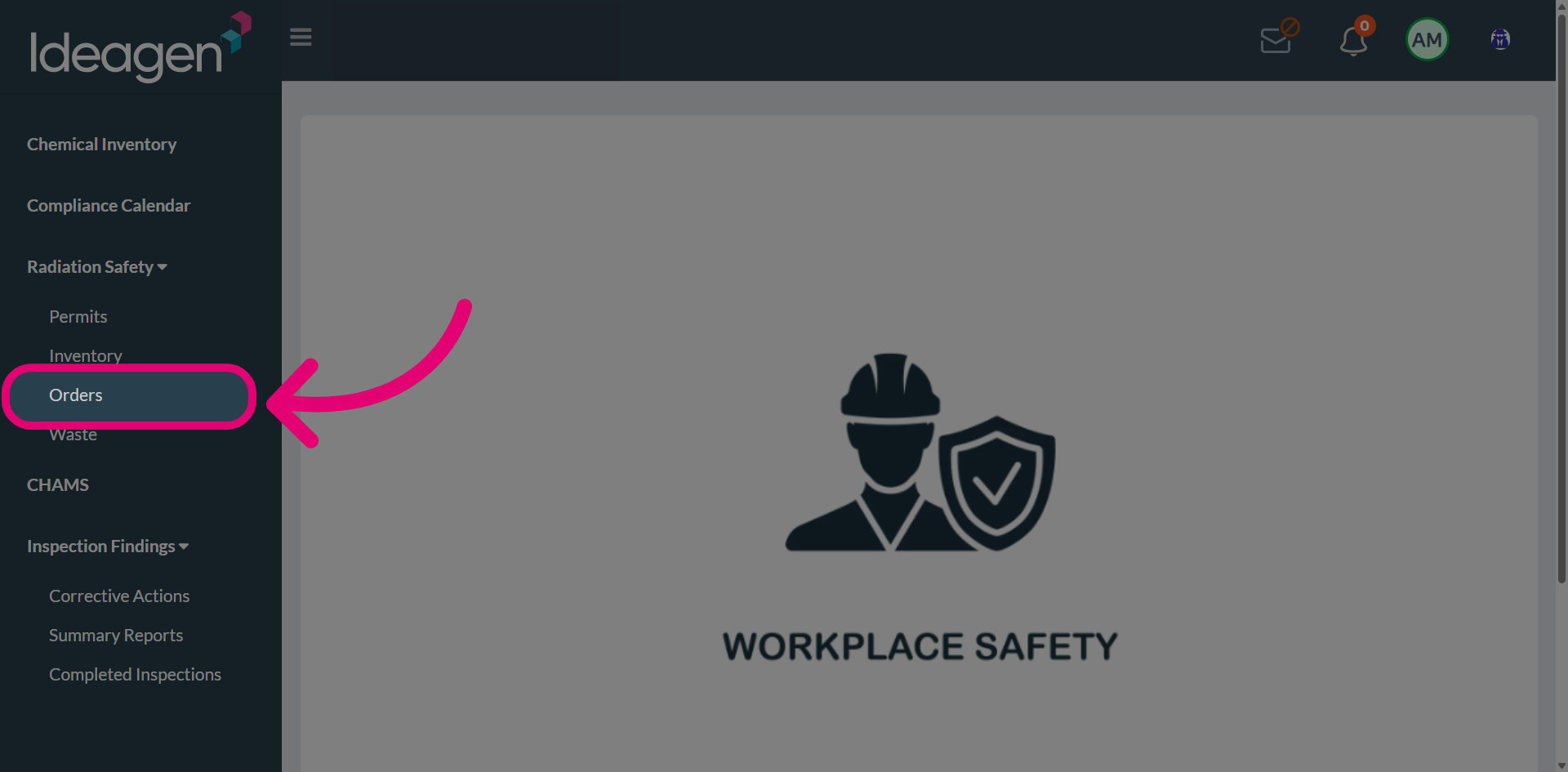
- Open the Radiation Safety menu.
-
Select Orders.
-
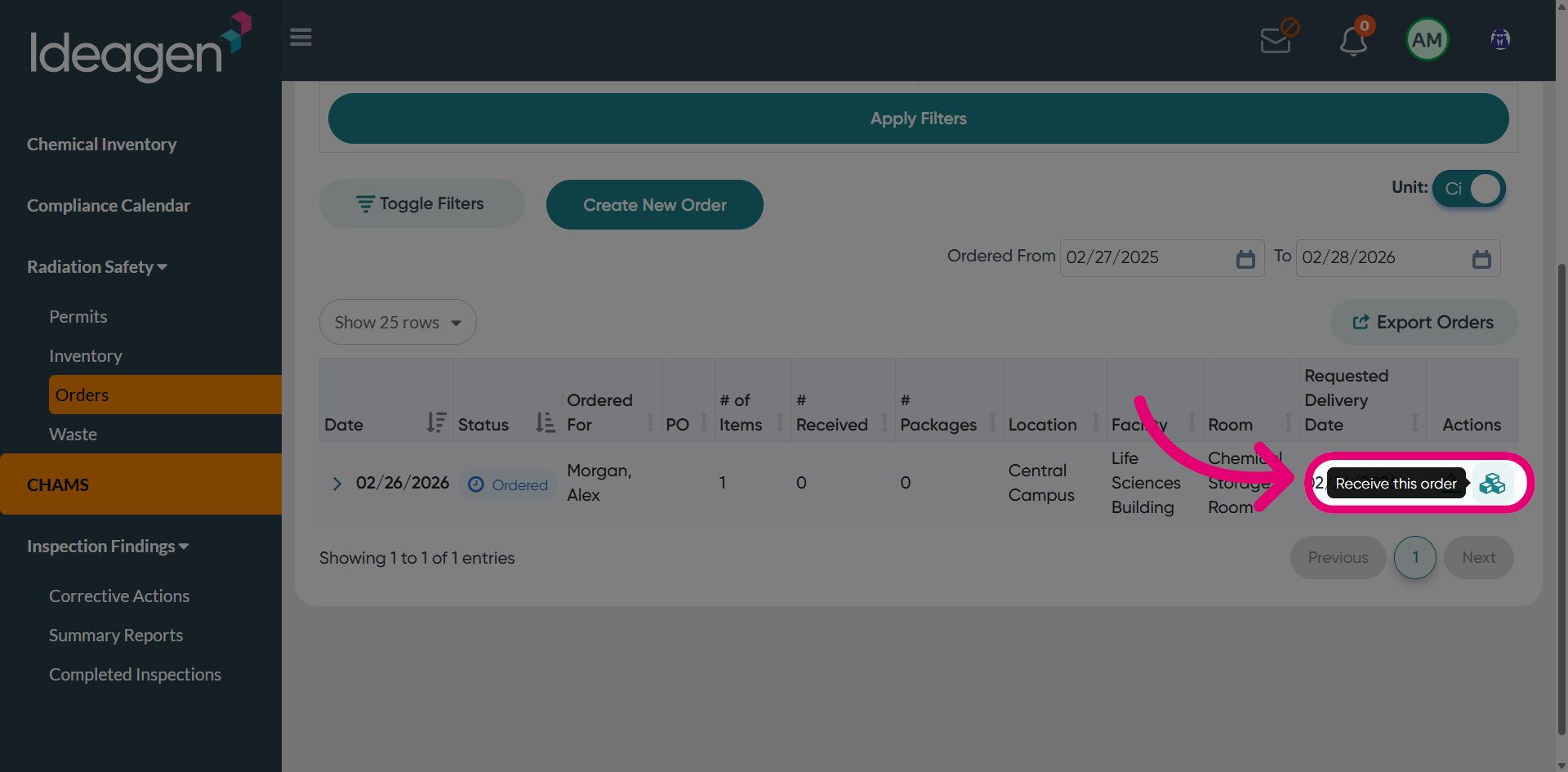
Click Receive this order.
-
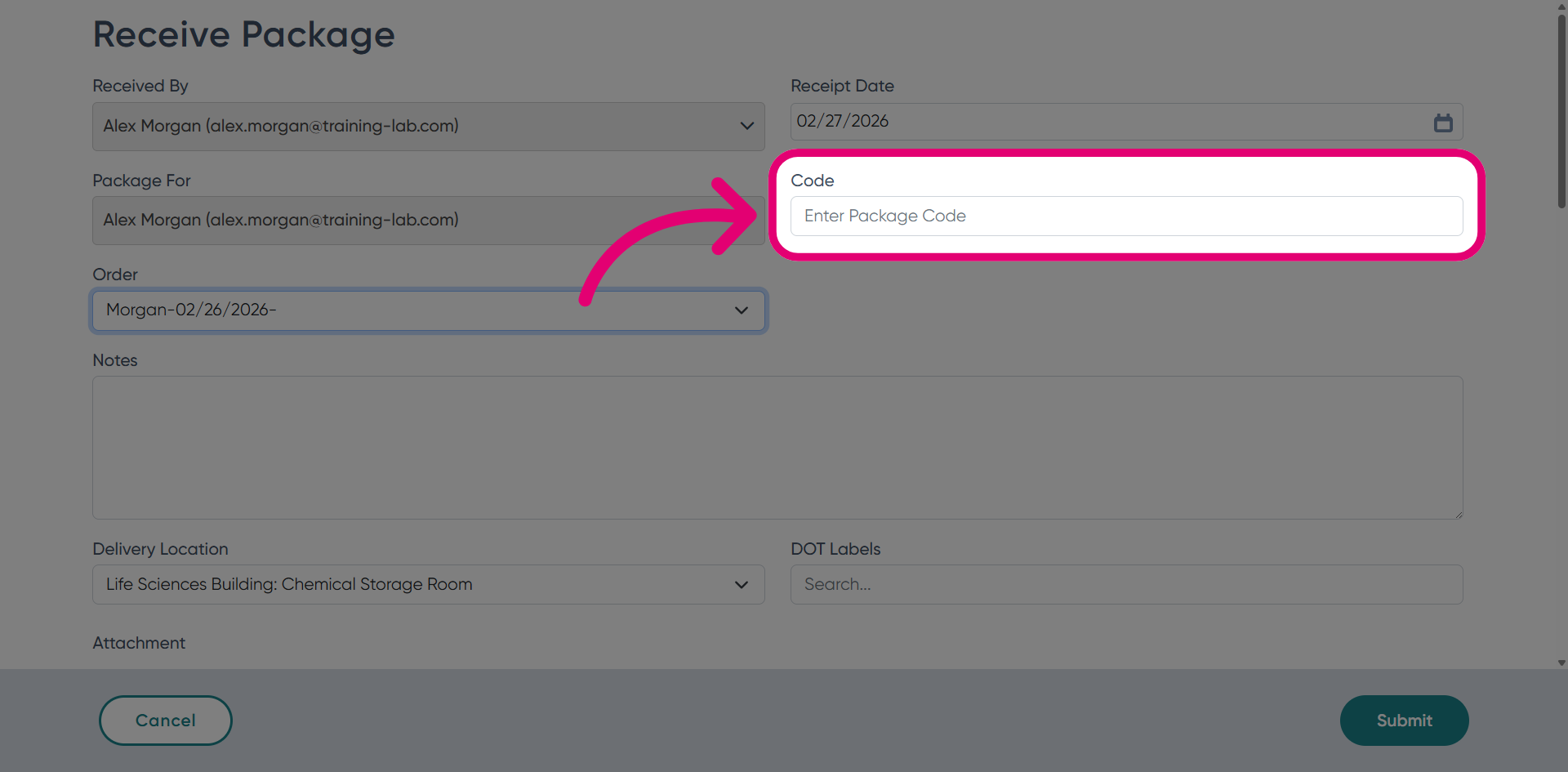
Enter the Code associated with the order.
-
Add Notes to document any observations regarding the order.
This could be damage to the packaging, delay in delivery, etc.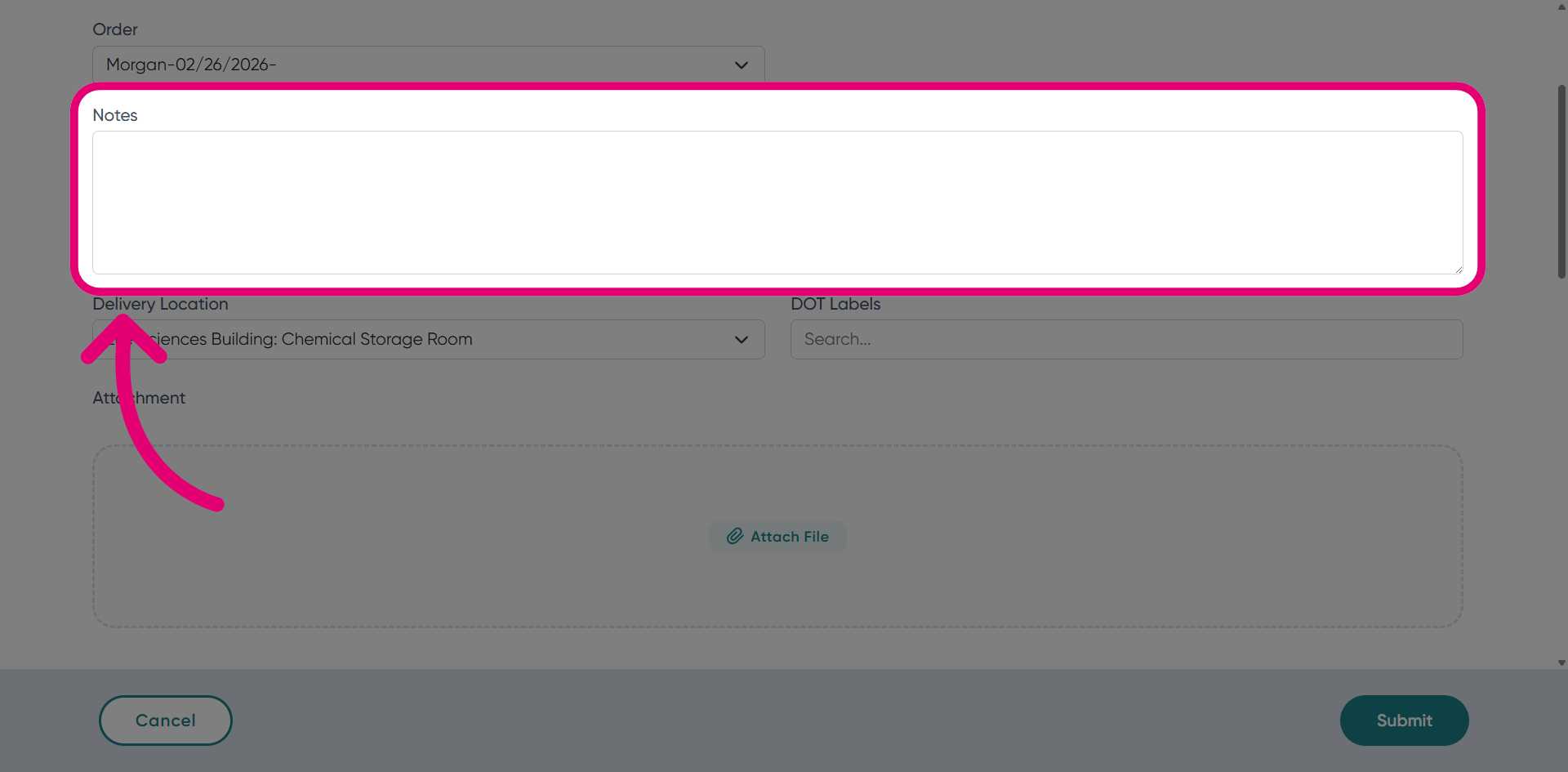
-
Set the Assay Date.
This is the date and time when the received material's activity is calibrated.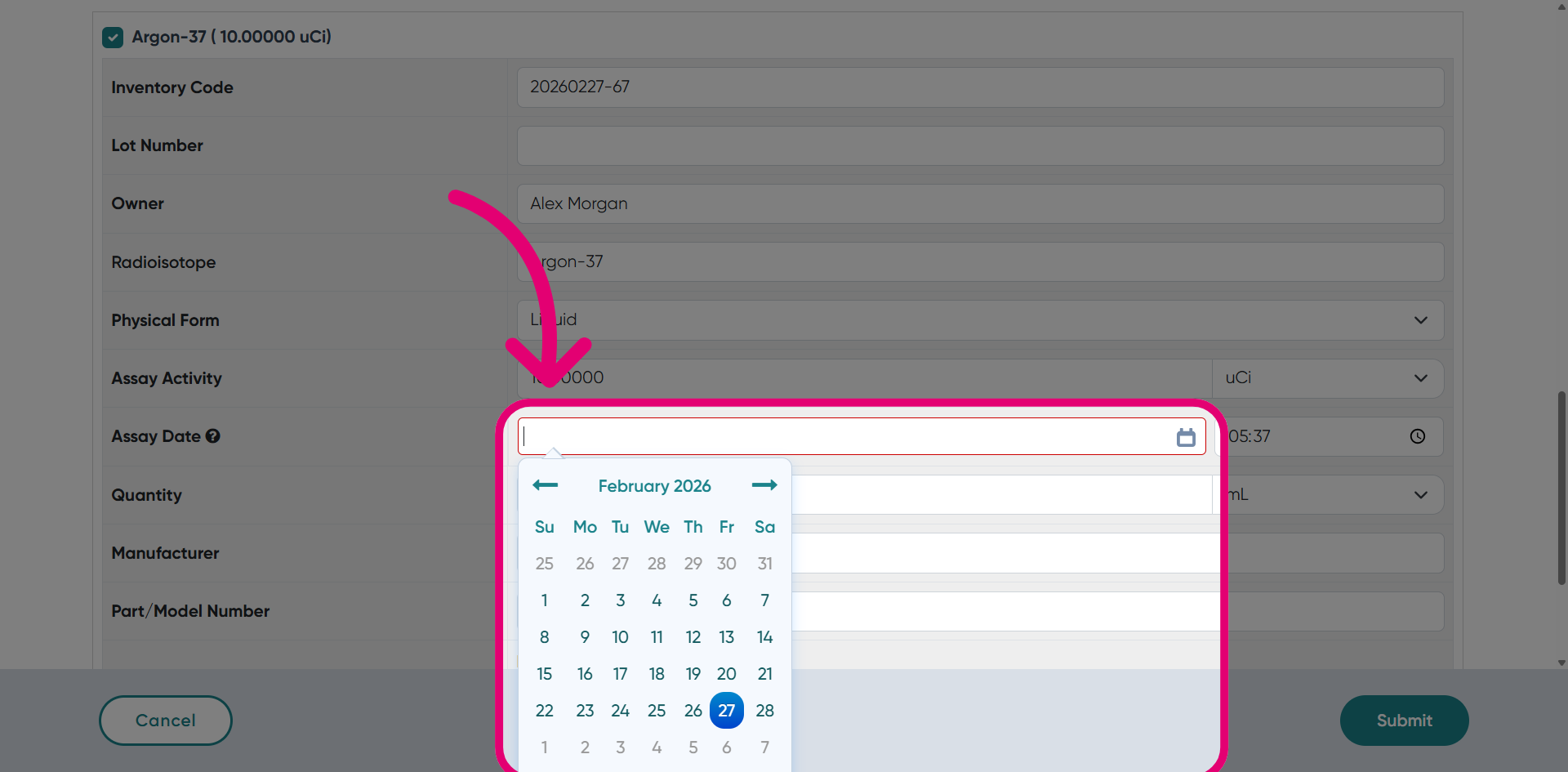
-
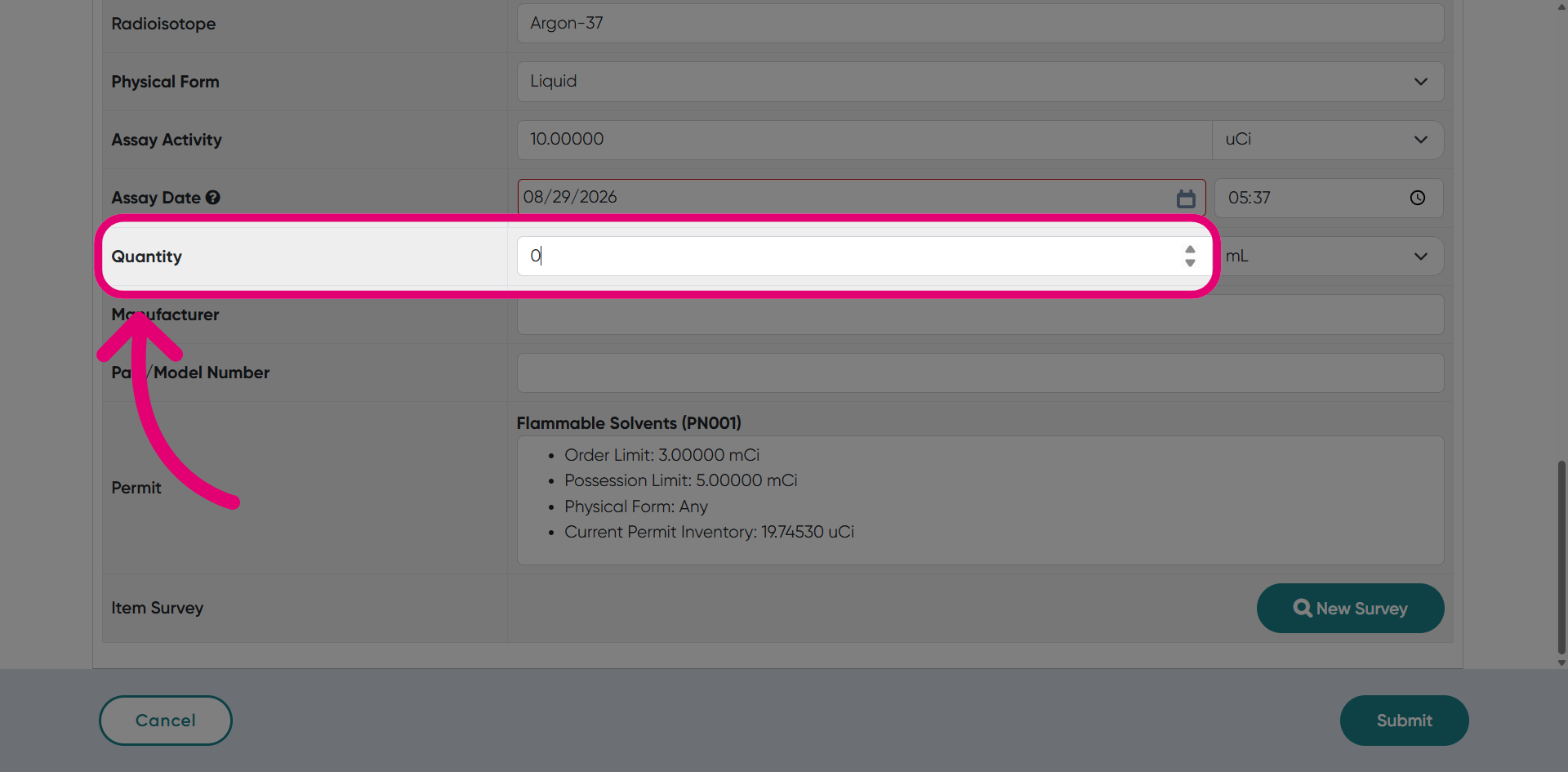
Enter the Quantity received.
-
Click Submit.
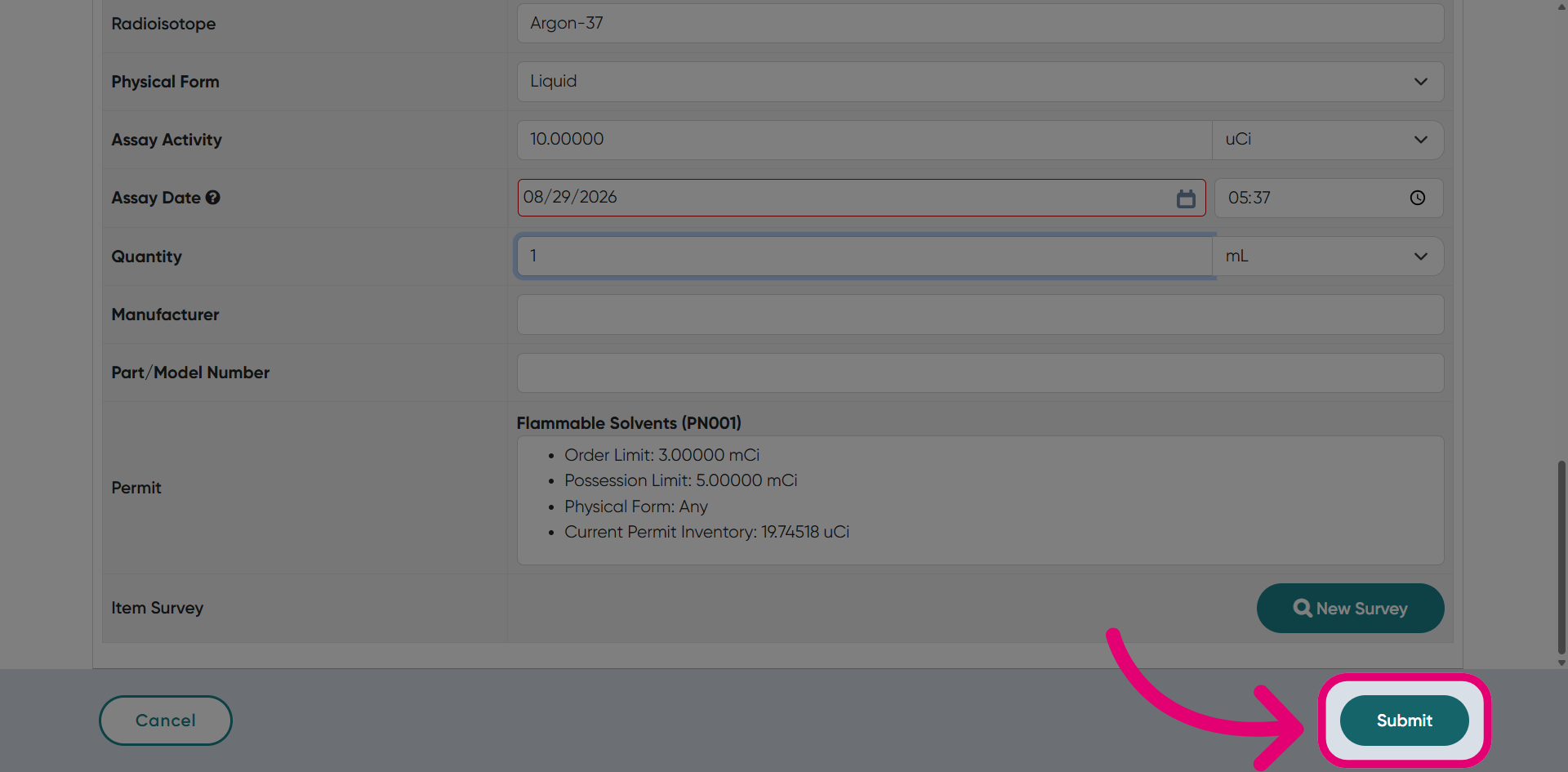
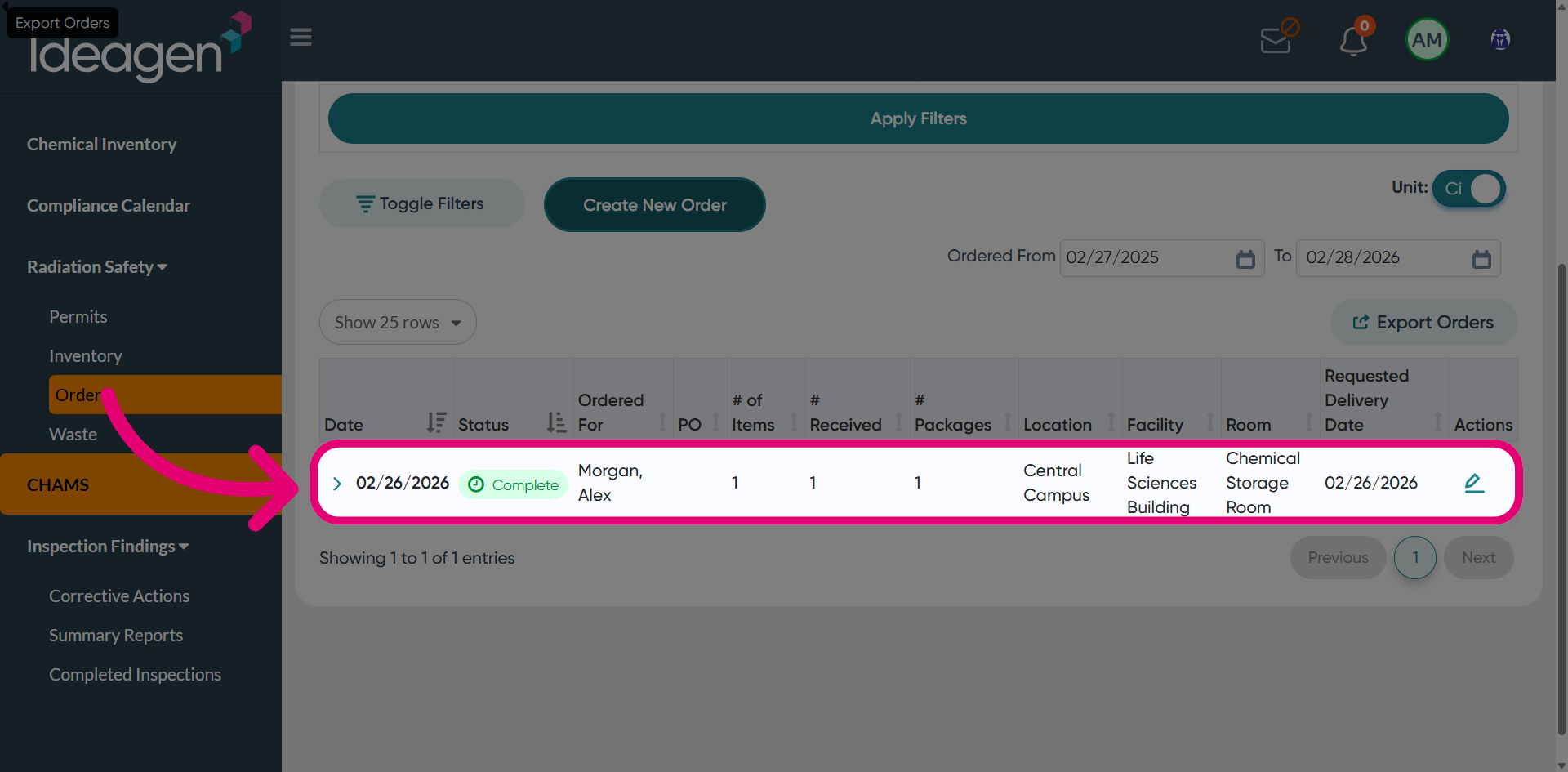
You will see the order status update from Ordered to Completed, confirming that the receiving process was finalised.