New article
Recently updated
Managing inventory transfer requests

Who is this article for?
Users who need to manage inventory transfer requests.
Administrator role is required.
This article explains how to manage inventory transfer requests in the Chemical Inventory system.
You will learn how to navigate to transfer requests, review pending requests, and accept or deny them.
1. Managing Transfer Requests
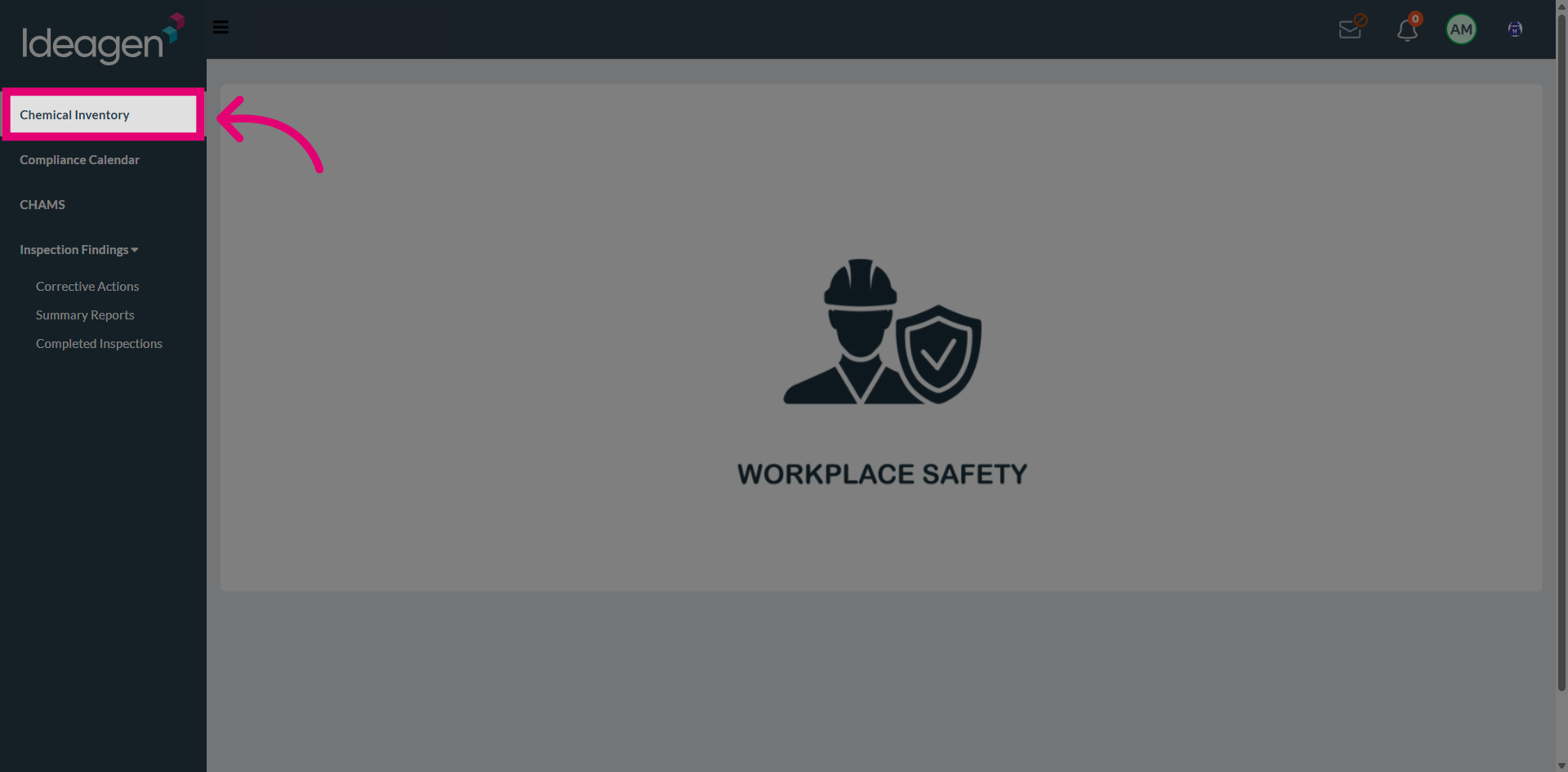
Navigate to Chemical Inventory from the main menu.
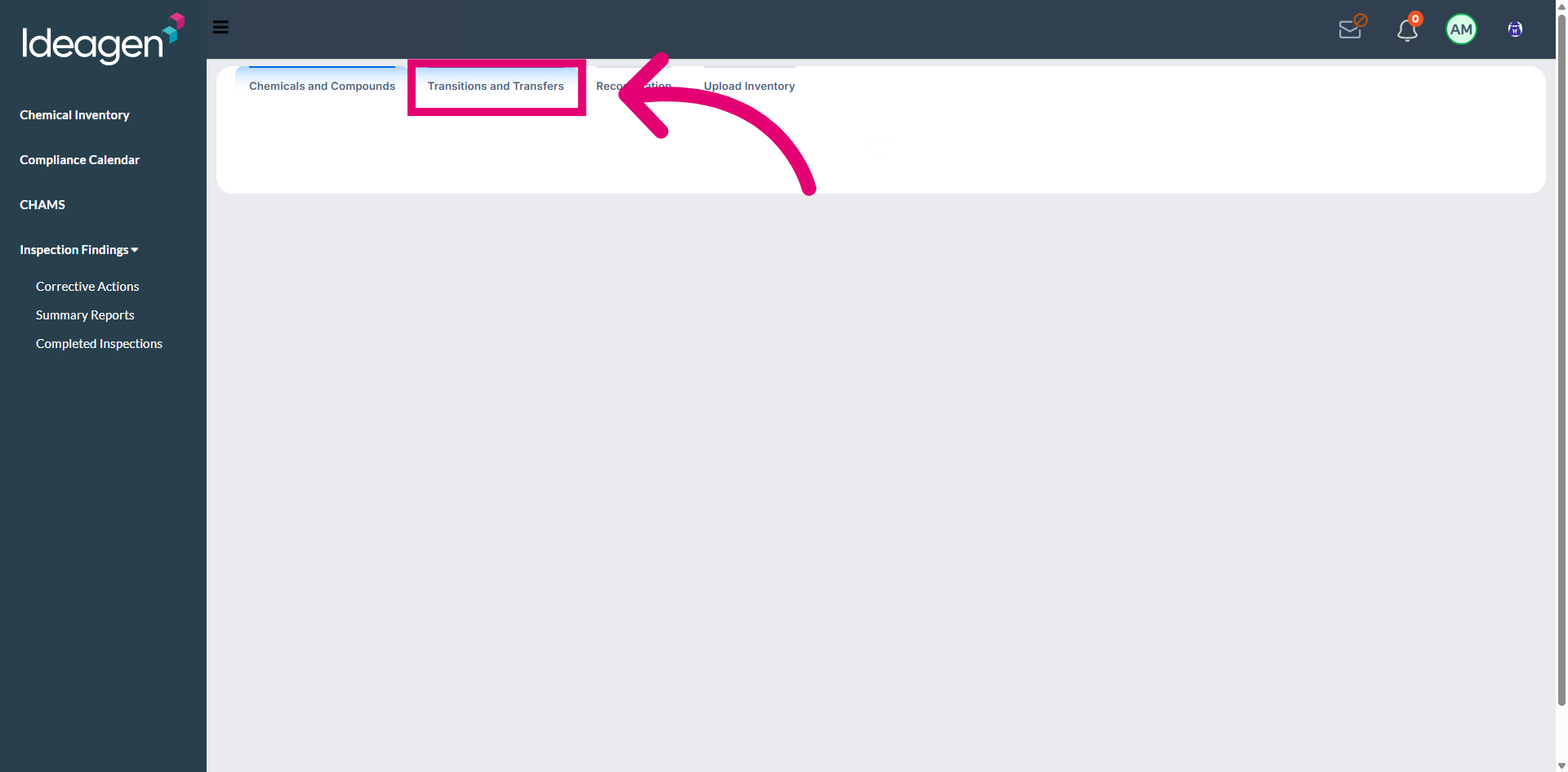
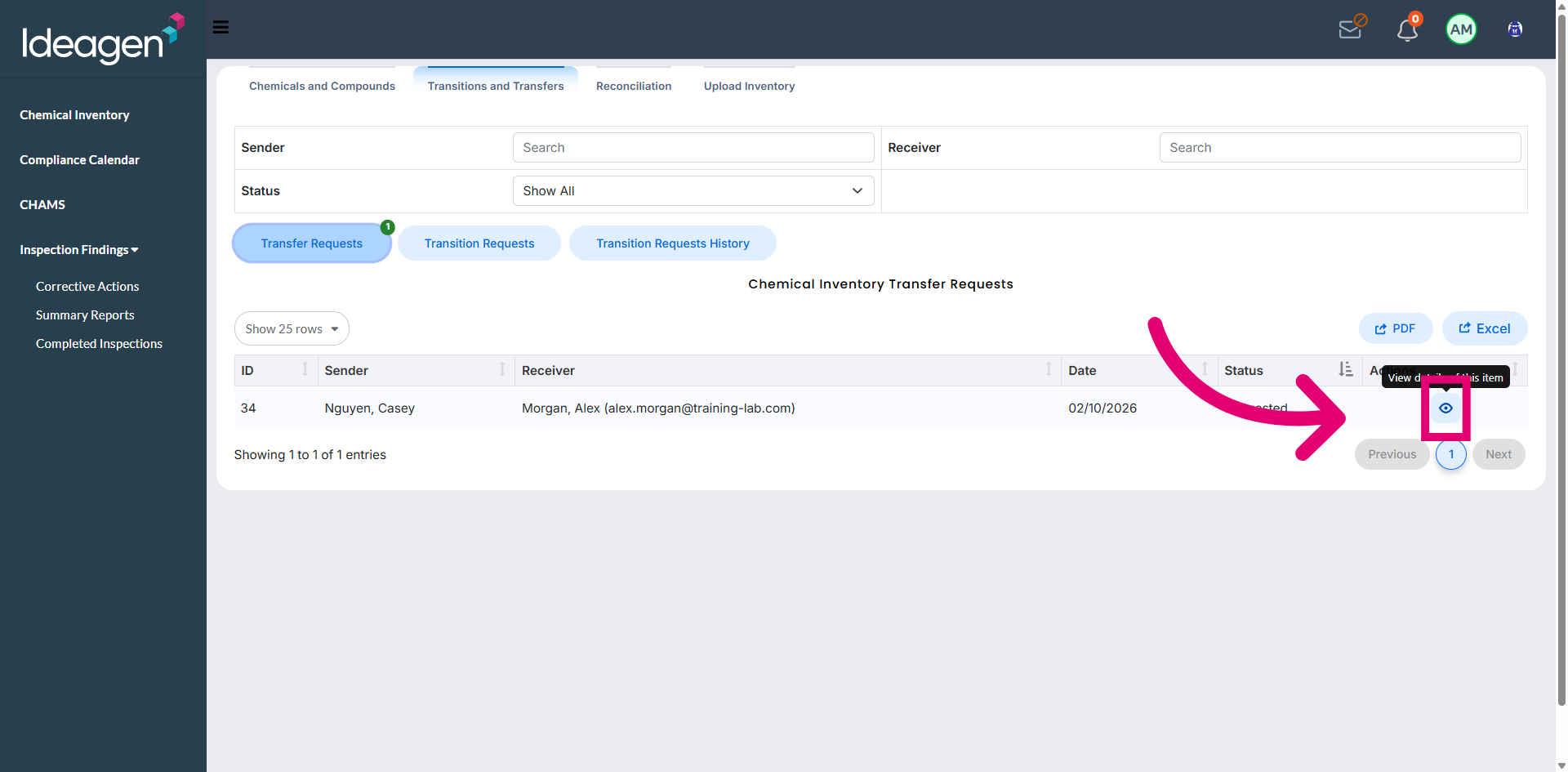
Open Transfers and Transitions to access the transfer management area.
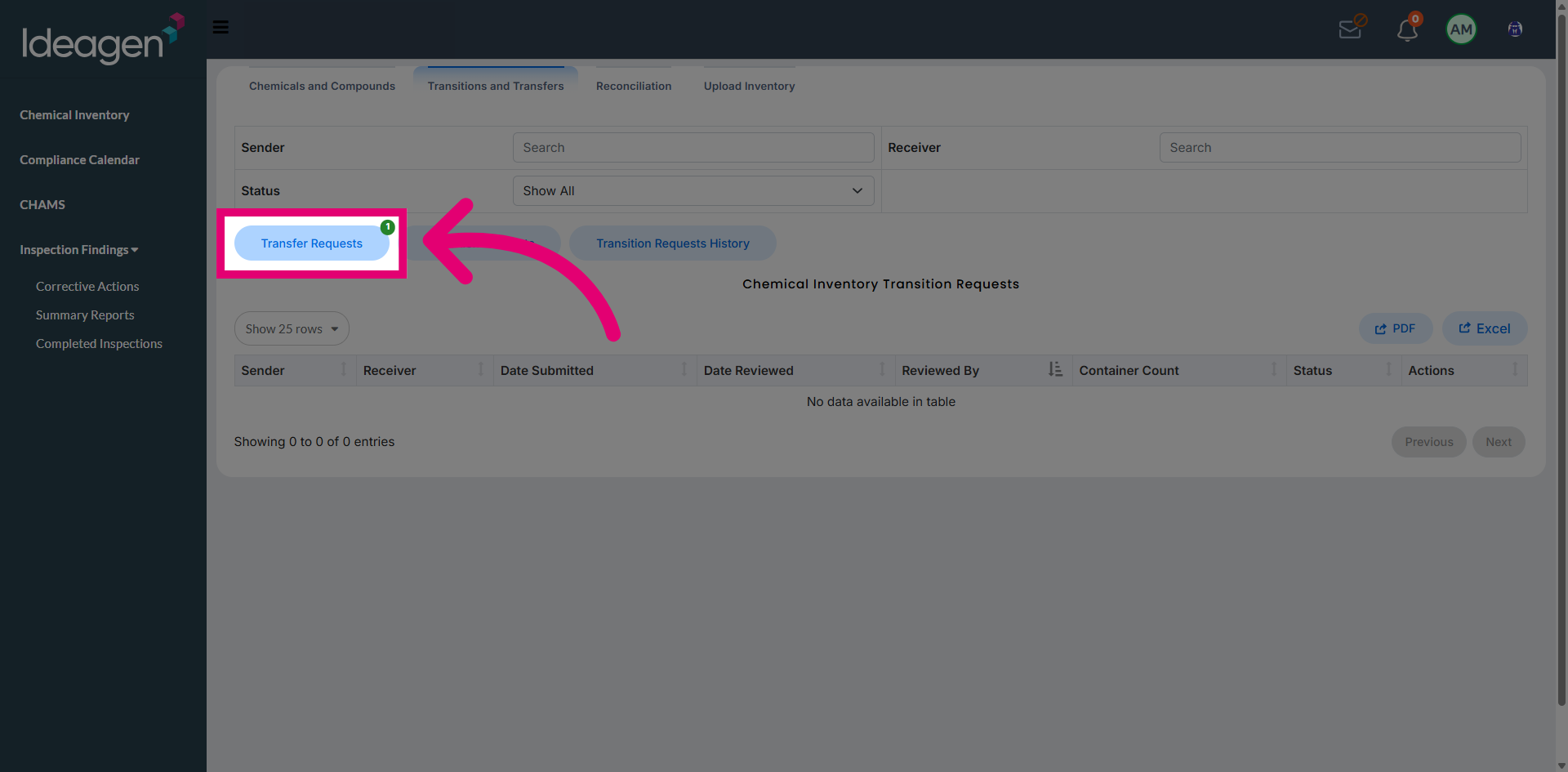
Access Transfer Requests to view all pending requests.
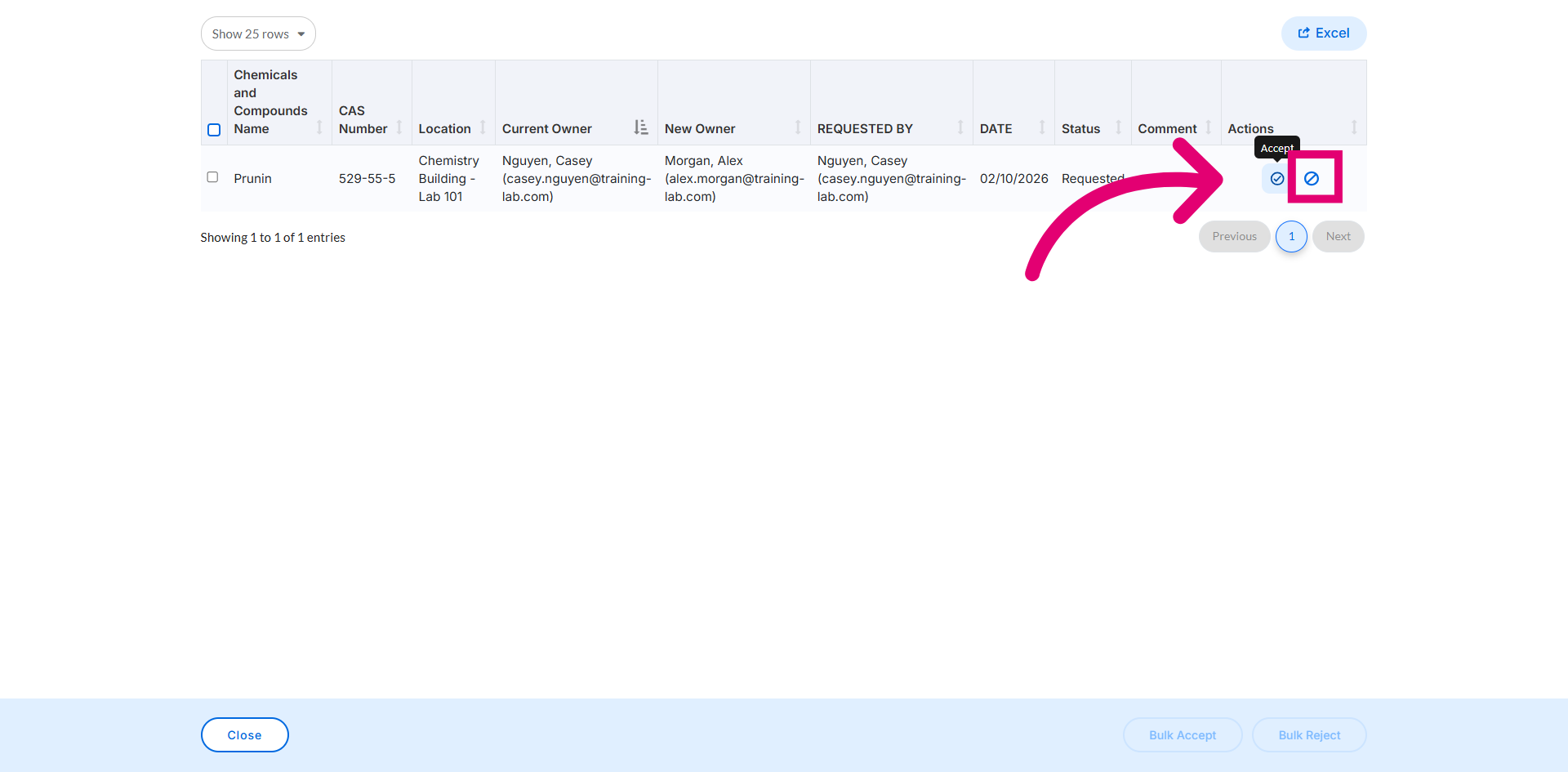
Select a transfer request from the list to review its details.
Click Accept to approve the transfer request and complete the transfer.
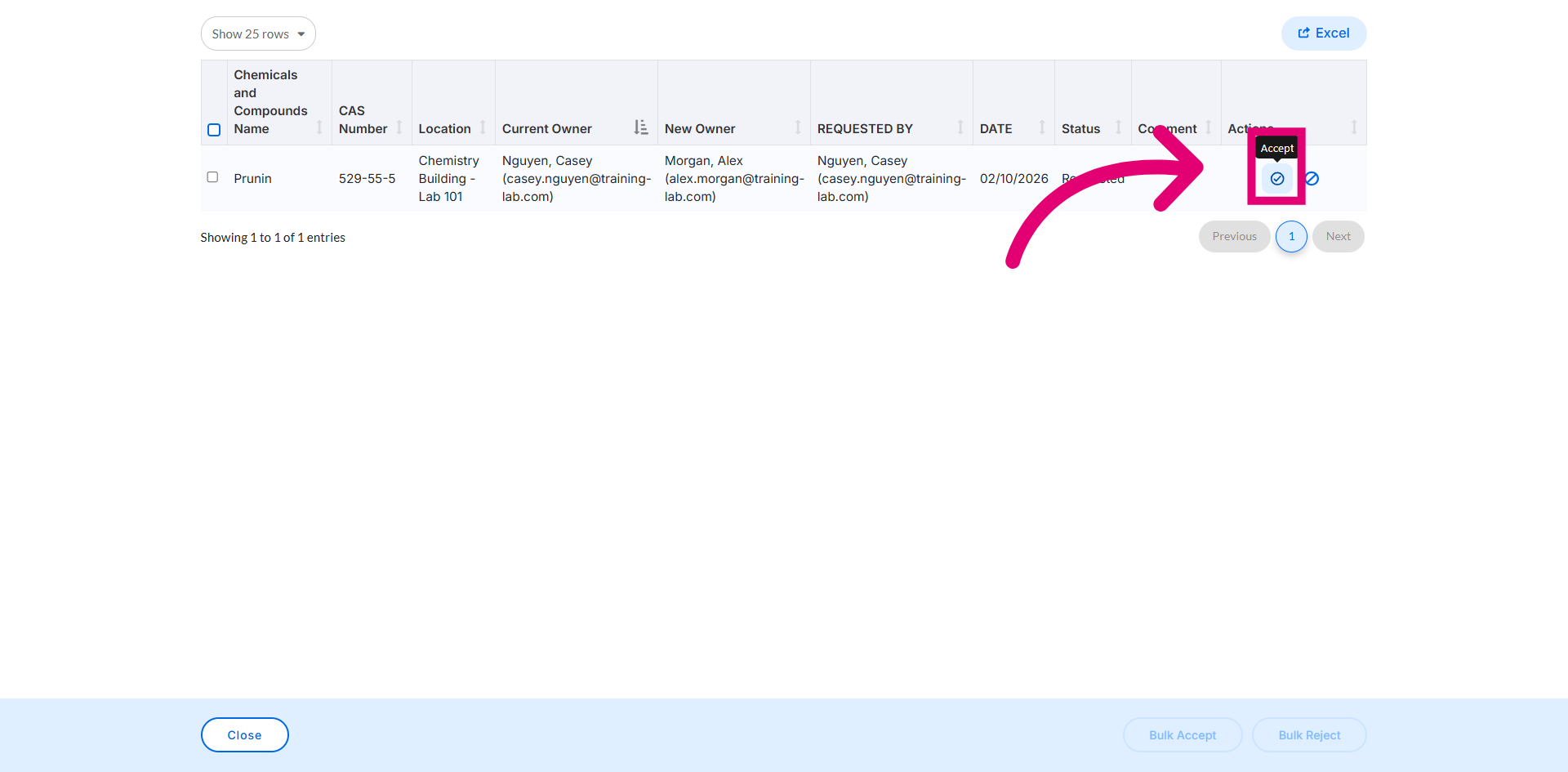
Click Deny to reject the transfer request if it should not be approved.