New article
Recently updated
Placing an order

Who is this article for?
Users responsible for order management.
Standard system role and General User module role are required.
This article walks you through placing a previously submitted order.
1. Placing an order
To place an order:
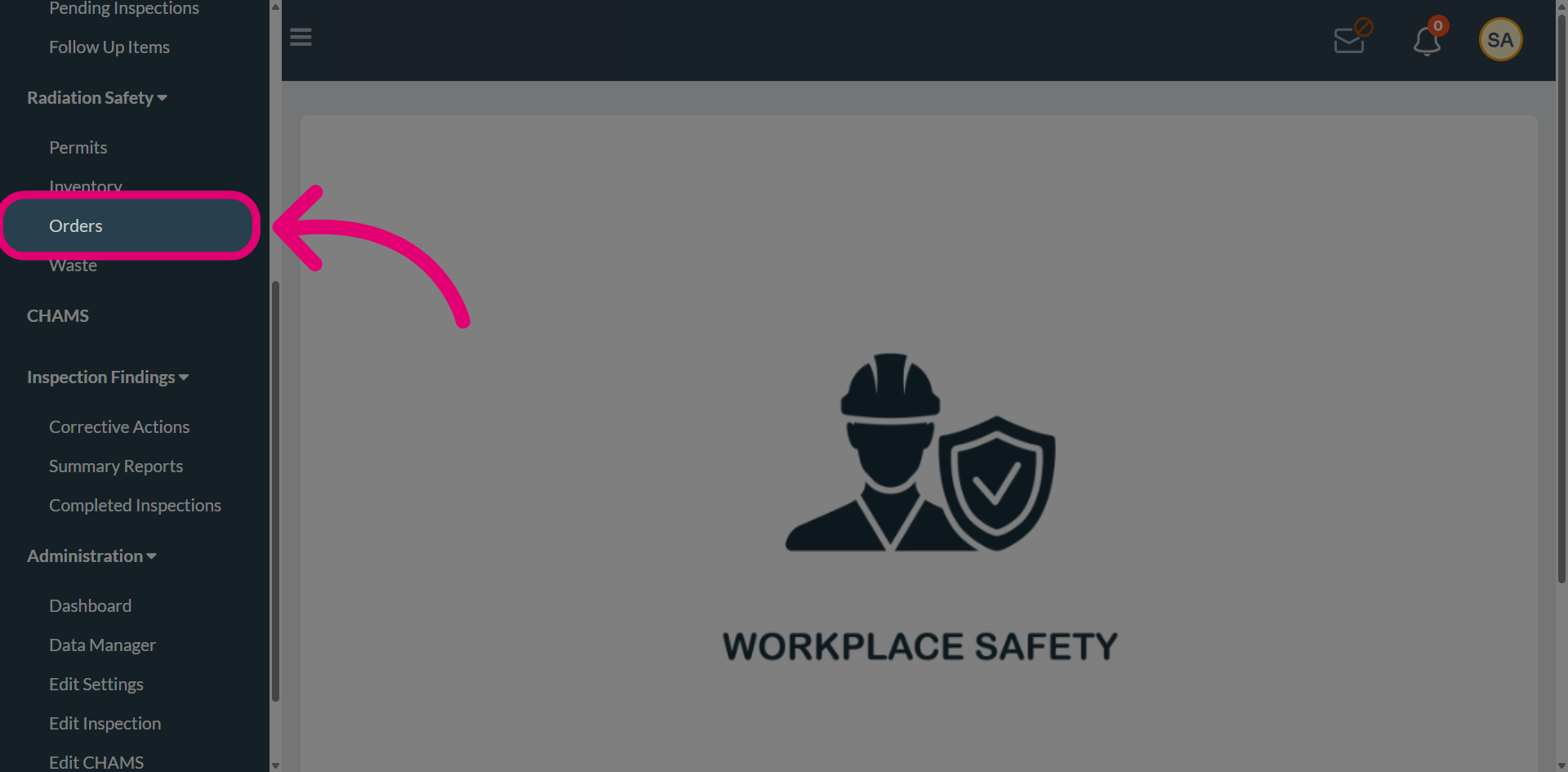
- Open the Radiation Safety menu.
-
Select Orders.
-
Find a Submitted order.
You will see the recipient, quantity ordered, and the relevant location and room details.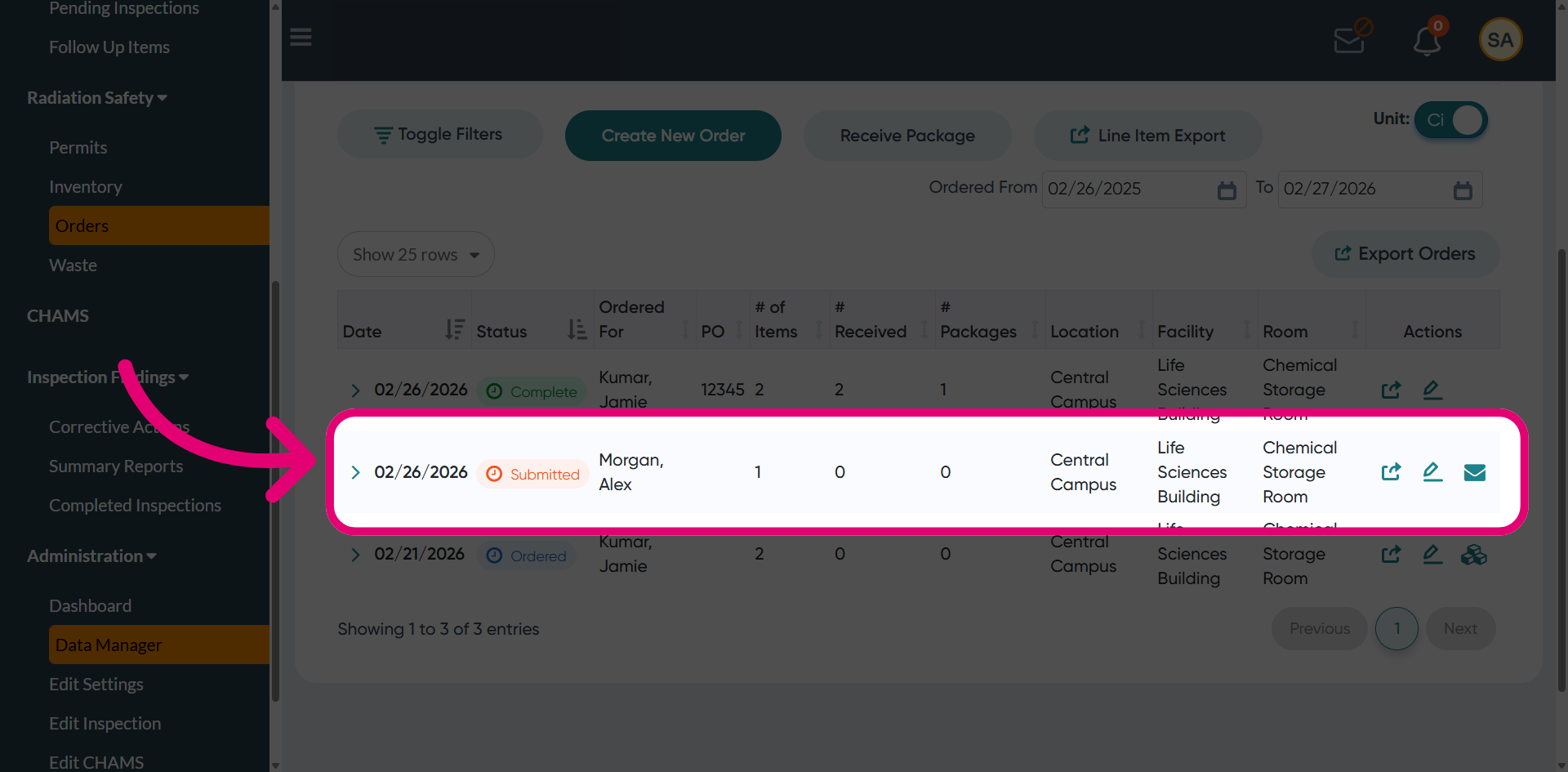
-
Click the Arrow to expand the order to view additional details.
These include item information, activity details, and permit holder information.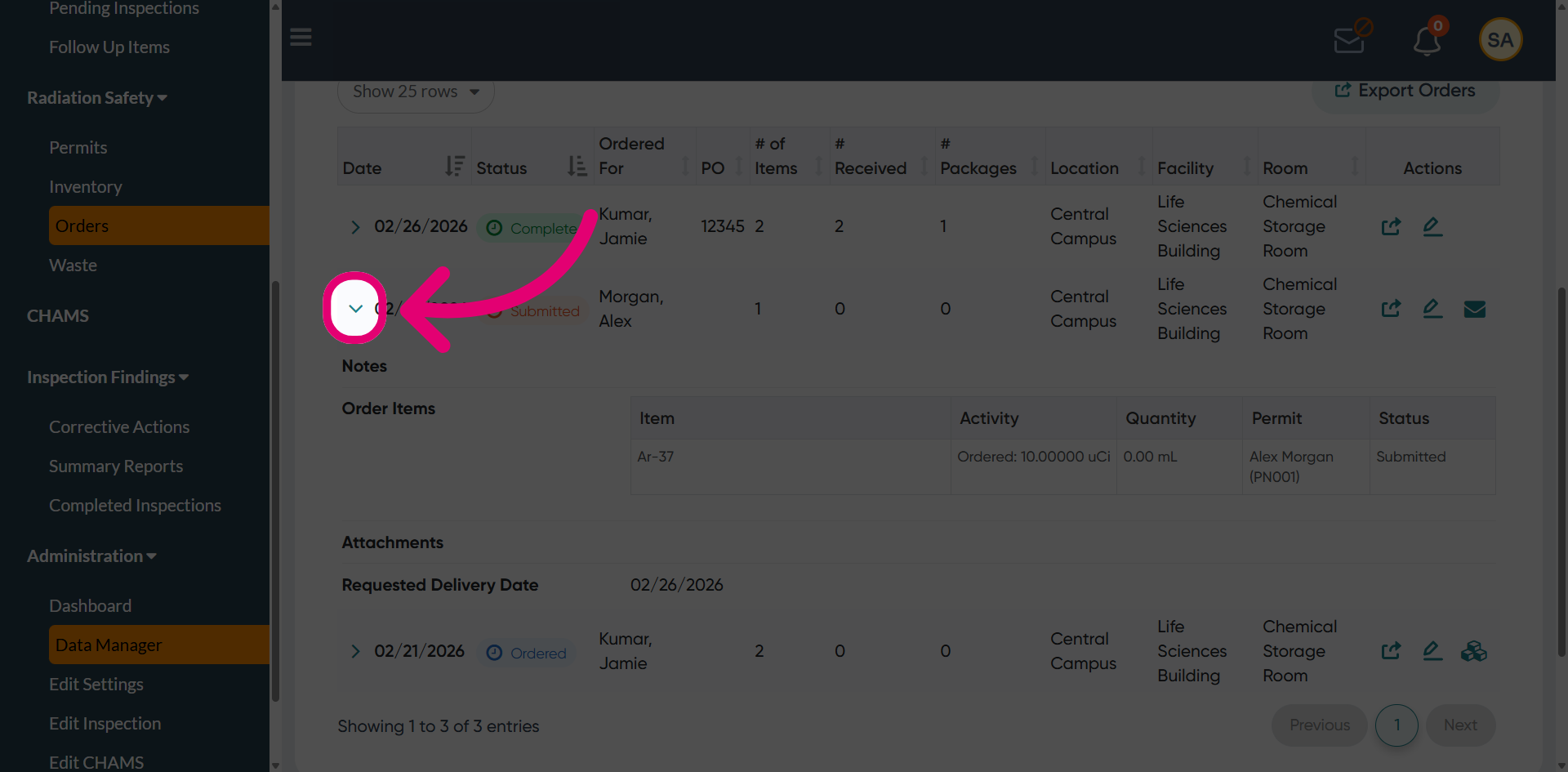
-
Click Place this order.
The recipient can now receive it once delivered.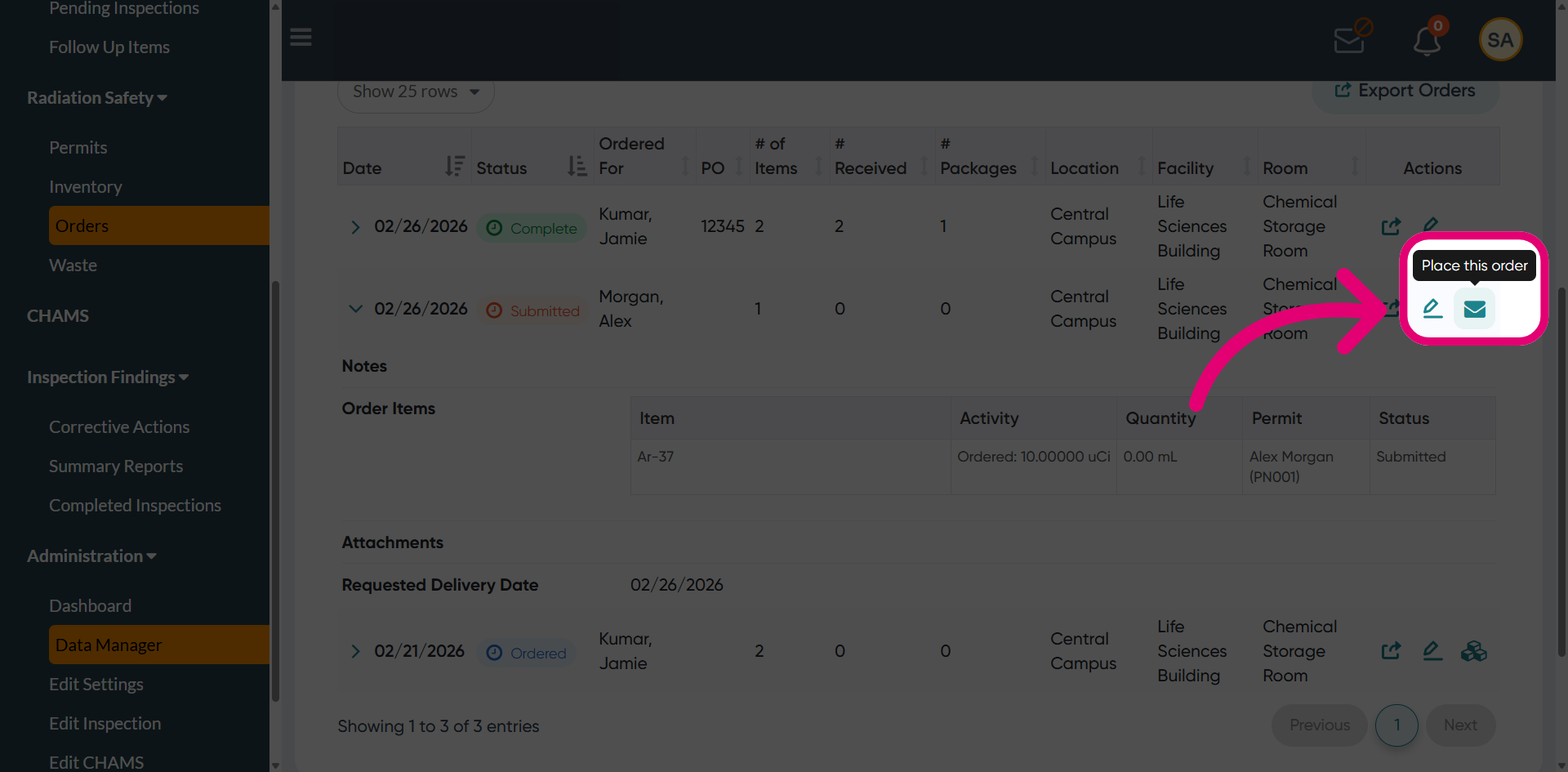
- A pop-up will appear to confirm that the order has been successfully placed.
-
Click OK to continue.
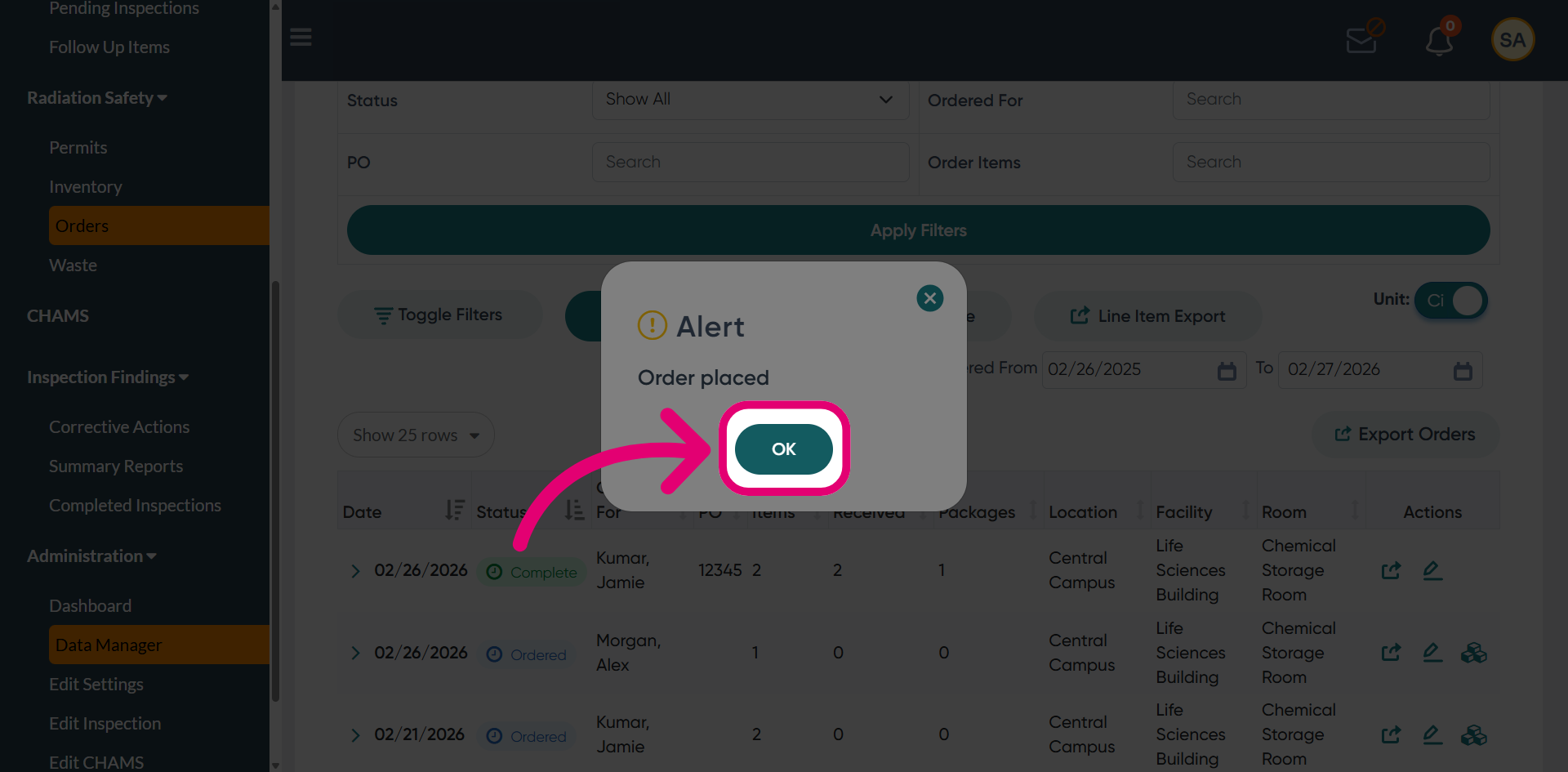
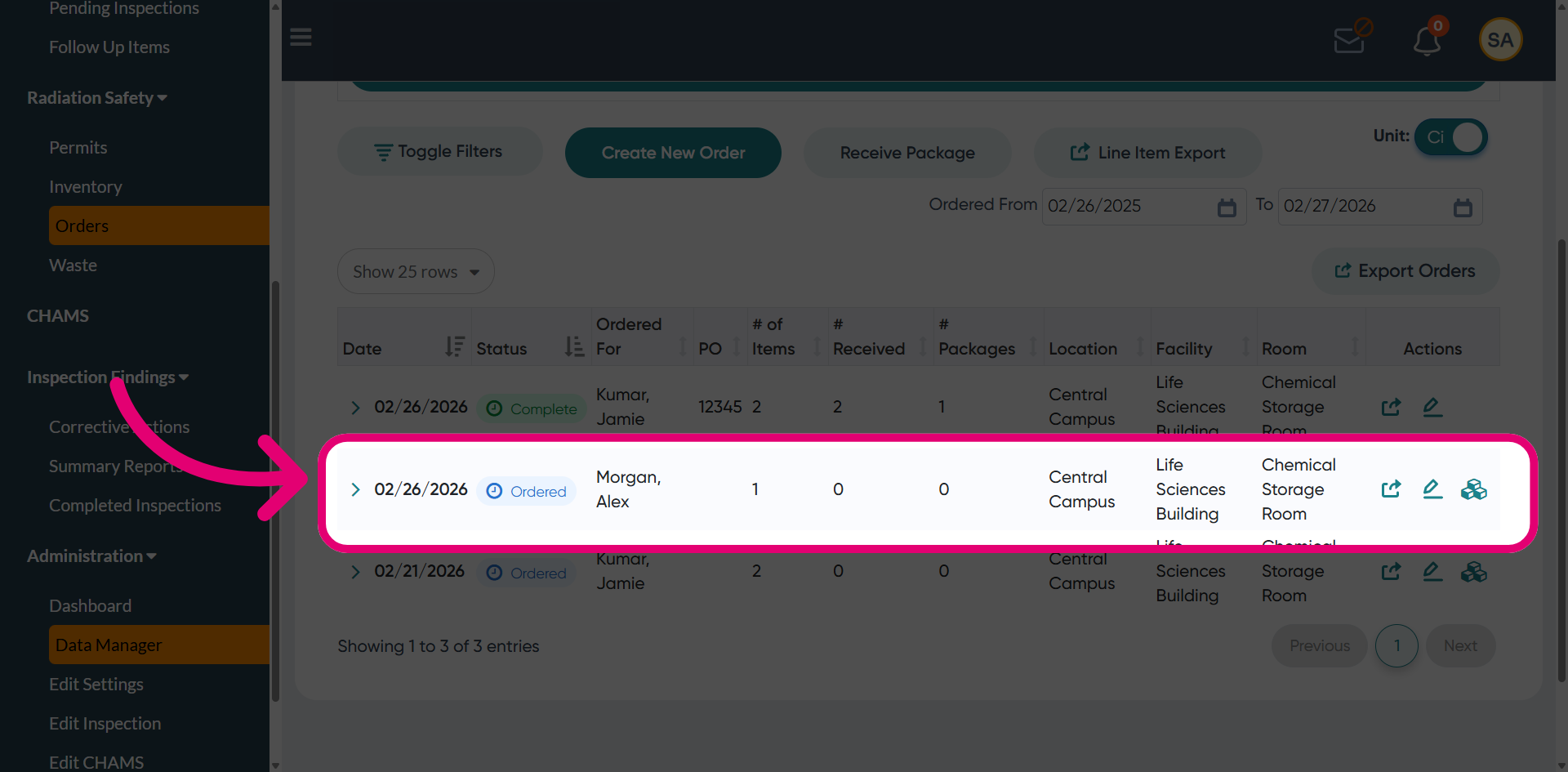
You will see the order status update from Submitted to Ordered, confirming successful processing.