New article
Recently updated
Creating an inspection template

Who is this article for?
Inspectors who want to learn to create an inspection template.
Inspection permissions are required.
This article explains how to create a new inspection template.
You will learn the steps to name and save a custom inspection template for future use.
1. Creating an inspection template
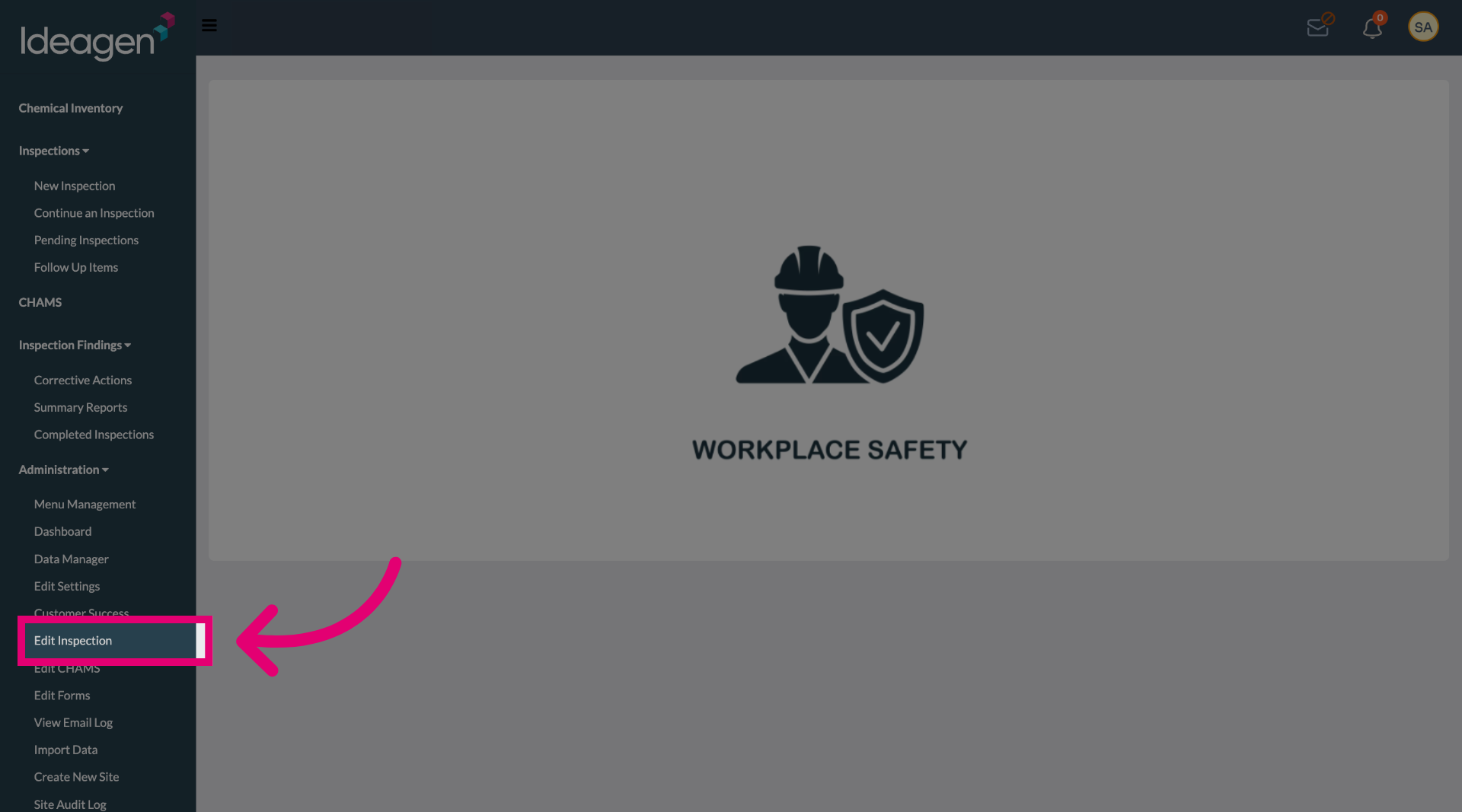
Select the Edit Inspection button to begin modifying inspection settings.
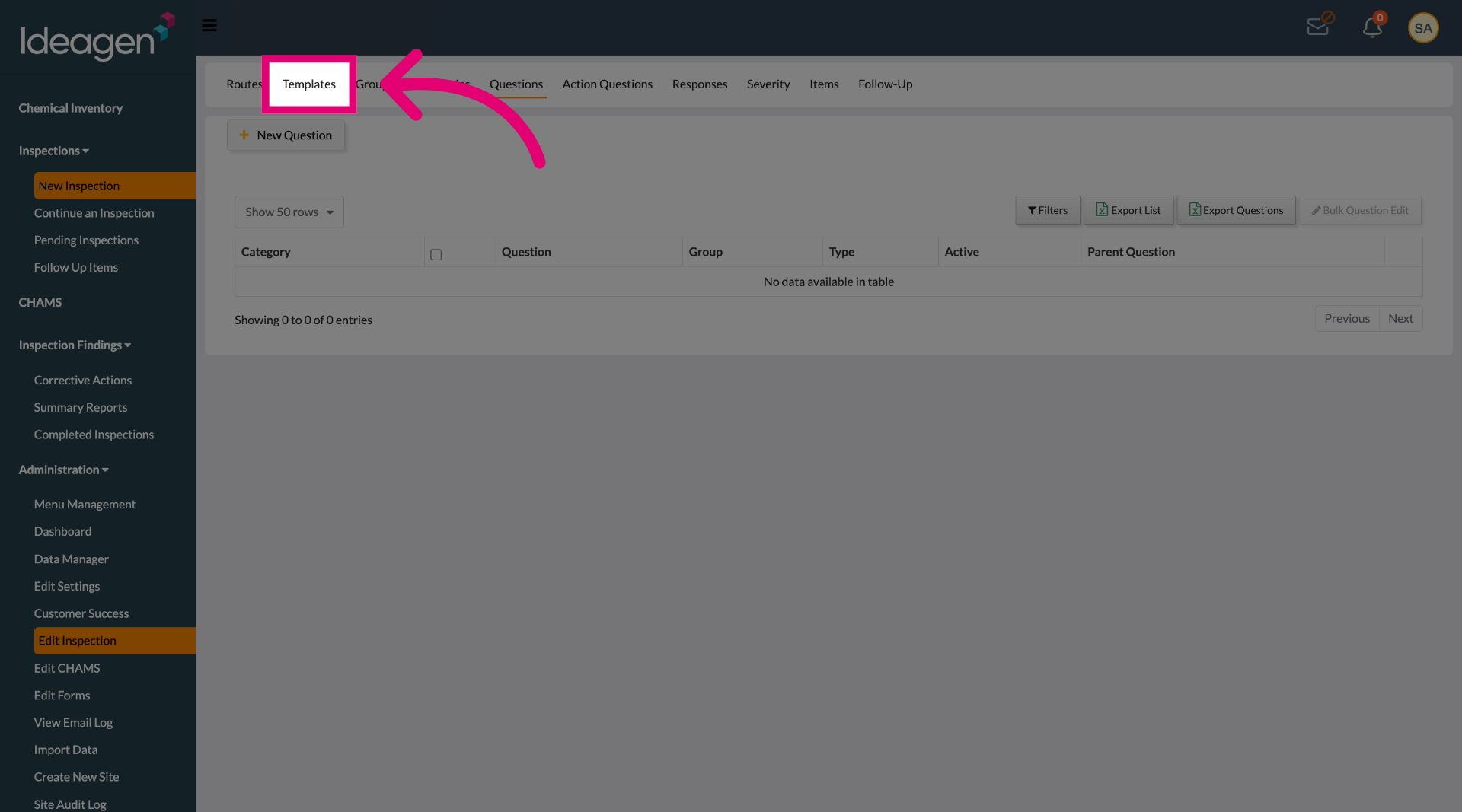
Select the Templates tab to access the list of available inspection templates.
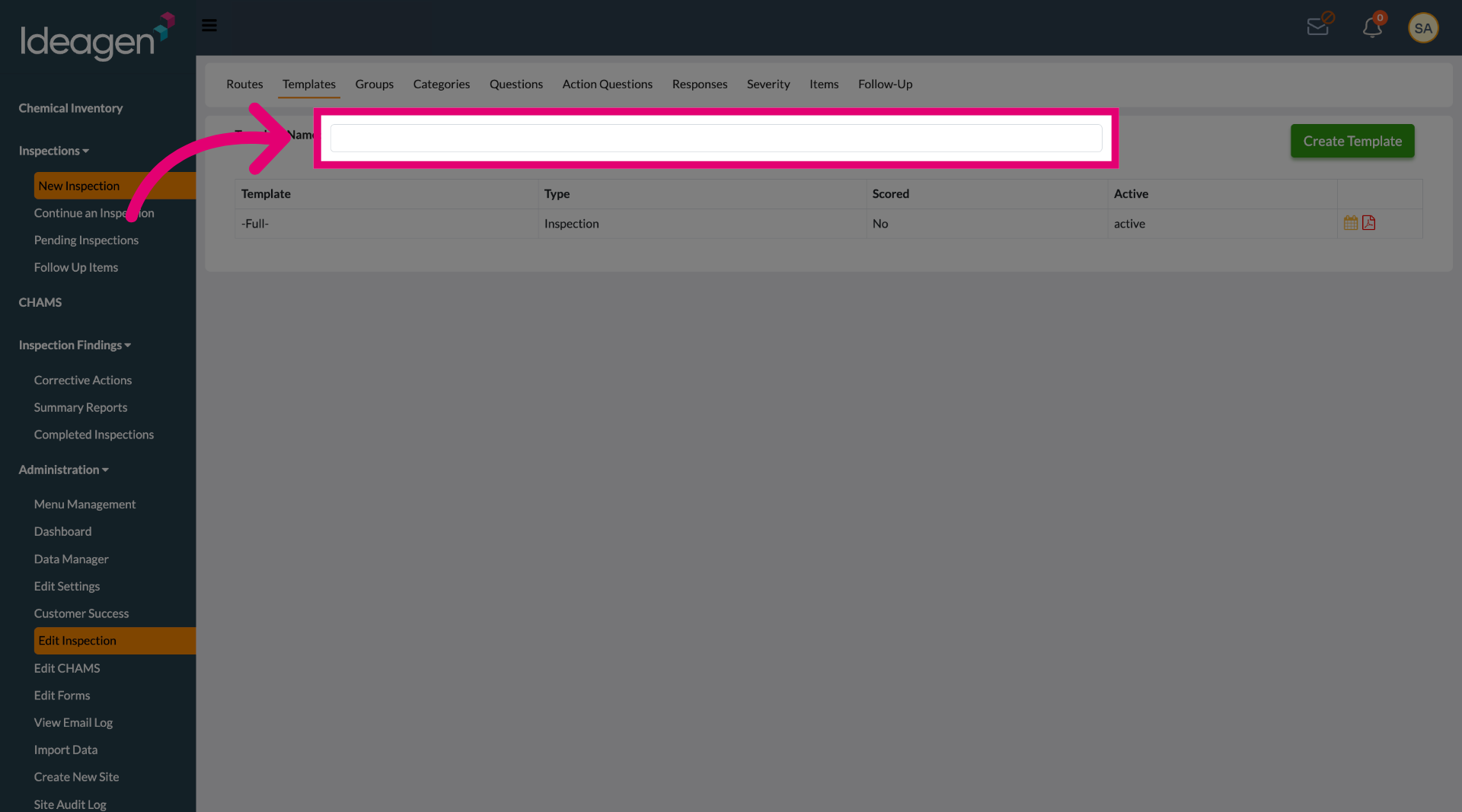
Click the Template Name field to specify the name for your new inspection template.
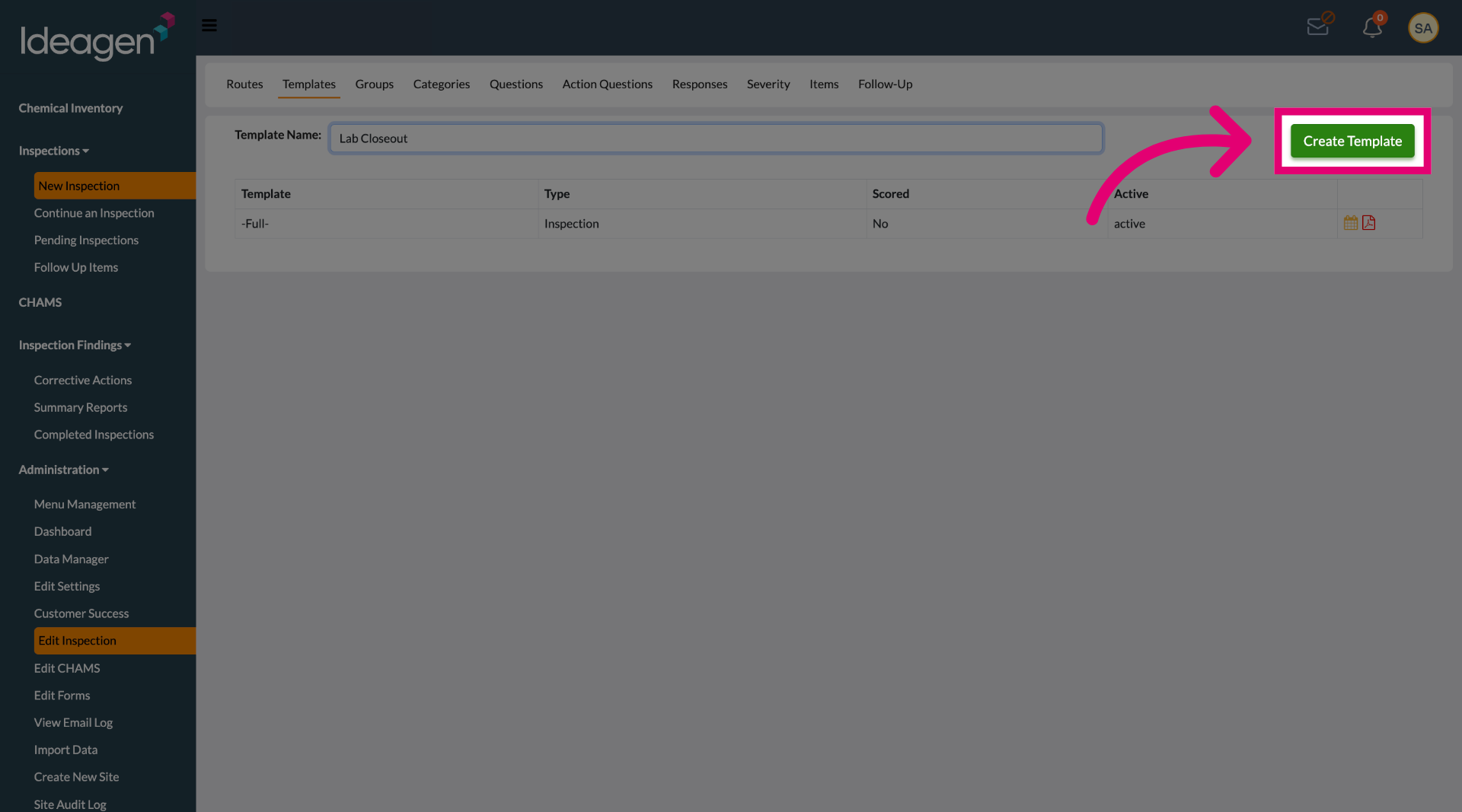
Enter your desired template name to identify this inspection template.
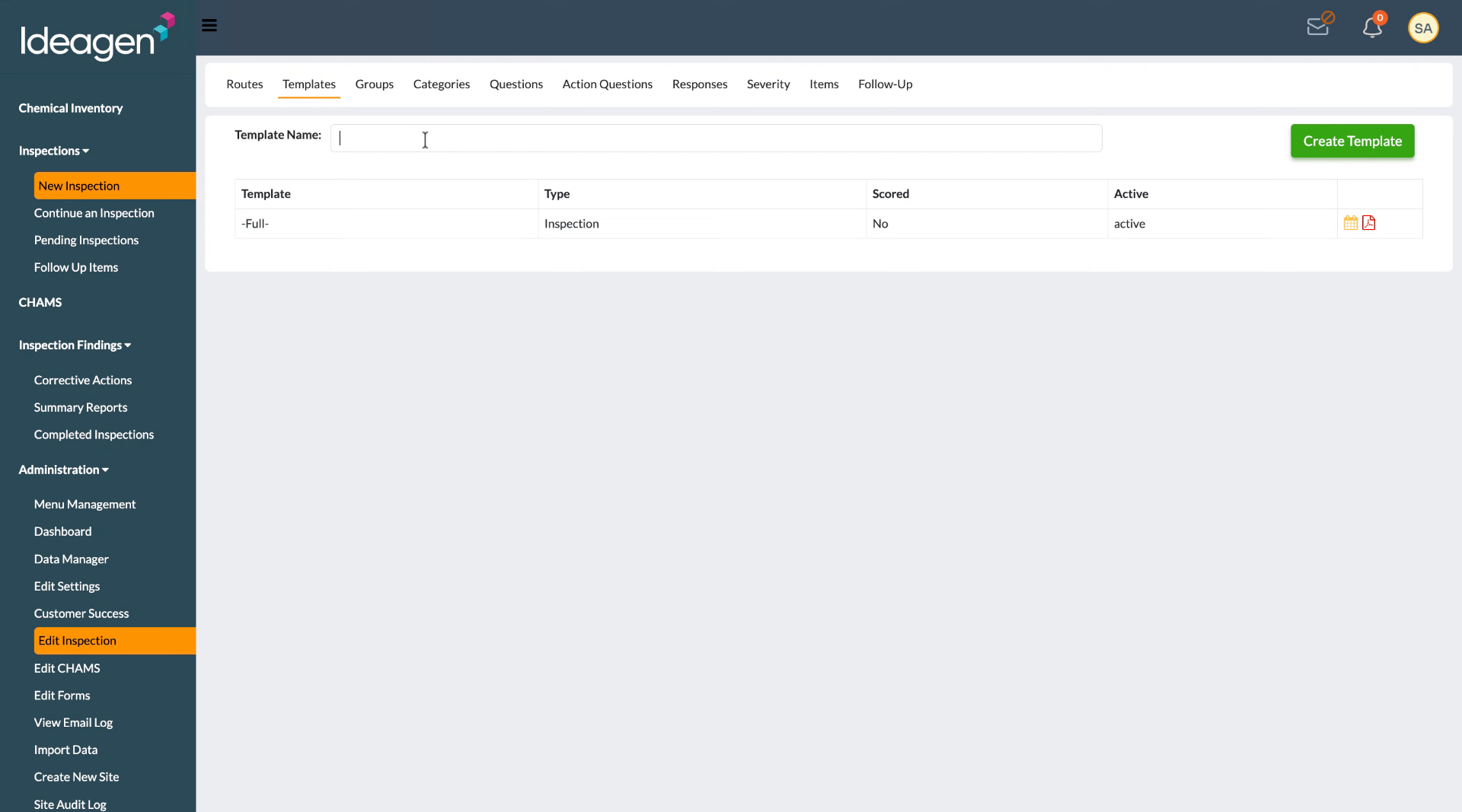
Select the Create Template button to save your new inspection template and make it available for use.