New article
Recently updated
Approving a permit

Who is this article for?
Administrators responsible for permit management.
Administrator role is required.
This article walks you through the permit amendment approval and rejection process.
1. Approving a permit
To approve a permit:
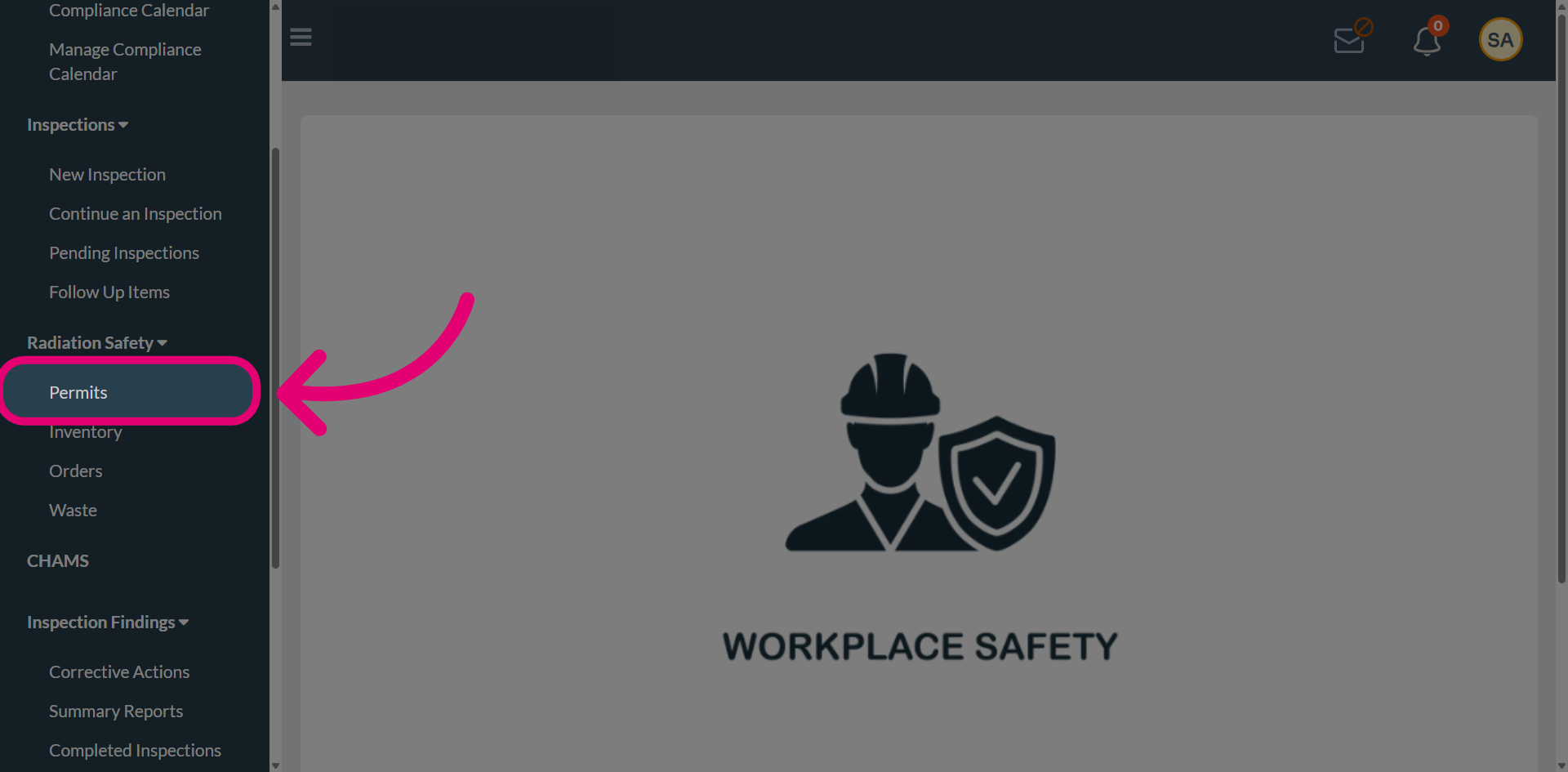
- Open the Radiation Safety menu.
- Select the Permits.
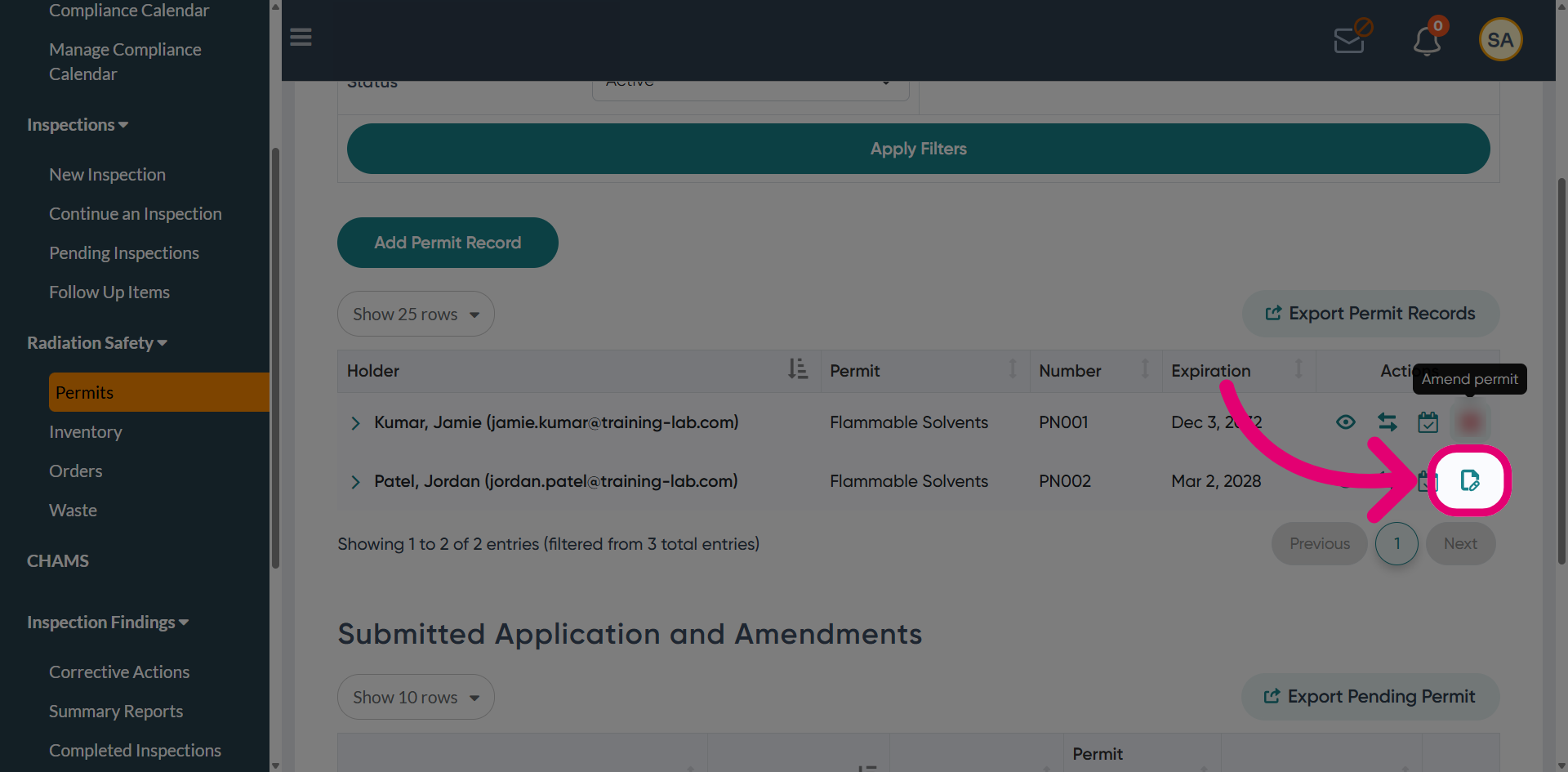
- Click Amend permit.
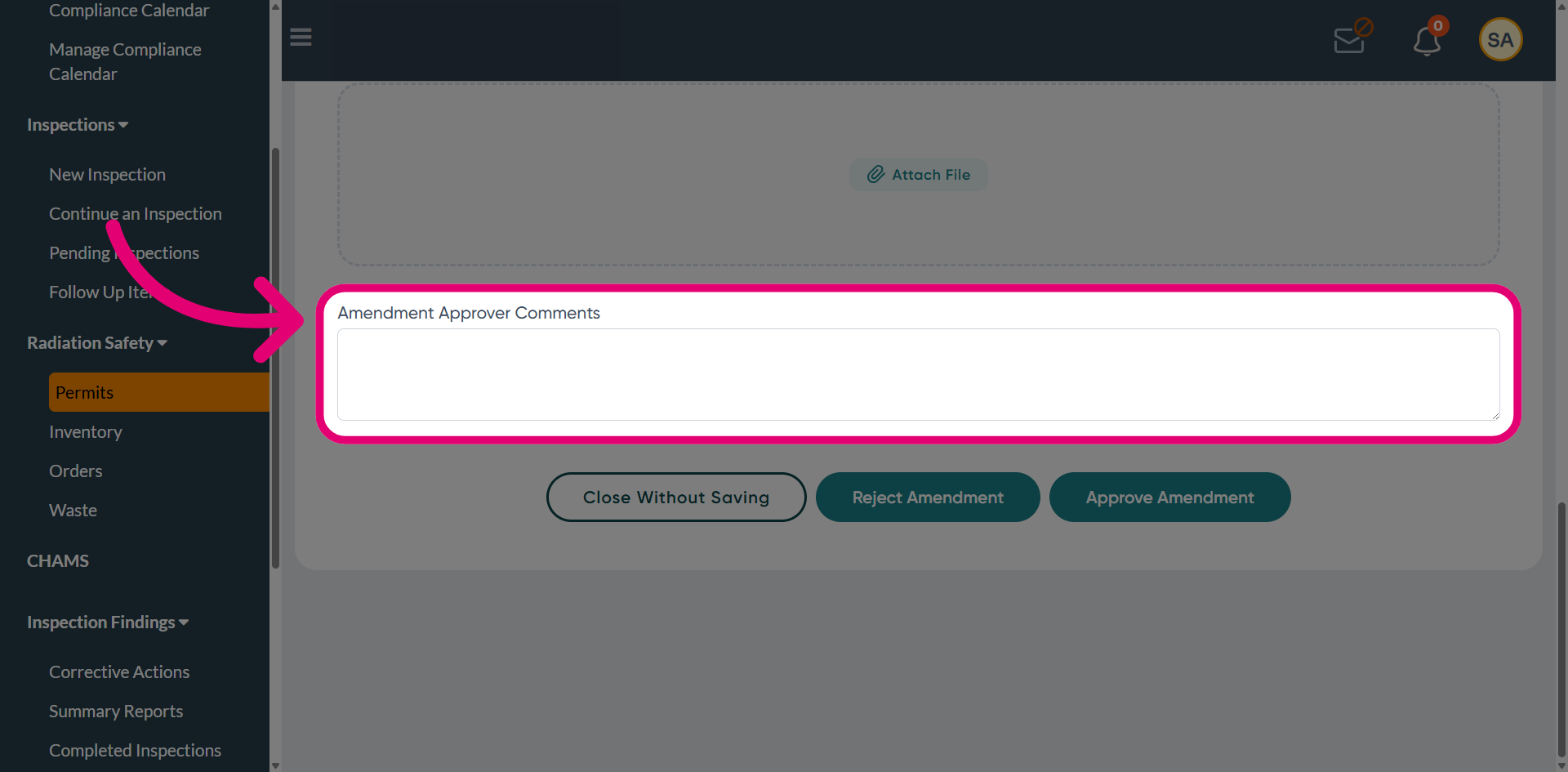
- Add your Comments in the designated field.
This ensures that your decision is properly documented within the system.
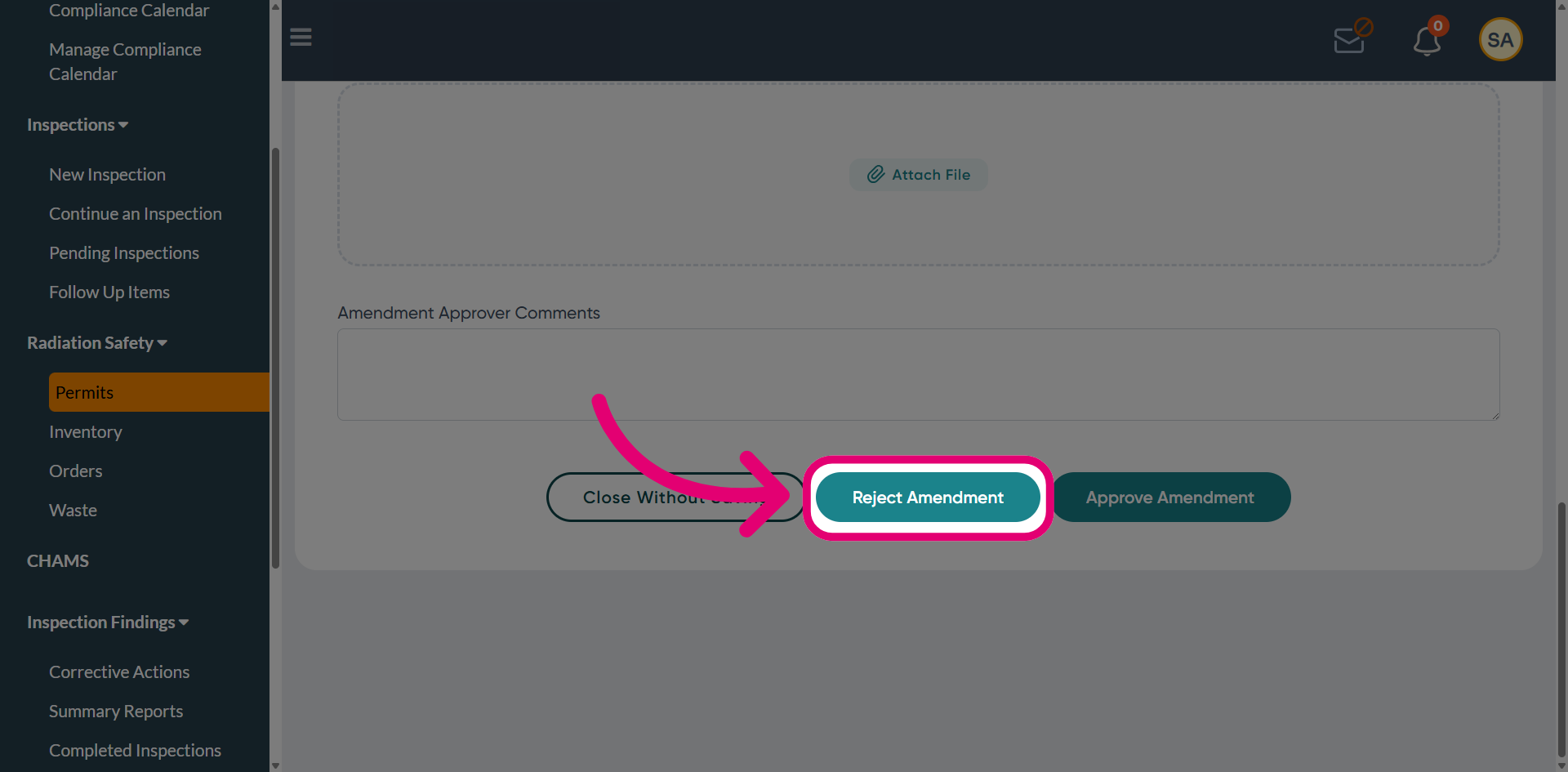
- Click Reject Amendment to decline the proposed permit changes.
This will record the rejection and update the amendment status.
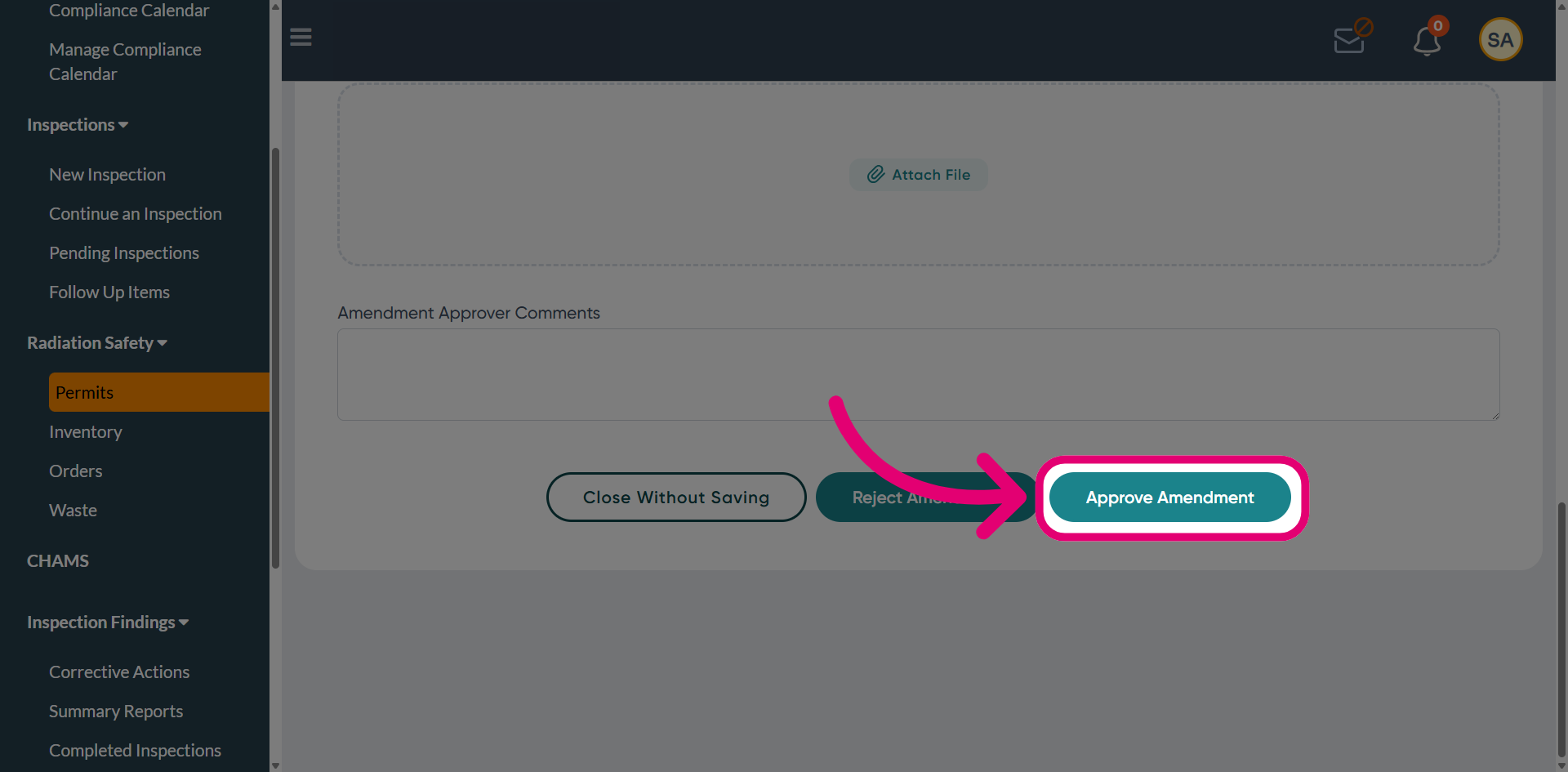
- Click Approve Amendment to accept and finalise the permit changes.
This will update the permit status and apply the approved modifications.