New article
Recently updated
Viewing permit details

Who is this article for?
Users looking for detailed information on a permit.
General User role is required.
This article explains how to view permit details, including their amendment history.
1. Accessing permit details
To access permit details:
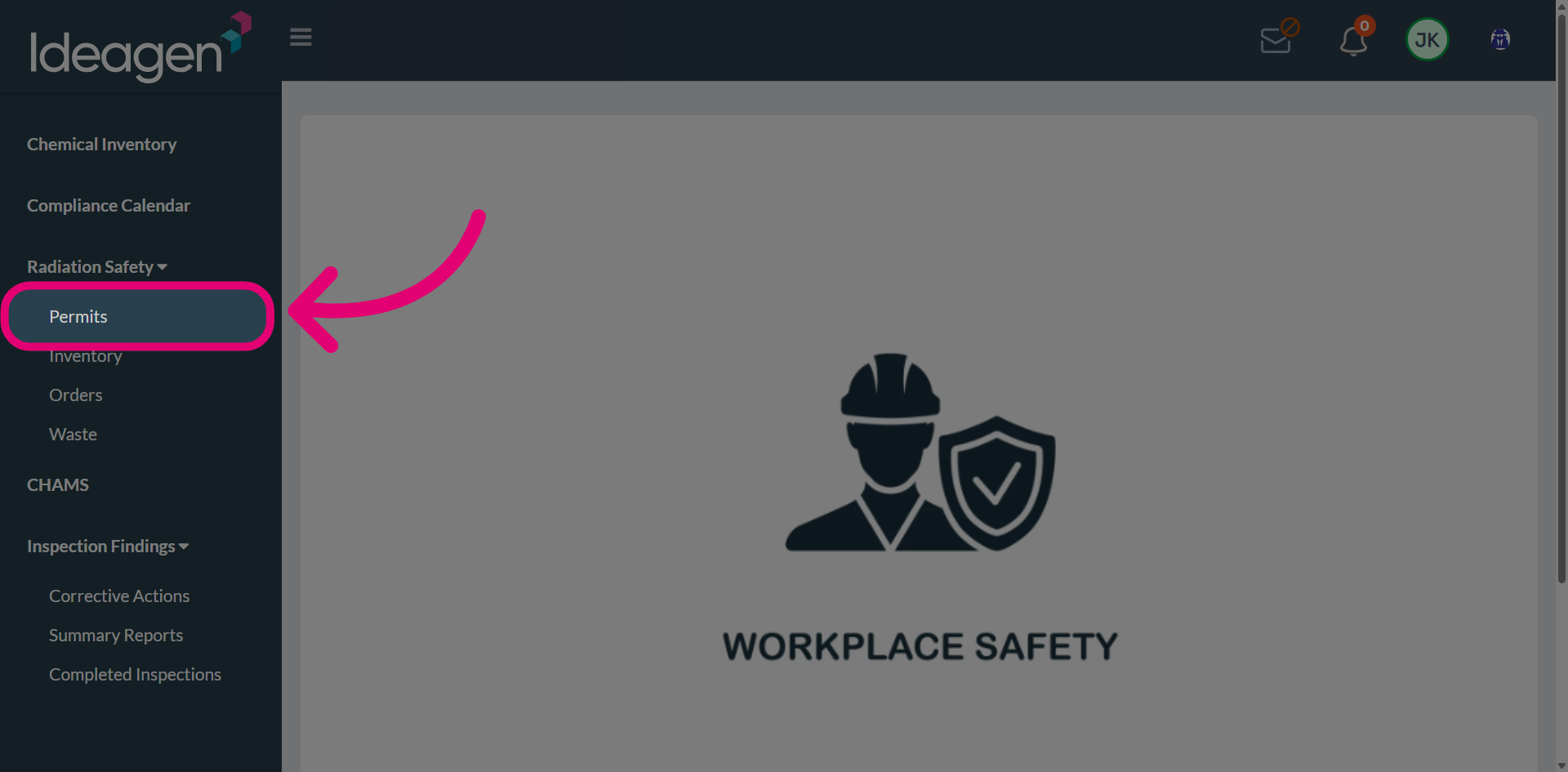
- Open the Radiation Safety menu.
- Select Permits.
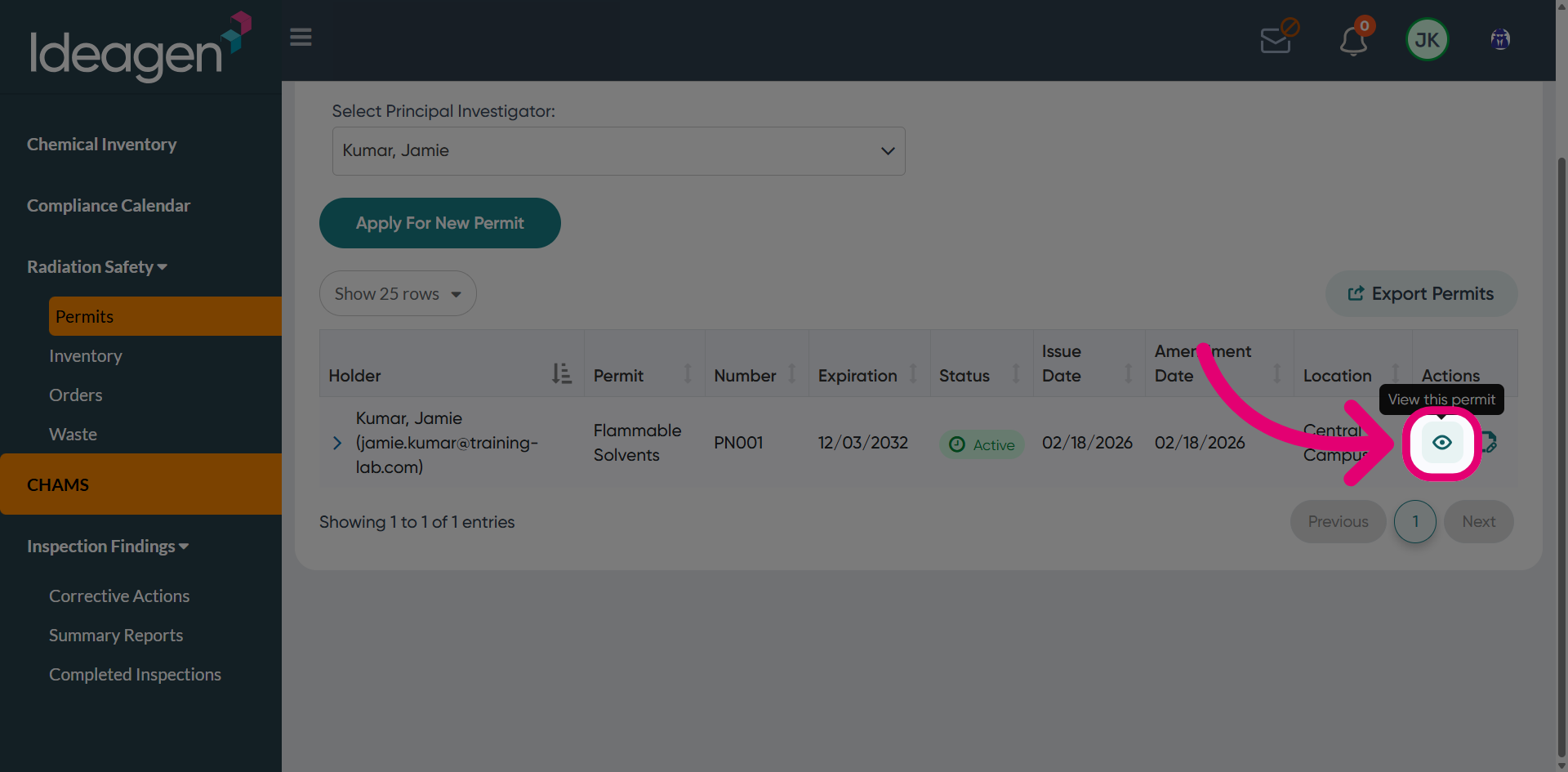
- Click View this permit.
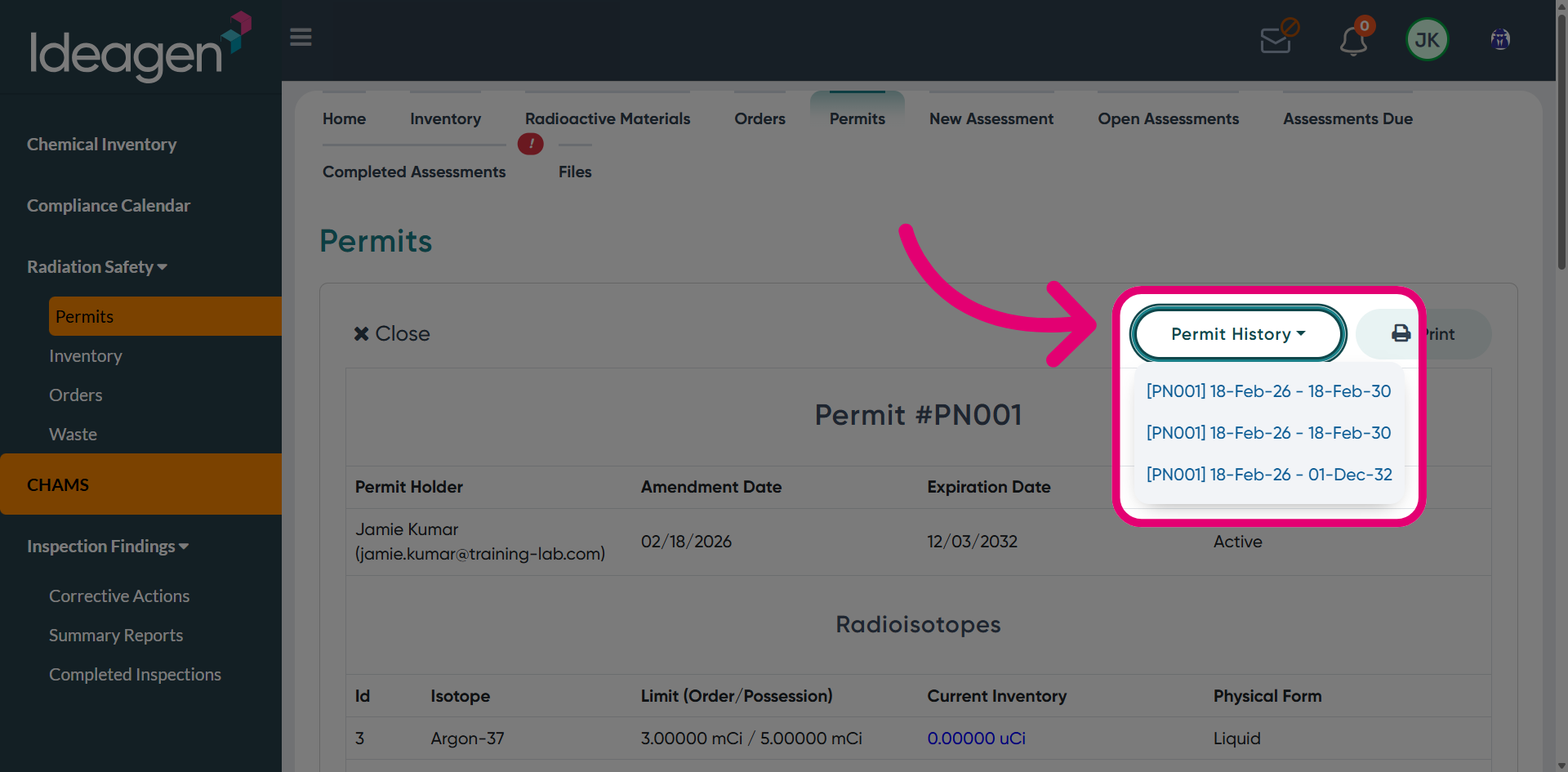
- Choose permit version from the Permit History dropdown.
2. Navigating permit details
Each section displays different information about the permit.
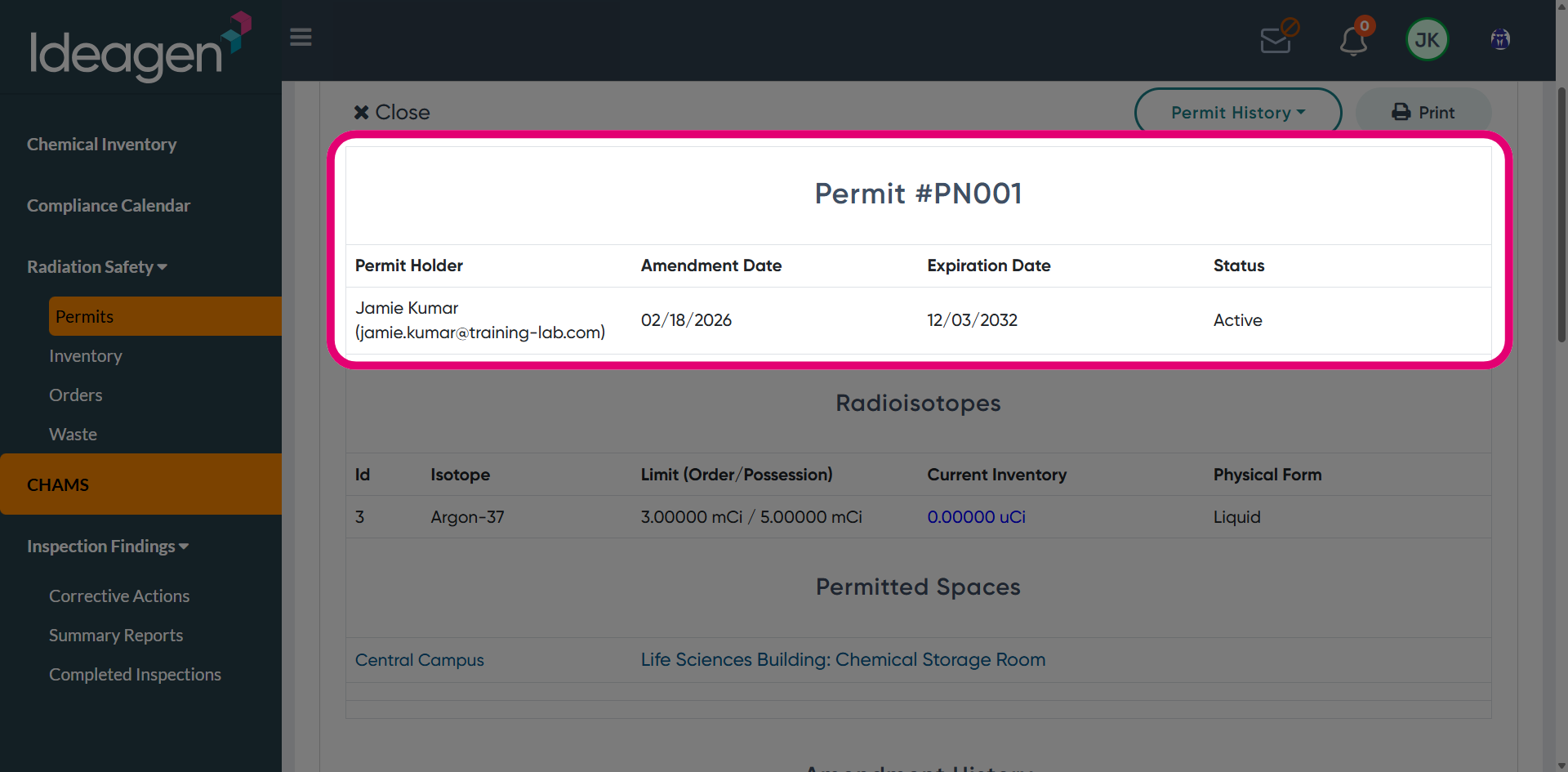
2.1. Permit section
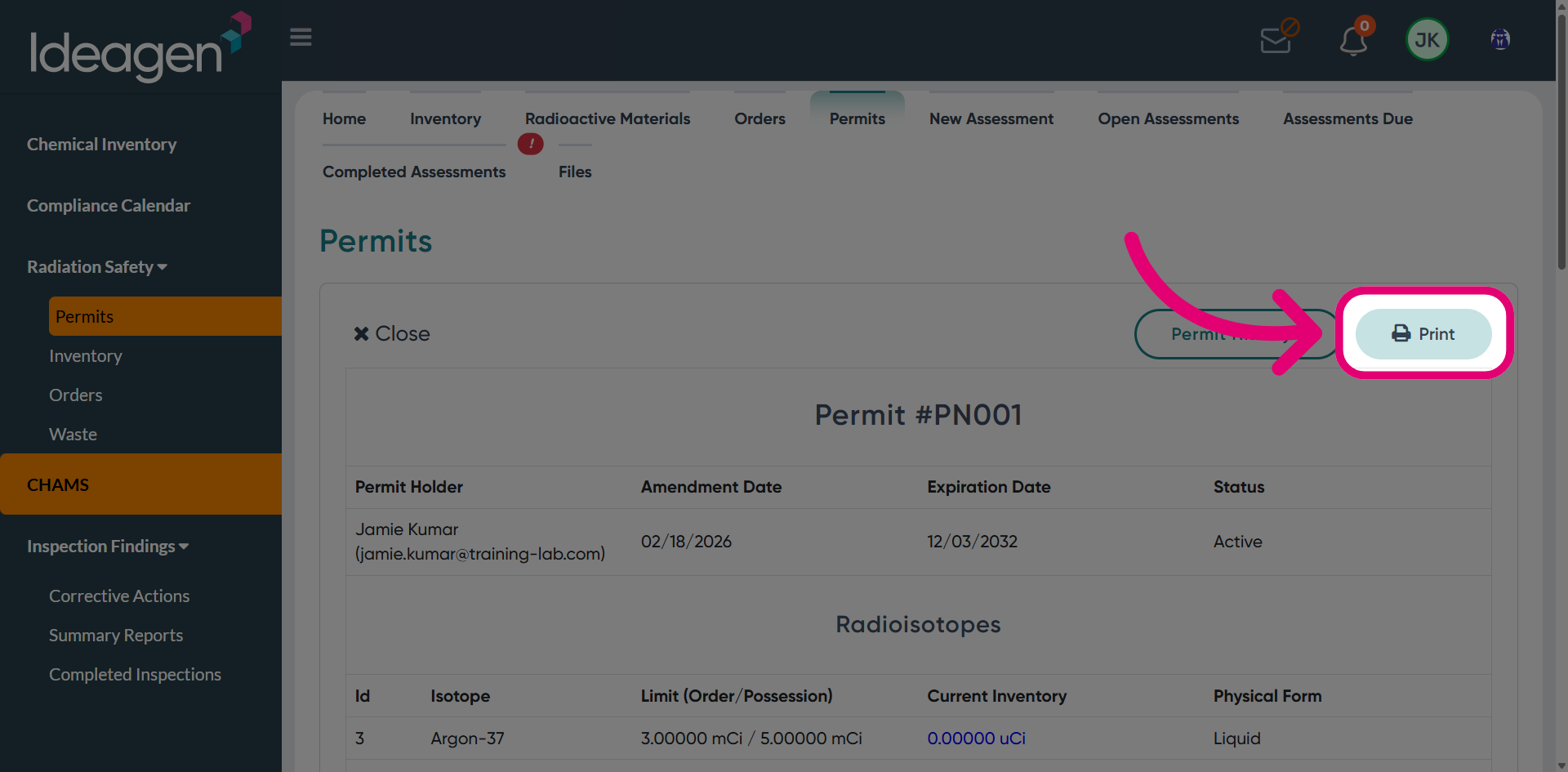
The Permit section displays the permit holder, amendment history, expiry date, and current permit status.
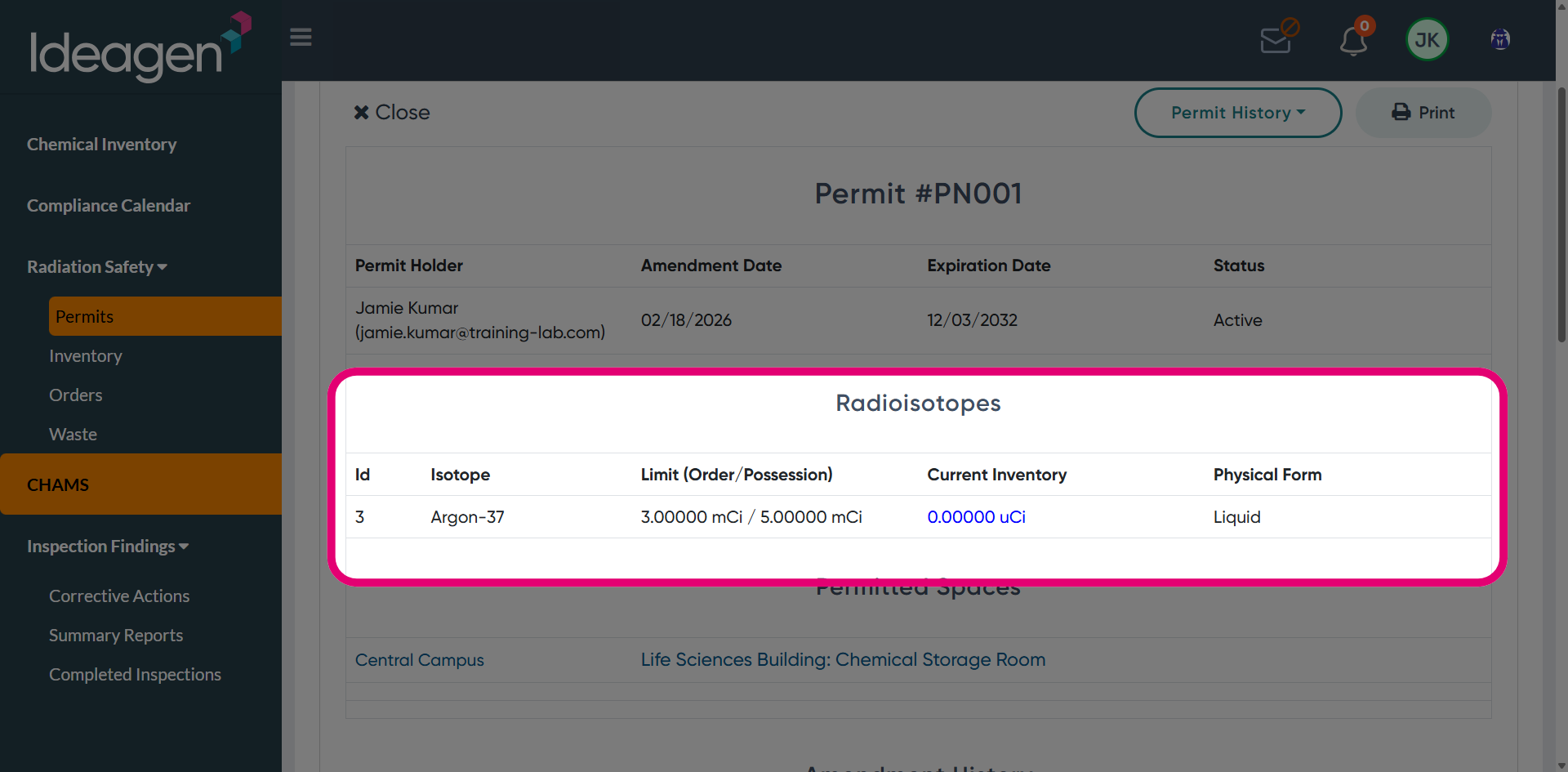
2.2. Radioisotopes section
The Radioisotopes section shows details such as isotope name, order and possession limits, current inventory, and physical form.
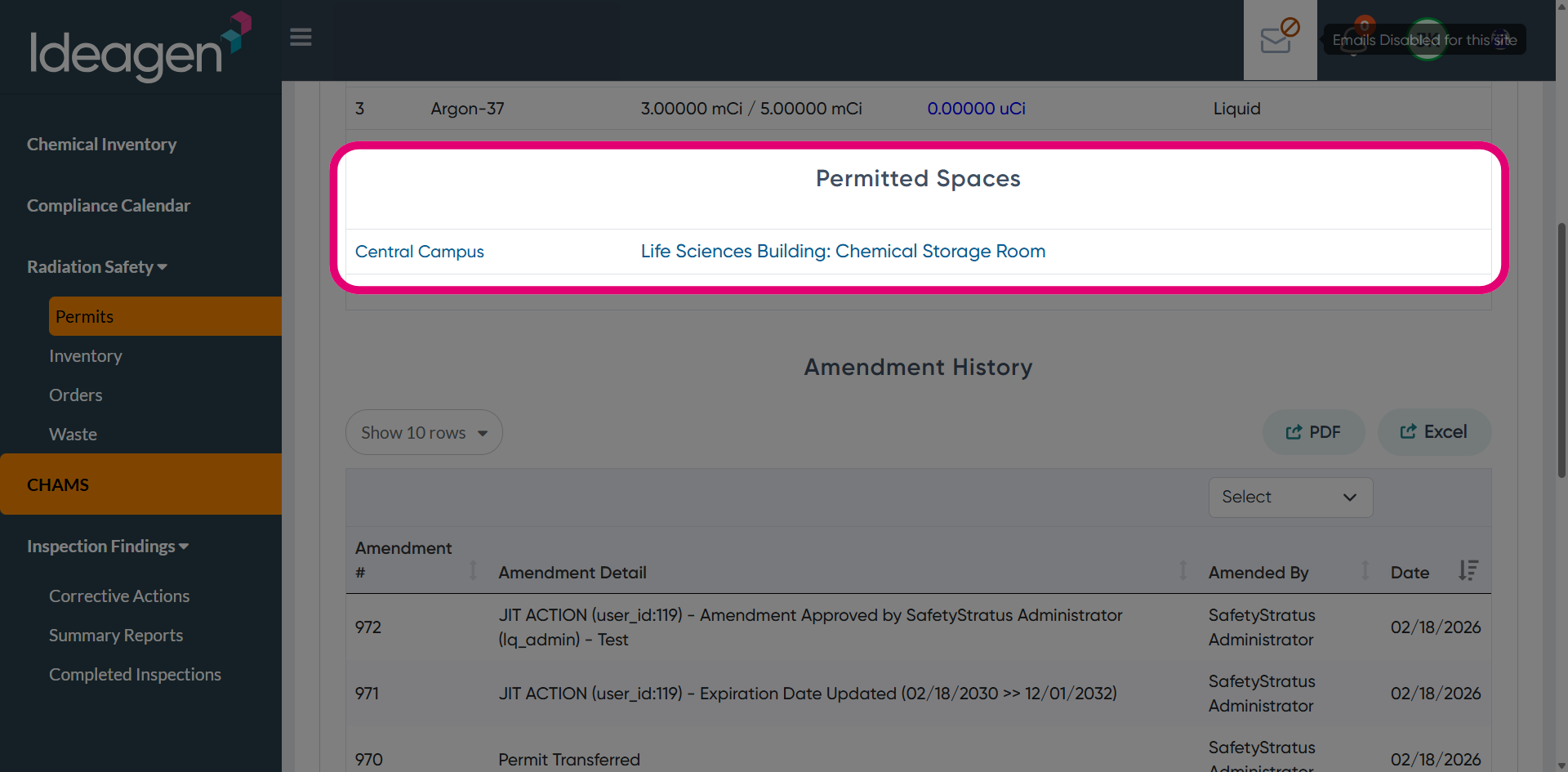
2.3. Permitted Spaces section
The Permitted Spaces section shows the approved location associated with the permit.
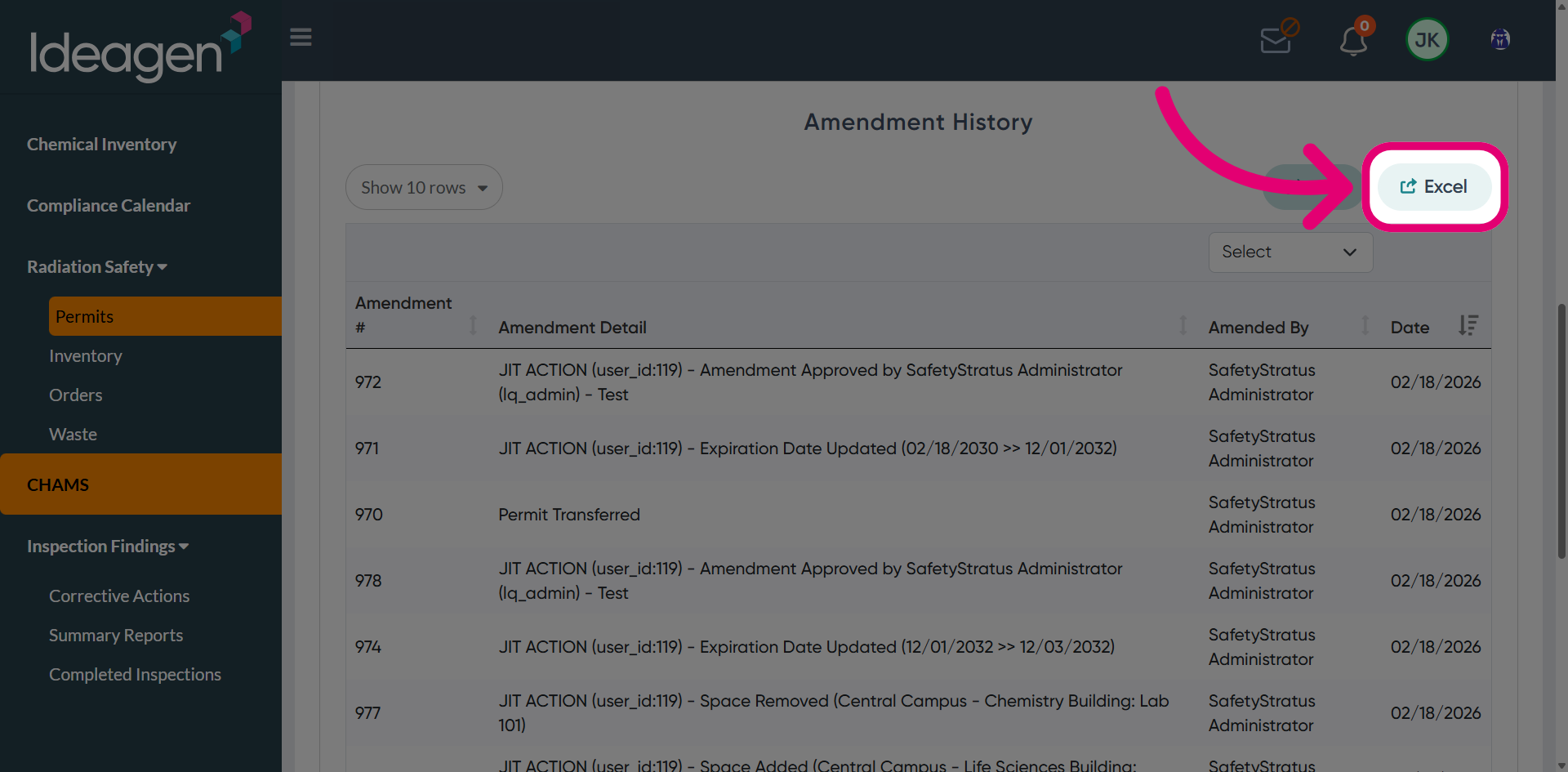
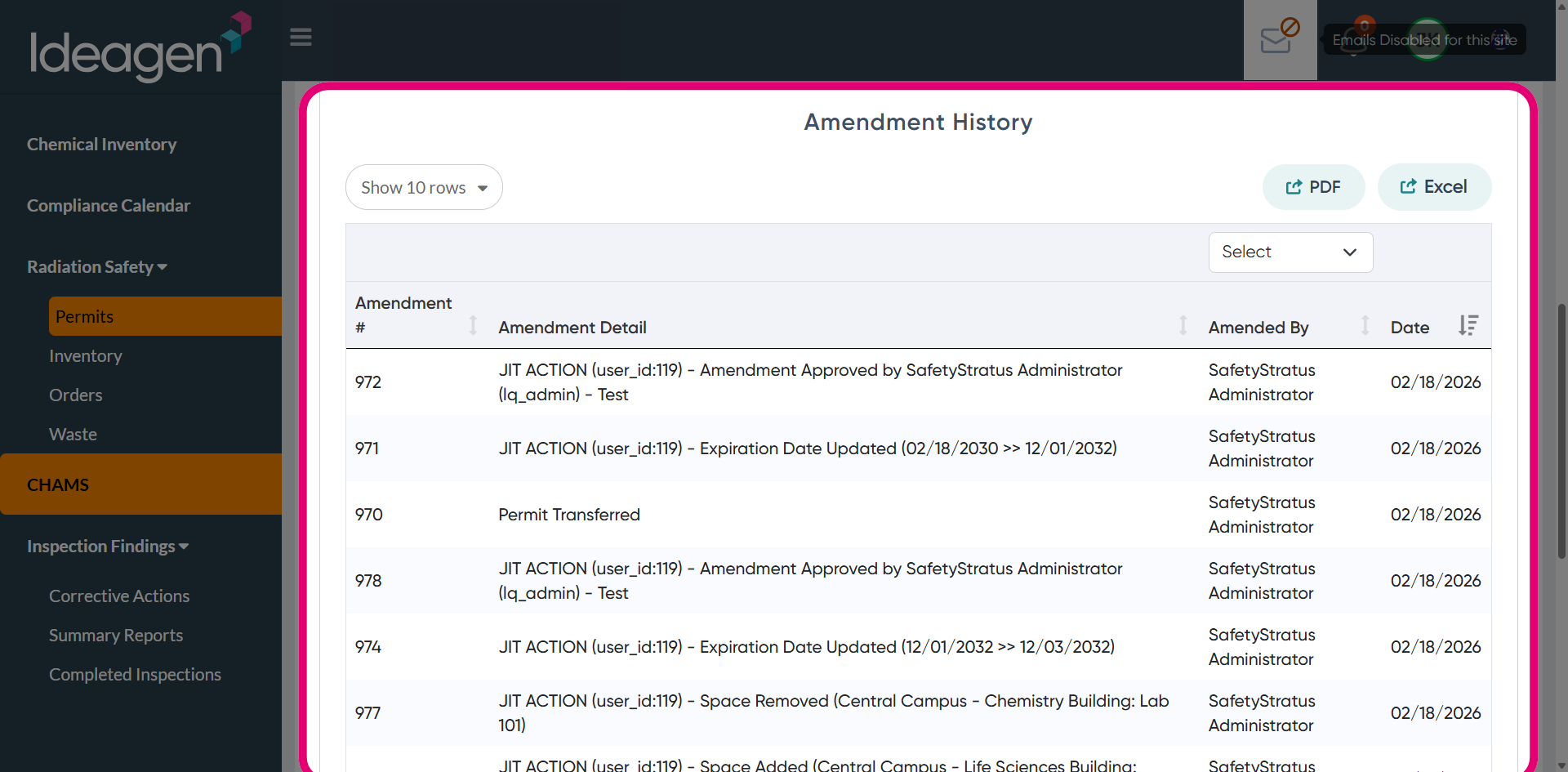
2.4. Amendment History section
The Amendment History section shows a complete record of all changes made to this permit. You can export this section separately to the rest of the permit details.
3. Exporting permit details
3.1. Full permit
To export a copy of the full permit, click Print at the top of the page.
3.2. Amendment history
To export the amendment history, click PDF.
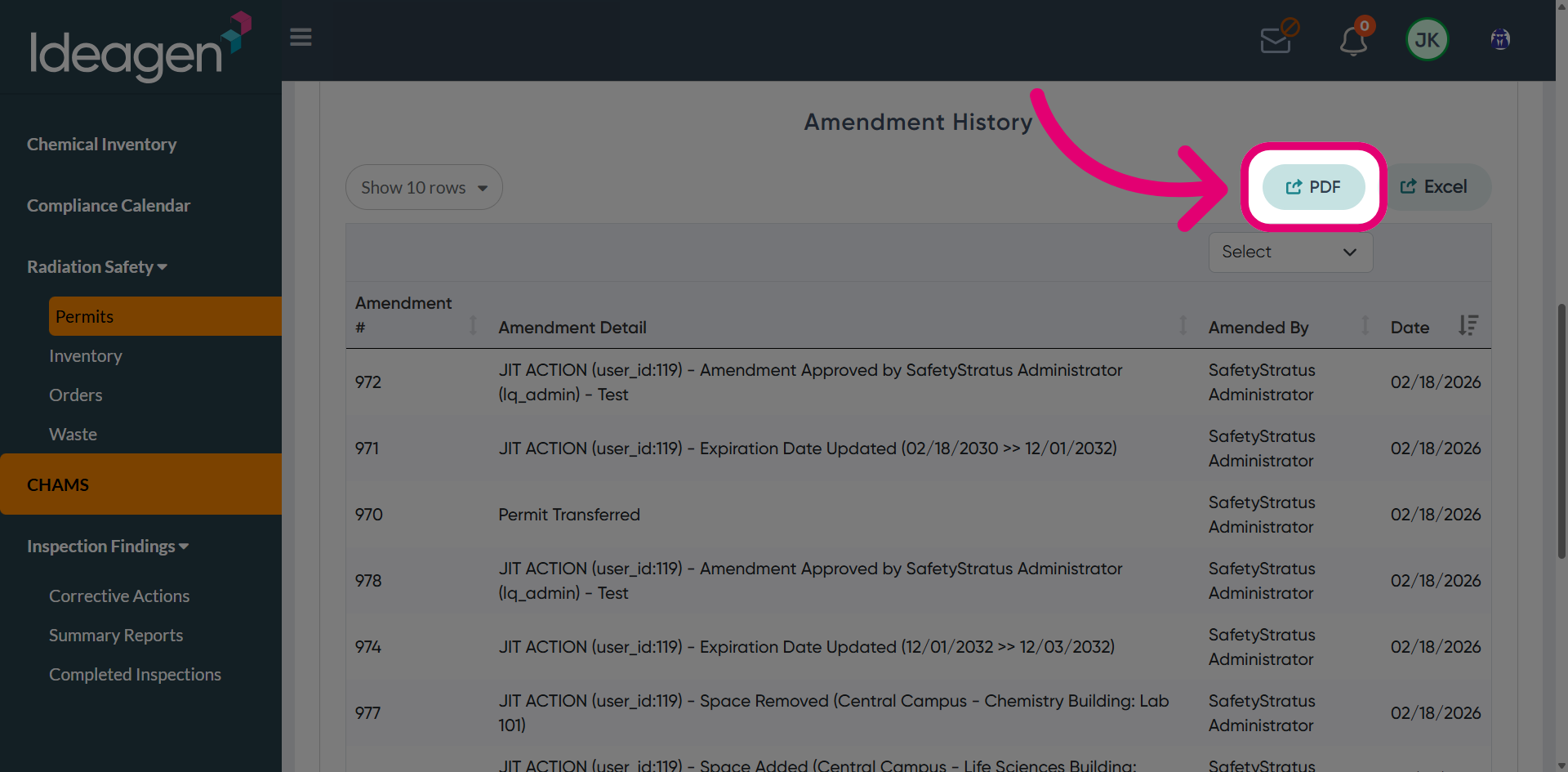
Alternatively, click Excel to export the permit data into a spreadsheet for further analysis and reporting.