New article
Recently updated
Exporting a reconciliation audit log

Who is this article for?
Users monitoring reconciliation activity.
Standard role and Reconciliation permissions are required.
This article explains how to access and export the audit log for reconciliations.
1. Exporting an audit log
To export a reconciliation audit log:
- Go to Chemical Inventory.
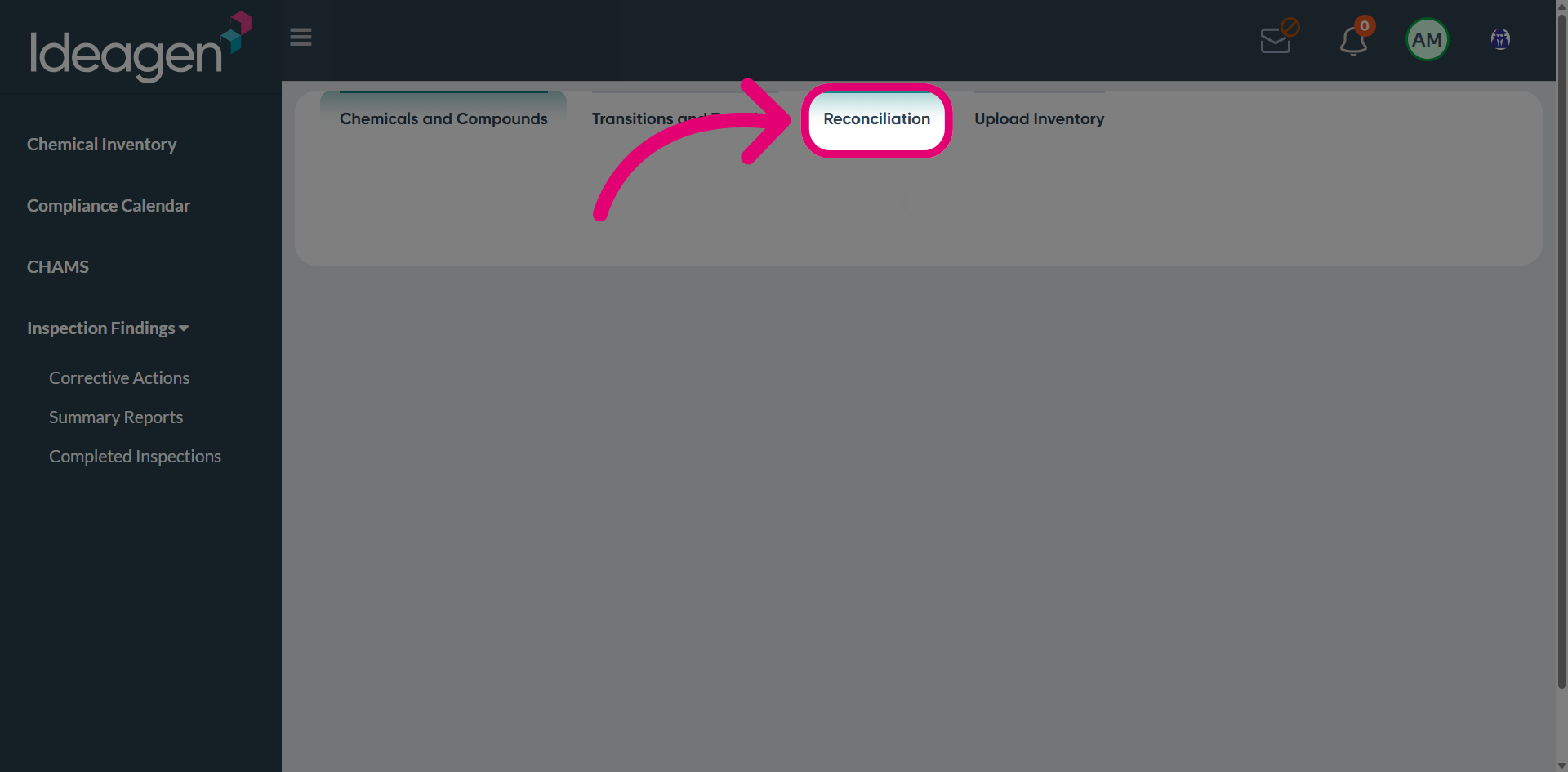
- Switch to the Reconciliation tab.
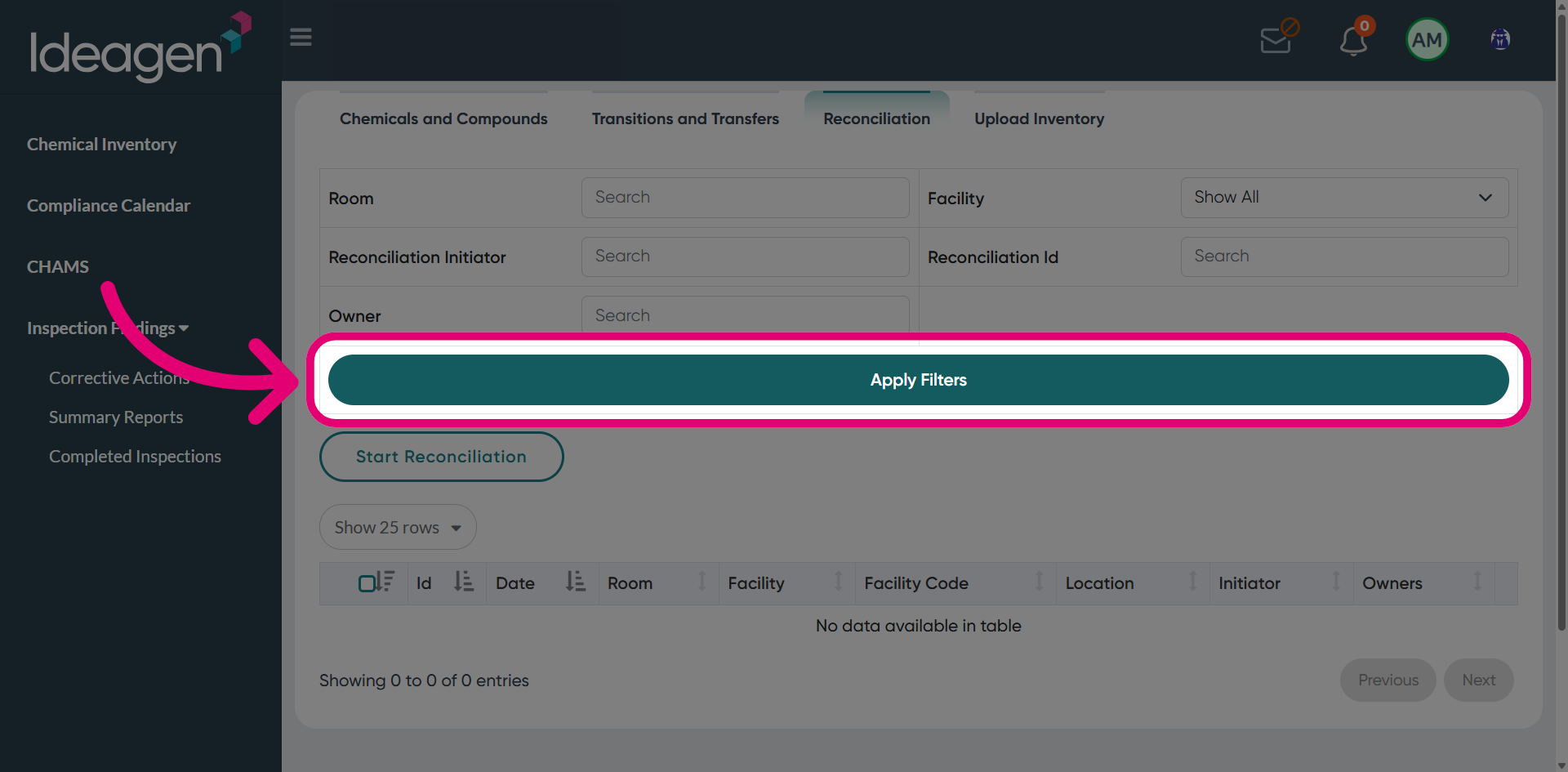
- Click Apply Filters to load all reconciled items.
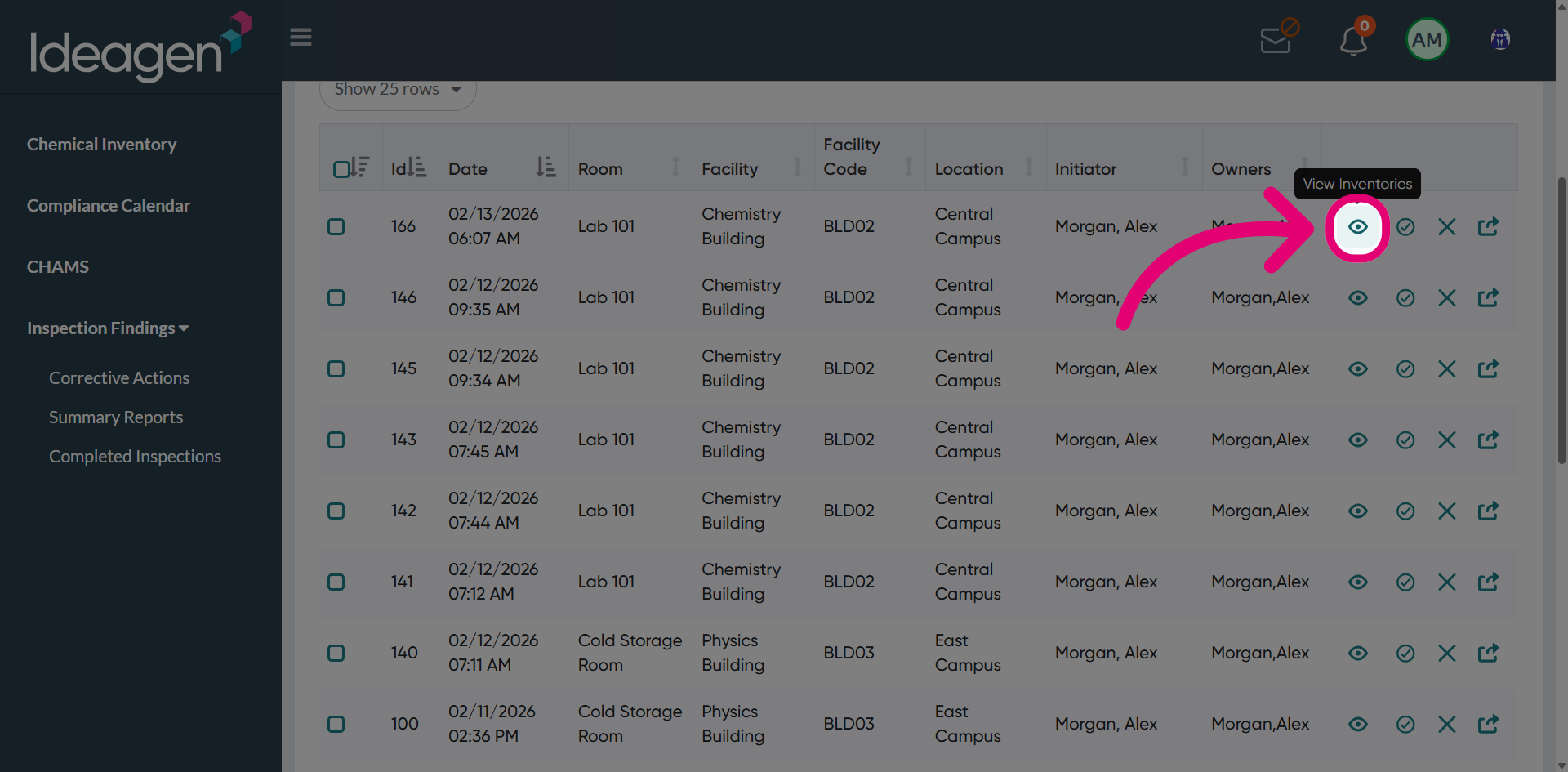
- Click View inventories.
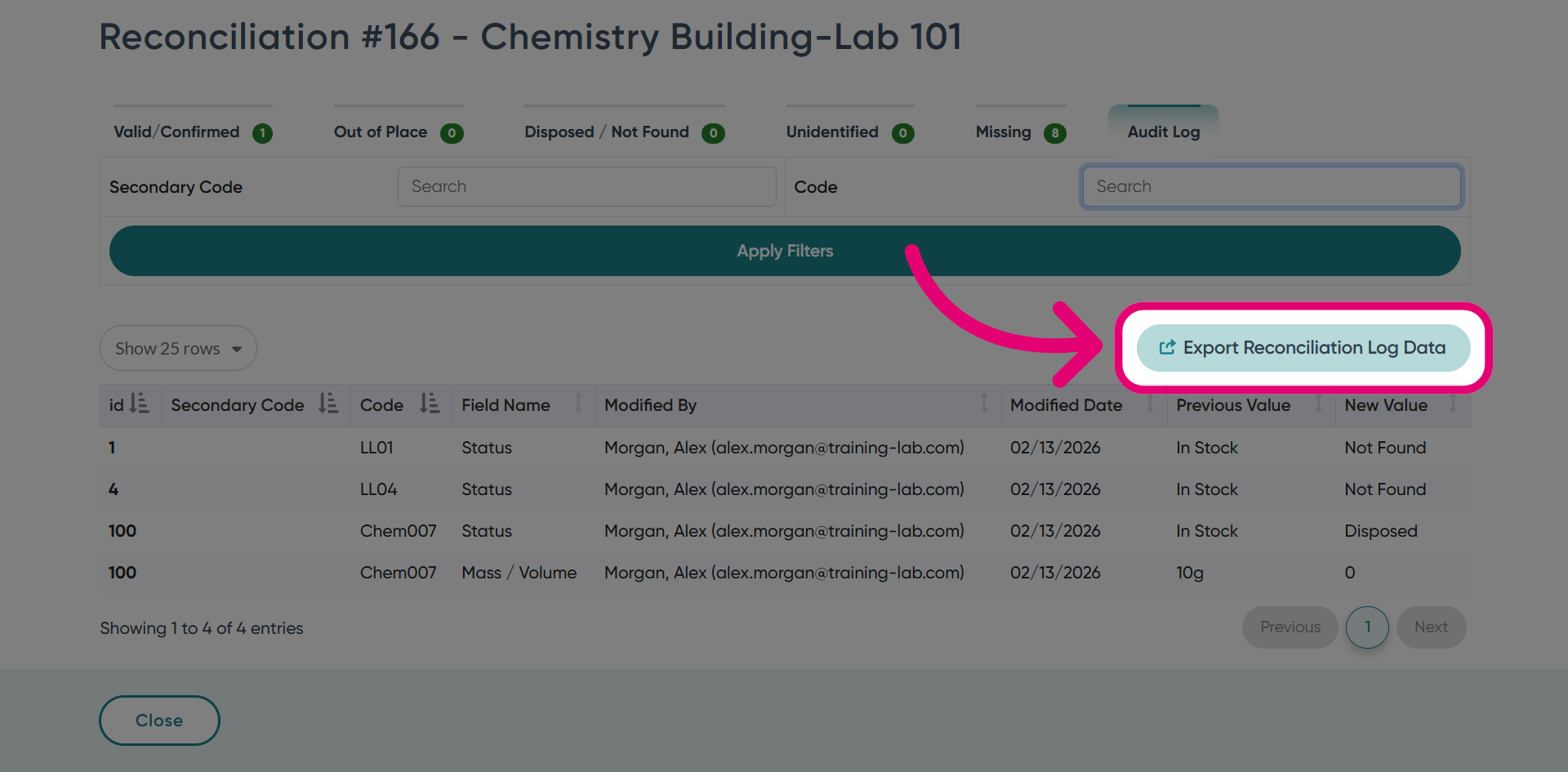
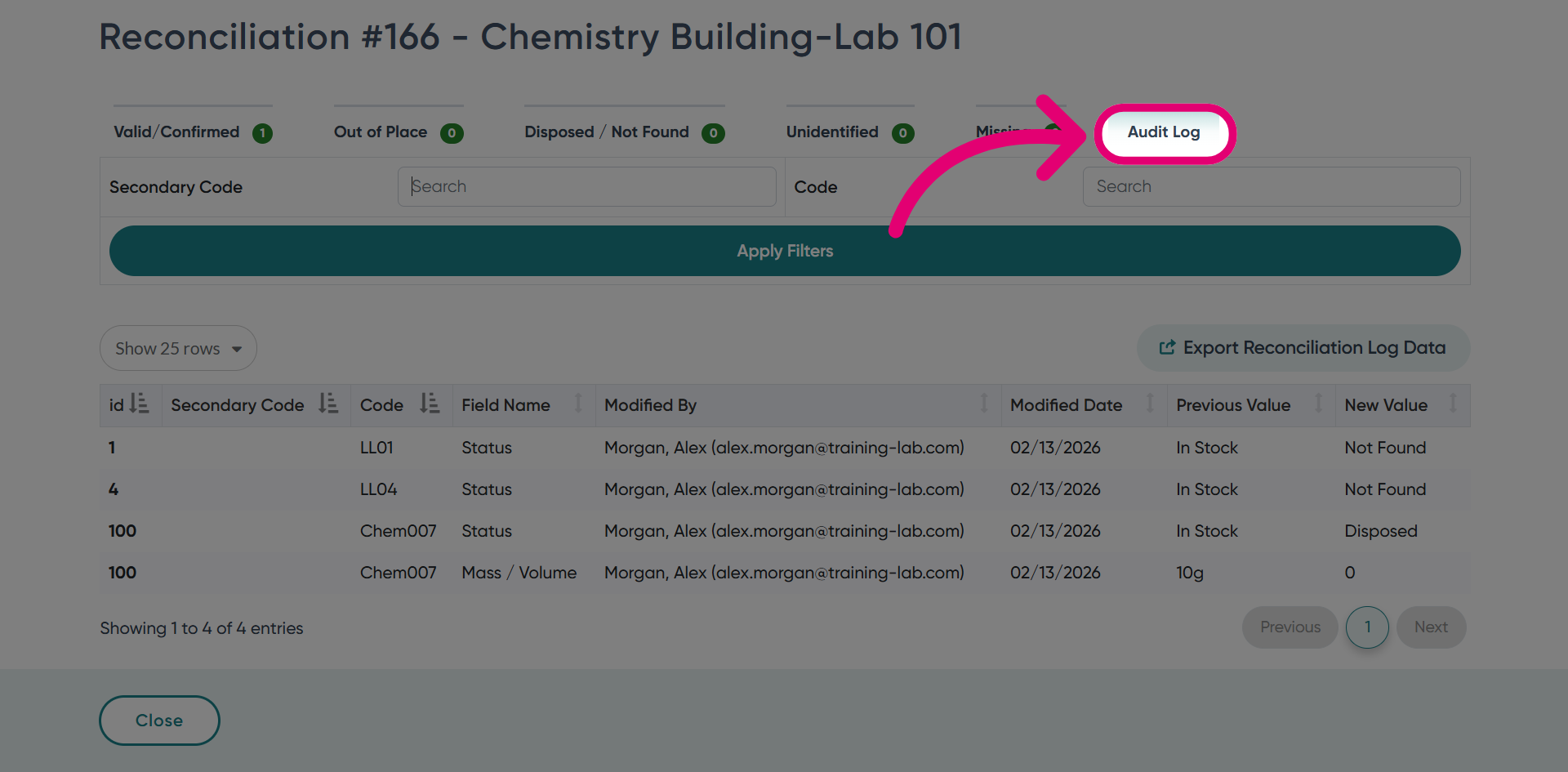
- Switch to the Audit Log tab.
This will display all logs recorded for the selected reconciliation session.
- Filter the log as needed to quickly locate specific records.
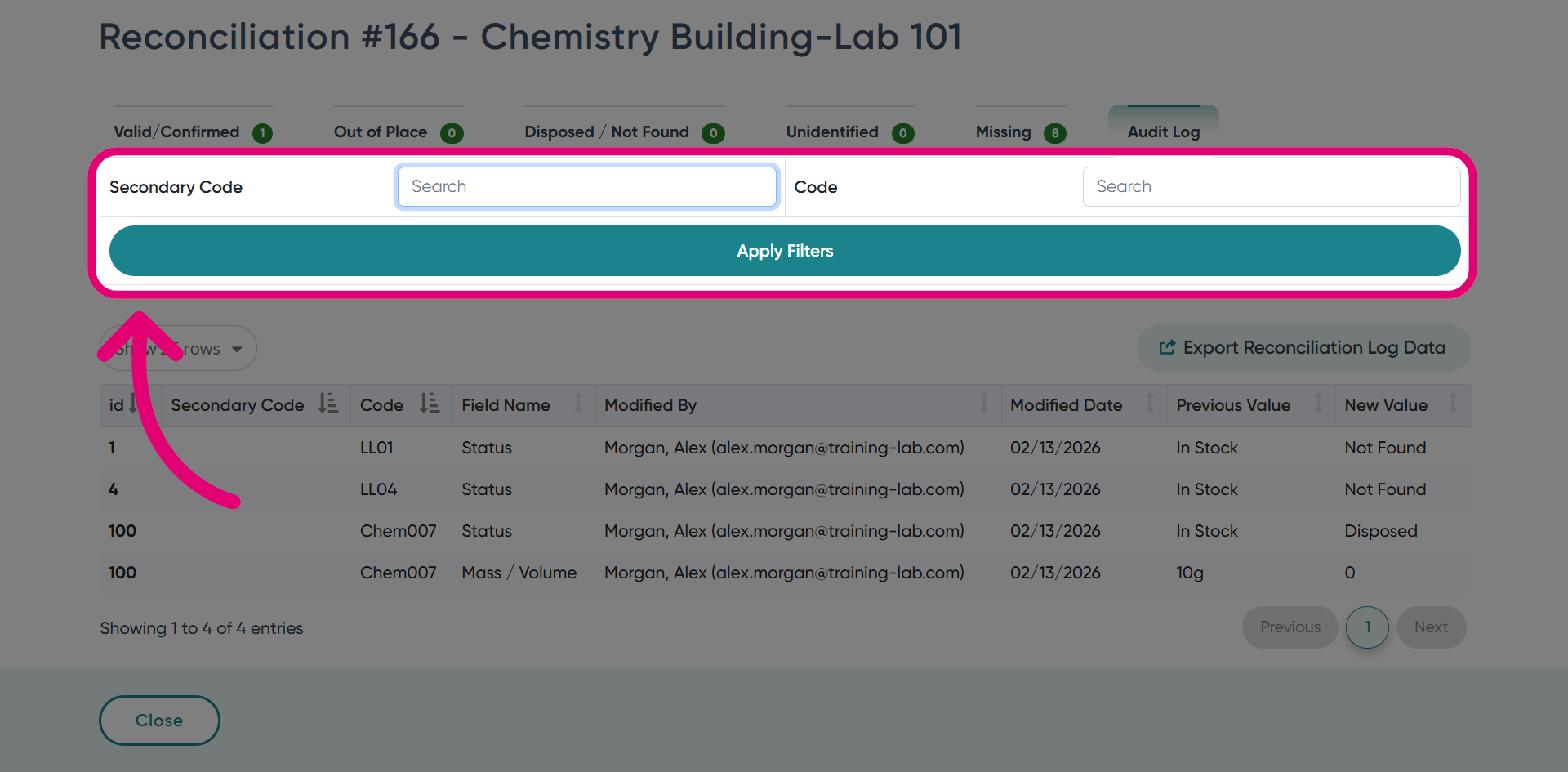
- Click Export Reconciliation Log Data to download the audit log.