New article
Recently updated
Deleting an inspection template

Who is this article for?
Inspectors who want to learn to delete an inspection template.
Inspection permissions are required.
This article explains how to delete an inspection template.
You will learn the steps to archive and remove templates effectively.
1. Deleting an inspection template
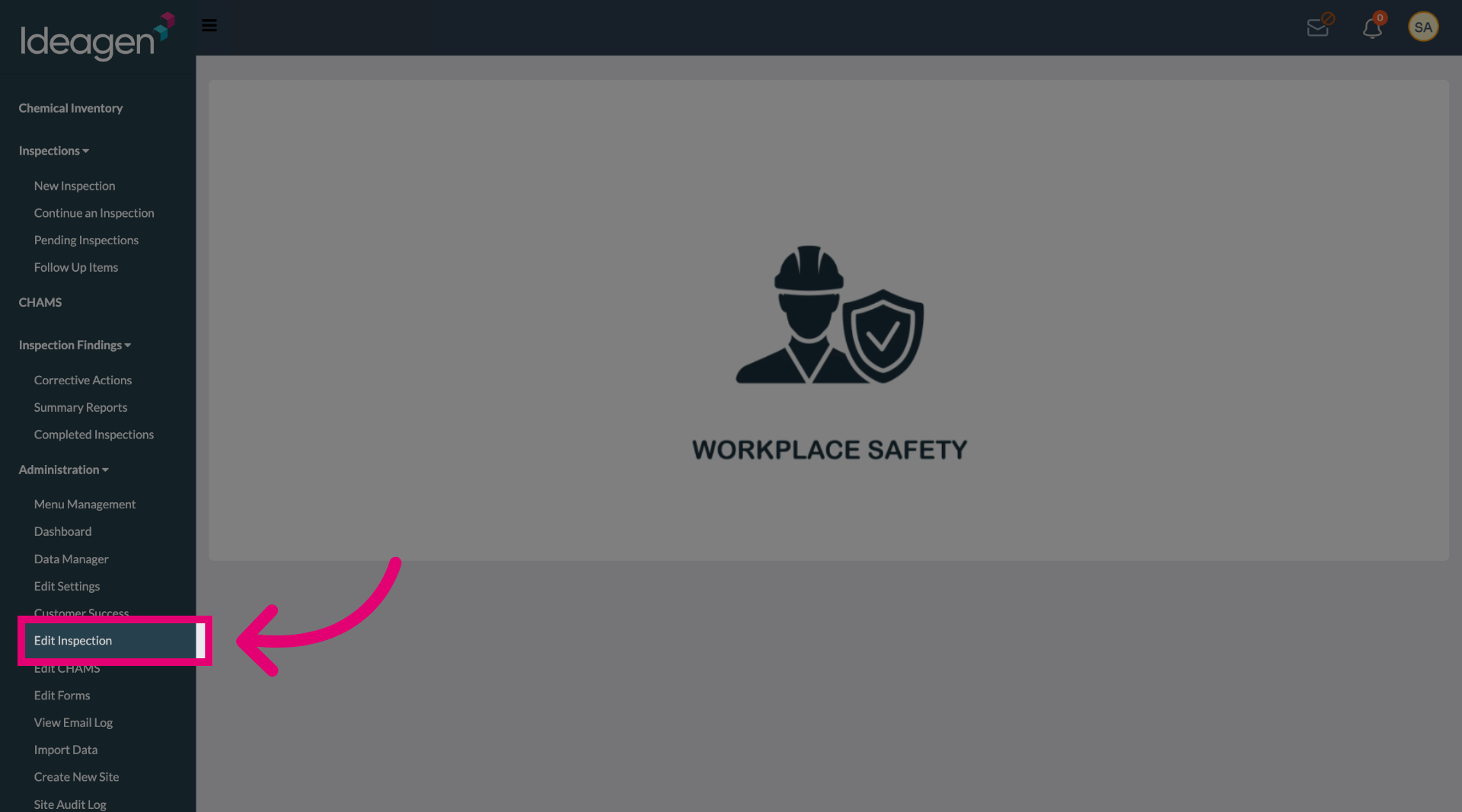
Select the Edit Inspection option to begin modifying the inspection settings.
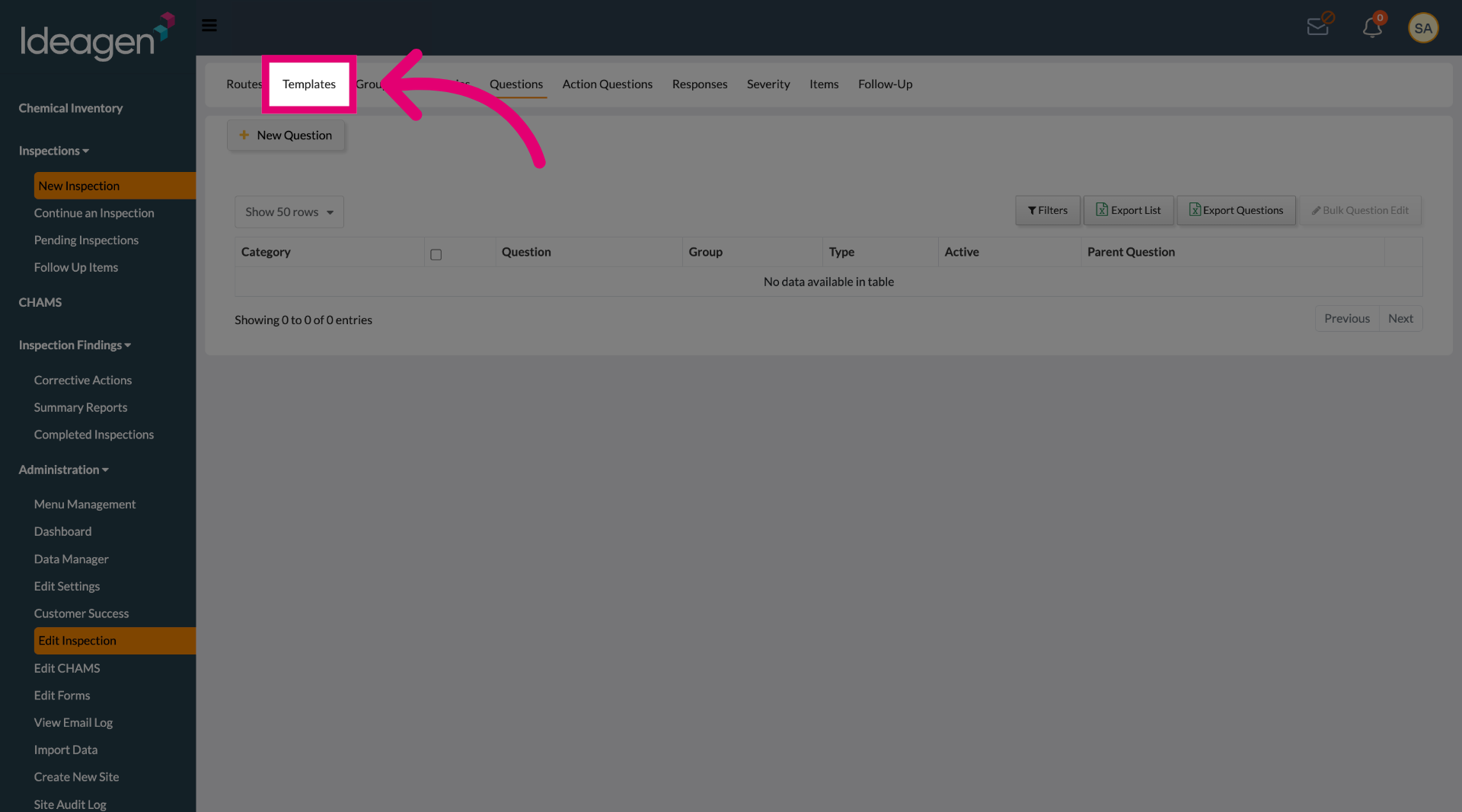
Select the Templates tab to view all available inspection templates.
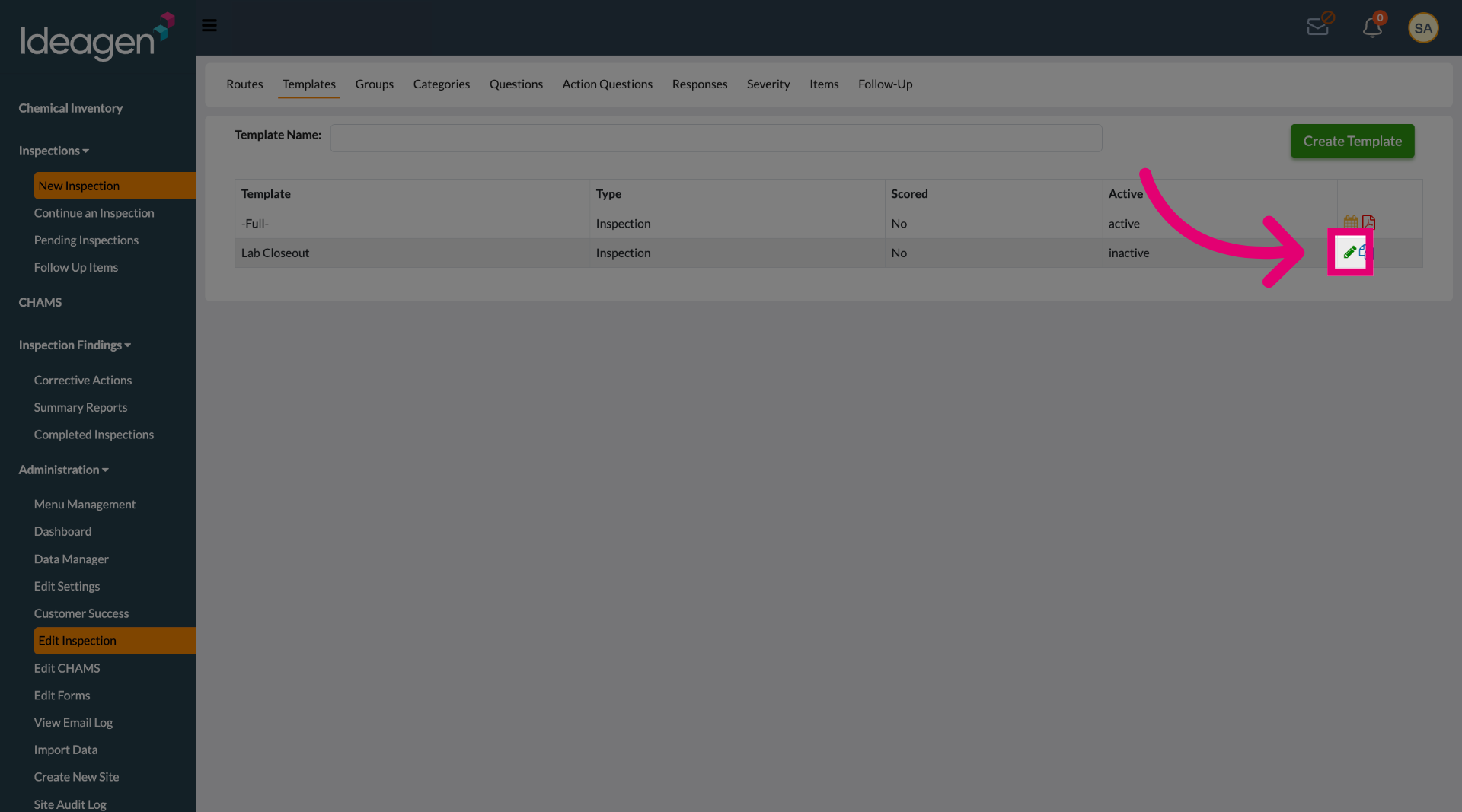
Click the specific template you want to delete from the list.
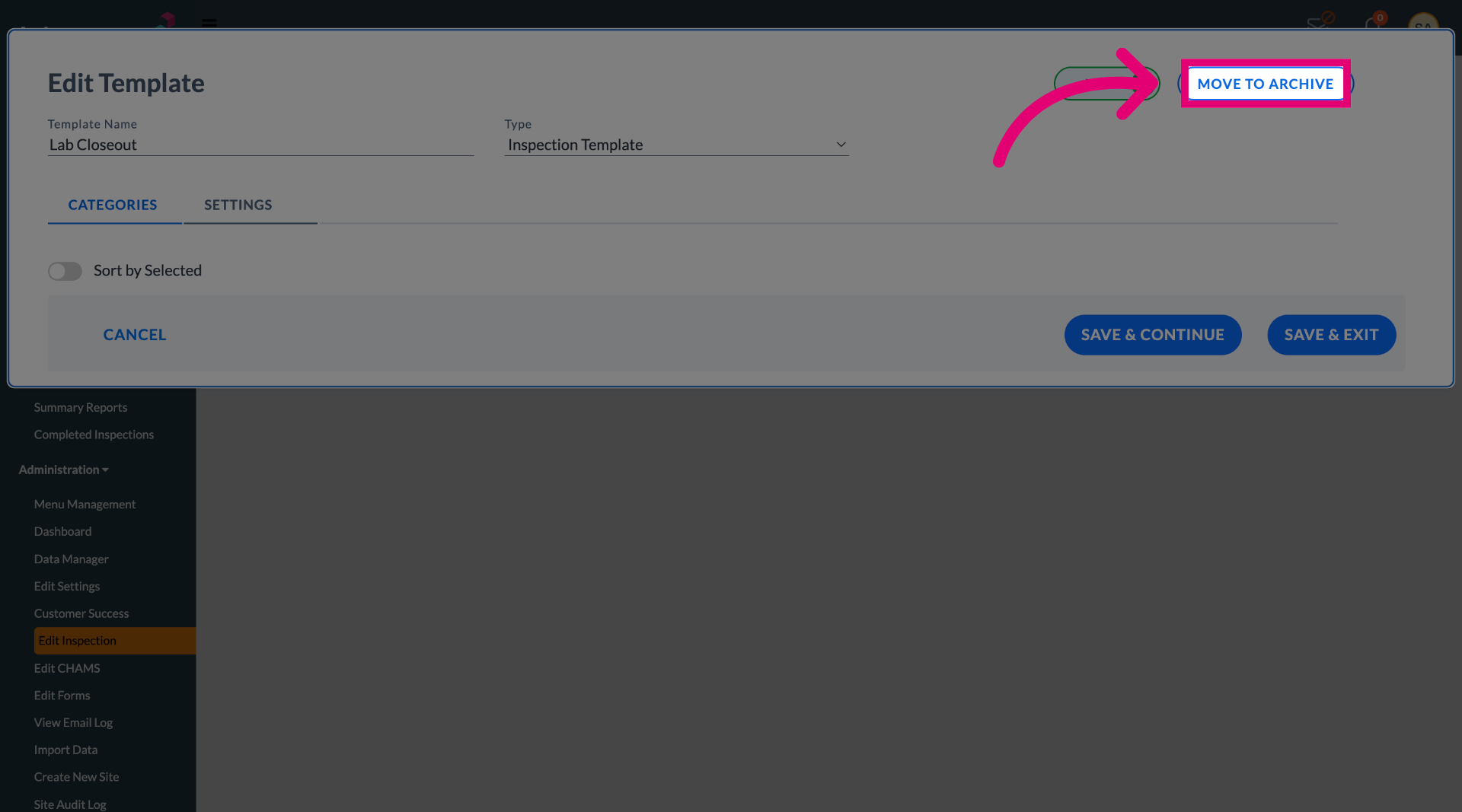
Click MOVE TO ARCHIVE to initiate the deletion process by archiving the selected template.
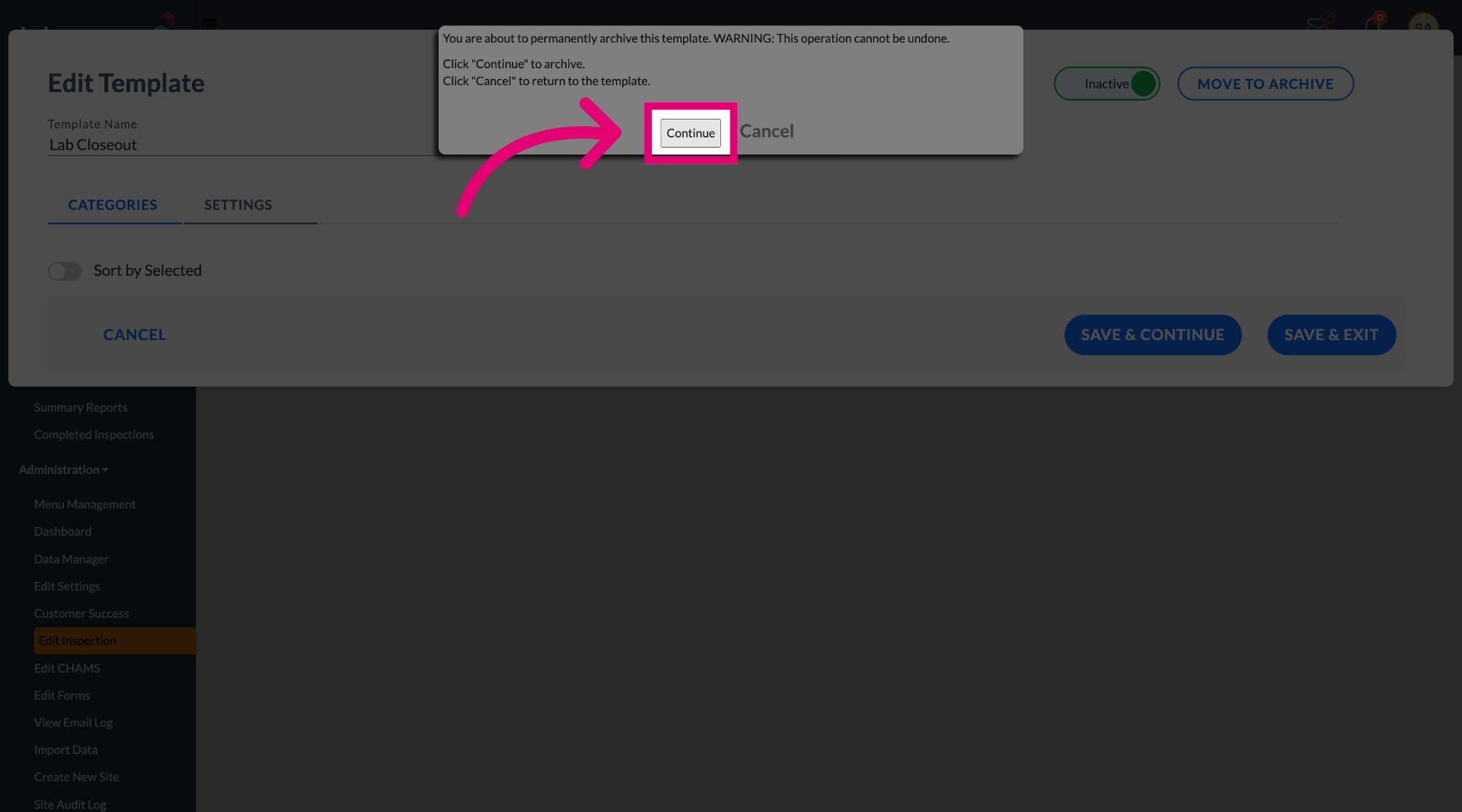
Click Continue to confirm and complete the deletion of the inspection template.