New article
Recently updated
Dispensing inventory

Who is this article for?
Administrators who want to learn to dispense inventory.
Administrator permissions are required.
This tutorial guides you through dispensing inventory in the system.
You will learn how to select containers, enter quantities, and submit dispensing records accurately.
1. Dispensing inventory
- Go to awstest.labcliq.com
-
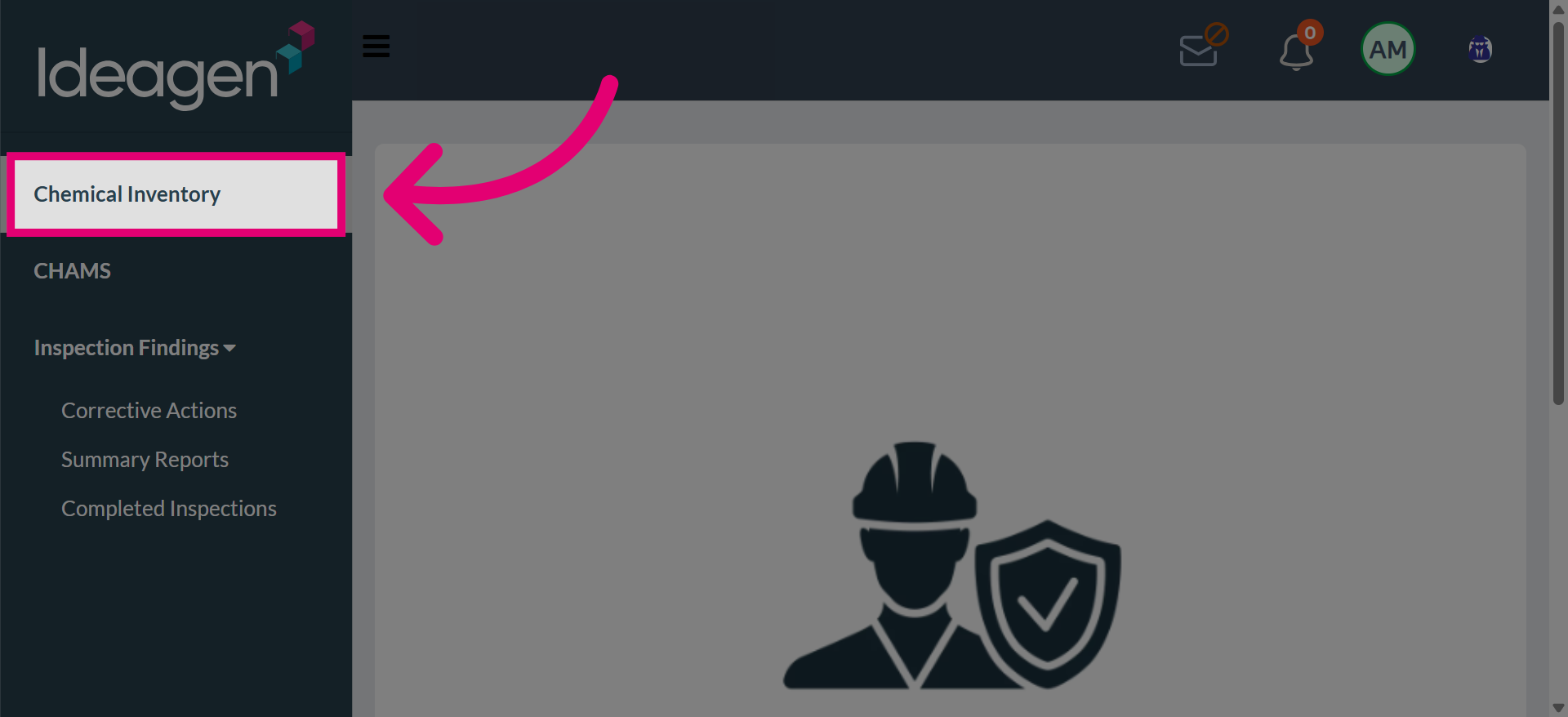
Select Chemical Inventory to view the list of available inventory.
-
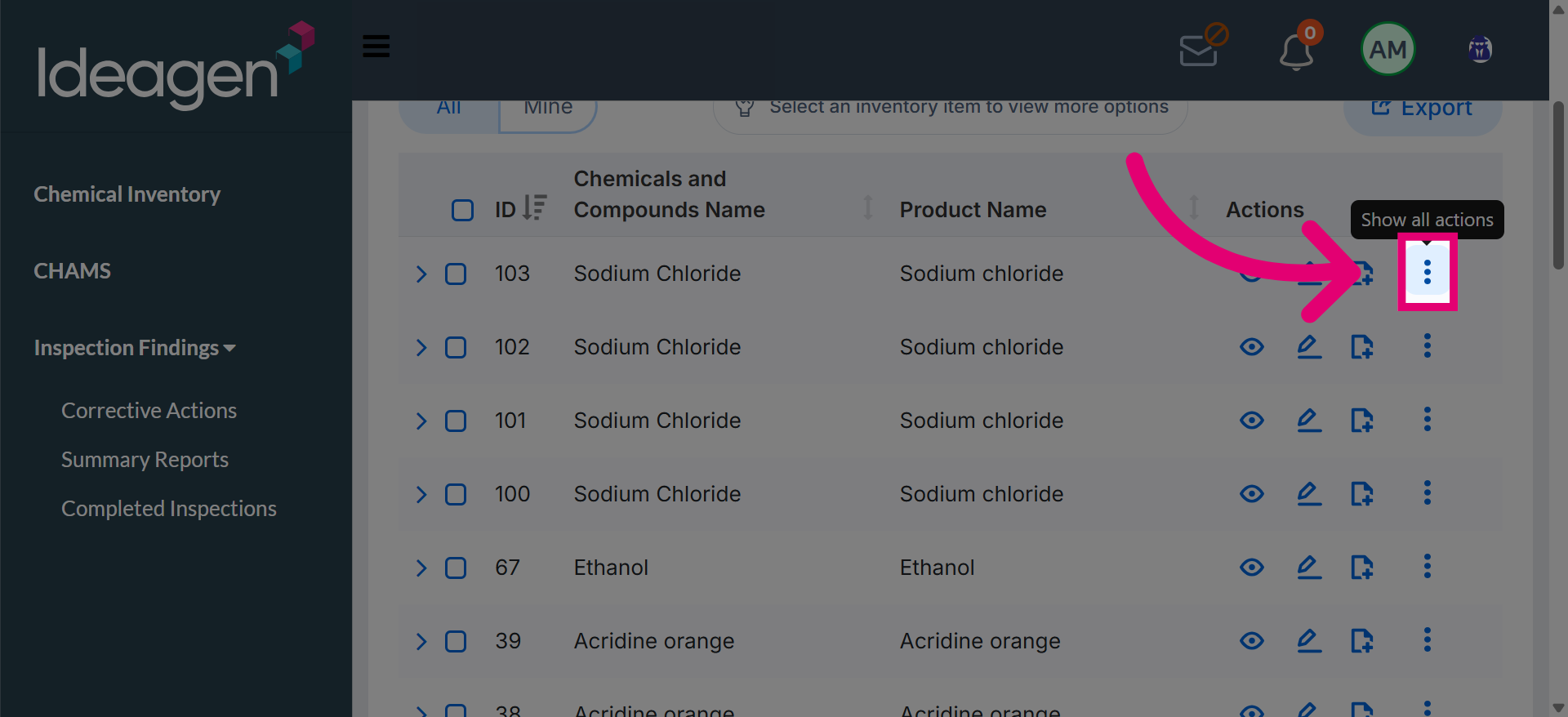
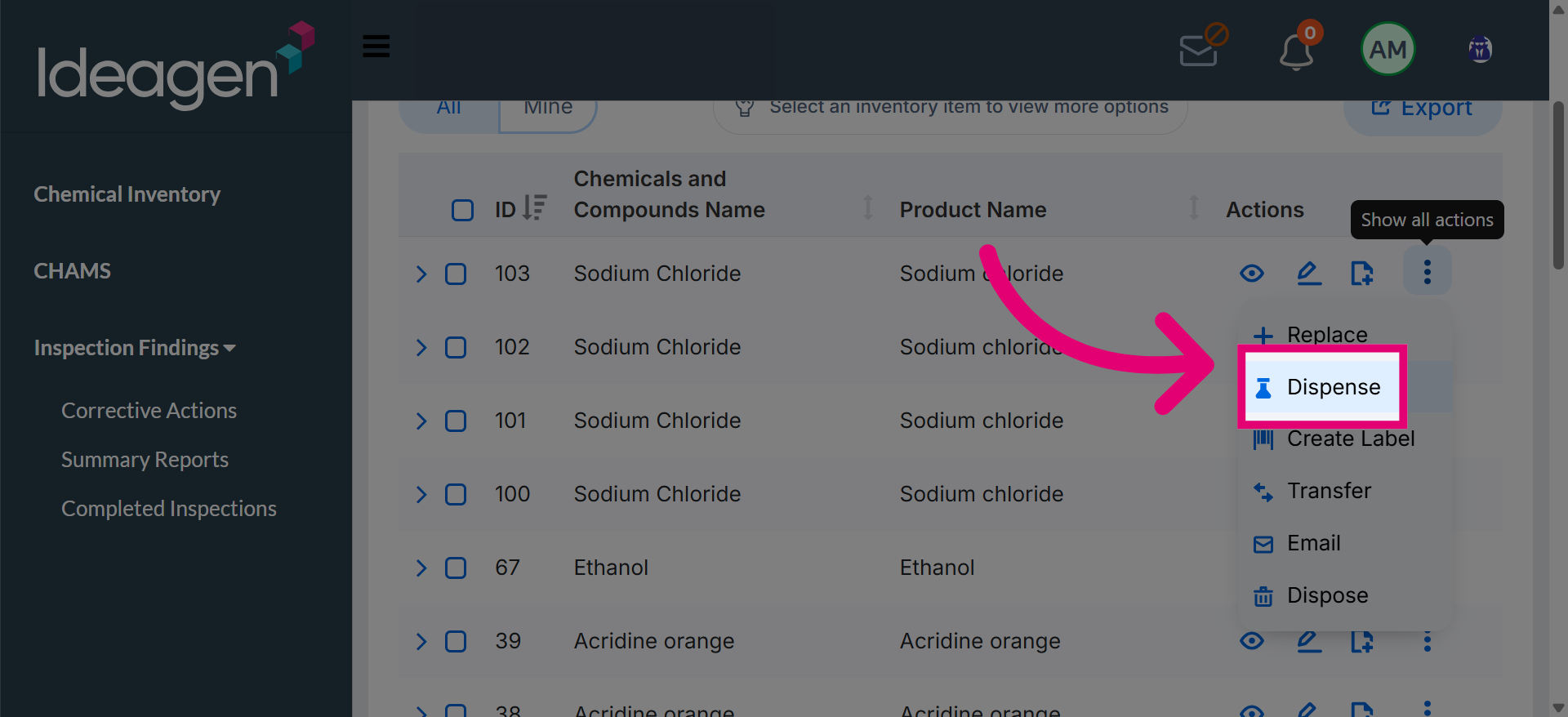
Open the additional options menu to access the Dispense option and begin dispensing the selected chemical.
-
The dispensing interface opens, allowing container and quantity details to be defined clearly.
-
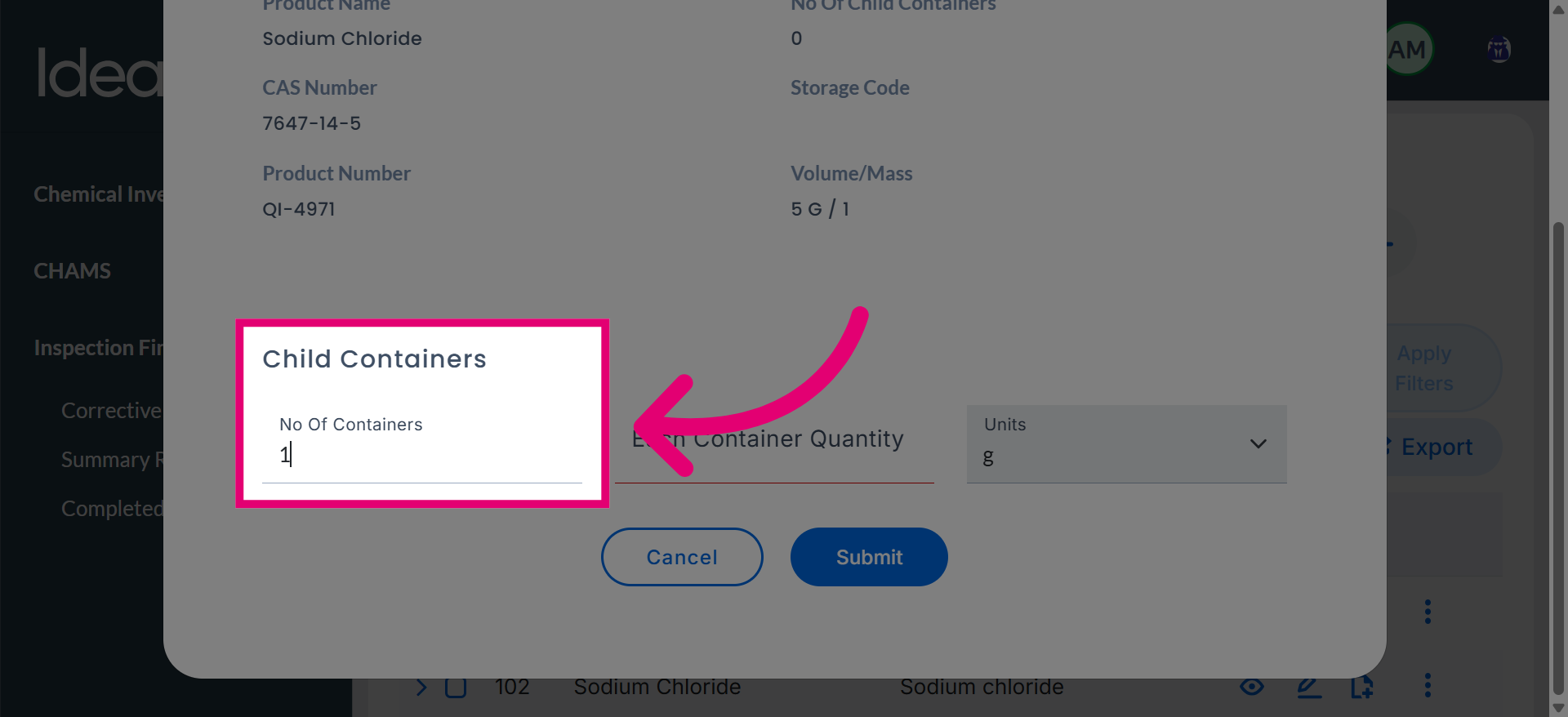
Enter the number in the Number Of Containers field to specify how many containers are involved in the dispensing.
-
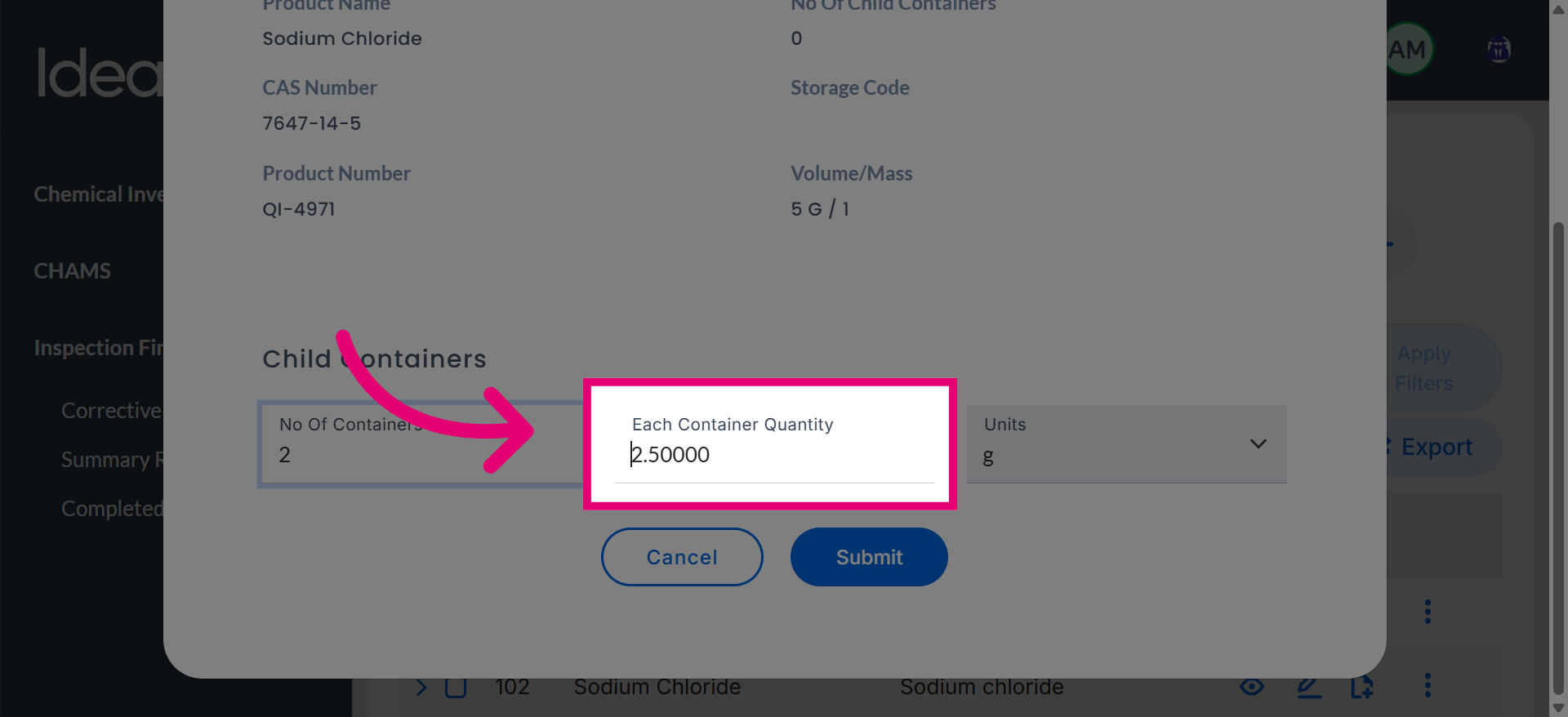
The system automatically distributes the total amount based on the number of containers.
-
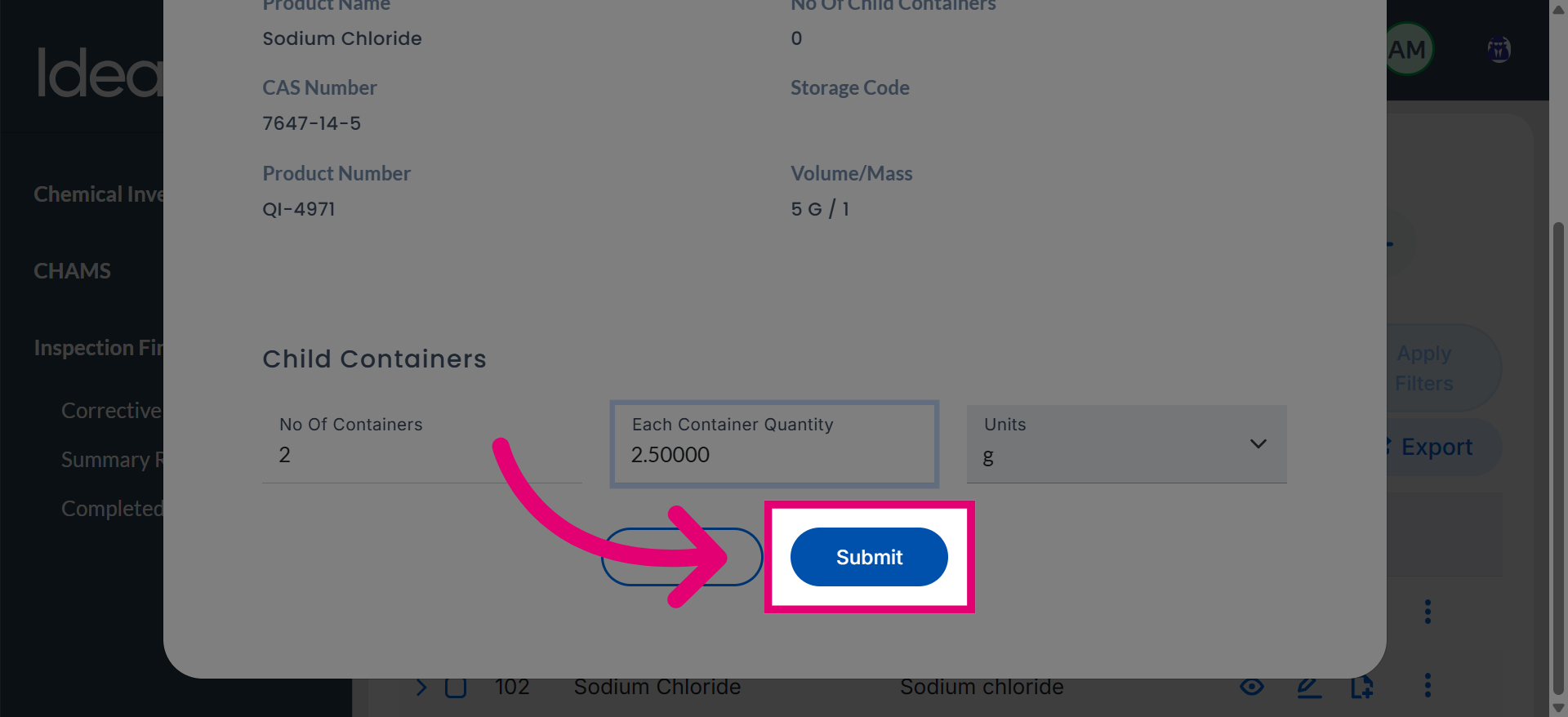
Select Submit to save the dispensing information and update the inventory records.
-
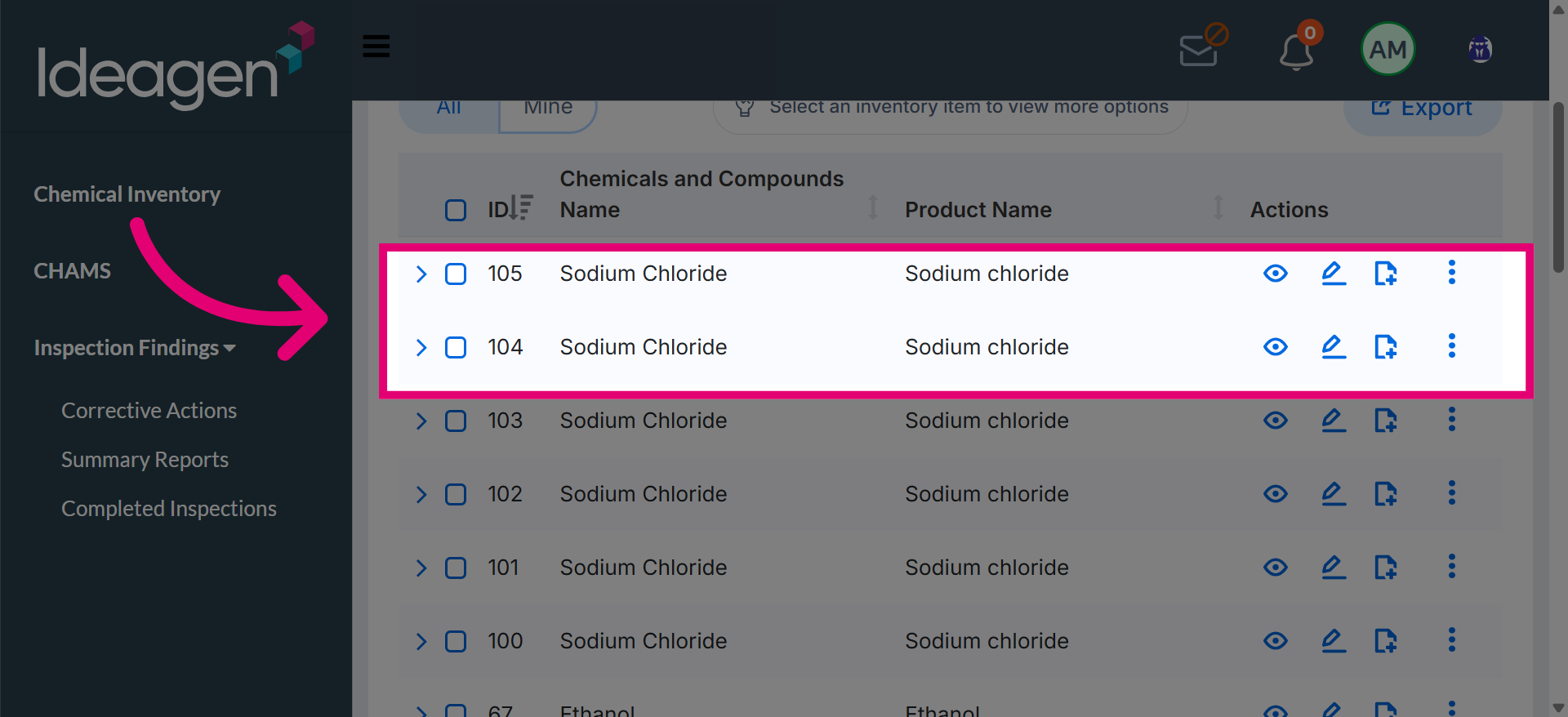
After submission, the original container is divided into two child containers, each with a quantity of 2.5 grams. These newly created containers are available on the inventory page, where they can be reviewed and managed as needed.