New article
Recently updated
Configuring a review inspection template

Who is this article for?
Users who need to configure a review inspection template.
Administrator role is required.
This tutorial guides you through configuring an inspection template as a review inspection template.
You will learn how to enable the review template setting and assign a reviewer to the inspection template.
1. Configure the Review Inspection Template
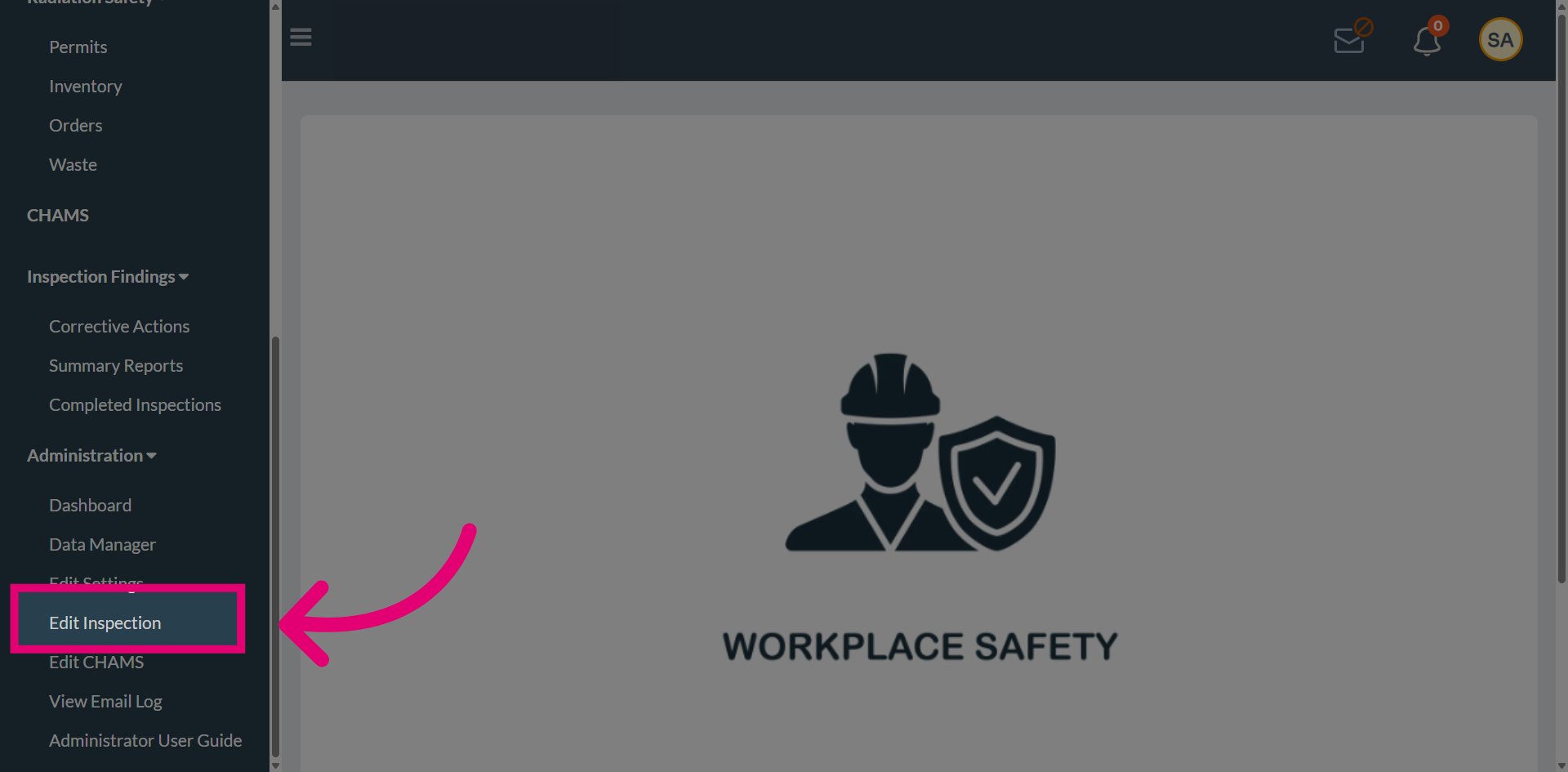
Select Edit Inspection to open the inspection editing interface and configure the template settings.
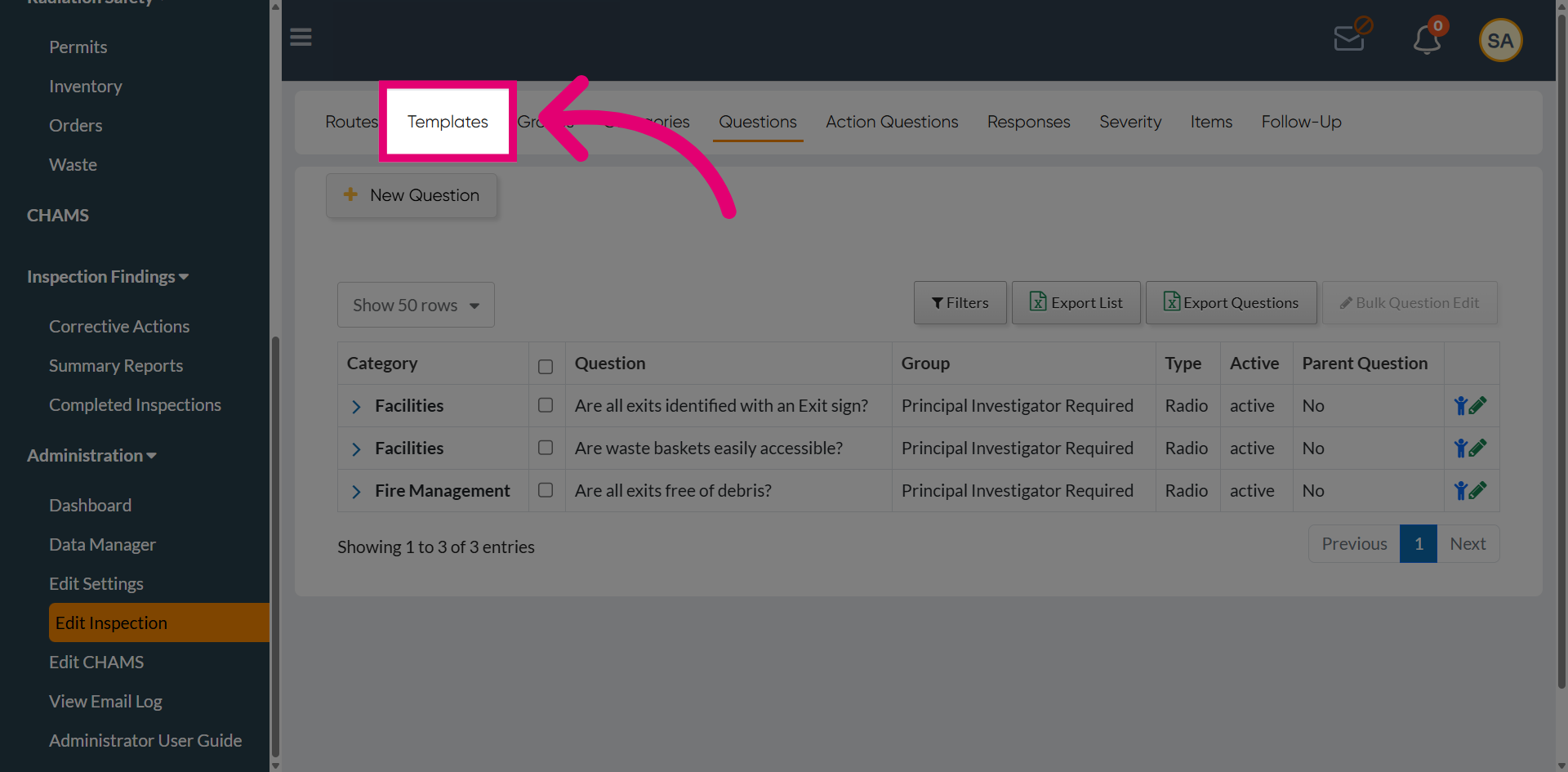
Navigate to Templates to view and manage the available inspection templates within the system.
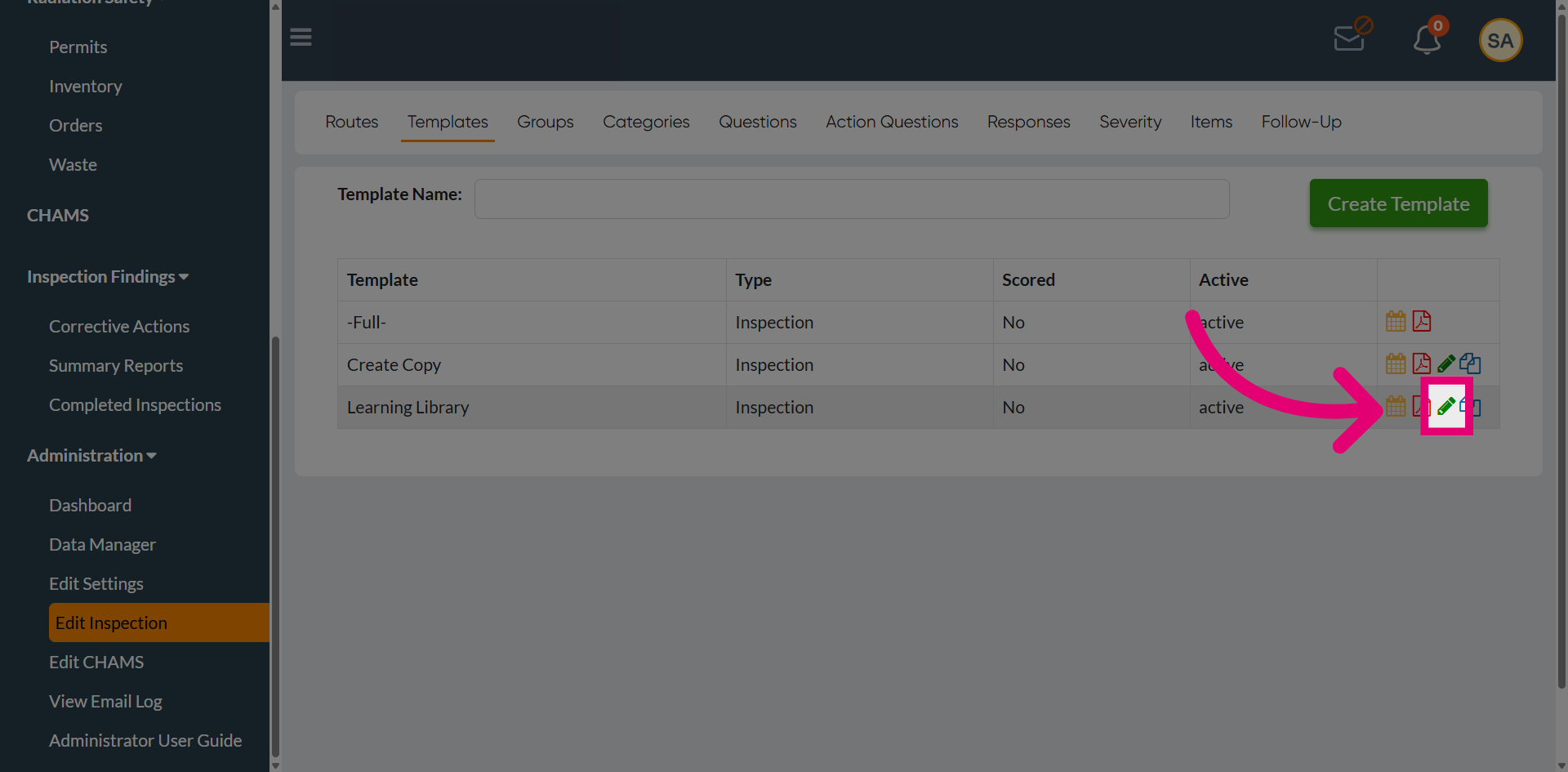
Locate the desired inspection template from the list and use the Edit option to open it for modification.
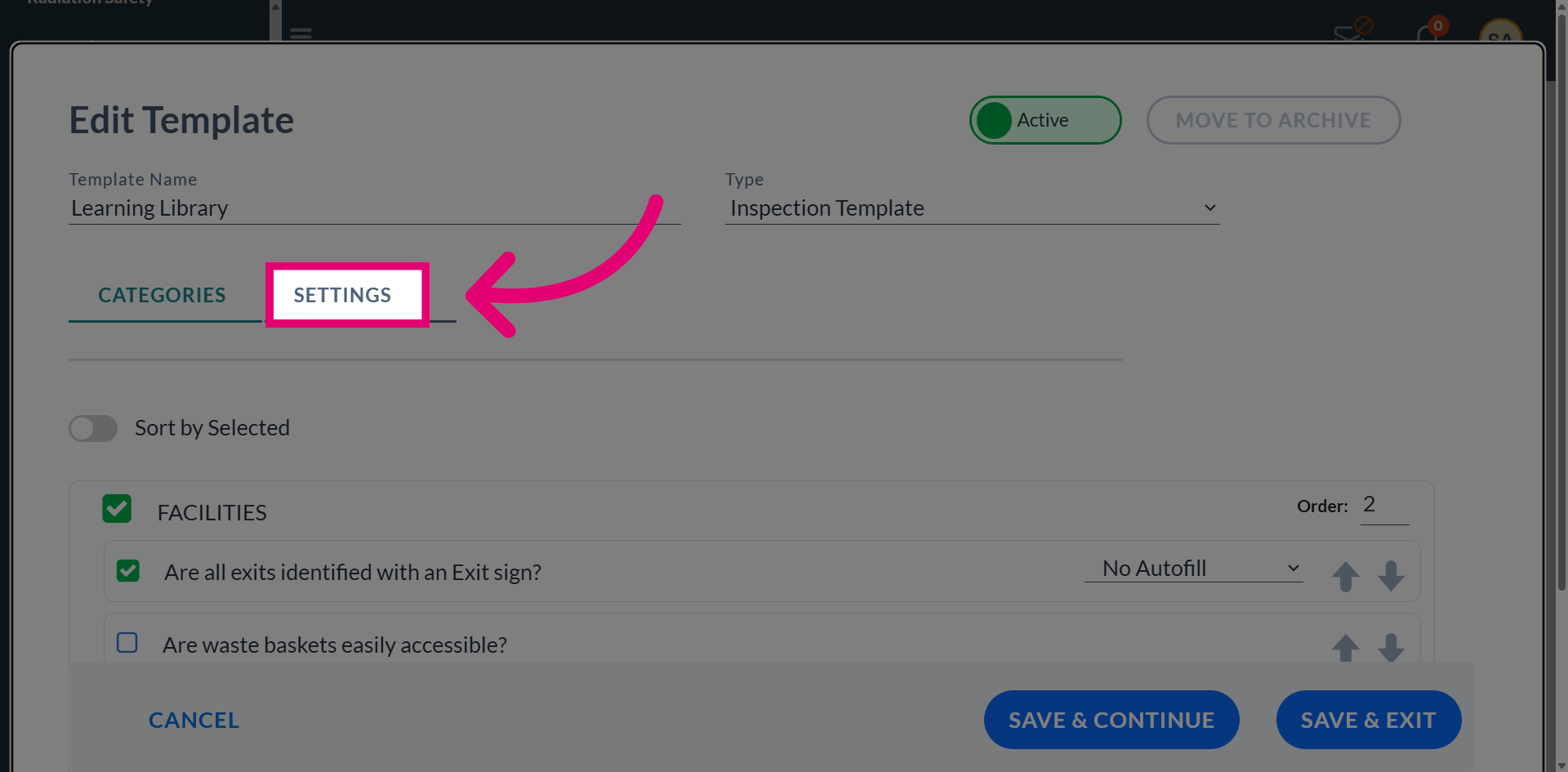
Navigate to the Settings section to access the configuration options for the selected inspection template.
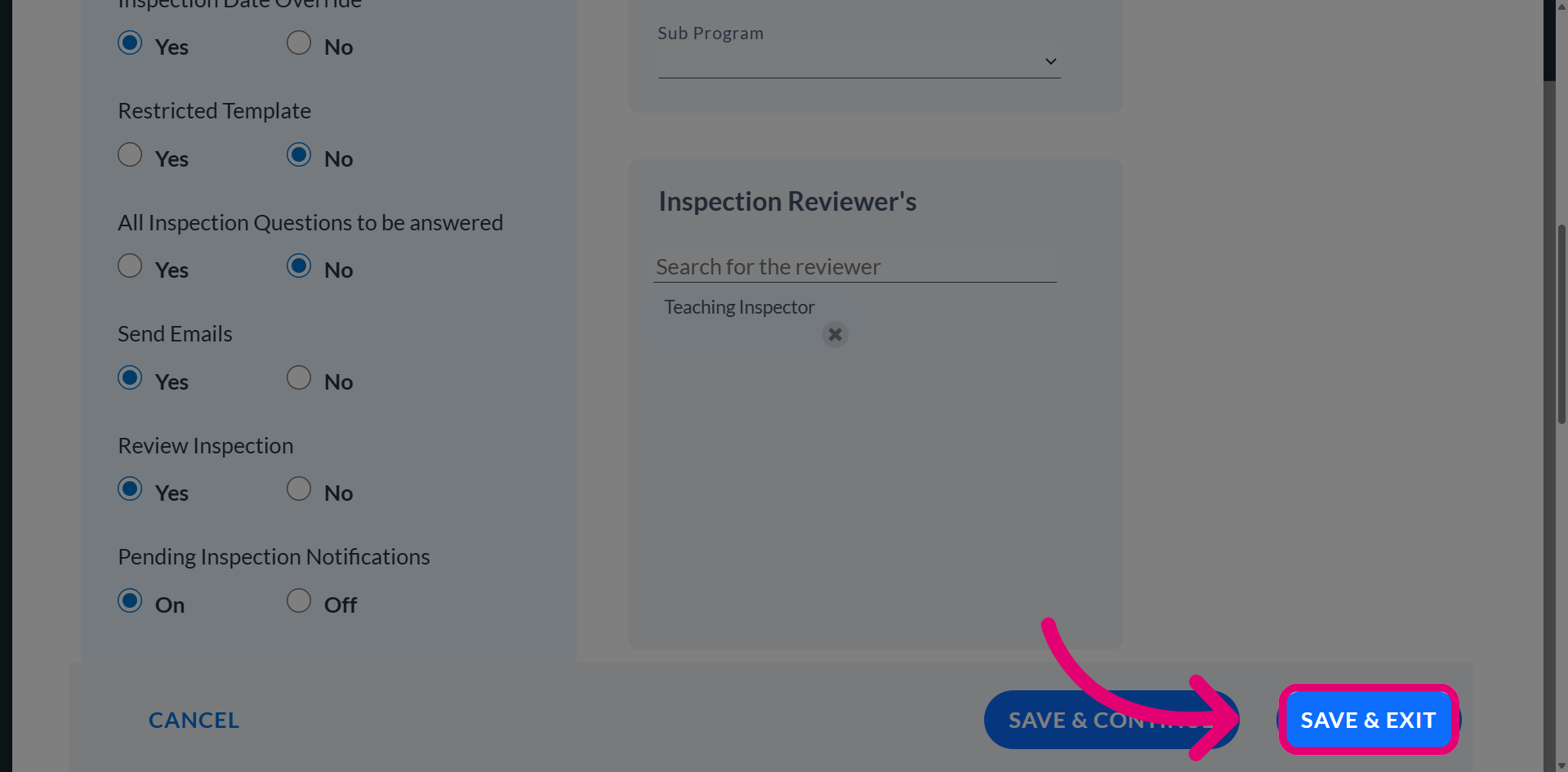
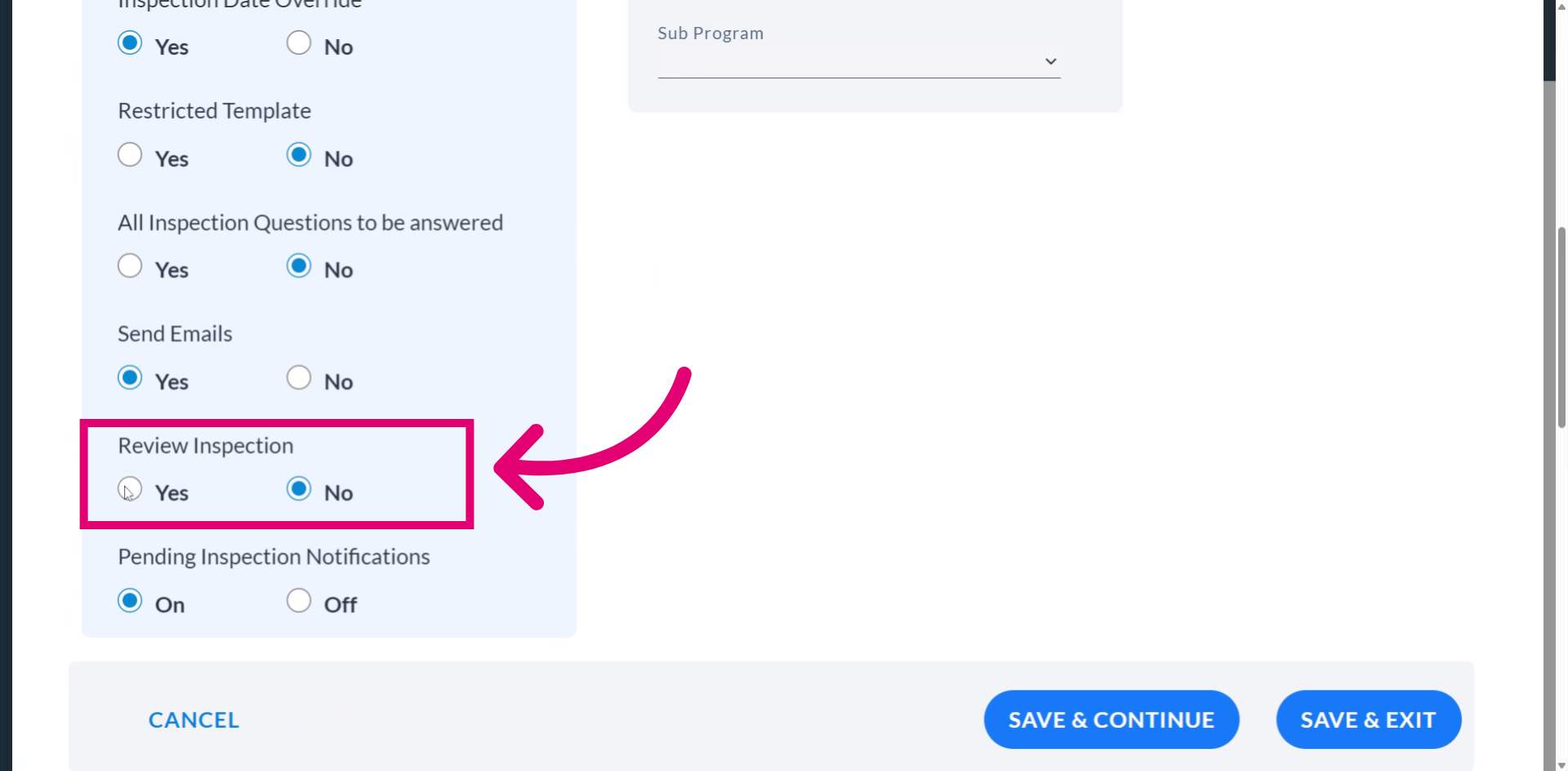
Choose Yes to confirm setting this template as a review inspection template.
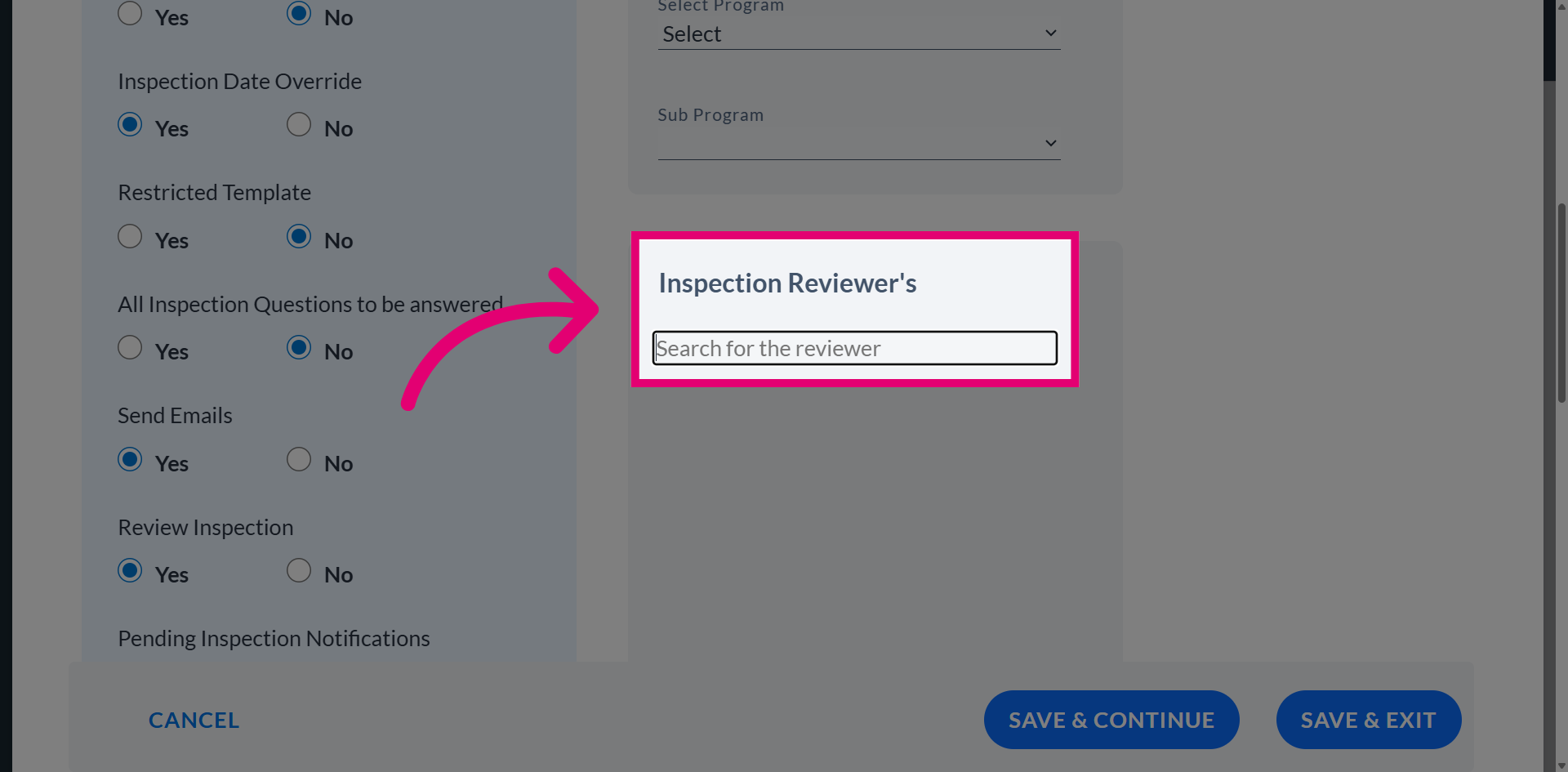
Access the reviewer search field to identify and designate the responsible user for conducting the inspection review.
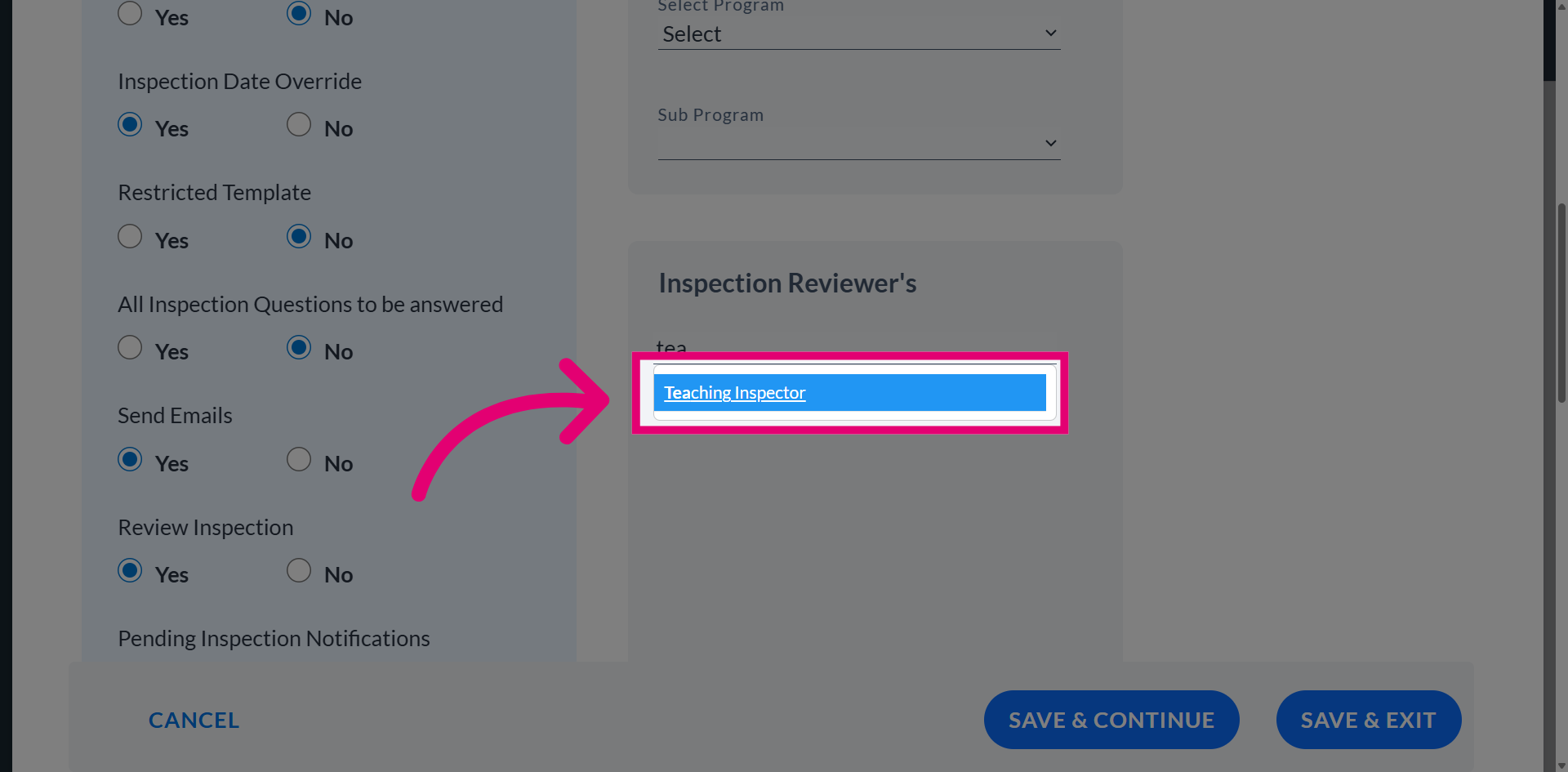
From the dropdown list, choose the appropriate user. This user is now assigned as the reviewer for this inspection template.
Choose Save & Exit to apply your changes and close the inspection template editor.