New article
Recently updated
Configuring default emergency contact numbers for a room

Who is this article for?
Administrators who want to learn to configure default emergency contact numbers for a room.
Administrator permissions are required.
This tutorial walks you through the process of configuring default emergency contact numbers for all rooms.
You will learn how to set up emergency and EHS contact information that will automatically appear on all generated door signs.
1. Configure emergency contact numbers
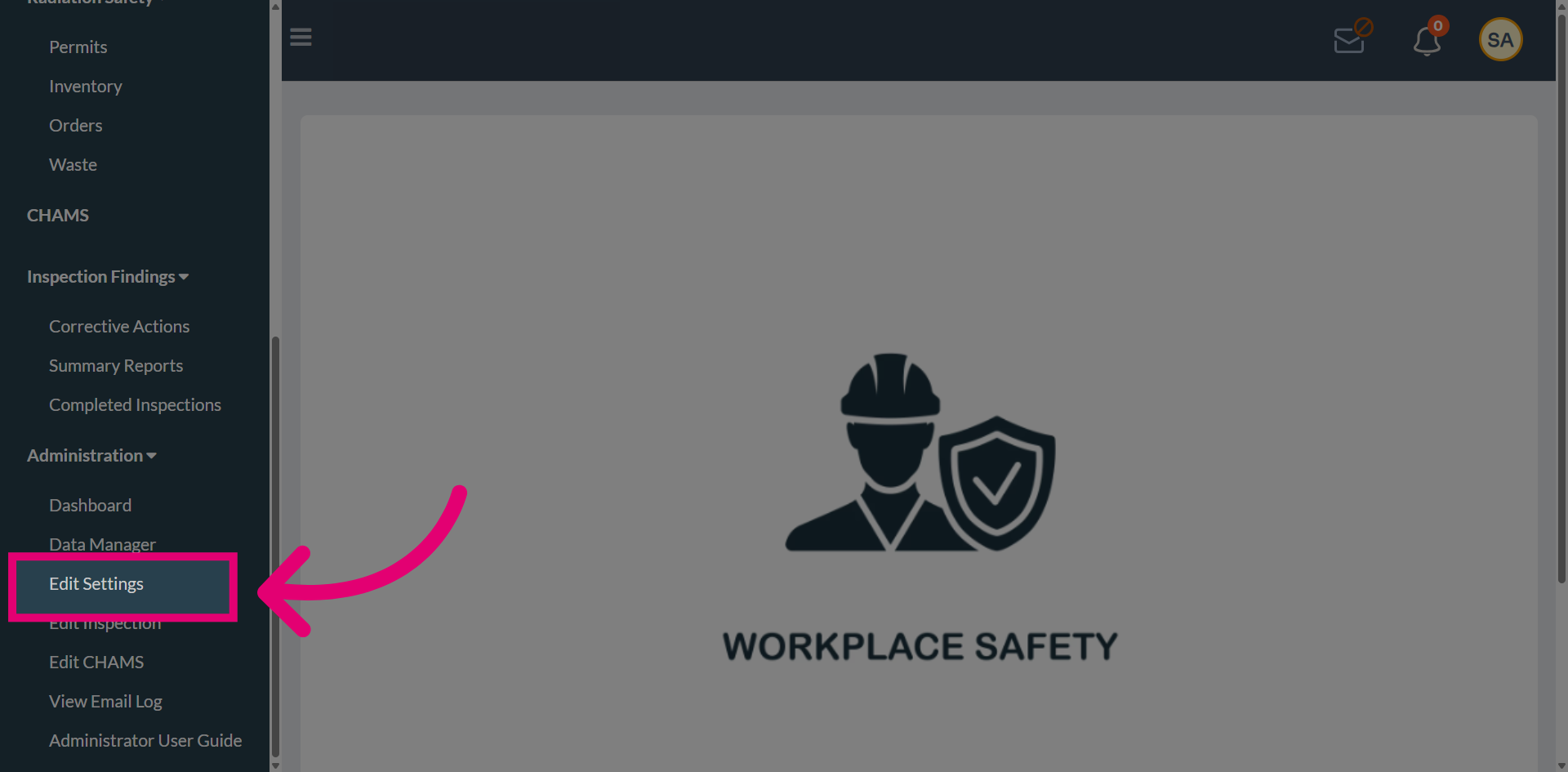
Select Edit Settings to access the configuration panel.
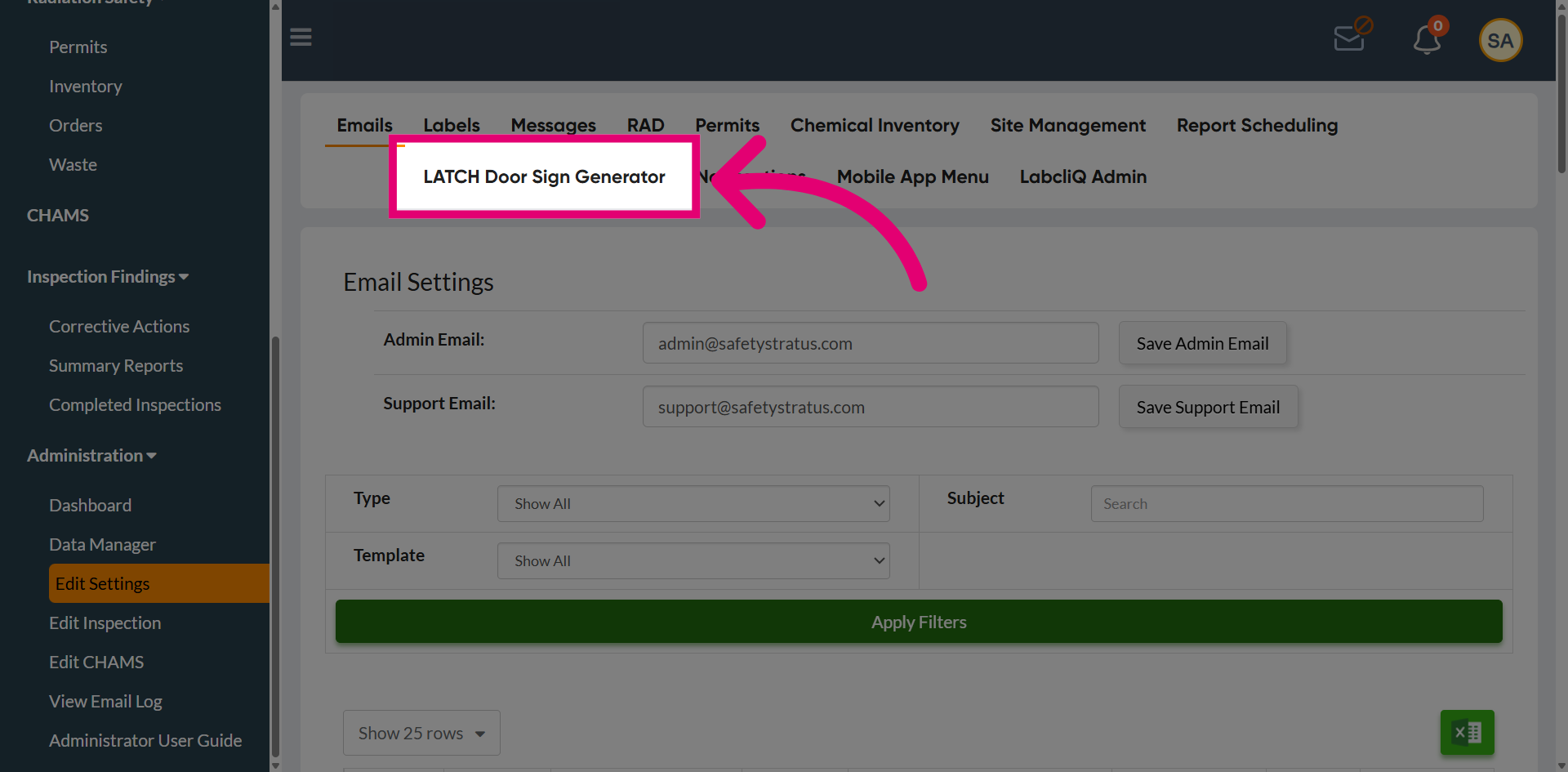
Navigate to LATCH Door Sign Generator to begin editing the door sign settings.
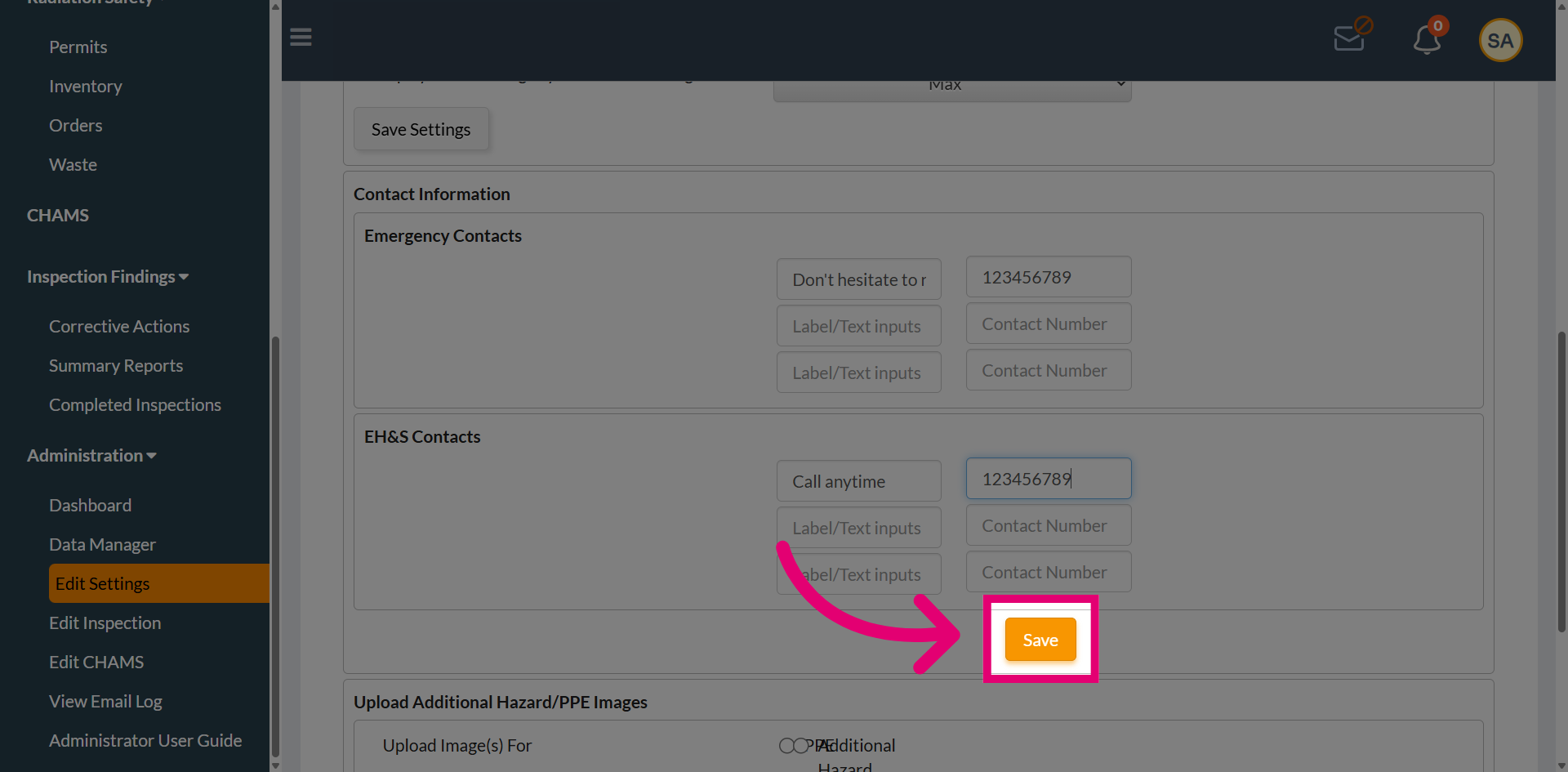
Scroll down the page and locate the Contact Information section. Enter the required details and contact numbers for Emergency Contacts and EHS Contacts in the provided fields.
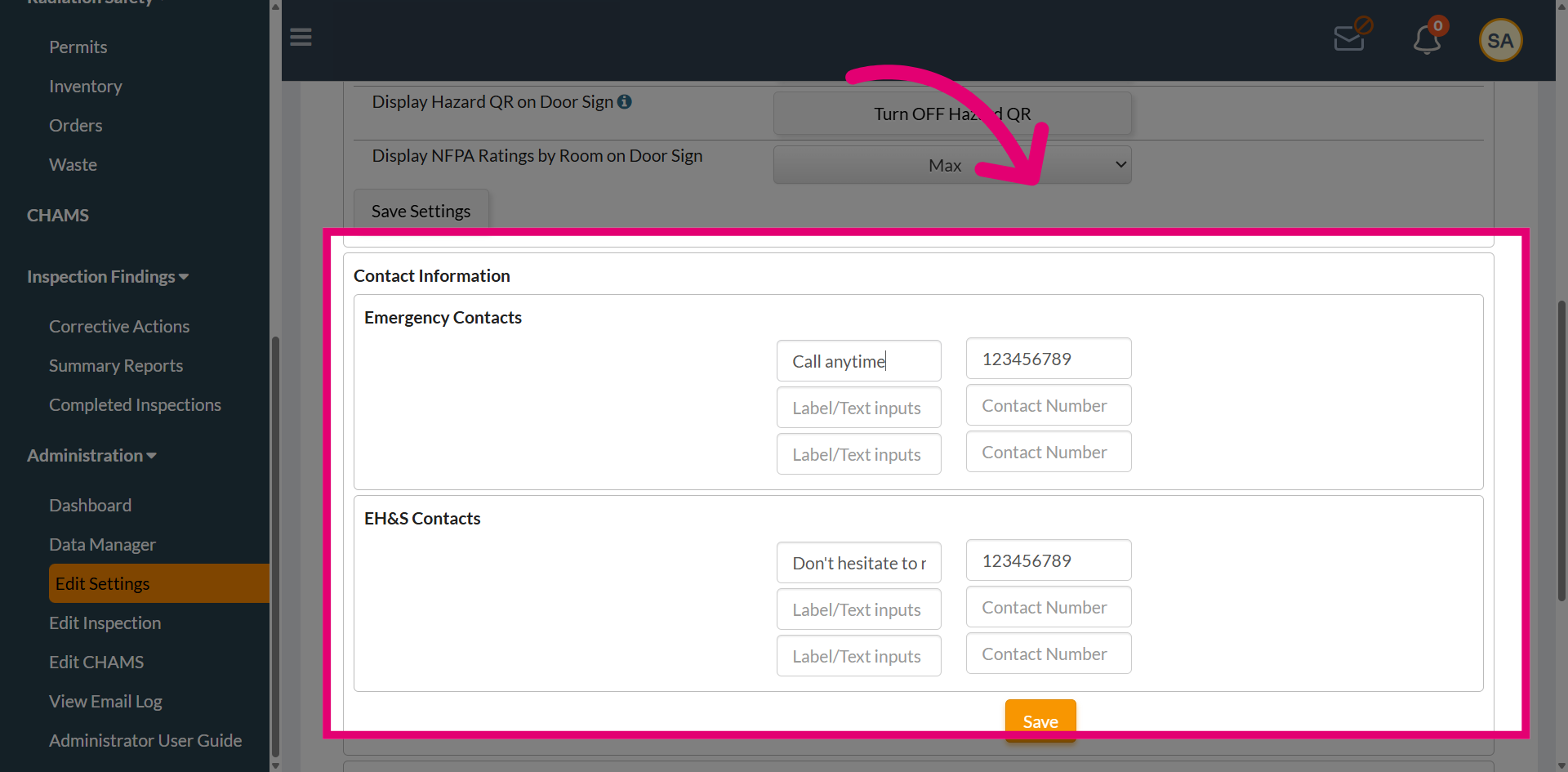
Once the emergency and EHS contact details have been entered or updated, select Save to apply and store the changes.
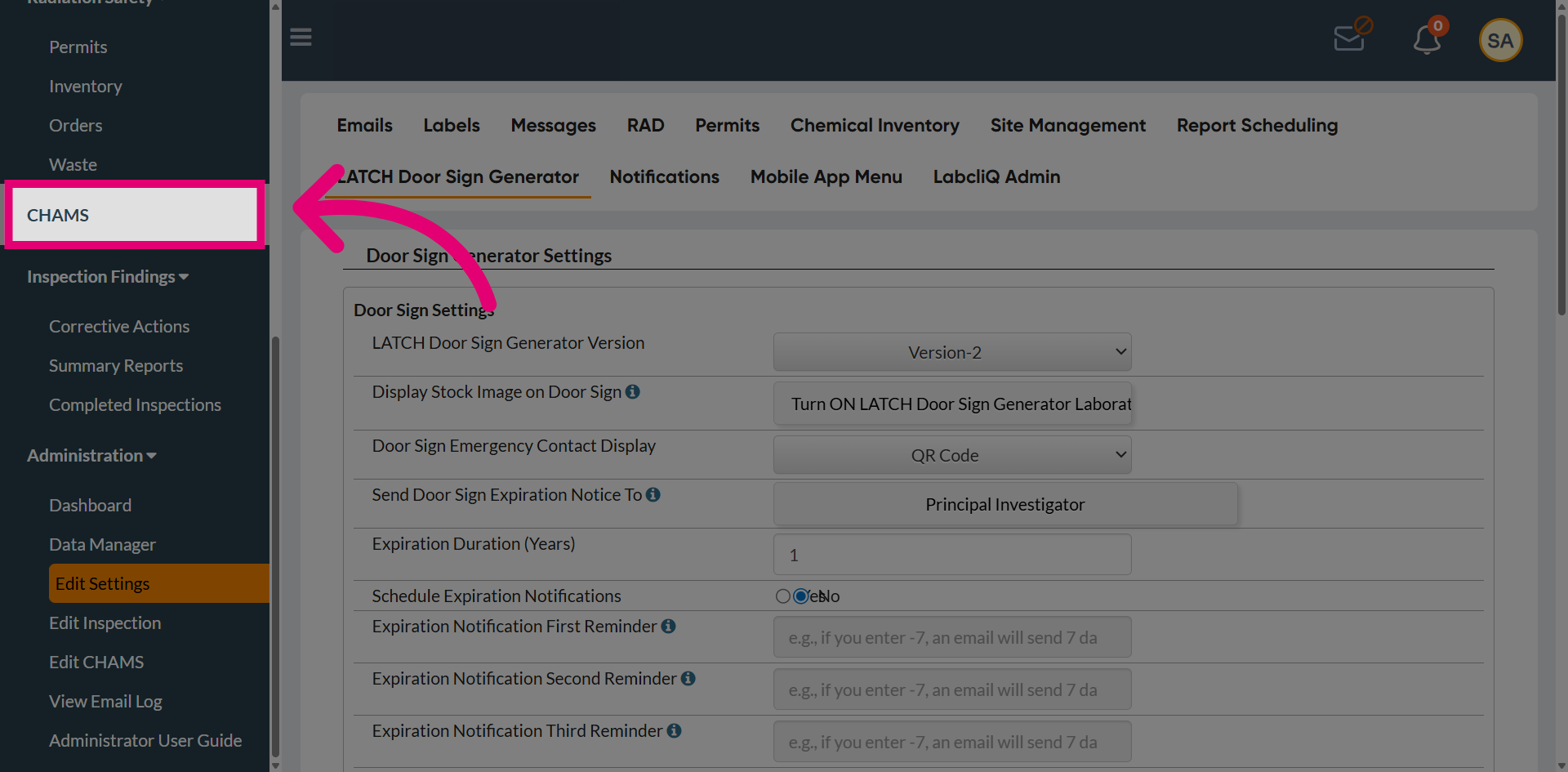
Navigate to the CHAMS module to generate a new door sign.
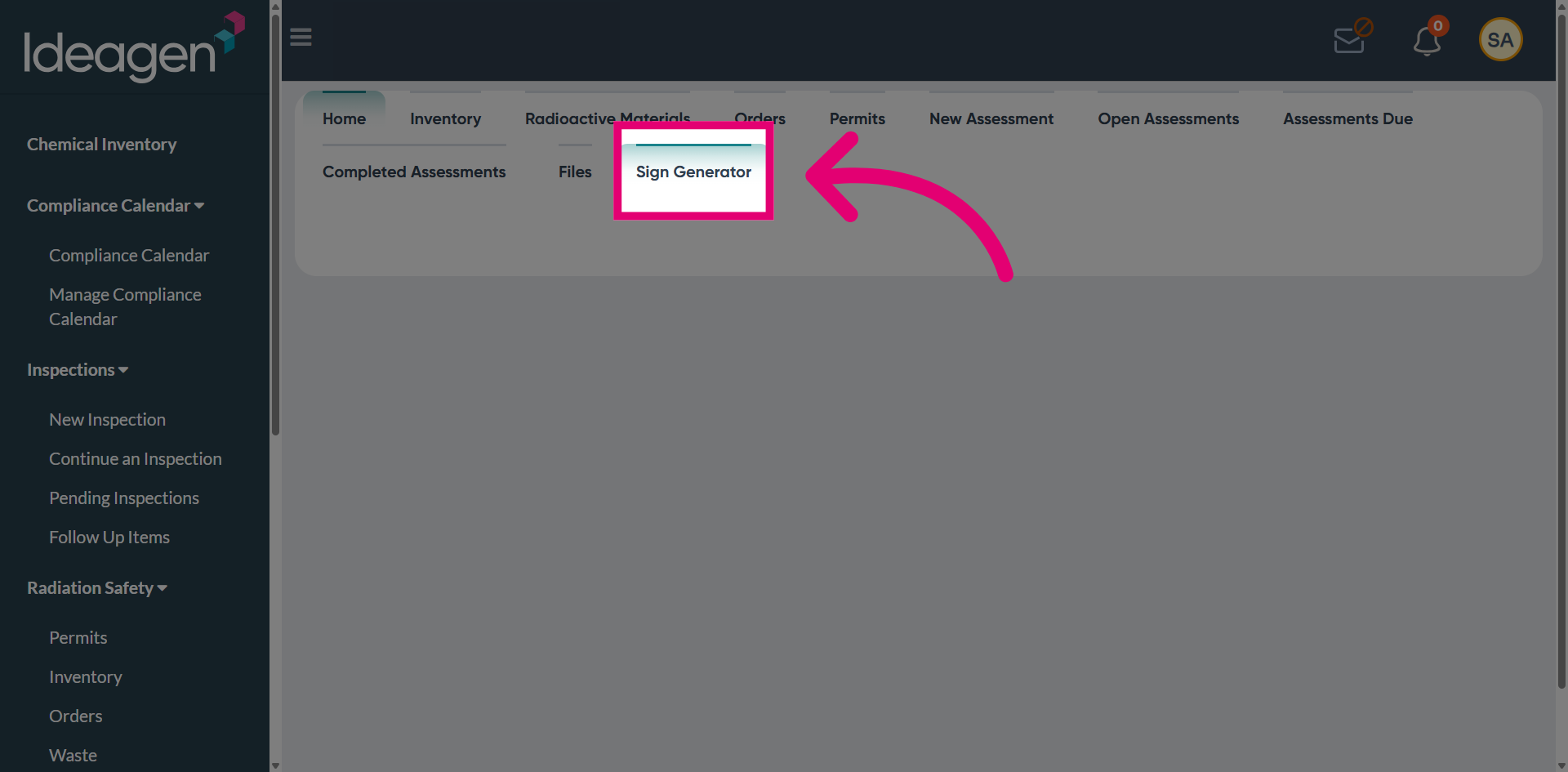
Access the Sign Generator to start creating door signs for the selected rooms.
Select the appropriate room to generate the door sign.
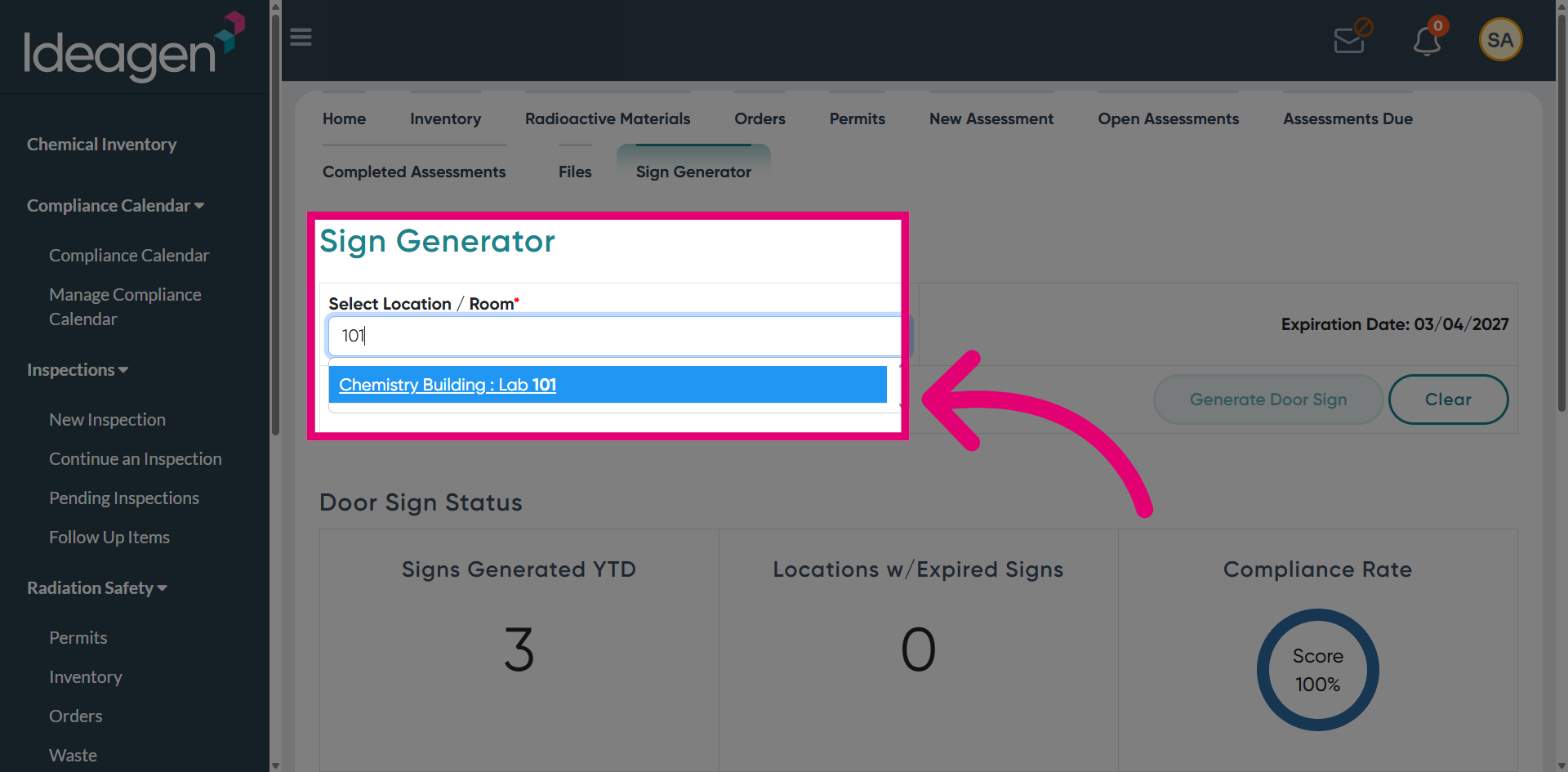
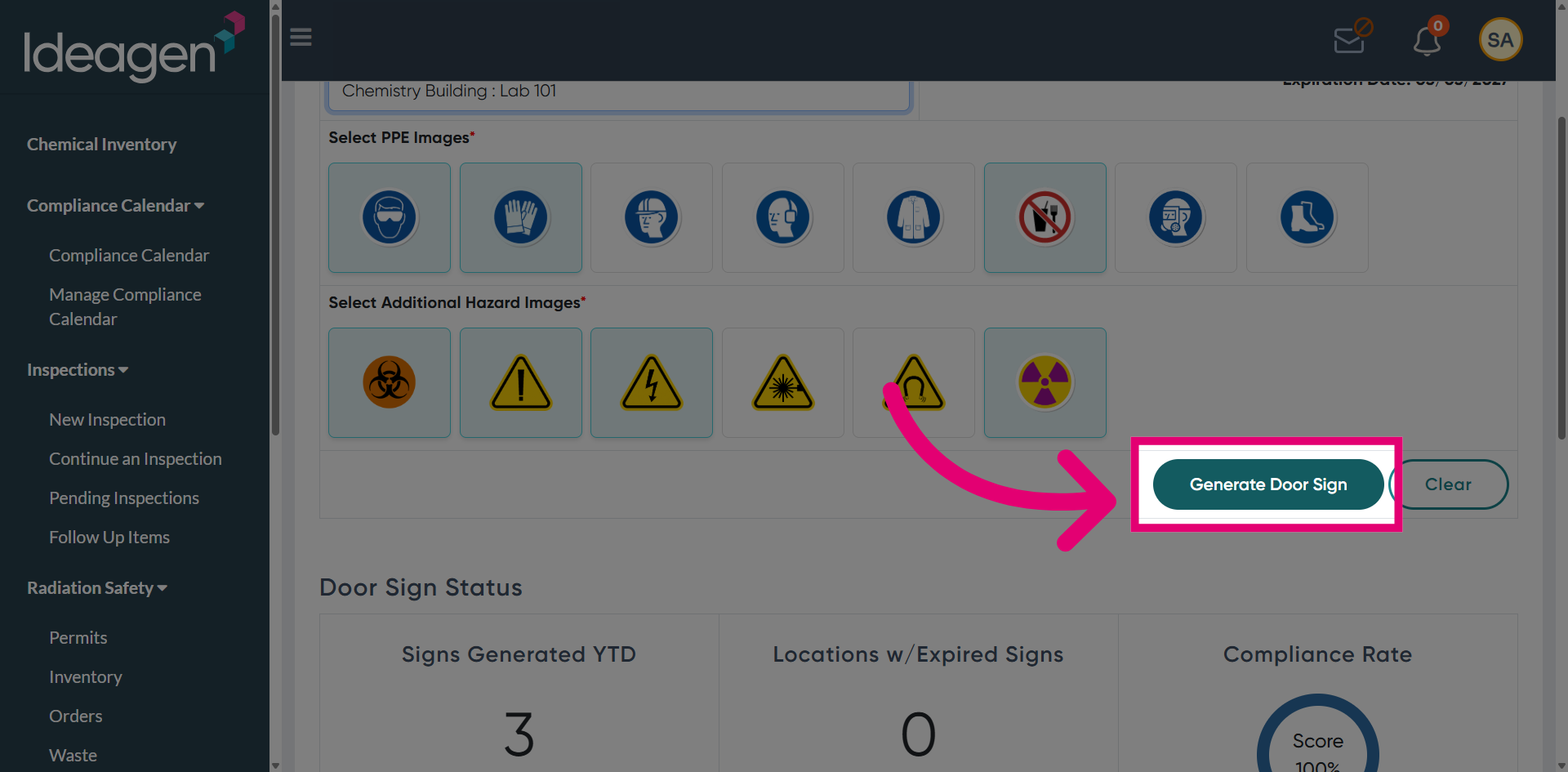
Select Generate Door Sign to create the door sign, which will now include the updated emergency contact details.
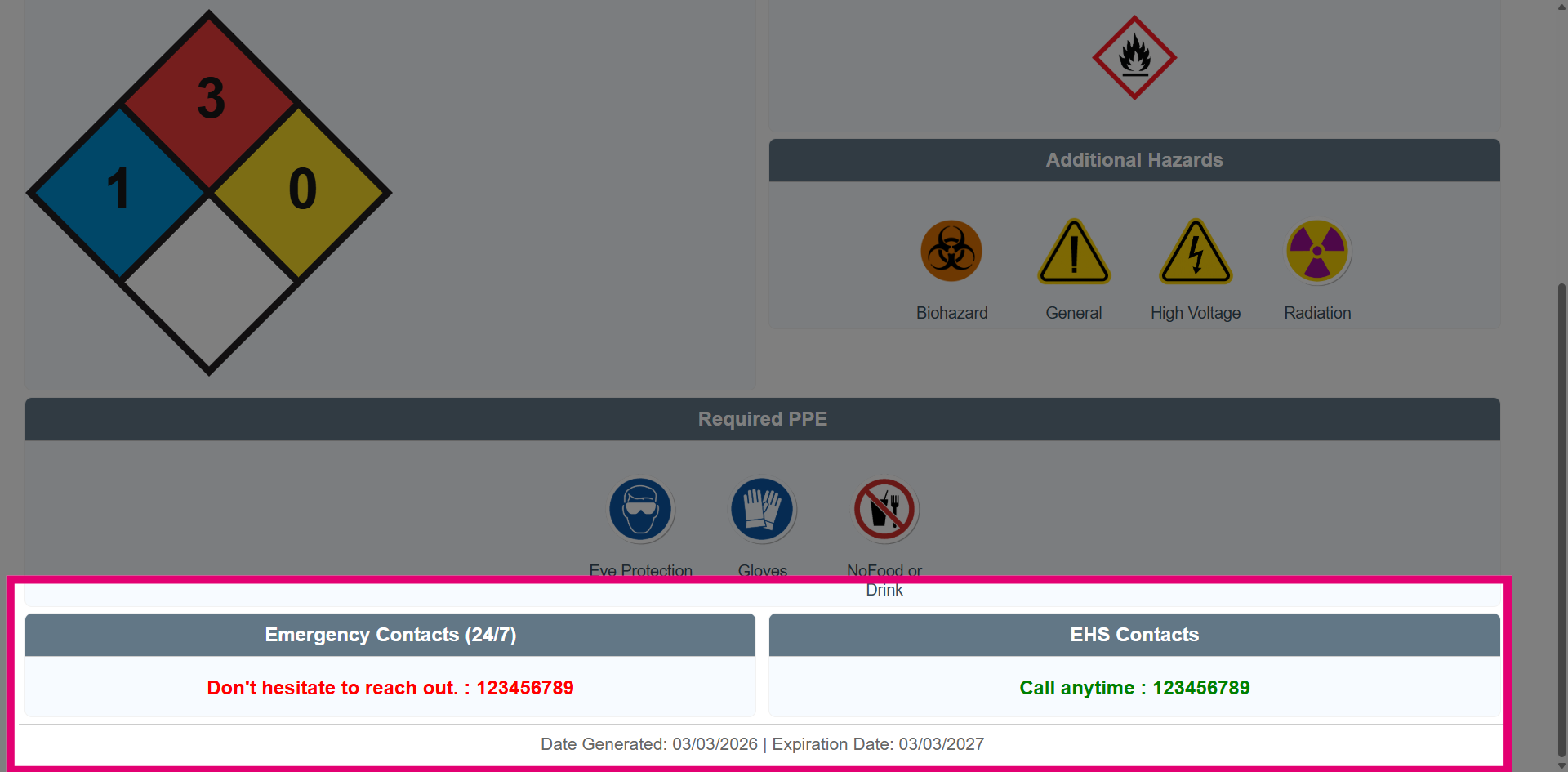
The generated door sign will now include the Emergency and EHS contact details as default contacts for all rooms.