New article
Recently updated
Viewing inspection summary reports

Who is this article for?
Users looking for inspection reports.
General User role is required.
This article shows you where you can access summary reports for inspections.
1. Viewing reports
To view summary reports:
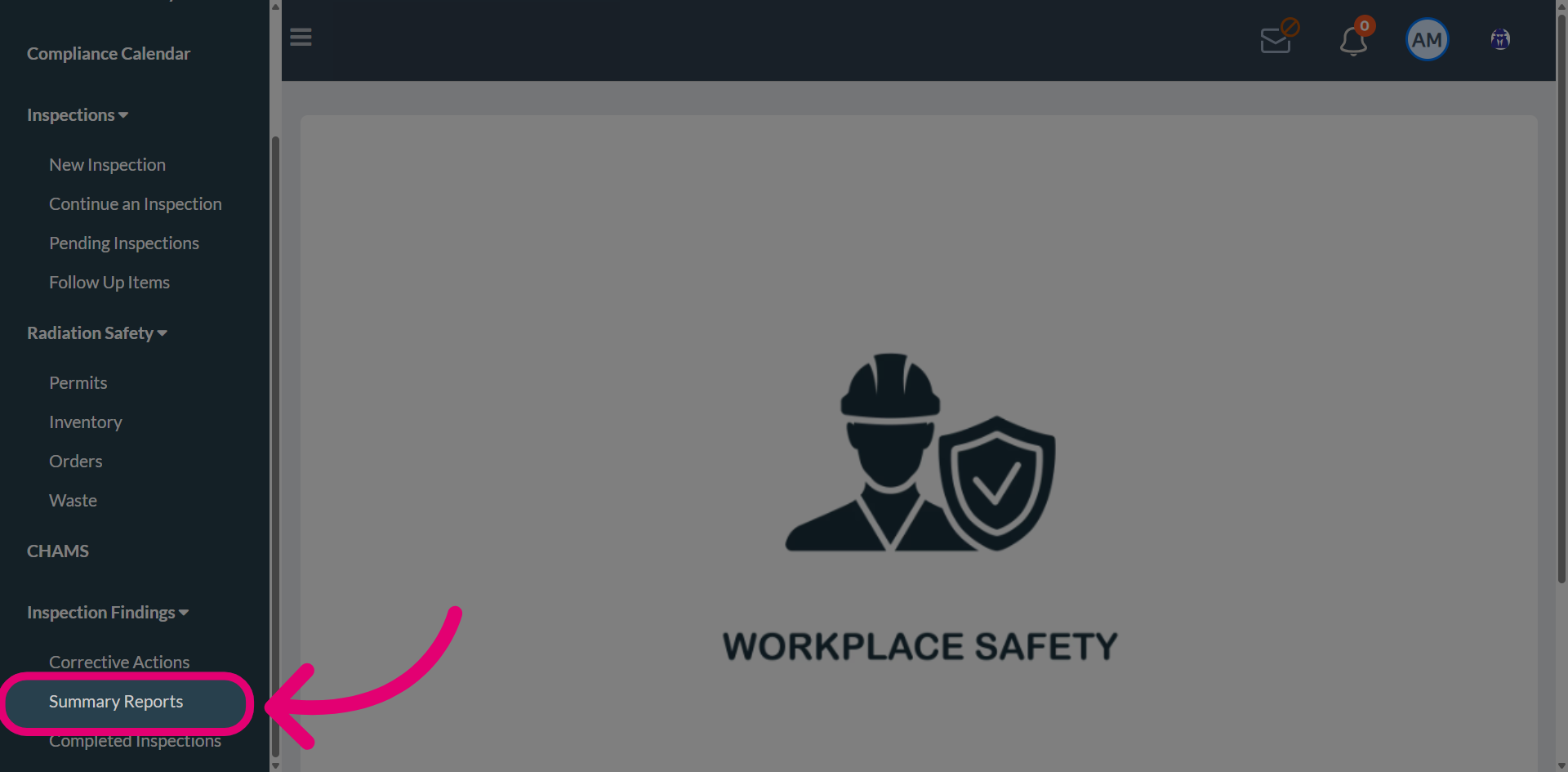
- Open Inspection Findings.
- Select Summary Reports.
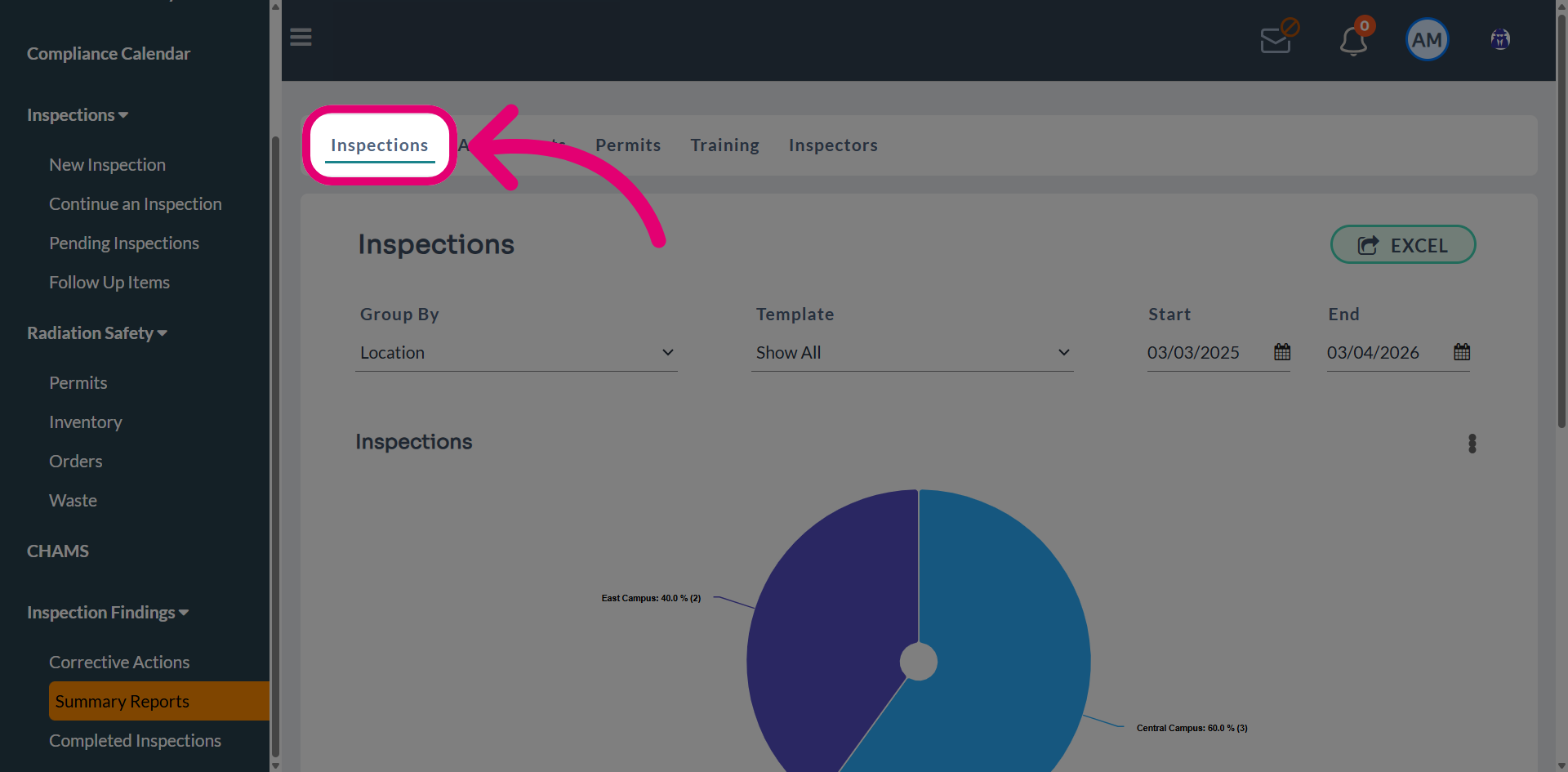
- Switch to the Inspections tab.
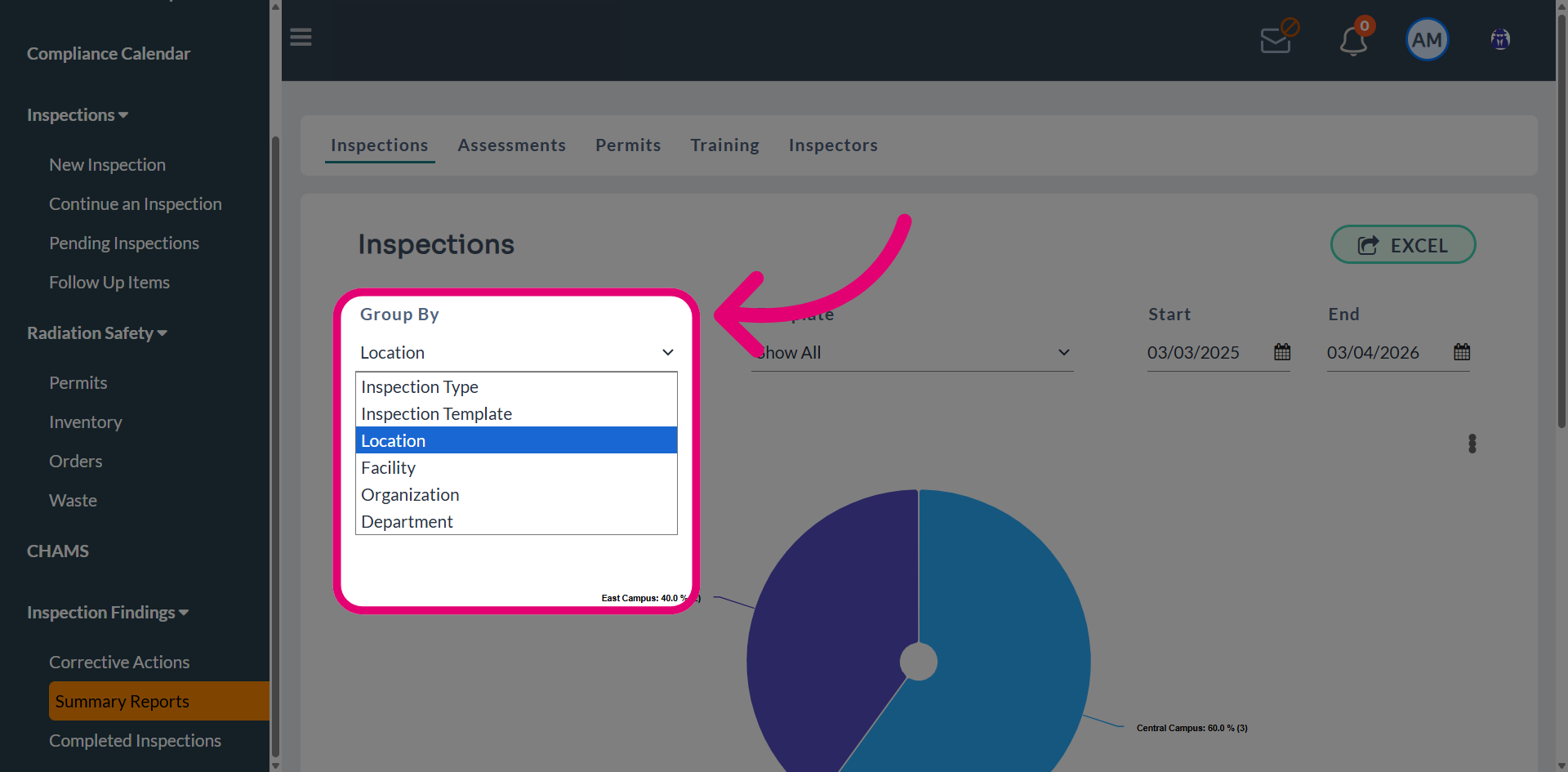
- Open the Group By dropdown.
- Choose filters to refine results.
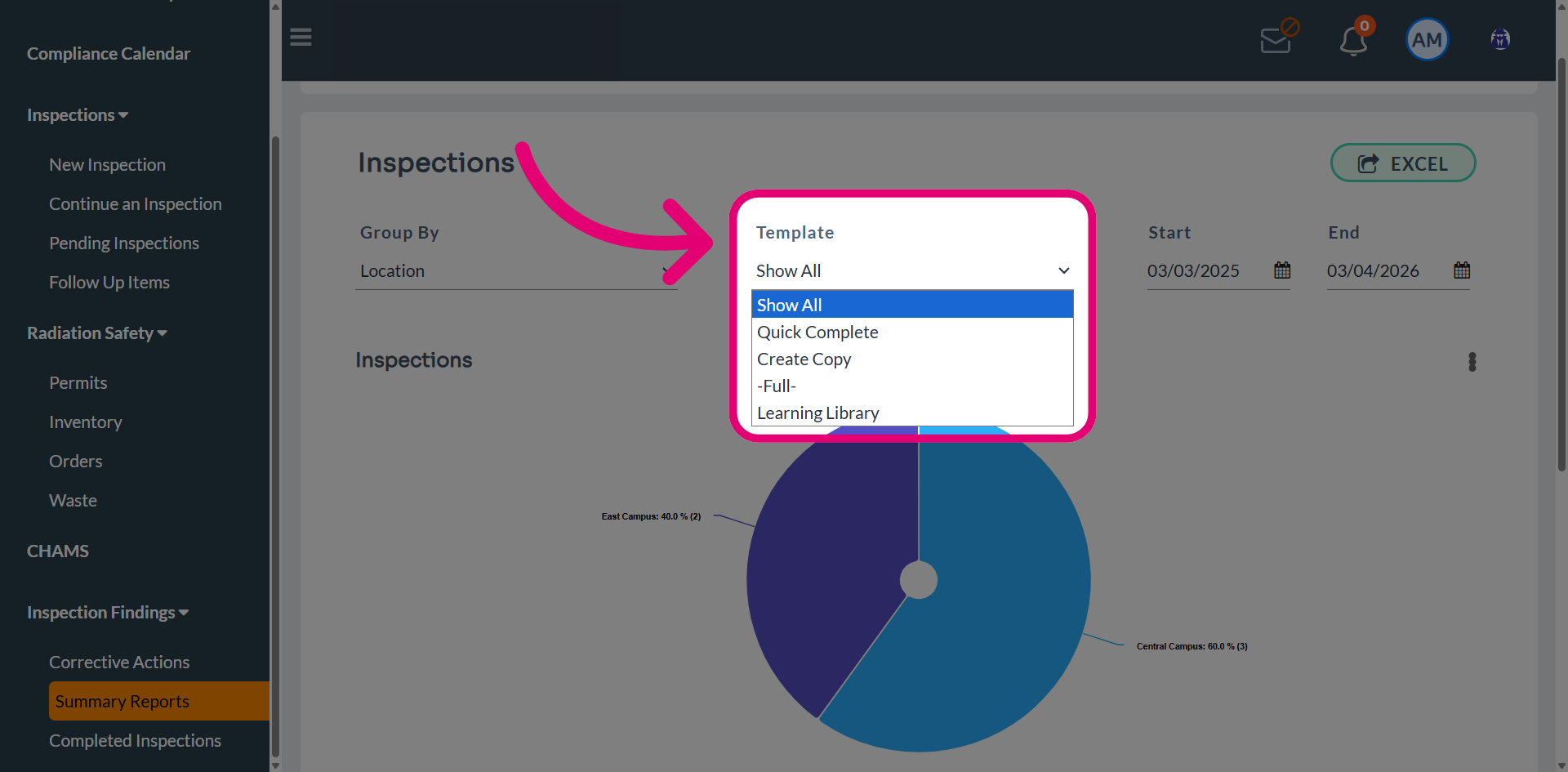
- Select a Template.
This will further narrow down results based on inspections performed using specific templates.
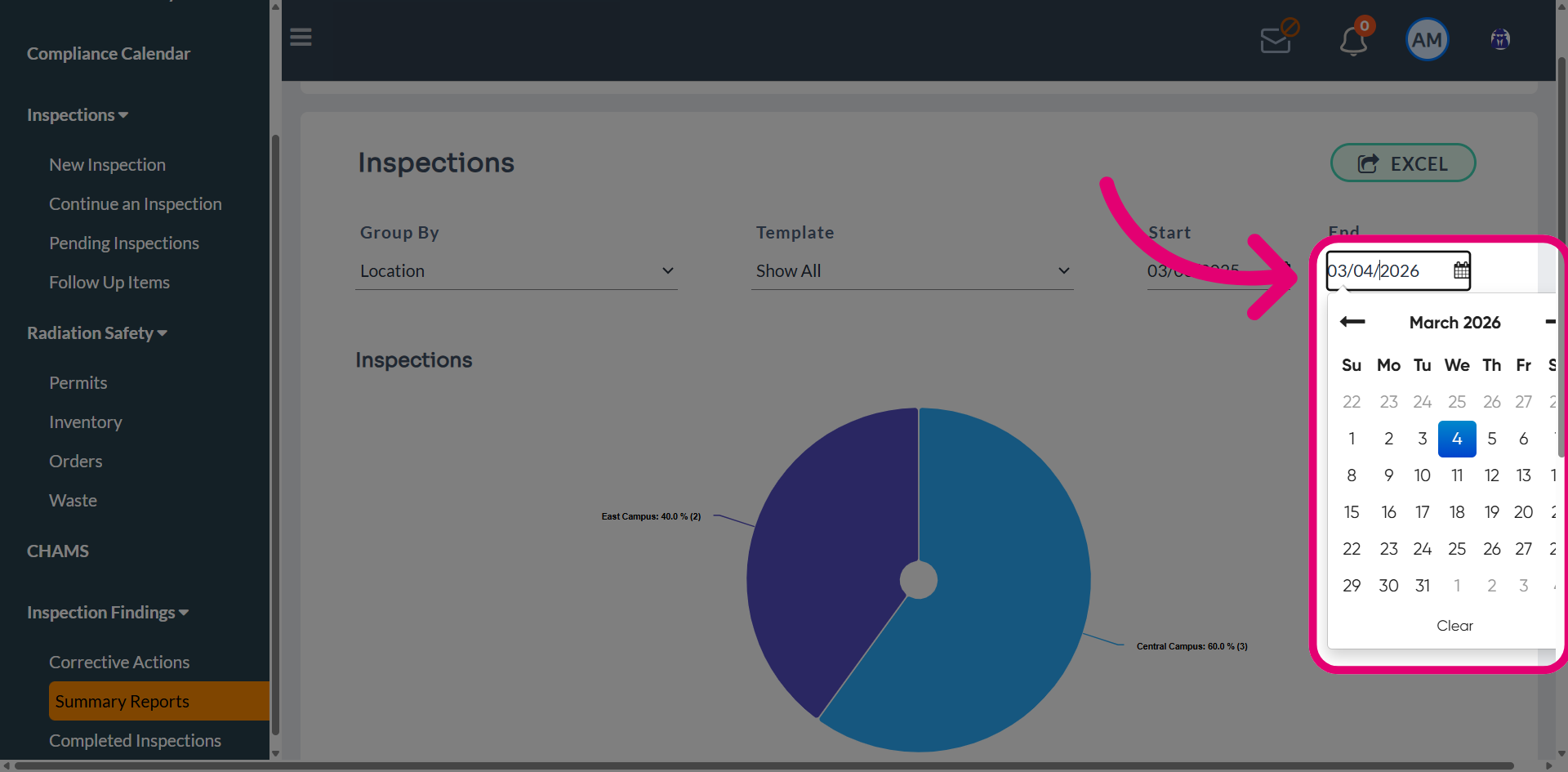
- Set a Start date for the report.
- Set an End date for the report.
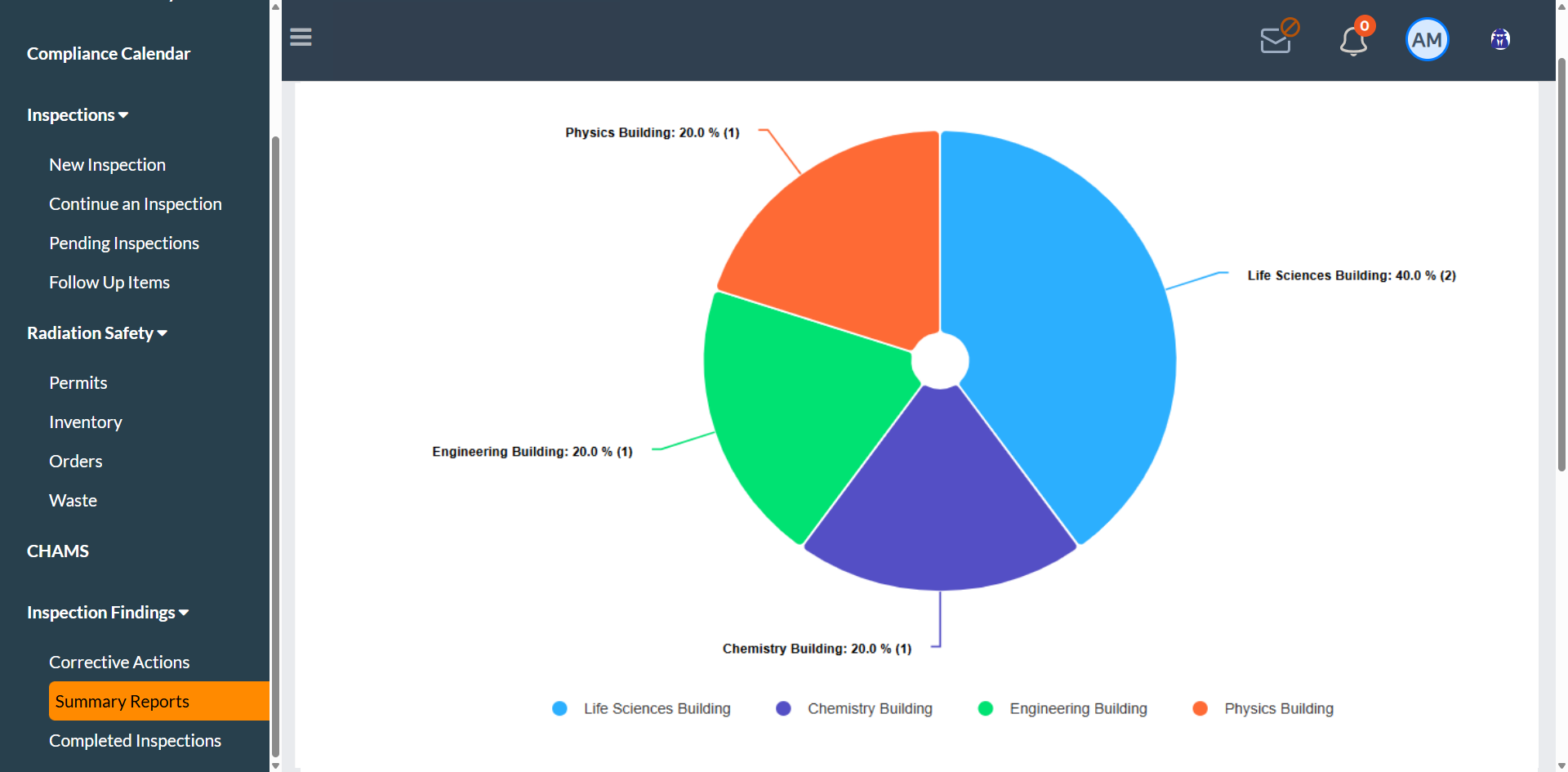
- Based on the criteria selected, the dashboard will update to display relevant data.
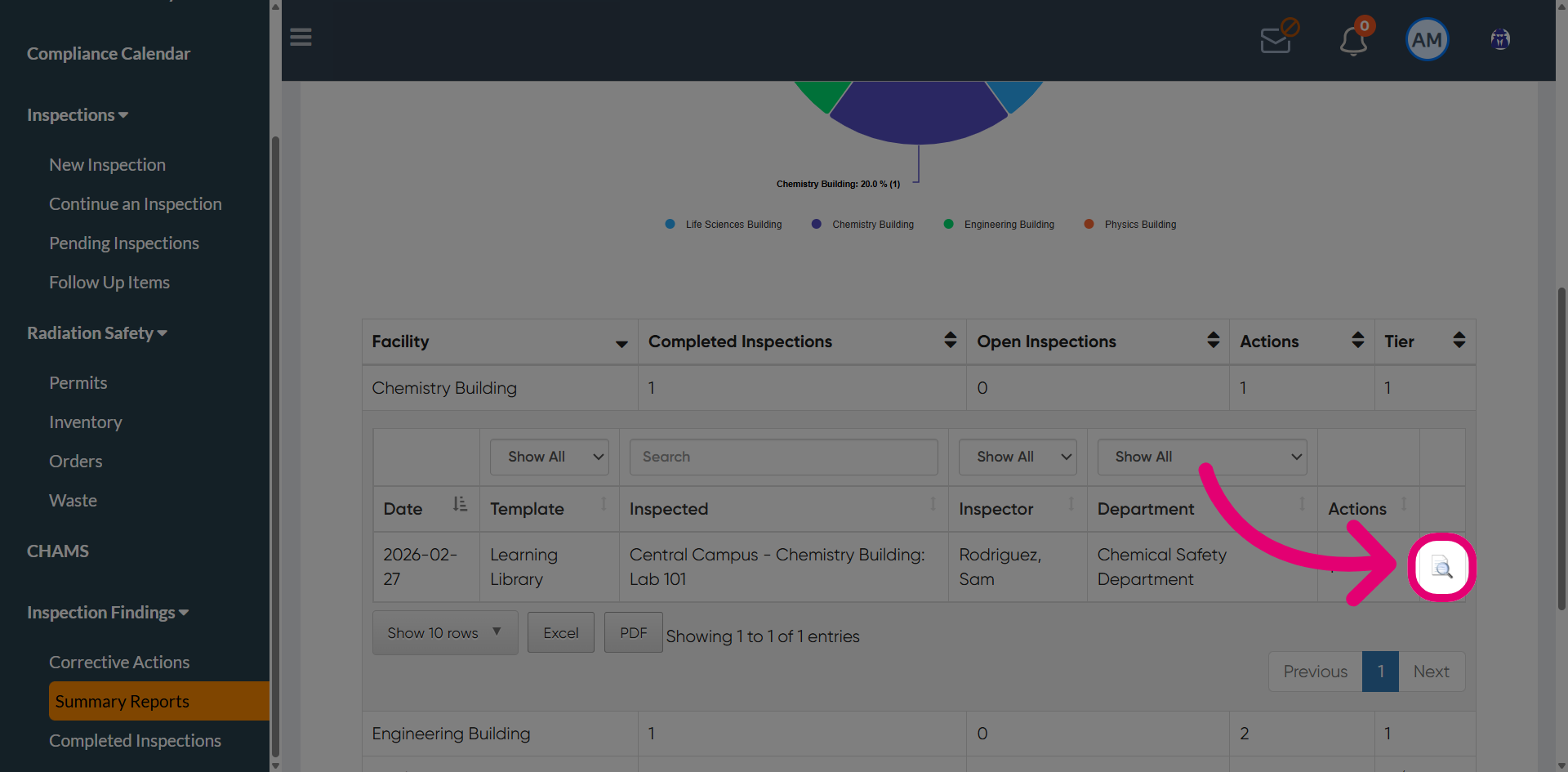
- When the Facility filter is applied, the table will display inspection and corrective action details.
- Click a specific facility to expand the table.
This will display additional details, including inspection date, inspection template, inspector name, and inspection department.
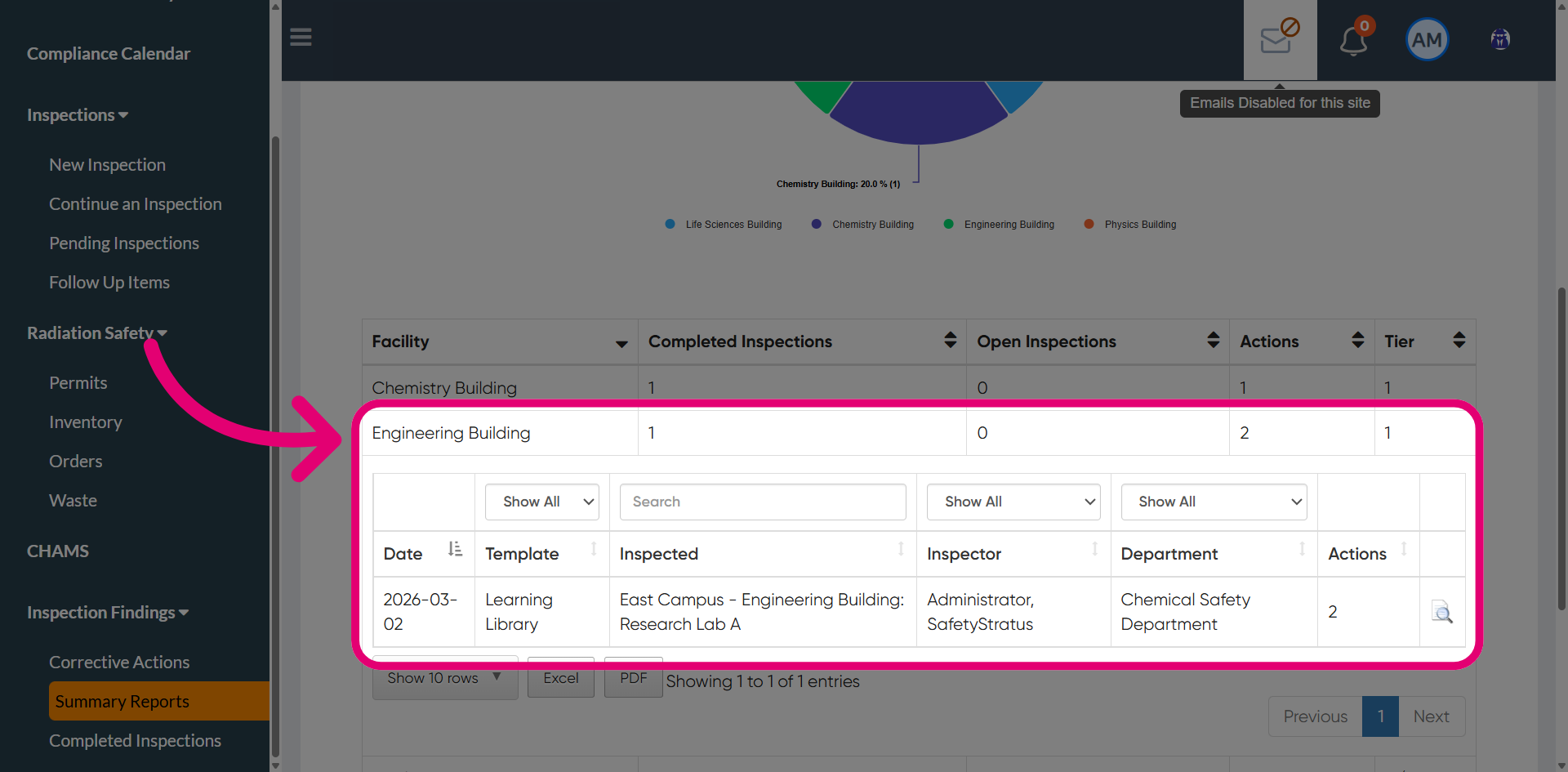
- Click View to review the detailed report for the selected inspection.