


New article
Recently updated
Editing a room type

Who is this article for?
Administrators responsible for room management.
Administrator role is required.
Room types let you categorise similar rooms within an organisation. This helps manage recurring inspections and reports efficiently, ensuring consistency across large organisation.
This article explains how to edit a previously created room type within the platform.
1. Editing a room type
To edit an existing room type:
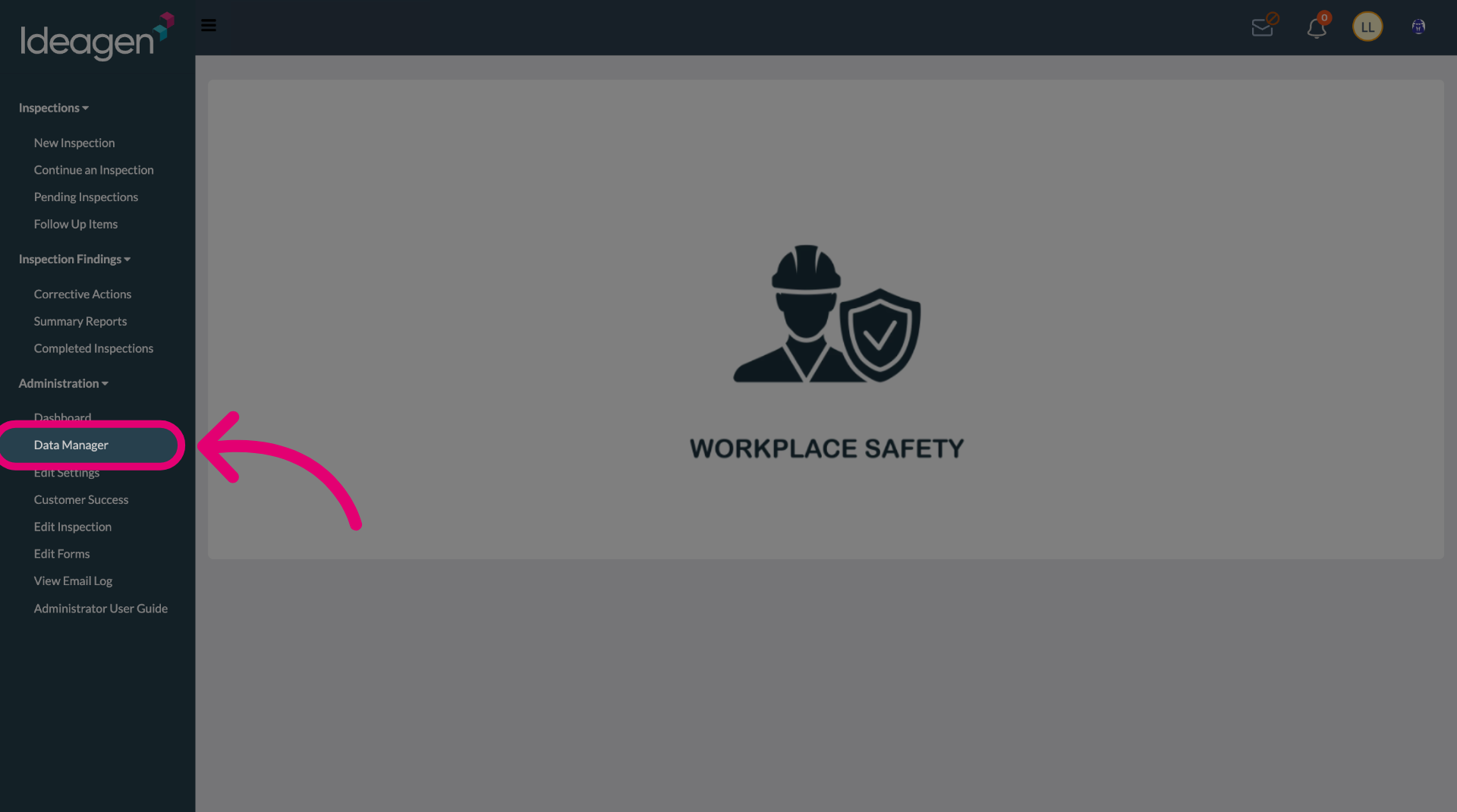
- Open the Administration menu.
- Select the Data Manager.
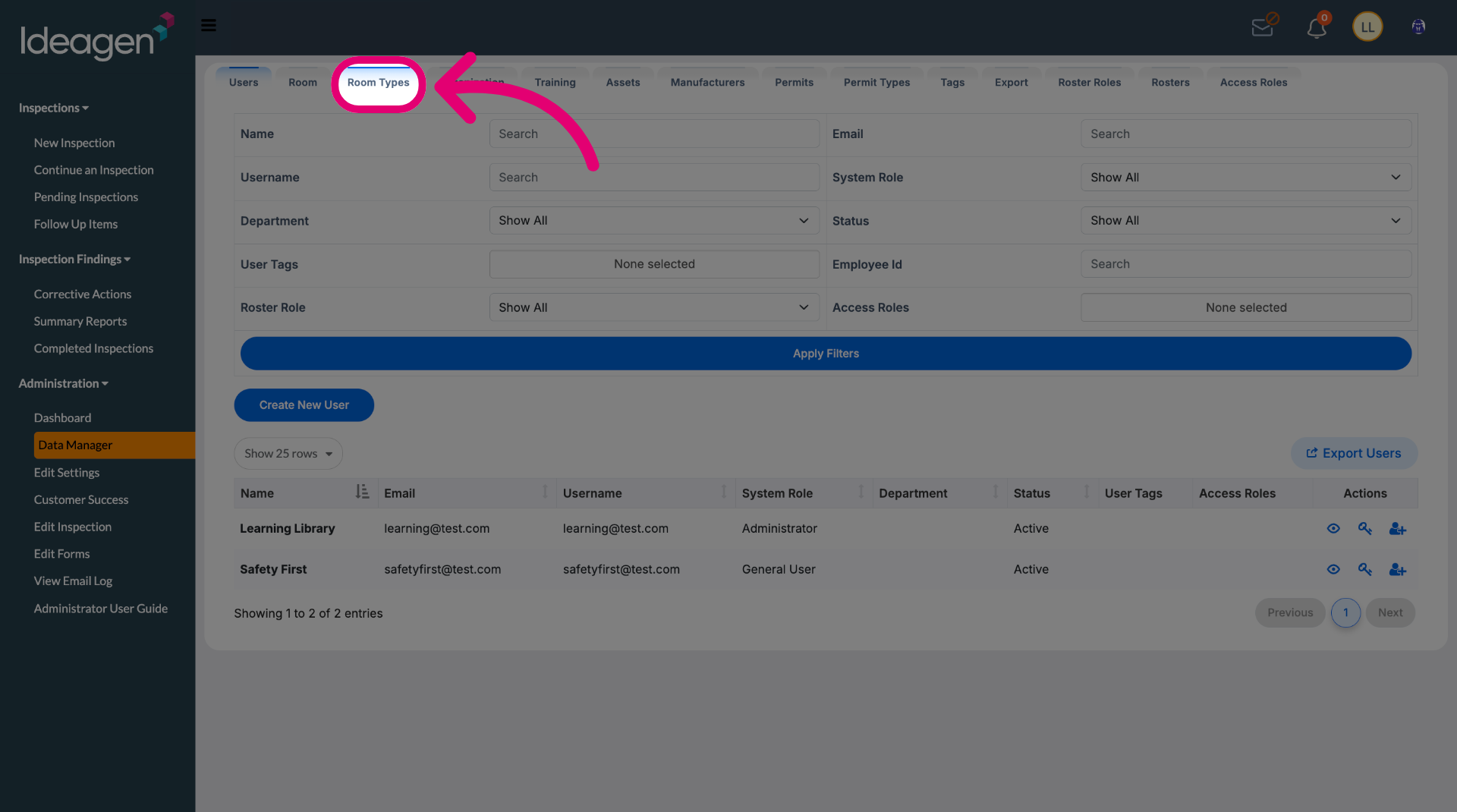
- Switch to the Room Types tab.
- Click Edit (Pencil icon) next to the room type.
- Update details as needed.
- Click Save.