New article
Recently updated
Editing a product entry

Who is this article for?
Administrators that want to learn to edit product data.
Administrator permissions are required.
You can modify existing catalog entries to update product information whilst maintaining data integrity for products already sourced from the catalog.
1. Editing a product entry
To edit a product entry, follow these steps:
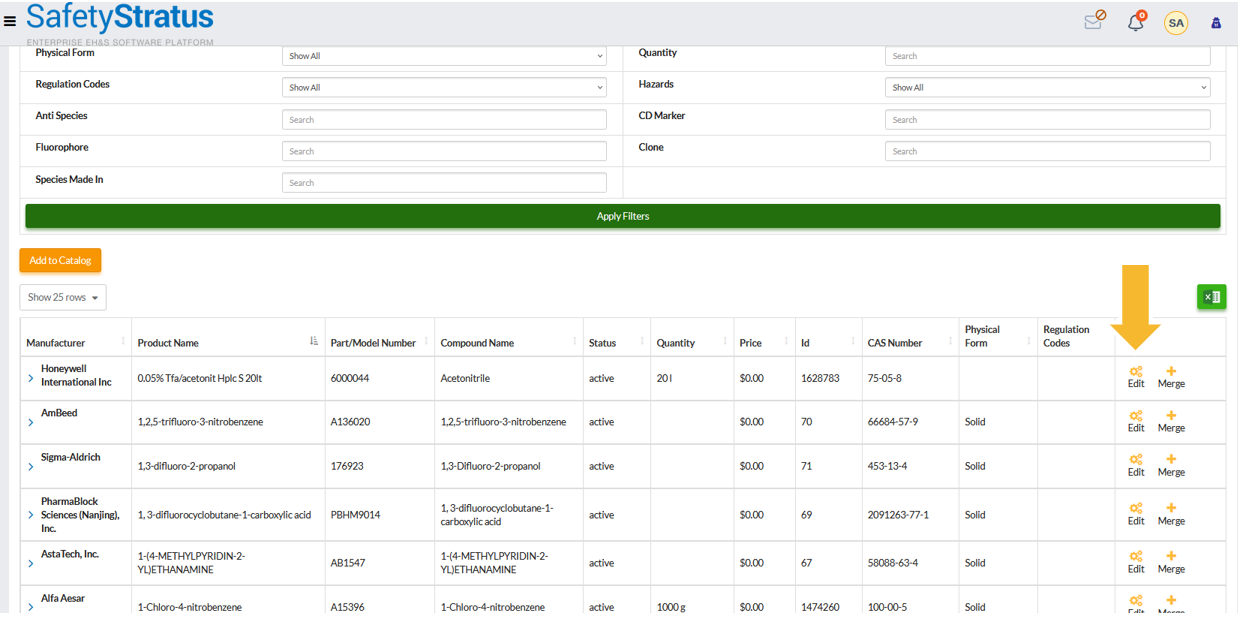
- Go to Data Manager, then select Catalog, then choose Chemical Products.
- Locate the product line item you want to edit.
- Click the Edit icon to open the editable fields.
Note: Only select fields can be updated for products already sourced from the catalog to maintain data integrity.