


New article
Recently updated
Approving a chemical disposal request

Who is this article for?
Administrators responsible for chemical disposal management.
Administrator role is required.
This tutorial provides a step-by-step overview of managing chemical inventory disposal requests.
Learn how to review, approve, or reject disposal requests through the Chemical Inventory module.
1. Approving disposal requests
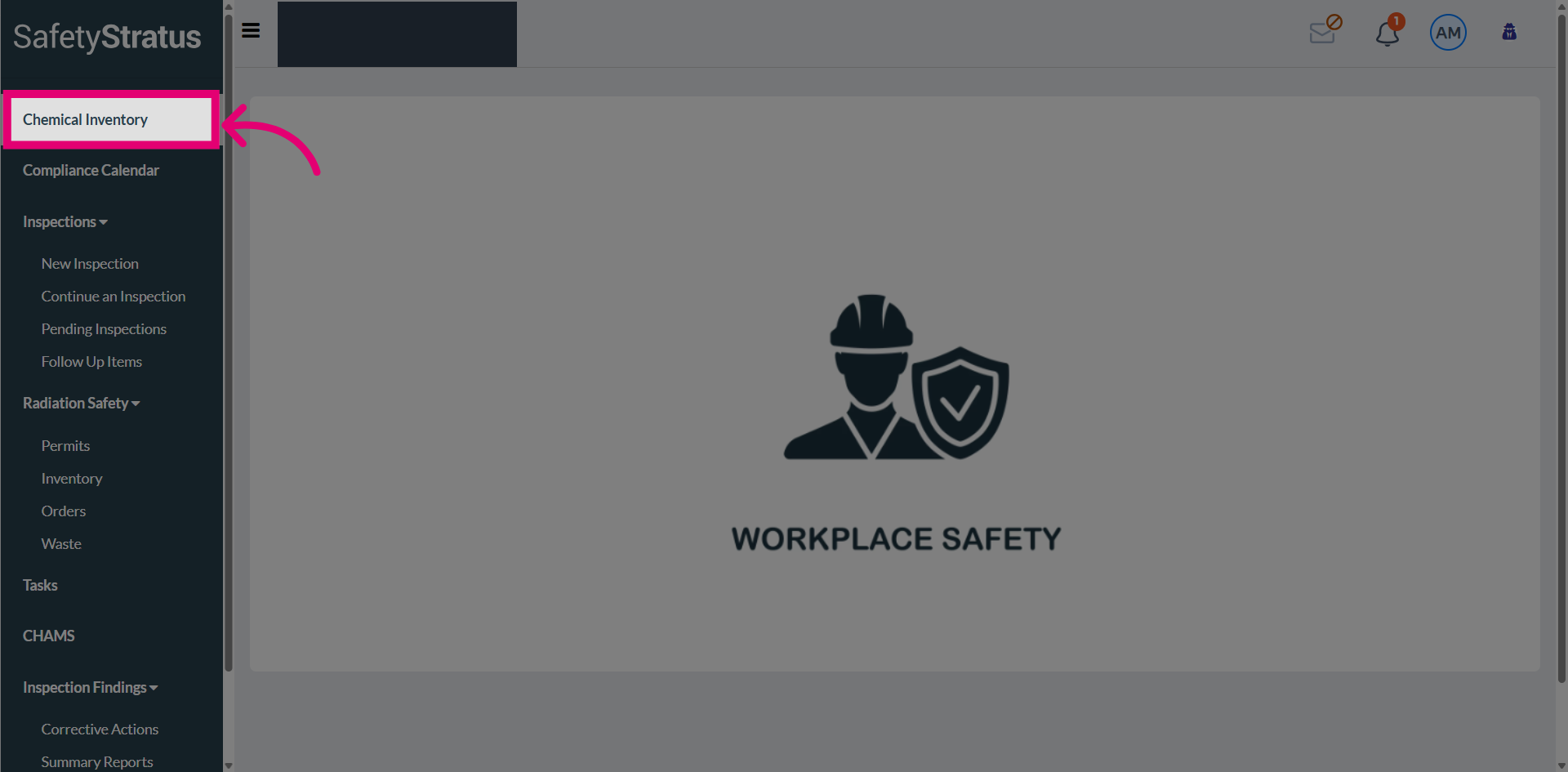
Select the Chemical Inventory tab to access and manage all related chemical inventory data.
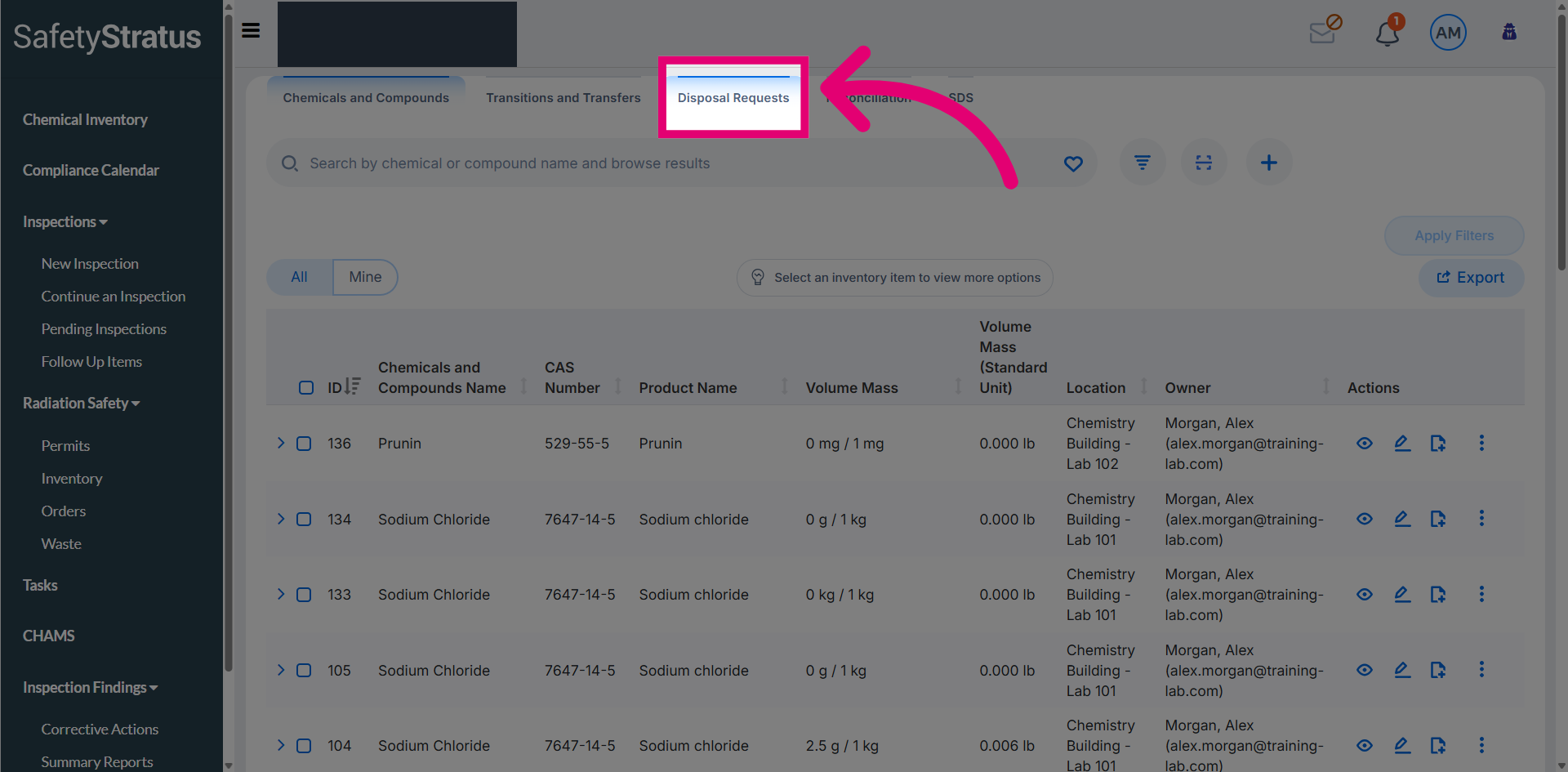
Navigate to Disposal Requests to review pending chemical disposal submissions. These requests are visible to users assigned with the designated approver tags.
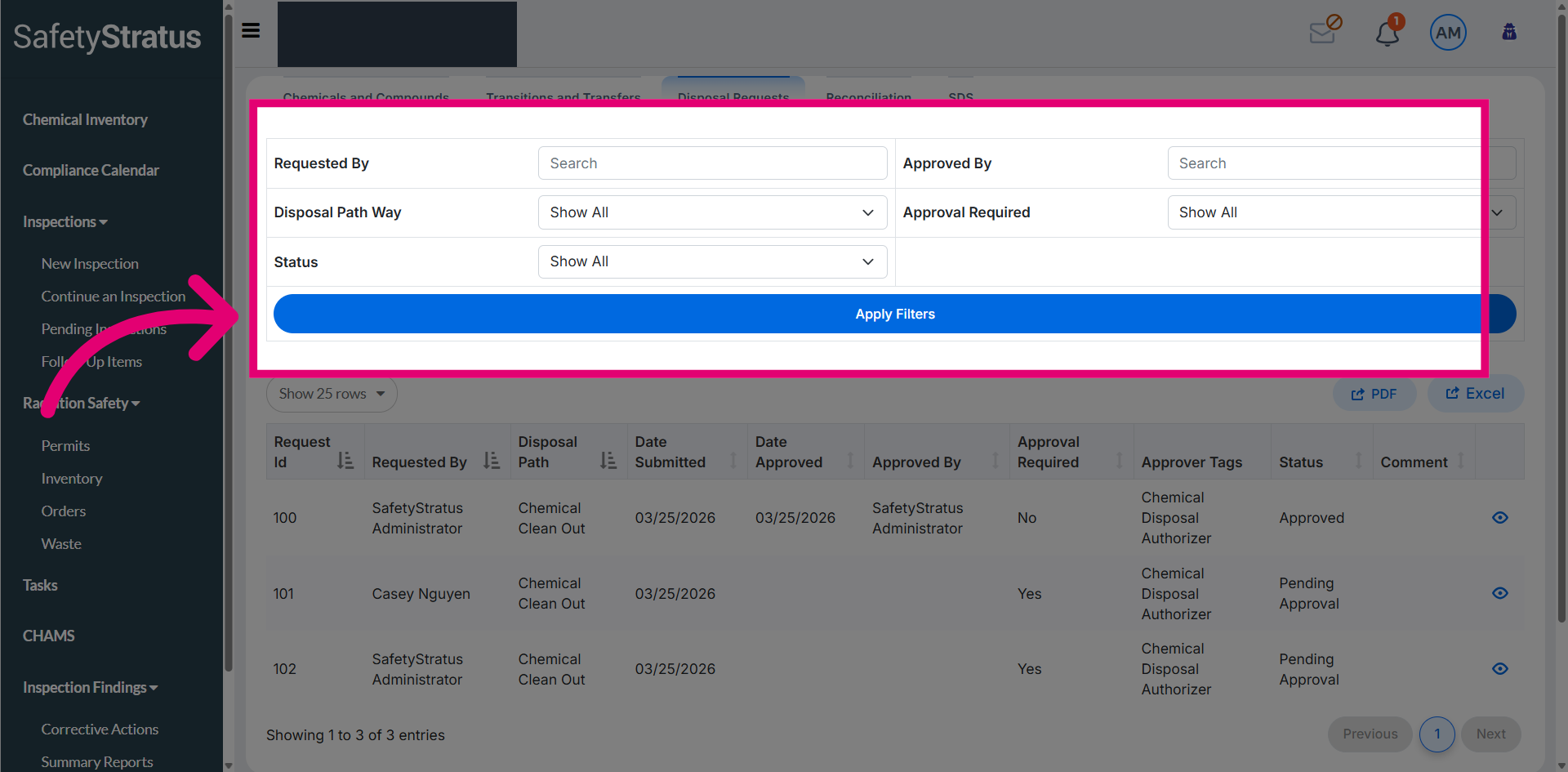
Use the available filters to refine and view disposal requests based on specific search criteria.
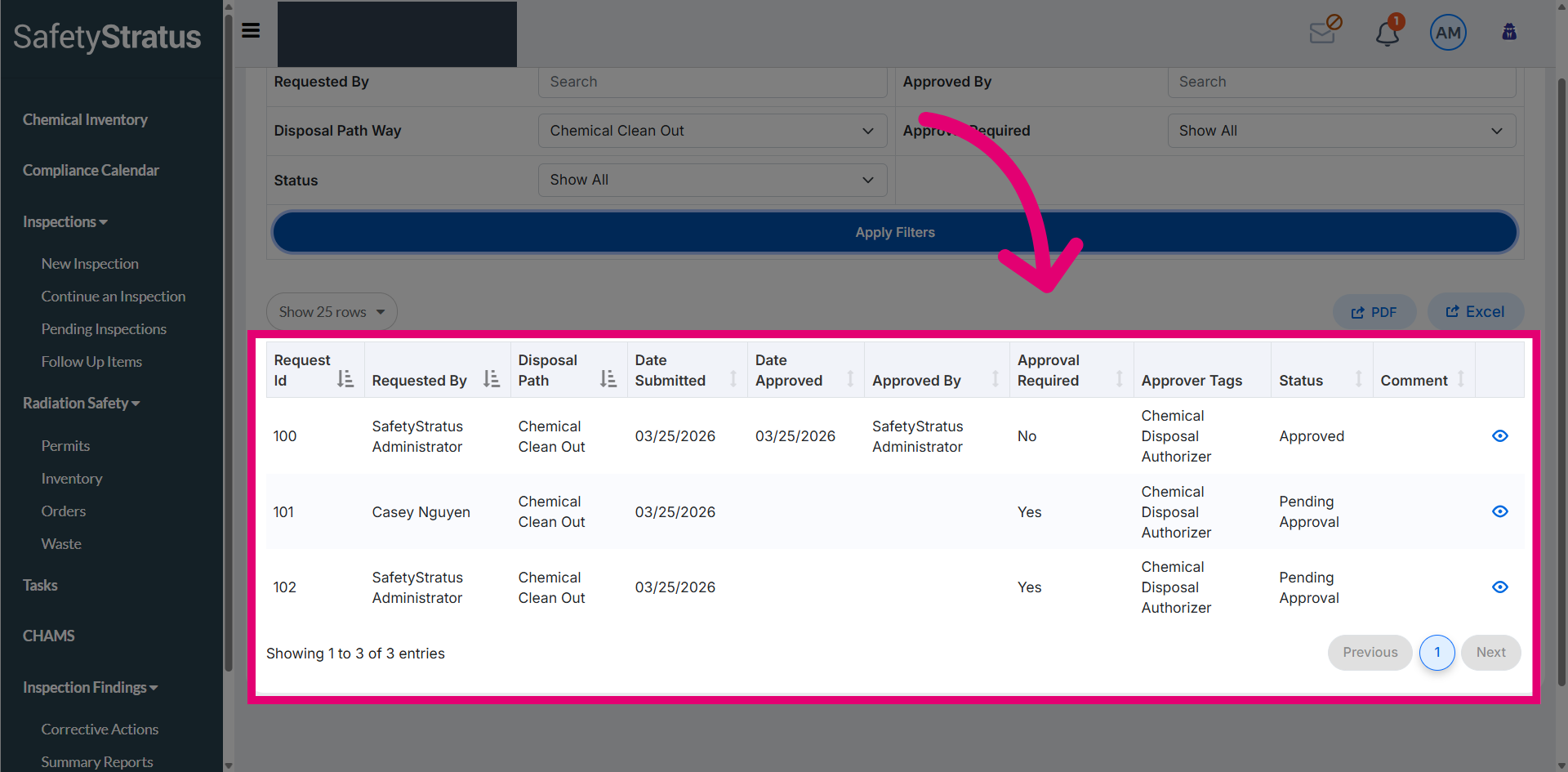
Review the data table that displays a list of disposal requests currently pending approval.
Select a request for review to open the request details and review information before proceeding with further actions.
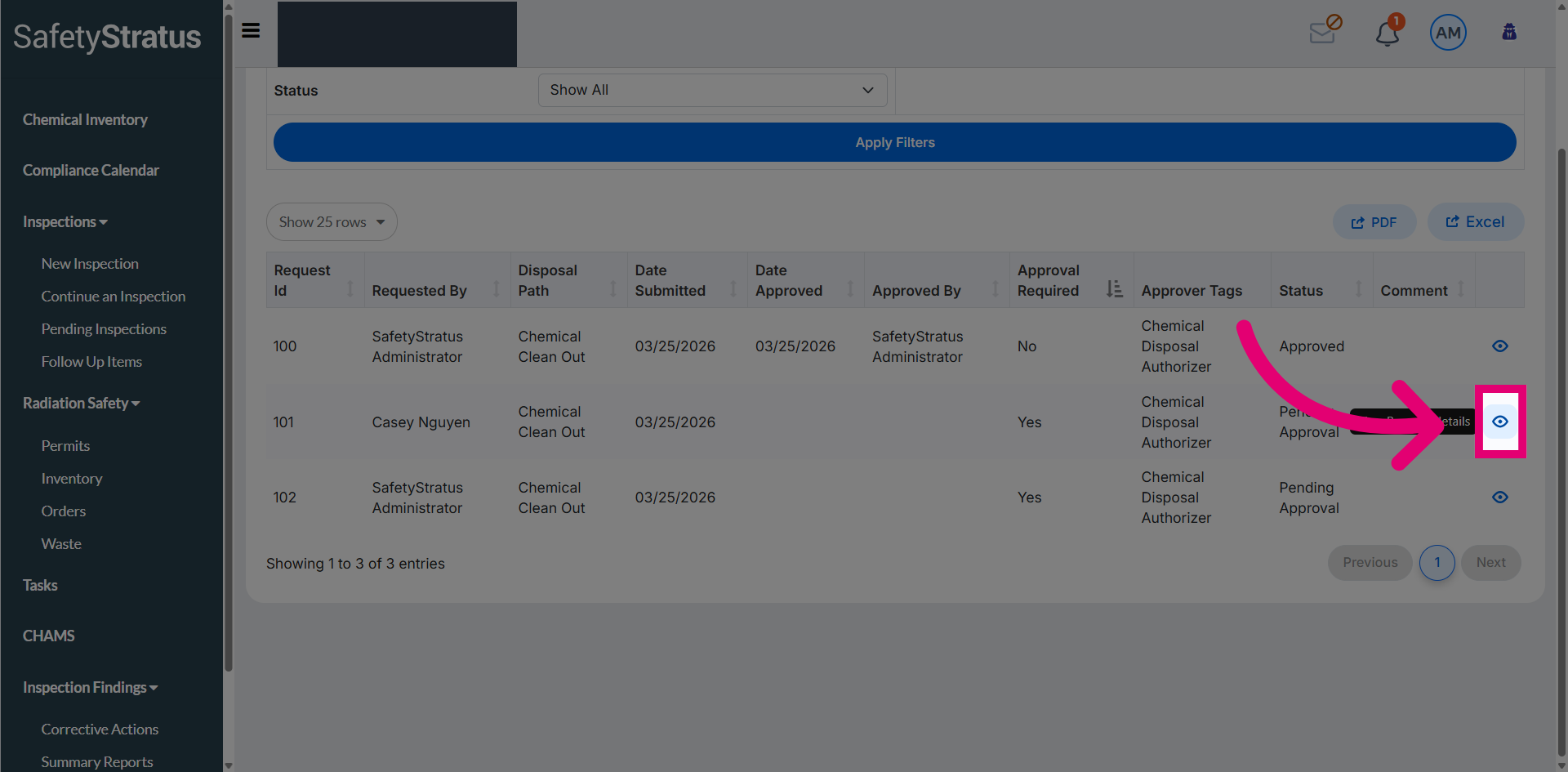
Choose from two available actions: approve the request to proceed with disposal, or reject it to decline the disposal request.
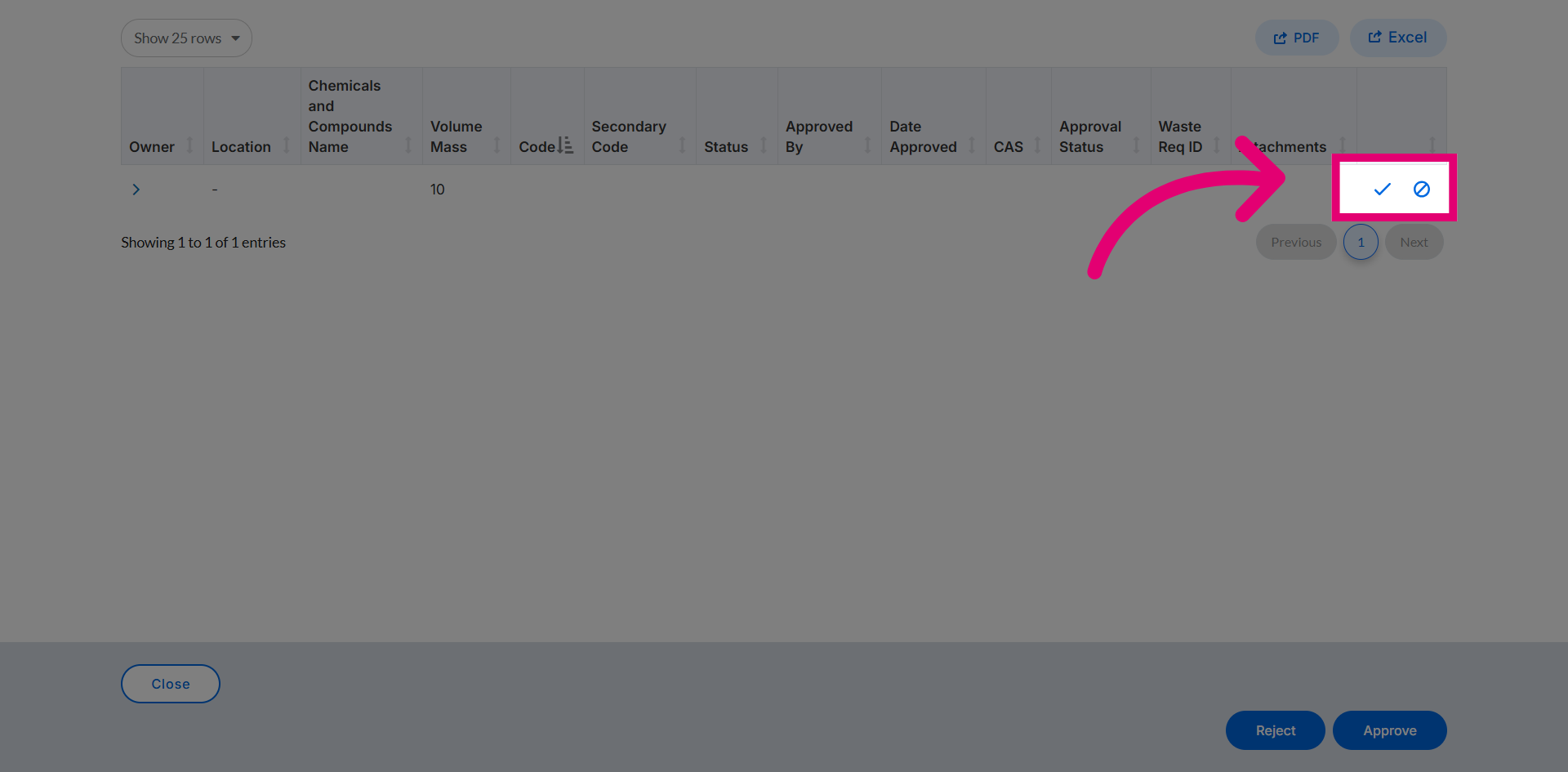
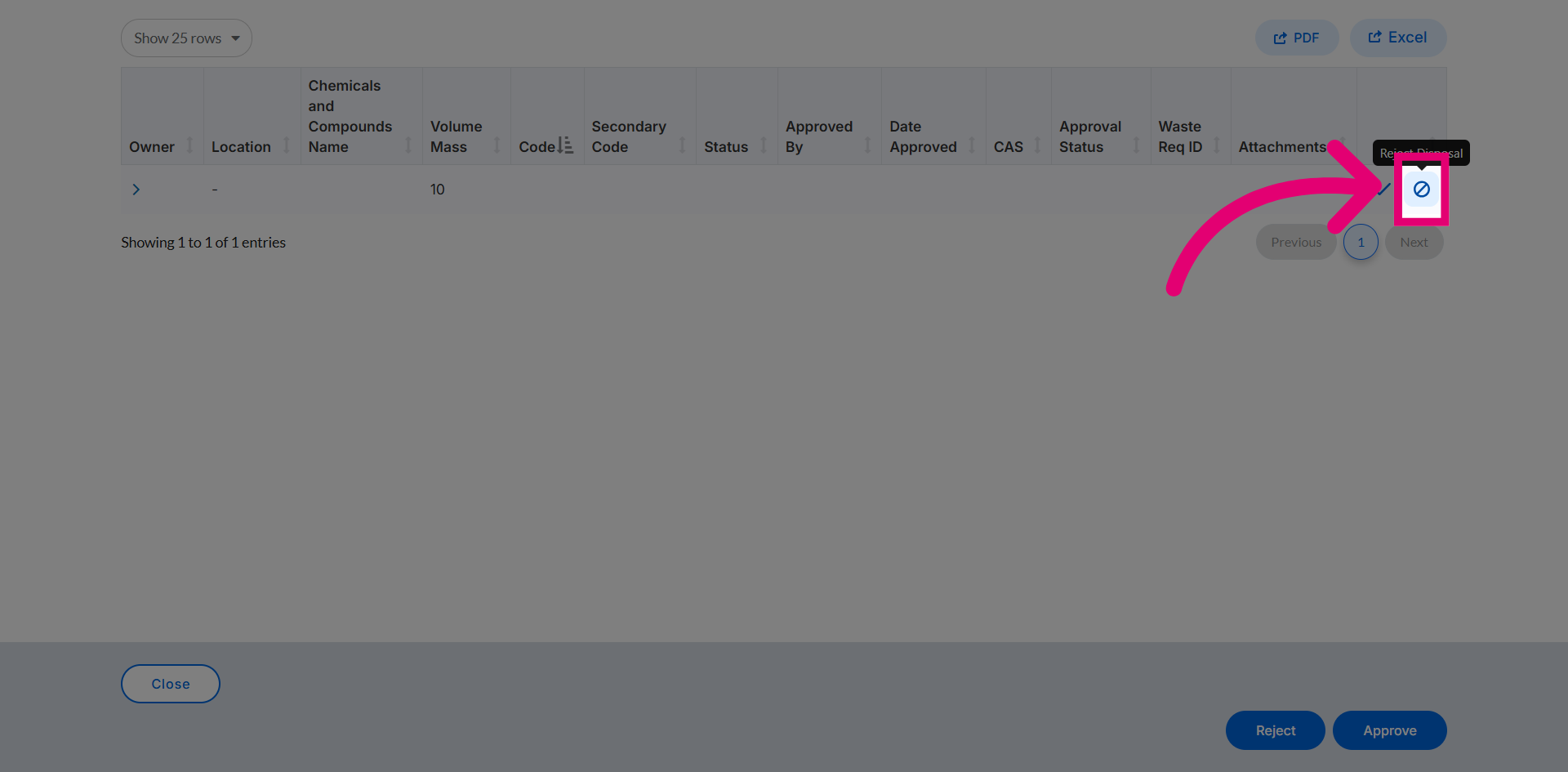
Click Reject Request to decline the disposal request.
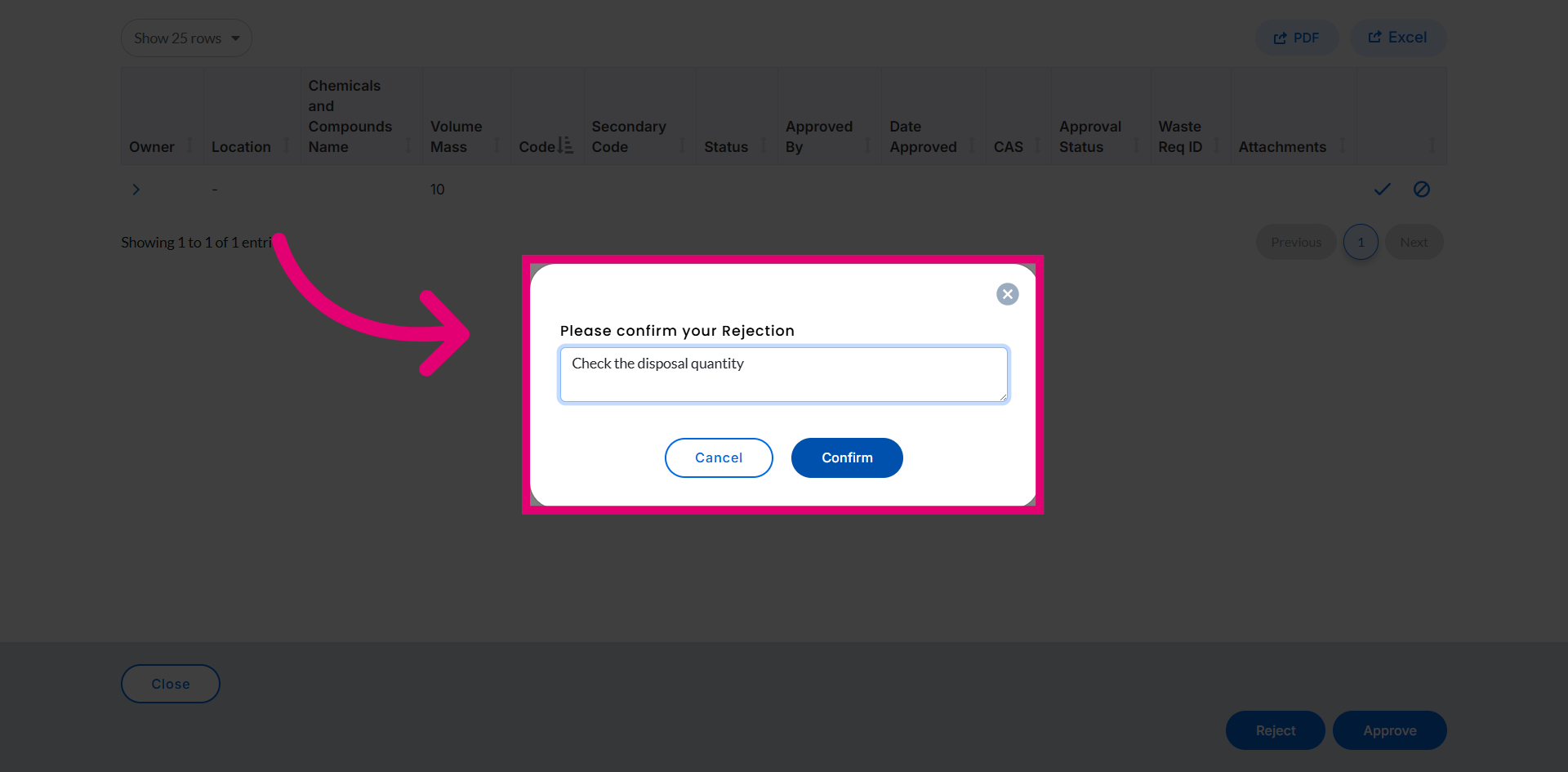
Provide a reason for rejection, then confirm the action to decline the disposal request.
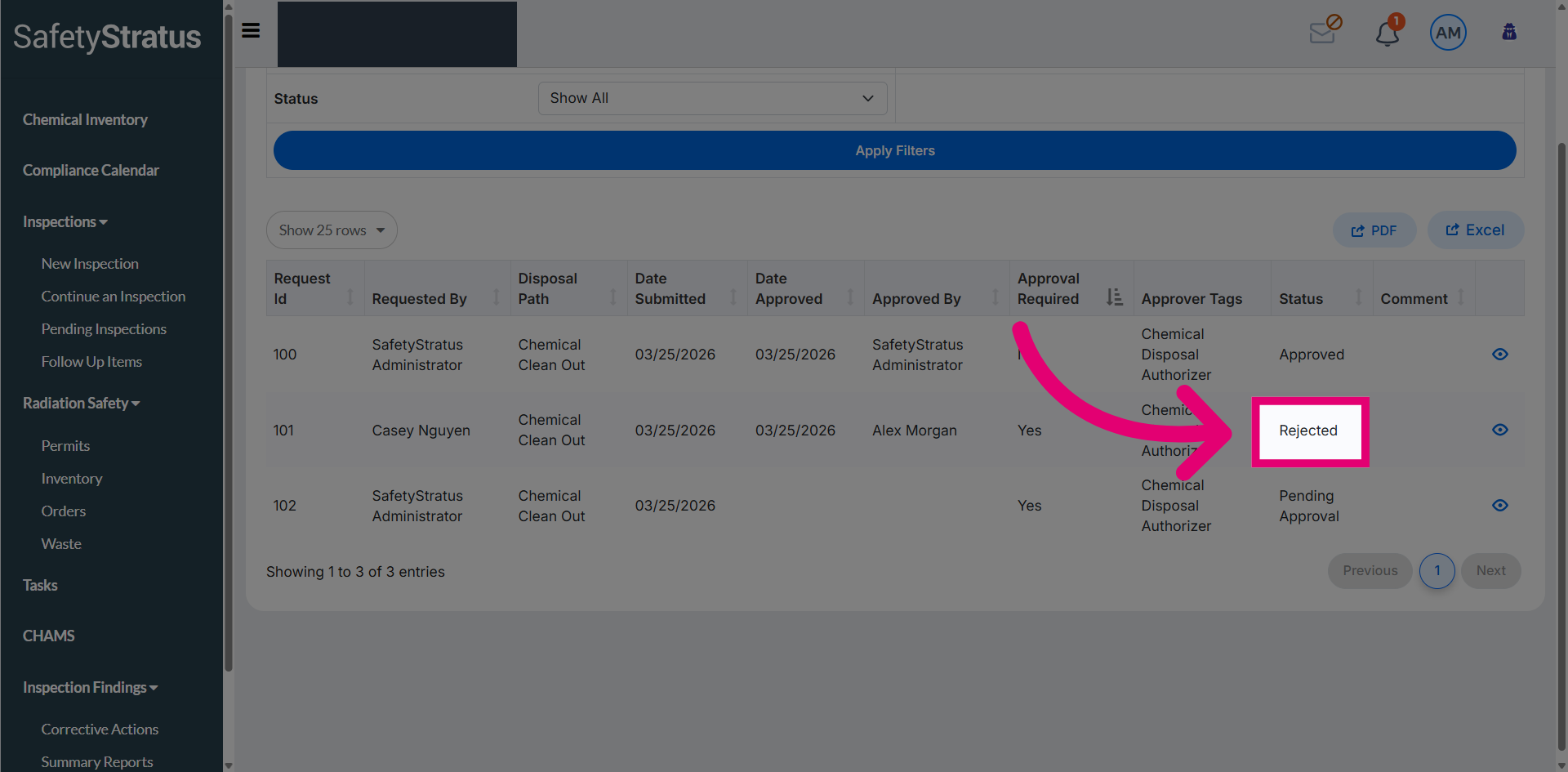
The disposal request status is now updated to Rejected.
Note: Approved containers are removed from the owner’s active inventory, while denied requests remain pending until corrected or withdrawn.