New article
Recently updated
Reconciling unidentified items

Who is this article for?
Users performing an inventory reconciliation.
Standard role and Reconciliation permissions are required.
Unidentified containers are containers found physically that do not exist in the system.
This article explains how to complete the reconciliation of unidentified items in your chemical inventory.
1. Completing a reconciliation
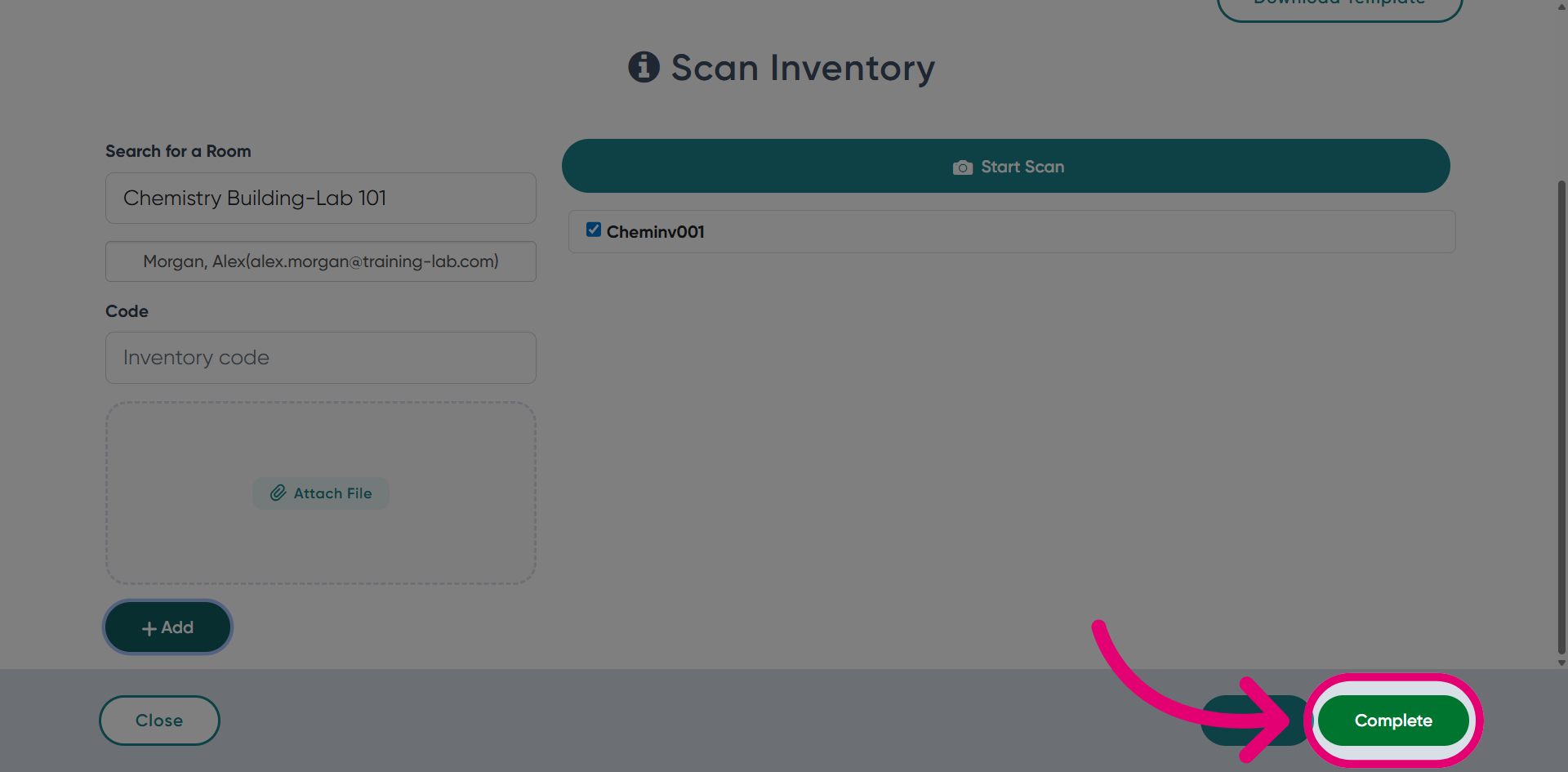
To complete a reconciliation of unidentified items:
- Navigate to Chemical Inventory.
- Switch to the Reconciliation tab.
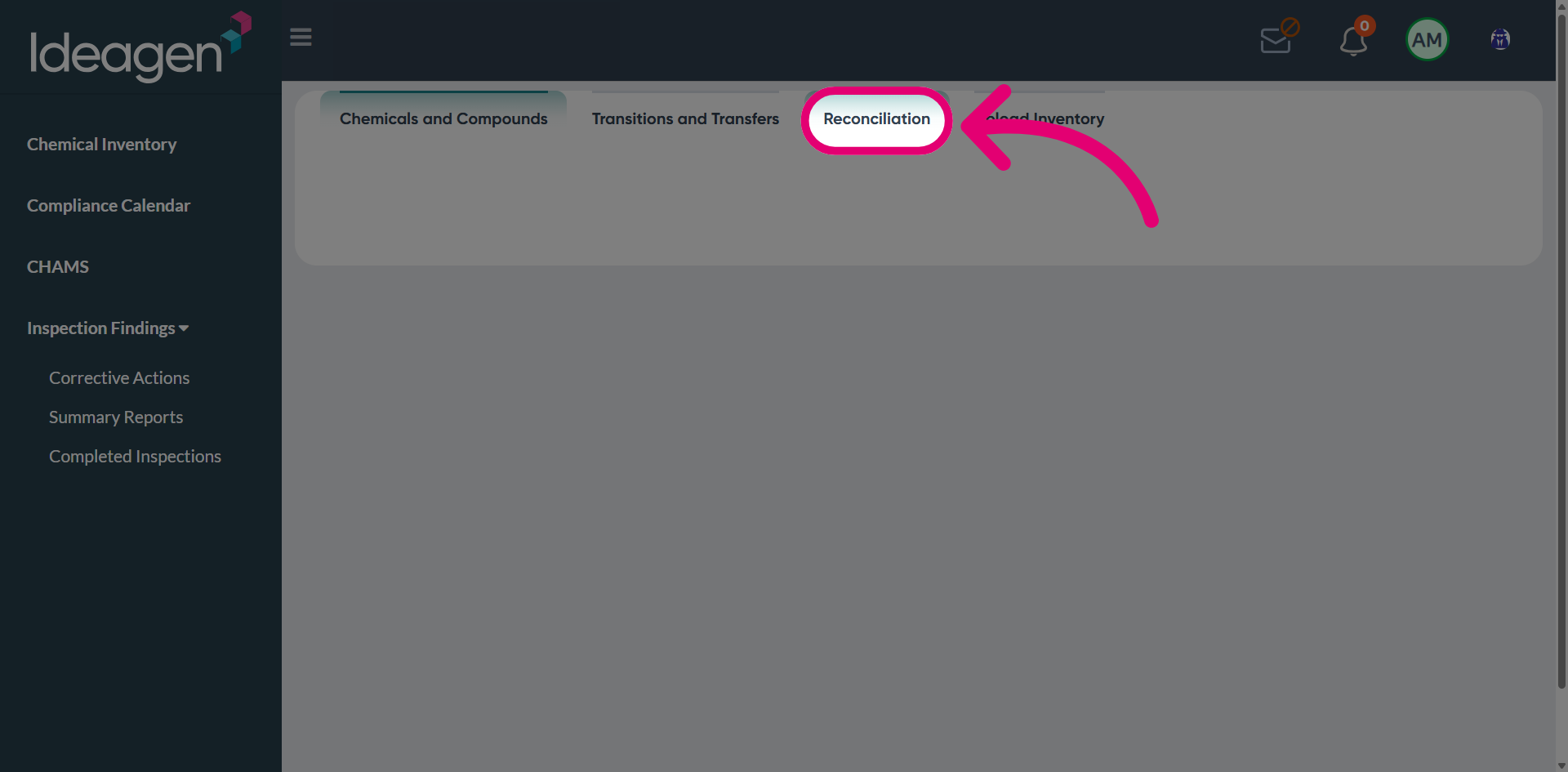
- Click Start Reconciliation.
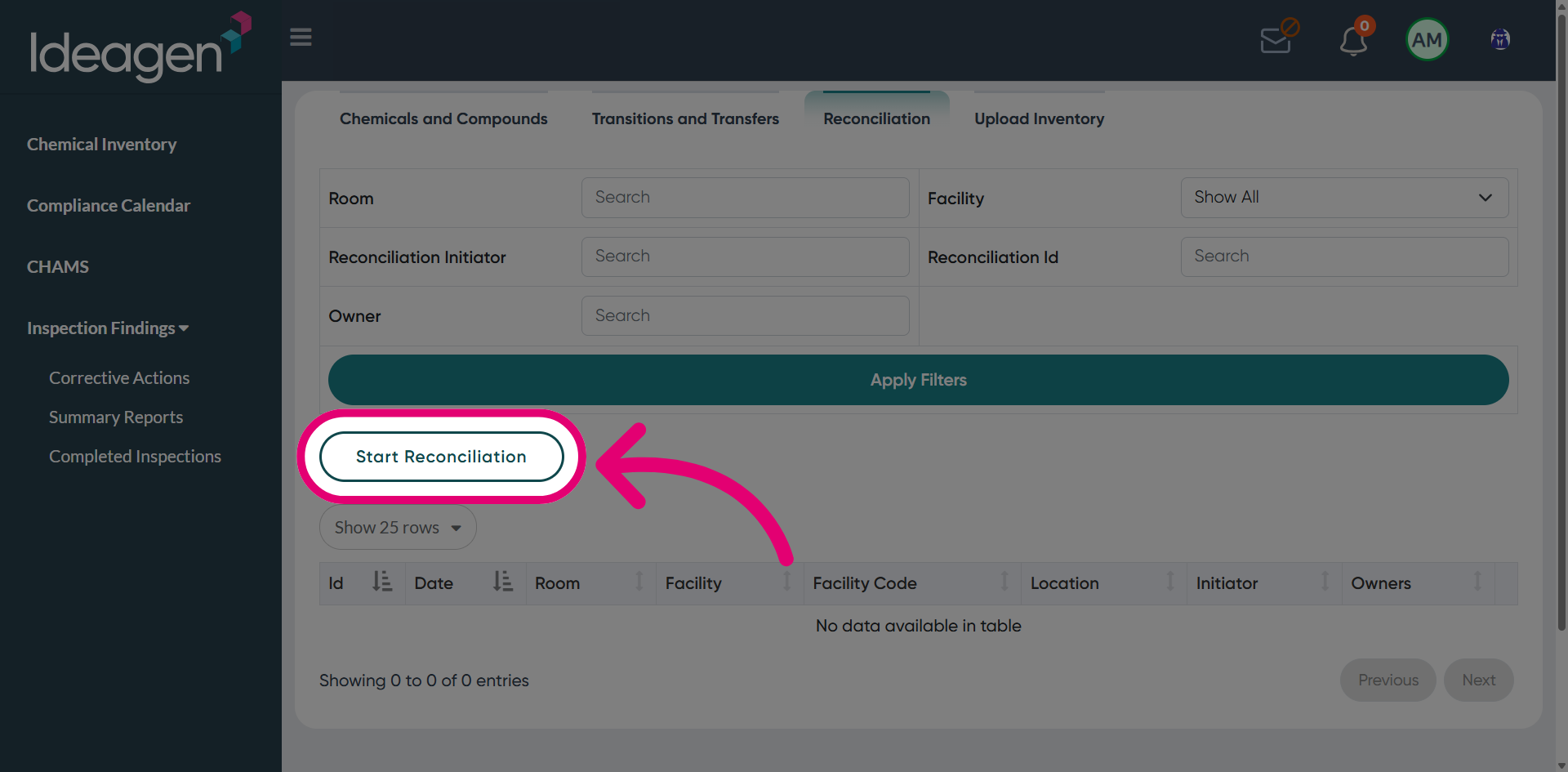
- Find the Room.
- Choose an Owner.
- Enter Inventory Code.
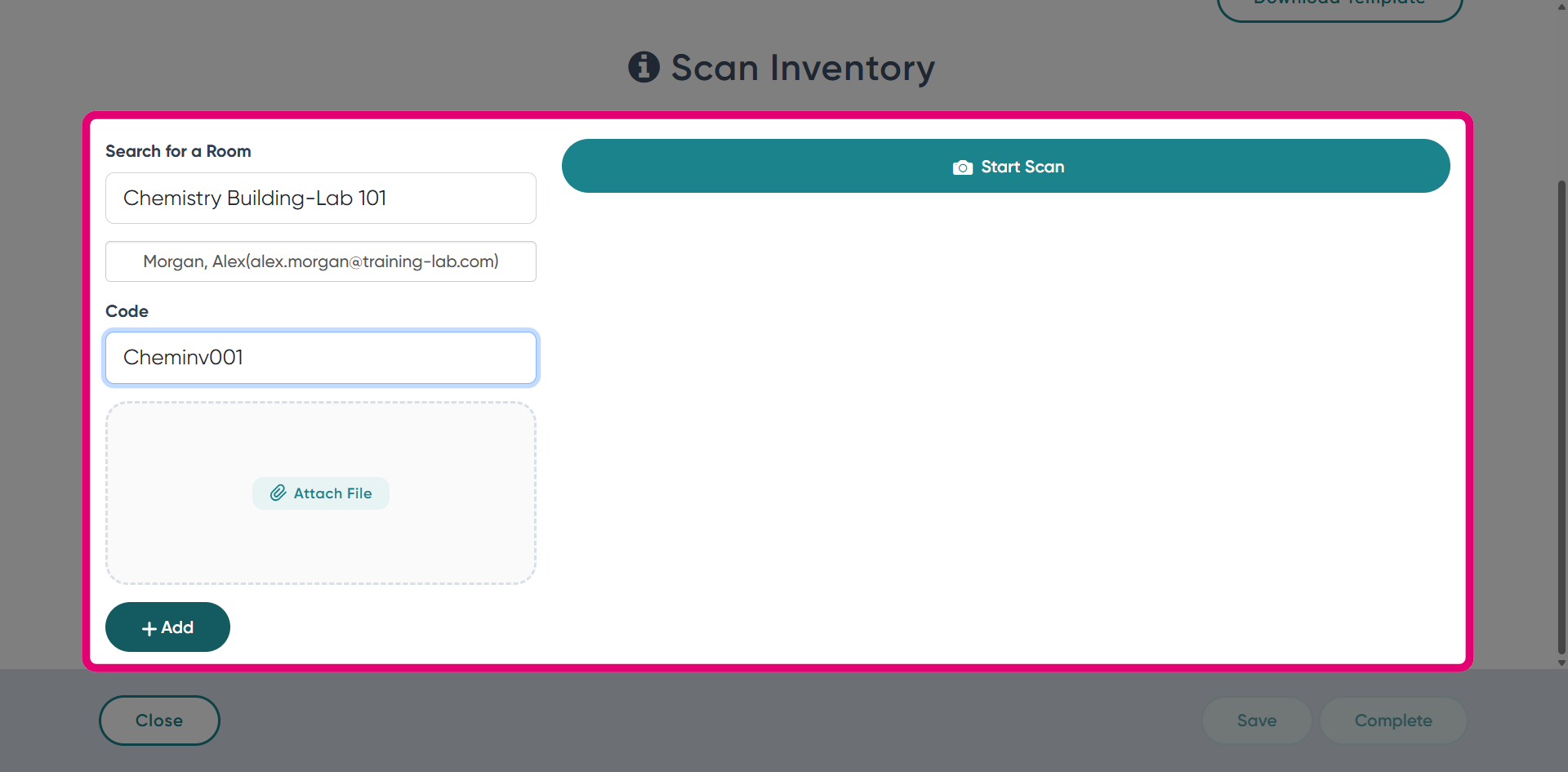
- Click Complete.
2. Viewing a reconciliation
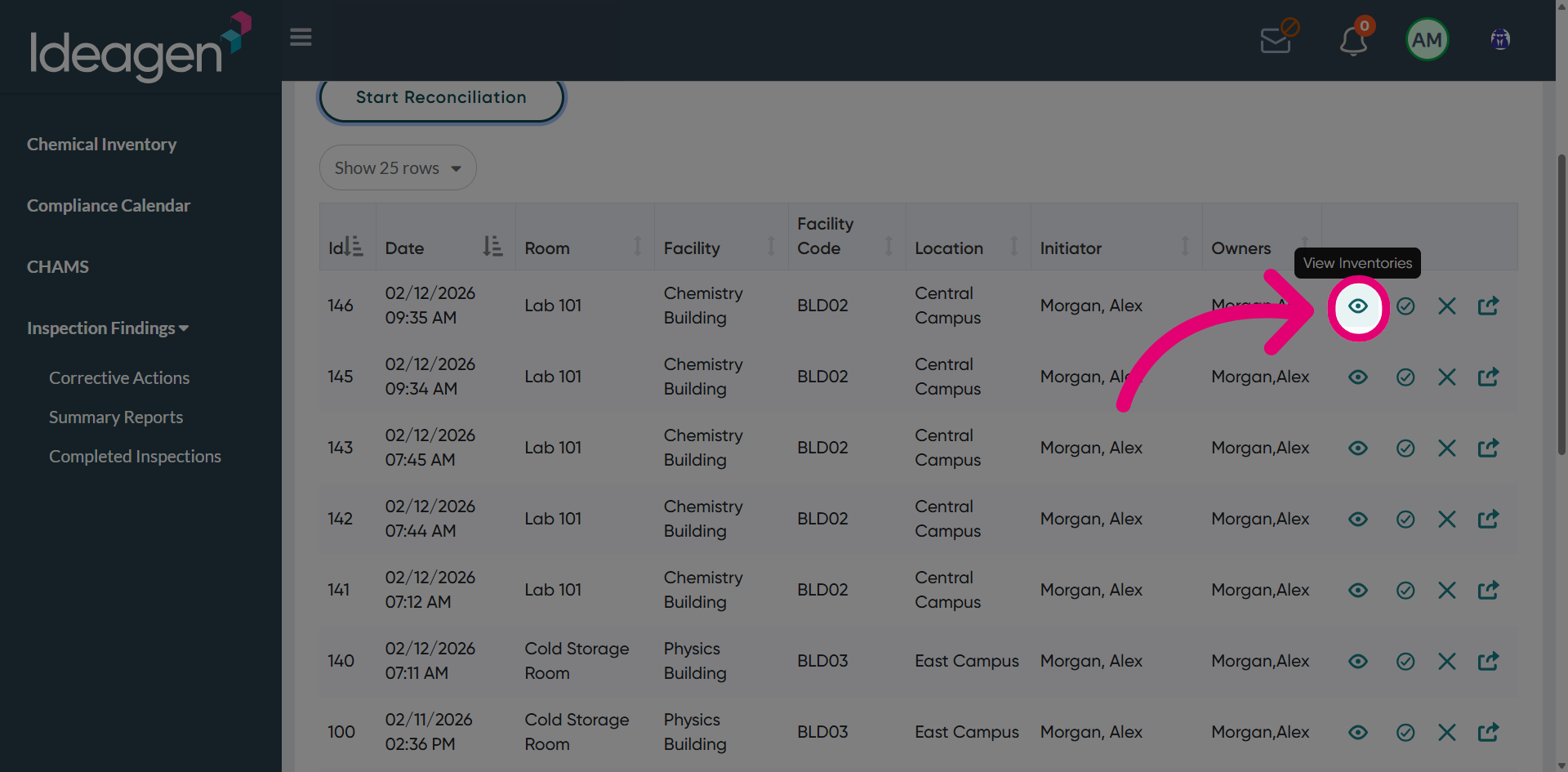
To view a reconciliation:
- Clicking View Inventories.
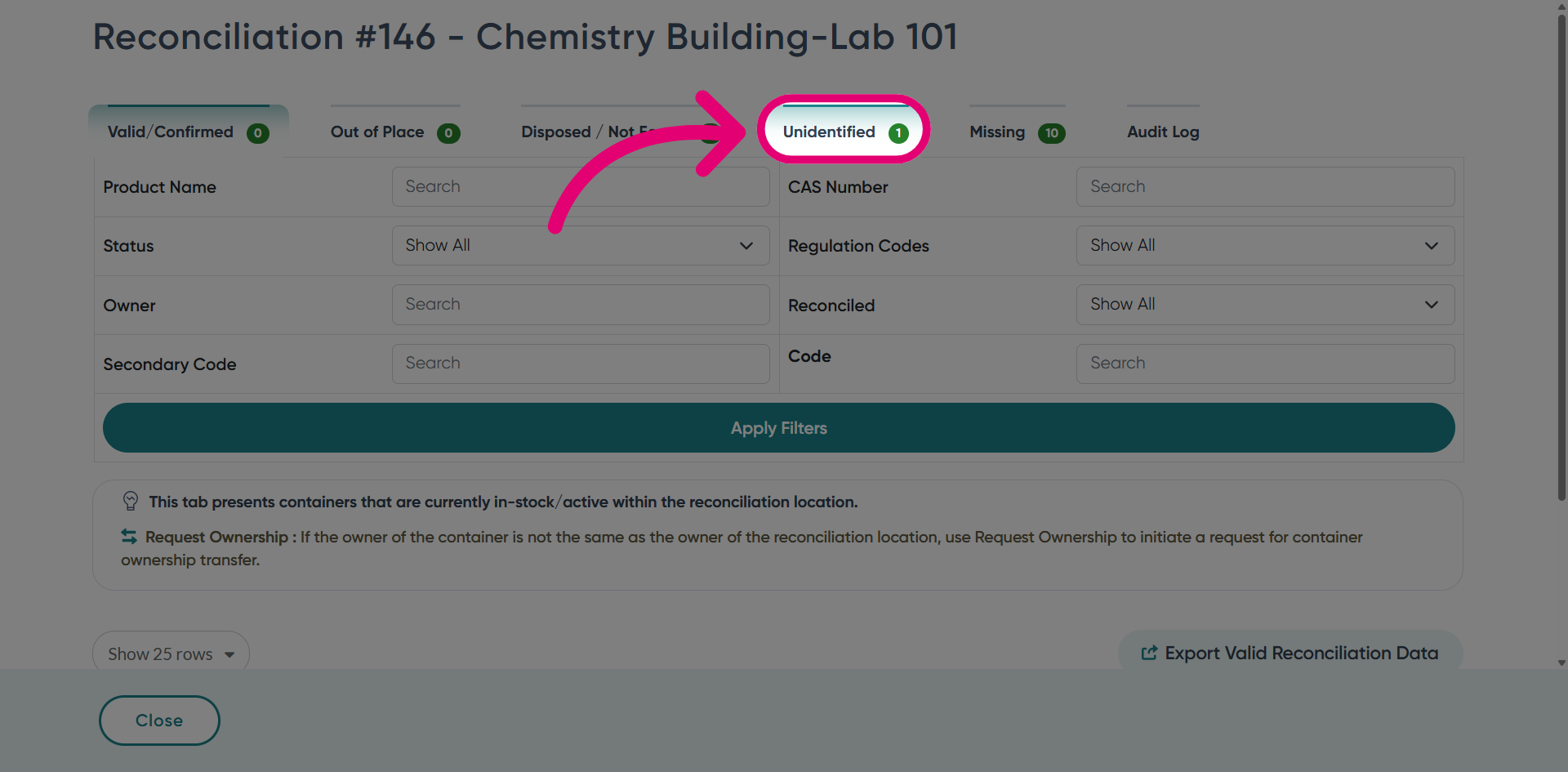
- Switch to the Unidentified tab.
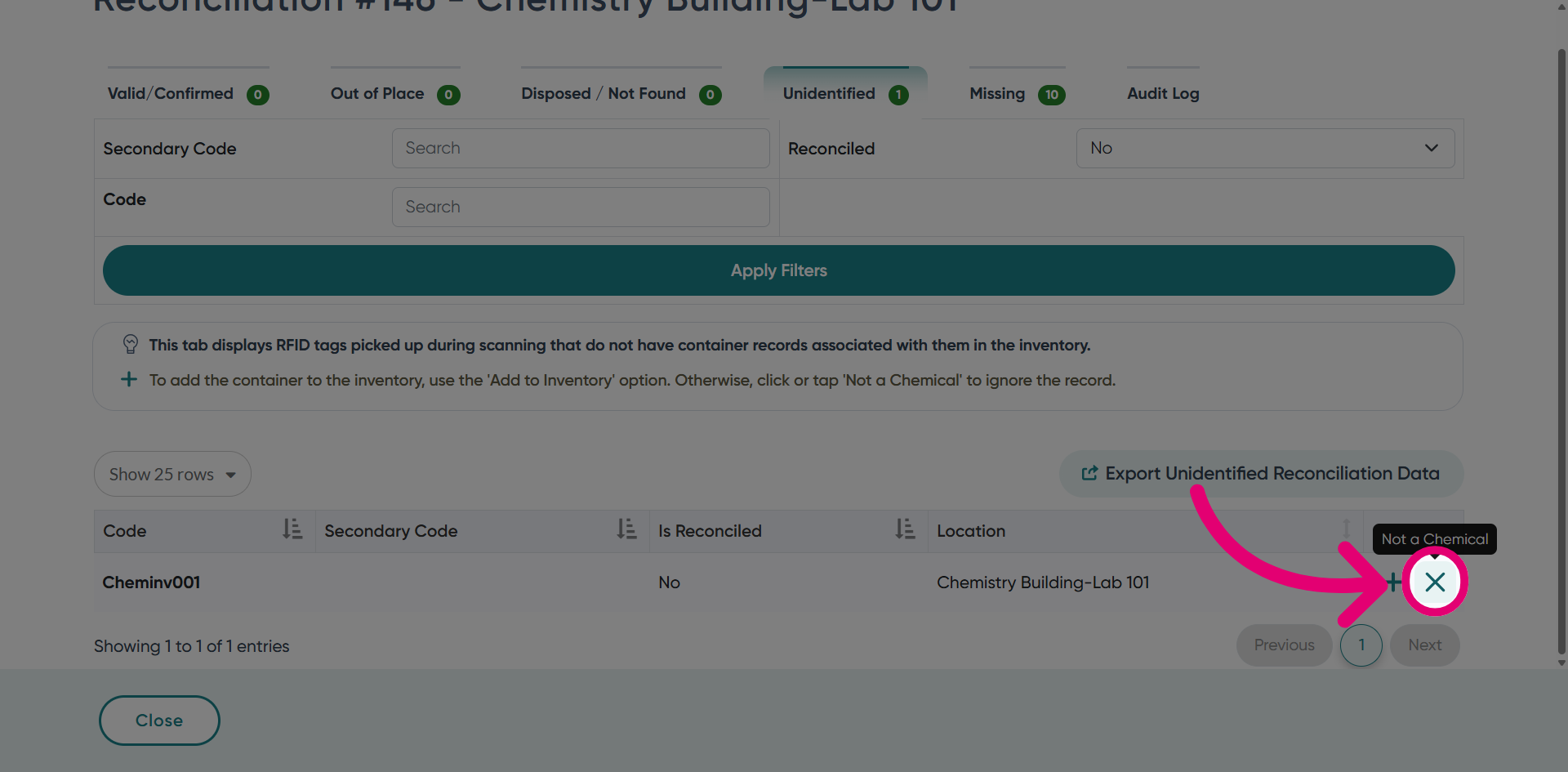
This tab displays items detected during scanning that are not associated with any container records in the system.
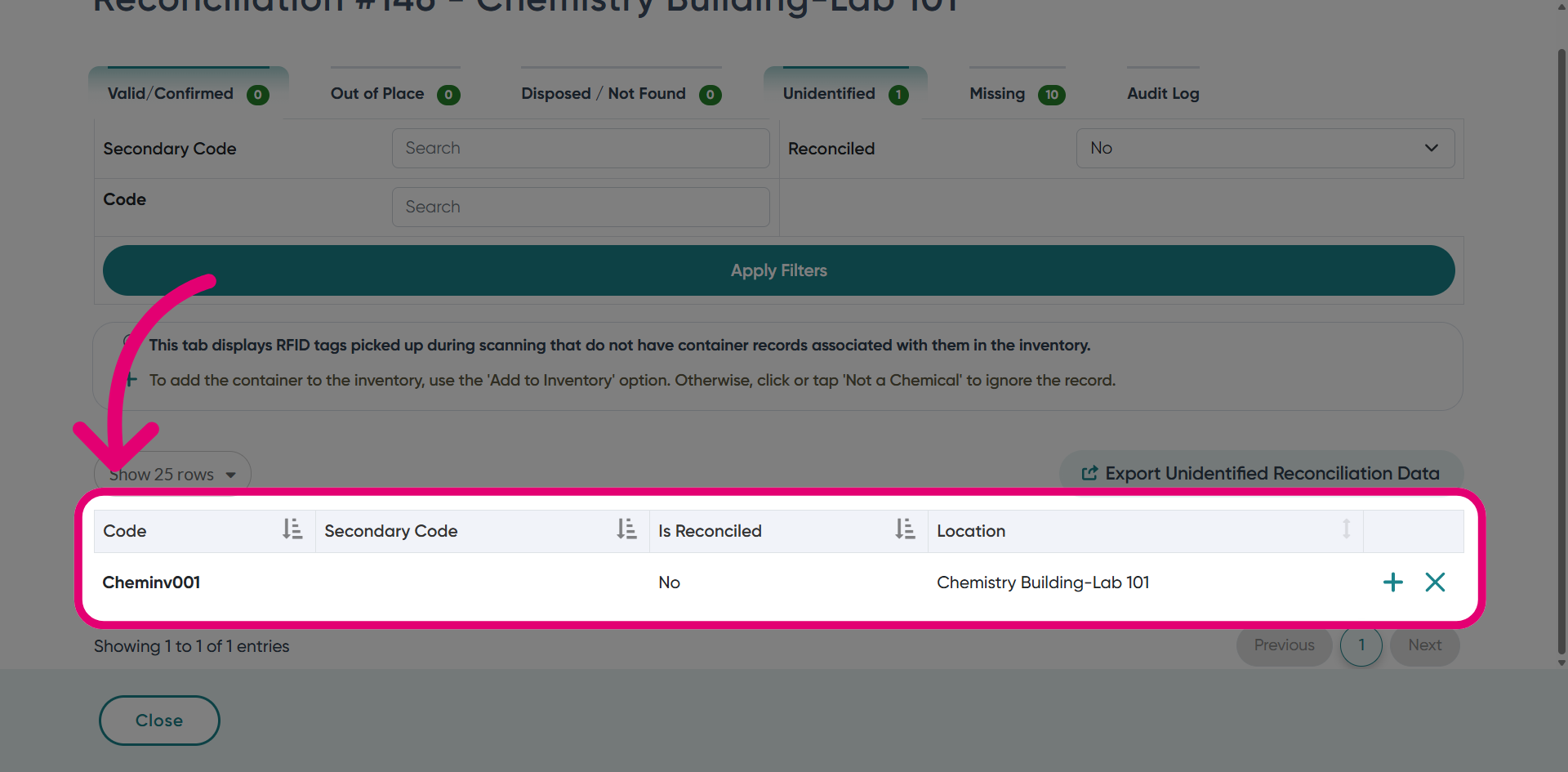
- Scroll down to view the reconciled item in the table below.
3. Actioning a reconciliation
3.1. Add to Inventory
Click Add to Inventory to add this container to the inventory.
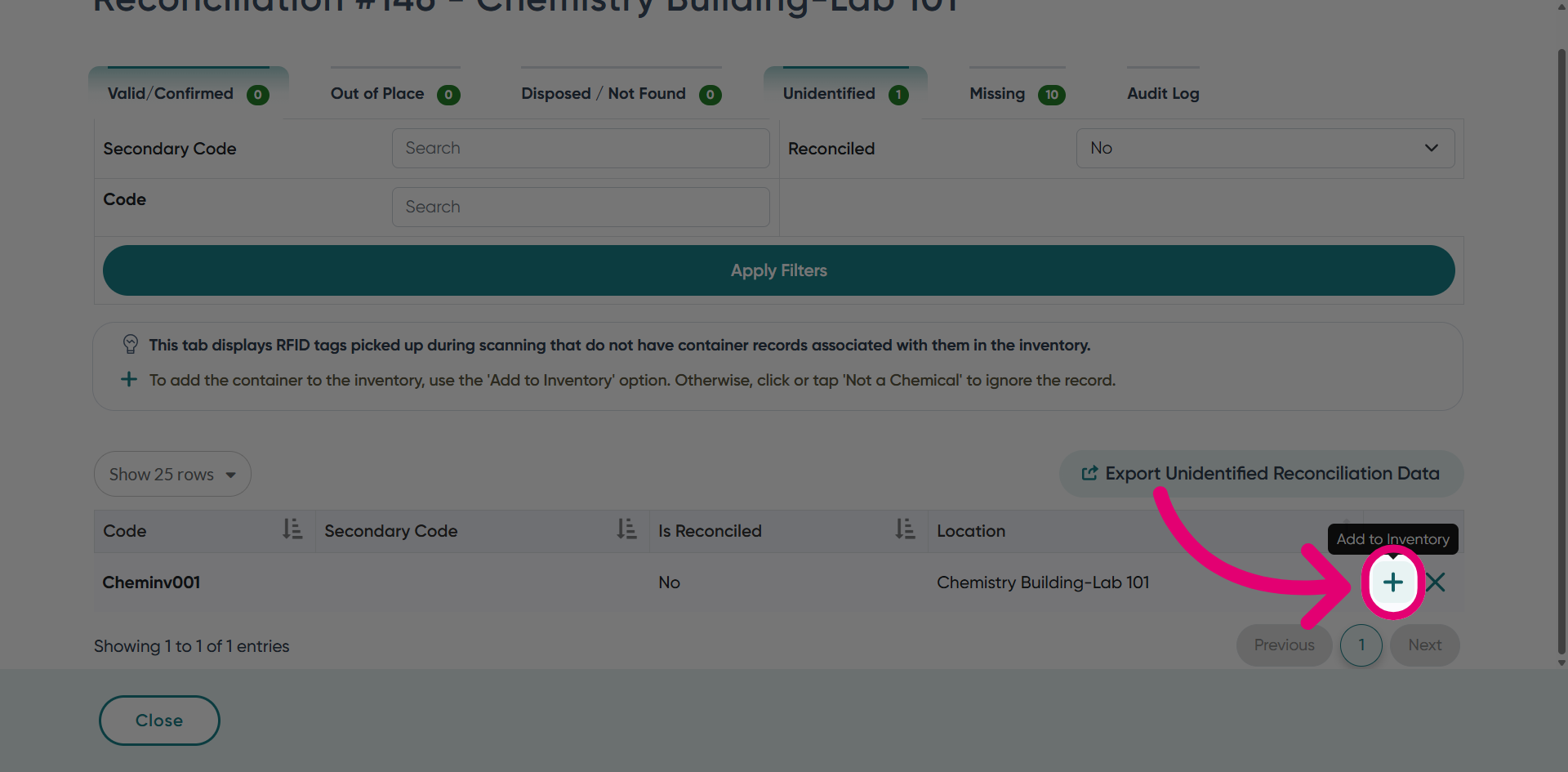
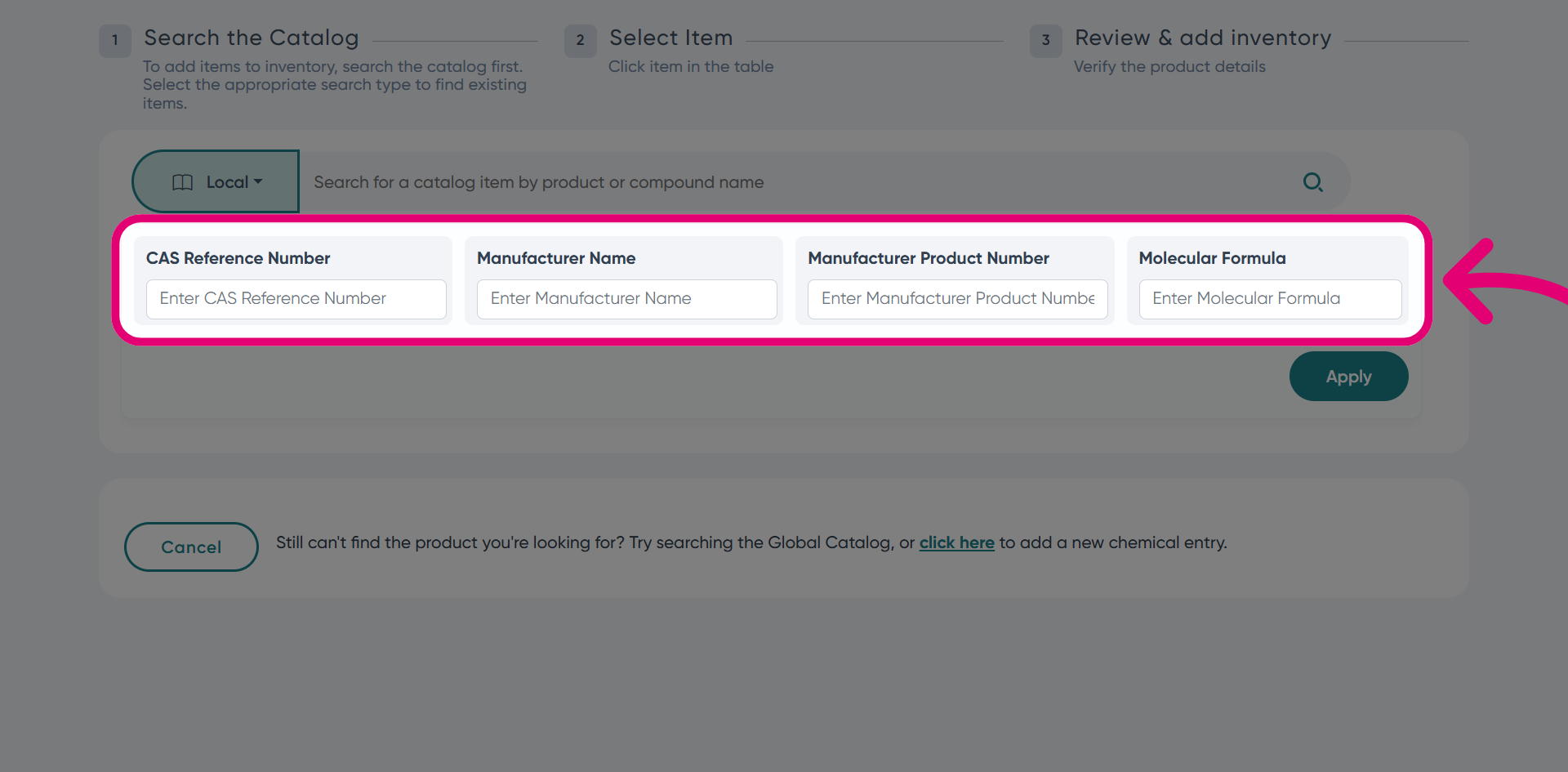
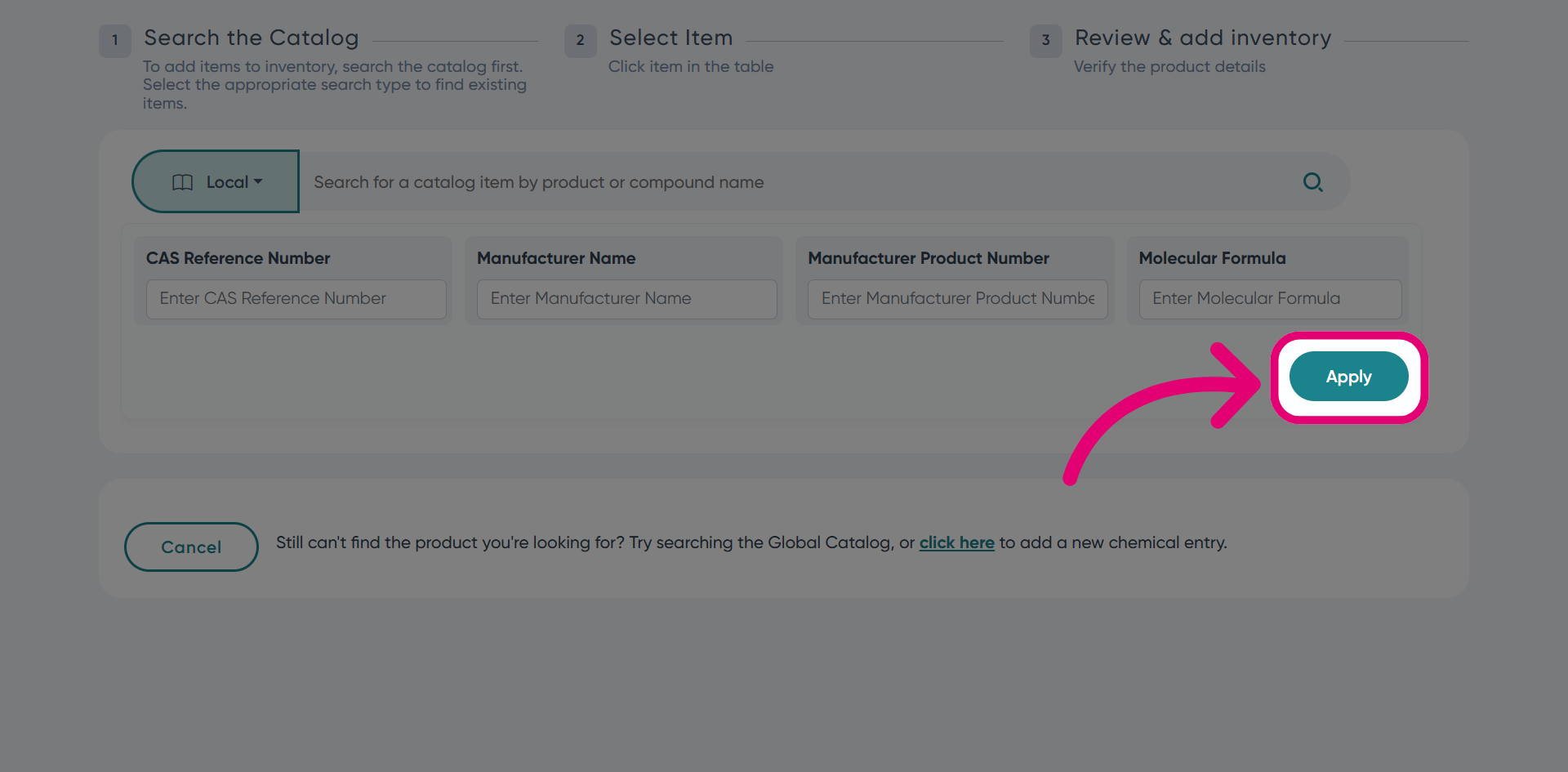
On the next page, enter container details to add it to the inventory.
3.2. Not a Chemical
Click Not a Chemical to remove the record from reconciliation.