New article
Recently updated
Disposing of chemicals with disposal rules

Who is this article for?
Administrators that want to learn to dispose of chemicals with disposal rules.
Administrator permissions are required.
This tutorial walks through the process of disposing chemicals based on defined disposal rules and tracking their status.
You will learn how to navigate the chemical inventory, initiate disposal requests, select appropriate disposal paths, and monitor the approval status of disposal requests.
1. Disposing of chemicals with disposal rules
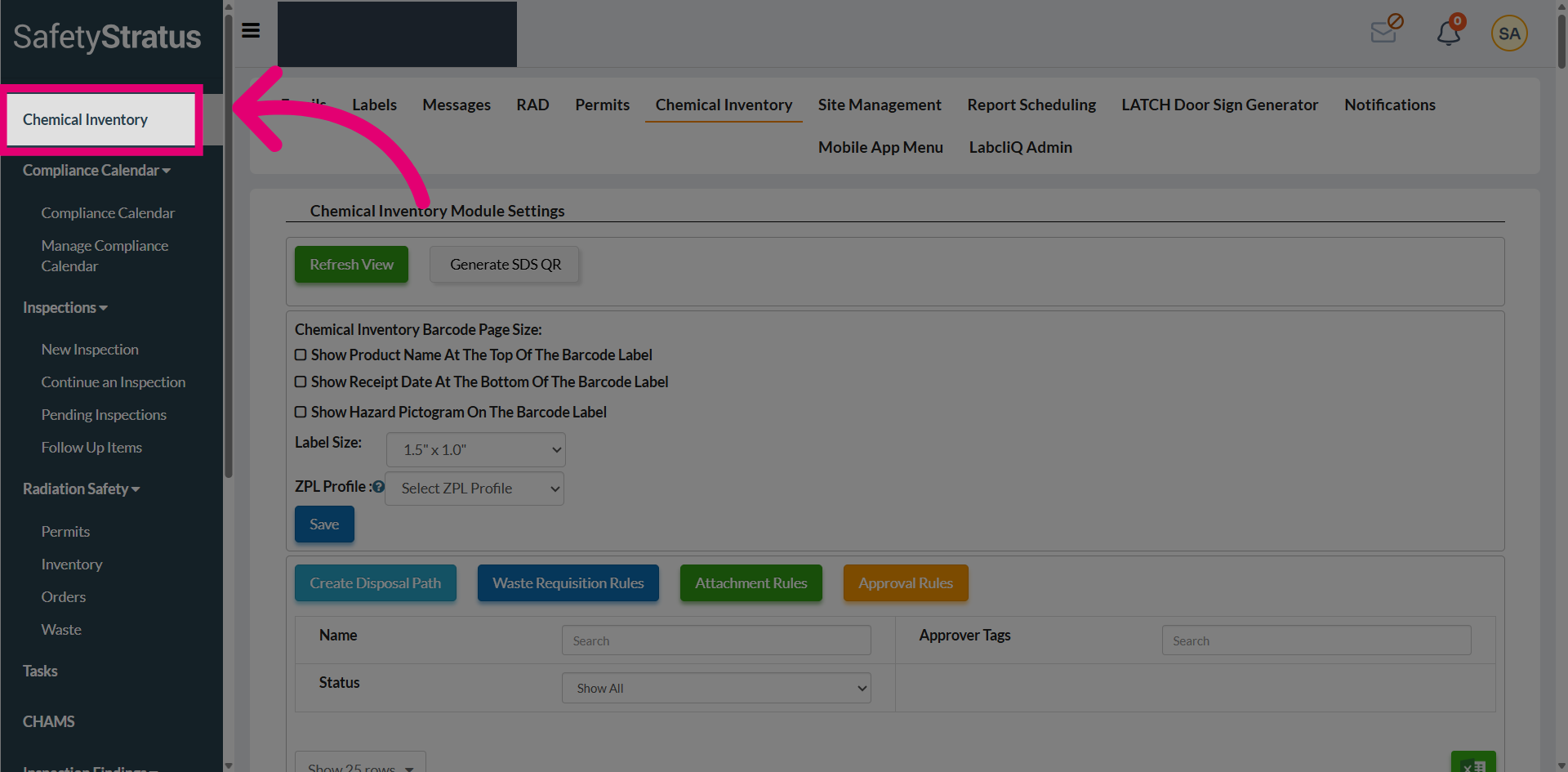
Navigate to the Chemical Inventory section to access the main inventory page.
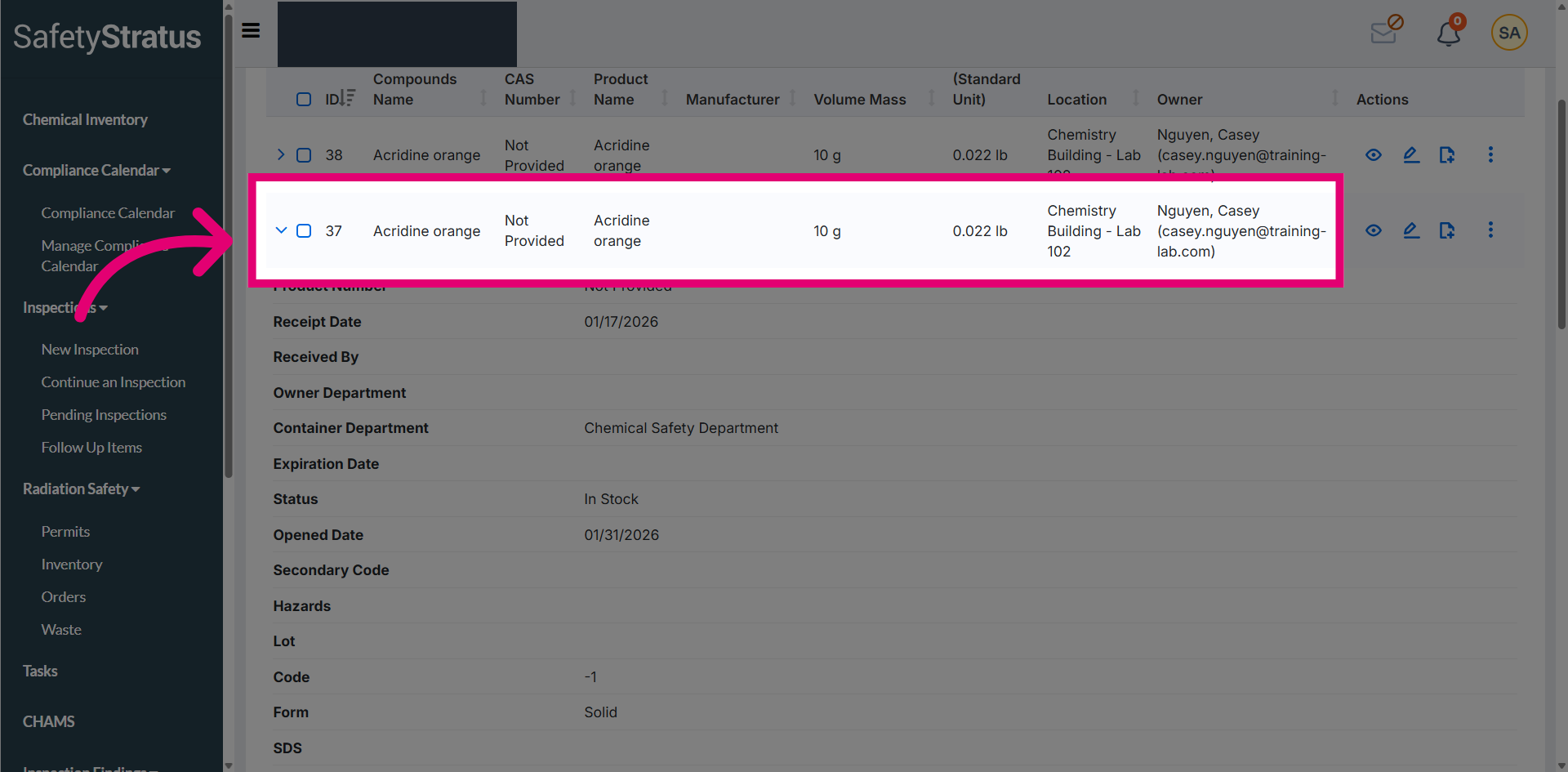
Identify a chemical with disposal approval rules configured, then select the chemical entry to proceed with the disposal process.
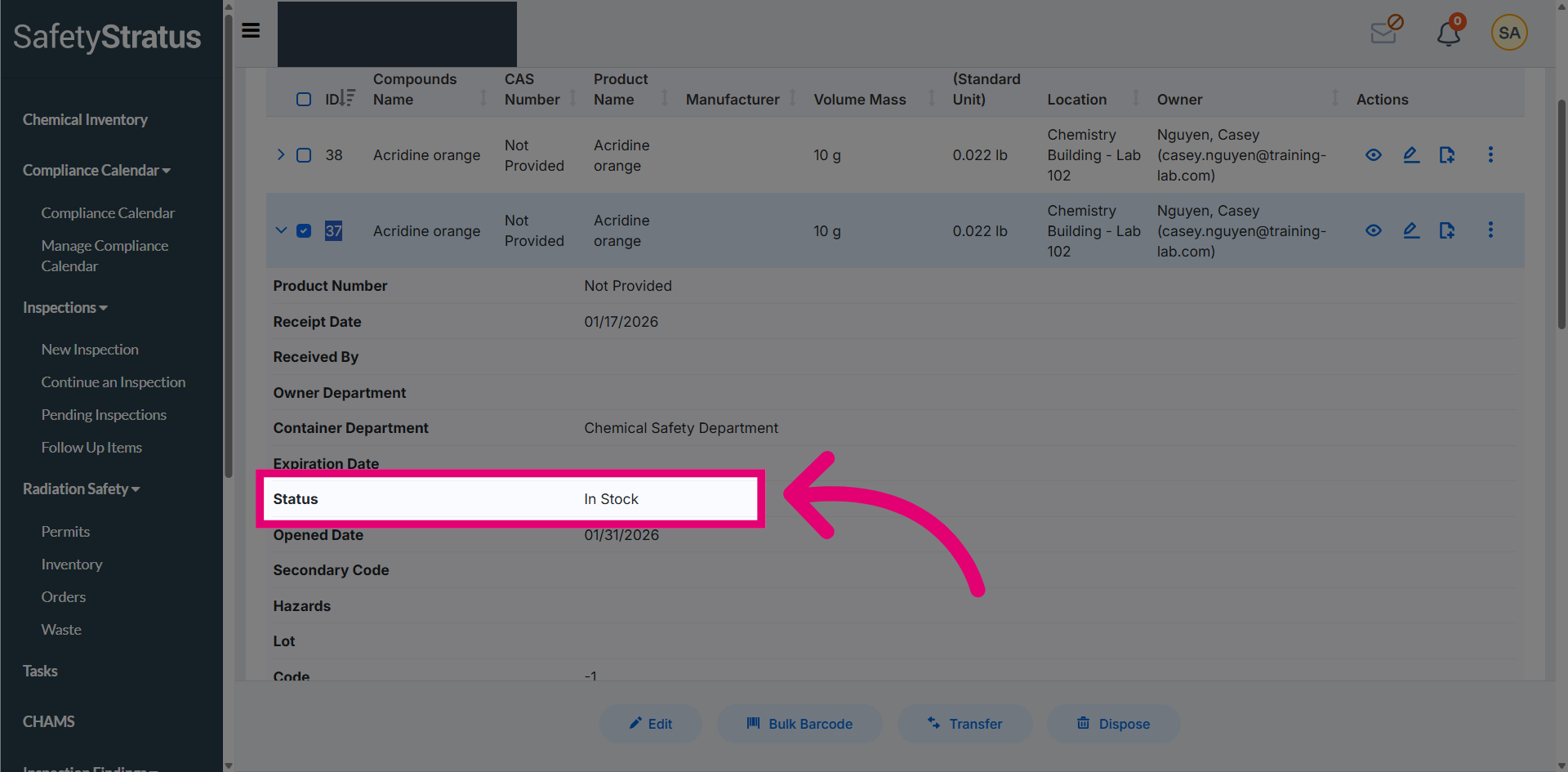
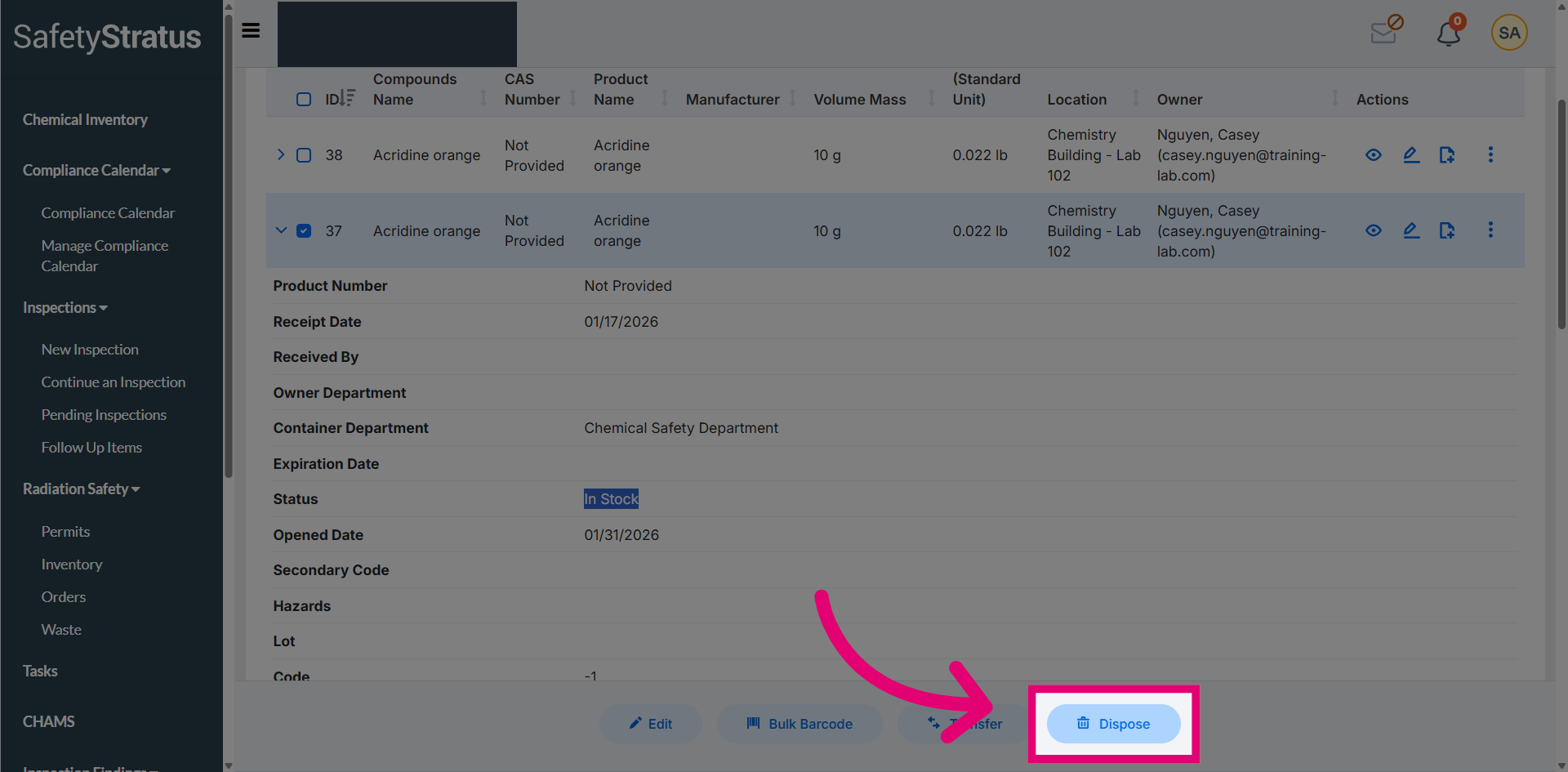
Review the current status which shows In Stock prior to initiating the disposal process.
Select Dispose to initiate the disposal process for the selected chemical within the system.
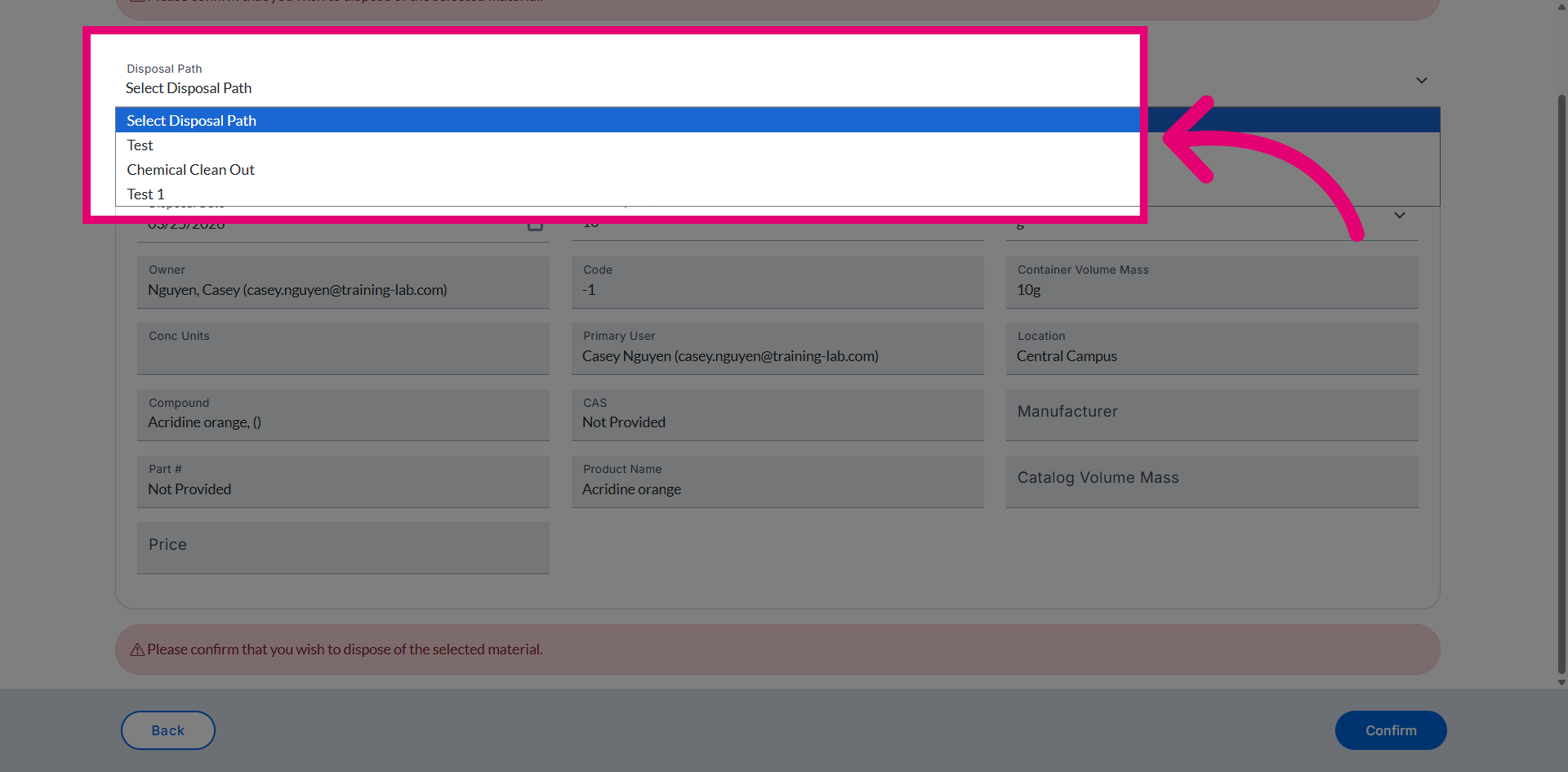
Choose the appropriate disposal path to define the set of approvers responsible for reviewing and approving the disposal request.
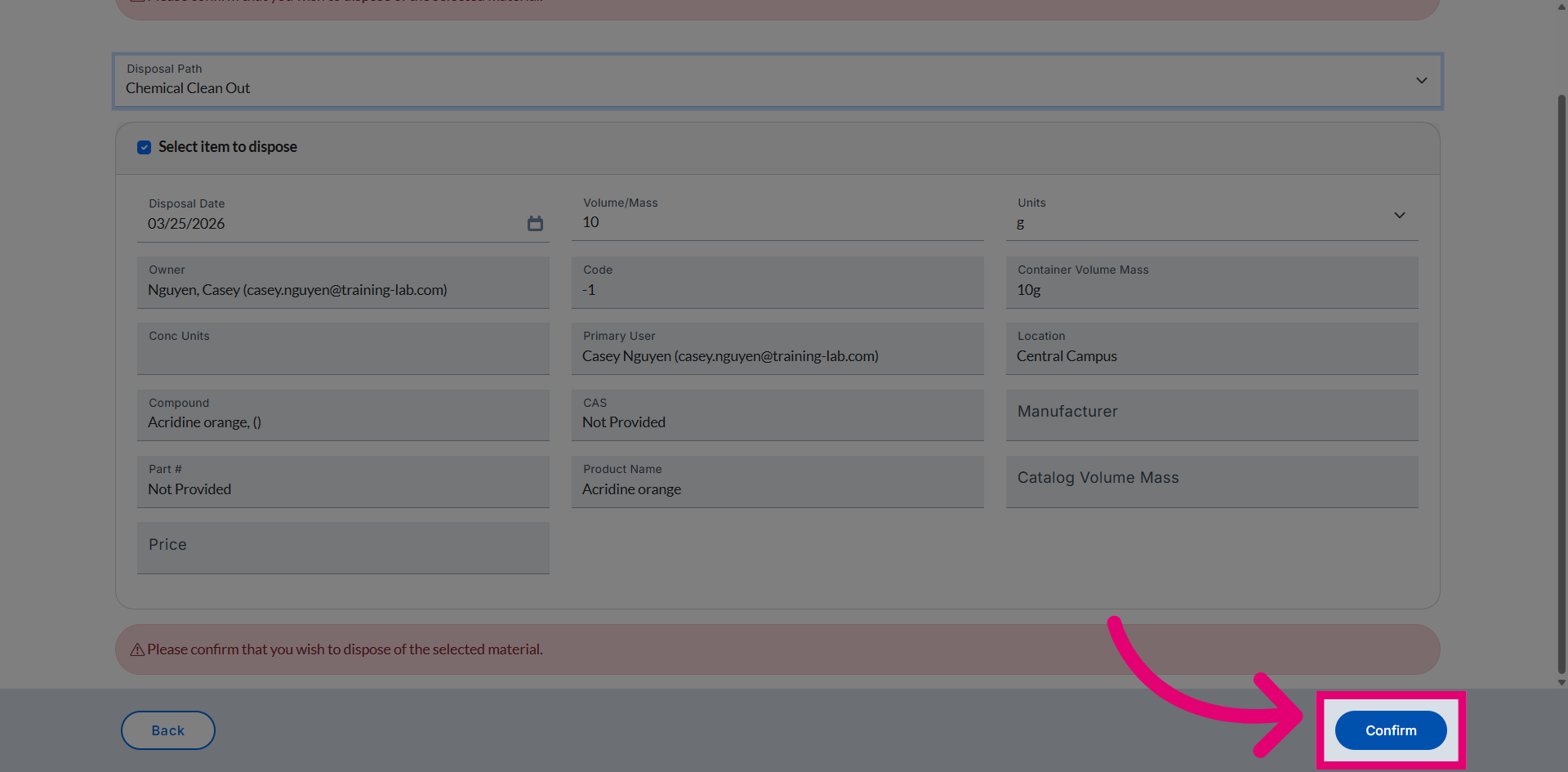
Click Confirm to complete the disposal of the selected inventory.
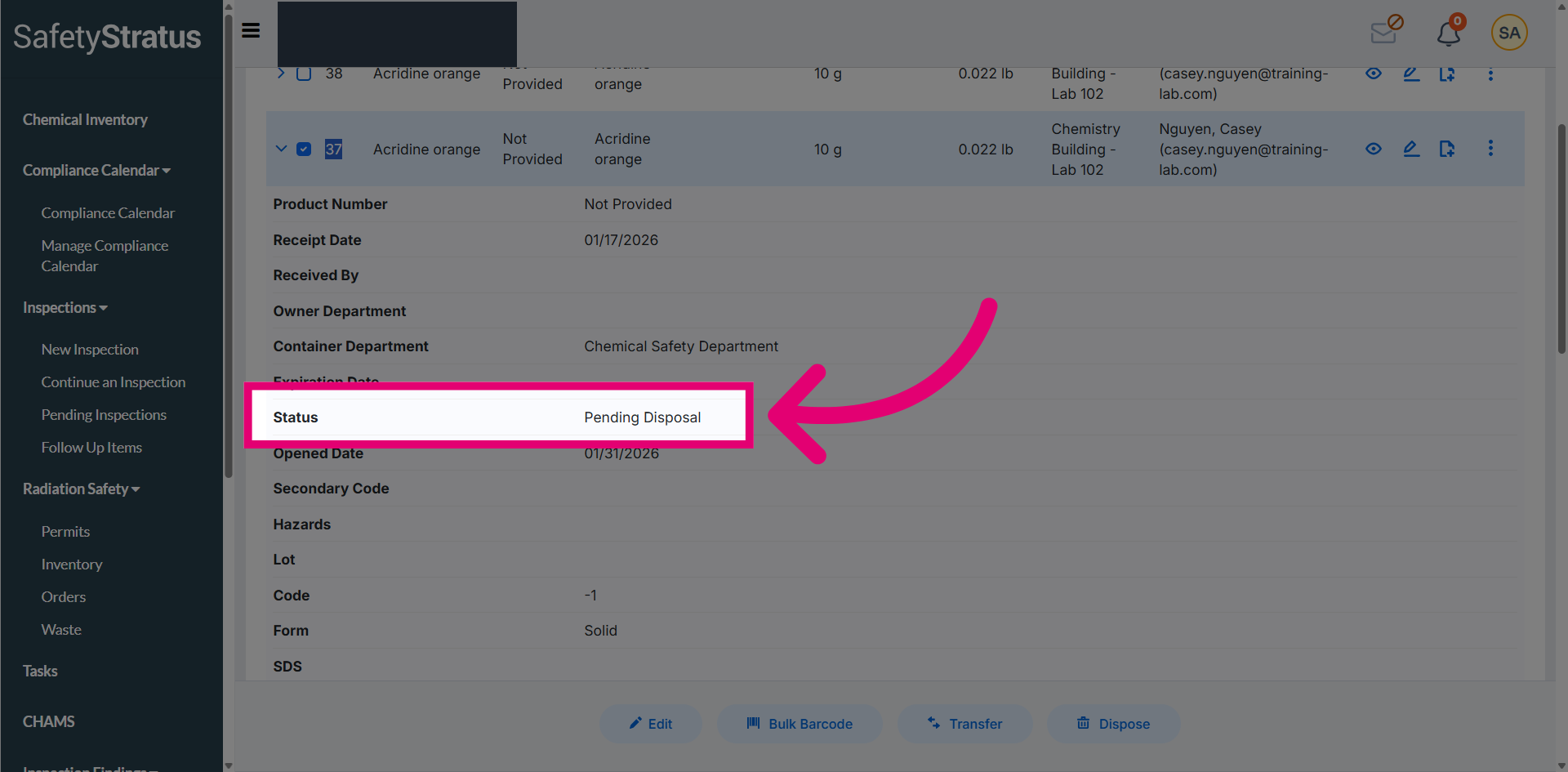
Return to the Inventory page and open the chemical to review its current status. The status is now displayed as Pending Disposal, indicating that the assigned approvers must review and approve the request for the disposal process to be completed.