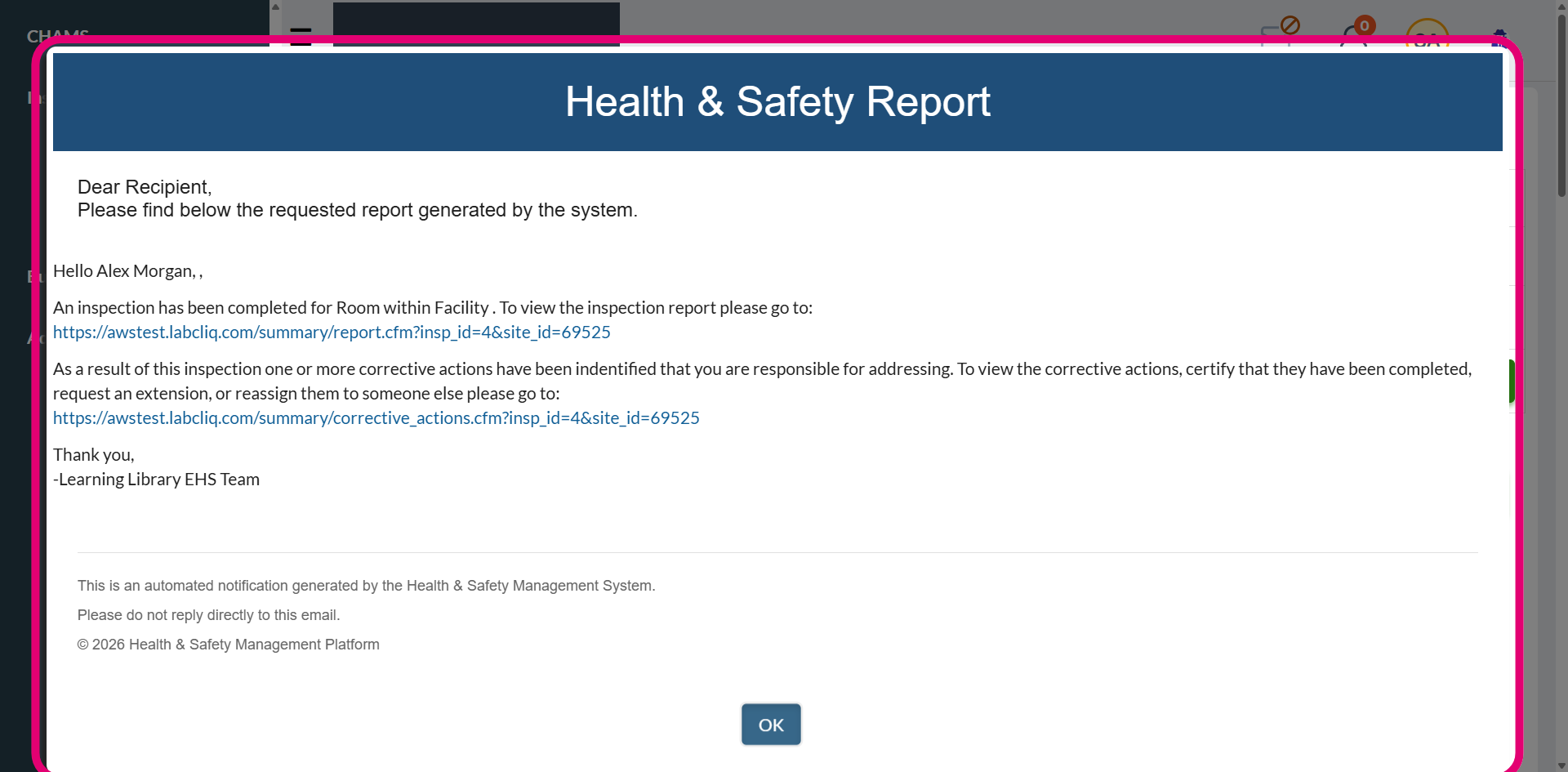
New article
Recently updated
Adding a header/footer to a system email

Who is this article for?
Administrators managing system emails.
Administrator permissions are required.
This article shows you where you can add the customised header and footer to individual emails sent by the system.
Adding a header/footer
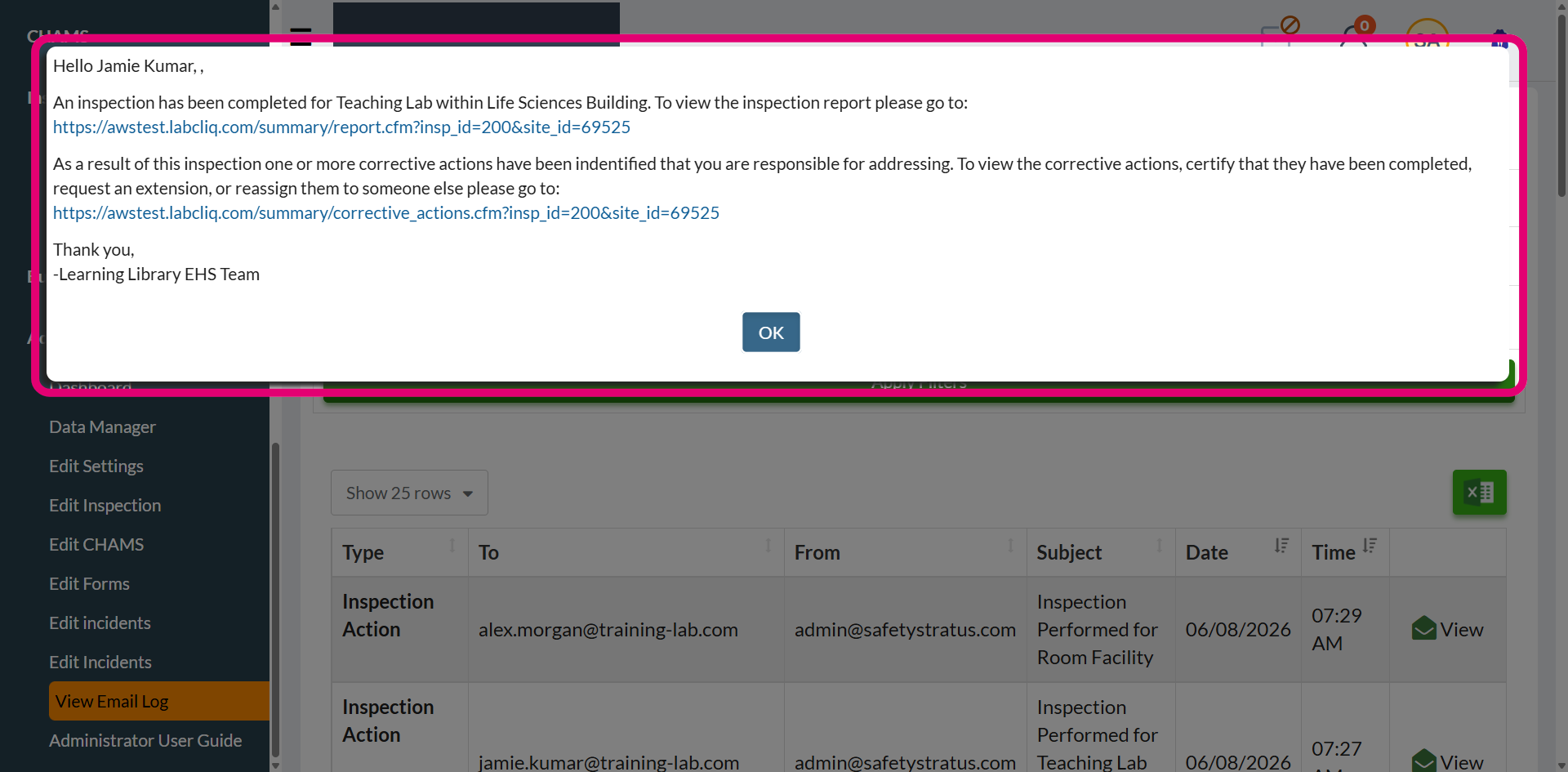
Once an email header and footer are configured, they need to be added to individual system emails. Without this step, the elements will not appear in the email.
To add a header and footer to an email:
- Open the Administration menu.
- Select Edit Settings.
- Go to Emails.
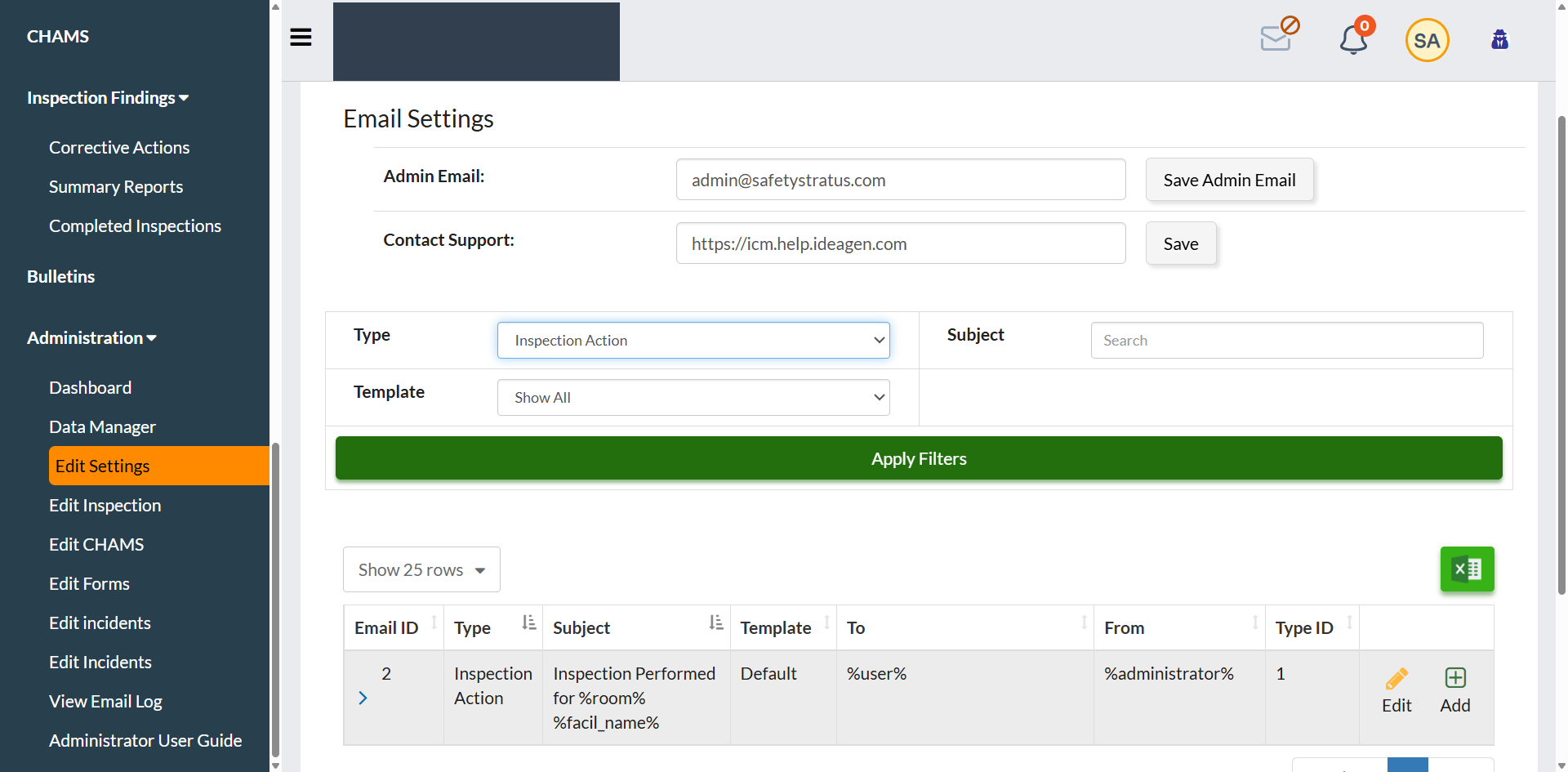
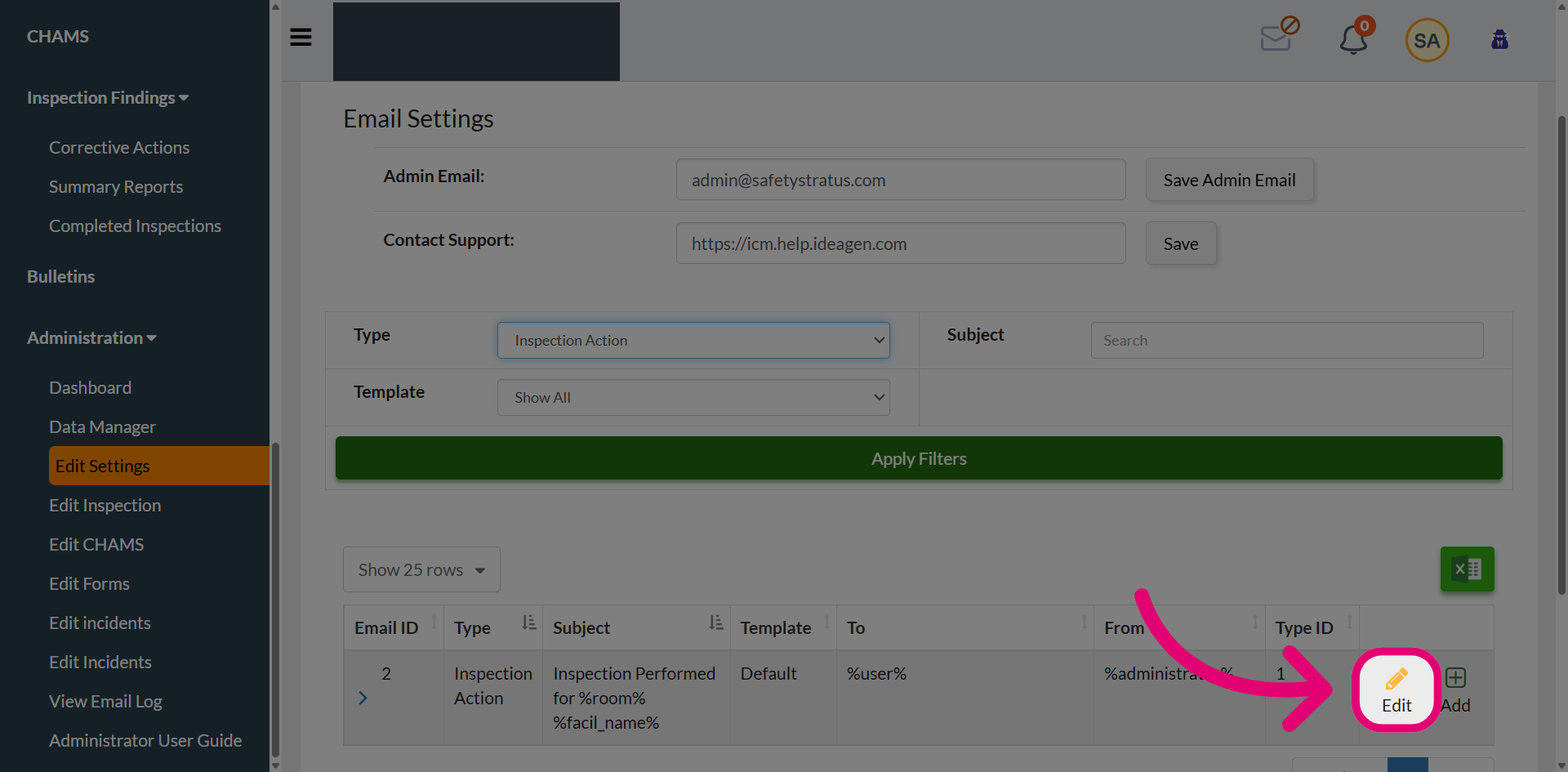
- Filter the email list to find the system email.
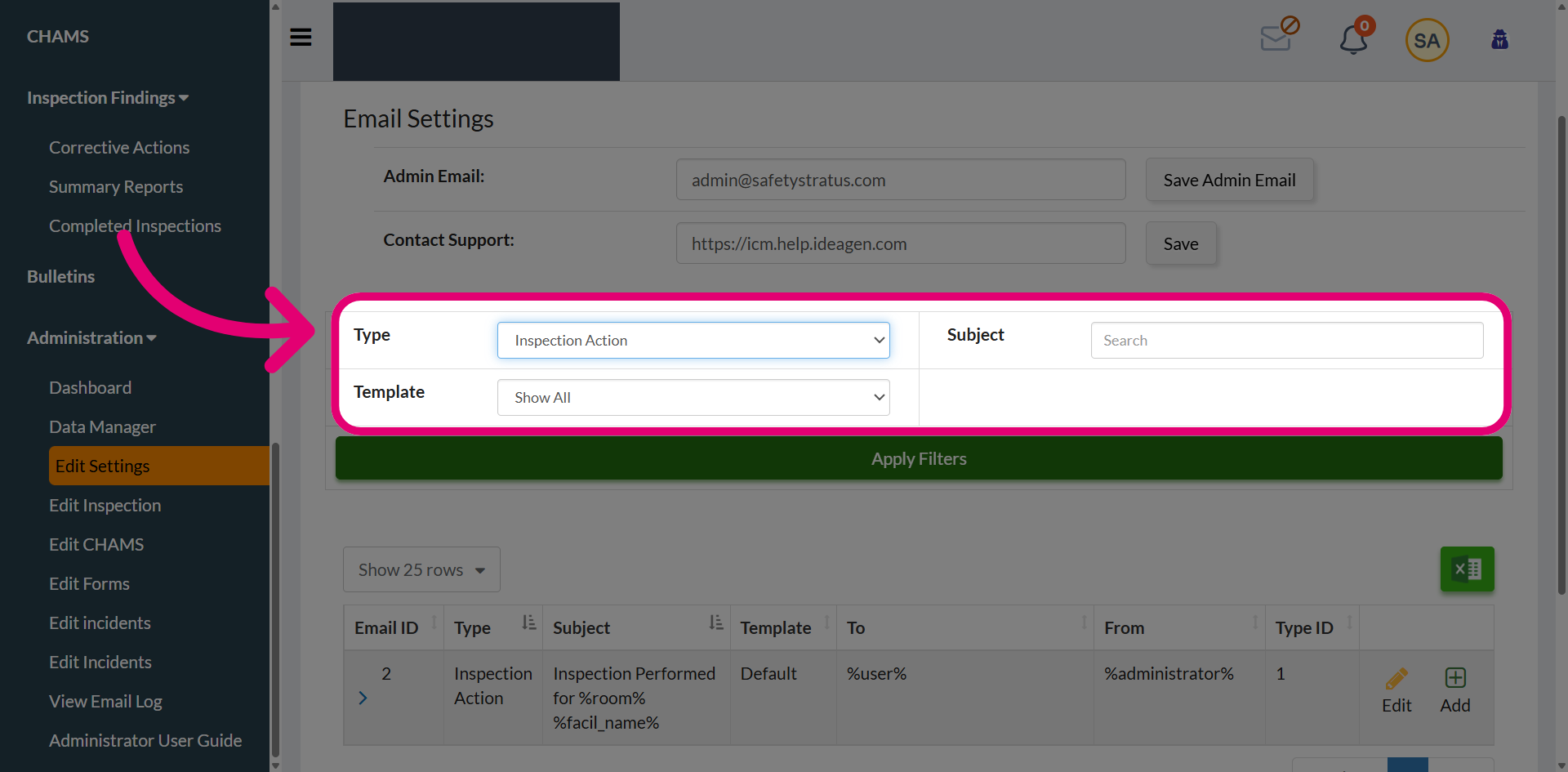
- Click Edit to modify the email template.
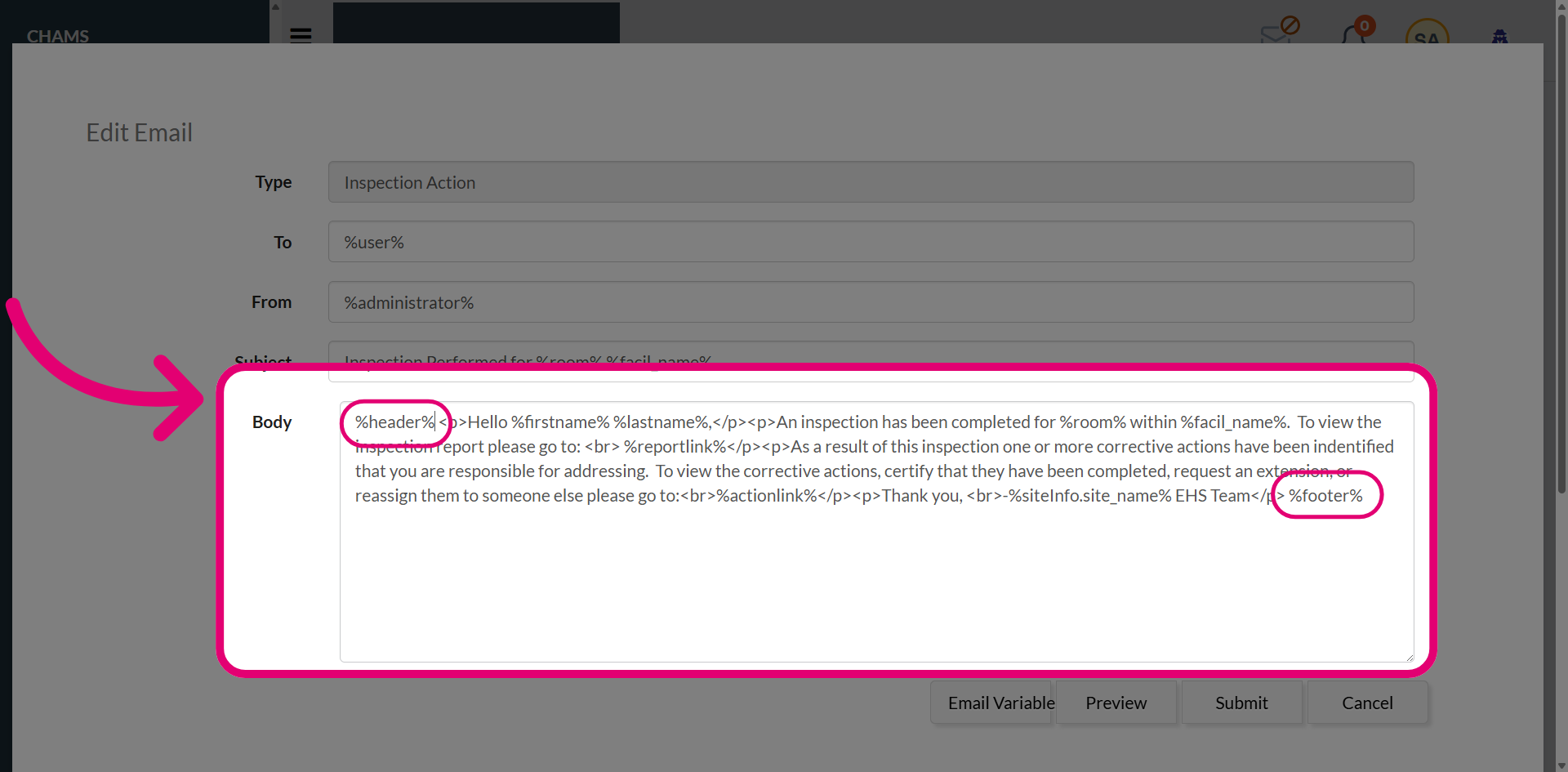
- Add the variables in the Body.
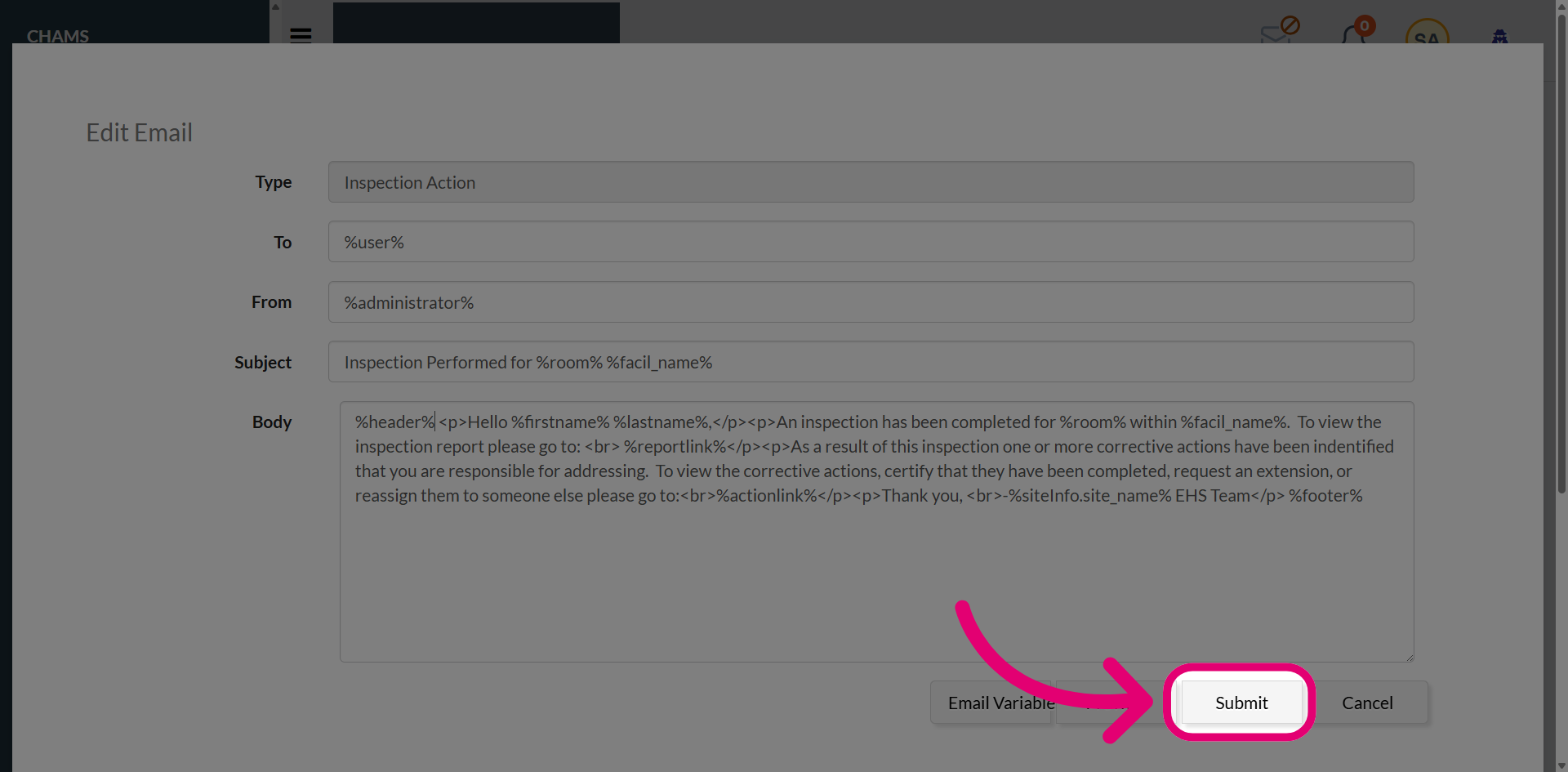
- Click Submit.
When the email is generated, the configured email header and footer will be automatically included.