New article
Recently updated
Managing a reconciliation

Who is this article for?
Users responsible for performing reconciliations.
Standard role and Reconciliation permissions are required.
Reconciliation is the process of matching your physical chemical inventory to what’s recorded in the system. This ensures your records are accurate, compliant, and ready for audits or emergencies.
This article outlines the actions you can perform against an active reconciliation.
1. Accessing a reconciliation
To access a reconciliation:
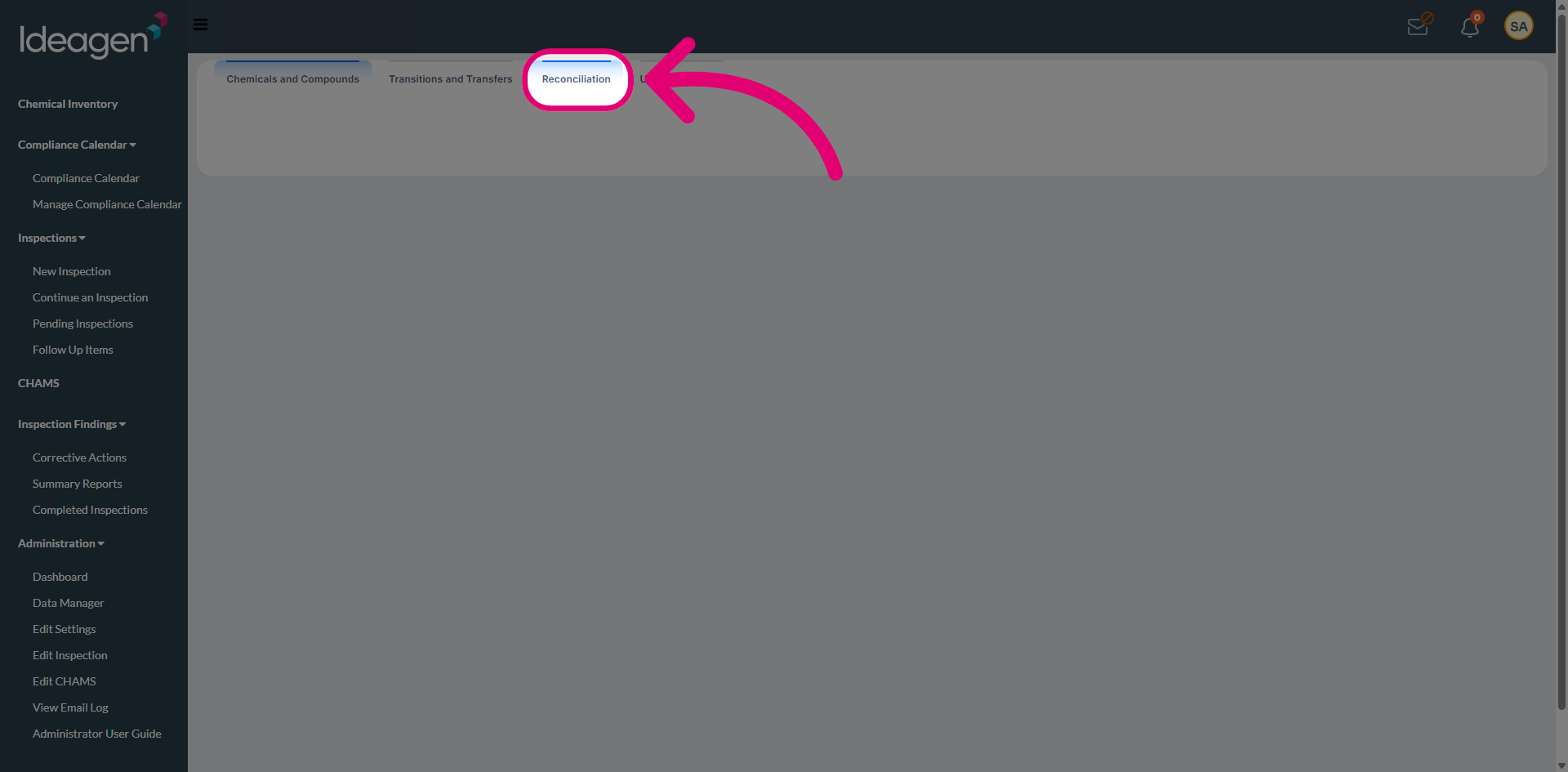
- Navigate to Chemical Inventory.
- Switch to the Reconciliation tab.
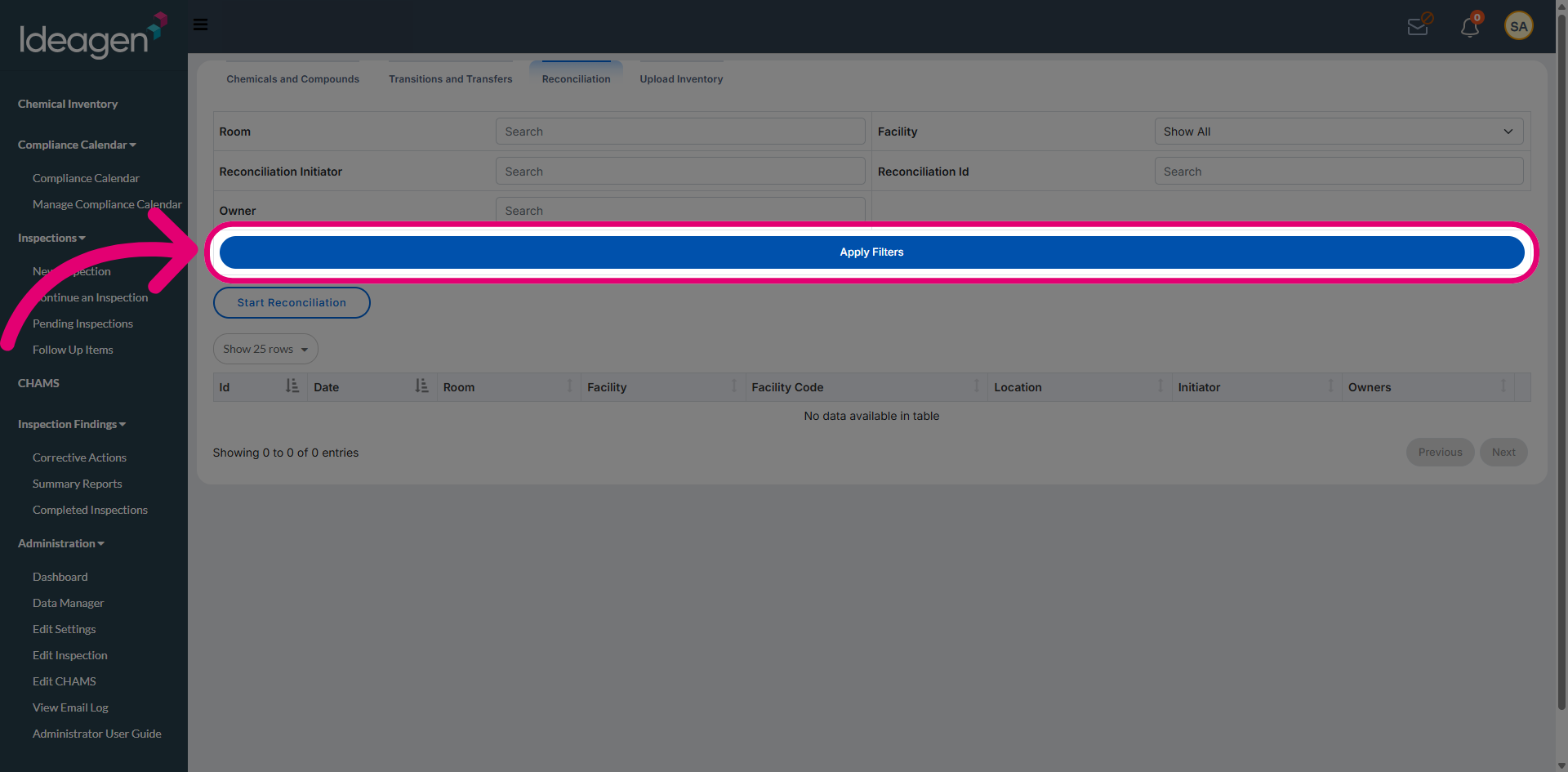
- Click Apply Filters to show all active reconciliations.
2. Managing a reconciliation
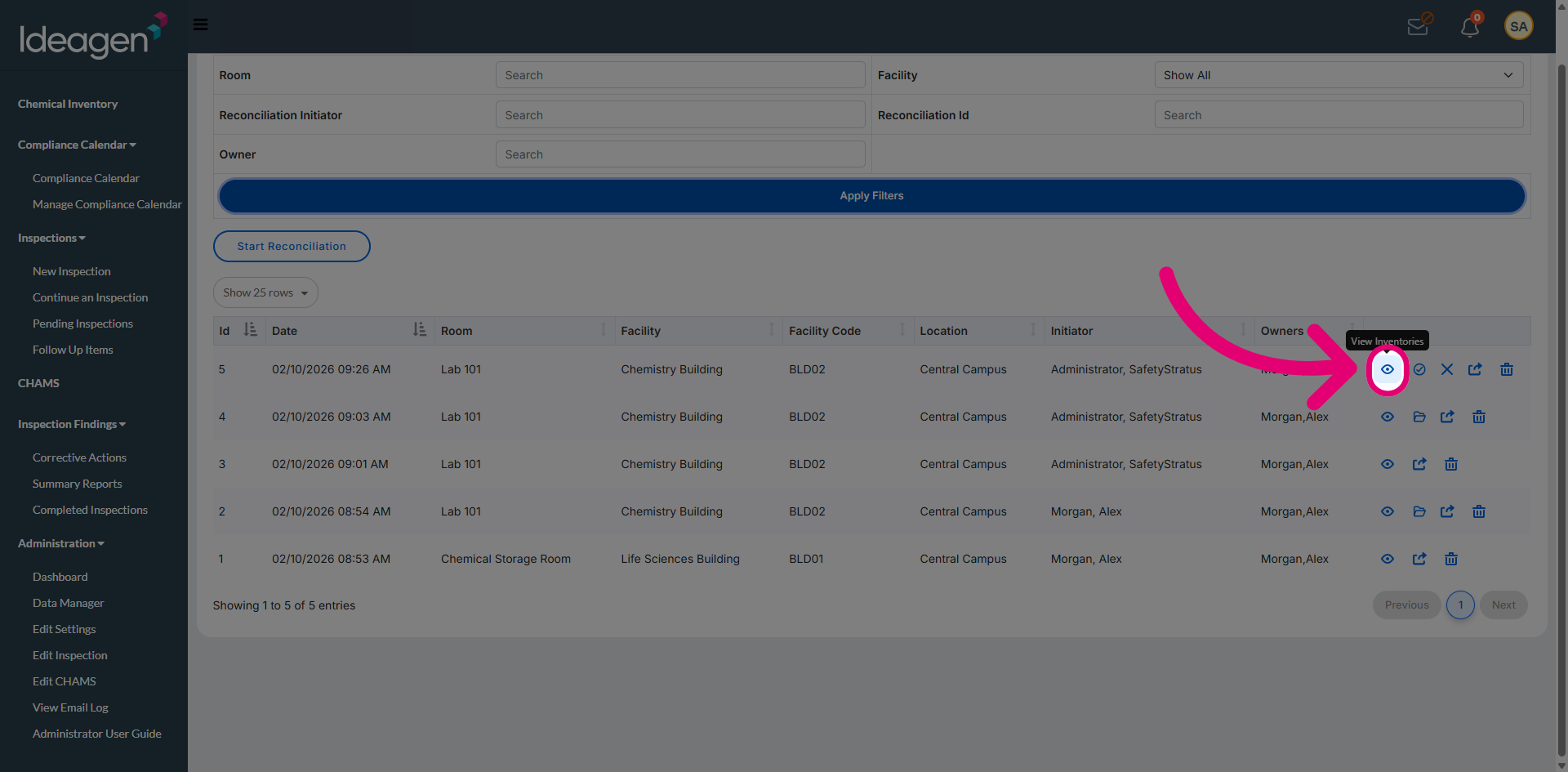
2.1. View Inventories
Click View Inventories to view reconciliation records along with the additional available options.
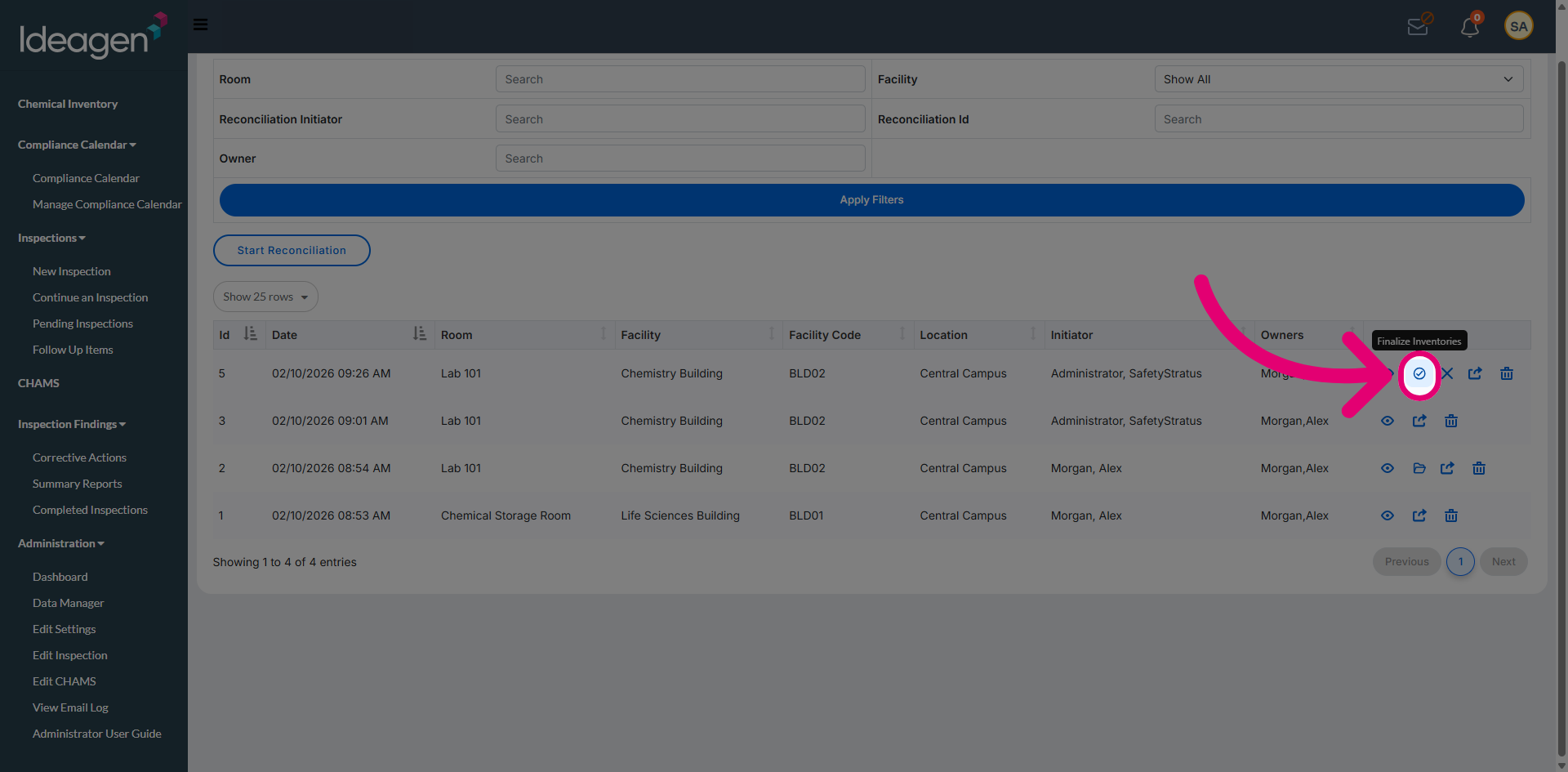
2.2. Finalize Inventories
Click Finalize Inventories to finalise a reconciliation. This is covered in more detail in a separate article on finalising a reconciliation.
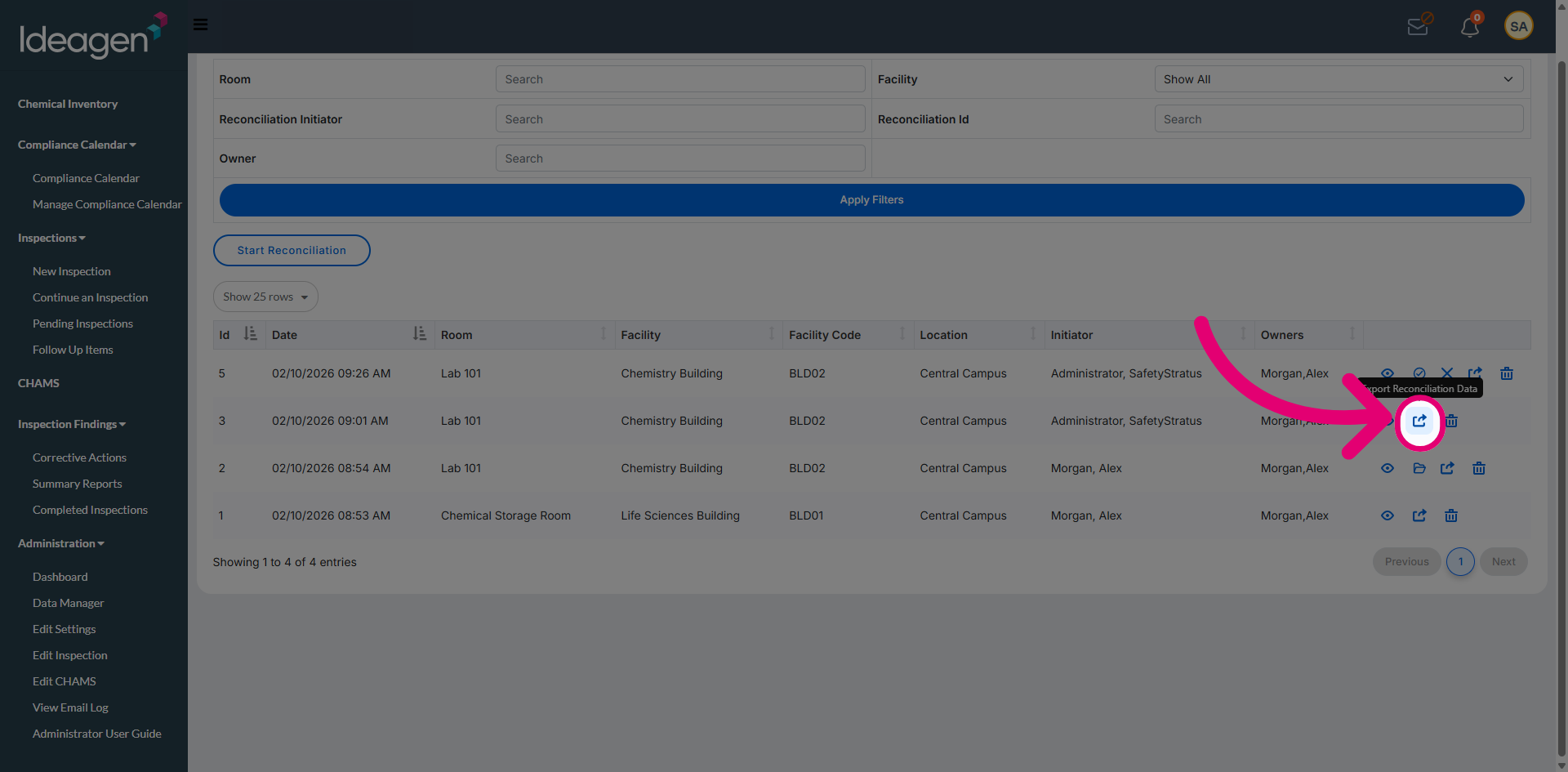
2.3. Export Reconciliation Data
Click Export Reconciliation Data to export data for reporting or review.
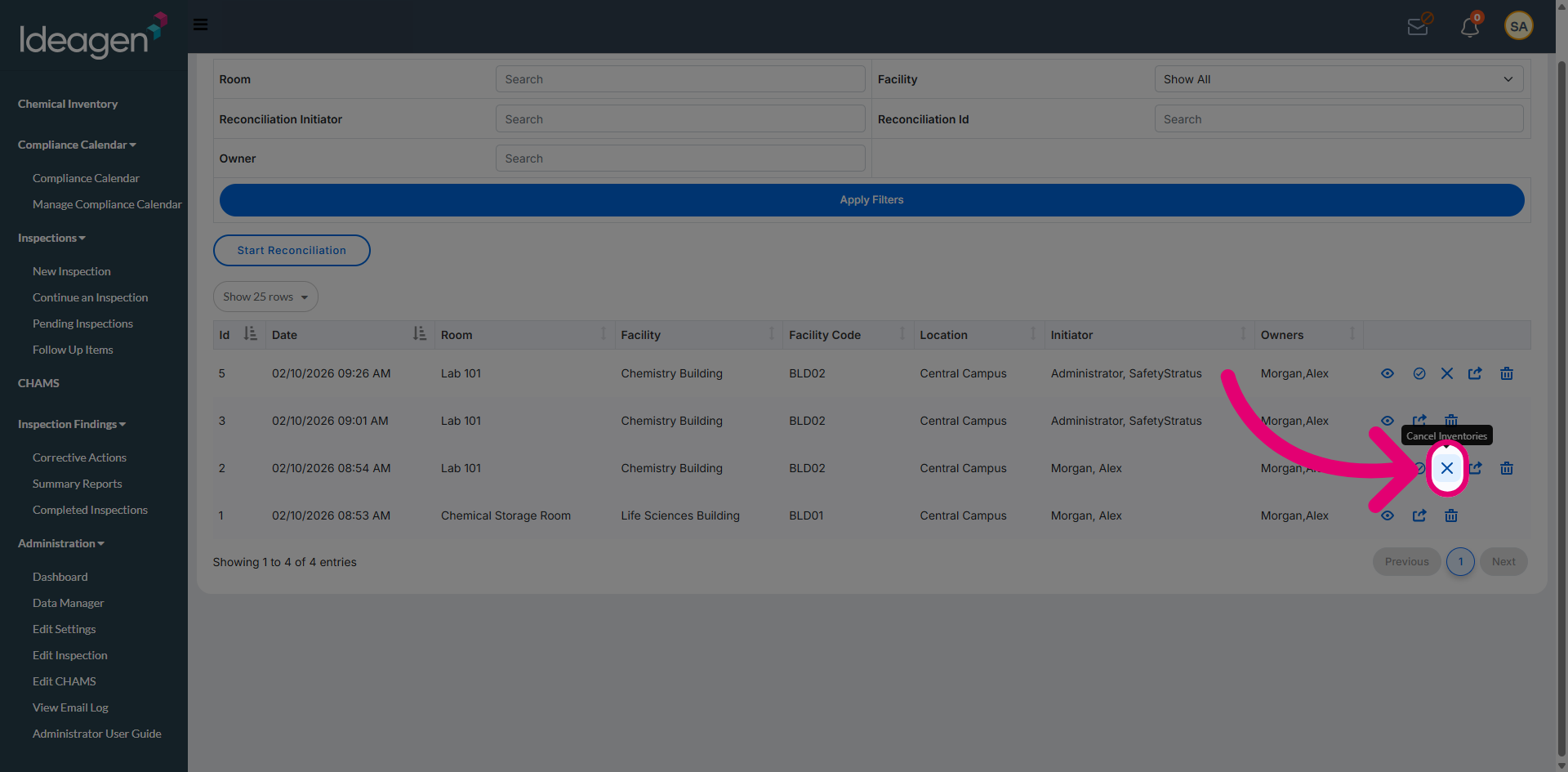
2.4. Cancel Inventories
Click Cancel Inventories to cancel the ongoing reconciliation. This does not remove the record from the system, allowing it to be reopened later if required.
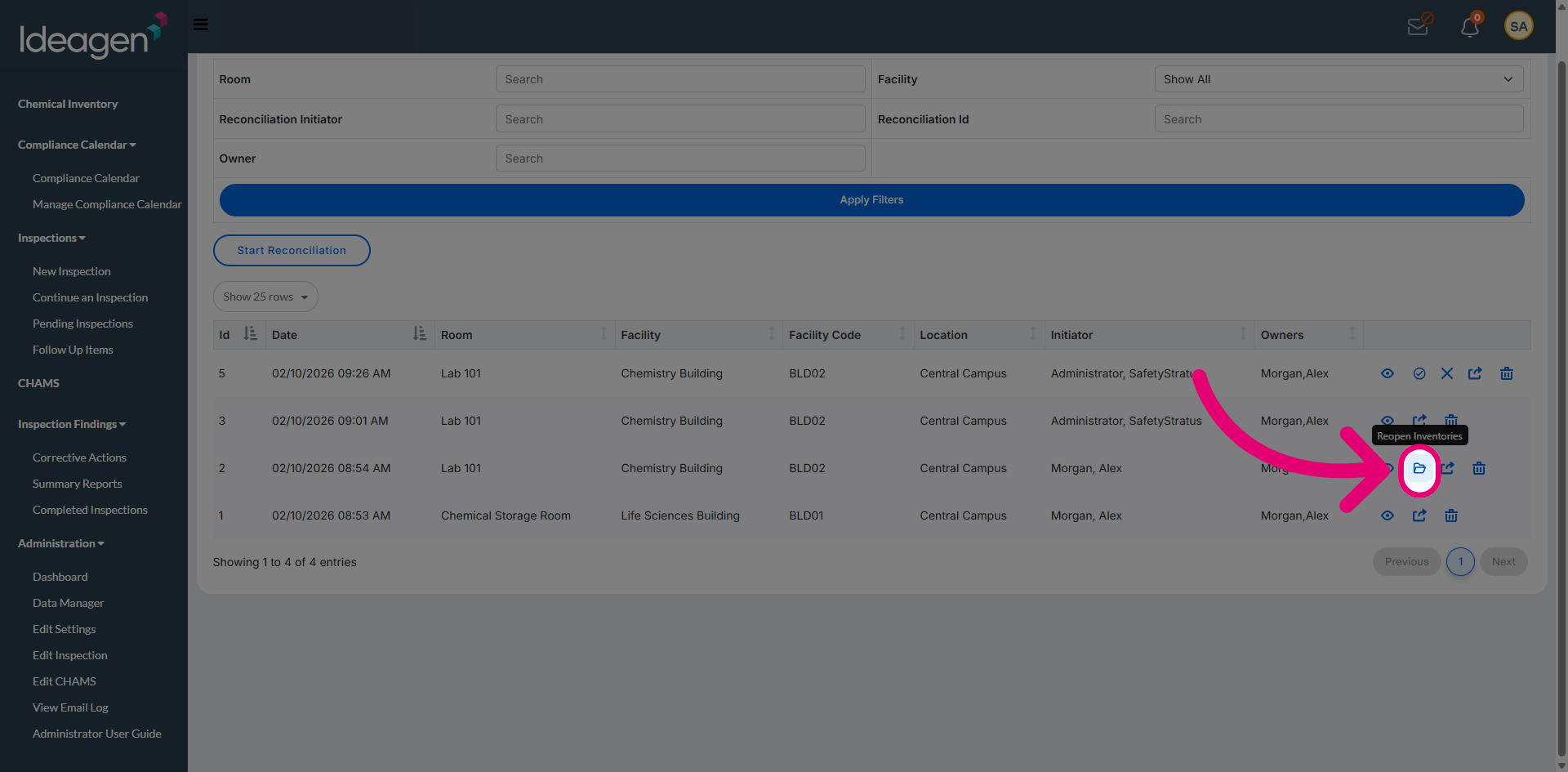
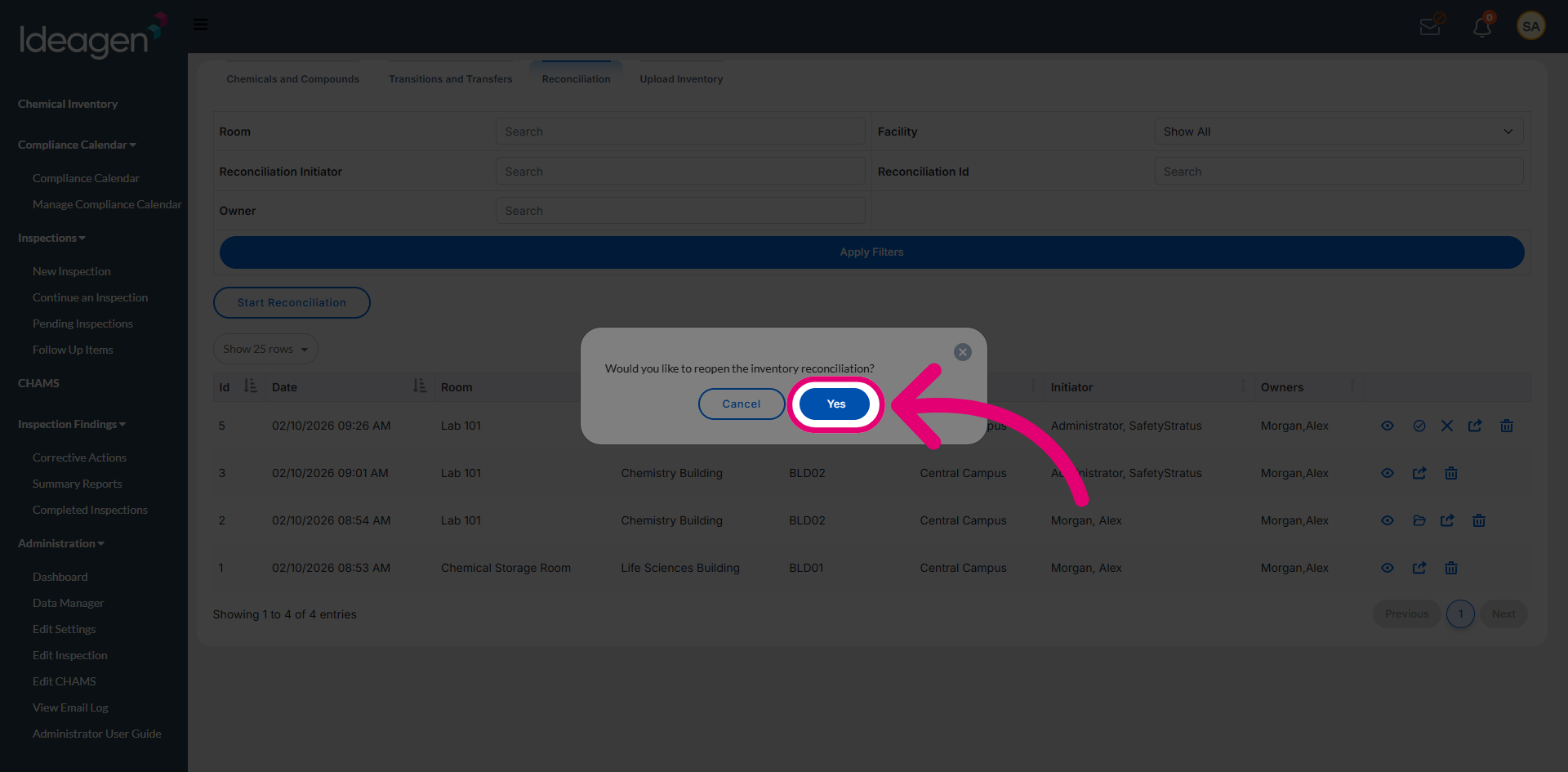
2.5. Reopen Inventories
Click Reopen Inventories to restore access to reconciliation records that were previously cancelled.
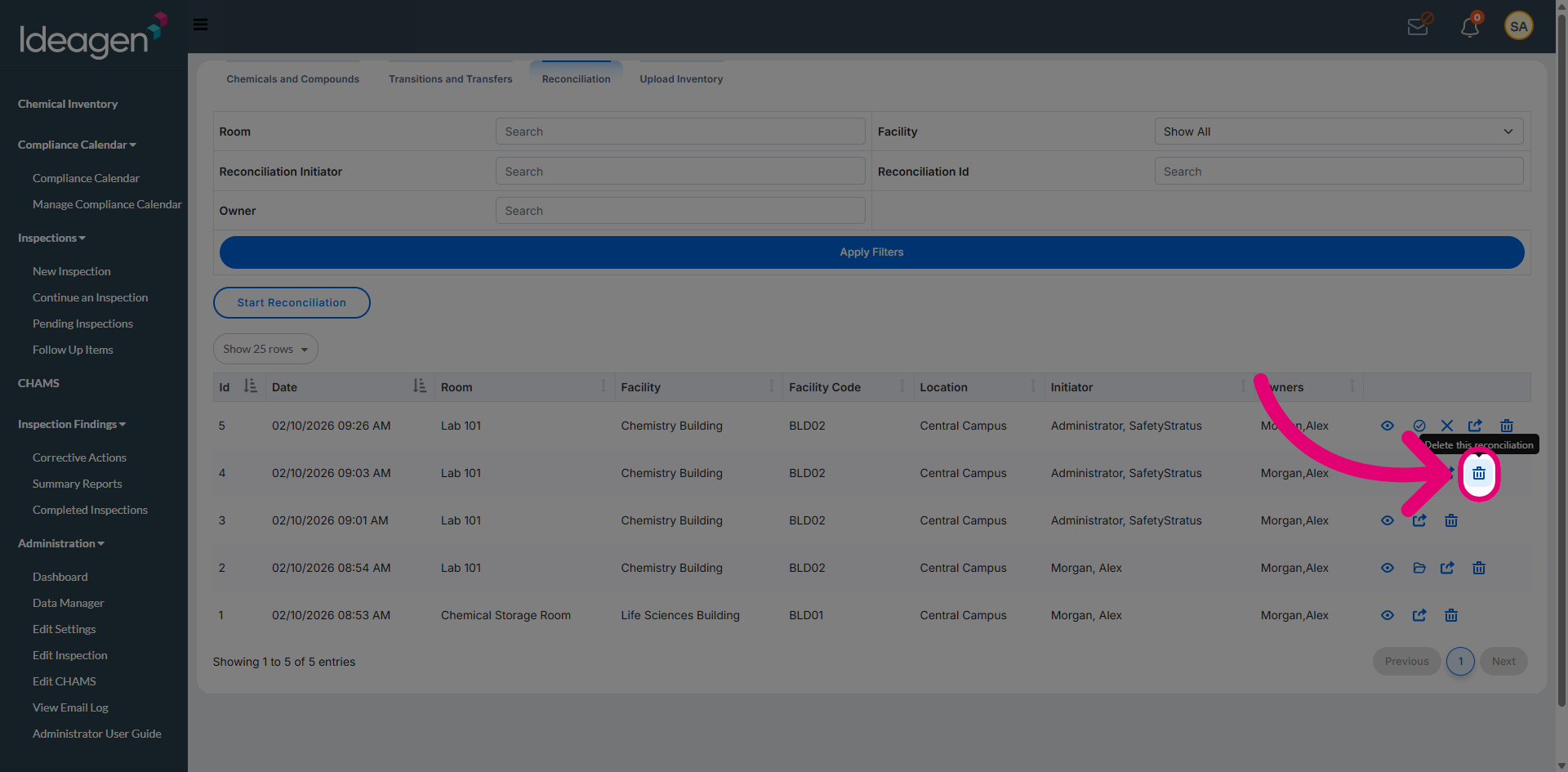
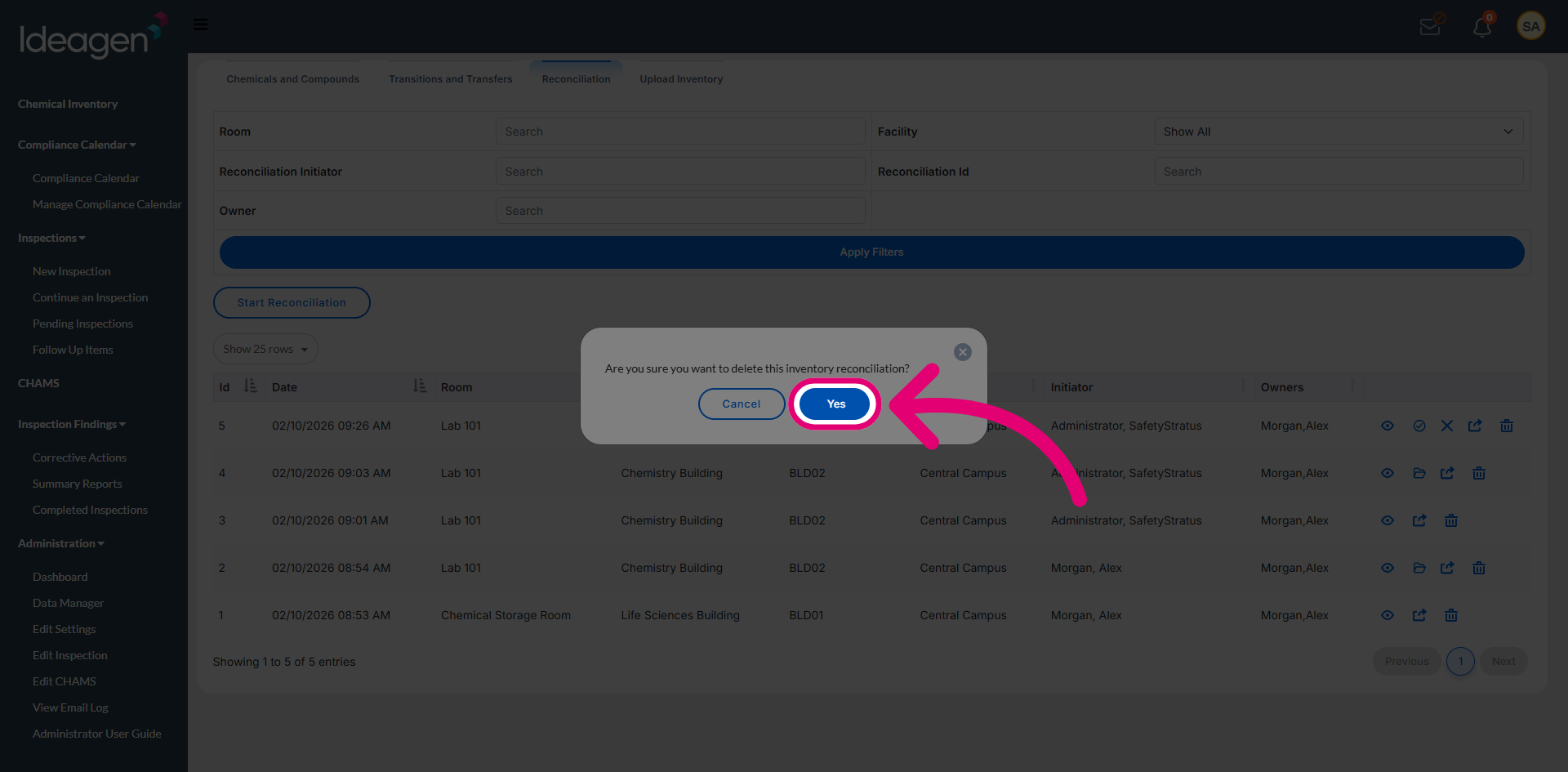
2.6. Delete Reconciliation
Click Delete Reconciliation to remove the selected reconciliation record from the system.